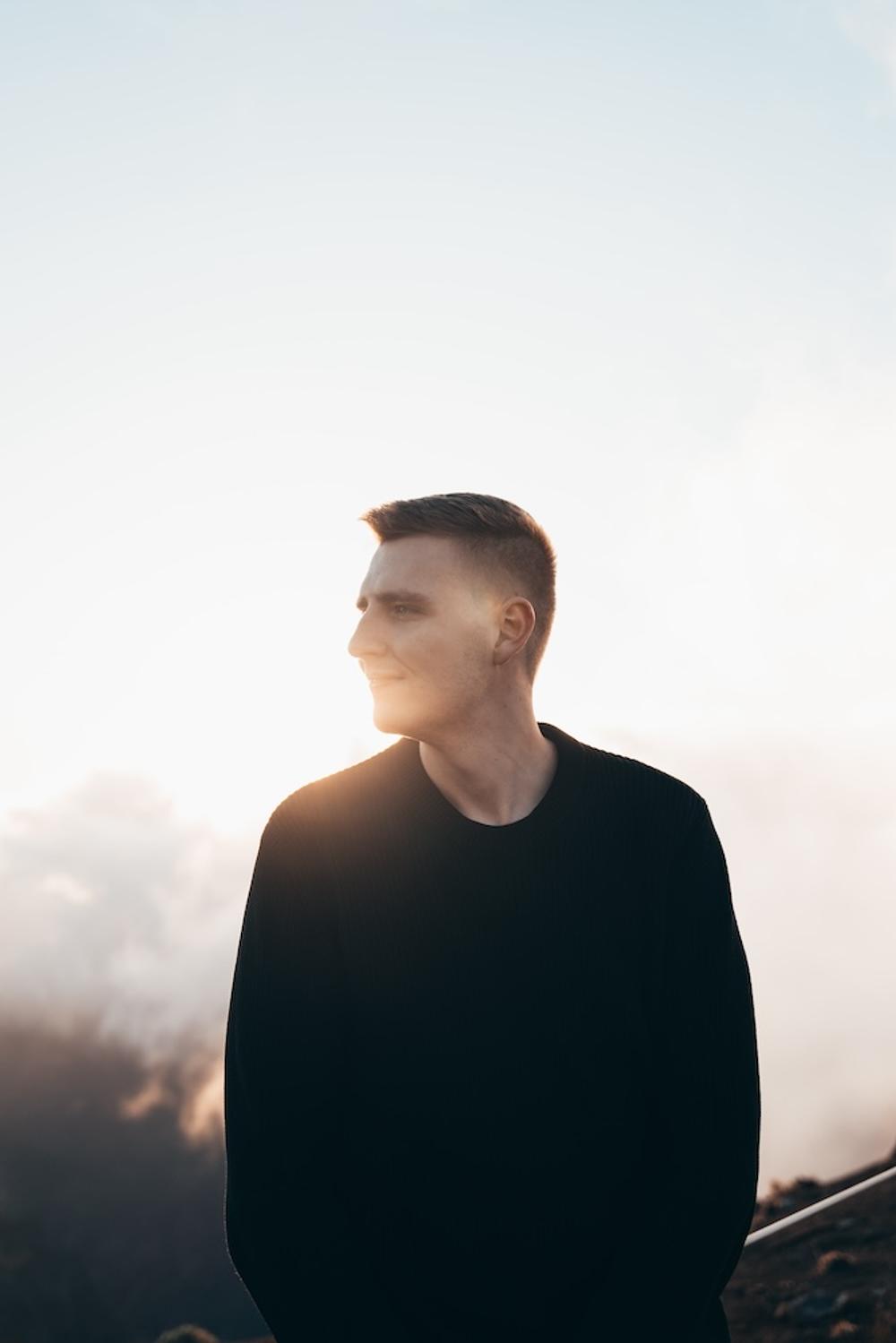
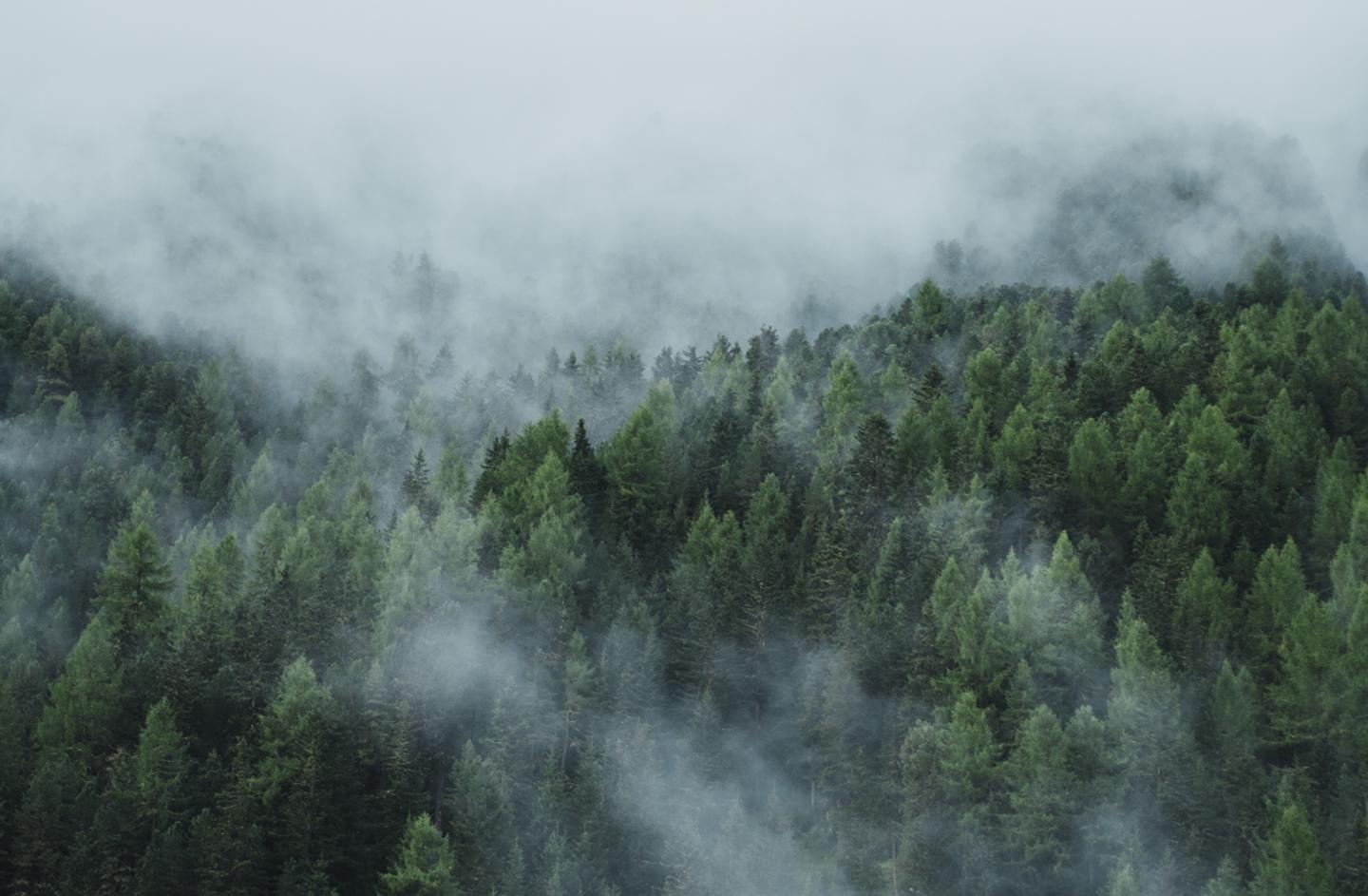
 © Robert Bohnke
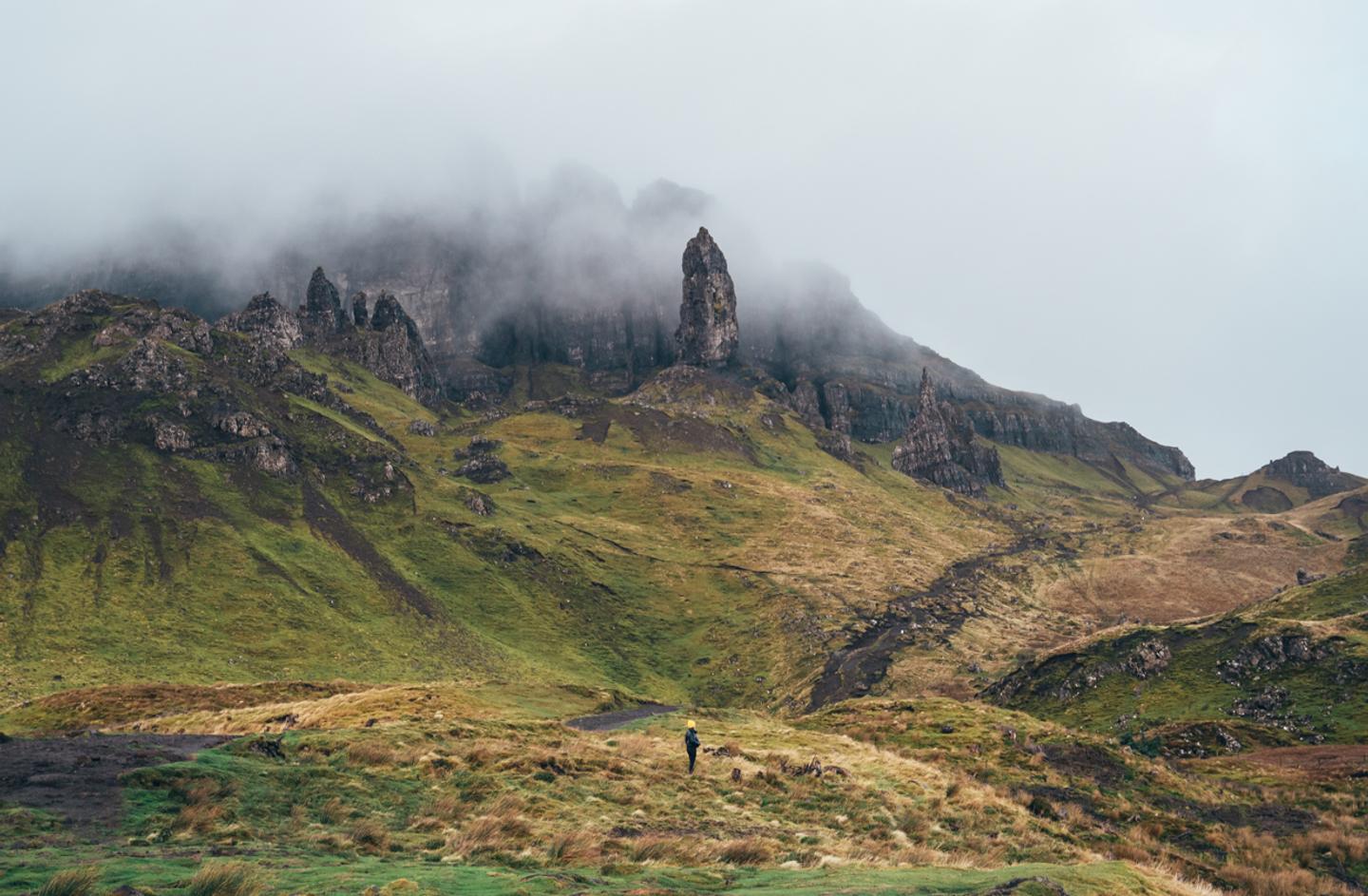 © Robert Bohnke
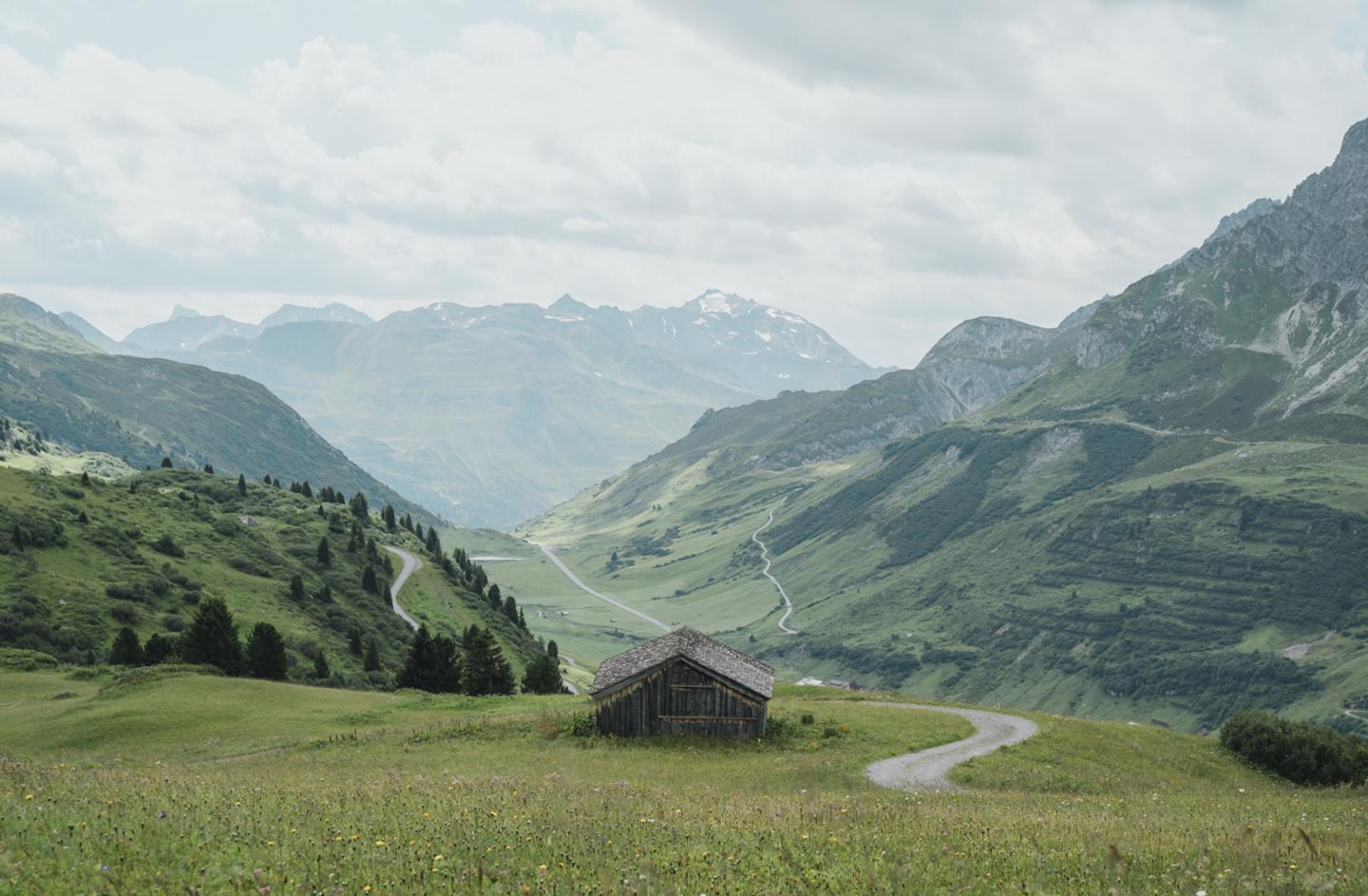 © Robert Bohnke
About
Immerse yourself in the beauty of boundless exploration with this collection of 5 Endless Adventure Presets. Perfect for travel enthusiasts, these Presets transform your photos into stunning visual narratives, ideal for capturing the essence of your adventures around the globe.
What is included
5 Presets for Lightroom Classic CC and Lightroom Mobile in XMP & DNG formats
Compatibility


Get photos like these
Using RAW files you will easily practice retouching tips and learn how to get photos like these.
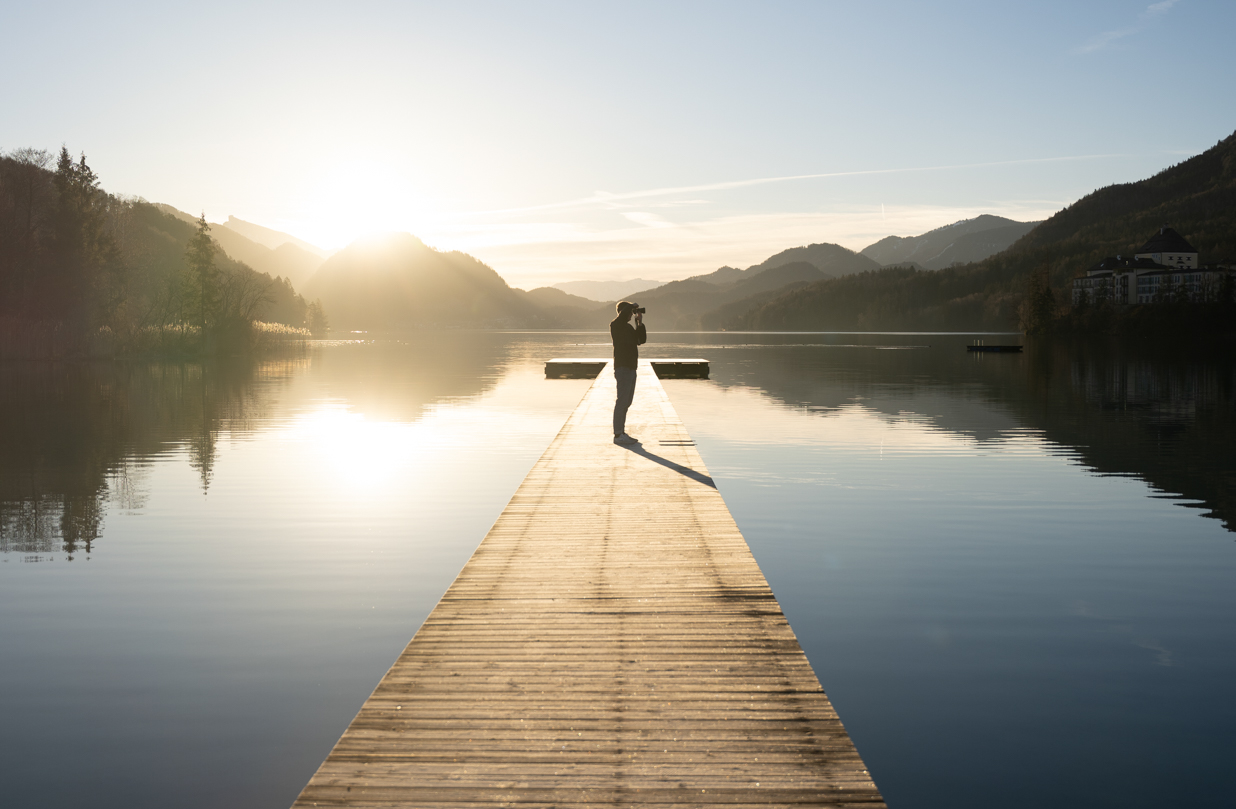
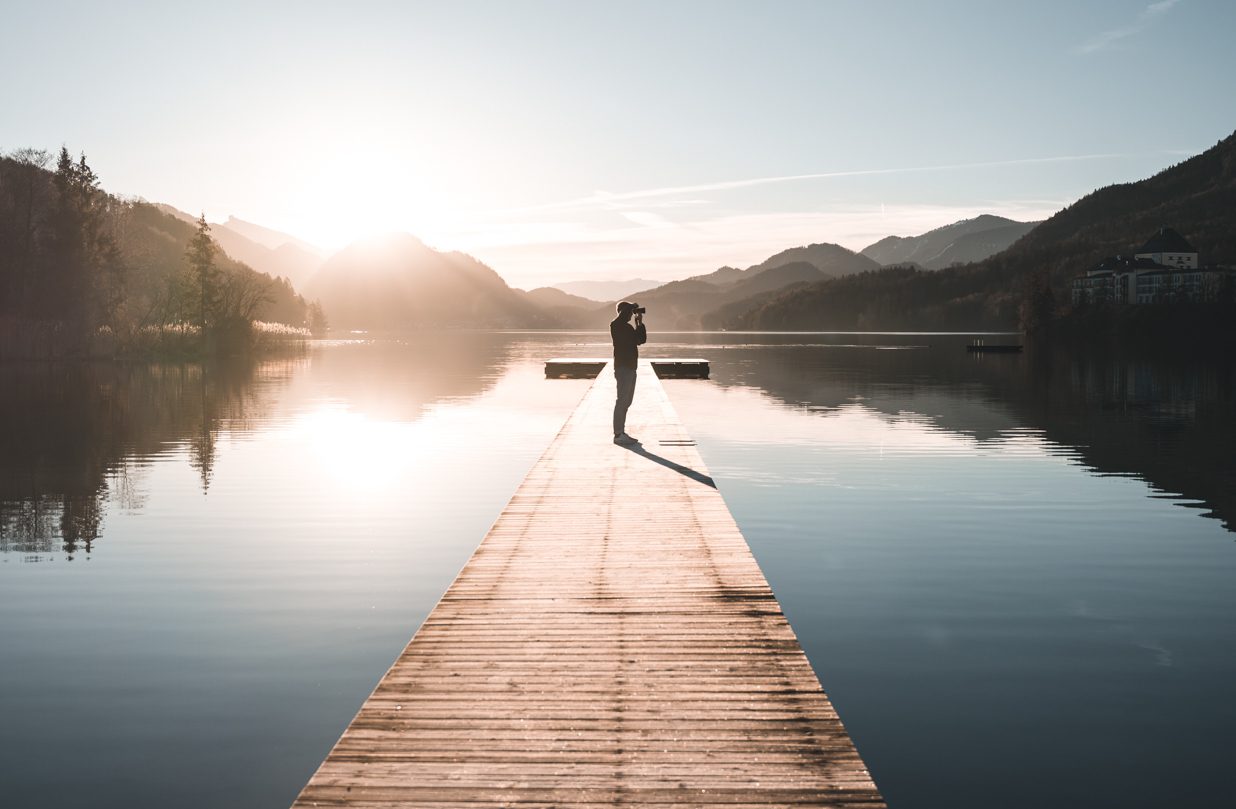
The story
 © Robert Bohnke
Life is an endless journey filled with breathtaking sights and unforgettable moments. The Endless Adventure Presets are crafted from Robert Bohnke's extensive explorations as a photographer, allowing you to encapsulate the unique charm of each destination you visit.
Perfectly designed to enhance vivid colors, dramatic contrasts, and the unique atmosphere of diverse landscapes, this collection helps your images resonate with the spirit of adventure. Capture sun-kissed horizons, tranquil meadows, and bustling cityscapes, turning every click into a story worth sharing.
You'll find 5 Presets in this Pack: Amber Touch, Morning Bliss, Mountain Meadow, Mumford, Verdant Vision
The Presets are compatible with Lightroom Classic CC and Lightroom Mobile and come in XMP & DNG formats.
Related Products












Creator
Robert Bohnke
Professional Photographer & Content Creator