

 적용됨
적용됨 




소개
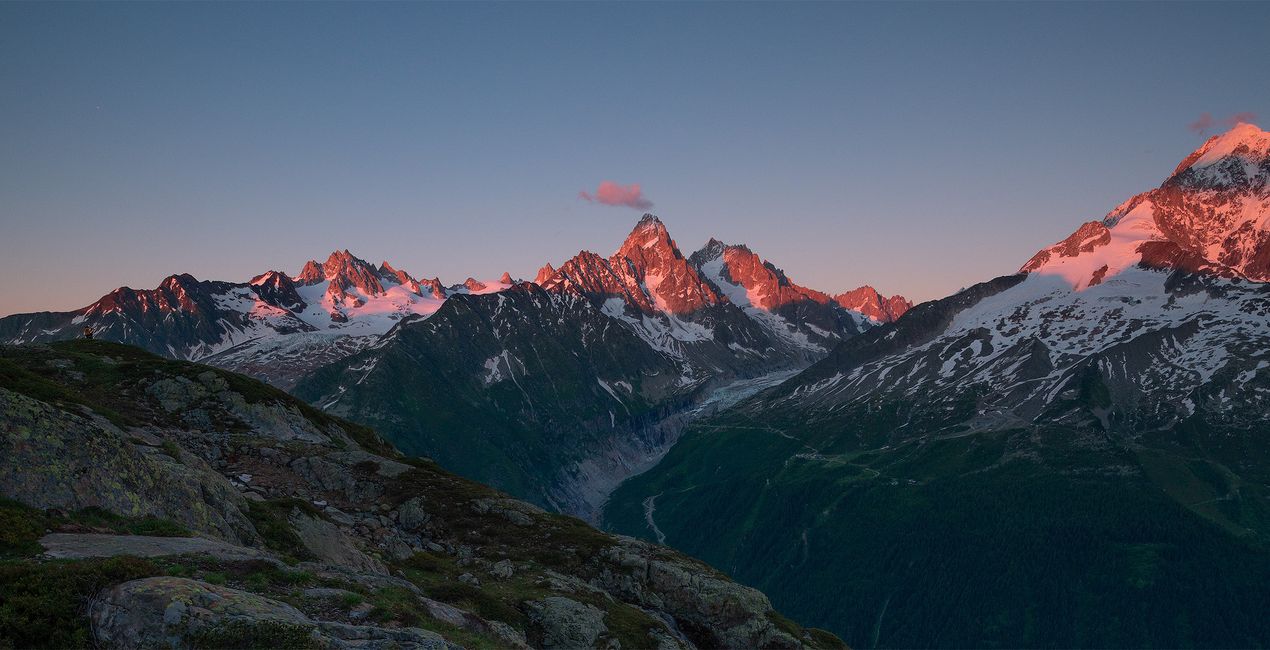
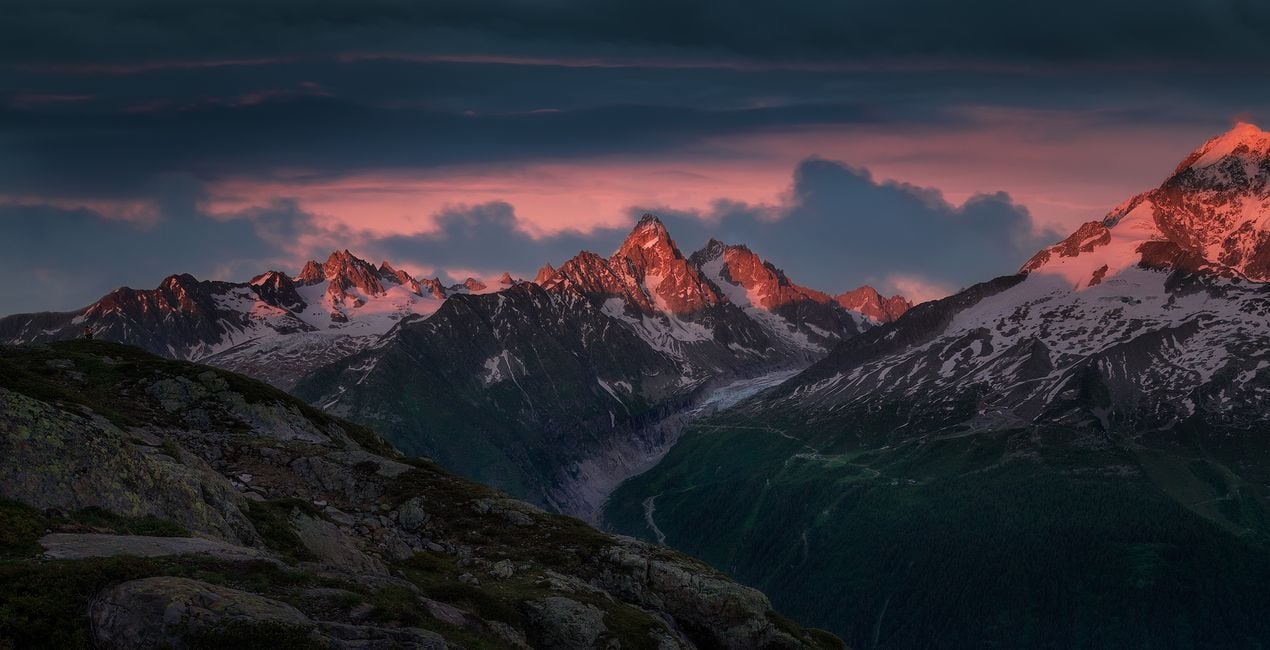
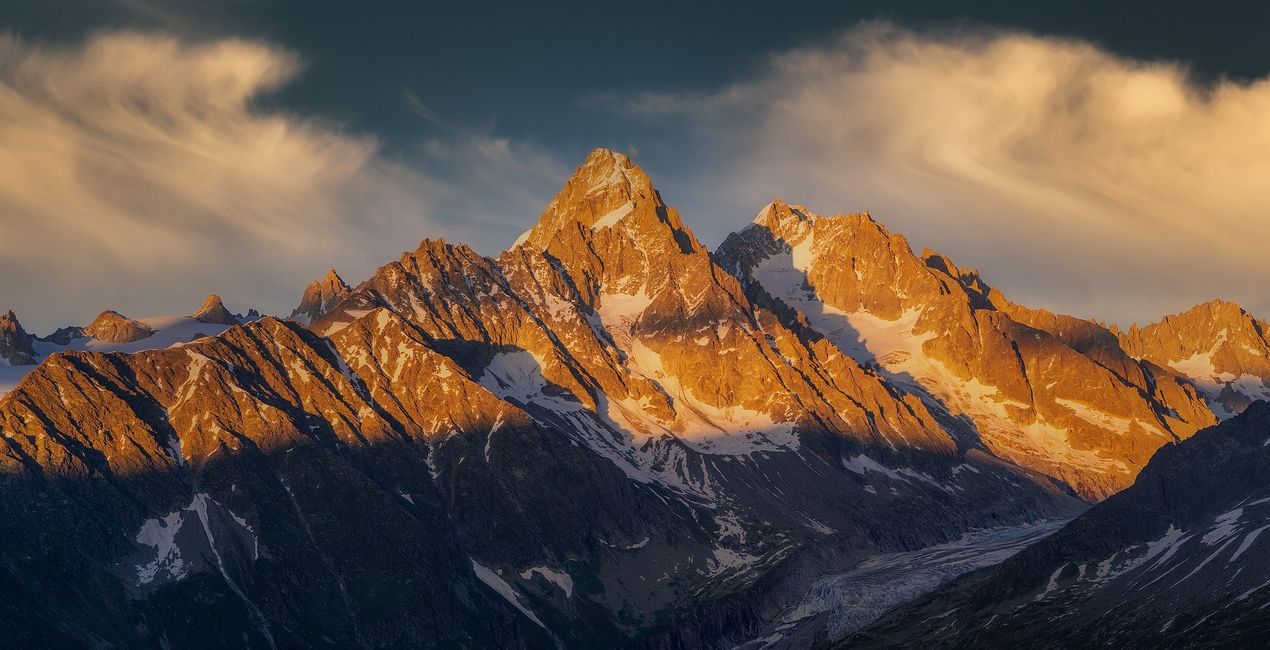
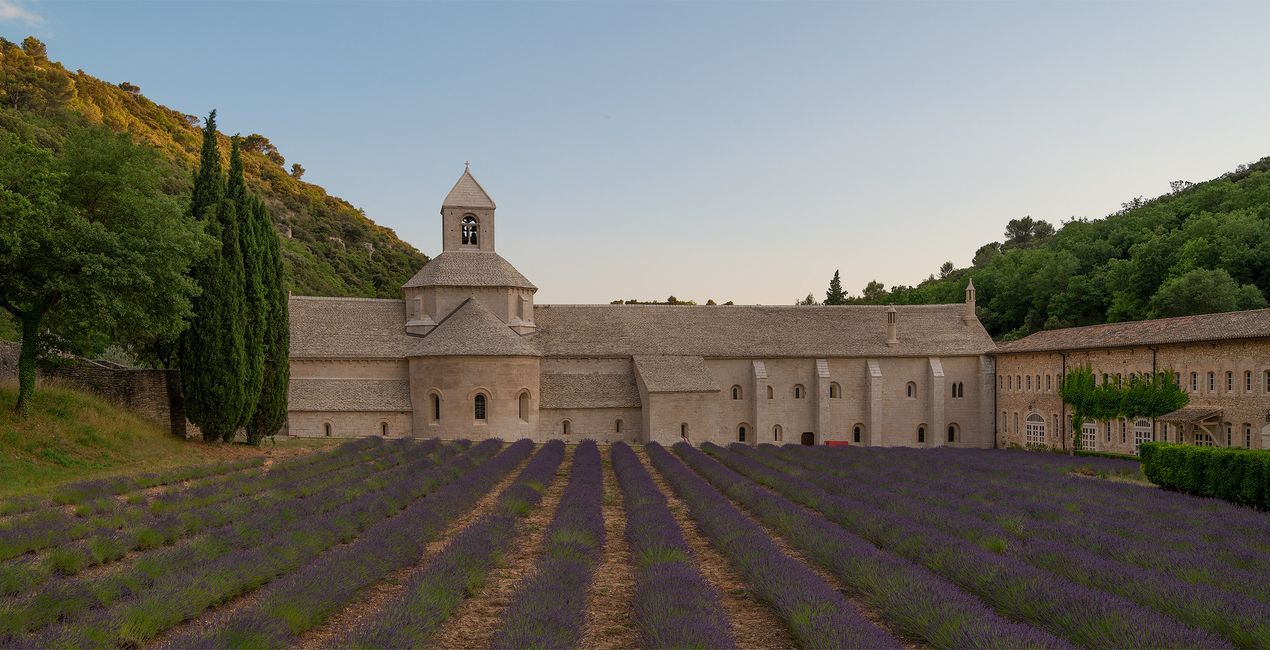
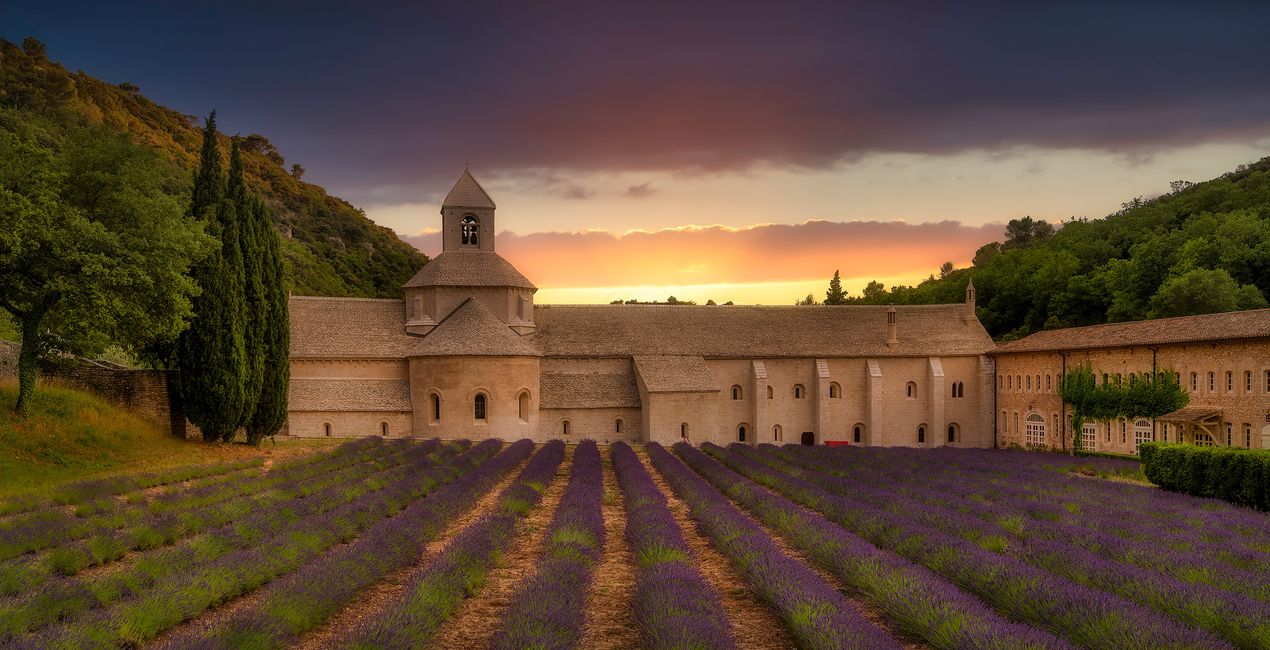
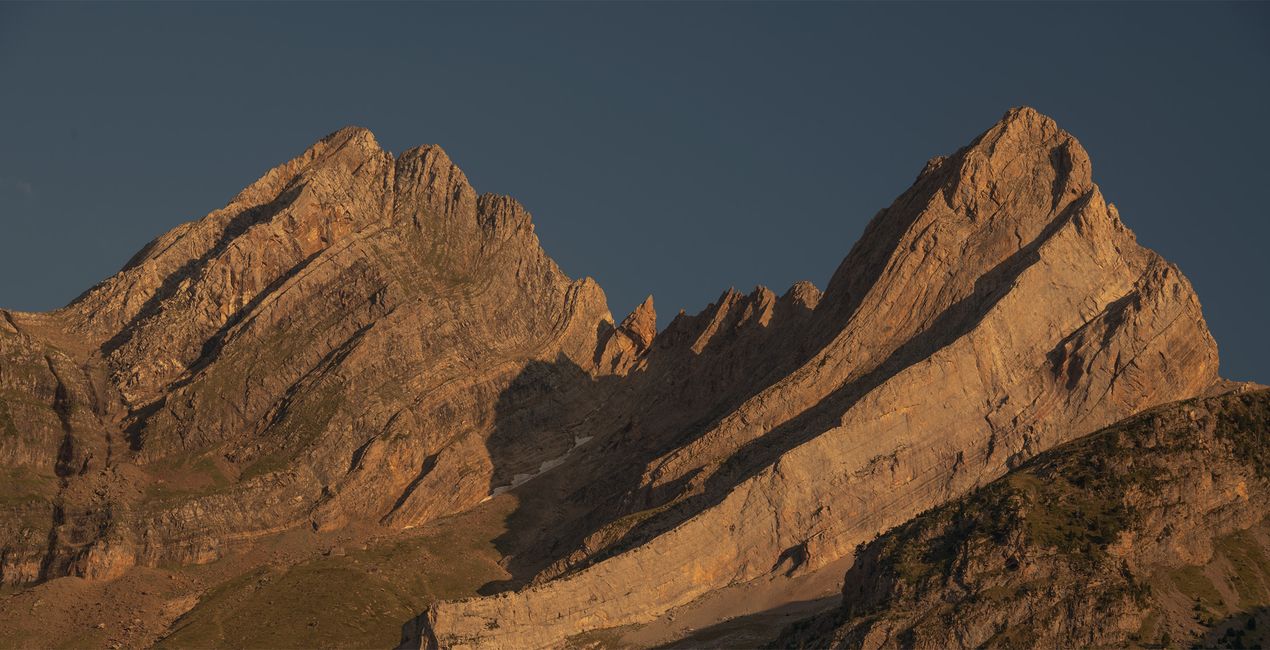
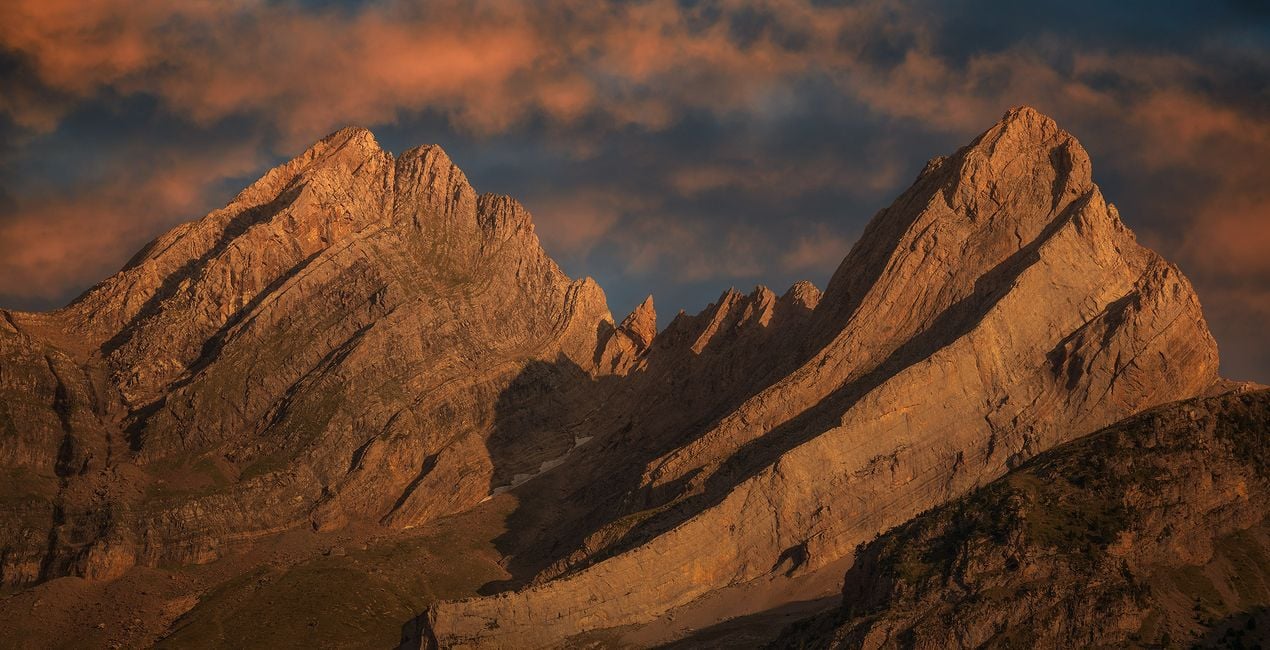
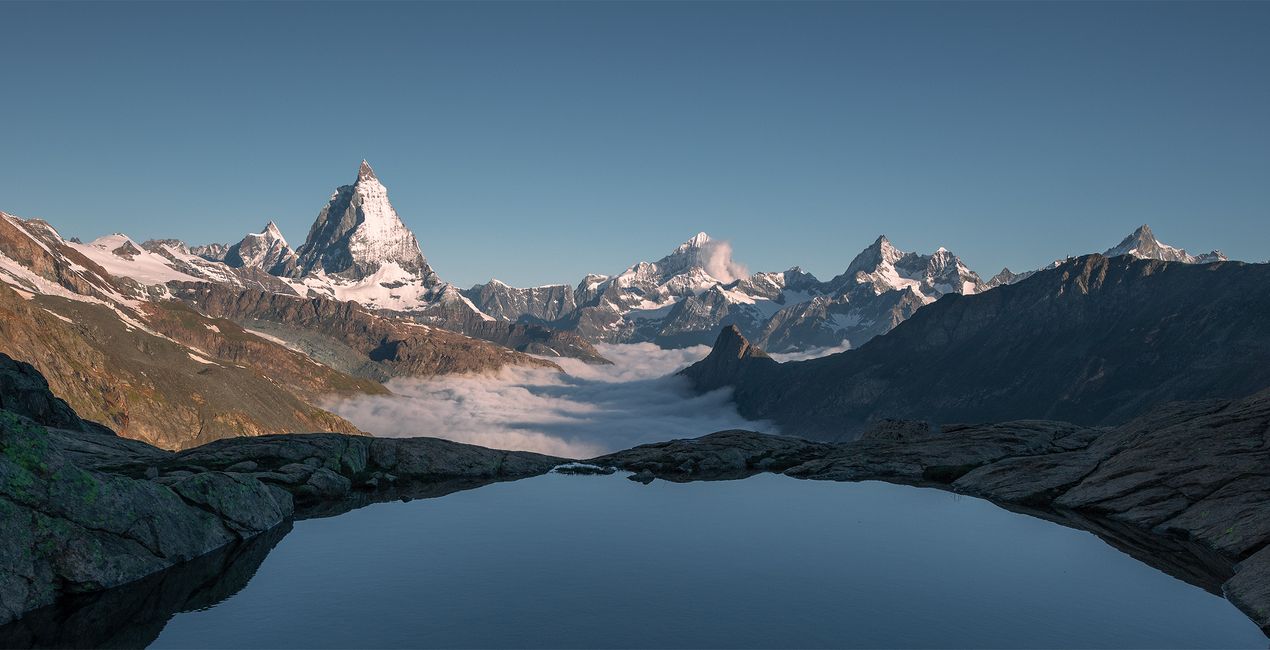
Discover this set of Skies captured during sunset, sunrise, and the golden hour. Each one of these Skies is designed to help you to create beautiful warm scenes, and add a glimpse of magic to your photographs. Whether you're looking for a vibrant sunrise, tranquil sunset, or the perfect golden hour light, these Skies are sure to add that extra touch of magic to your images. Bring life and beauty to any scene with this incredible set of Skies!
포함되어 있는 사항
10 Skies in JPEG format
호환성


예술 작품 만들기
RAW 파일을 사용하면 간편하게 리터치 기법을 연습하고 멋진 사진을 편집하는 방법을 배울 수 있습니다.
 >
>

 >
>
 >
>
 >
>
 >
>
이야기
Armand Sarlangue shares: “These skies were shot mostly in Spain, during some mountains and coastal photography adventures, but they work perfectly on any landscape or architectural images.”
Creator tips:
- Choose the sky that fits your vision best, and play with the Sky Orientation sliders to find the most suitable display. There are often a lot of possibilities within one single sky.
- Use the Relight Scene slider to fine-tune the ambiance of the foreground and match perfectly the new sky.
- If you have water in your image, experiment with the Reflection sliders. The result can be spectacular!
- Have fun creating!
본 패키지에 포함되어 있는 하늘


관련 제품


크리에이터
Armand Sarlangue
Photographer. Skylum Ambassador.
Armand Sarlangue has been a professional photographer for 14 years. The son of a photographer, visual art has been Armand’s true passion since childhood, and it’s through nature photography that he really expresses his creativity.
Being alone in the most remote places and translating the feelings of those moments through his images is what motivates Armand. He uses advanced post-production techniques to create ambiances that match his vision of our world.
Armand’s landscape images have been internationally awarded and exhibited in the USA, Spain, Italy, and France. His work has also been published by National Geographic, GEO Magazine, Australian Photography magazine, BBC News, and many other publications.
고객 지원팀에 어떻게 연락하나요?
제품에 관한 문의 사항이 있으시면 24시간 지원팀에 연락하세요. 아래 링크를 따라가시면 됩니다.
Shine & Glory Skies은 어떻게 구매하나요?
Shine & Glory Skies을 구매하려면 다음 단계를 따르세요:
1. Skylum 마켓플레이스를 엽니다.
2. Shine & Glory Skies이 표시된 탭으로 이동하세요. 해당 상품을 클릭하여 장바구니에 담으세요.
3. 장바구니로 이동하세요. 여기서 Shine & Glory Skies의 구매 절차를 완료하세요.
4. 구매 후 Shine & Glory Skies의 다운로드 링크가 포함된 주문 완료 이메일을 받게 됩니다. 또한 새로 구매한 항목은 Skylum 계정의 ‘내 애드온’ 탭에서 확인하실 수 있습니다.
Shine & Glory Skies은 어떻게 설치하나요?
Shine & Glory Skies 설치에 대한 자세한 안내는 다운로드 링크와 함께 발송되는 주문 처리 이메일로 보내드립니다.
또한 구매한 항목은 Luminar Neo에서 직접 설치할 수 있습니다: 기타 > 마켓플레이스로 이동한 후, 제품 카테고리를 선택하고 구매한 항목을 찾아 설치를 클릭하세요.
설치 후 Shine & Glory Skies은 어디에서 찾을 수 있나요?
아주 간단합니다! 상단 메뉴 바에서 편집 탭으로 전환하세요. 도구 패널로 이동하여 하늘ᴬᴵ > 하늘 선택 > 구매 항목을 선택하세요. 설치된 Shine & Glory Skies이 표시됩니다.
Shine & Glory Skies을 분실하면 어떻게 되나요?
걱정하지 마세요. Shine & Glory Skies을 포함한 모든 구매 항목은 Skylum 계정의 ‘내 애드온’ 탭에 저장되어 있어 다시 간편하게 다운로드하고 이용할 수 있습니다.
Shine & Glory Skies이 제 소프트웨어와 호환되는지 어떻게 확인할 수 있나요?
일반적으로 대부분의 항목은 Luminar Neo와 호환됩니다. 그러나 Shine & Glory Skies이 귀하의 소프트웨어와 호환되는지 확인하려면 다운로드 또는 구매 전에 해당 제품의 사양을 검토하십시오. Shine & Glory Skies 페이지 오른쪽의 ‘호환성’ 섹션을 확인하시면 모든 호환 제품이 나열되어 있습니다.


