

 적용됨
적용됨 



해질녘
Save $201 $ 16 .15 $ 19 .00
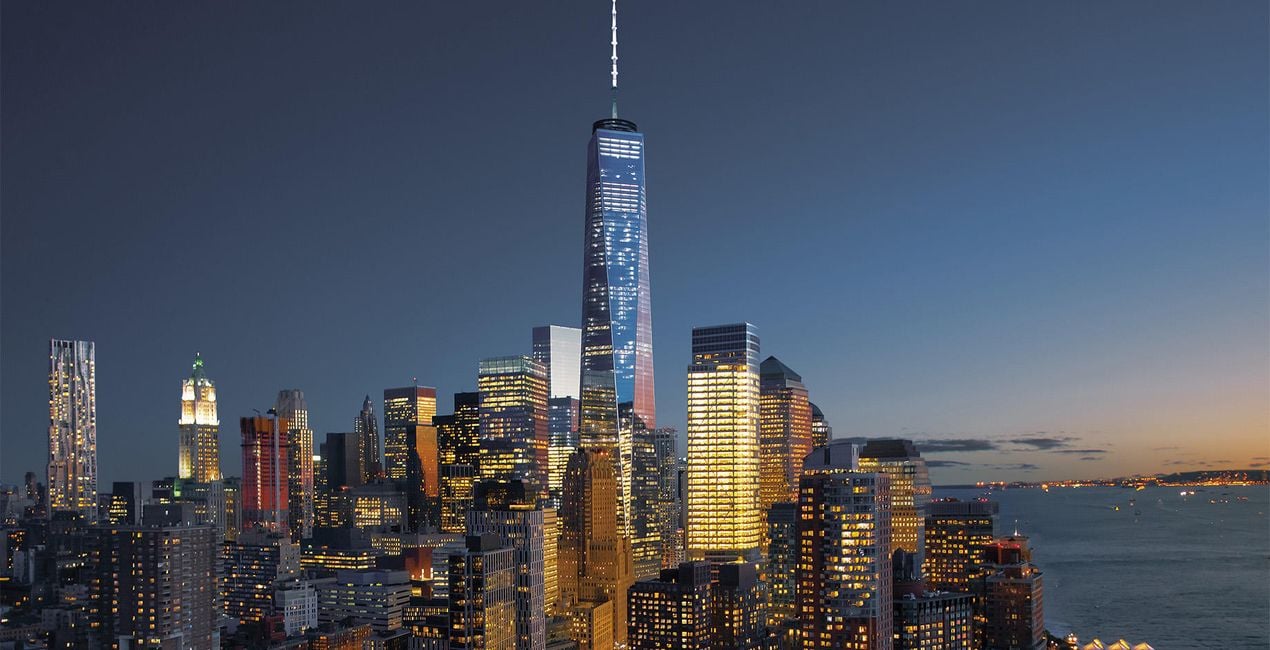
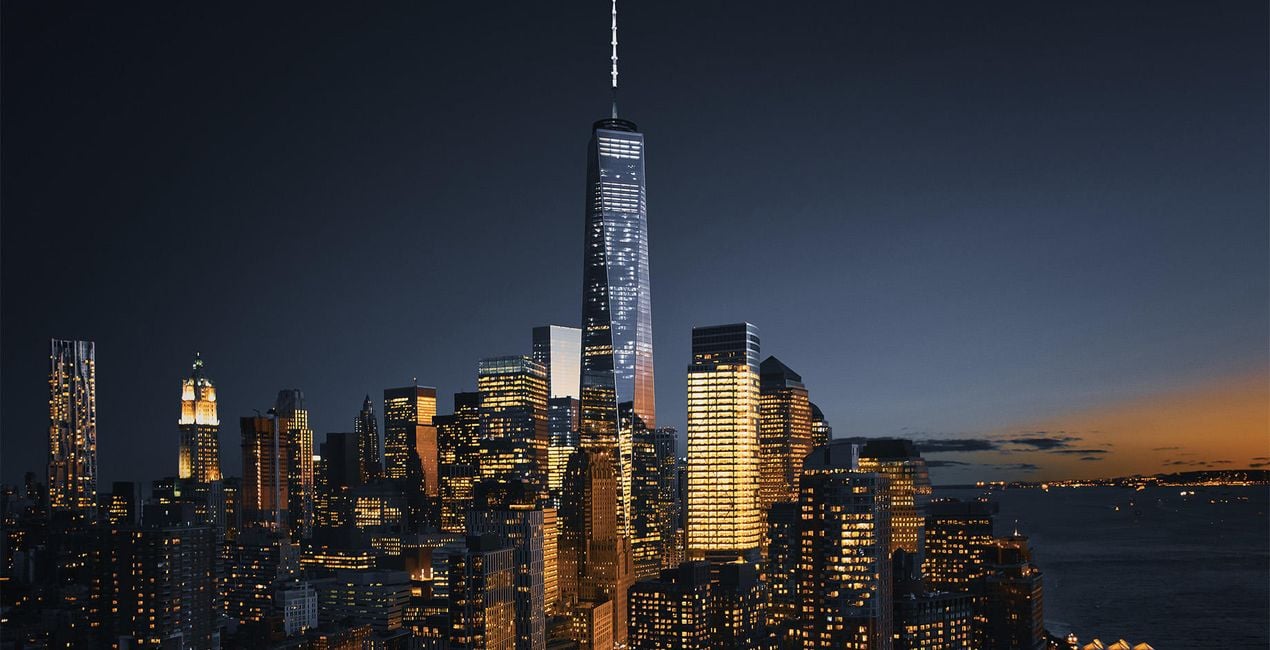
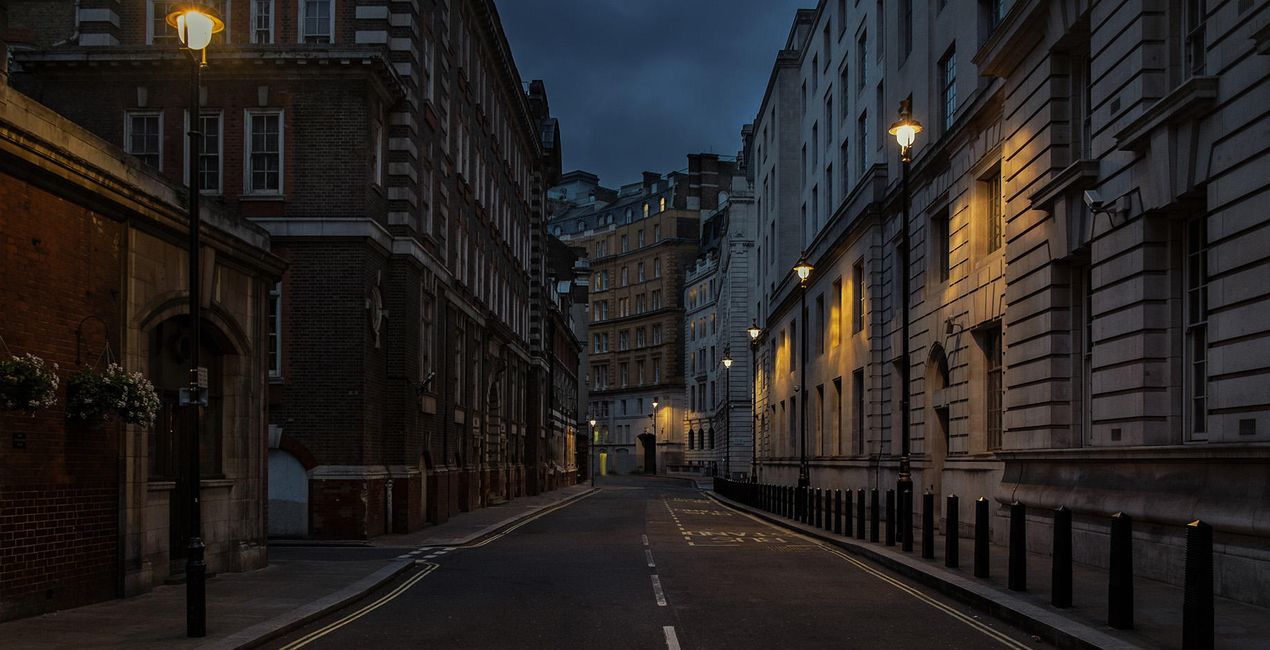
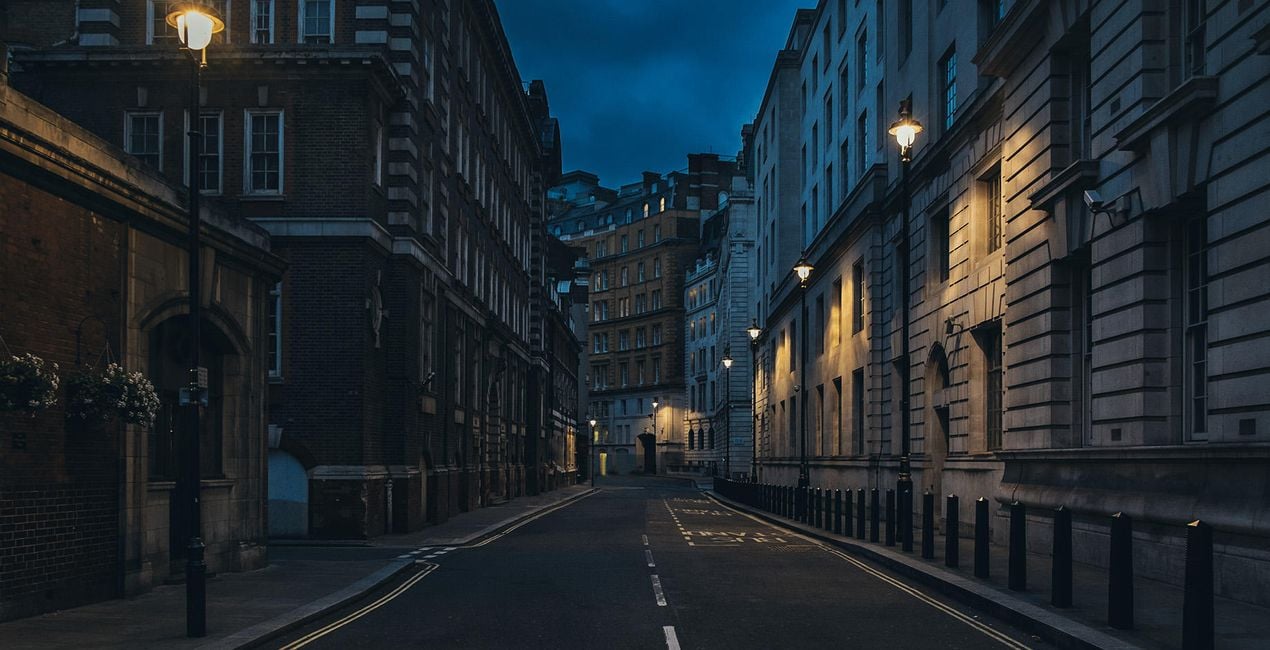
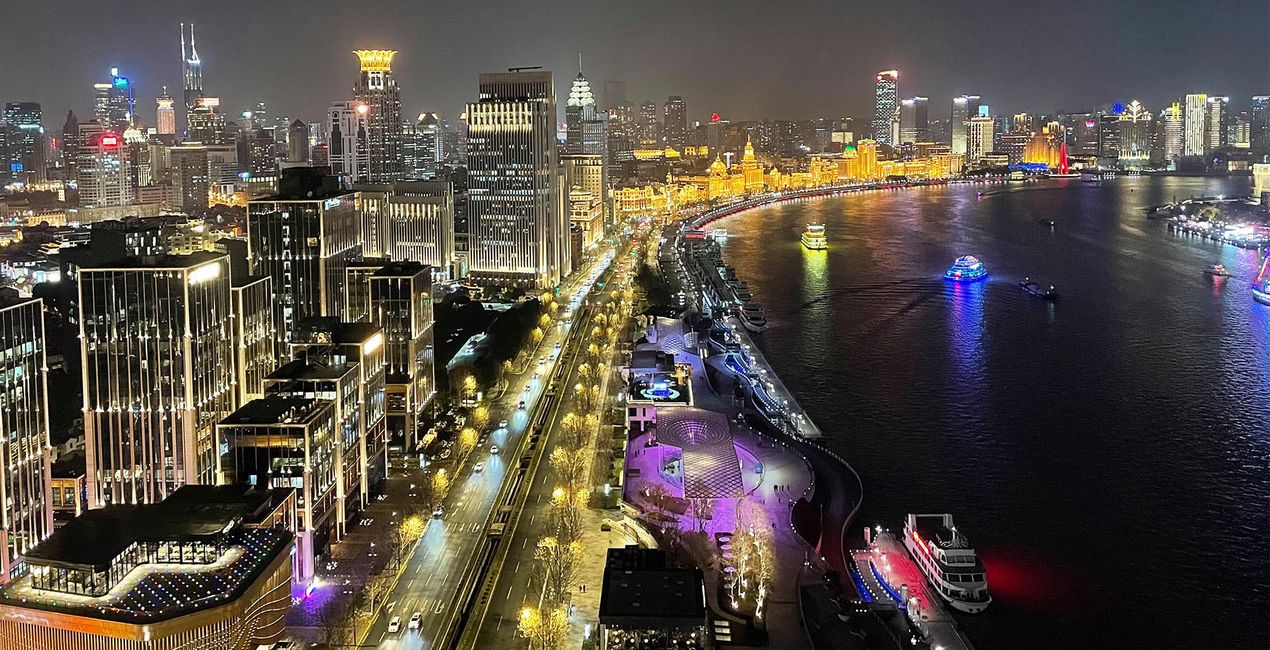
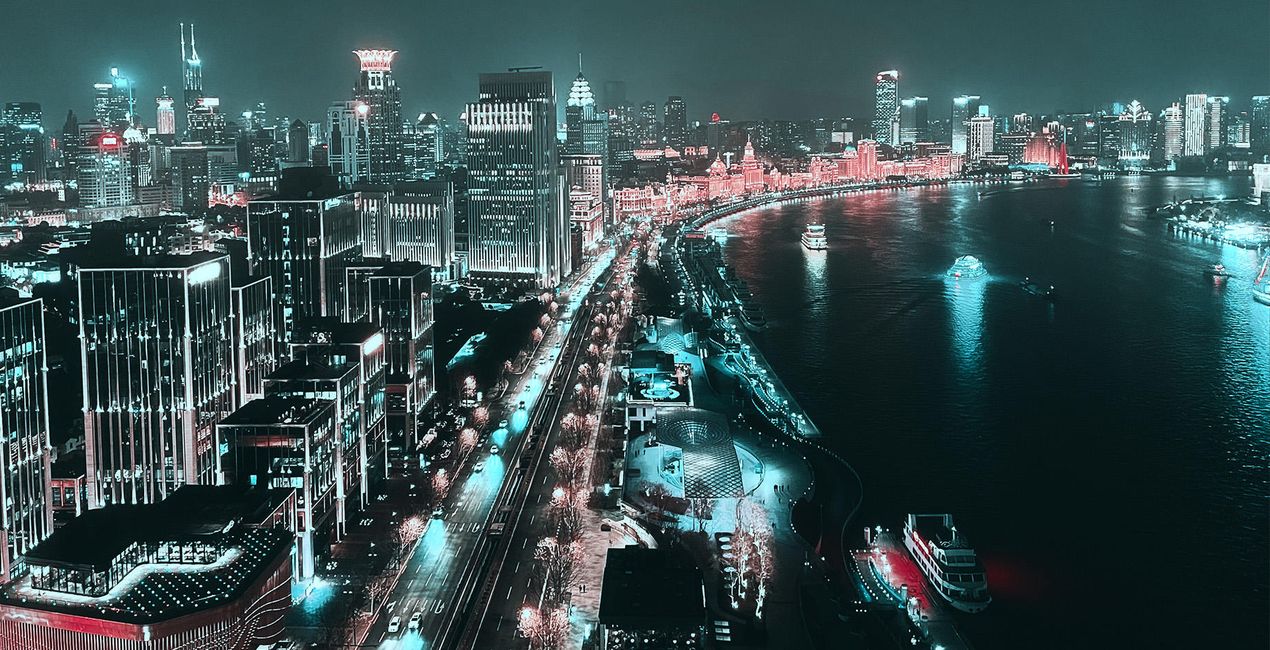
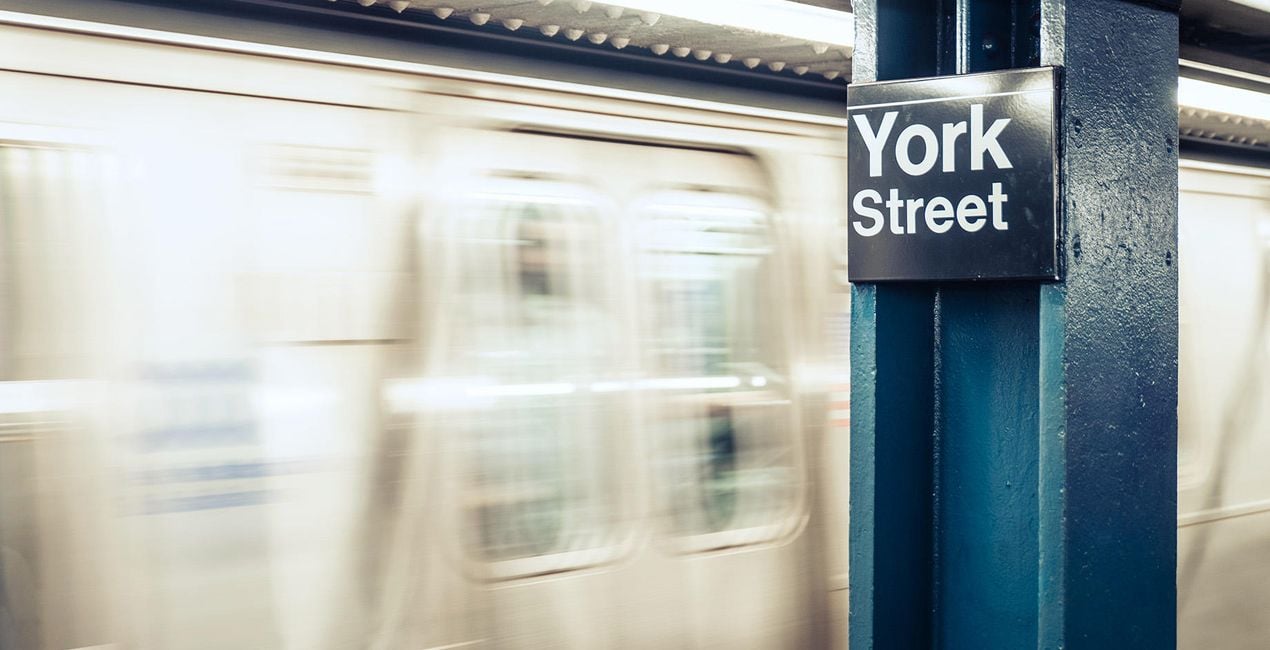
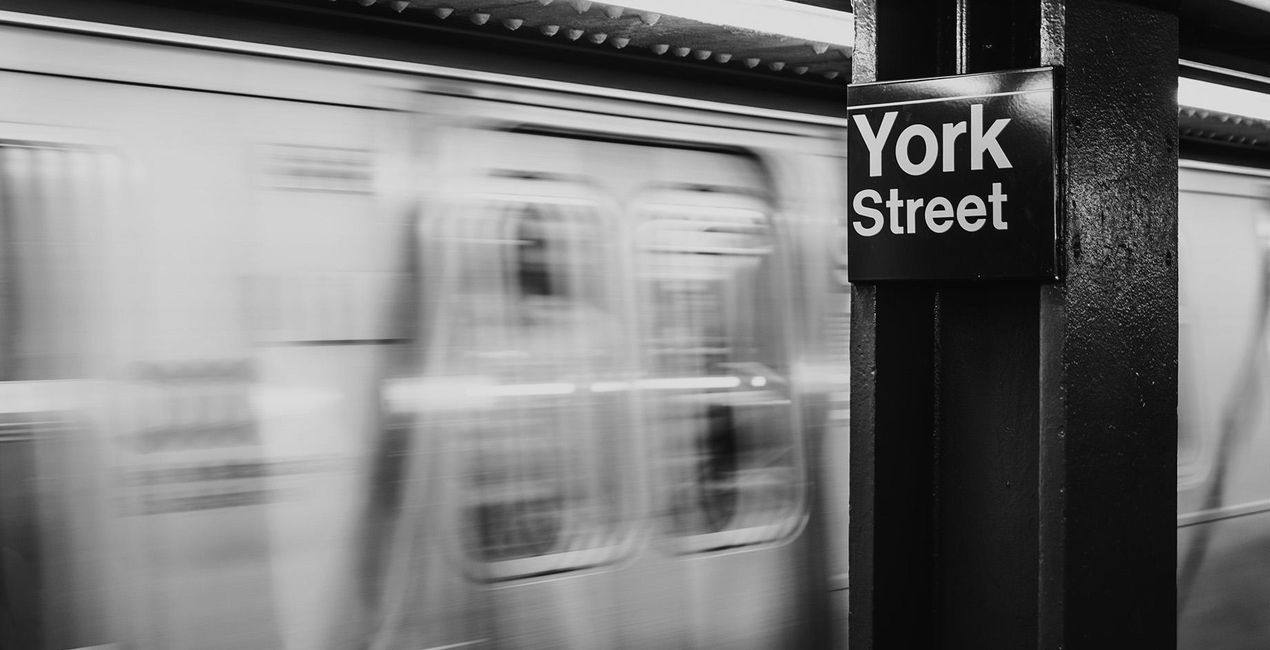
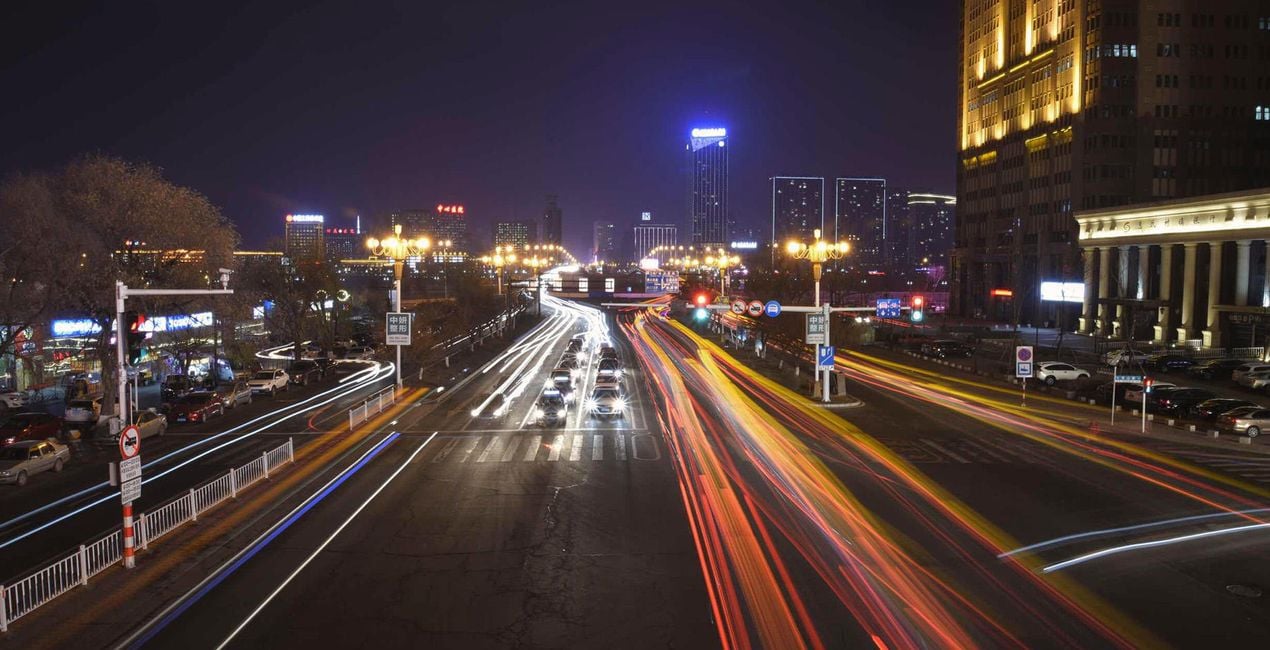
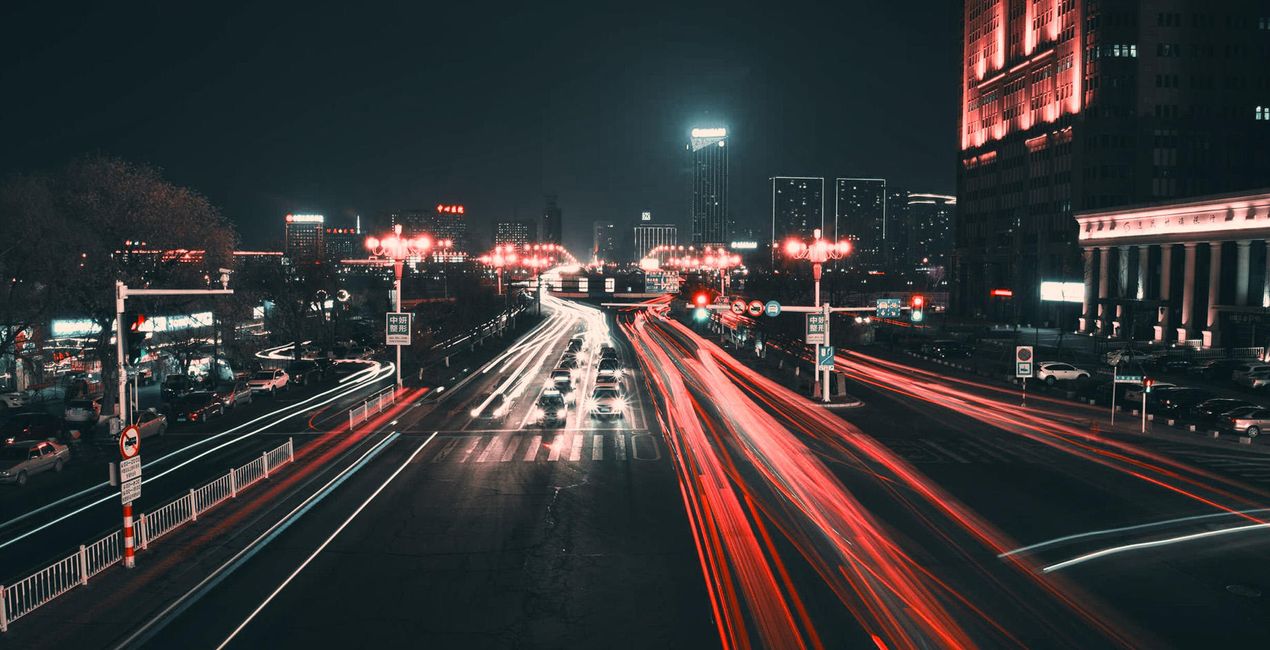
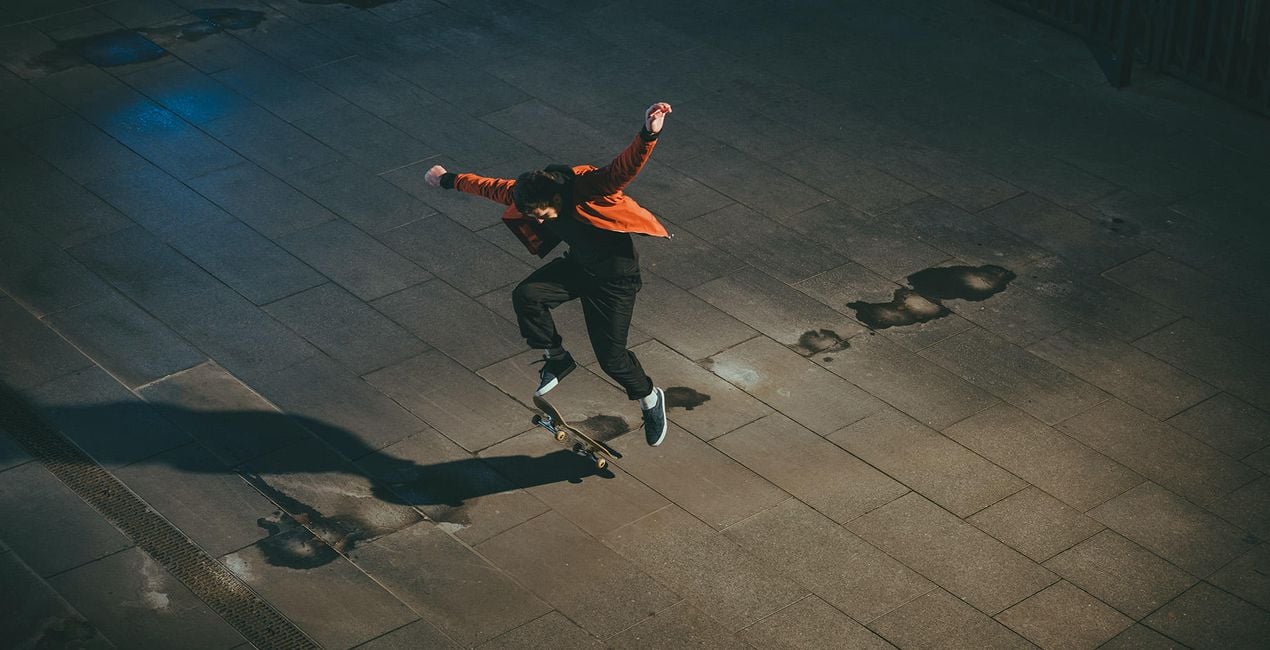
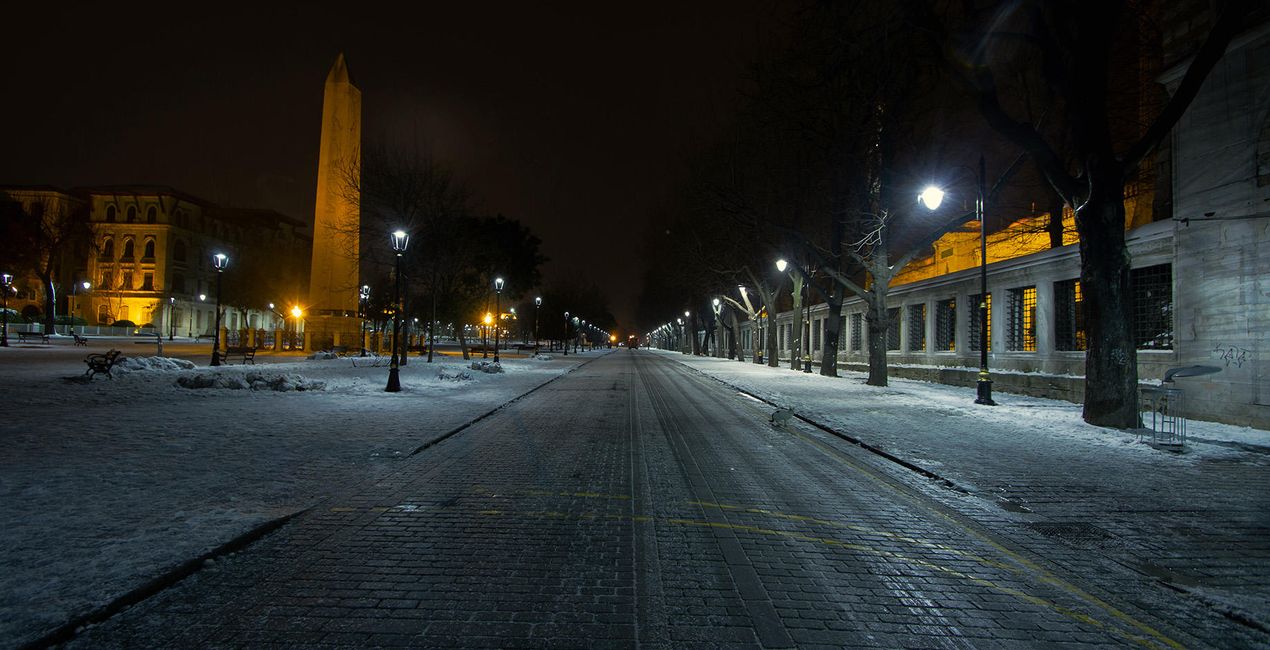
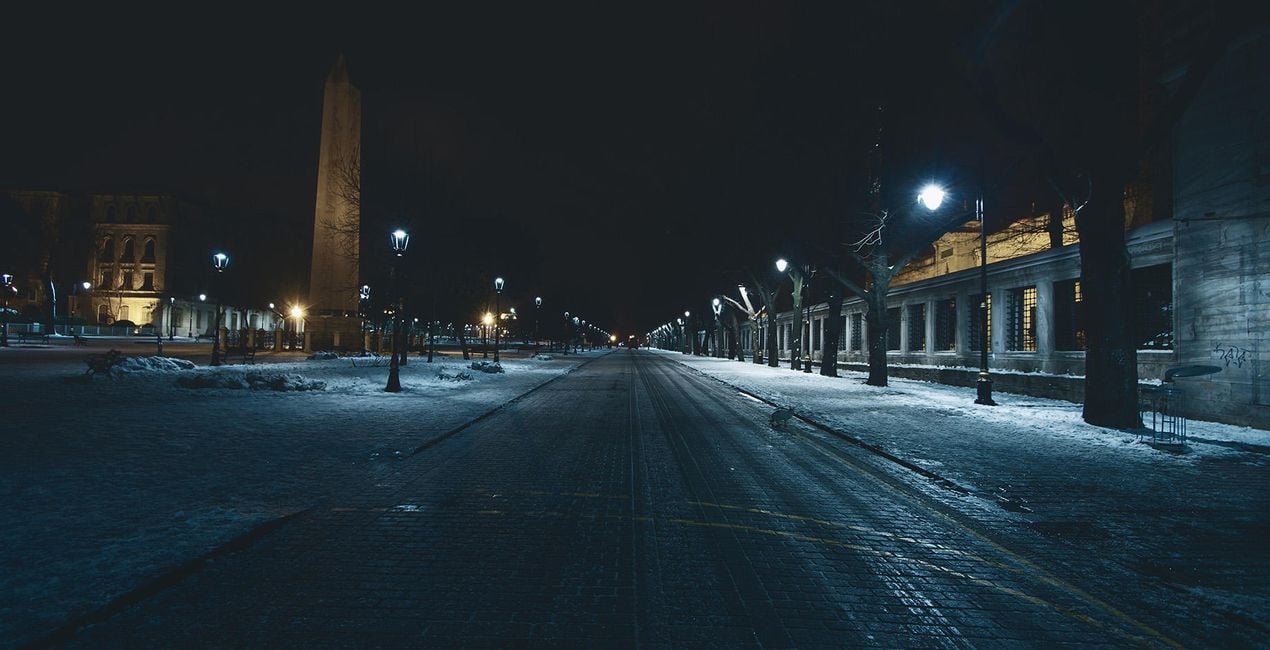
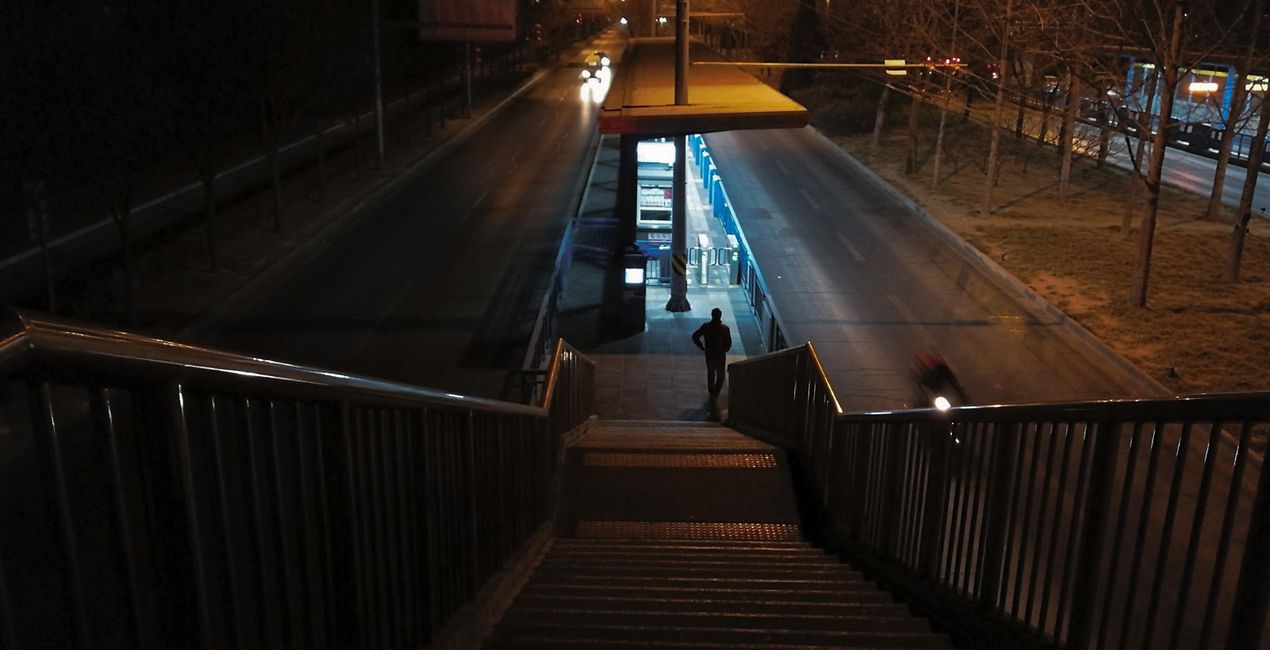
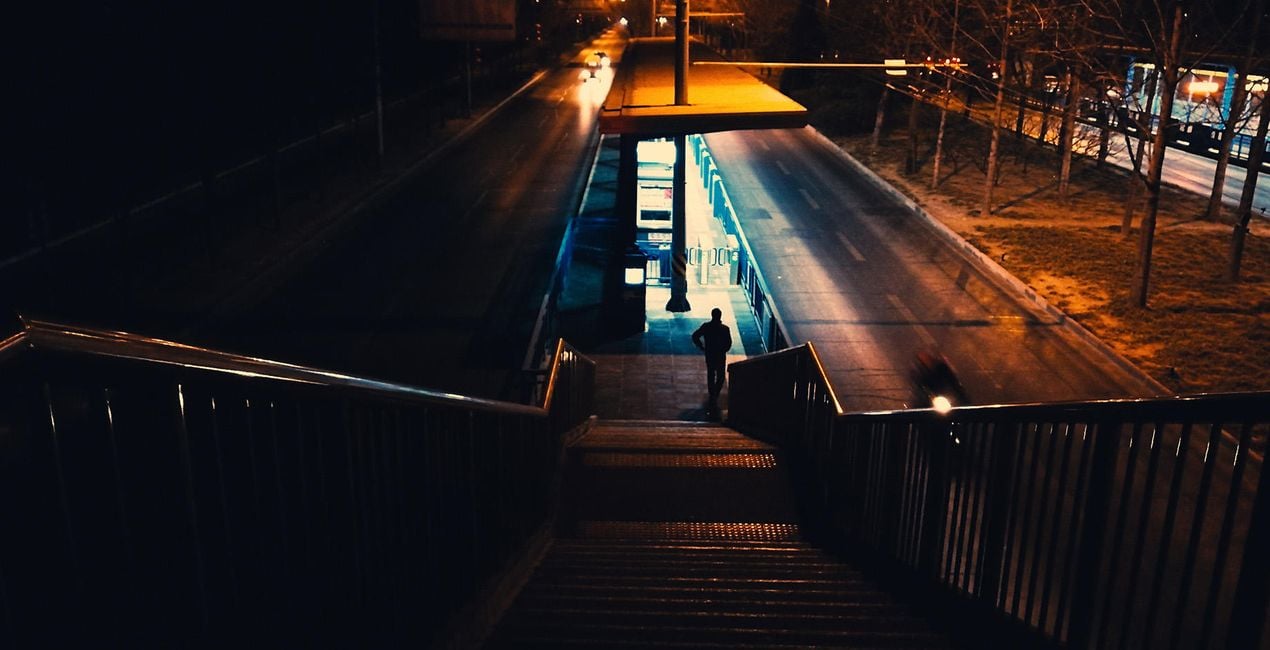
10가지 빛나는 템플릿 컬렉션으로 당신이 촬영한 차가운 밤을 멋지게 바꿔보세요. 특별한 매트, 안개, 네온, 그리고 다양한 효과를 손쉽게 적용해 마치영화의 한 장면 같은 분위기 넘치는 사진을 만들어보세요.
포함되어 있는 사항
10가지의 템플릿. JPEG 및 RAW 이미지와 호환 가능.

RAW 파일을 사용하면 간편하게 리터치 기법을 연습하고 멋진 사진을 편집하는 방법을 배울 수 있습니다.
 >
>
 >
>
 >
>
 >
>
 >
>
 >
>

 >
>
 >
>
 >
>
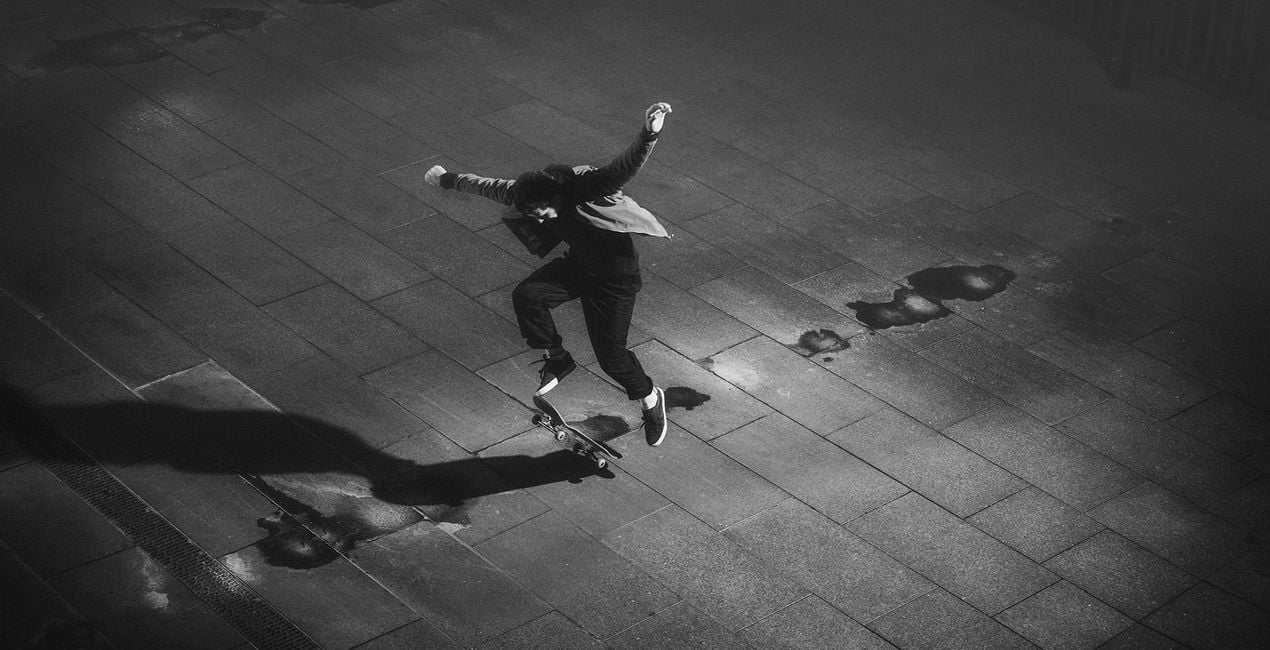
진정으로 뛰어난 사진을 만들려면 해질녘 이후에 촬영한 사진을 더욱 돋보이게 하고 사진의 조명을 실험하고 자유롭게 사용해 볼 수 있도록 특별히 제작된 분위기 있는 10가지 야간 템플릿 컬렉션을 사용해보세요. 흑백에서 페이드, 네온, 무광에 이르기까지 다양한 템플릿에서 당신이 좋아하는 효과를 찾으실 수 있습니다.
이 컬렉션에는 다음의 10가지 템플릿이 포함되어 있습니다:
스파클: 대조, 투톤, 추가 풍경화 기능이 포함되어 야간 풍경 사진에 최적화된 템플릿
블루스: 하이라이트와 콜드 토닝을 낮춘 로우 키 템플릿.
마지막 빛: 상상력을 사로잡는 높아진 그림자, 따뜻한 톤의 악센트 및 희미한 색상의 로우 키 템플릿.
도시의 빛: 잊을 수 없는 도시 장면을 촬영할 수 있는 강조된 블랙 포인트, 따뜻한 색조의 액센트, 희미한 색상 및 약간 톤의 그림자가 있는 이 로우 키 템플릿.
콘크리트: 희미하게 보이는 안개와 매트 효과로 거의 완전히 바랜 분위기를 만들 수 있습니다.
네온의 비: 밤에 내리는 비를 촬영하기 좋은 안개와 무광 효과가 있는 네온 템플릿.
반사: 사진을 블록버스터의 스틸 화면처럼 보이게 만드는 밝은 청록색과 주황색의 네온 템플릿입니다.
연결: 따뜻하고 매력적인 분위기를 만들어 줄 수 있는 약간의 노이즈와 광채가 더해진 가볍고 부드러운 템플릿.
거리: 대조적인 흑백 템플릿을 고전적인 흑백 도시 사진에 적용해보세요.
컬쳐: 추가된 빛과 약간의 노이즈 효과가 있는 부드러운 흑백 템플릿.
템플릿의 기본 효과가 너무 강해 당신의 사진과 어울리지 않을 수 있다는 점을 유의해 주시기 바랍니다. 템플릿이 사진에 어울리지 않는다면 보정 슬라이더를 약간 조절해주는 간단한 조치만 취해주시면 됩니다.
결과를 공유하는 걸 잊지 마세요! SNS에 해시태그 #madewithluminar를 포함해 글을 게시해 Skylum팀이 여러분의 결과물을 볼 수 있게 해주세요!
사진작가, 컬러리스트 & 리터쳐
Skylum 팀은 수백 명의 전문 사진 작가 및 수정자들과 협력하여, 최고의 사진 작가들이 자신의 작품을 완성시키는 데 사용한 템플릿을 여러분께도 제공하려 노력하고 있습니다. Skylum AI Lab은 사진 작가의 사진 스타일과 워크 플로우를 분석하여, 모든 사람들이 액세스 할 수 있는, Luminar AI의 고급 기술을 활용한 템플릿을 제작하고 있습니다. 당사의 임무는 돋보이는 걸작을 만드는 데 걸리는 시간과 노력을 줄이고, 모든 사람들이 사진 촬영, 보정 및 편집을 즐길 수 있게끔 만드는 것입니다.
제품에 관한 문의 사항이 있으시면 24시간 지원팀에 연락하세요. 아래 링크를 따라가시면 됩니다.
Nightfall을 구매하려면 다음 단계를 따르세요:
1. Skylum 마켓플레이스를 엽니다.
2. Nightfall이 표시된 탭으로 이동하세요. 해당 상품을 클릭하여 장바구니에 담으세요.
3. 장바구니로 이동하세요. 여기서 Nightfall의 구매 절차를 완료하세요.
4. 구매 후 Nightfall의 다운로드 링크가 포함된 주문 완료 이메일을 받게 됩니다. 또한 새로 구매한 항목은 Skylum 계정의 ‘내 애드온’ 탭에서 확인하실 수 있습니다.
Nightfall 설치에 대한 자세한 안내는 다운로드 링크와 함께 발송되는 주문 처리 이메일로 보내드립니다.
또한 구매한 항목은 Luminar Neo에서 직접 설치할 수 있습니다: 기타 > 마켓플레이스로 이동한 후, 제품 카테고리를 선택하고 구매한 항목을 찾아 설치를 클릭하세요.
아주 간단합니다! 프리셋 탭으로 이동한 후 '구매한 항목'을 선택하세요. 설치된 프리셋이 여기에 표시됩니다.
걱정하지 마세요. Nightfall을 포함한 모든 구매 항목은 Skylum 계정의 ‘내 애드온’ 탭에 저장되어 있어 다시 간편하게 다운로드하고 이용할 수 있습니다.
일반적으로 대부분의 항목은 Luminar Neo와 호환됩니다. 그러나 Nightfall이 귀하의 소프트웨어와 호환되는지 확인하려면 다운로드 또는 구매 전에 해당 제품의 사양을 검토하십시오. Nightfall 페이지 오른쪽의 ‘호환성’ 섹션을 확인하시면 모든 호환 제품이 나열되어 있습니다.
아직 떠나지 마세요. 여러분만을 위한 특별 할인 코드를 준비했습니다. 15분 이내에 이 코드를 사용하시면 결제 시 추가 10% 할인을 받으실 수 있습니다. 아래 코드를 복사하여 구매를 완료해 주세요.
15 m : 00 s





