

 적용됨
적용됨 




소개
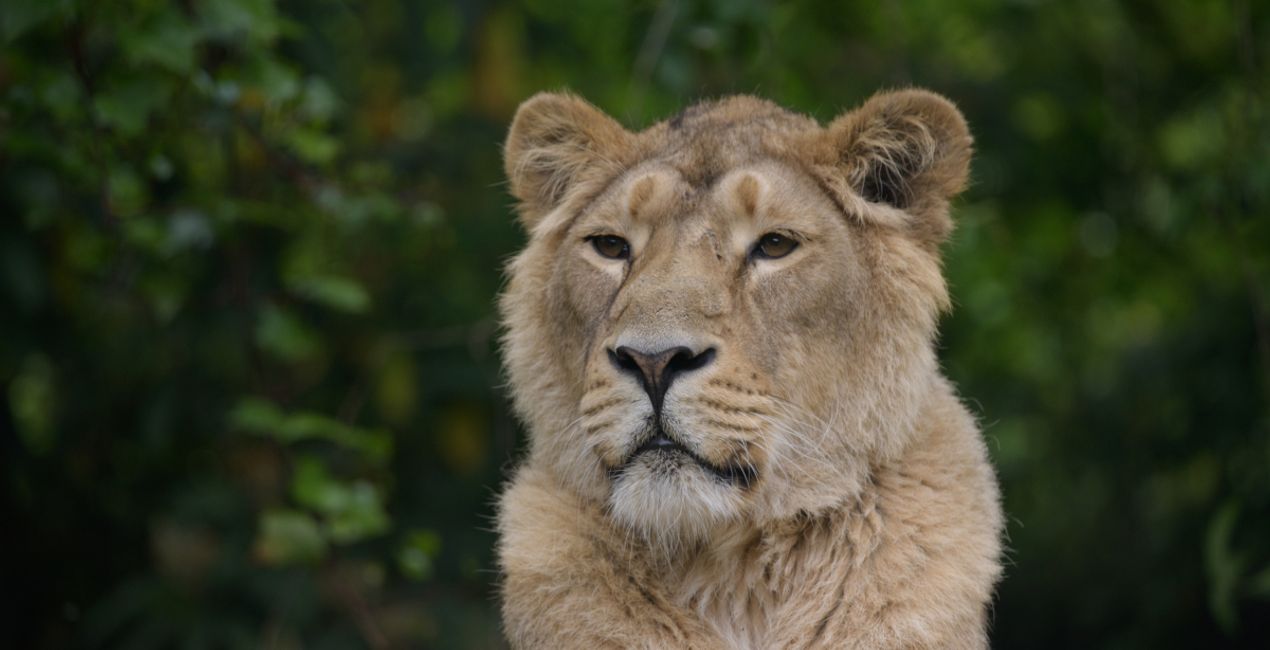
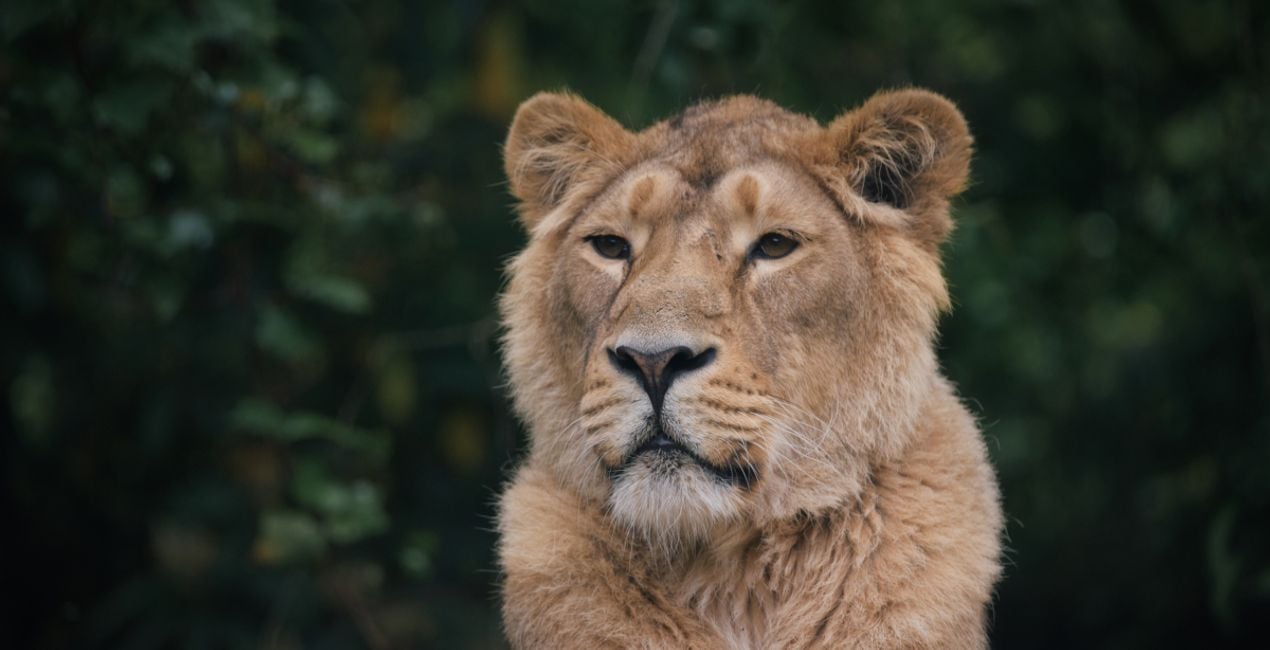
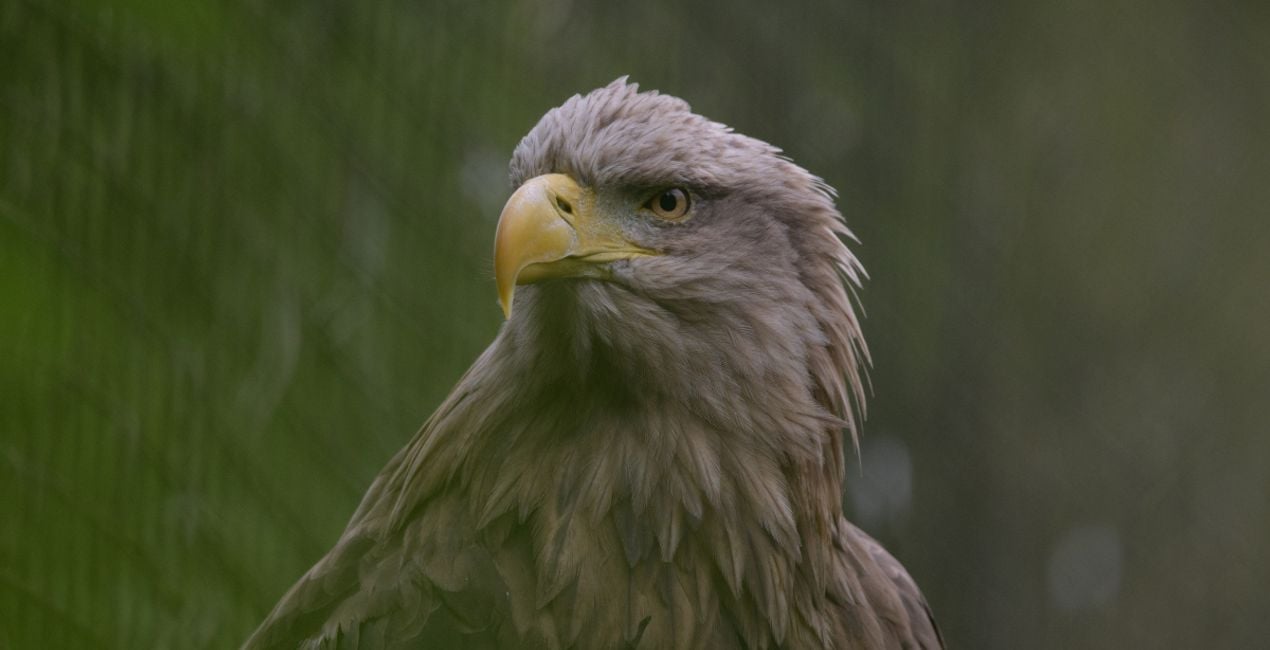
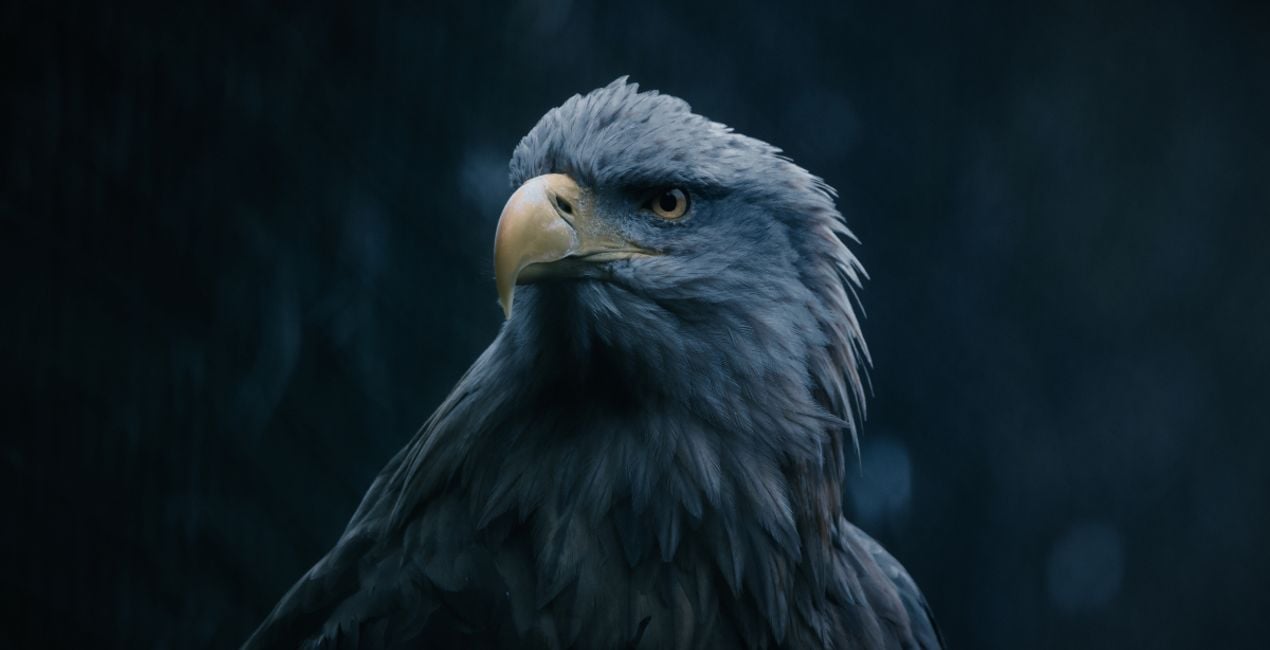
사진 속 피사체의 영혼을 드러낼 수 있는 Mathew Brown의 12가지 맹렬한 템플릿 모음으로 동물 이미지를 멋지게 만들어보세요. 맹금류부터 위엄이 넘치는 사자, 귀엽고 복슬복슬한 생물에 이르기까지 이 컬렉션에는 당신이 찾고 있는 템플릿이 있을 것입니다.
포함되어 있는 사항
12가지의 템플릿 및 프리셋. JPEG 및 RAW 이미지와 호환 가능.
호환성

예술 작품 만들기
RAW 파일을 사용하면 간편하게 리터치 기법을 연습하고 멋진 사진을 편집하는 방법을 배울 수 있습니다.
 >
>
 >
>
 >
>
 >
>
 >
>
 >
>
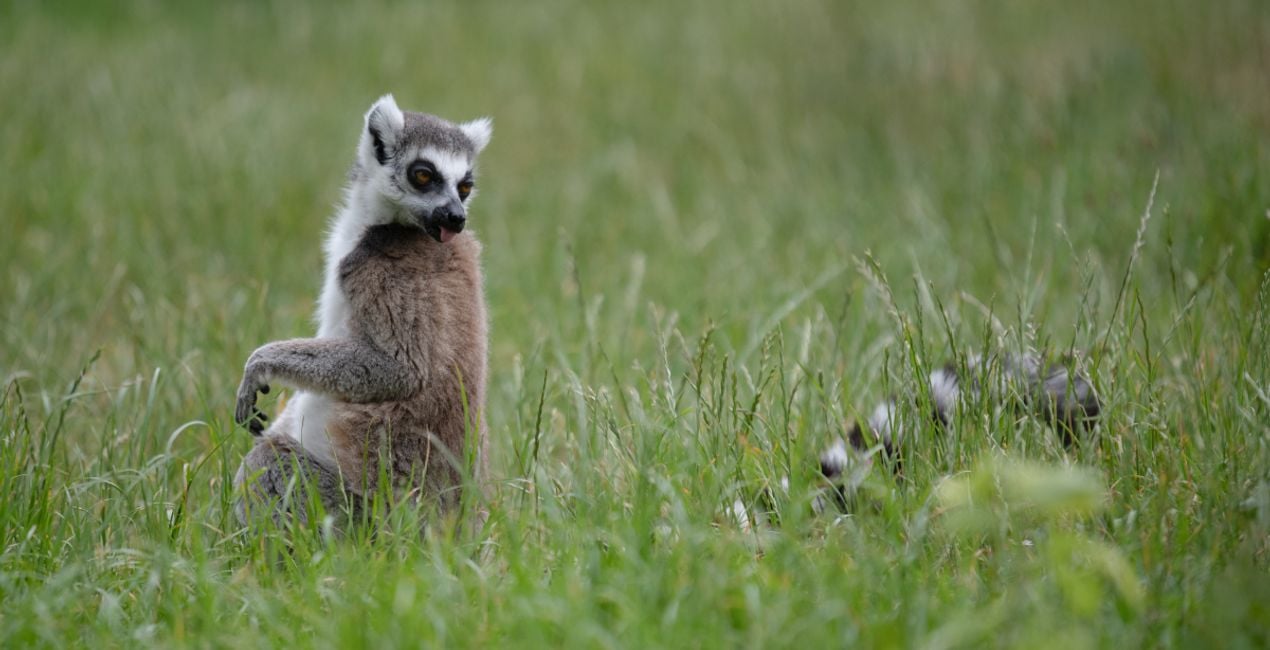
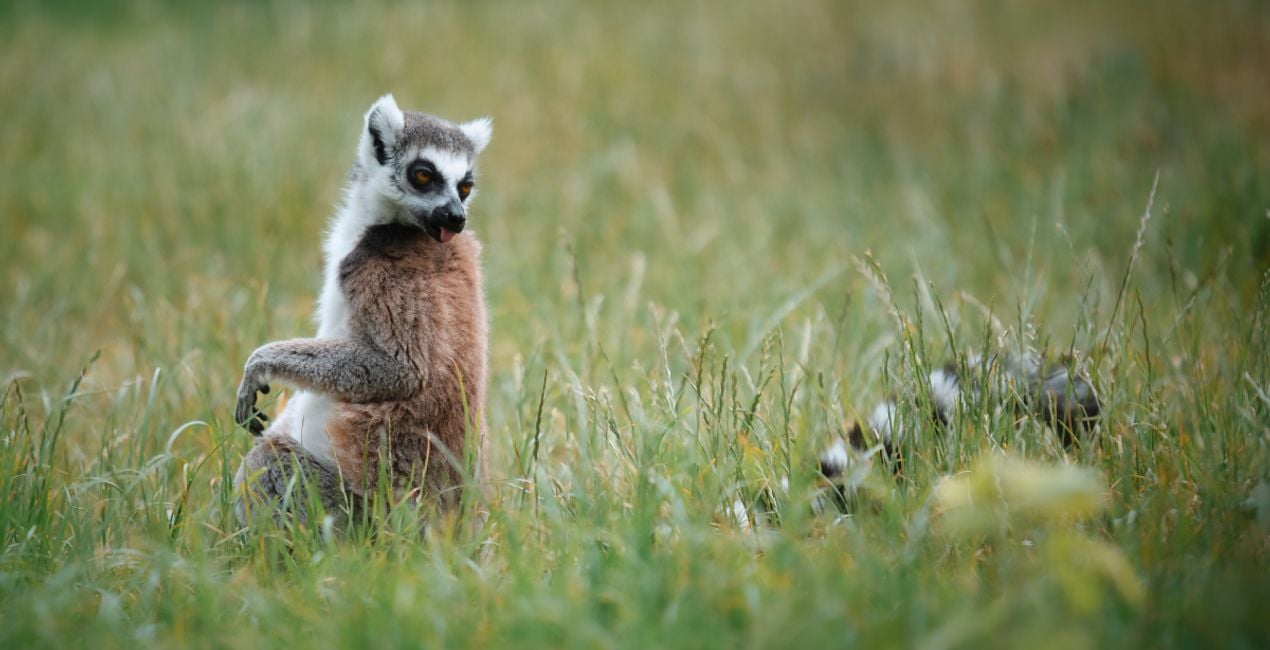 >
>
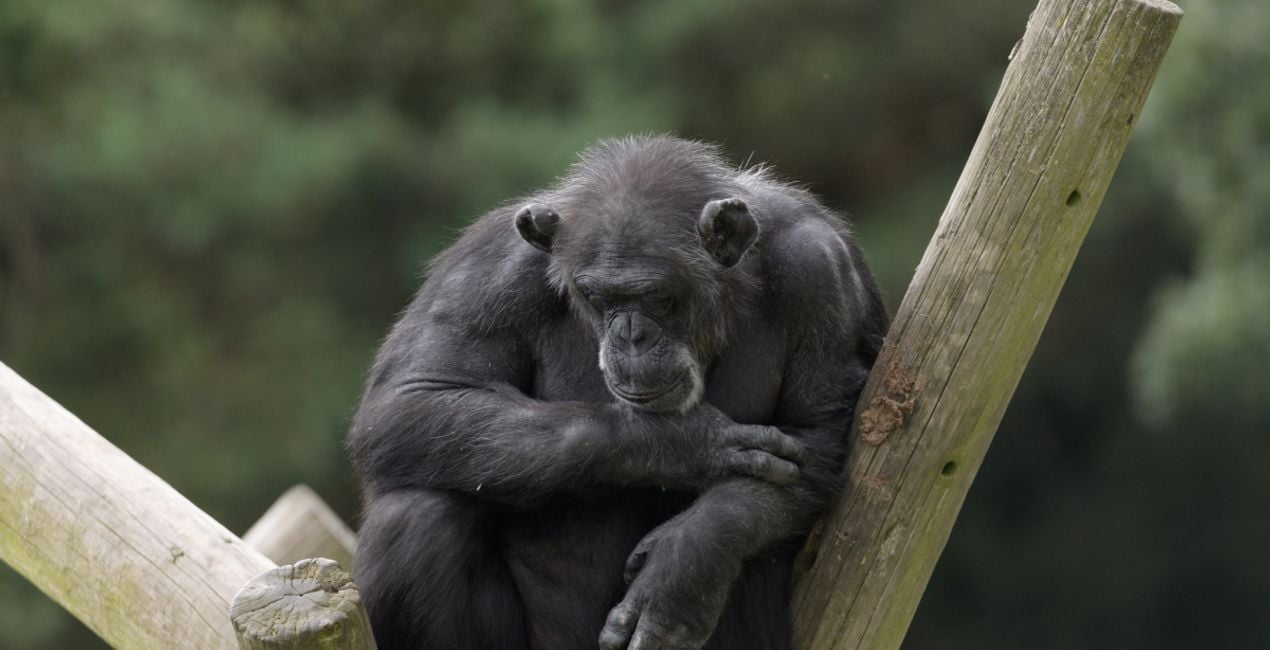
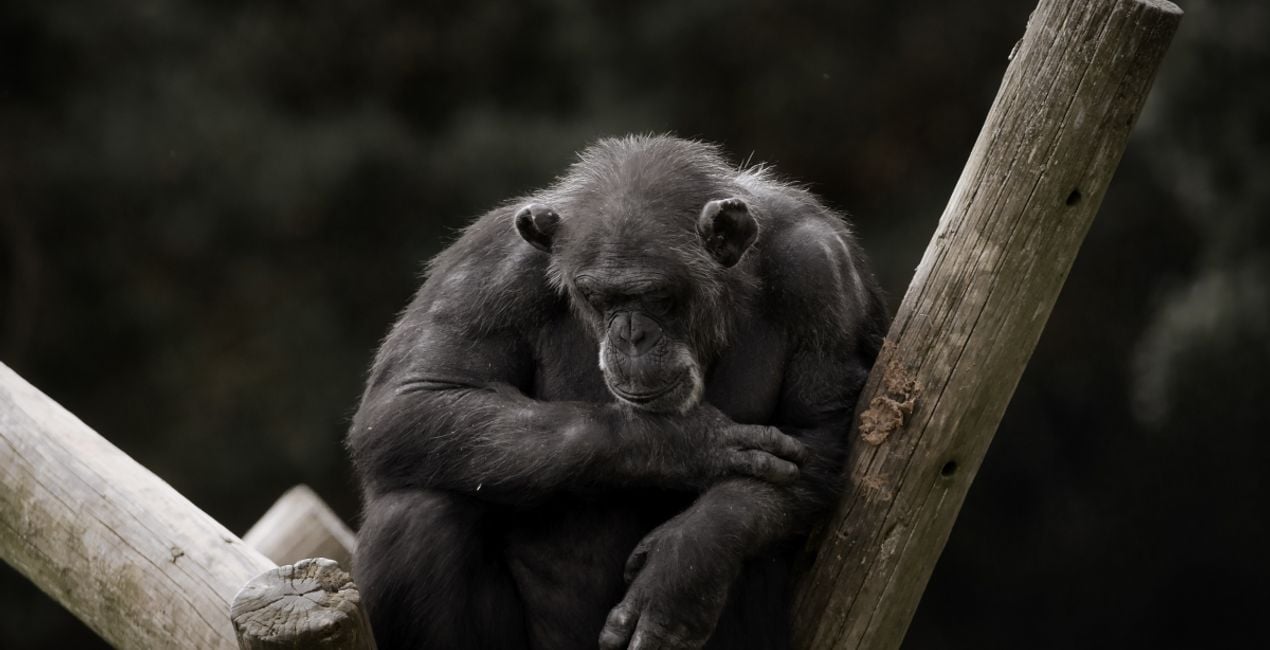 >
>
 >
>
 >
>
 >
>
 >
>
이야기
Got photos of wild animals that don’t do these creatures justice?
Enhance them with the Templates in this collection.
Enjoy 12 fierce wild fauna Templates by Mathew Browne that are perfect for your safari photos.
Vibrant, dynamic, faded, atmospheric, mysterious — you name it, this collection has it. Perfect for animals you’ve encountered in the wild or in zoos, no matter how big or small.
With this collection, they will surely make an impression.
What you’ll find in this pack (12 Templates):
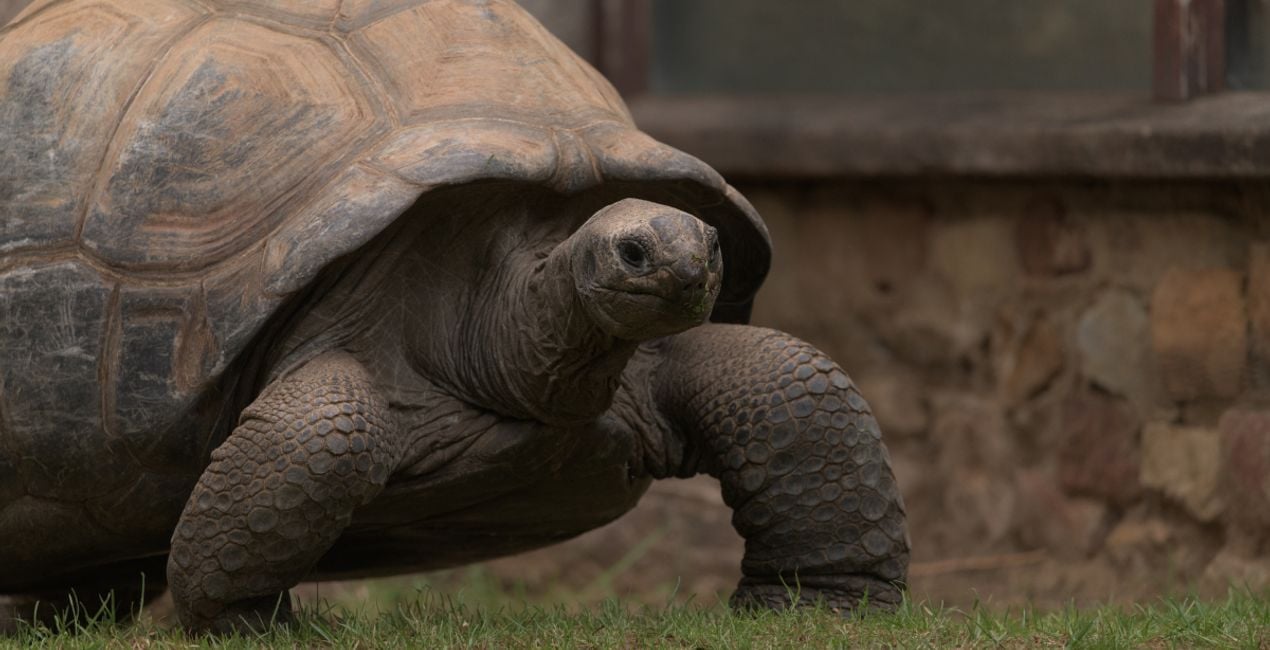
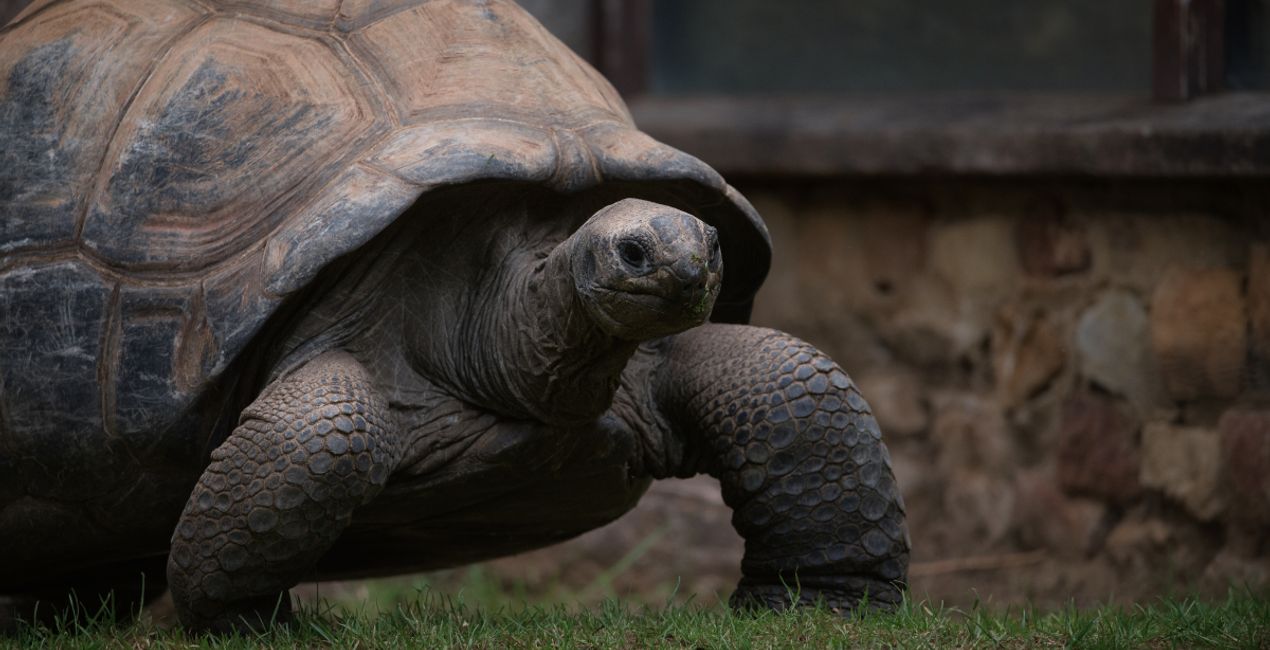
Tortoise Shell: Add a pleasing vignette, bring out details, and give a slightly cold tone for a captivating photo.
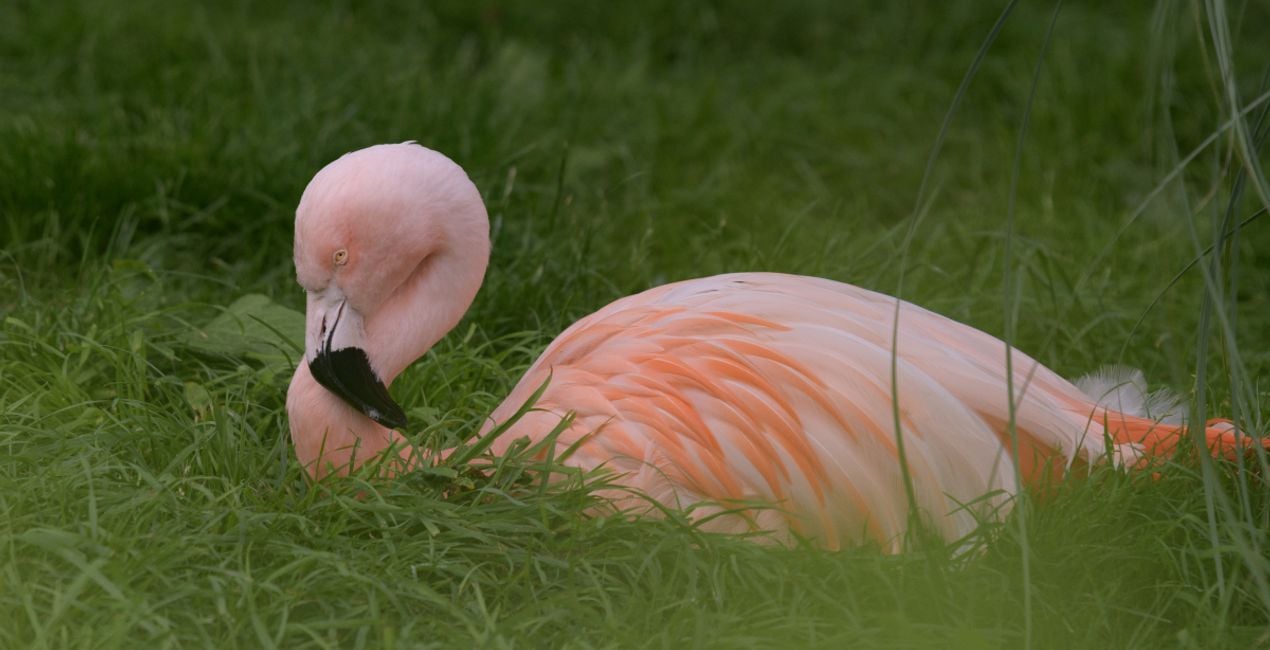
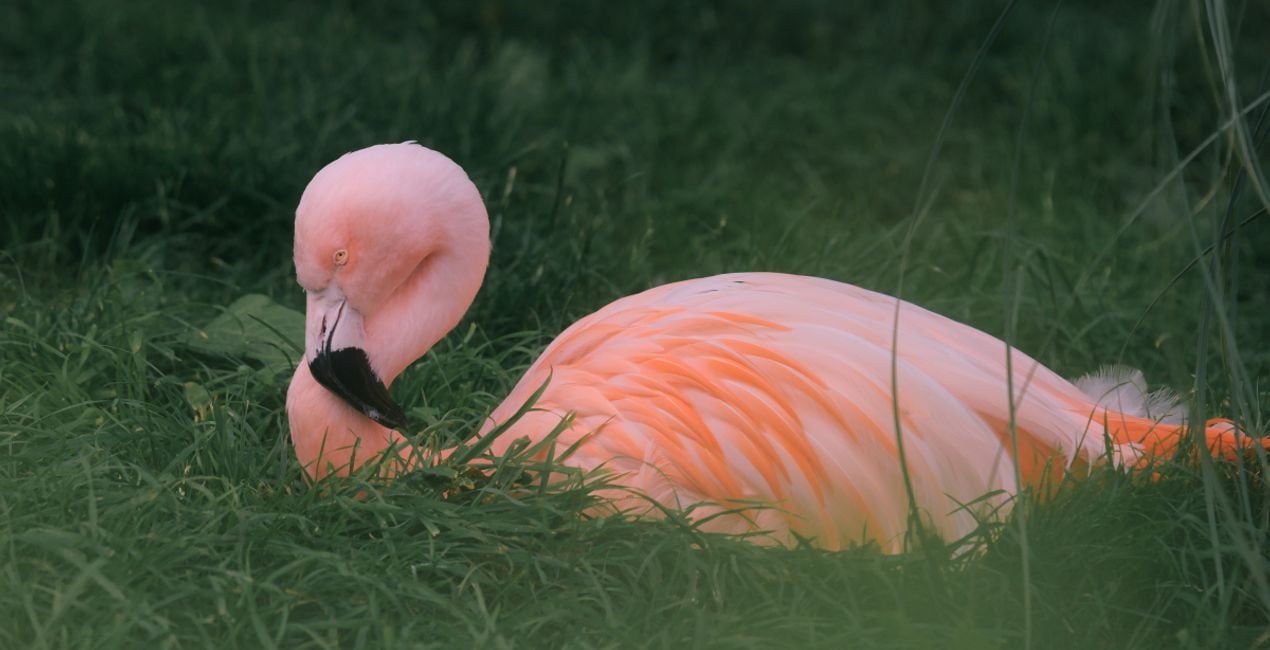
Flamingo: Make your photos stand out thanks to slightly darker toning plus enhanced contrast and depth.
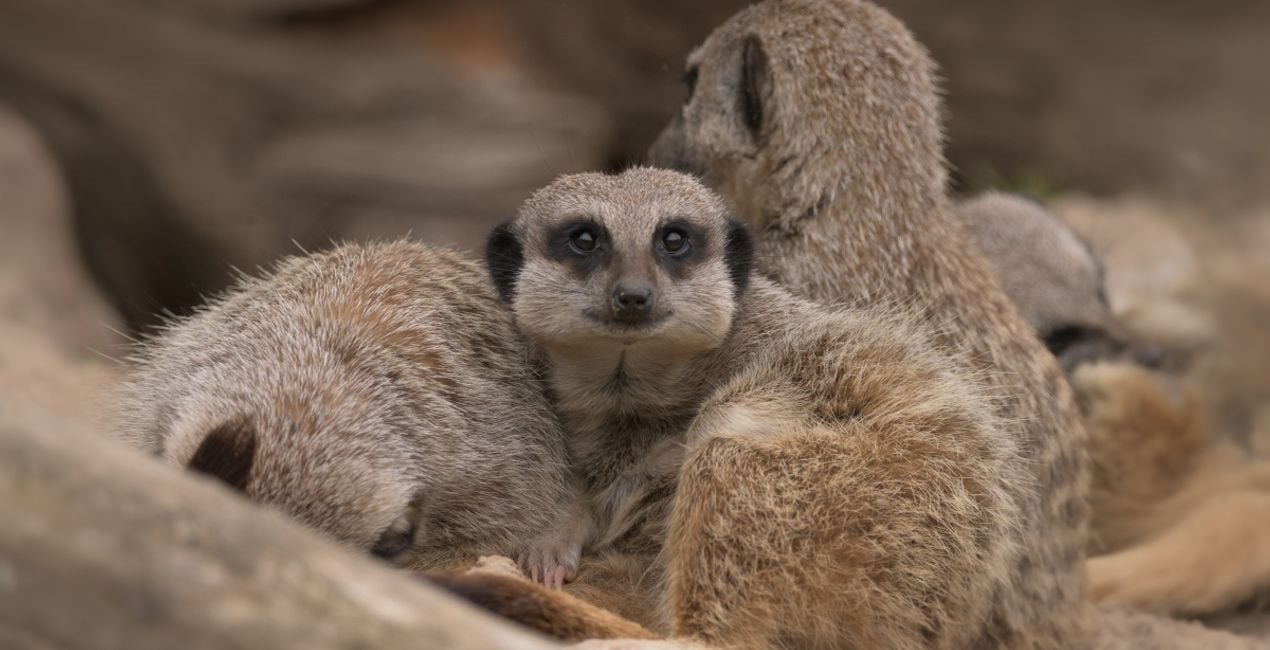
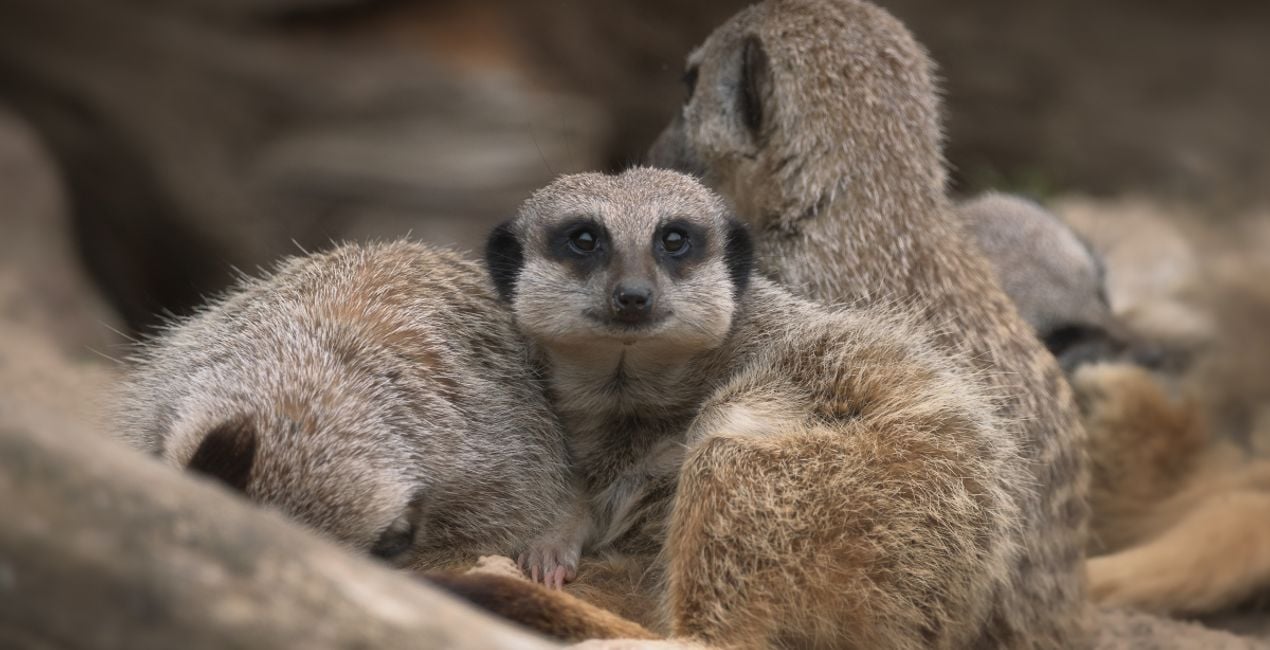
Soft Fur: This Template adds softness and glow, perfect for enhancing the fur of cuddly animals.
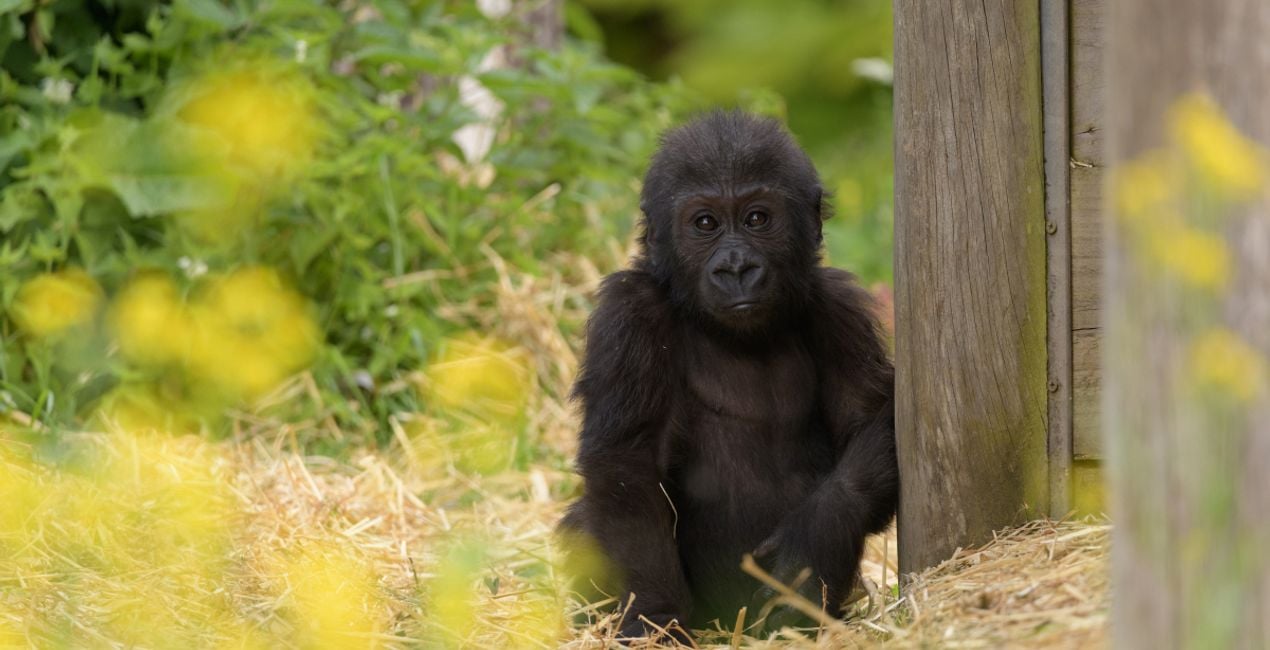
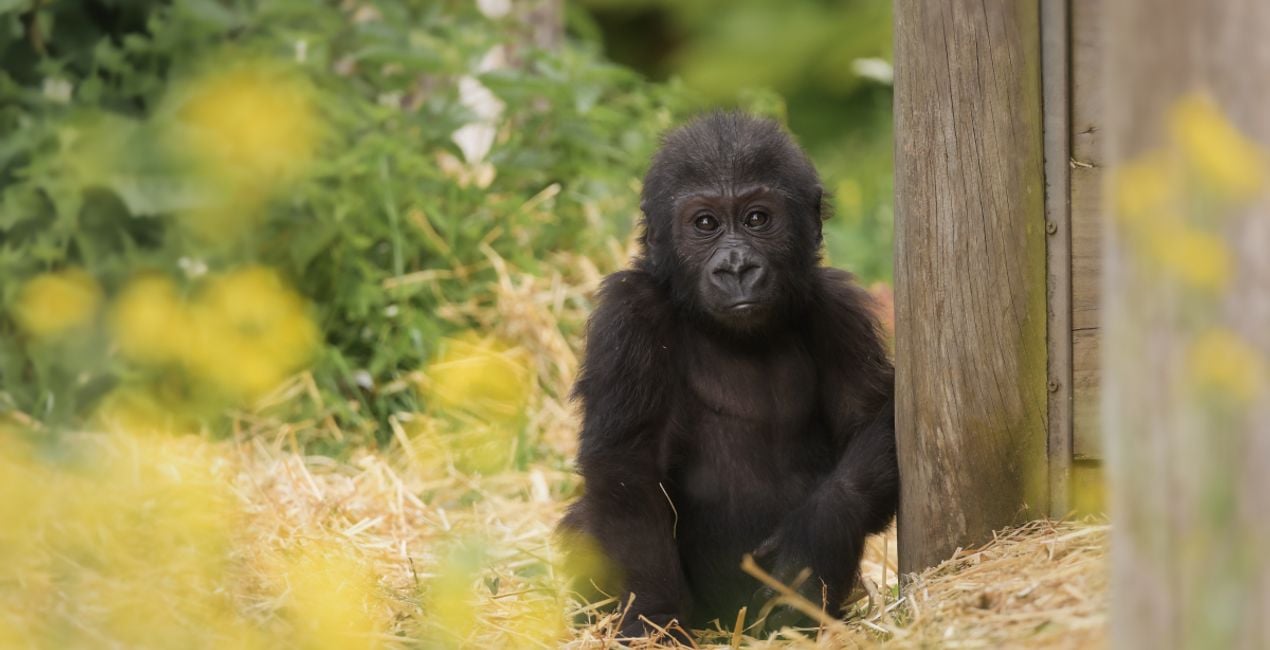
Gorilla: This Template adds a darker, more mysterious tone that adds drama and pulls the viewer in.
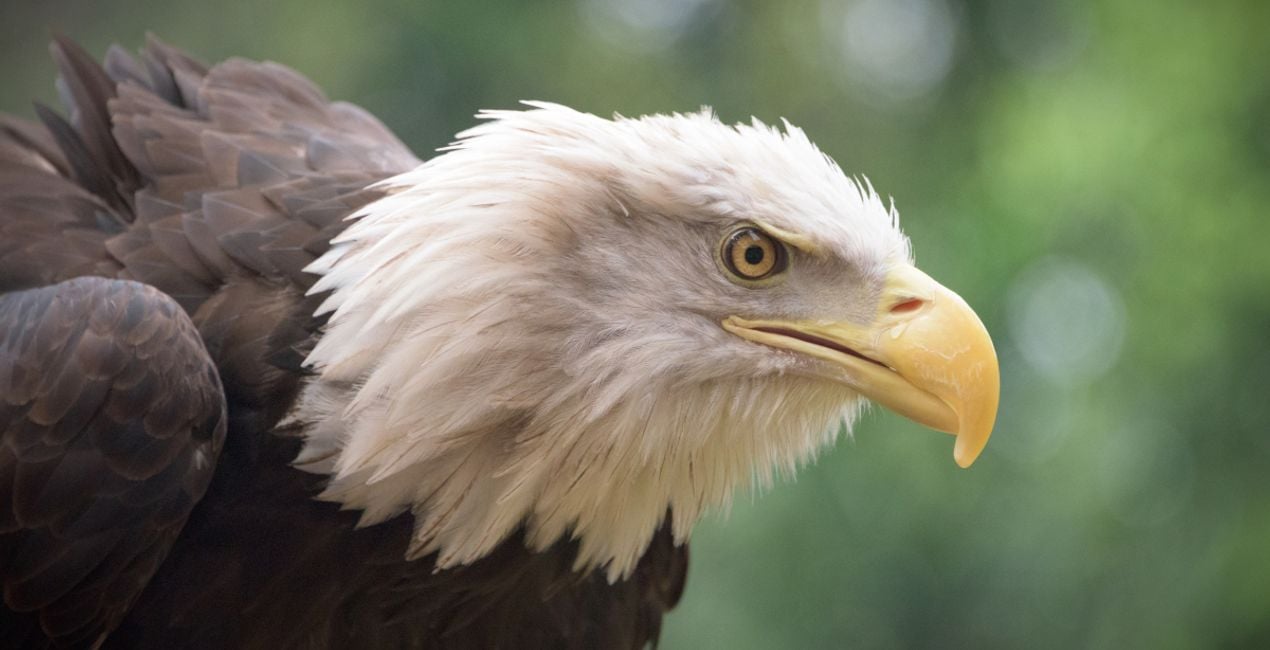
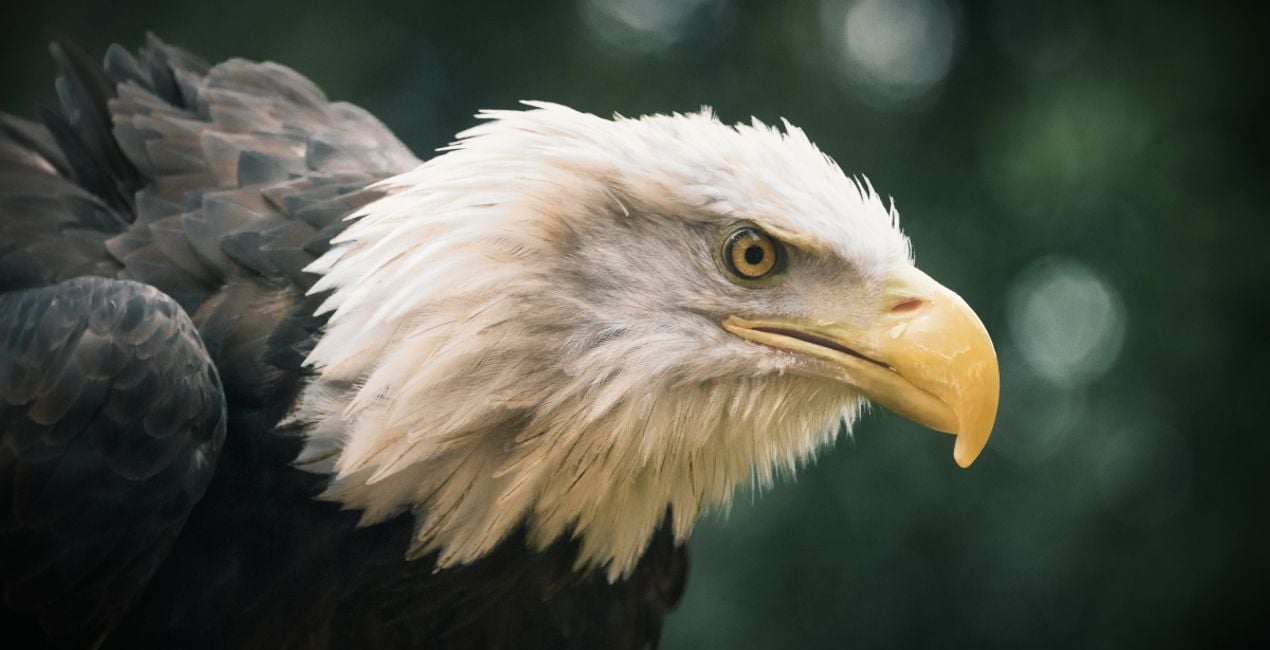
Rainy Bird: An atmospheric Template in cold tones and shadows that adds a gloomy mood to your photo.
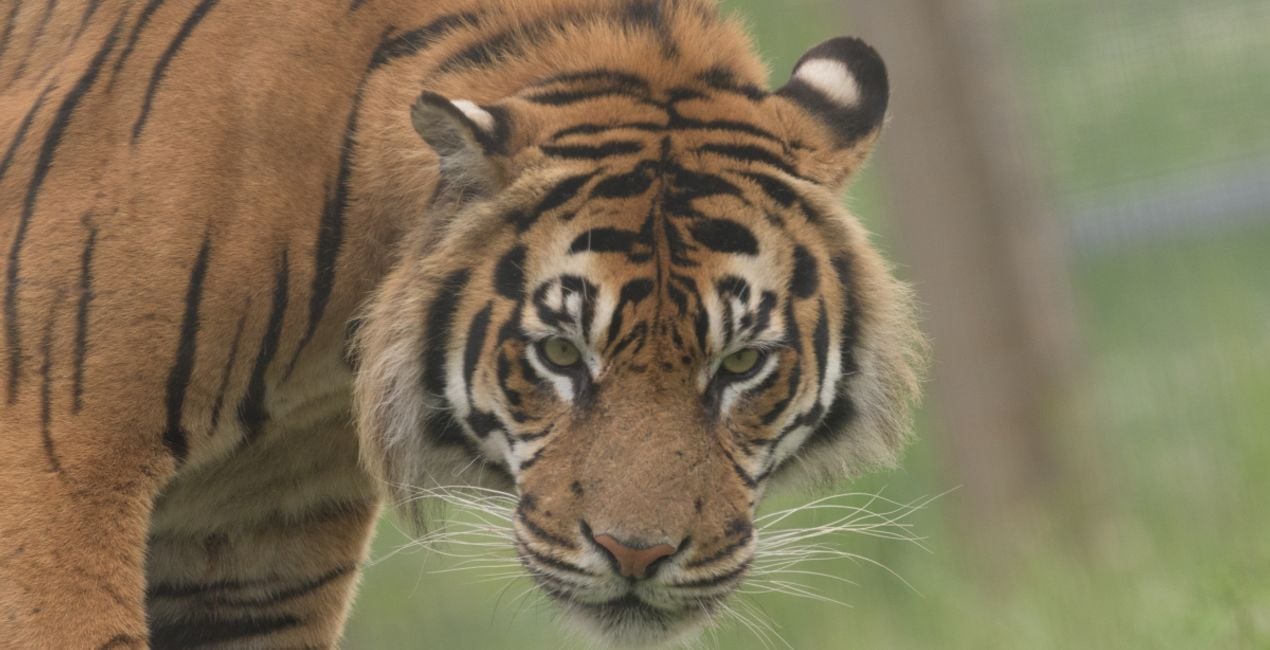
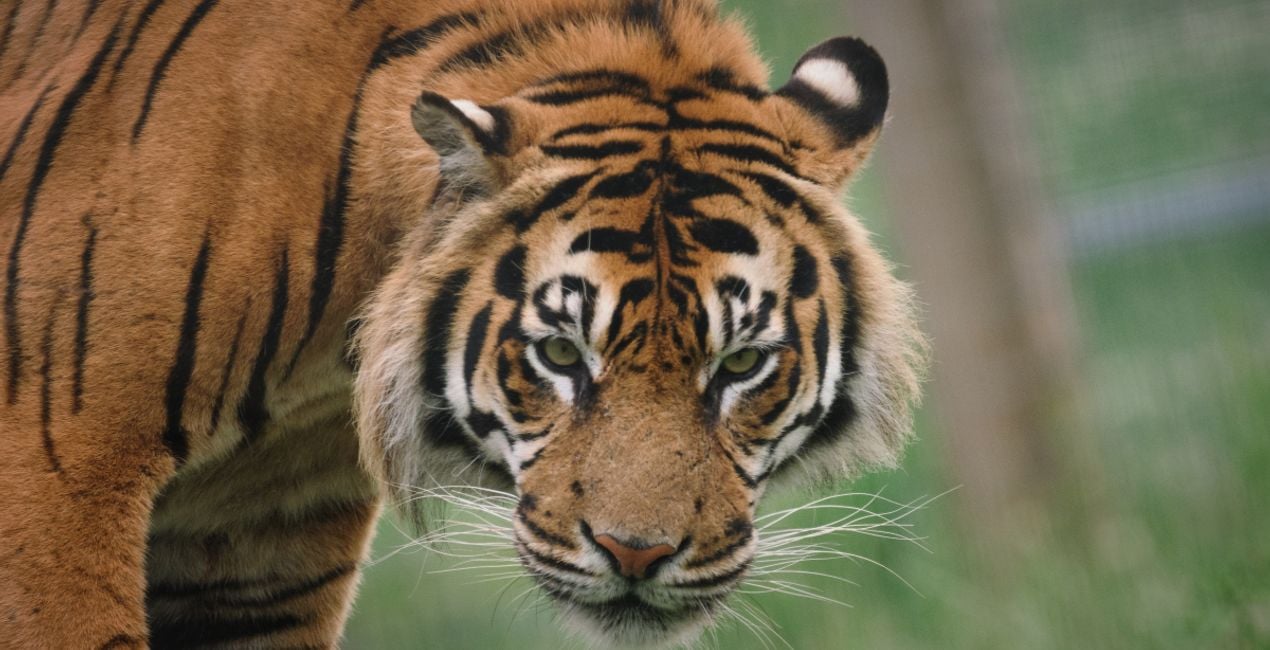
Tiger: Add contrast and color in one slide, making colorful animals stand out.
Meerkat: Elevate your subject by bringing a slightly darker toning to the background.
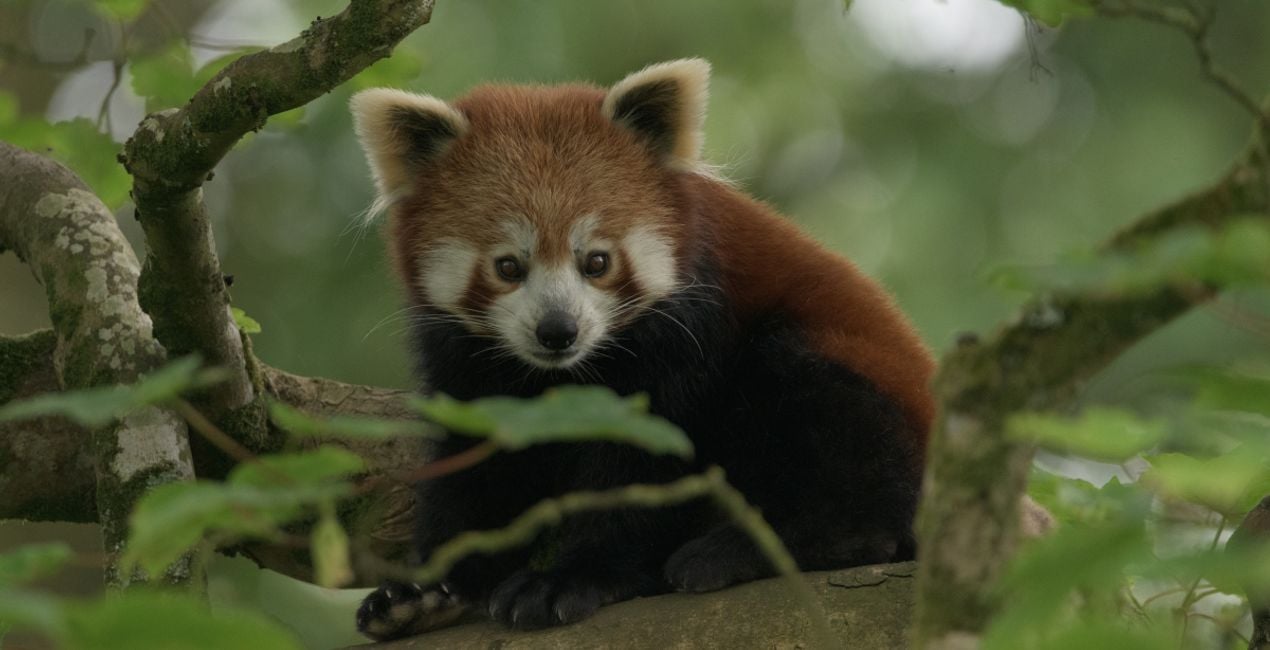
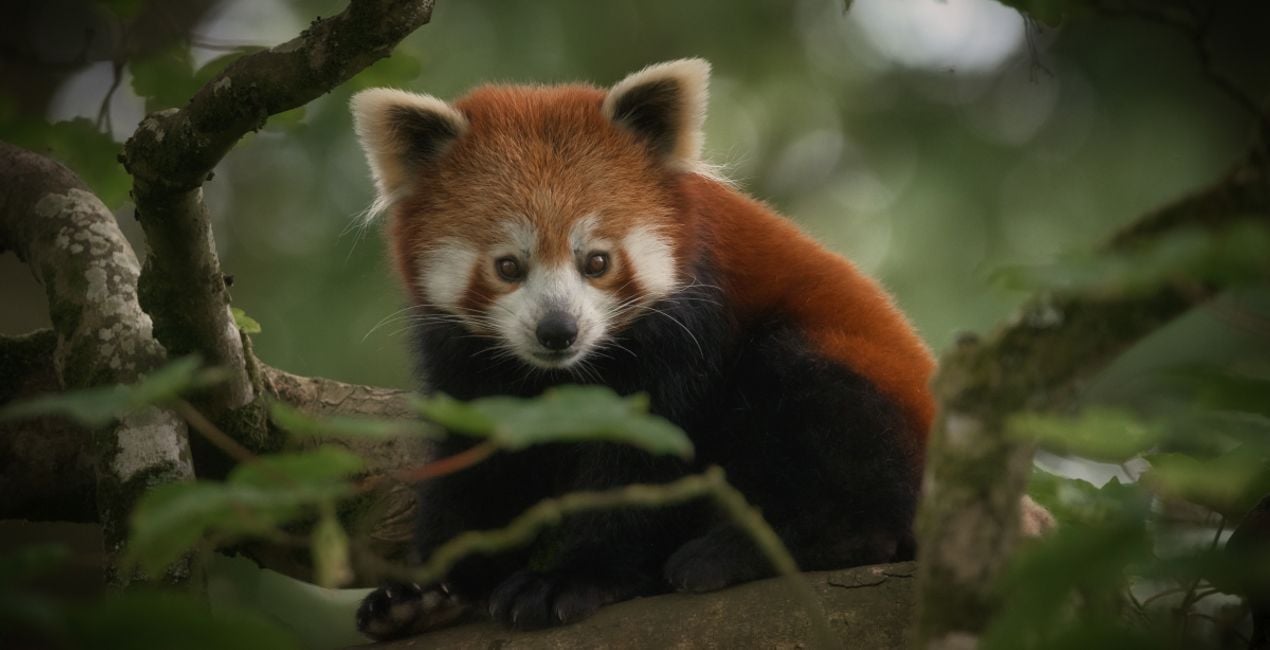
Red Panda: This Template enhances the contrast of the photo, adding an accentuating vignette.
Savanna: Bring a faded, subdued tone to your images for an atmospheric look.
Forest Bird: This rich Template adds drama and depth as well as a mystical glow.
Primates: A neutral tone that pulls the viewer toward the subject, with a slight vignette.
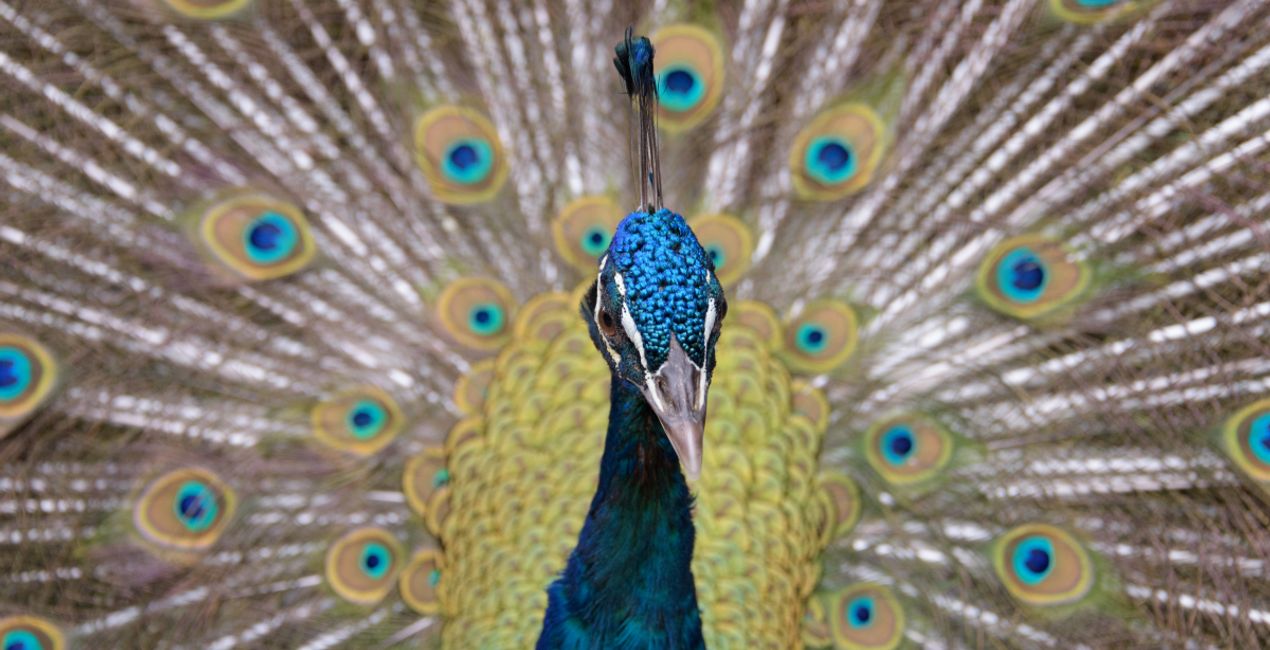
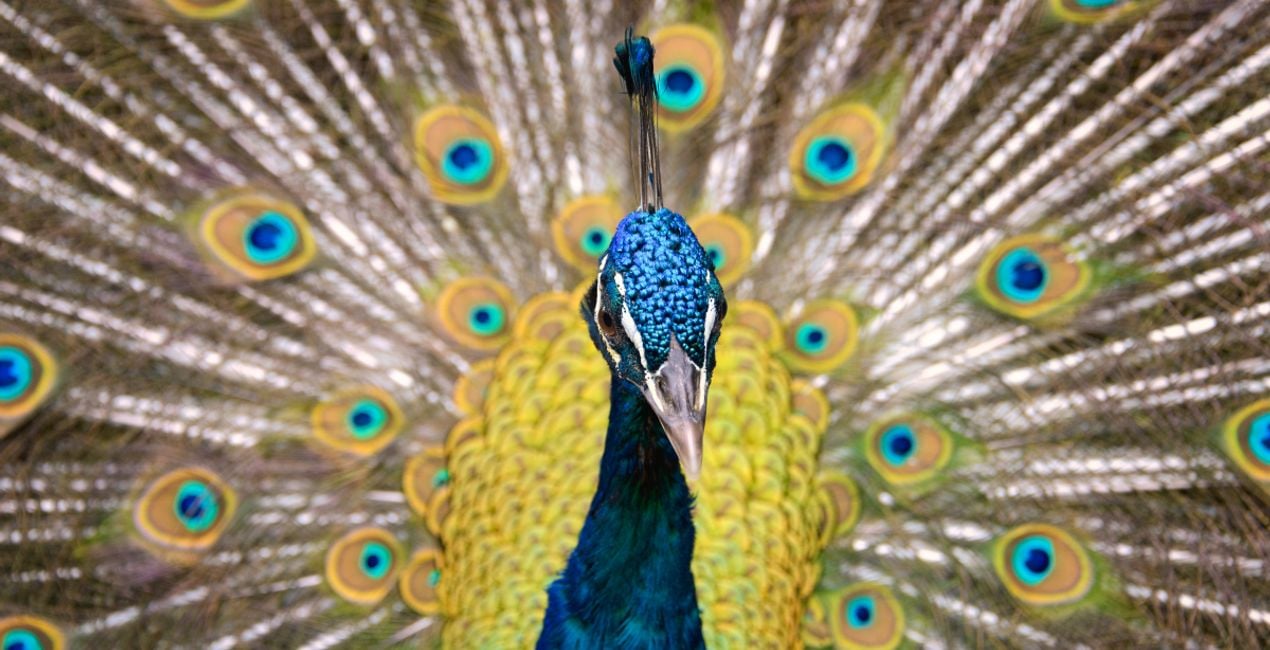
Peacock: Add a cheerful tone to your animal photos with this Template filled with bright colors and increased saturation.
Keep in mind that a Template’s default effect might be too strong for your photo.
If it is, simply bring it back a bit with the Amount slider.
Don’t forget to share your results! Use the hashtag #madewithluminar on social media so the Skylum Team can take a look at your work!
관련 제품


크리에이터
Mathew Browne
Photographer. Skylum Ambassador.
Mathew Browne is a cross-genre photographer who has gained recognition for his vibrant images spanning the spectrum of travel photography. A prolific traveler, Mathew has visited nearly 70 countries and photographs extensively for the photo location sharing platform PhotoHound, which he co-founded in 2018.
These Looks serve as the foundation for much of his wildlife portfolio, often allowing him to achieve his desired result with just one click.
고객 지원팀에 어떻게 연락하나요?
제품에 관한 문의 사항이 있으시면 24시간 지원팀에 연락하세요. 아래 링크를 따라가시면 됩니다.
Amazing Animals - Part II은 어떻게 구매하나요?
Amazing Animals - Part II을 구매하려면 다음 단계를 따르세요:
1. Skylum 마켓플레이스를 엽니다.
2. Amazing Animals - Part II이 표시된 탭으로 이동하세요. 해당 상품을 클릭하여 장바구니에 담으세요.
3. 장바구니로 이동하세요. 여기서 Amazing Animals - Part II의 구매 절차를 완료하세요.
4. 구매 후 Amazing Animals - Part II의 다운로드 링크가 포함된 주문 완료 이메일을 받게 됩니다. 또한 새로 구매한 항목은 Skylum 계정의 ‘내 애드온’ 탭에서 확인하실 수 있습니다.
Amazing Animals - Part II은 어떻게 설치하나요?
Amazing Animals - Part II 설치에 대한 자세한 안내는 다운로드 링크와 함께 발송되는 주문 처리 이메일로 보내드립니다.
또한 구매한 항목은 Luminar Neo에서 직접 설치할 수 있습니다: 기타 > 마켓플레이스로 이동한 후, 제품 카테고리를 선택하고 구매한 항목을 찾아 설치를 클릭하세요.
설치 후 Amazing Animals - Part II은 어디에서 찾을 수 있나요?
아주 간단합니다! 프리셋 탭으로 이동한 후 '구매한 항목'을 선택하세요. 설치된 프리셋이 여기에 표시됩니다.
Amazing Animals - Part II을 분실하면 어떻게 되나요?
걱정하지 마세요. Amazing Animals - Part II을 포함한 모든 구매 항목은 Skylum 계정의 ‘내 애드온’ 탭에 저장되어 있어 다시 간편하게 다운로드하고 이용할 수 있습니다.
Amazing Animals - Part II이 제 소프트웨어와 호환되는지 어떻게 확인할 수 있나요?
일반적으로 대부분의 항목은 Luminar Neo와 호환됩니다. 그러나 Amazing Animals - Part II이 귀하의 소프트웨어와 호환되는지 확인하려면 다운로드 또는 구매 전에 해당 제품의 사양을 검토하십시오. Amazing Animals - Part II 페이지 오른쪽의 ‘호환성’ 섹션을 확인하시면 모든 호환 제품이 나열되어 있습니다.


