

 적용됨
적용됨 



어메이징 애니멀
Save $201 $ 16 .15 $ 19 .00
이 14가지 시그니처 룩은 야생 동물의 아름다움을 전달할 수 있어 여러분의 이미지를 매혹적인 예술 작품으로 바꾸는 데 도움이 됩니다. 동물원과 수족관 내부에서 사진을 찍거나 집에서 더 가까운 야생동물 사진이든 상관없이 모든 사진에 잠재력을 발휘할 수 있도록 도와주는 룩을 찾아볼 수 있습니다.
포함되어 있는 사항
14 Templates. Compatible with JPEG and RAW images.

RAW 파일을 사용하면 간편하게 리터치 기법을 연습하고 멋진 사진을 편집하는 방법을 배울 수 있습니다.
 >
>
 >
>
 >
>
 >
>
 >
>
 >
>
 >
>
 >
>
 >
>
 >
>
 >
>
 >
>
Capturing wildlife shots can be one of the most challenging disciplines in photography.
Photographing animals is a genre where hard work is rewarded — whether your feat of endurance is carrying a large telephoto lens around a zoo or spending hours in a hide awaiting the magic moment.
While capturing the shot is hard enough, use these Looks to let your editing be the easy bit! In Amazing Animals, my second Signature Looks pack, I’ve assembled some core Looks that I use extensively to edit wildlife photos.
These Looks will help you transform your images into captivating artworks that convey the beauty of wildlife.
How to use these Looks:
Sometimes a Look can be too strong, in which case simply dial it down a touch with the Amount slider.
You can also adjust the sliders of individual adjustments to taste. I constantly use these Looks in my work - sometimes they result in one-click edits; sometimes I need to spend a moment or two checking that each slider is just right for the image.
This pack features 12 of my favorite Core Looks for animal photos. They’re suitable for exotic animals in the wild, in zoos, and in aquariums, for domestic animals including livestock, and for wildlife such as birds and insects.
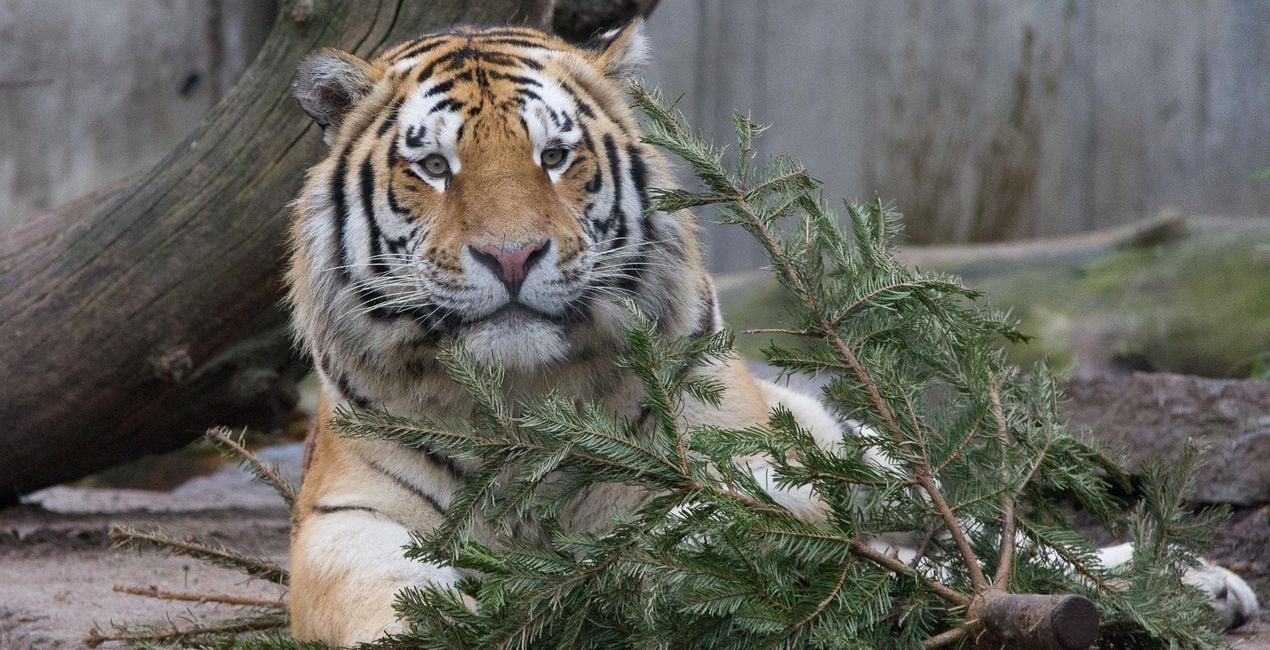
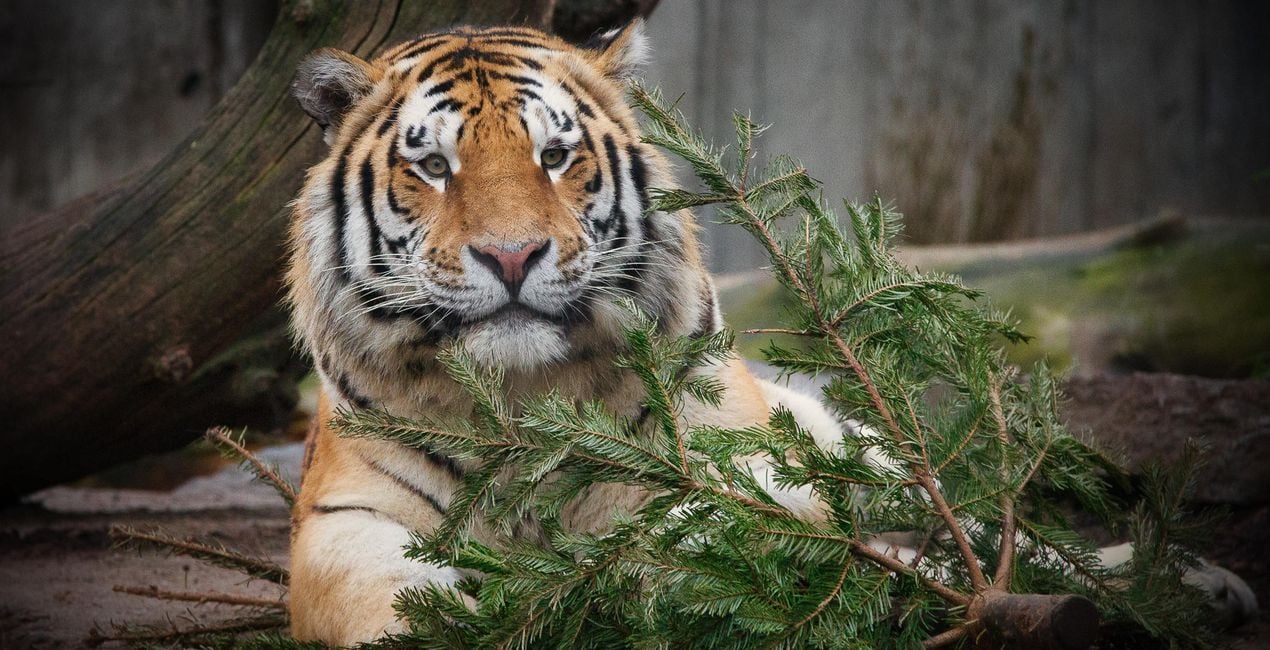
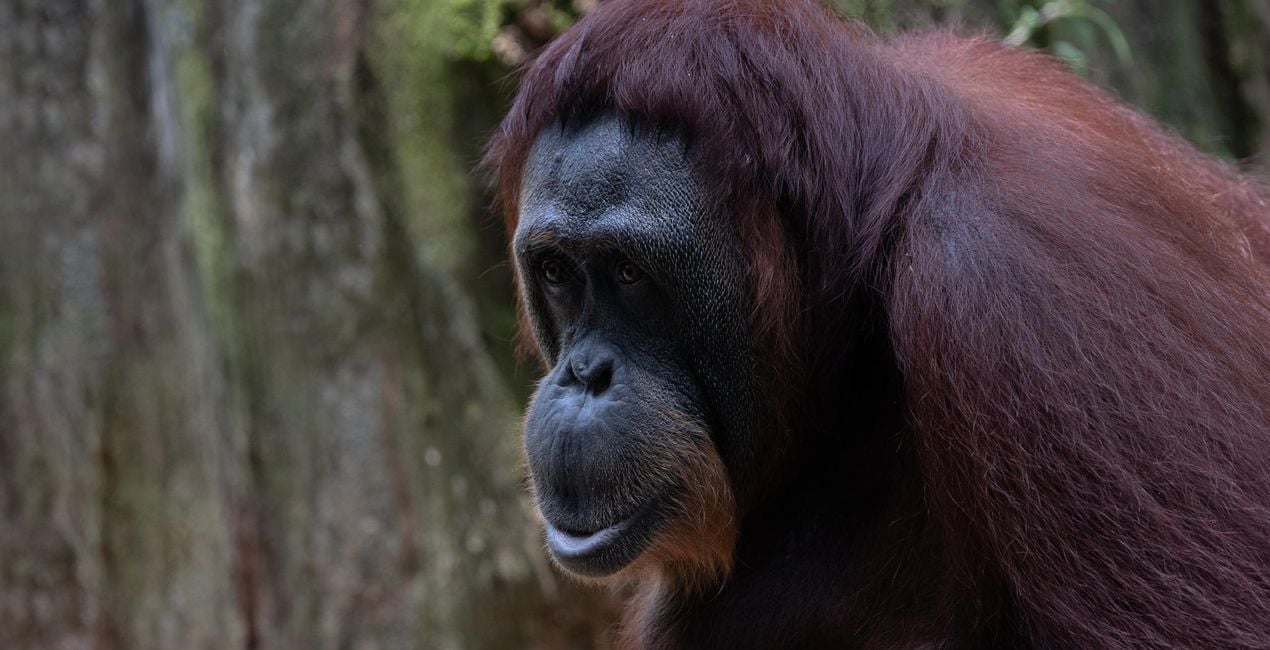
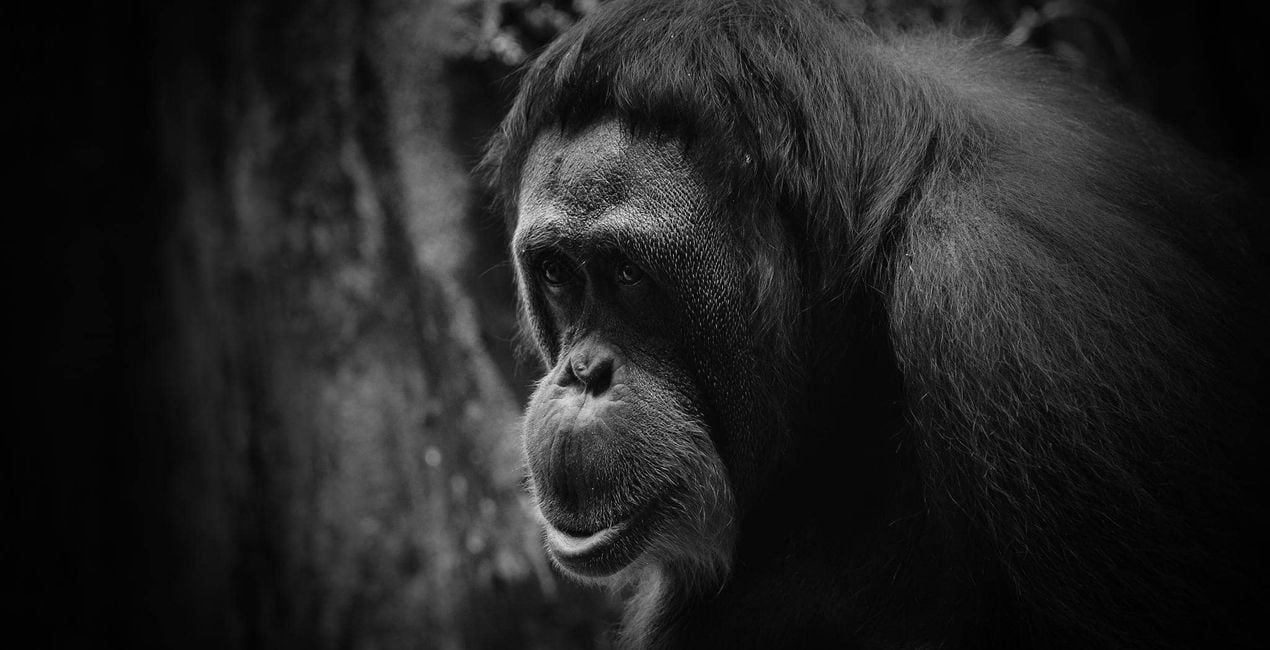
Animal B&W. This dramatic Look works particularly well with animal portraits, adding strong contrast and sharpening and drawing the viewers’ eyes towards the subject.
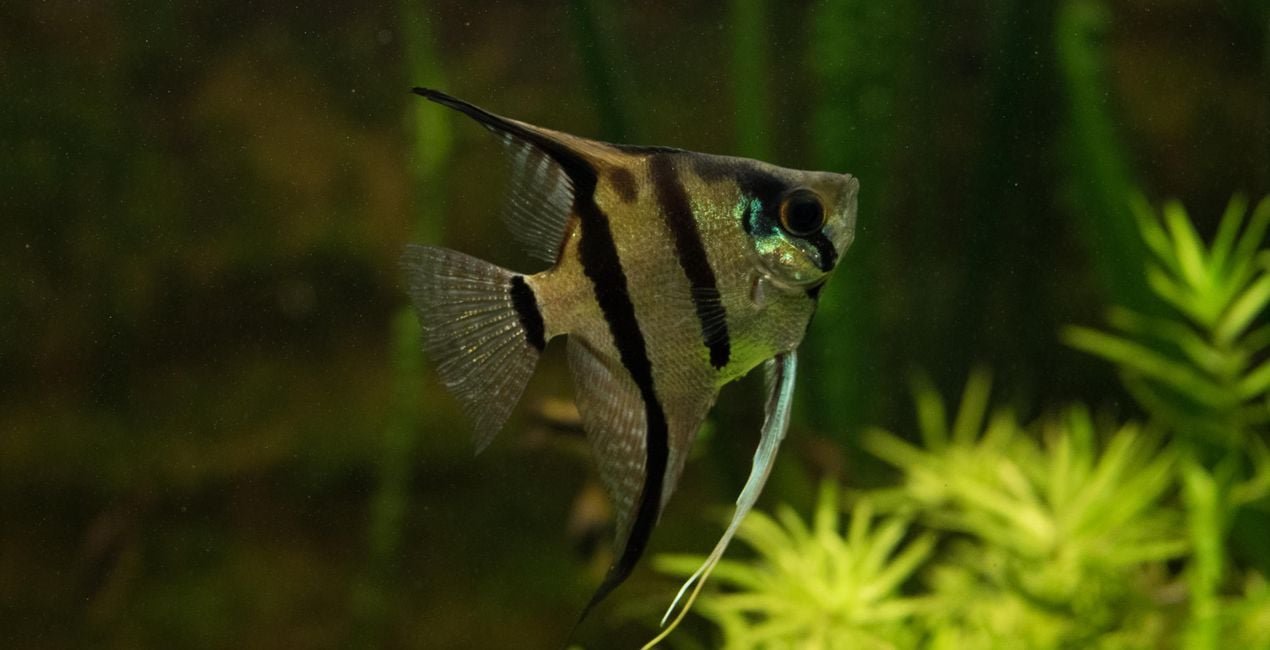
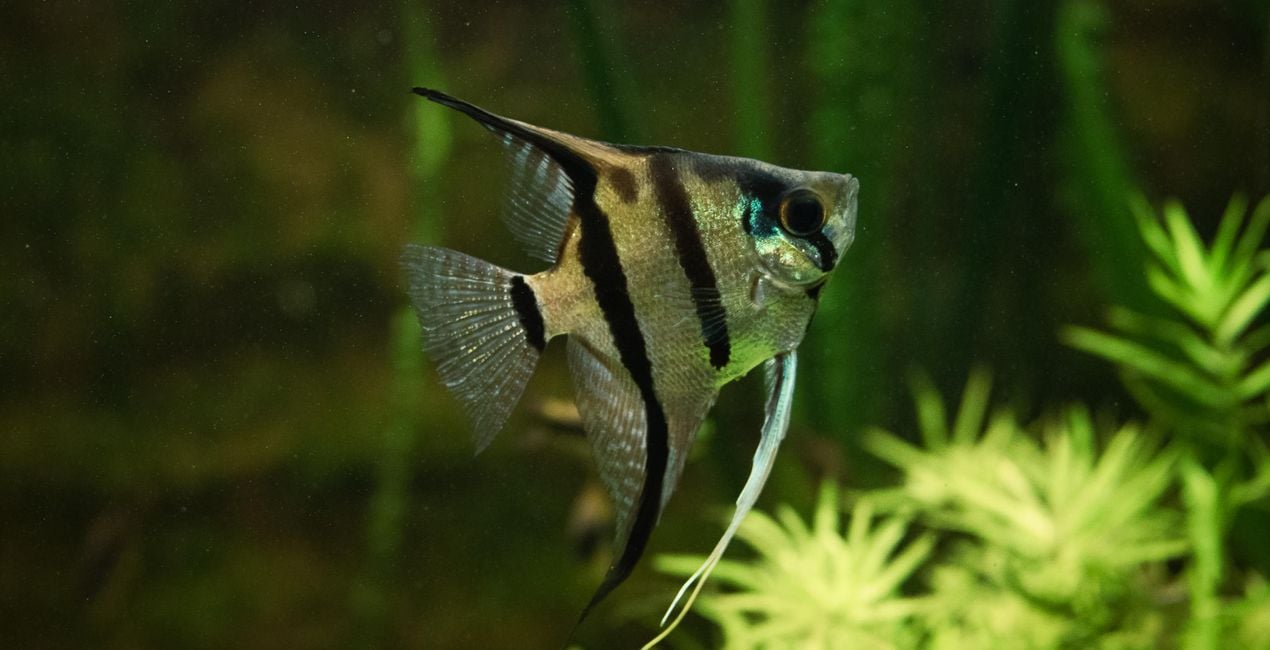
Aquarium. This Look removes much of the blue cast and adds a subtle earthy tone and dreamy glow to the image. If you’re shooting underwater, move the sunrays to the appropriate location or simply turn this filter off if it doesn’t work for you.
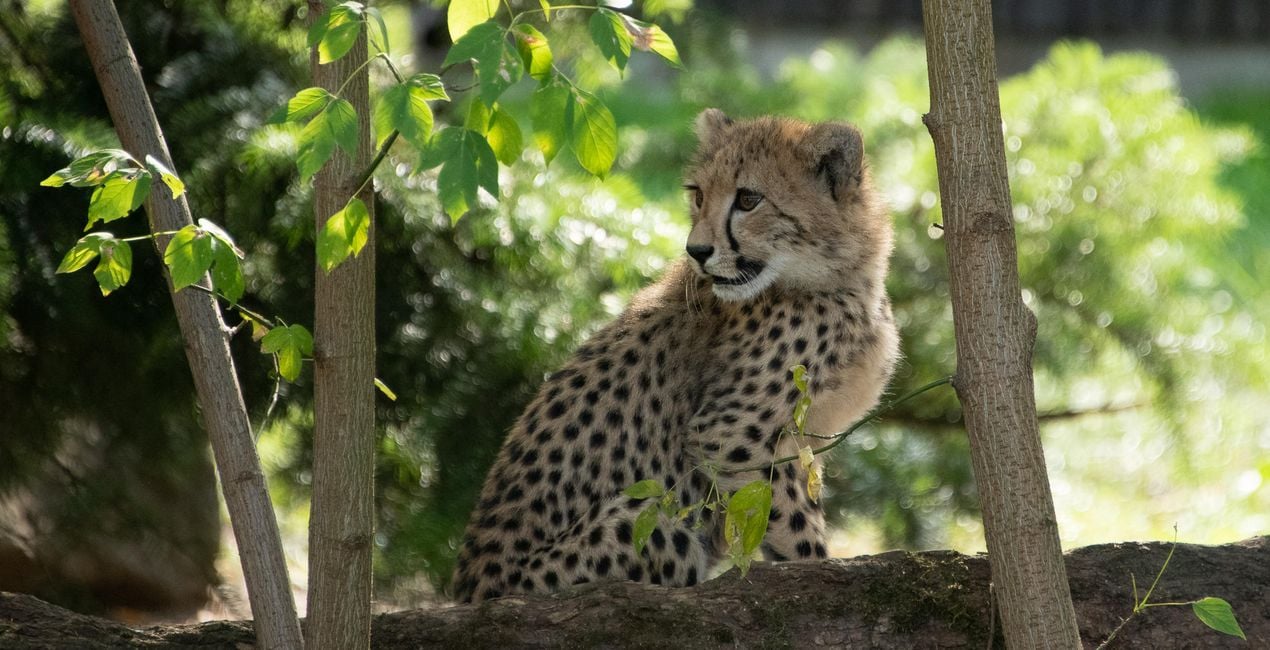
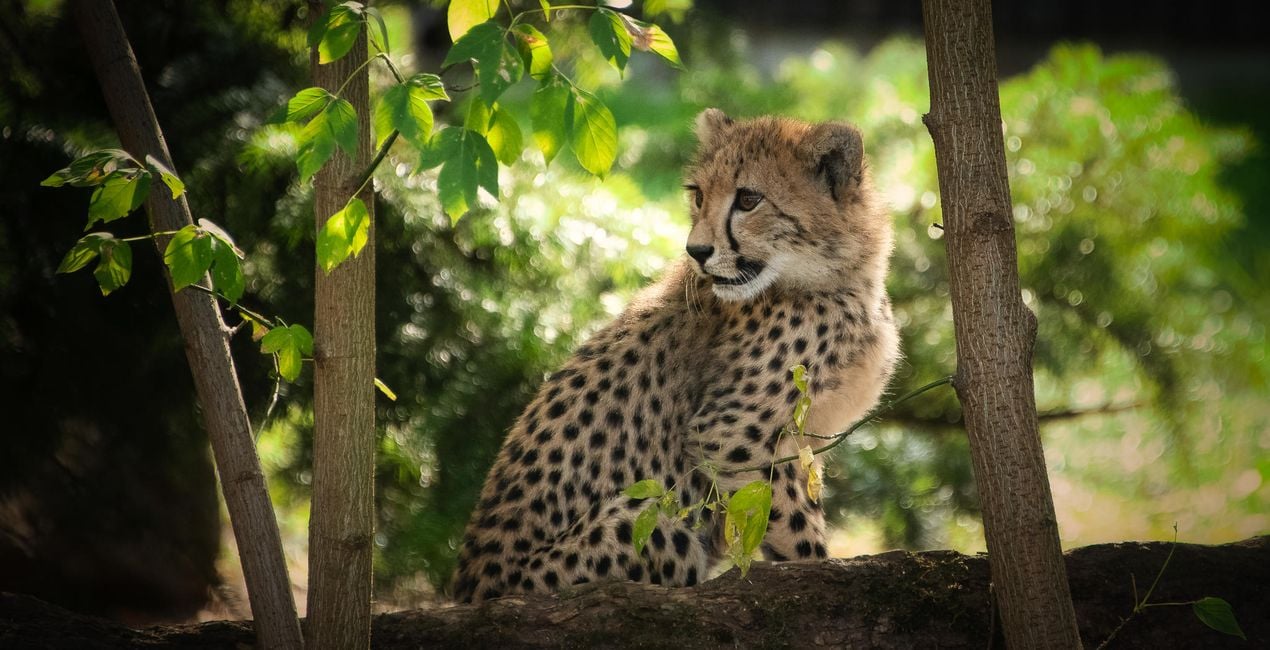
Big Cat. Enhance the colors and character of your subject with this Look that gives a subtle warmth and glow to your image.
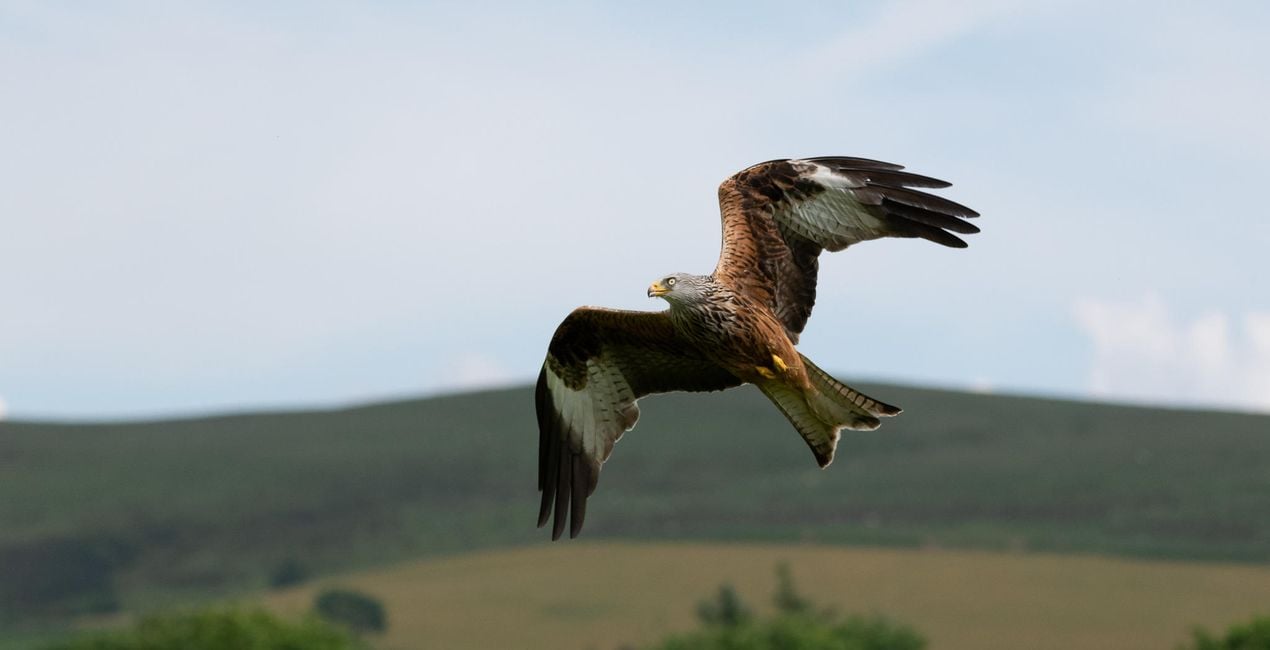
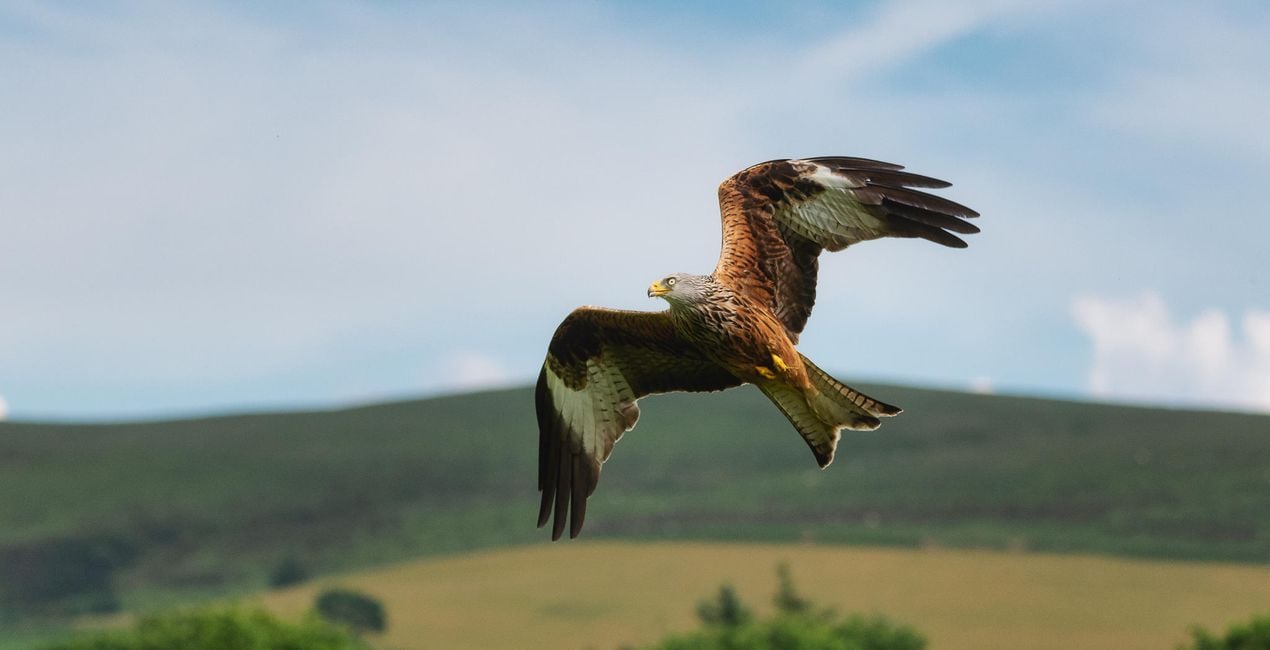
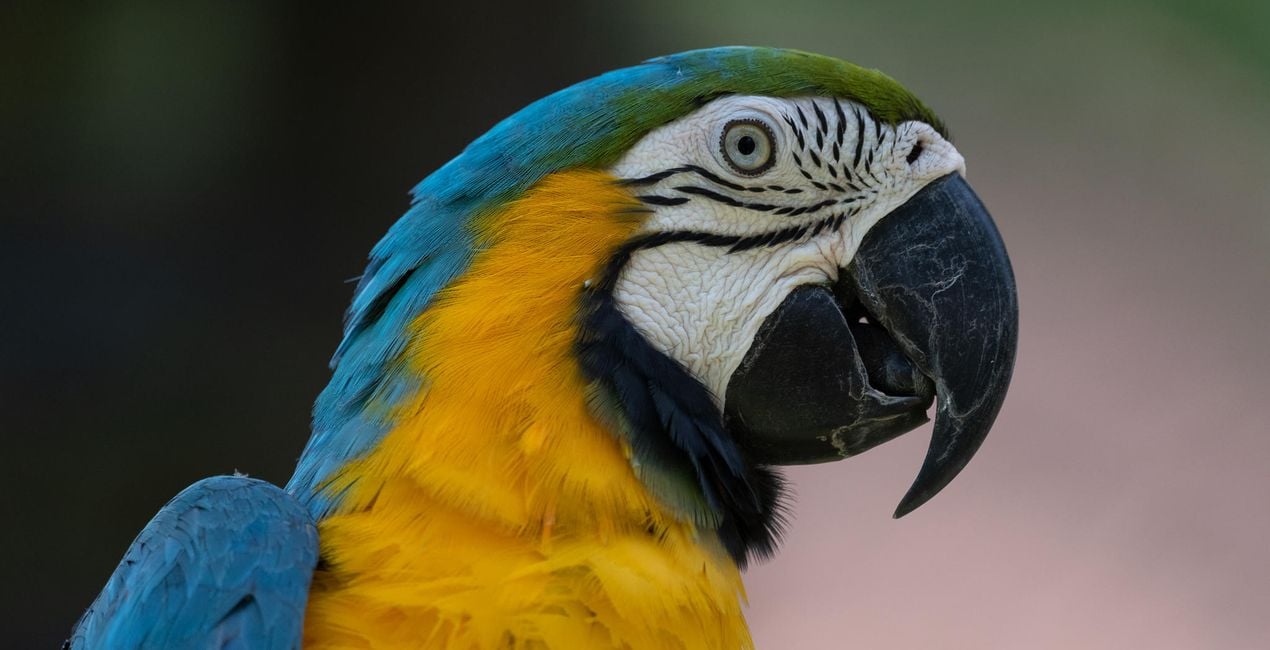
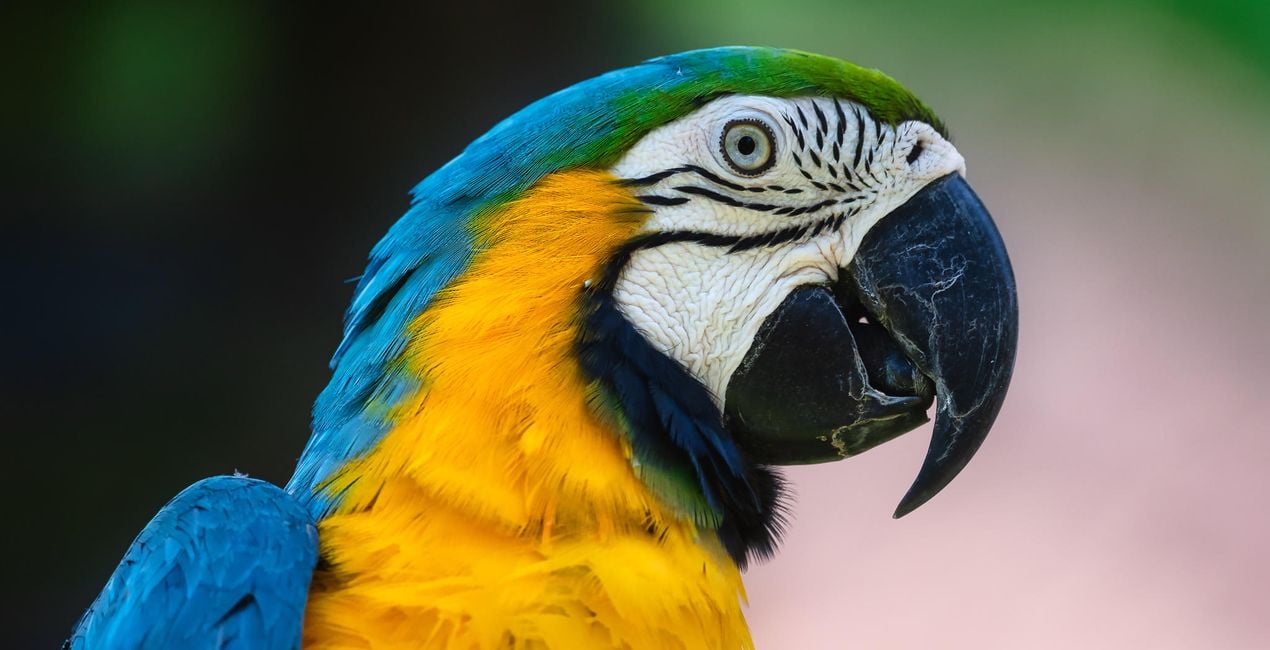
Bird. Make feathers pop with a significant color boost and strong sharpening.
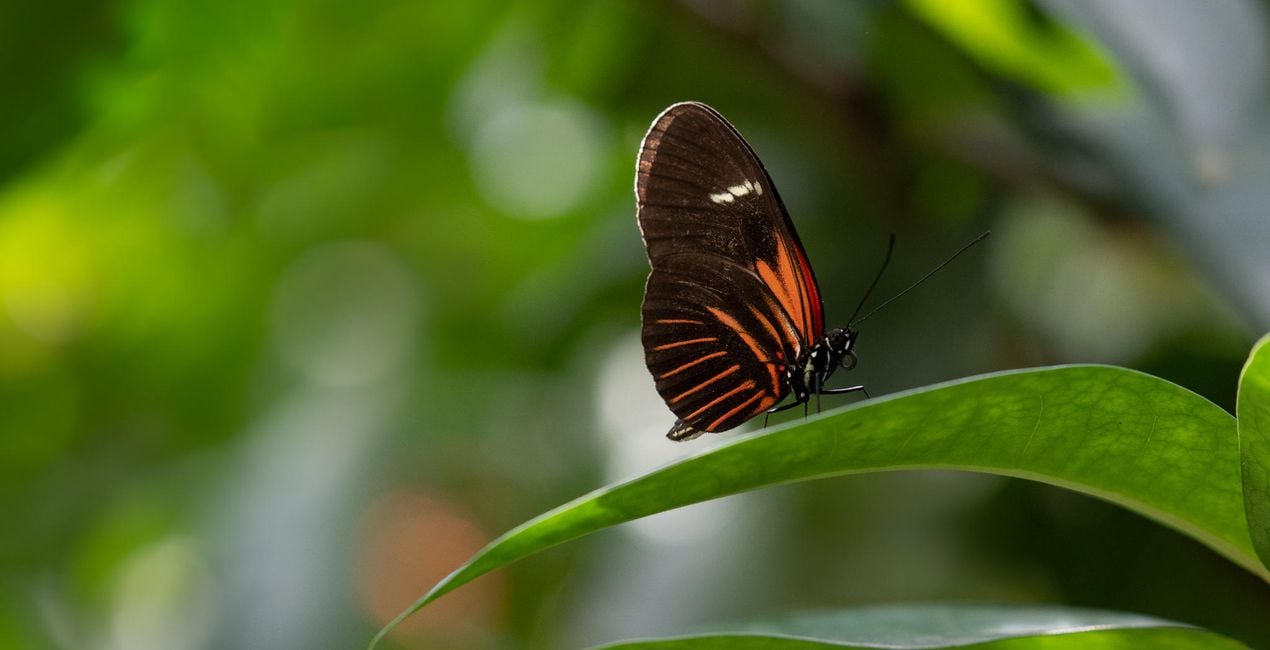
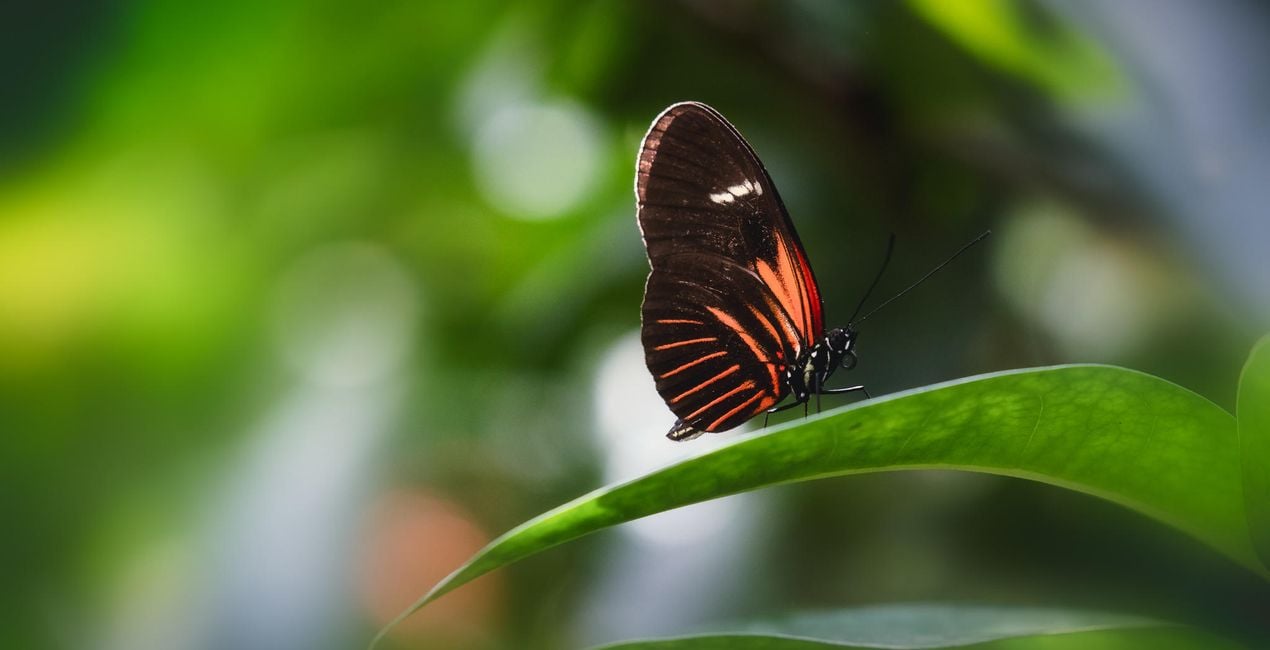
Butterfly House. Perfect for the interiors of butterfly houses, which are typically climate-controlled and a little misty. This Look dehazes your image and improves the color contrast. It also slightly mutes the green tones to ensure your subject is the center of attention.
In Flight. This Look improves the detail and contrast of your subject while adding a colorful punch to the background using Luminar’s AI functionality.
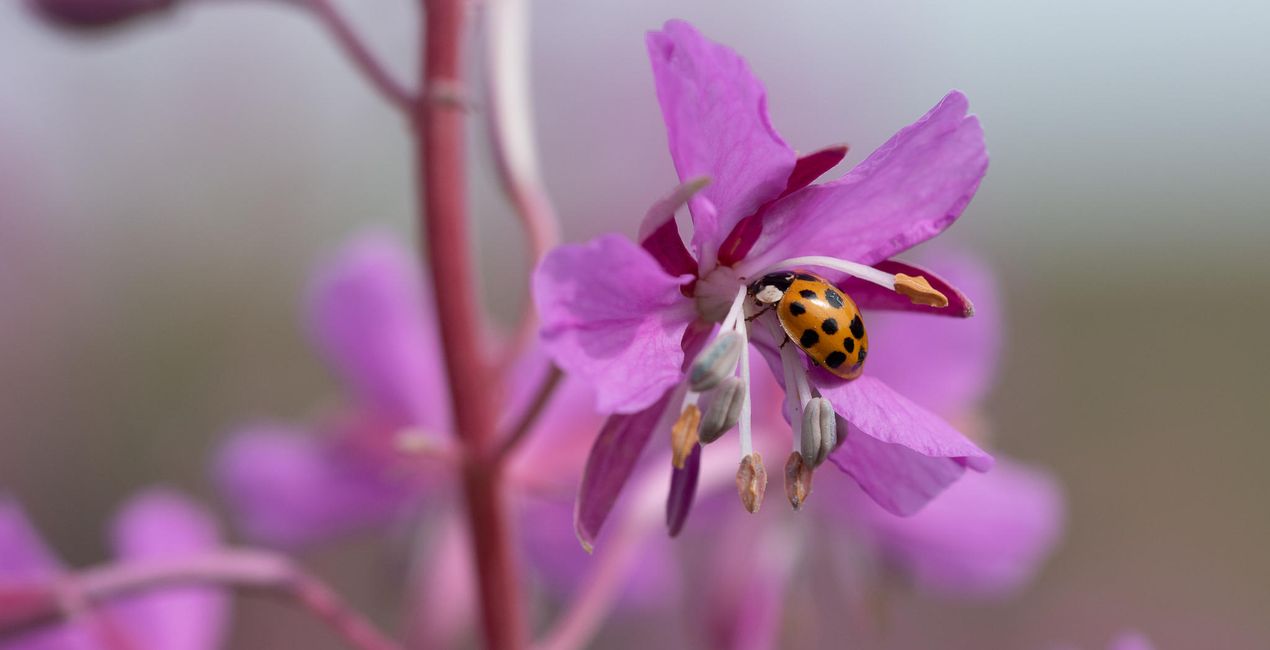
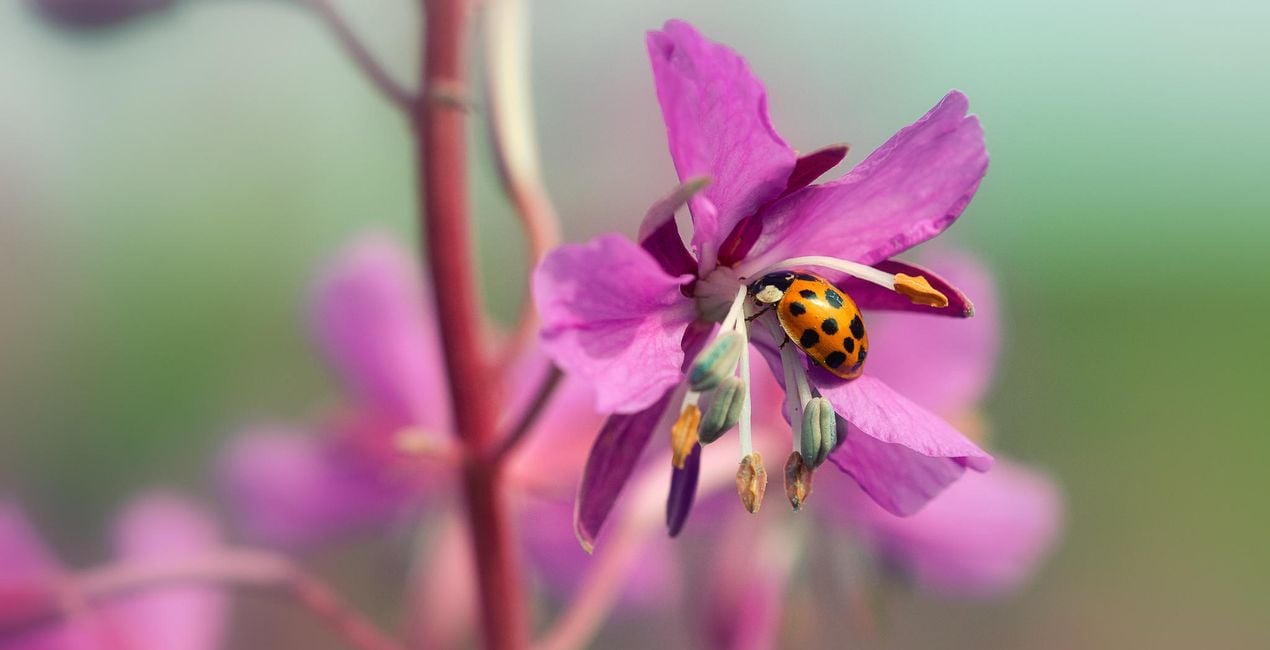
Ladybug. This Look works for insects photographed close-up using a telephoto or macro lens. It dramatically enhances details and contrast and introduces a big color boost.
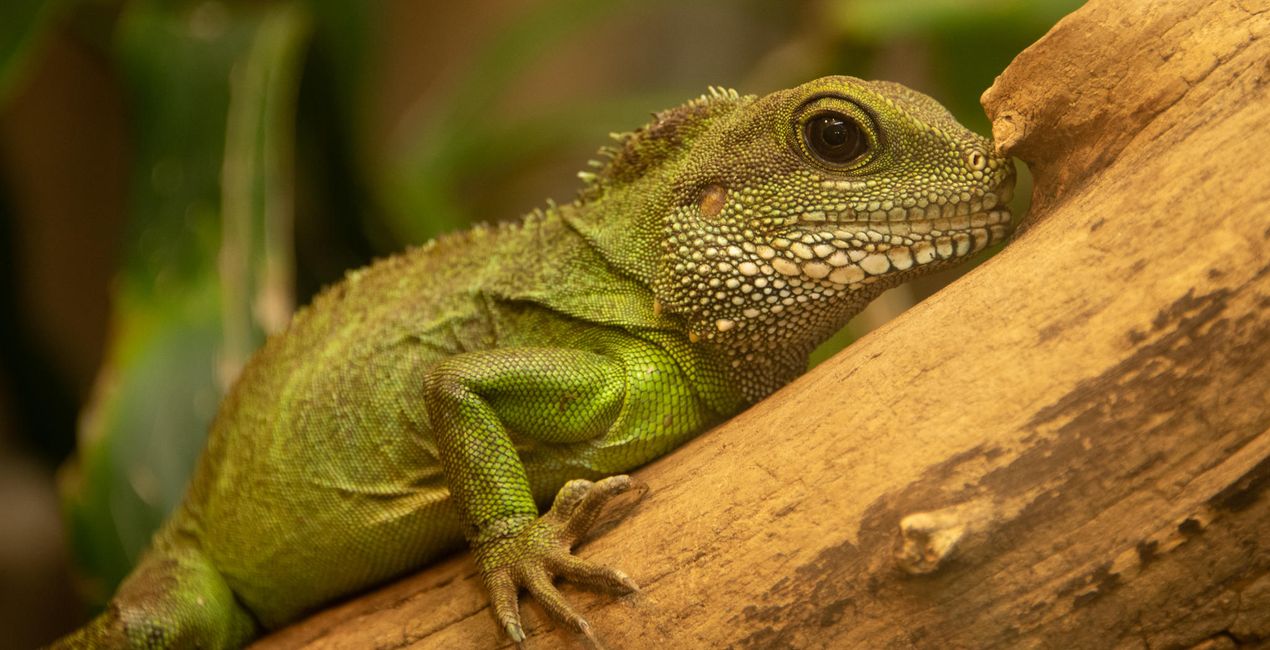
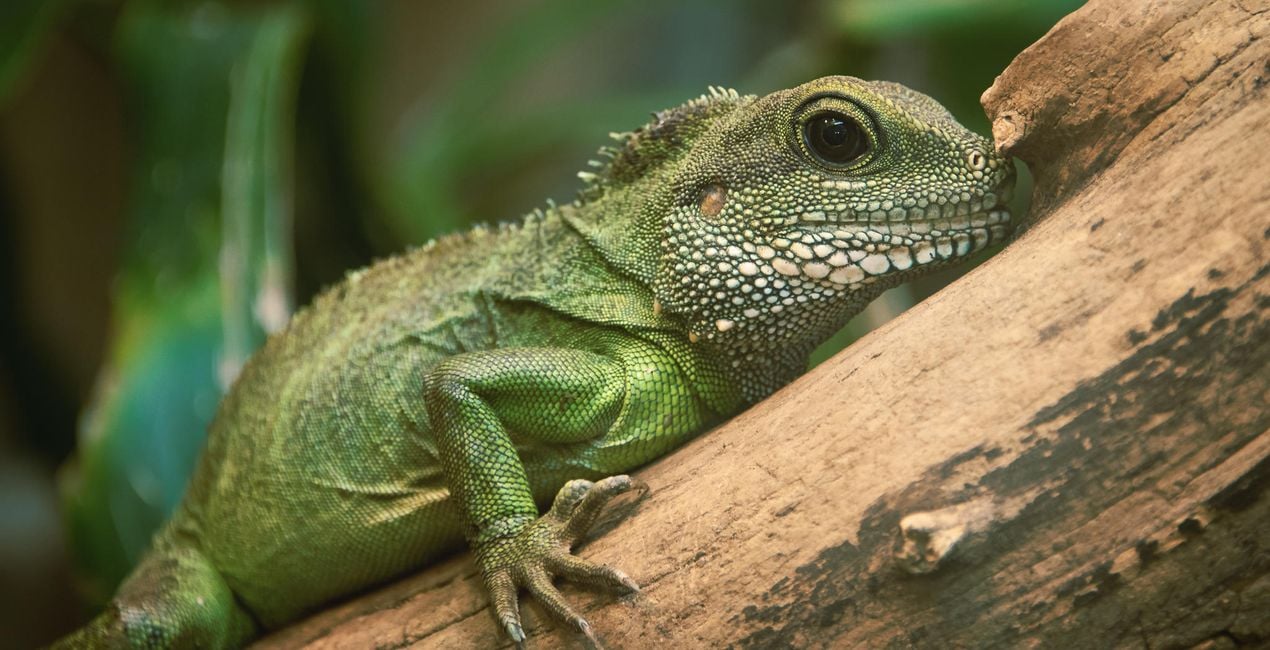
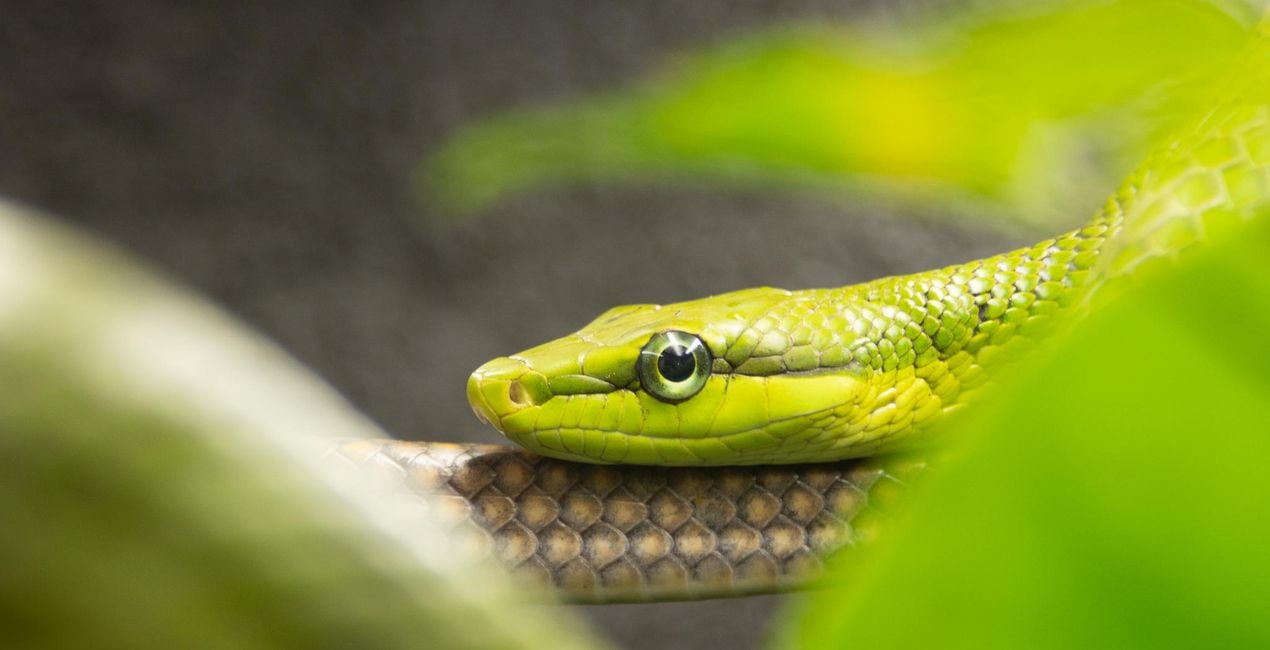
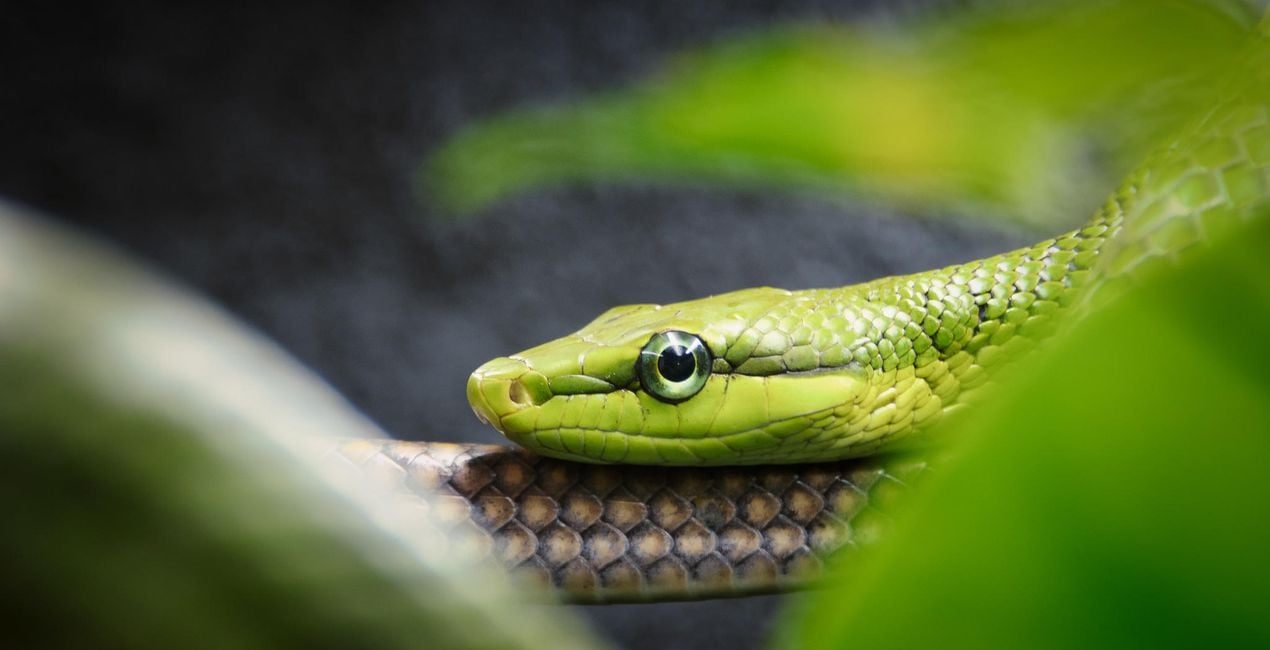
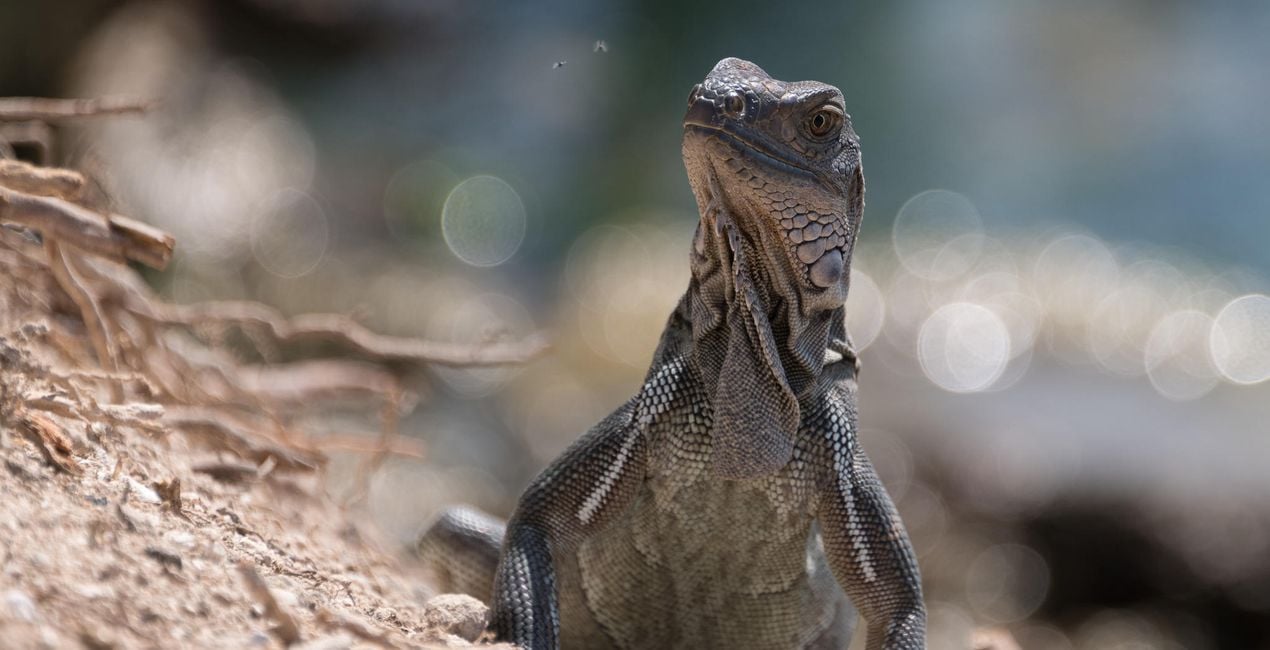
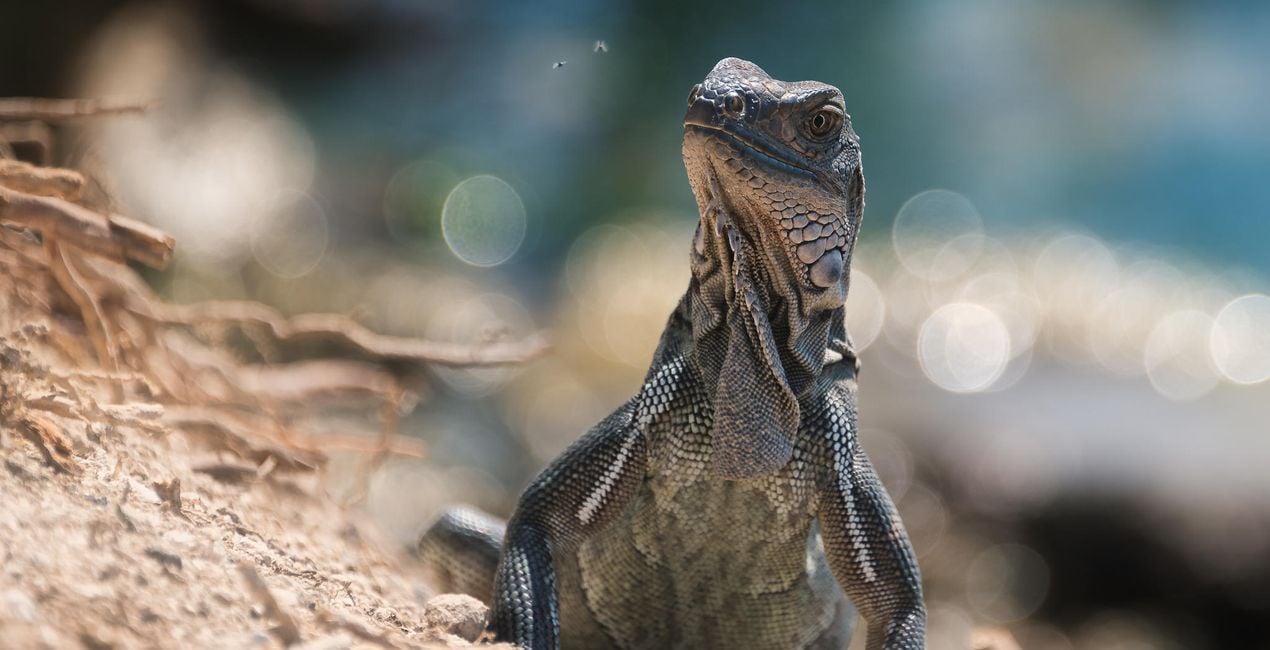
Reptile. Add detail, contrast, and structure to a reptile’s scales with subtle split toning to separate warm and cool tones.
Rustic Look. A simple Look to give animal portraits a warm, earthy tone.
Snake. A moody Look where green tones are emphasised and artificial lighting is stripped back.
Vivarium. Indoor vivariums can be a challenge to shoot: you’re typically shooting through glass and have lighting or heat lamps to contend with, which add a warm cast to your images. This Look strips out that color cast and adds some contrast and dehazing for a more natural and pleasing result.
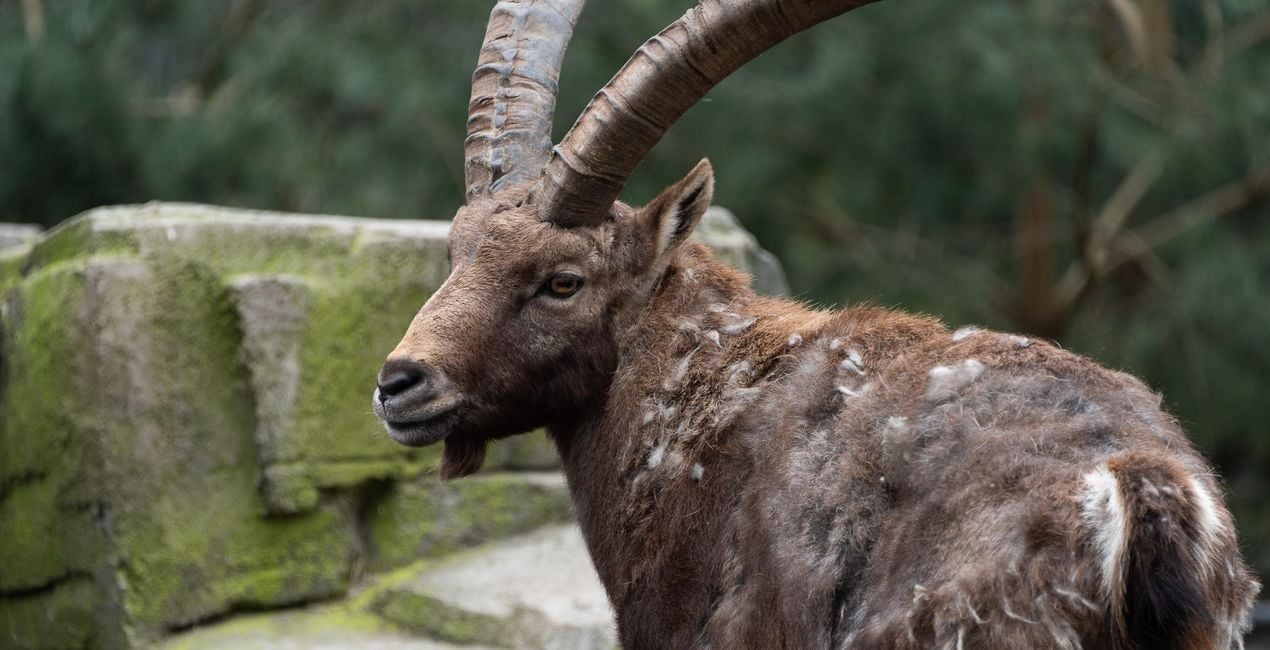
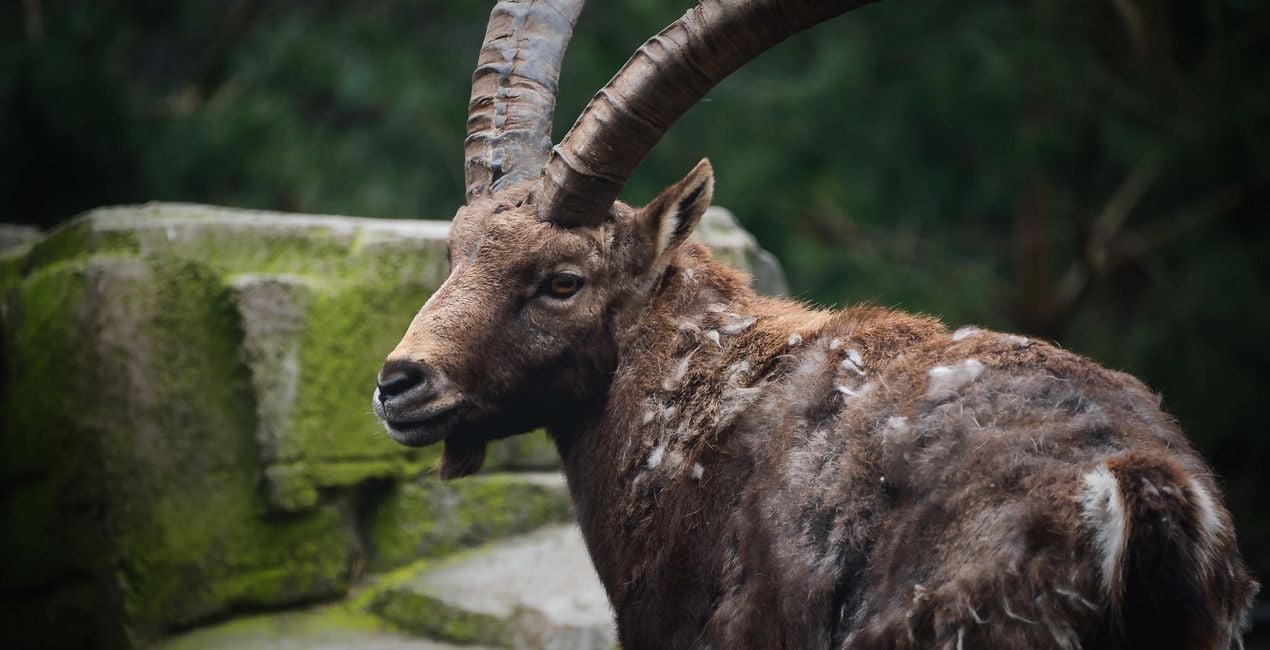
Zoo. This Look adds warmth to overcast conditions and improves the color tone using Luminar’s AI functionality.
Also in this pack you'll find 2 bonus Looks, which are my secret weapon for making my wildlife photos pop! Simply create a new adjustment layer and apply one of these Looks to it. Next, apply a radial mask to your subject and it will be beautifully isolated from its surroundings.
Bokeh Bright. Add a dreamy, glowing surround to your subject. This works especially well for high-contrast images taken in daylight. The ideal shot will have lots of colorful foliage that will be attractively blurred.
Bokeh Dark. This Look adds a dramatic vignette. It works best on low-contrast color or black and white images.
Share your work! Use the hashtag #amazinganimalsluminar on social media so Mathew and the Luminar team can enjoy looking at your results!
Photographer. Skylum Ambassador.
Mathew Browne is a cross-genre photographer who has gained recognition for his vibrant images spanning the spectrum of travel photography. A prolific traveler, Mathew has visited nearly 70 countries and photographs extensively for the photo location sharing platform PhotoHound, which he co-founded in 2018.
These Looks serve as the foundation for much of his wildlife portfolio, often allowing him to achieve his desired result with just one click.
제품에 관한 문의 사항이 있으시면 24시간 지원팀에 연락하세요. 아래 링크를 따라가시면 됩니다.
Amazing Animals을 구매하려면 다음 단계를 따르세요:
1. Skylum 마켓플레이스를 엽니다.
2. Amazing Animals이 표시된 탭으로 이동하세요. 해당 상품을 클릭하여 장바구니에 담으세요.
3. 장바구니로 이동하세요. 여기서 Amazing Animals의 구매 절차를 완료하세요.
4. 구매 후 Amazing Animals의 다운로드 링크가 포함된 주문 완료 이메일을 받게 됩니다. 또한 새로 구매한 항목은 Skylum 계정의 ‘내 애드온’ 탭에서 확인하실 수 있습니다.
Amazing Animals 설치에 대한 자세한 안내는 다운로드 링크와 함께 발송되는 주문 처리 이메일로 보내드립니다.
또한 구매한 항목은 Luminar Neo에서 직접 설치할 수 있습니다: 기타 > 마켓플레이스로 이동한 후, 제품 카테고리를 선택하고 구매한 항목을 찾아 설치를 클릭하세요.
아주 간단합니다! 프리셋 탭으로 이동한 후 '구매한 항목'을 선택하세요. 설치된 프리셋이 여기에 표시됩니다.
걱정하지 마세요. Amazing Animals을 포함한 모든 구매 항목은 Skylum 계정의 ‘내 애드온’ 탭에 저장되어 있어 다시 간편하게 다운로드하고 이용할 수 있습니다.
일반적으로 대부분의 항목은 Luminar Neo와 호환됩니다. 그러나 Amazing Animals이 귀하의 소프트웨어와 호환되는지 확인하려면 다운로드 또는 구매 전에 해당 제품의 사양을 검토하십시오. Amazing Animals 페이지 오른쪽의 ‘호환성’ 섹션을 확인하시면 모든 호환 제품이 나열되어 있습니다.
아직 떠나지 마세요. 여러분만을 위한 특별 할인 코드를 준비했습니다. 15분 이내에 이 코드를 사용하시면 결제 시 추가 10% 할인을 받으실 수 있습니다. 아래 코드를 복사하여 구매를 완료해 주세요.
15 m : 00 s





