

 적용됨
적용됨 




소개
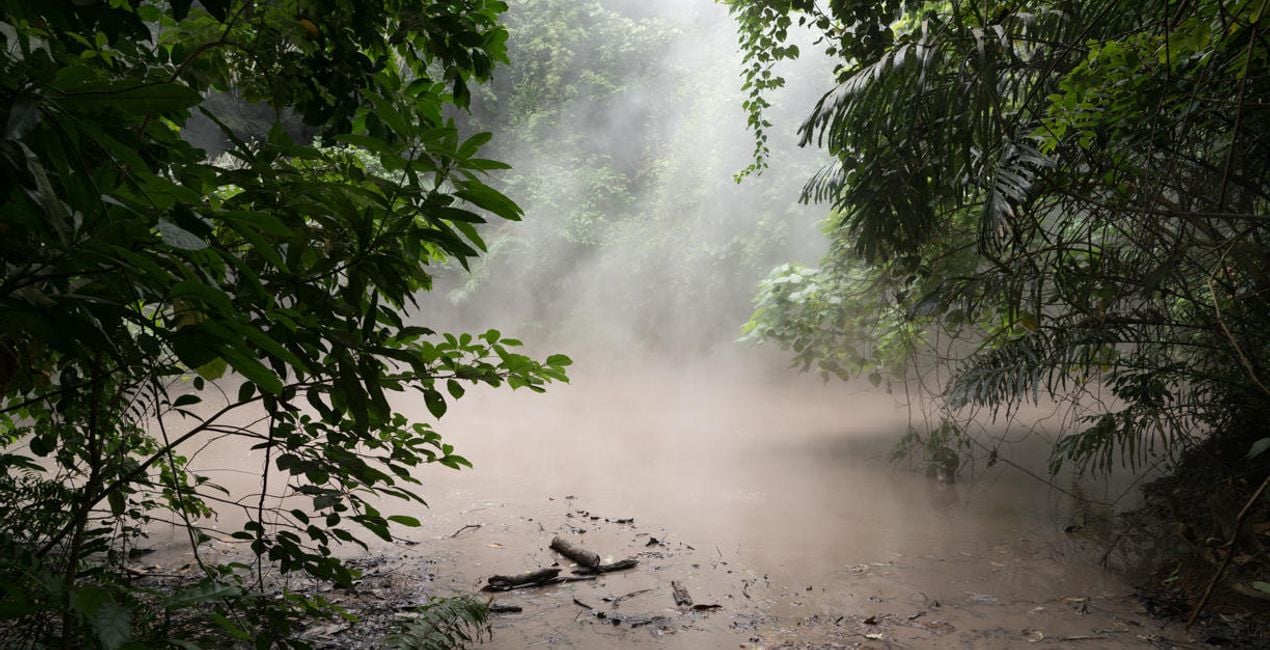
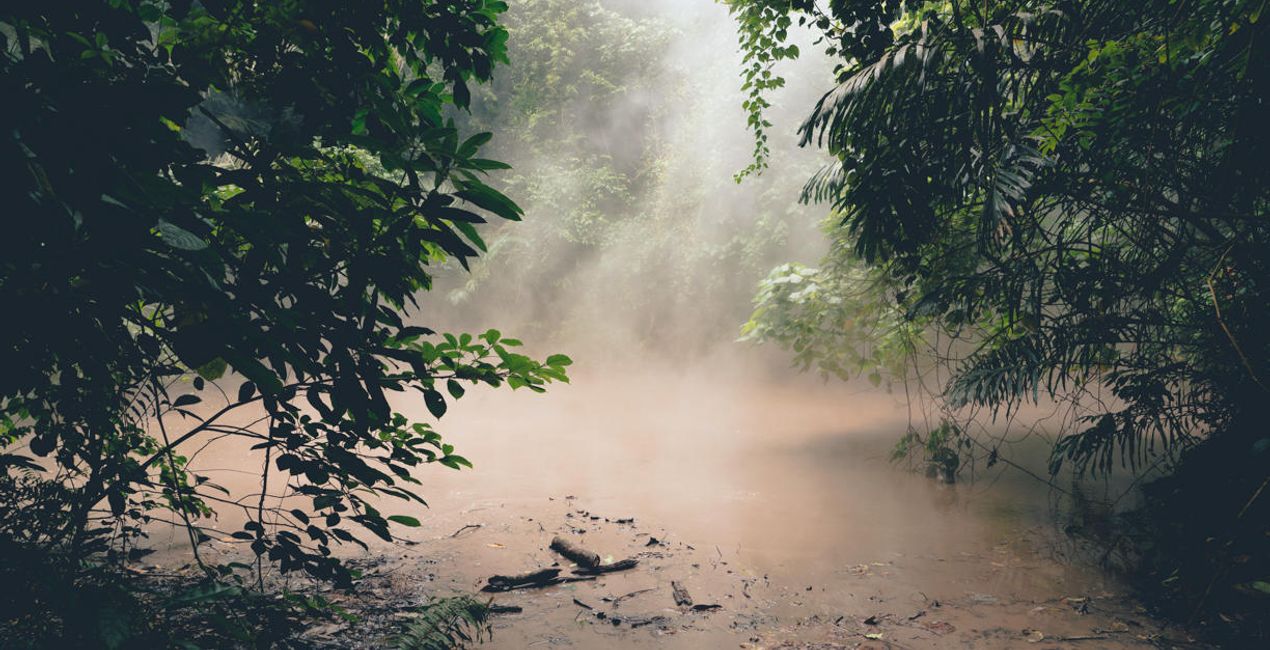
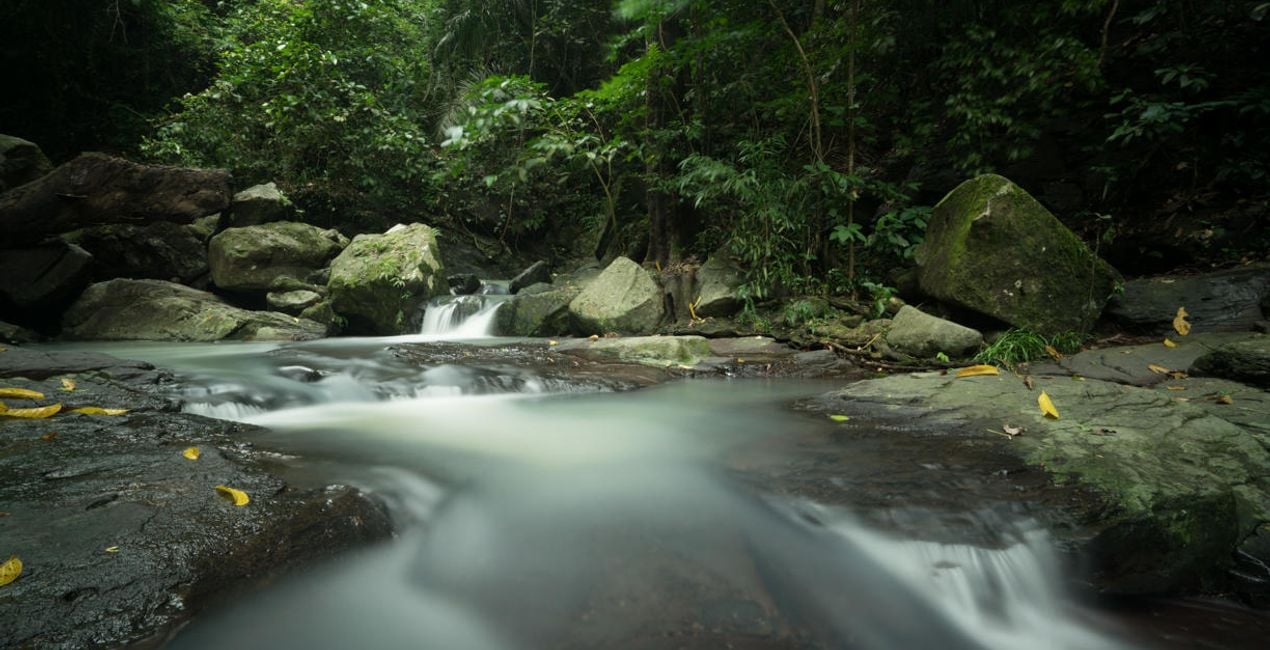
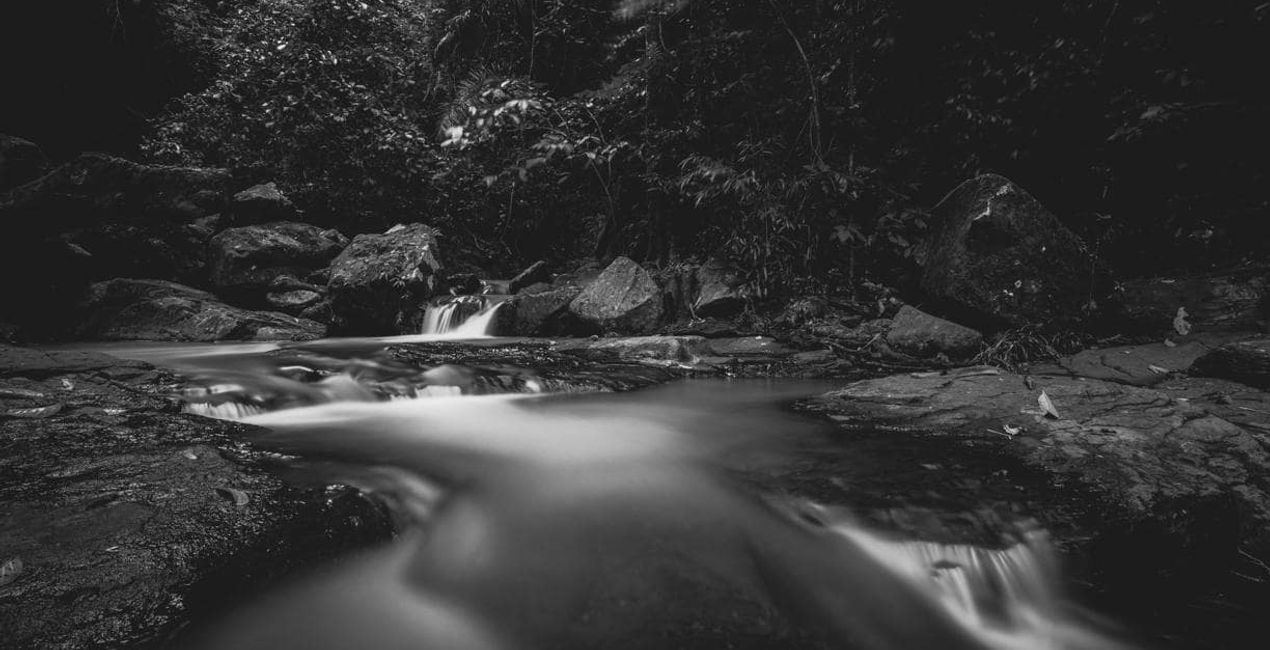
This nostalgia-inducing Presets collection is perfect for emulating the effects of 35mm film favorites. Inspired by his mother’s old photos, Marvin Grey created these Presets so you can make your own time capsules.
호환성


예술 작품 만들기
RAW 파일을 사용하면 간편하게 리터치 기법을 연습하고 멋진 사진을 편집하는 방법을 배울 수 있습니다.

 >
>

 >
>

 >
>
 >
>

 >
>
 >
>
이야기
The idea and concept of this Preset pack came from browsing my mother’s old film photos.
She was absolutely awesome with the camera, and I remember playing with her camera and films when I was young trying to mimic her results. It’s been years since she picked up a camera, and I thought of emulating the style and colors of her favorite films.
This collection evokes a lot of nostalgia for me, and I hope you feel it too as you use the Presets on your own photos.
These 10 Presets are inspired by some of my mother’s favorite 35mm films. They are not an exact copy or color match of the films, but rather were inspired by her old photos:
Oldfilm 1: Inspired by Fuji Velvia
Oldfilm 2: Inspired by Fuji YKL
Oldfilm 3: Inspired by Kodak Portra
Oldfilm 4: Inspired by Kodak Ektar
Oldfilm 5: Inspired by Fujicolor
Oldfilm 6: Inspired by Lomography Color
Oldfilm 7: Inspired by Fuji Superia
Oldfilm 8: Inspired by Kodak Ultramax
Oldfilm 9: Inspired by Kodak Gold
Oldfilm 10: Inspired by Ilford HP5
Remember that you can modify these Presets based on the exposure of your image and the intensity you want to achieve.
관련 제품


크리에이터
Marvin Grey
Photographer. Skylum Ambassador.
Marvin Grey is an award-winning fine art landscape photographer from the Philippines. His style combines mystery and minimalism to convey emotions, and he’s always exploring different ways to express them.
Since pursuing photography in 2018, Marvin has already won multiple accolades in prestigious international competitions such as the Moscow International Foto Awards, Tokyo International Foto Awards, and the International Photography Awards. Marvin had his first exhibition in 2019, and his work has been published by several magazines: Fine Eye Magazine, iLeGaLiT, and LEMAG.
Marvin is currently a staff writer for Fstoppers and hosts local photography workshops in the Philippines.
고객 지원팀에 어떻게 연락하나요?
제품에 관한 문의 사항이 있으시면 24시간 지원팀에 연락하세요. 아래 링크를 따라가시면 됩니다.
Old Film Simulation은 어떻게 구매하나요?
Old Film Simulation을 구매하려면 다음 단계를 따르세요:
1. Skylum 마켓플레이스를 엽니다.
2. Old Film Simulation이 표시된 탭으로 이동하세요. 해당 상품을 클릭하여 장바구니에 담으세요.
3. 장바구니로 이동하세요. 여기서 Old Film Simulation의 구매 절차를 완료하세요.
4. 구매 후 Old Film Simulation의 다운로드 링크가 포함된 주문 완료 이메일을 받게 됩니다. 또한 새로 구매한 항목은 Skylum 계정의 ‘내 애드온’ 탭에서 확인하실 수 있습니다.
Old Film Simulation은 어떻게 설치하나요?
Old Film Simulation 설치에 대한 자세한 안내는 다운로드 링크와 함께 발송되는 주문 처리 이메일로 보내드립니다.
또한 구매한 항목은 Luminar Neo에서 직접 설치할 수 있습니다: 기타 > 마켓플레이스로 이동한 후, 제품 카테고리를 선택하고 구매한 항목을 찾아 설치를 클릭하세요.
설치 후 Old Film Simulation은 어디에서 찾을 수 있나요?
아주 간단합니다! 먼저 계정 > 내 애드온에서 팩을 다운로드하세요. 그런 다음 다운로드한 폴더 안에 있는 설치 안내를 따르세요. 각 자산 유형마다 설치 단계가 다를 수 있으니 포함된 가이드를 꼭 확인하세요.
Old Film Simulation을 분실하면 어떻게 되나요?
걱정하지 마세요. Old Film Simulation을 포함한 모든 구매 항목은 Skylum 계정의 ‘내 애드온’ 탭에 저장되어 있어 다시 간편하게 다운로드하고 이용할 수 있습니다.
Old Film Simulation이 제 소프트웨어와 호환되는지 어떻게 확인할 수 있나요?
일반적으로 대부분의 항목은 Luminar Neo와 호환됩니다. 그러나 Old Film Simulation이 귀하의 소프트웨어와 호환되는지 확인하려면 다운로드 또는 구매 전에 해당 제품의 사양을 검토하십시오. Old Film Simulation 페이지 오른쪽의 ‘호환성’ 섹션을 확인하시면 모든 호환 제품이 나열되어 있습니다.


