

 적용됨
적용됨 



시네마틱 컬러 룩
Save $201 $ 25 .00
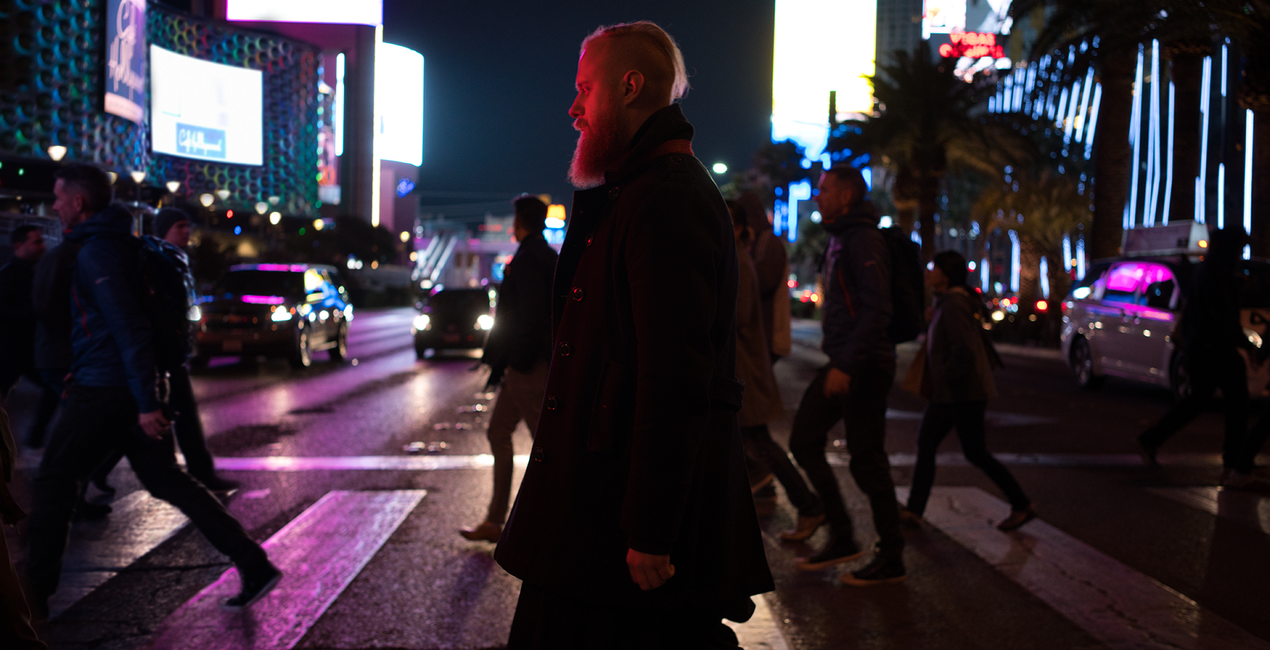
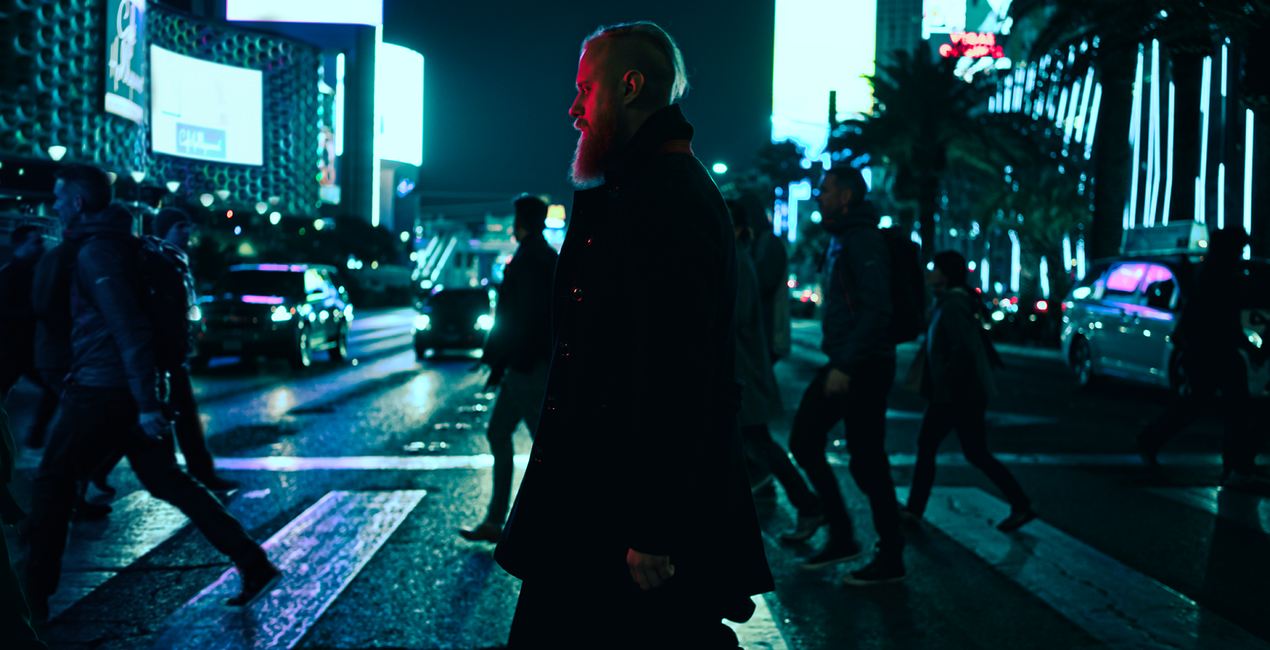
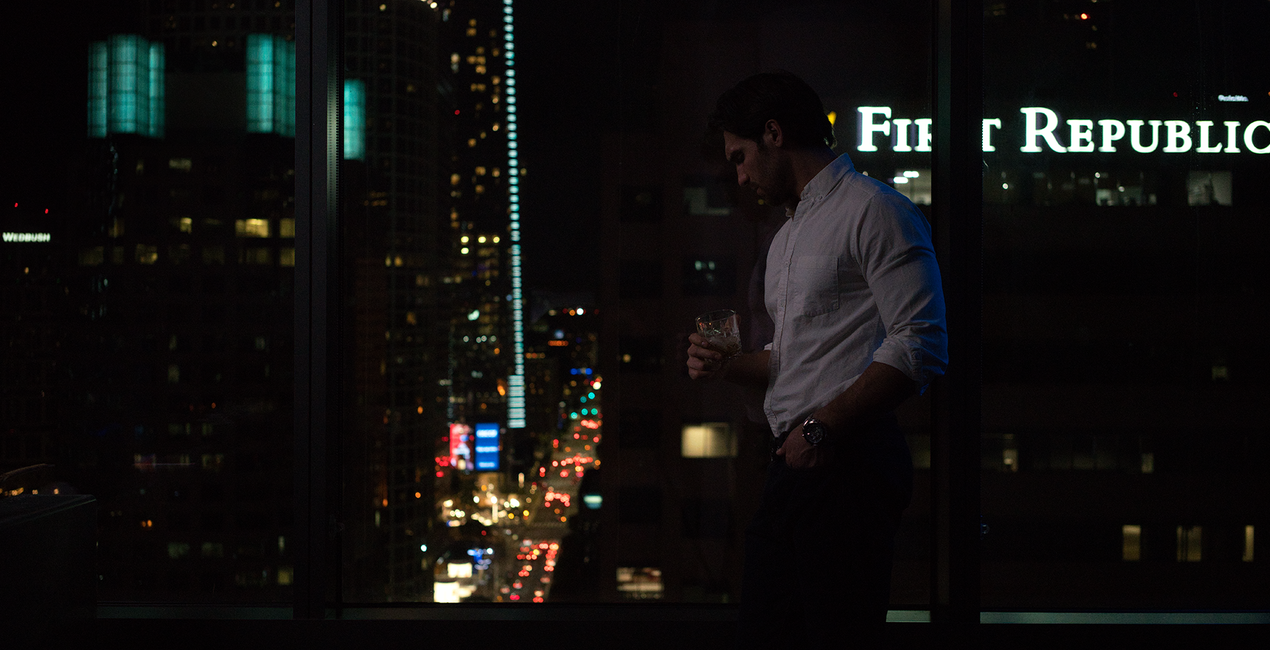
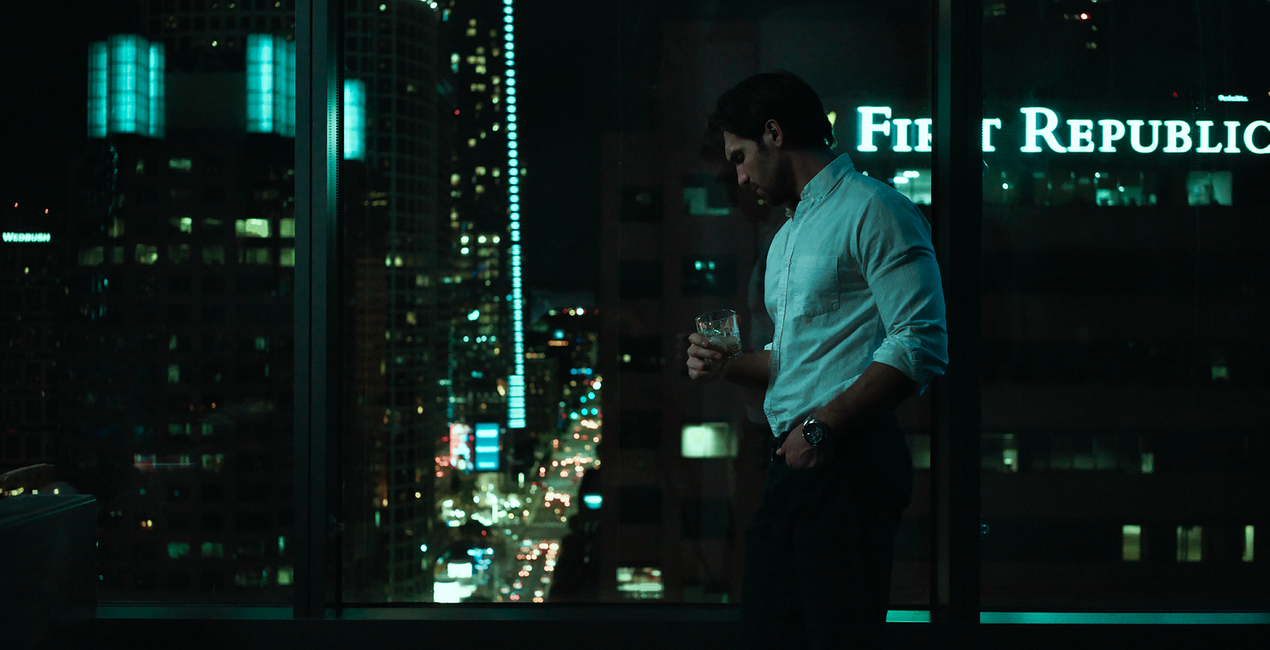
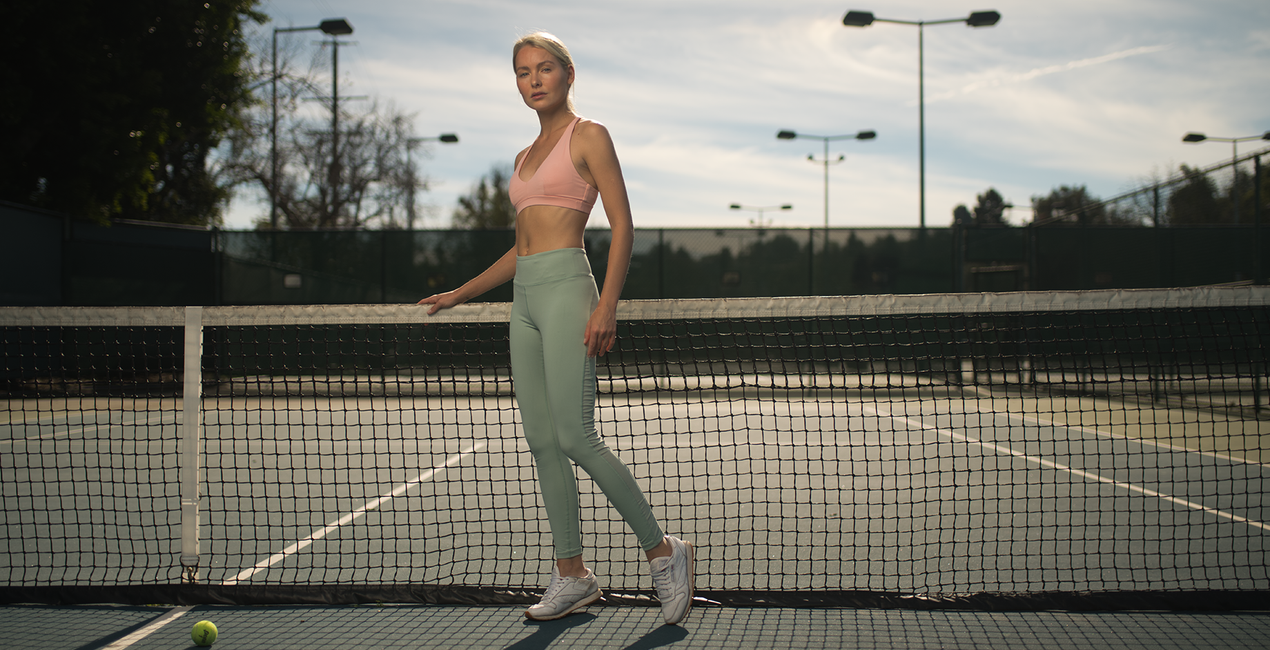
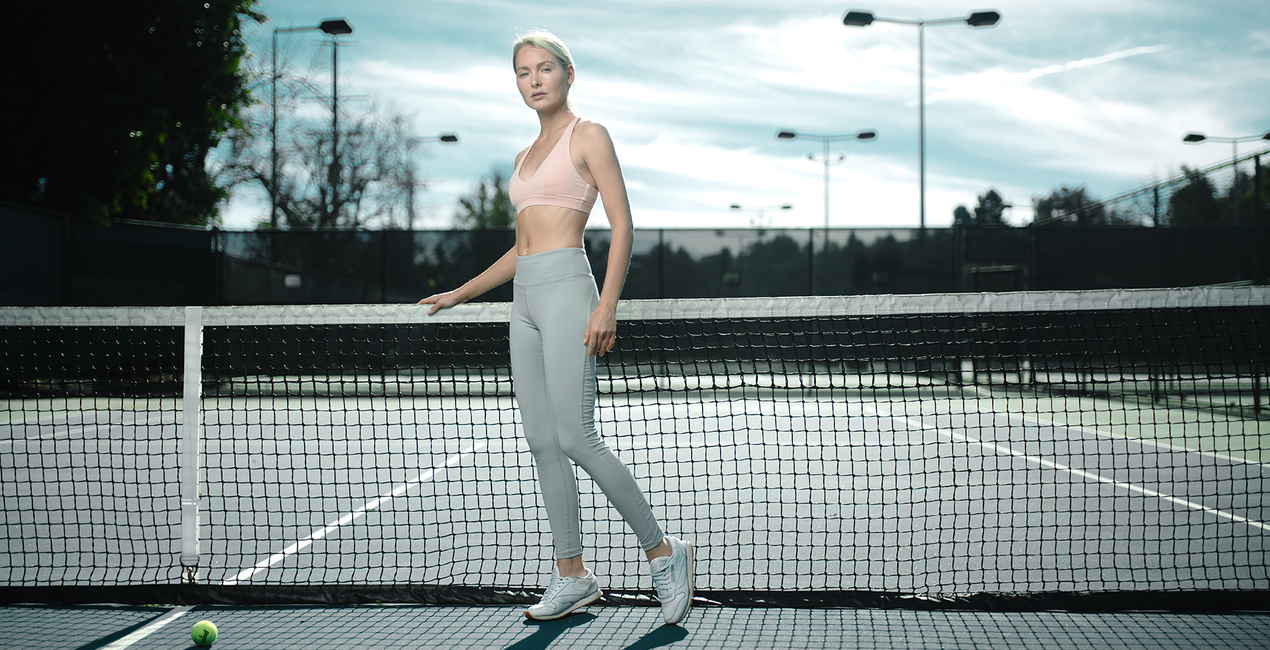
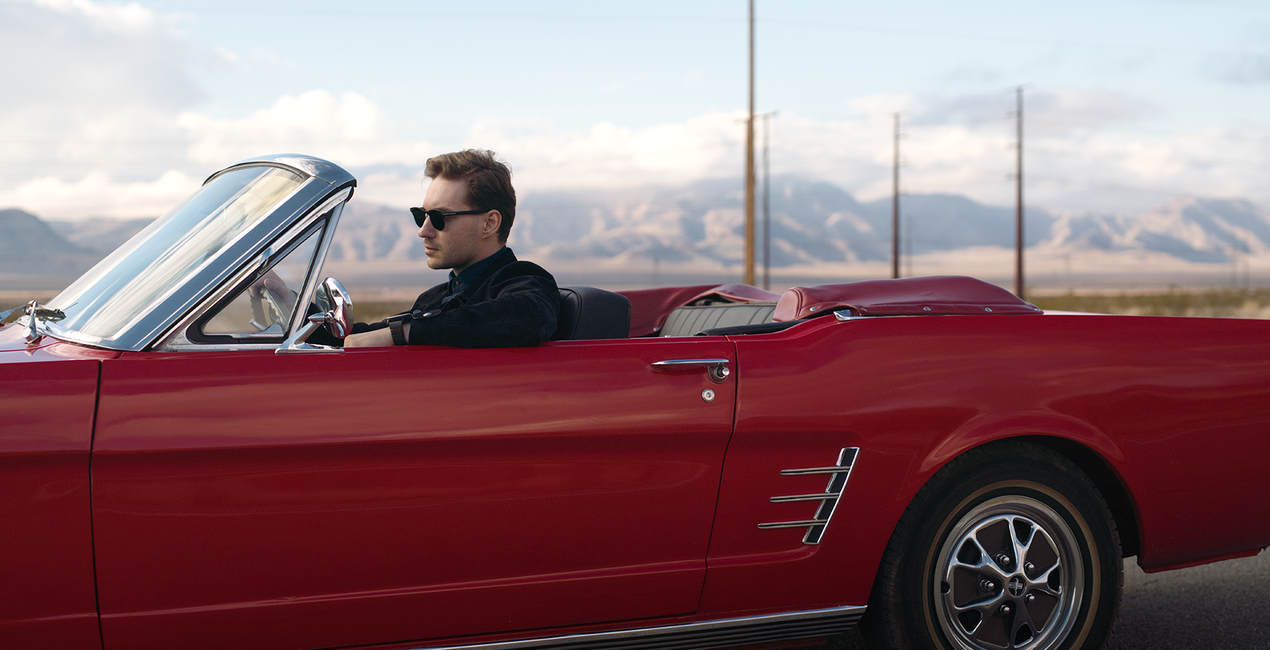
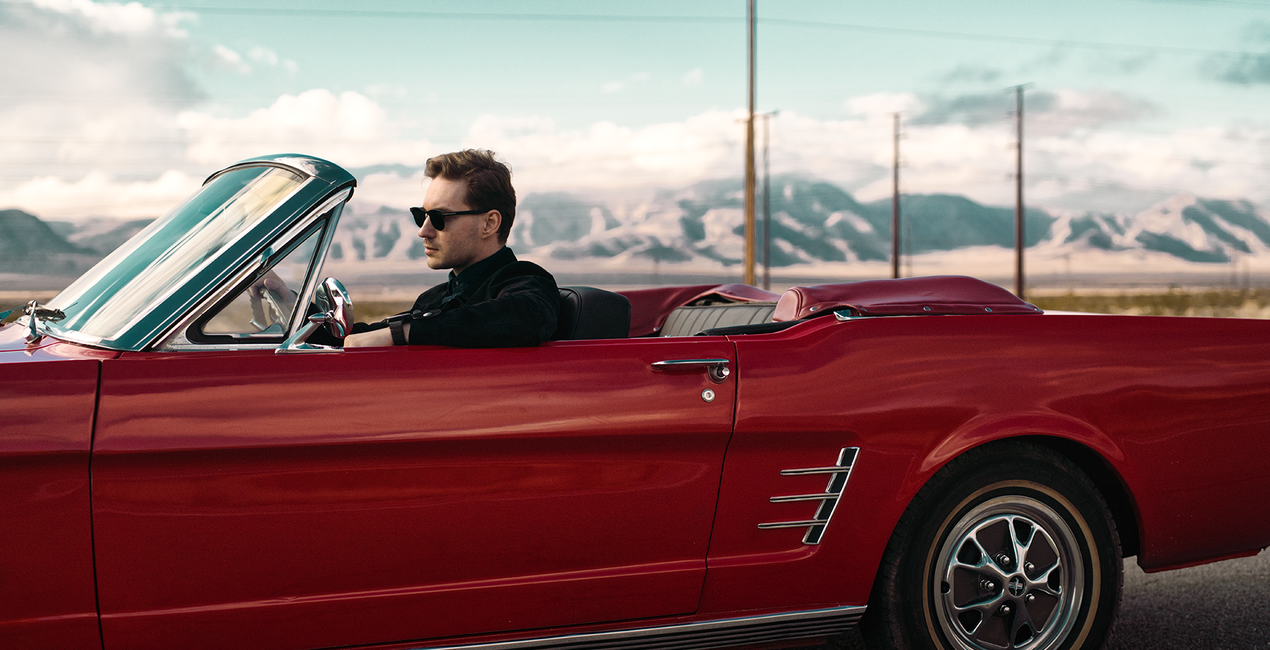
포토그래퍼들에게 영화는 끝없는 시각 및 미적 영감의 원천입니다. 사진 제작에 대한 새로운 아이디어는 영화 촬영, 의상, 세트 디자인 또는 스토리에서 나올 수 있습니다. 로스앤젤레스의 상업 포토그래퍼 Ilya Nodia와 손을 잡고 만든 룩과 프리셋입니다. 아카데미 상에 맞춰 올해 개봉되는 레드카펫 영화에서 영감을 받아 제작했습니다.


RAW 파일을 사용하면 간편하게 리터치 기법을 연습하고 멋진 사진을 편집하는 방법을 배울 수 있습니다.
 >
>

 >
>

 >
>
 >
>
 >
>
 >
>

 >
>
Together with Los-Angeles based commercial photographer, Ilya Nodia, we've recently created a set of Hollywood-inspired looks for Luminar and Lightroom, based around 12 outstanding movies to give the photos those signature cinematic looks we admire in award-winning movies.From the dramatic atmosphere of a post-apocalyptic landscape, through the old-school grainy look, to the subtle vibrancy of road movies, the new looks have it all.“Cinematography is very diverse, and I wanted to show different stories. We have very static ones (where time stands still), like the one with My Name is Max, or super-dynamic, like the shots with a guy in a car and a wrestler. Here we have a set of radically different colors and approach to shooting, but all of them are brought together by this special cinematic style,” Ilya says.He goes on to give a word of caution, however: “The presets alone are not enough to recreate such photos. The shooting style and lighting need to be the same as the movie the Look is meant to replicate. For example, if you want to get a photo with a Bourne Identity style, (cold, with greenish mid-tones, and shot in cloudy weather) you need to plan and style the shoot accordingly. For instance, you might want to have it outdoors, carefully select the heroes for the shoot, and think of all those little details that make it all look consistent.”The pack includes Luminar Looks, Lightroom Presets and Custom Profiles (Lightroom Classic CC and Lightroom CC compatible. They are all inspired by the same movies, though there might be a slight difference in the final looks. 4 out of 12 Looks are free.
사진작가, 컬러리스트 & 리터쳐
Skylum 팀은 수백 명의 전문 사진 작가 및 수정자들과 협력하여, 최고의 사진 작가들이 자신의 작품을 완성시키는 데 사용한 템플릿을 여러분께도 제공하려 노력하고 있습니다. Skylum AI Lab은 사진 작가의 사진 스타일과 워크 플로우를 분석하여, 모든 사람들이 액세스 할 수 있는, Luminar AI의 고급 기술을 활용한 템플릿을 제작하고 있습니다. 당사의 임무는 돋보이는 걸작을 만드는 데 걸리는 시간과 노력을 줄이고, 모든 사람들이 사진 촬영, 보정 및 편집을 즐길 수 있게끔 만드는 것입니다.
제품에 관한 문의 사항이 있으시면 24시간 지원팀에 연락하세요. 아래 링크를 따라가시면 됩니다.
Cinematic Color Looks을 구매하려면 다음 단계를 따르세요:
1. Skylum 마켓플레이스를 엽니다.
2. Cinematic Color Looks이 표시된 탭으로 이동하세요. 해당 상품을 클릭하여 장바구니에 담으세요.
3. 장바구니로 이동하세요. 여기서 Cinematic Color Looks의 구매 절차를 완료하세요.
4. 구매 후 Cinematic Color Looks의 다운로드 링크가 포함된 주문 완료 이메일을 받게 됩니다. 또한 새로 구매한 항목은 Skylum 계정의 ‘내 애드온’ 탭에서 확인하실 수 있습니다.
Cinematic Color Looks 설치에 대한 자세한 안내는 다운로드 링크와 함께 발송되는 주문 처리 이메일로 보내드립니다.
또한 구매한 항목은 Luminar Neo에서 직접 설치할 수 있습니다: 기타 > 마켓플레이스로 이동한 후, 제품 카테고리를 선택하고 구매한 항목을 찾아 설치를 클릭하세요.
아주 간단합니다! 먼저 계정 > 내 애드온에서 팩을 다운로드하세요. 그런 다음 다운로드한 폴더 안에 있는 설치 안내를 따르세요. 각 자산 유형마다 설치 단계가 다를 수 있으니 포함된 가이드를 꼭 확인하세요.
걱정하지 마세요. Cinematic Color Looks을 포함한 모든 구매 항목은 Skylum 계정의 ‘내 애드온’ 탭에 저장되어 있어 다시 간편하게 다운로드하고 이용할 수 있습니다.
일반적으로 대부분의 항목은 Luminar Neo와 호환됩니다. 그러나 Cinematic Color Looks이 귀하의 소프트웨어와 호환되는지 확인하려면 다운로드 또는 구매 전에 해당 제품의 사양을 검토하십시오. Cinematic Color Looks 페이지 오른쪽의 ‘호환성’ 섹션을 확인하시면 모든 호환 제품이 나열되어 있습니다.
아직 떠나지 마세요. 여러분만을 위한 특별 할인 코드를 준비했습니다. 15분 이내에 이 코드를 사용하시면 결제 시 추가 10% 할인을 받으실 수 있습니다. 아래 코드를 복사하여 구매를 완료해 주세요.
15 m : 00 s





