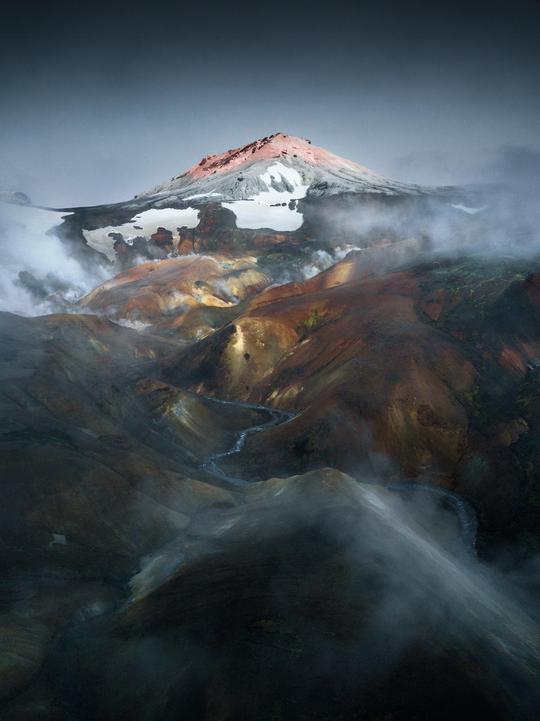
 © shreesha-bhat
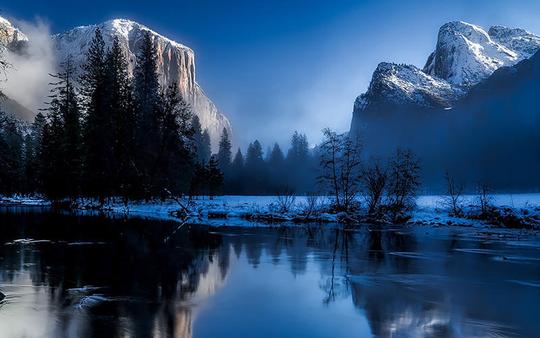
 © y-a-IkZ
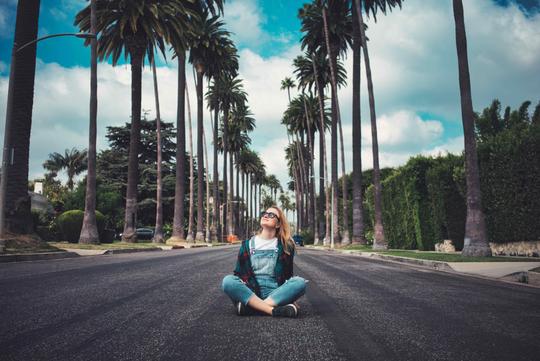
 © wouter-supardi-salari
当社について
Screen Language is a color collection built around the visual language of contemporary film. Each preset draws from a specific movie to channel its emotional tone and light. The focus is on tonal control, selective color, and natural highlight rolloff that adds depth without overdoing it. Versatile across lighting conditions, from harsh midday sun to deep low-light scenes.
含まれているもの
10 Luminar Presets
このような作品を作れます
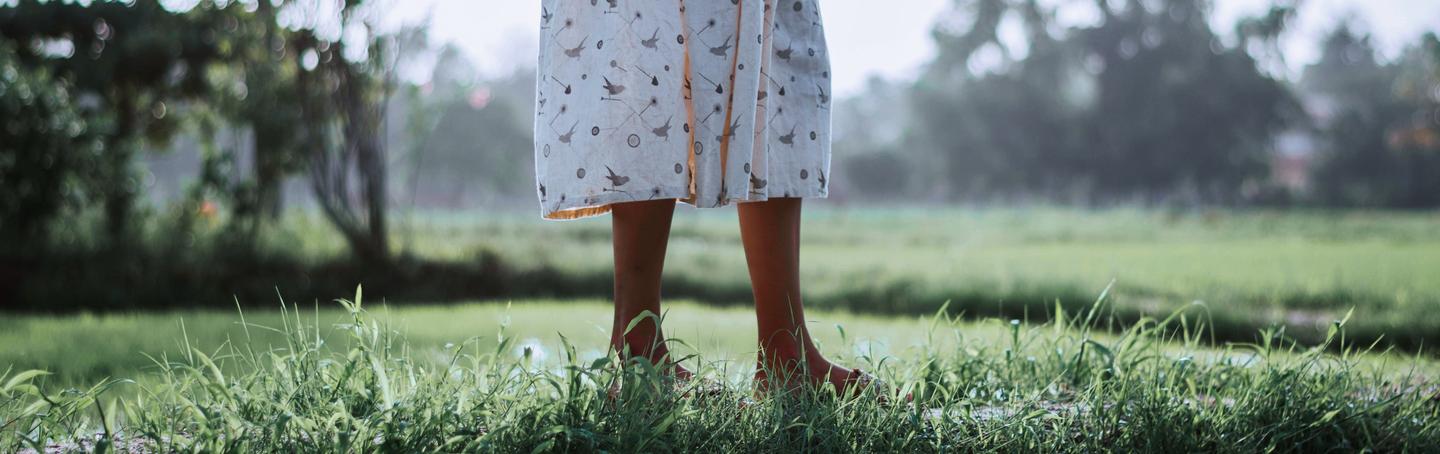
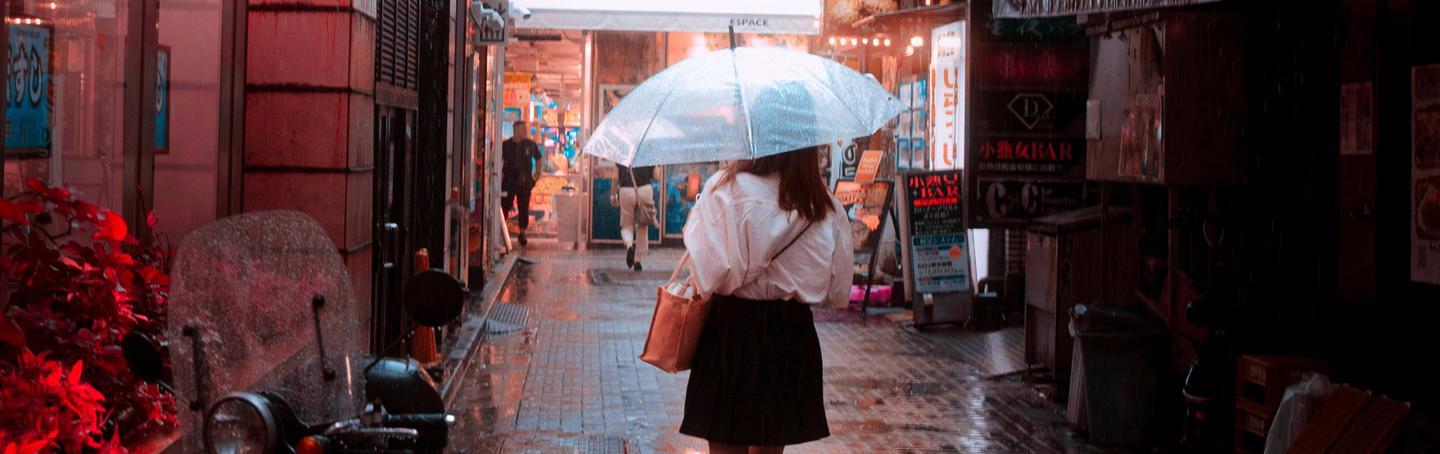
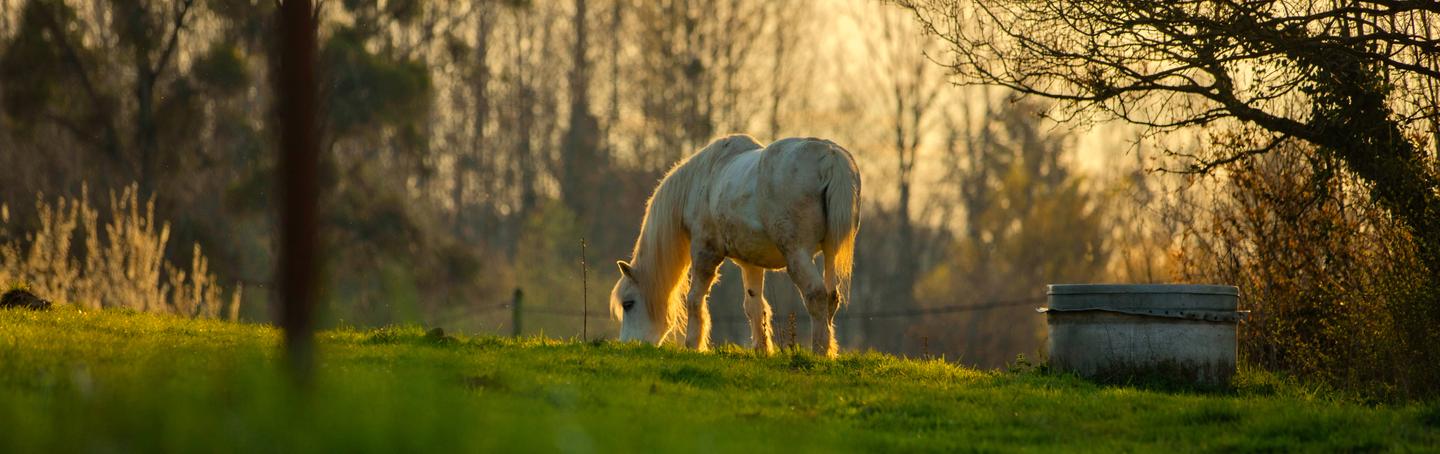
提供されたRAWファイルを使ってレタッチのコツを簡単に練習、こんな写真に仕上げる方法を学ぶことができます。


物語
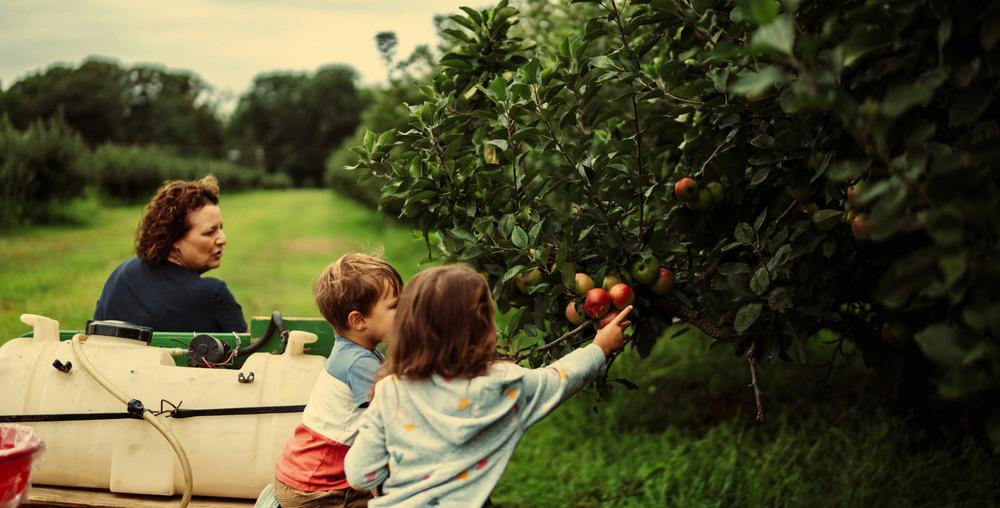 © land-o-lakes-inc
The best cinematography pulls you in before you notice.
Screen Language was built around that idea: color that serves the image, not the other way around.
Each preset is rooted in a real film, a real mood, a real way of seeing the world.
A starting point for images that feel like they belong on a screen.
You'll find 10 Presets in this pack:
Ember: Inspired by Oppenheimer. Warm highlights held in check by restrained mid-tones, building tension through controlled cinematic heat.
Verdant: Inspired by Annihilation. Muted greens and quiet contrast that make the organic feel slightly otherworldly.
Ash: Inspired by The Creator. Desaturated and grounded, with just enough warmth preserved to keep it human.
Dune: Inspired by Dune: Part Two. Soft, lifted highlights and warm tones that open the frame to something vast.
Drift: Inspired by Past Lives. Gentle color and low contrast for images that feel like a memory you're still inside.
Midnight: Inspired by The Batman. Heavy shadows and selective color pulls for scenes that thrive in darkness.
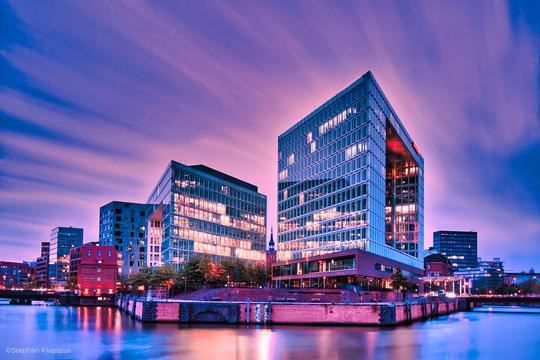
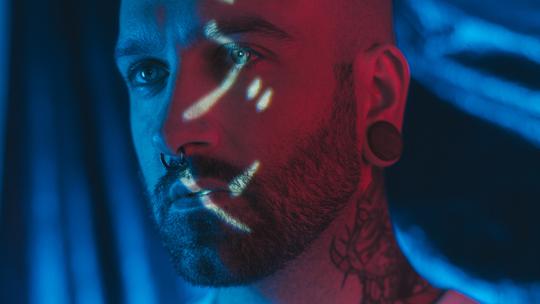
Neon: Inspired by Drive. Quiet neon tones sitting over muted color, built for city nights that hum with atmosphere.
Glass: Inspired by Decision to Leave. Polished and precise, with smooth highlights and a clarity that feels deliberate.
Nomad: Inspired by Nomadland. Earthy, unhurried tones with soft contrast that lets the landscape breathe.
Spectral: Inspired by Blade Runner 2049. Layered color depth and atmospheric toning for images that feel like the future remembering the past.
関連商品







クリエーター
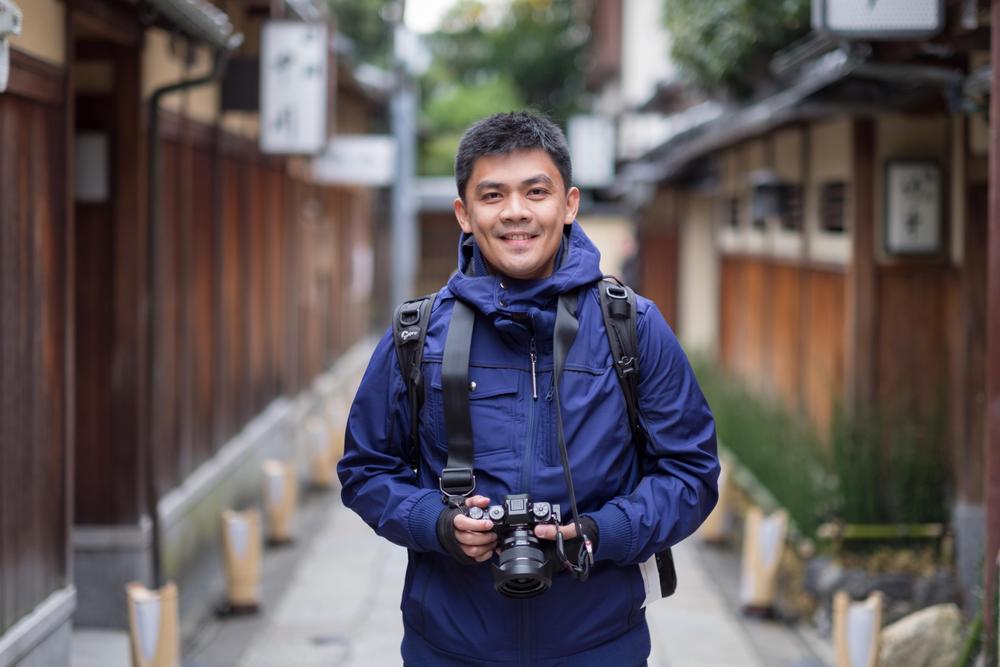
Sherwin Magsino
Photographer. Skylum Ambassador
Unapologetic in brandishing his post-processing skills, Sherwin sees what’s invisible to others and translates his images so they look the way he imagined when taking them.
This results in compelling, emotive visual stories for others to appreciate and remember. His style straddles the line between reality and surrealism, resulting in works that almost feel ethereal.
Sherwin has earned his rightful spot in the world of photography and has been lauded by domestic and international organizations with numerous awards — a testament to his excellence in the field, especially in producing fine art landscape images.
Manila-born Sherwin Magsino is a self-taught photographer who began his career as an illustrator before dabbling in commercial photography in 2015. His love for travel awakened in him what he considers his life’s passion — landscape photography.
This wanderlust leads to uniquely enchanting images of sceneries and moments in the places Sherwin visits.
Sherwin is currently a Brand Ambassador of Fujifilm Philippines, Skylum Software, and NiSi Filters Philippines as well as a Your Shot National Geographic Contributor. As a representative of these brands, Sherwin conducts talks and workshops around Manila to share his experiences and inspire fellow artists who share his passion for photography.