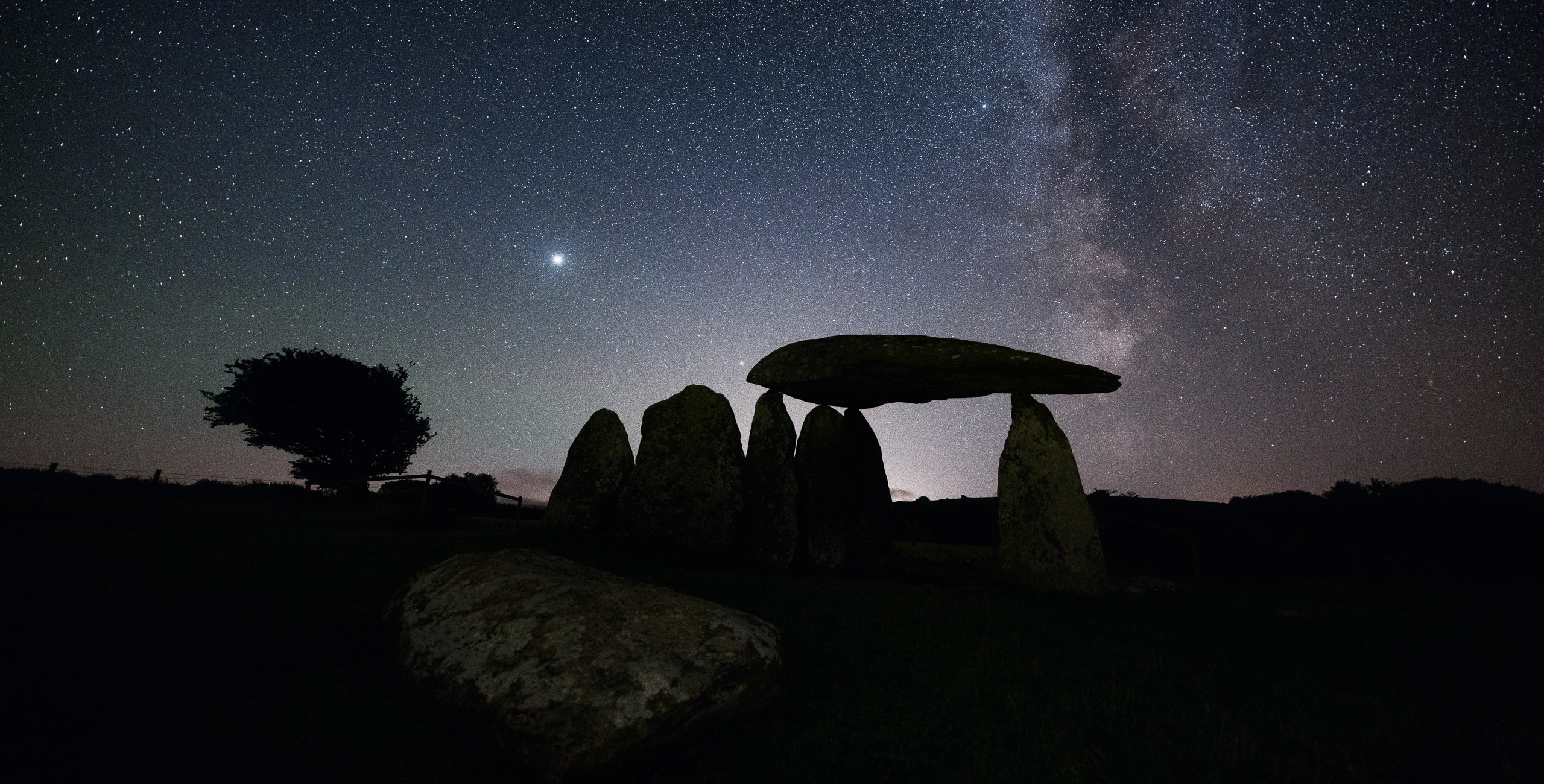
 © Mathew Browne
 © Mathew Browne
 © Mathew Browne
当社について
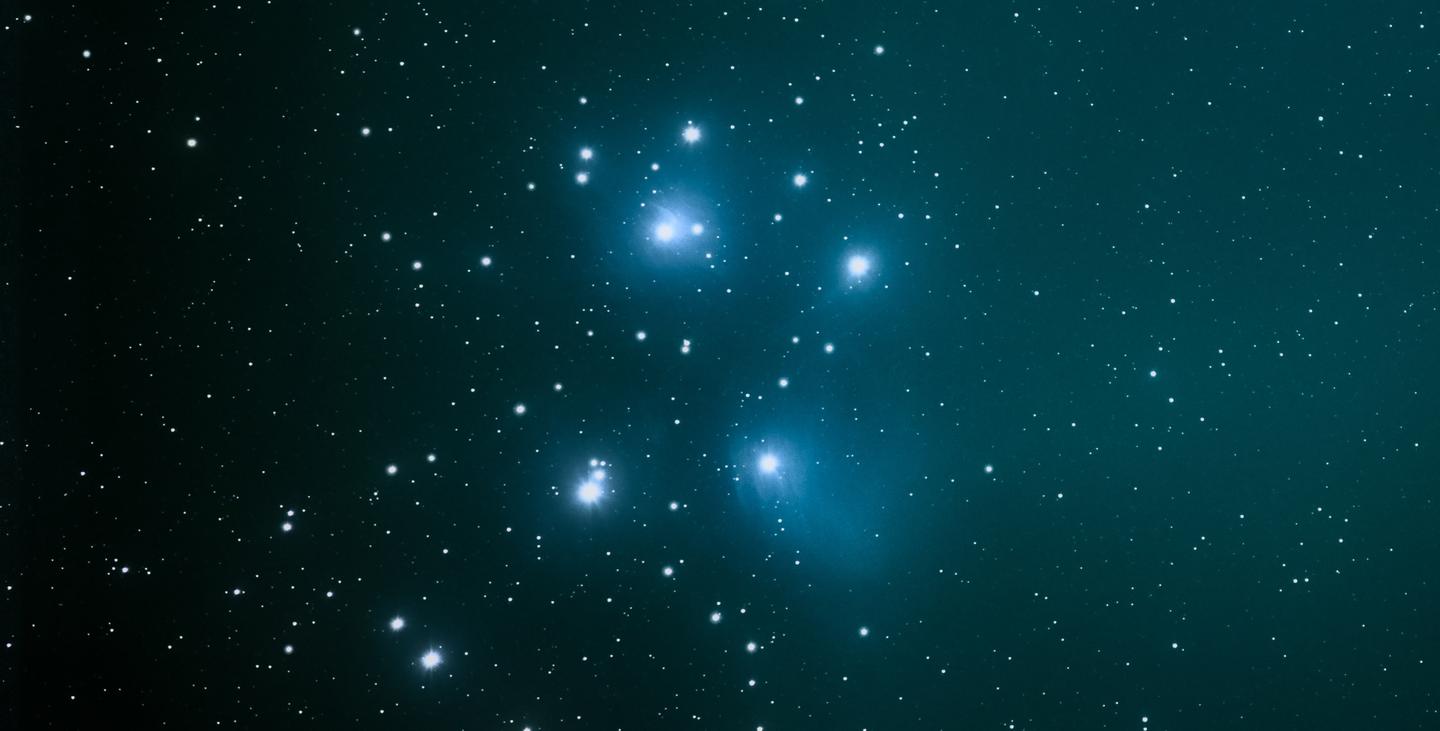
Astrophotography is one of the most technically challenging genres of photography, but done right it can also be one of the most rewarding. In the field, your challenge is to get a steady long exposure image that captures so much of that faint detail that is beyond what our eyes can see. The edit afterwards can also present its own challenge. Photographers strive to faithfully edit an image and fill it with details they couldn’t fully capture in the dark. Included are 10 Presets that will help you edit some of the most common night sky shooting situations.
このような作品を作れます
提供されたRAWファイルを使ってレタッチのコツを簡単に練習、こんな写真に仕上げる方法を学ぶことができます。
物語
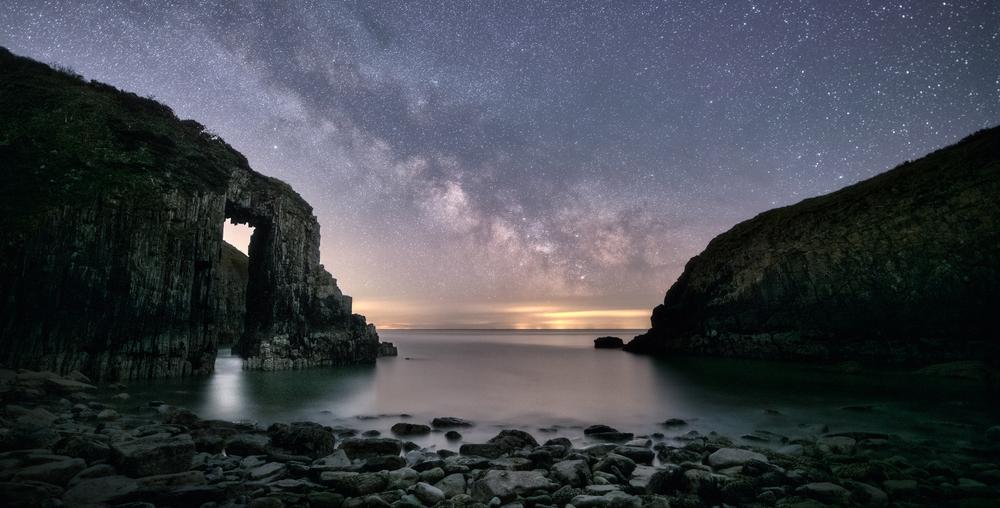 © Mathew Browne
Use these 10 Presets as a one-click edit, or use them as the starting point to create your own signature Presets.
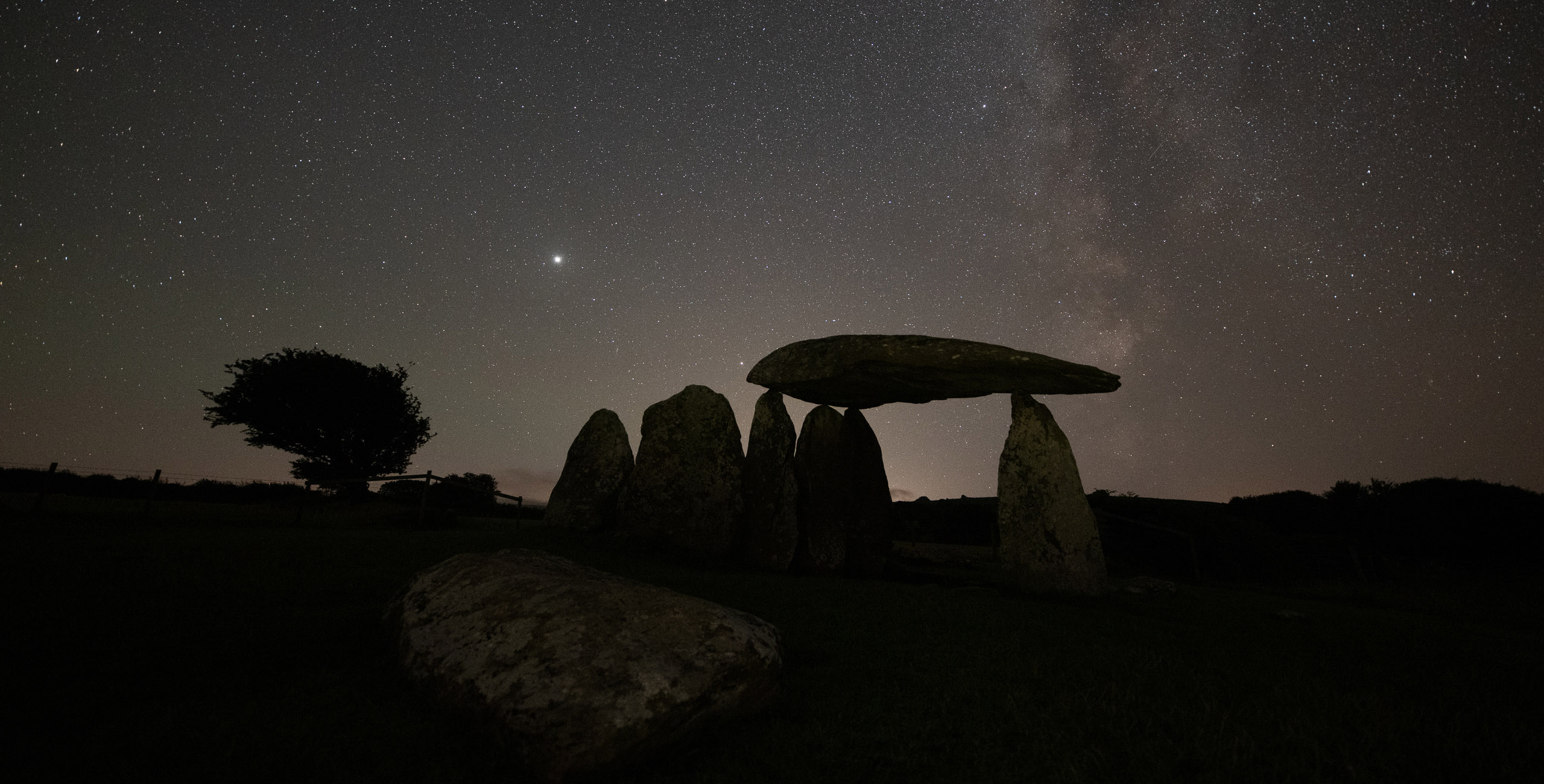
Astro Silhouette: For images with a bright clear sky and an unlit foreground interest.
Glowing Stars: Gives glow and a punch of color to the brightest points of light.
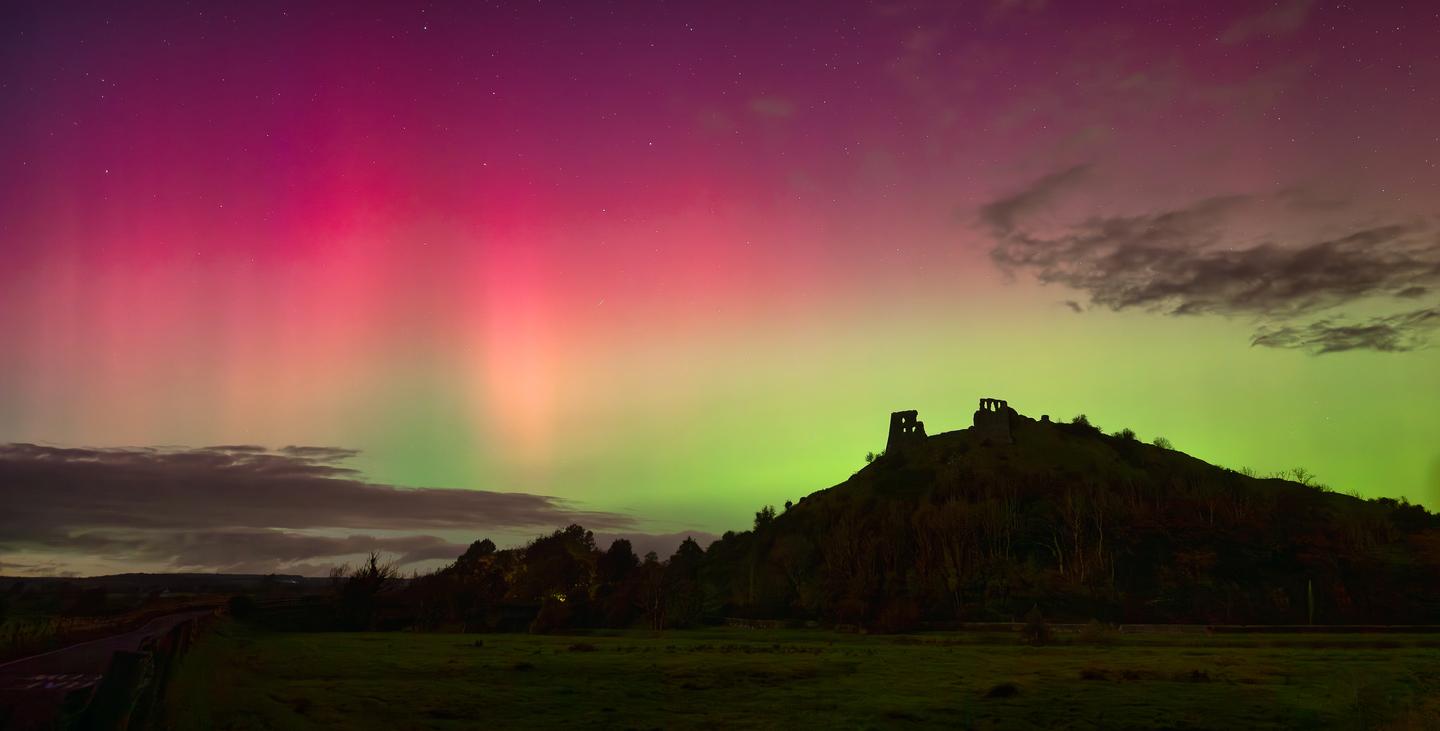
Green Aurora: A soft Preset for images captured under green ribbons of auroral glow.
Pink Aurora: Added contrast and structure to get the best out of pink aurora displays which can often include pillars of light.
Solar Filter: Adds vibrant color, glow, and the simulation of a 3D look to images captured with a solar filter which typically show the sun as a flat disc.
Starscape: This is a straightforward image for general dark sky landscapes; a great foundation to build your own signature astrophotography Preset.
Nocturnal Clouds: A Preset to bring out the delicate detail when you’re lucky enough to capture this rare and ethereal phenomenon.
Moonscape: A Preset with muted blues and greens that give a natural Preset to landscapes photographed under a full moon.
Milky Way Core: Improved contrast and natural tones for authentic looking images including the Milky Way core.
Moon Silhouette: Restores ambient light to the sky and increases detail in lunar captures which are typically underexposed.
To achieve even better results, consider using Luminar’s powerful masking tools to refine your edit even further. Your white balance and overall exposure will vary from image to image, so it is worth adjusting this to taste for each image rather than relying solely on the Preset. To do this, apply your desired Preset, then add a new instance of the Develop tool.
Don’t forget to share your results! Use the hashtag #madewithluminar on social media so the Skylum Team can take a look at your work!
関連商品


クリエーター
Mathew Browne
Photographer. Skylum Ambassador.
Mathew Browne is a cross-genre photographer who has gained recognition for his vibrant images spanning the spectrum of travel photography. A prolific traveler, Mathew has visited nearly 70 countries and photographs extensively for the photo location sharing platform PhotoHound, which he co-founded in 2018.