

 適用する
適用する 



Winter Wonderland Overlays
Save $201 $ 49 .00
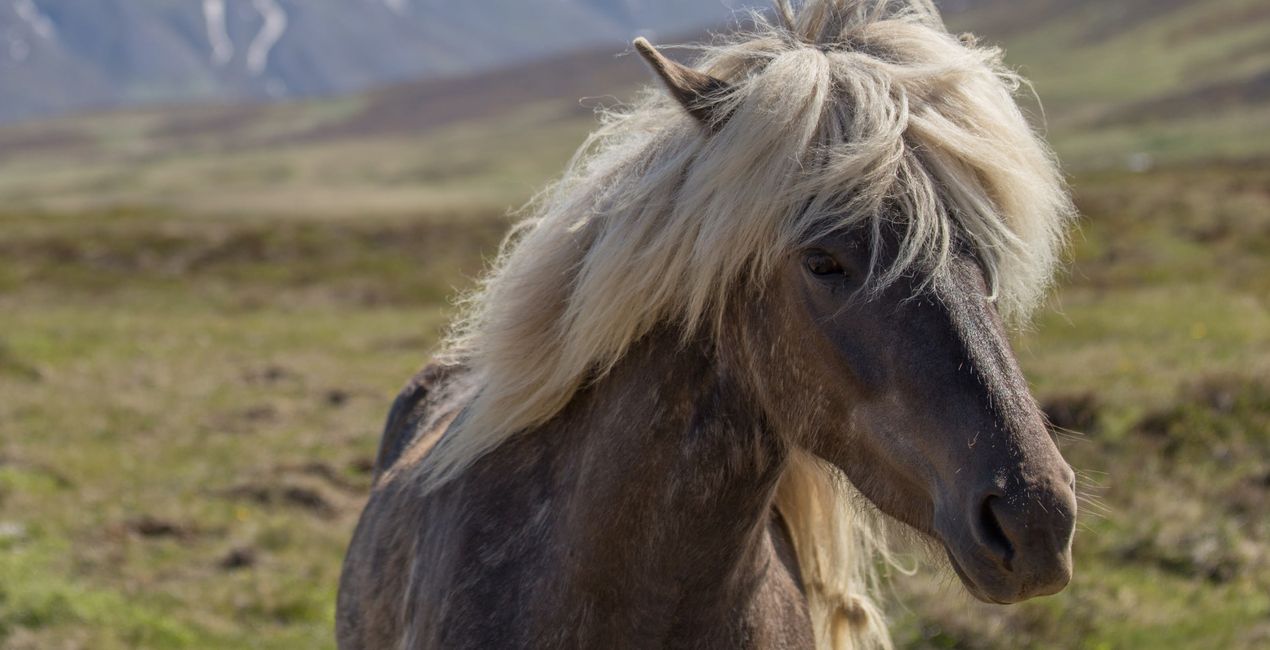
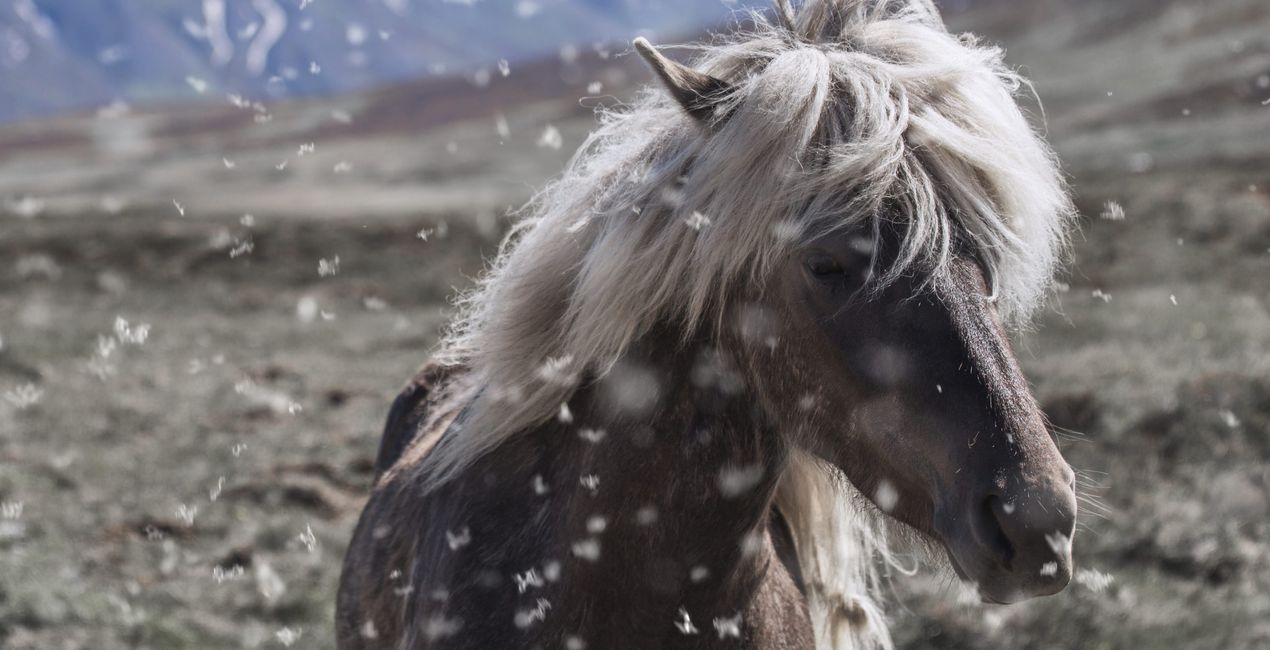
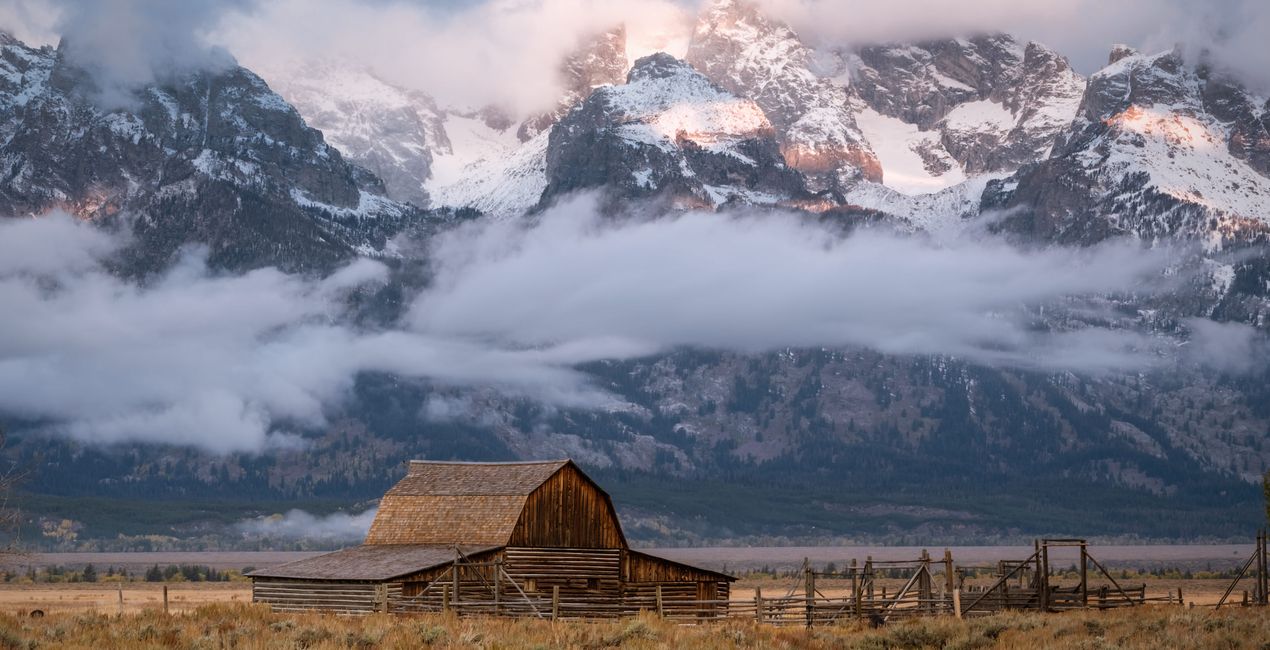
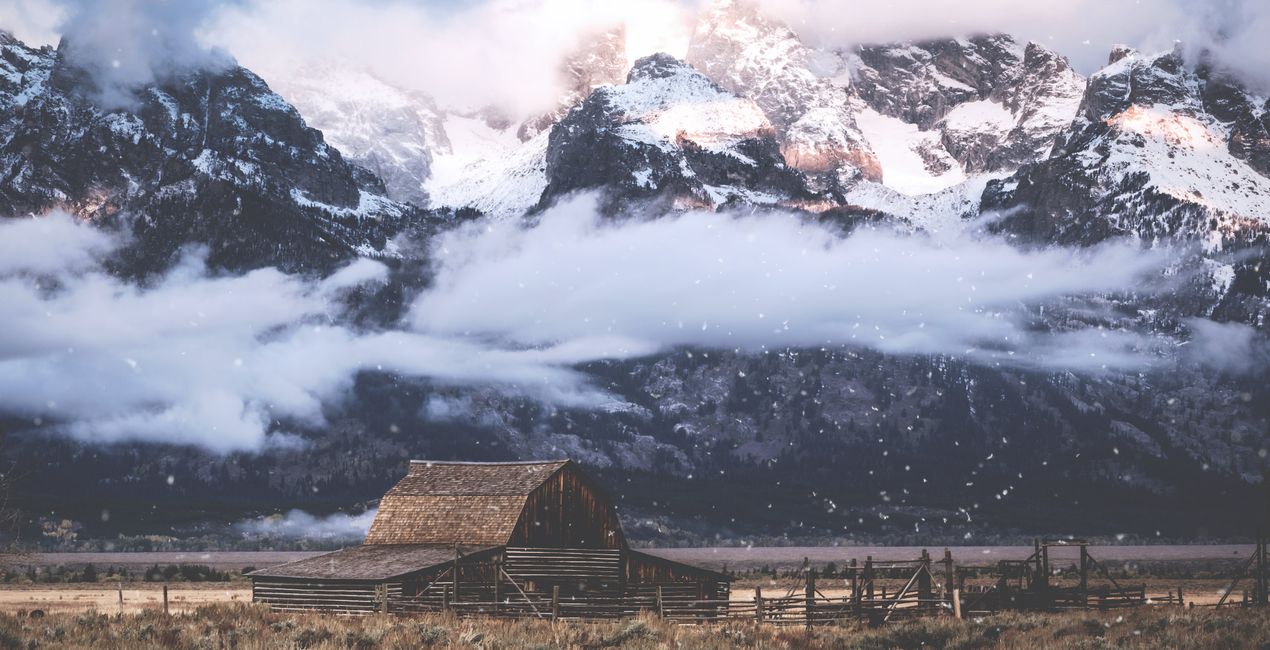
Looking for a way to give a touch of wintery charm to any photo? Add a magical, realistic, and seasonal effect to your images with this expansive collection of 100 snow Overlays created by Nicole S. Young. All of these Overlays were designed from real photographs and not created digitally. They work well with a wide variety of images, so make sure to try them on your landscapes, portraits, cityscapes, and other types of photos. Immerse yourself in the seasonal enchantment and witness the transformative beauty these Overlays bring to your images!


提供されたRAWファイルを使ってレタッチのコツを簡単に練習、こんな写真に仕上げる方法を学ぶことができます。
 >
>

 >
>

 >
>

 >
>
 >
>

 >
>
Photographer & Educator
Nicole S. Young's love affair with the camera began during her high school years, where she immersed herself in the world of photography by working at a photo lab and photo studio.
After graduating, she dedicated 8.5 years to serving in the US Navy, and then rekindled her passion in the realm of digital photography, swiftly transitioning to carve out a niche for herself in stock photography.
Beyond her ability to create beautiful images, Nicole is a published author, with her educational books are reaching photography enthusiasts worldwide in multiple languages. Drawing upon her extensive knowledge and experience, she has established an online business, offering courses and books to budding photographers and crafting essential tools such as presets, textures, and overlays.
Today, she draws inspiration from the serene beauty of the Oregon countryside, a place she calls home.
製品についてご質問がございましたら、24時間対応のサポートチームまでお問い合わせください。こちらのリンクをご利用ください。
Winter Wonderland Overlaysを購入するには、次の手順に従ってください:
1. Skylumのマーケットプレイスを開きます。
2. Winter Wonderland Overlaysがリストされているタブに移動し、クリックしてカートに追加します。
3. カートに進み、Winter Wonderland Overlaysの購入手続きを完了してください。
4. ご購入後、Winter Wonderland Overlaysのダウンロードリンクが記載された購入完了メールが届きます。また、Skylumアカウントの「マイアドオン」タブからも新しいアイテムをご確認いただけます。
Winter Wonderland Overlaysのインストール手順の詳細は、ダウンロードリンクと一緒にお送りする「購入完了メール」に記載されています。
また、Luminar Neoから購入されたアイテムを直接インストールすることもできます。エクストラ > マーケットプレイスに進み、商品カテゴリを選択して、購入済みアイテムを見つけてインストールをクリックしてください。
とても簡単です!Winter Wonderland Overlaysはレイヤー > 購入済み に表示されます。レイヤープロパティ メニューをクリックして、テクスチャ/オブジェクトのプロパティ(サイズ、不透明度、ブレンドモードなど)を適用・調整してください。
Luminar AIをご利用の場合は、トップバーメニューの編集 タブに移動してください。インストールされたWinter Wonderland Overlaysは、ローカルマスキング >テクスチャ > テクスチャ選択 > カスタム に表示されます。
ご安心ください。Winter Wonderland Overlaysを含むすべての購入済みアイテムは、Skylumアカウントの「マイアドオン」タブ に保存されるため、簡単に再ダウンロードしてご利用いただけます。
ほとんどのアイテムはLuminar Neoに対応しています。ただし、確実にWinter Wonderland Overlaysがお使いのソフトと互換性があるかを確認するには、ダウンロードや購入前に製品仕様をご確認ください。Winter Wonderland Overlaysページ右側の「互換性」セクションに対応しているすべての製品が表示されています。
まだお帰りにならないでください。あなただけの特別割引コードをご用意しました。今後15分以内にご利用いただくと、お会計時にさらに10%オフになります。以下のコードをコピーして、お買い物を完了してください。
15 m : 00 s





