

 適用する
適用する 




当社について
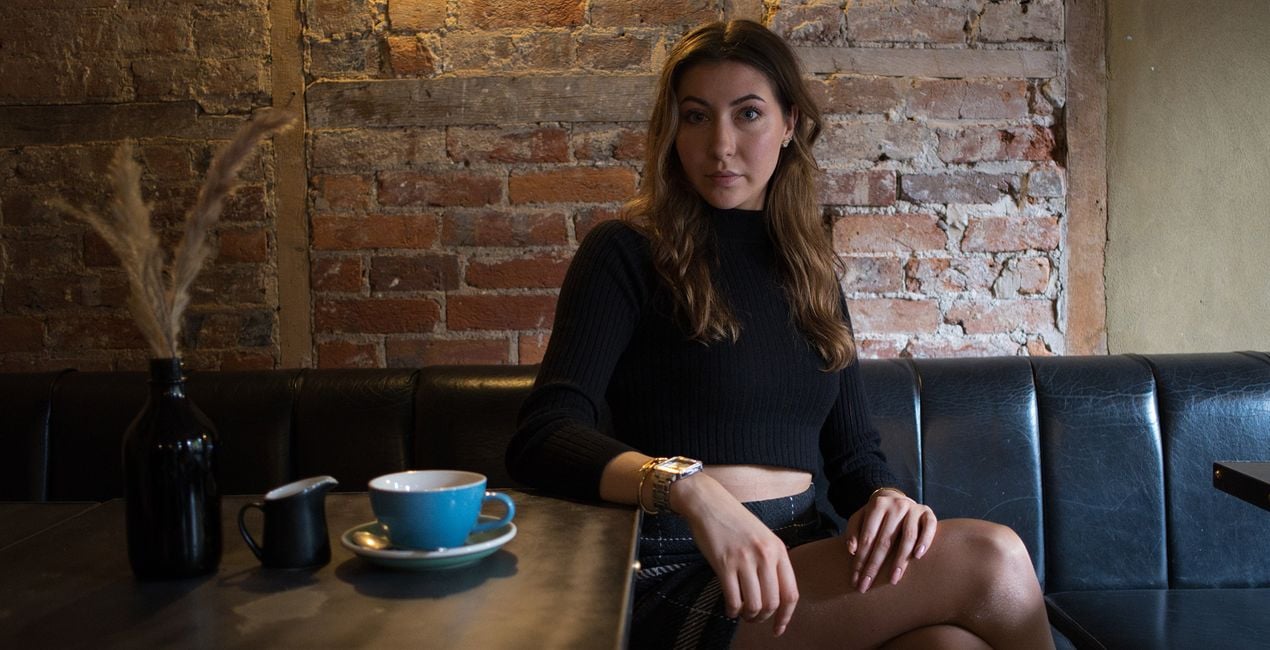
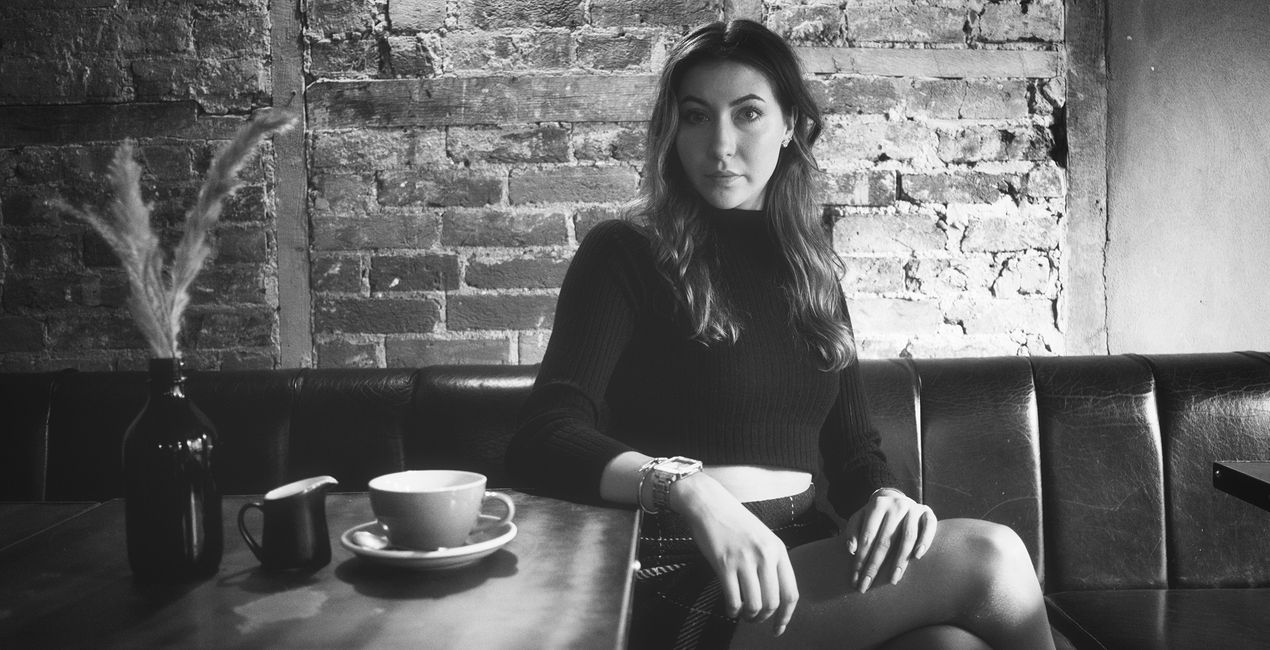
A multifunctional pack of Presets meticulously crafted to give your photos a timeless black and white look. Evoke the nostalgic elegance of golden era photography.
互換性

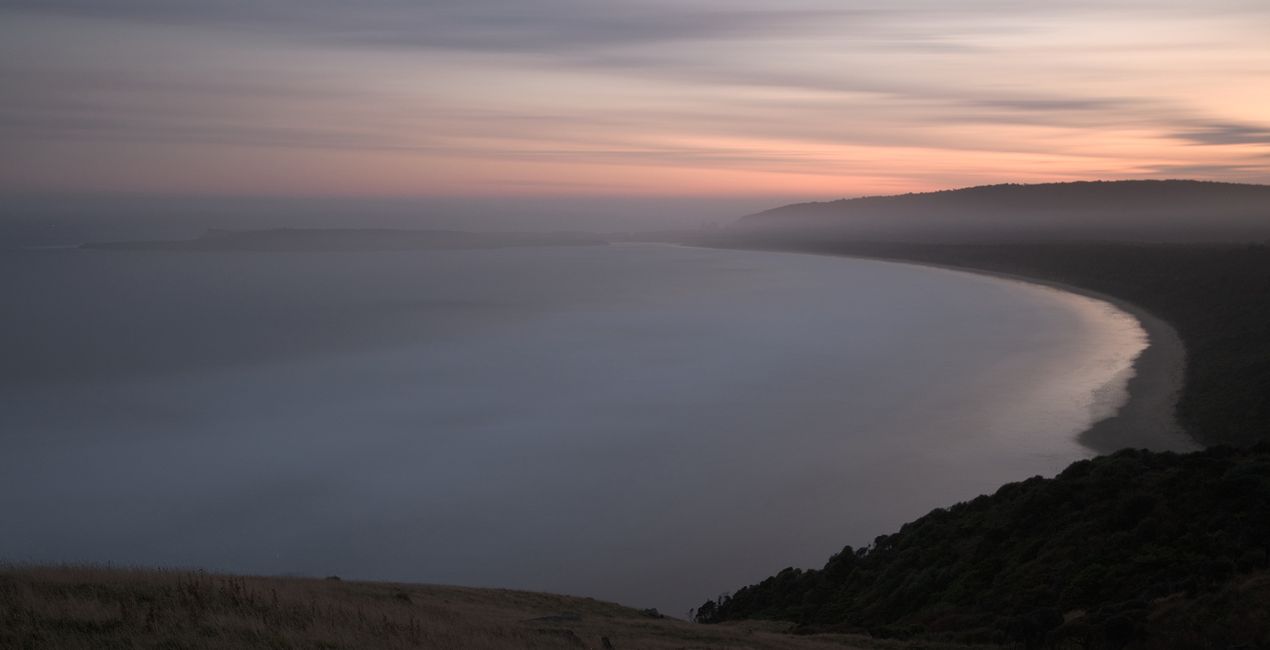
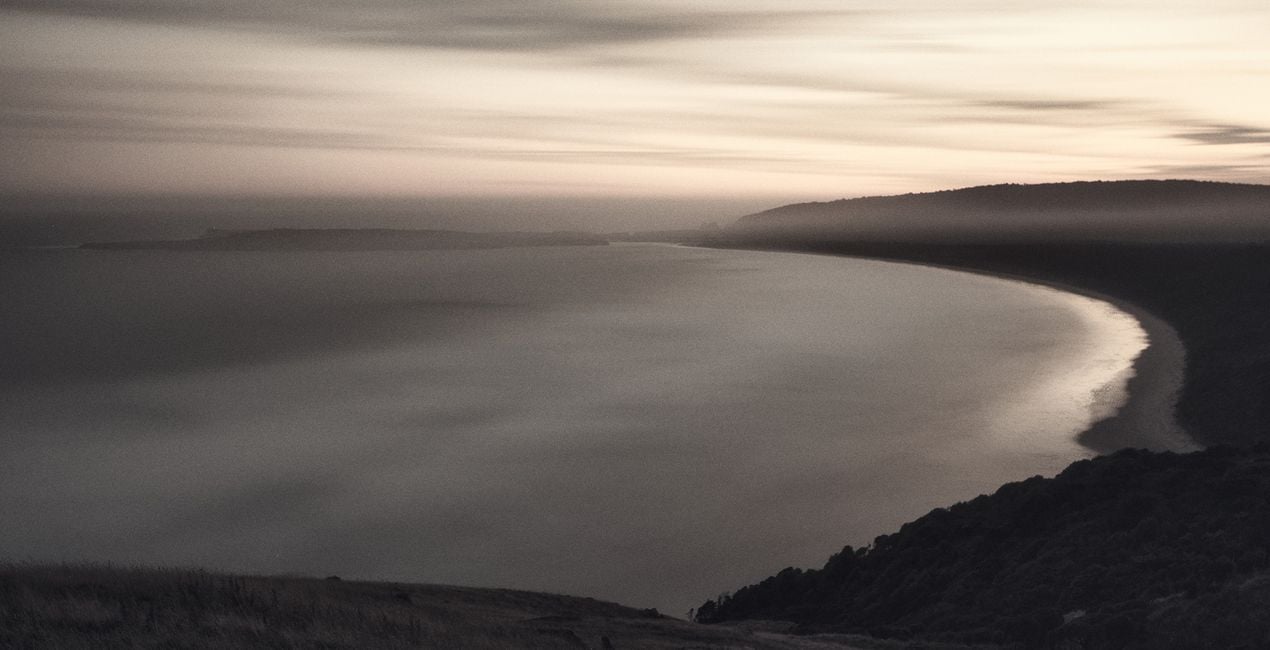
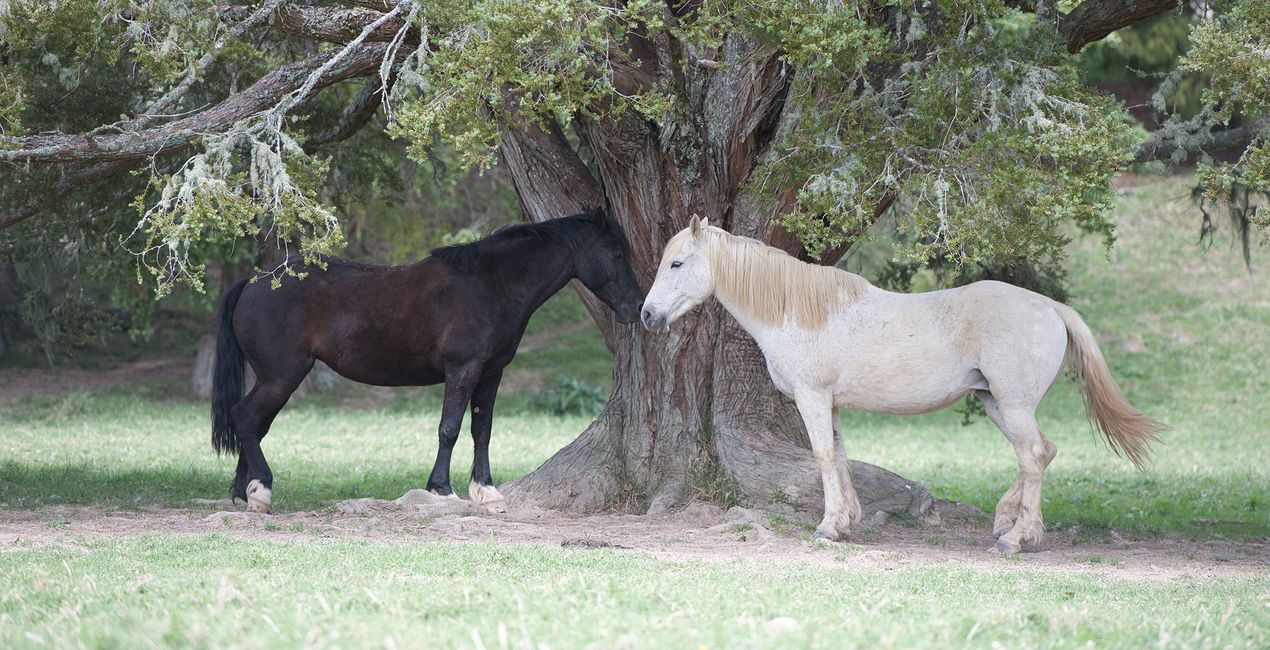
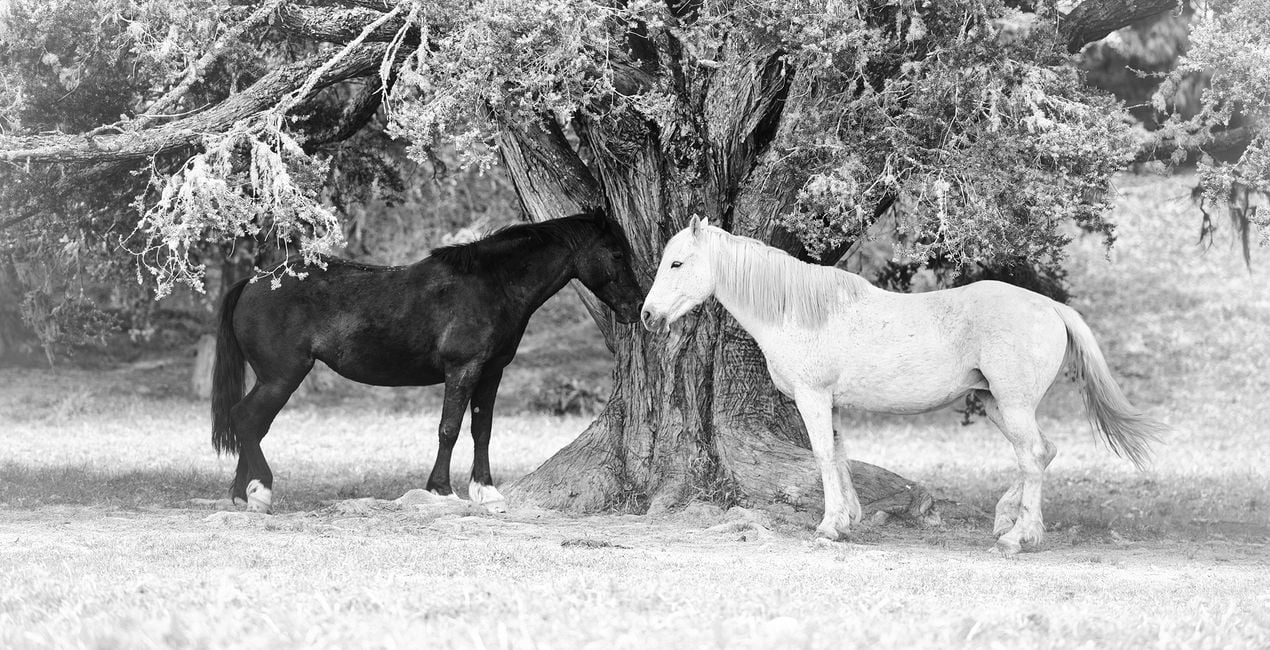
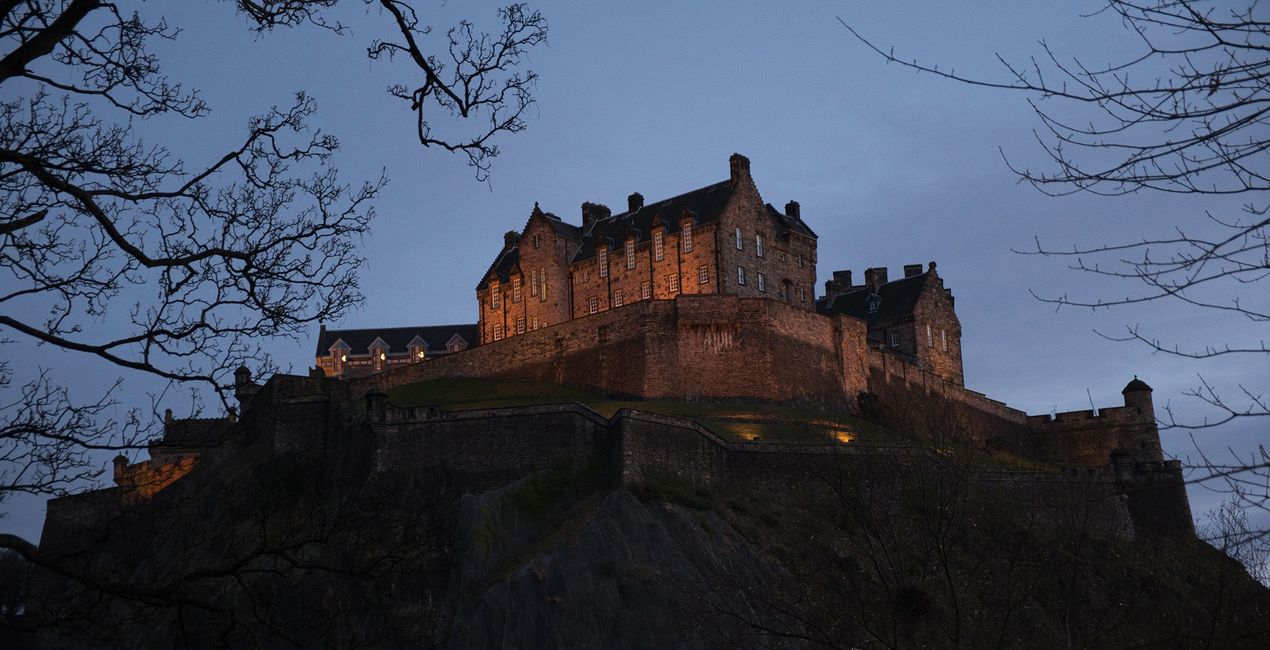
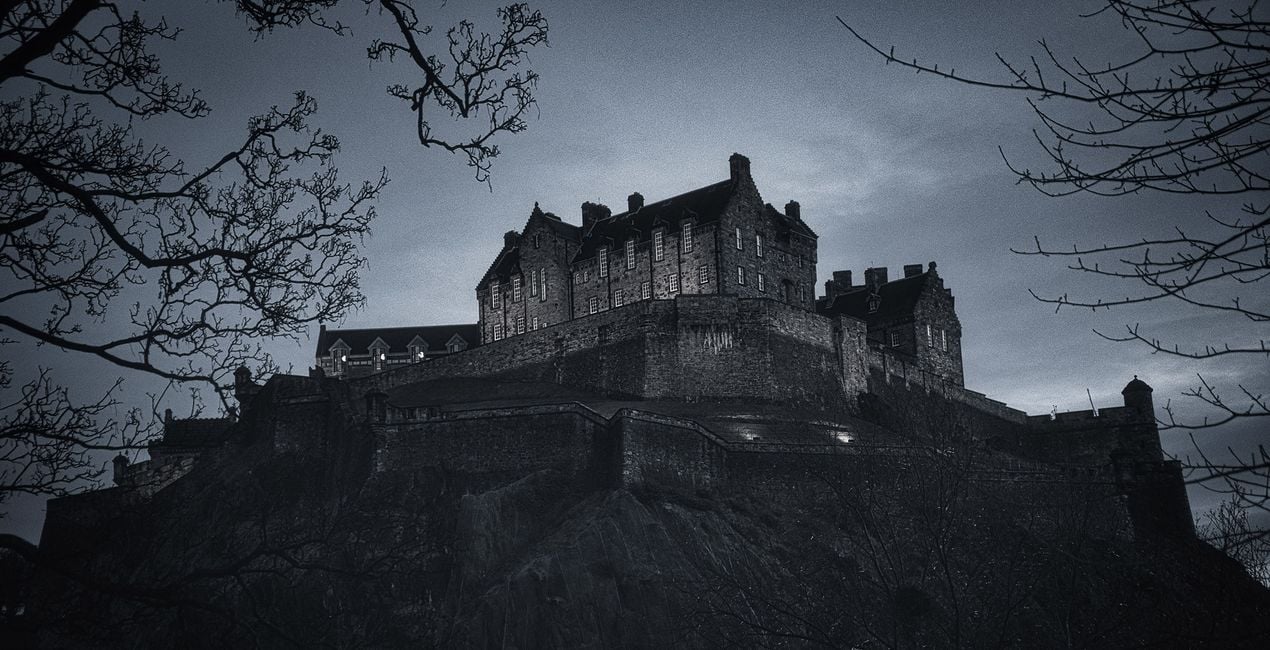
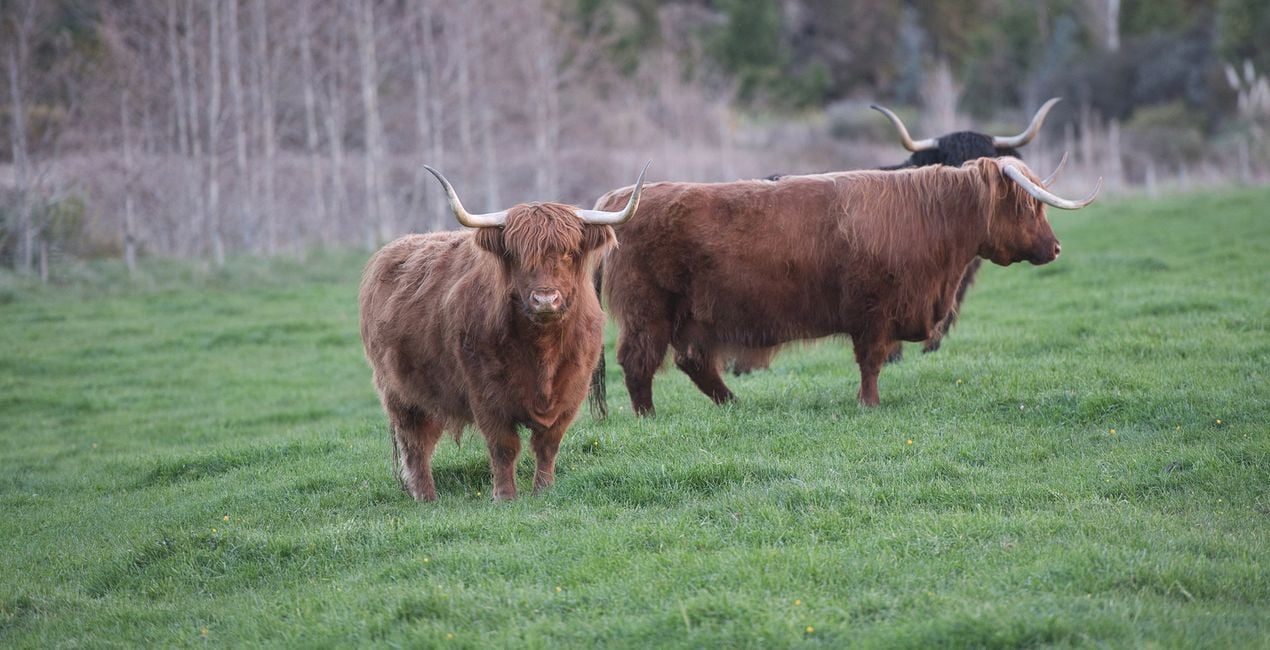
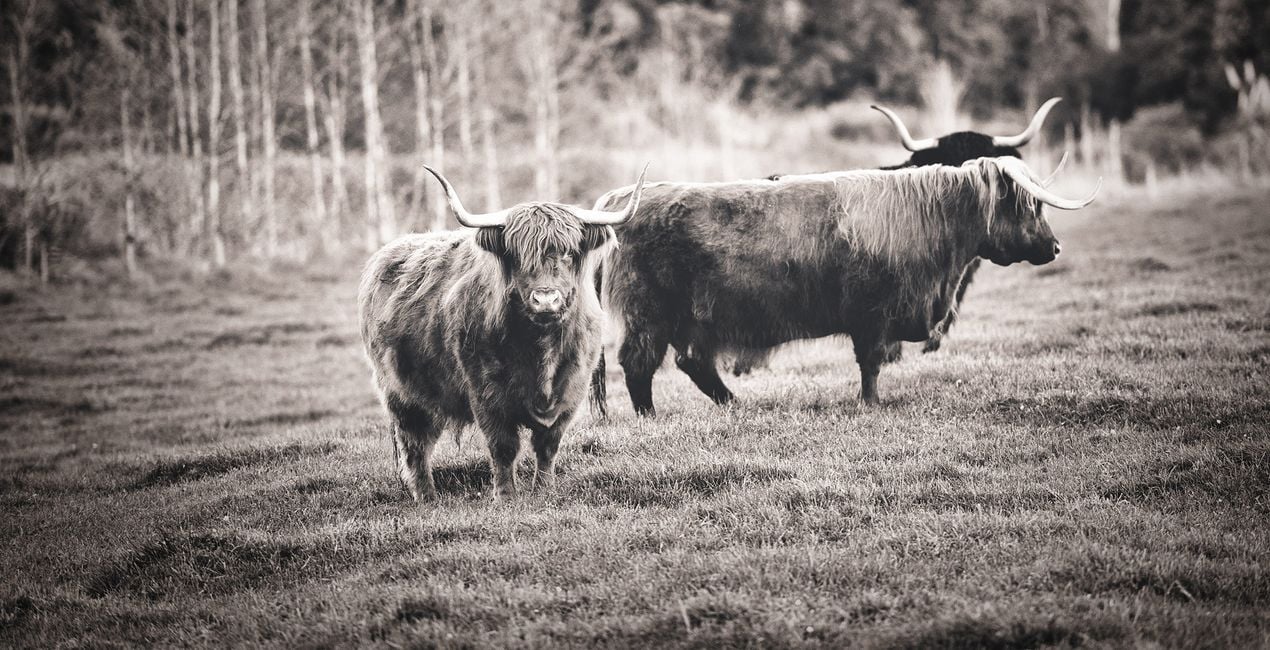
このような写真をゲット
提供されたRAWファイルを使ってレタッチのコツを簡単に練習、こんな写真に仕上げる方法を学ぶことができます。
 >
>
 >
>

 >
>
 >
>
 >
>
 >
>
物語
Anthony Turnham originally became captivated with the idea of emulating a vintage style in his wedding photography. It always amazed him how a simple and nice moment could be elevated into an emotion-rich image by adding a good vintage Preset. The vintage processing Anthony started applying is what made him hugely popular among his clients.
After leaving wedding photography, Anthony began to wonder how the emotive power of vintage looks could be applied to other genres. To his delight, this timeless look worked well across many genres of photography. Whether you shoot portraits, landscapes, animals, or architecture, this collection is designed to give you a set of Presets that will transform your photos with soft and subtle charm.
While each Preset is demonstrated on a particular style of photography, please don't feel limited to that that genre only. The Presets are versatile and Anthony encourages you to experiment with their application across different areas of your photography.
You will find 10 Presets in this Pack:
Details: Ideal for enhancing photos where detail is paramount. A punchy black and white Preset that brings out a structural gritty look.
Details Faded: Get the best of both worlds by balancing the enhanced structural elements in the photo with the calming subtlety of faded tones.
Bleach: Subtle edge bleaching combined with pop and contrast towards the center of the frame. Ideal for focusing attention on a central subject.
Tint: Create a mostly desaturated version of your photo while embuing a hint of golden tint.
Soul: A hint of warmth through the mid tones and highlights combined with vintage fading gives your photos a soft, soulful feel.
Simplicity: Designed for speed, this Preset uses just two tools to create a quick conversion to faded black and white. No frills, classic result.
Blues: Designed to drop your image into a low-key version with a subtle hint of blue. Ideal for bringing a moody essence to a photo.
Yesteryear: A washed-out black and white fade with slightly beached corners. Designed to take your photos back to the yesteryear era. Great for portraits.
Opulence: Lifted blacks and dropped whites combine to give a timeless, faded look. A boost in the shadows keeps details through the darker regions. A winner with portraits.
Summer: Designed for portraits giving a high-key lift for a fresh summertime vibe while still keeping the emotive essence of the faded vintage look.
関連商品


クリエーター
Anthony Turnham
Professional photographer & photography educator
Anthony moved to New Zealand in 2006 and began his professional photography journey shortly after. Working within a variety of photographic genres has given him an invaluably broad knowledge of different types of photography.
After a couple of decades as a full-time professional photographer, more recently Anthony Turnham has refocused his efforts on sharing his extensive knowledge with the photographic community by giving free training on his YouTube channel. While Anthony still undertakes specific commissions for architectural photography and relish the technical side of this genre, Anthony has dedicated more time to his passion for landscape photography.
Anthony has been a finalist in Wedding Photographer of the Year and won awards in different photography categories, including several coveted GOLD Iris Awards. He is and he is proud to have been awarded the title "Master of Photography" by the New Zealand Institute of Professional Photography.
サポートへの問い合わせ方法は?
製品についてご質問がございましたら、24時間対応のサポートチームまでお問い合わせください。こちらのリンクをご利用ください。
Vintage Monochromeを購入する方法は?
Vintage Monochromeを購入するには、次の手順に従ってください:
1. Skylumのマーケットプレイスを開きます。
2. Vintage Monochromeがリストされているタブに移動し、クリックしてカートに追加します。
3. カートに進み、Vintage Monochromeの購入手続きを完了してください。
4. ご購入後、Vintage Monochromeのダウンロードリンクが記載された購入完了メールが届きます。また、Skylumアカウントの「マイアドオン」タブからも新しいアイテムをご確認いただけます。
Vintage Monochromeをインストールする方法は?
Vintage Monochromeのインストール手順の詳細は、ダウンロードリンクと一緒にお送りする「購入完了メール」に記載されています。
また、Luminar Neoから購入されたアイテムを直接インストールすることもできます。エクストラ > マーケットプレイスに進み、商品カテゴリを選択して、購入済みアイテムを見つけてインストールをクリックしてください。
Vintage Monochromeのインストール後、どこで見つけられますか?
とても簡単です!プリセット タブに移動して、購入済みを選択してください。インストールしたプリセットがここに表示されます。
Vintage Monochrome を失くしてしまった場合は?
ご安心ください。Vintage Monochromeを含むすべての購入済みアイテムは、Skylumアカウントの「マイアドオン」タブ に保存されるため、簡単に再ダウンロードしてご利用いただけます。
Vintage Monochromeが自分のソフトに対応しているかどうかを確認するには?
ほとんどのアイテムはLuminar Neoに対応しています。ただし、確実にVintage Monochromeがお使いのソフトと互換性があるかを確認するには、ダウンロードや購入前に製品仕様をご確認ください。Vintage Monochromeページ右側の「互換性」セクションに対応しているすべての製品が表示されています。


