

 適用する
適用する 



Tokyo Diaries
Save $201 $ 19 .00
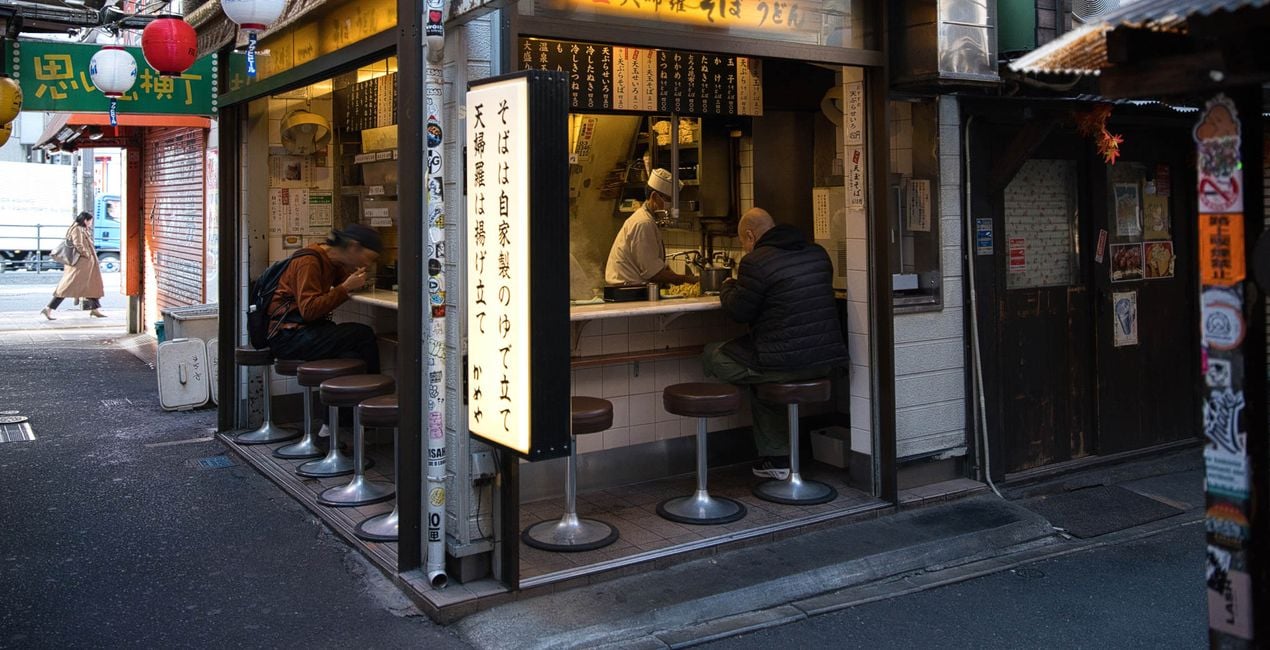
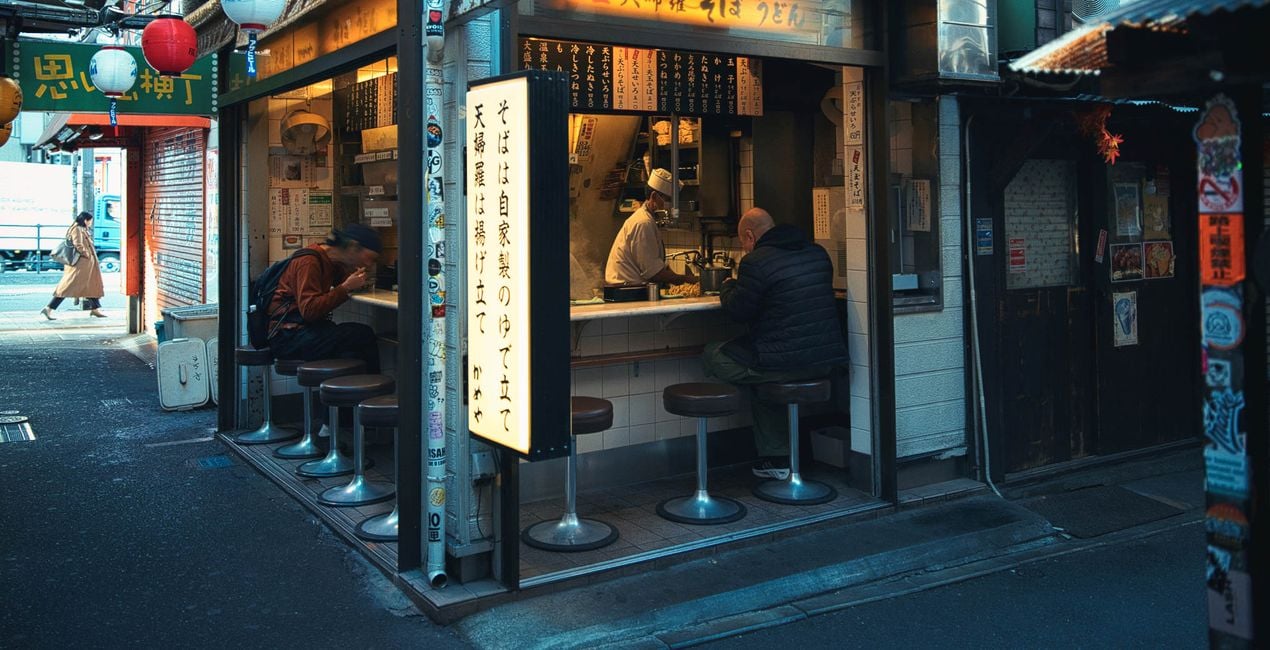
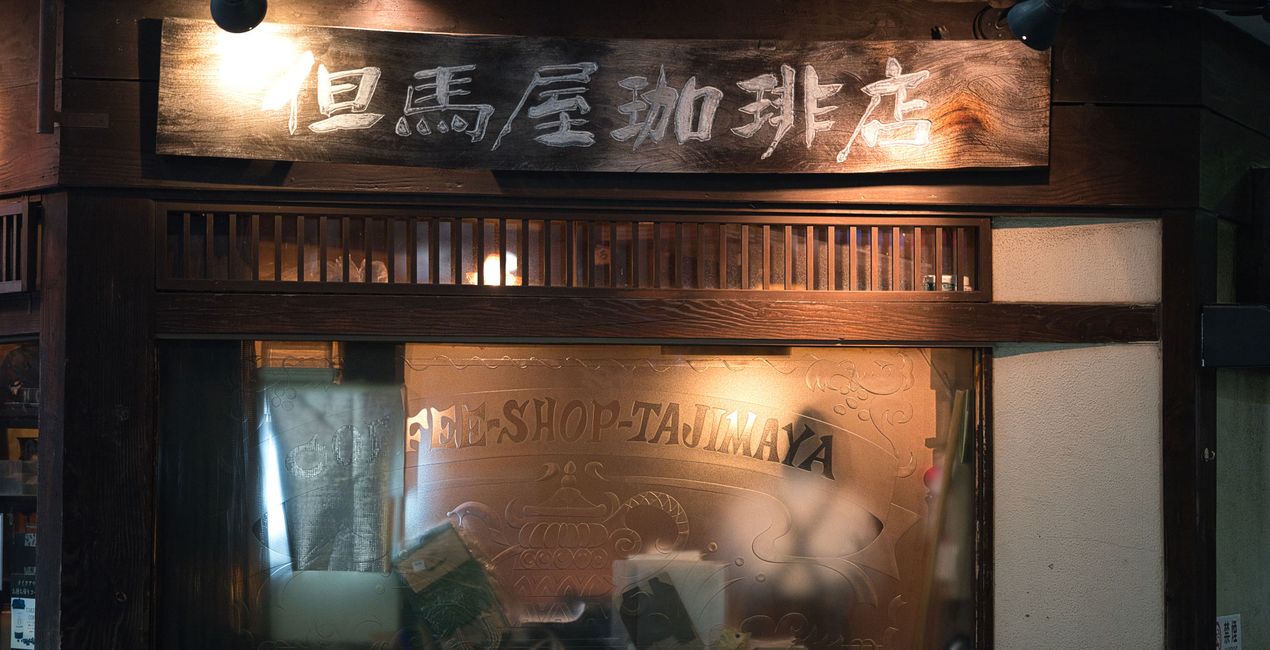
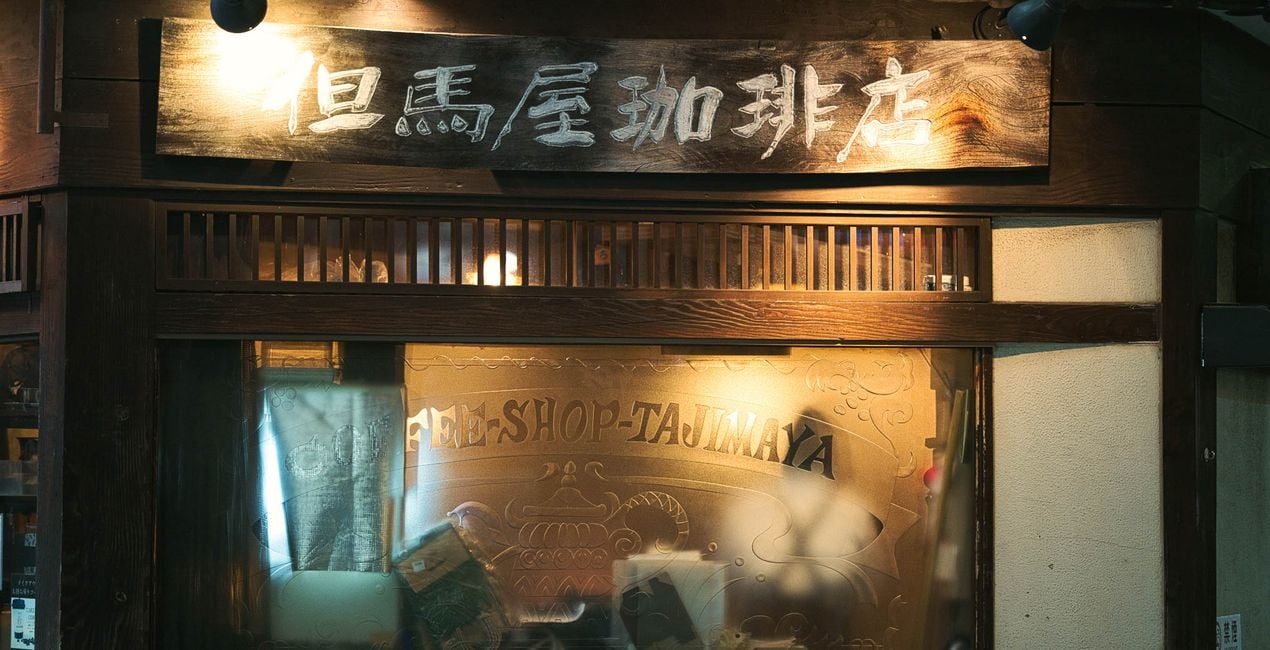
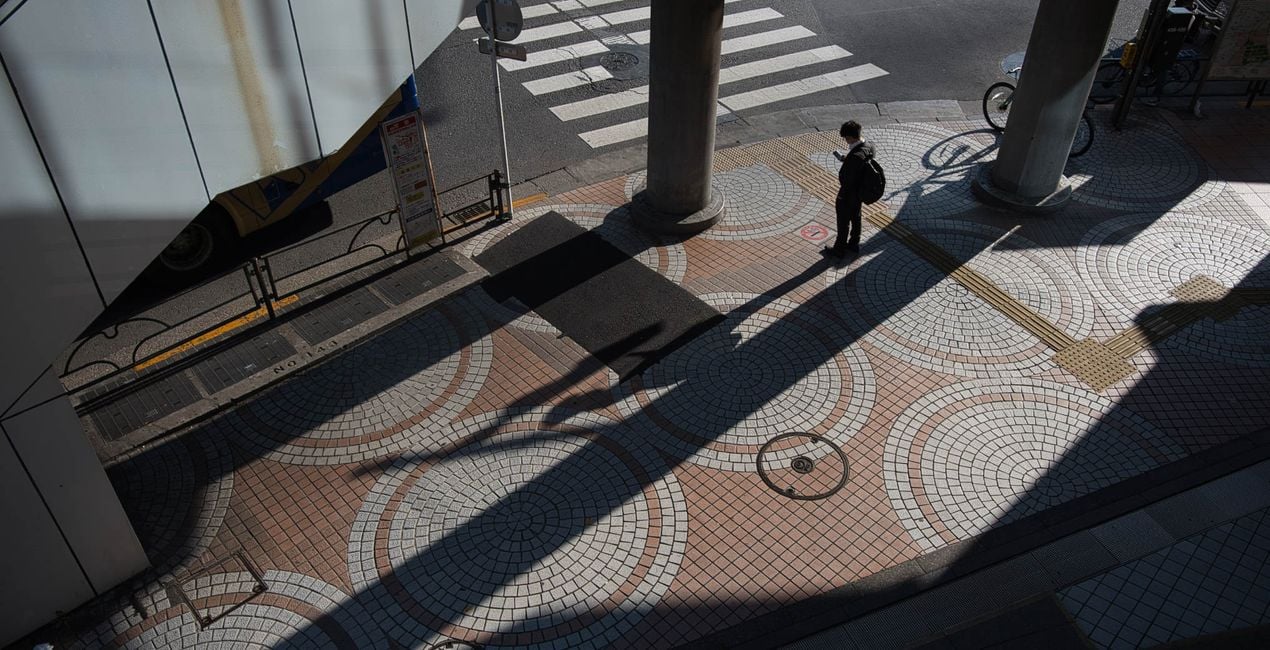
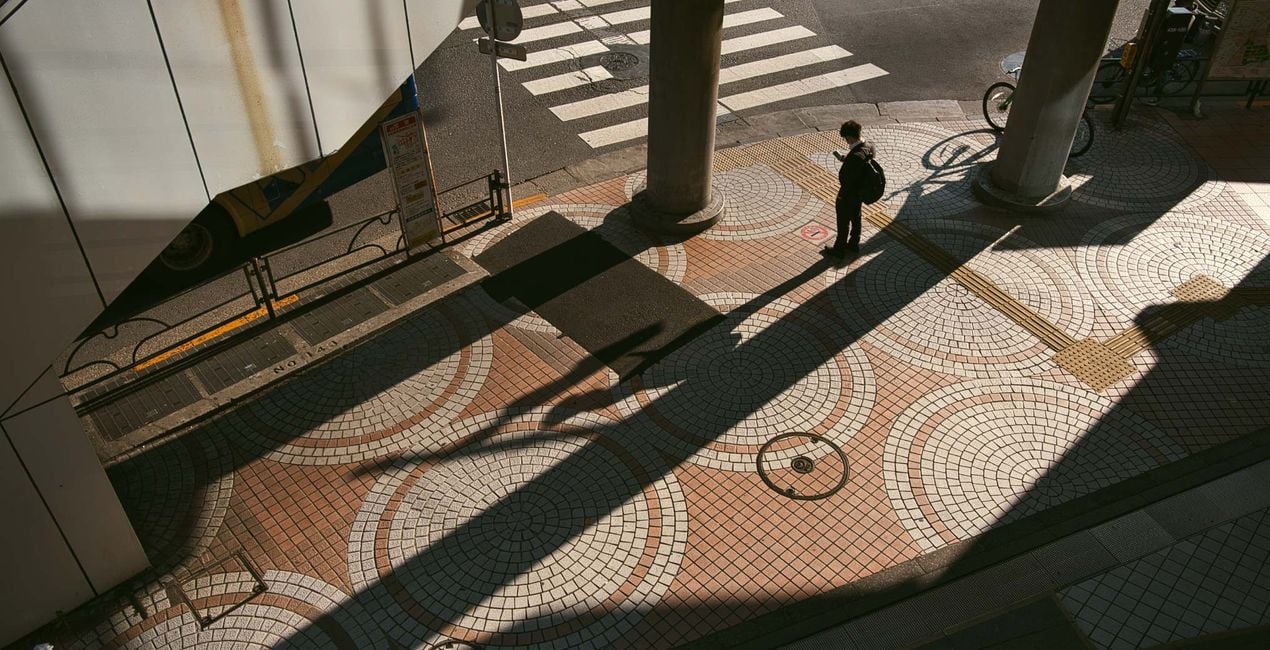
Introducing "Tokyo Diaries," an exquisite Preset collection meticulously crafted for Luminar Neo, designed to elevate your street photography to new heights. Immerse your images in the vibrant energy of Tokyo's bustling streets with this thoughtfully curated set of Presets, perfect for both day and night shots. Whether you're capturing the dynamic hustle and bustle of urban life during daylight hours or the mesmerizing neon-lit scenes that come alive after dark, Tokyo Diaries ensures every photograph is infused with the unmistakable essence of this iconic city. Elevate your street photography with ease as these Presets effortlessly enhance color tones, optimize contrasts, and add a touch of cinematic flair. Transform your shots into captivating visual narratives that mirror the diverse moods and moments found within Tokyo's streets. Upgrade your editing workflow and unleash the power of Tokyo Diaries to make every street photograph a masterpiece.

提供されたRAWファイルを使ってレタッチのコツを簡単に練習、こんな写真に仕上げる方法を学ぶことができます。
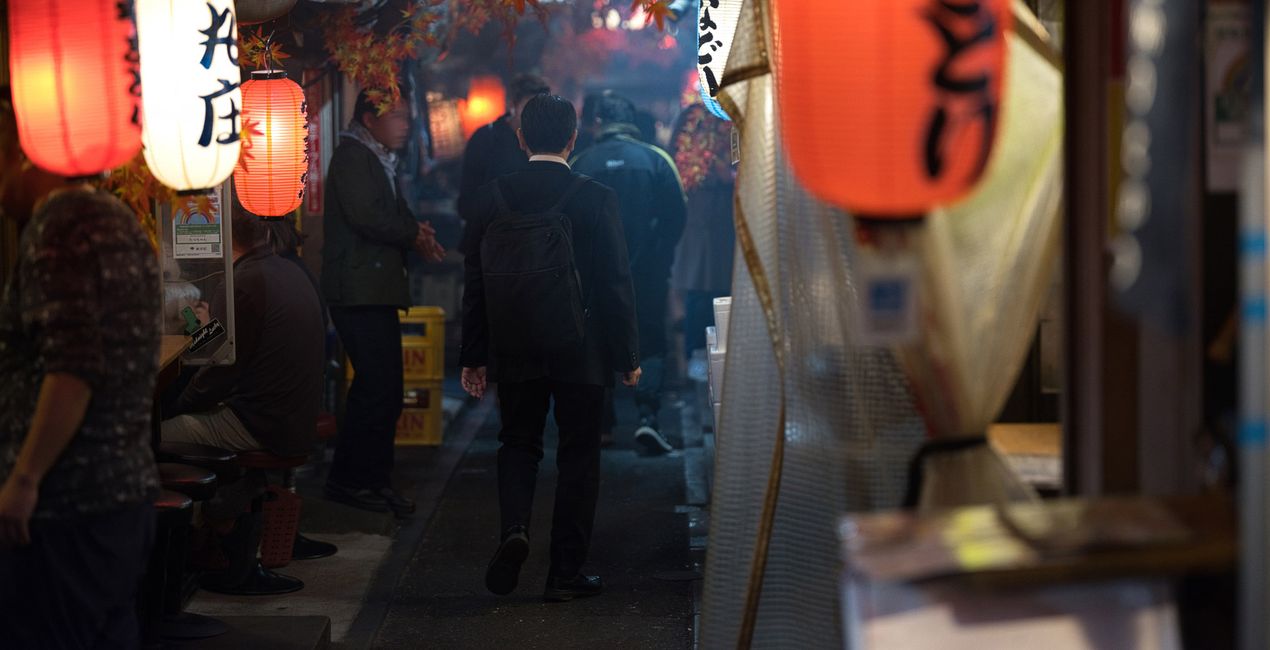
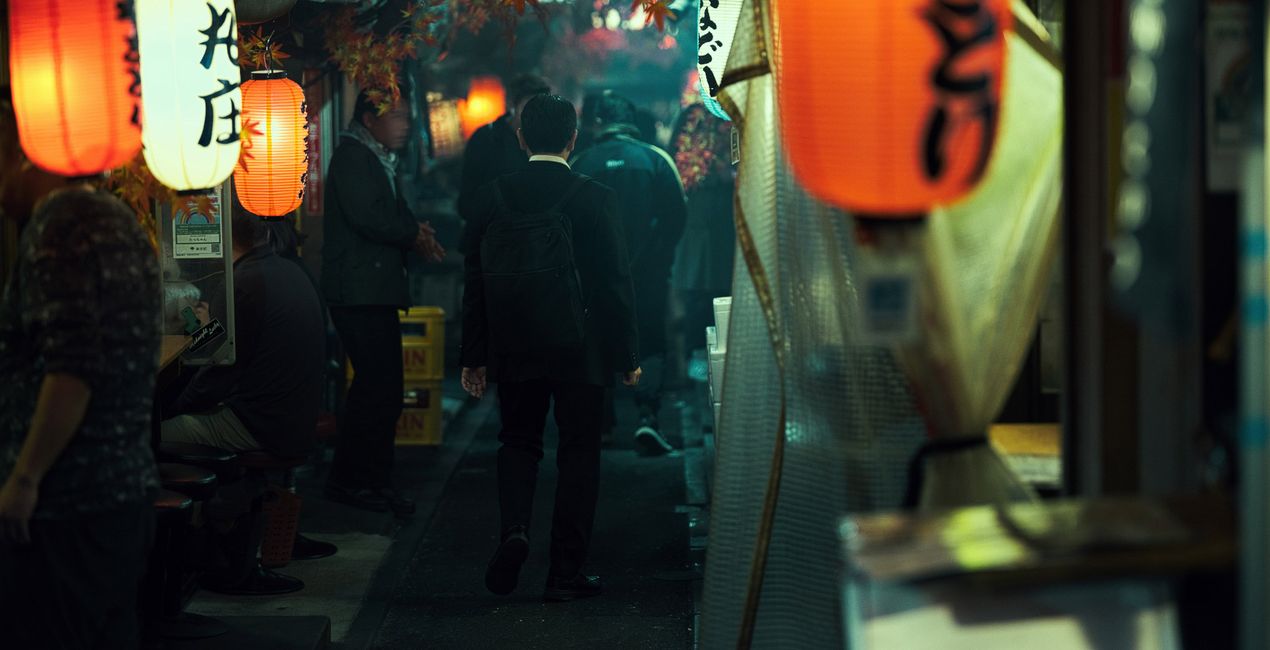 >
>
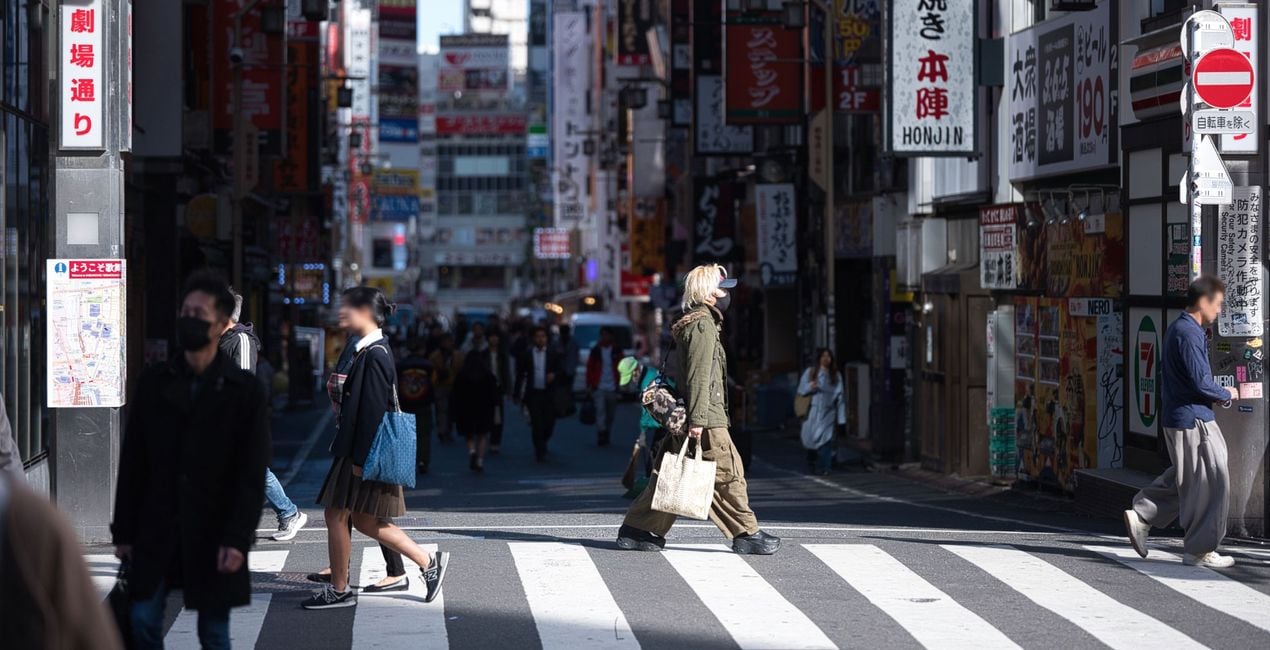
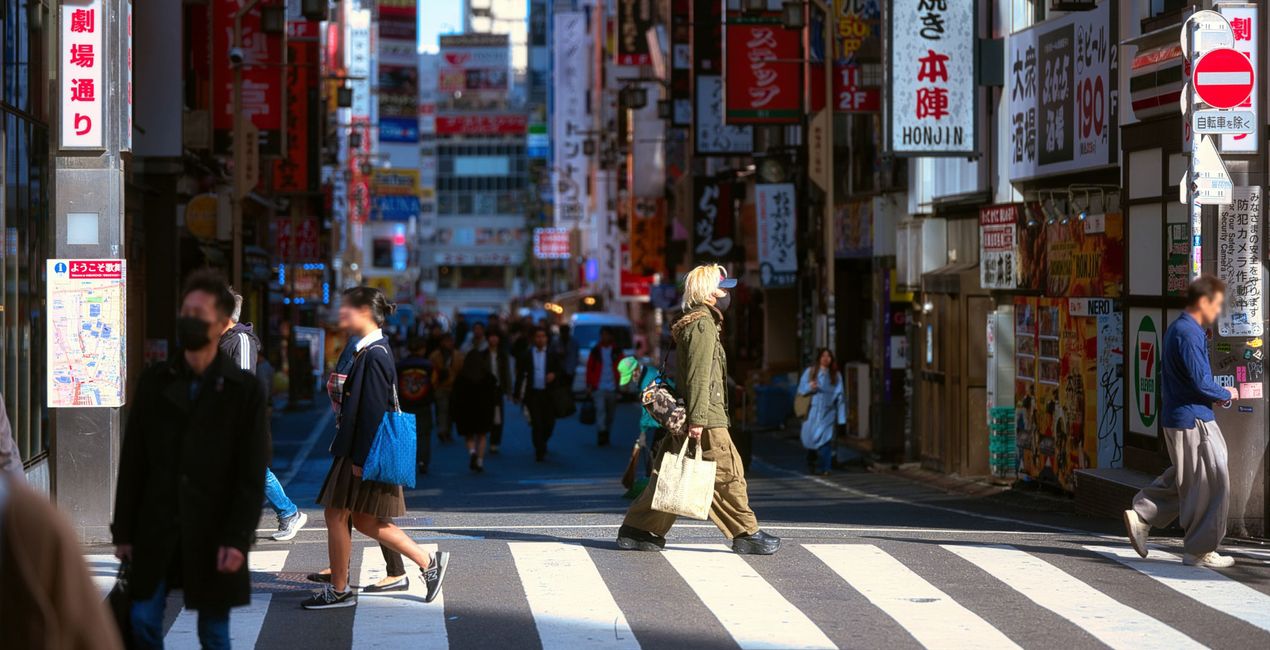 >
>
 >
>
 >
>
 >
>
You will find 10 Presets in this Pack:
Midnight Diary - Warm and vibrant Preset with high contrast.
Soft Moonlight - Soft and warm tones, plus soft shadows and highlights. Perfect for night photos.
After Dark - A Preset with warmer tones and a cinematic feel, ideal for night photos.
Cinematic Nights - A Preset with cool tones, cinematic feel.
Tokyo Streets - Dreamy, faded, bright, and with added glow. Perfect for morning or day shots.
Atmospheric Temple - A bright, warm and vibrant Preset, perfect for morning or day shots.
Morning Minato - A cool-toned Preset, faded black, cinematic, and dramatic, for morning or daytime photos.
Shibuya Crossing - Warm highlights, subtle cool shadow tones. Perfect for morning or daytime captures.
Japanese Gardens - Earth tones and a sepia effect. Perfect for morning or day shots.
Enchanting Asakusa - a Preset with faded colors and desaturated tones. Perfect for morning or daytime shots.
Photographer. Skylum Ambassador.
<p>Unapologetic in brandishing his post-processing skills, Sherwin sees what’s invisible to others and translates his images so they look the way he imagined when taking them. This results in compelling, emotive visual stories for others to appreciate and remember. His style straddles the line between reality and surrealism, resulting in works that almost feel ethereal. </p><p>Sherwin has earned his rightful spot in the world of photography and has been lauded by domestic and international organizations with numerous awards — a testament to his excellence in the field, especially in producing fine art landscape images. </p><p>Manila-born Sherwin Magsino is a self-taught photographer who began his career as an illustrator before dabbling in commercial photography in 2015. His love for travel awakened in him what he considers his life’s passion — landscape photography. This wanderlust leads to uniquely enchanting images of sceneries and moments in the places Sherwin visits.</p><p>Sherwin is currently a Brand Ambassador of <a href="https://fujifilm-x.com/en-us/photographers/win-magsino/" target="_blank">Fujifilm Philippines</a>, <a href="https://skylum.com/ambassadors/win-magsino" target="_self">Skylum Software</a>, <a href="http://gnarbox.com/" target="_blank">Gnarbox</a>, and NiSi Filters Philippines as well as a Your Shot National Geographic Contributor. As a representative of these brands, Sherwin conducts talks and workshops around Manila to share his experiences and inspire fellow artists who share his passion for photography.</p>
製品についてご質問がございましたら、24時間対応のサポートチームまでお問い合わせください。こちらのリンクをご利用ください。
Tokyo Diariesを購入するには、次の手順に従ってください:
1. Skylumのマーケットプレイスを開きます。
2. Tokyo Diariesがリストされているタブに移動し、クリックしてカートに追加します。
3. カートに進み、Tokyo Diariesの購入手続きを完了してください。
4. ご購入後、Tokyo Diariesのダウンロードリンクが記載された購入完了メールが届きます。また、Skylumアカウントの「マイアドオン」タブからも新しいアイテムをご確認いただけます。
Tokyo Diariesのインストール手順の詳細は、ダウンロードリンクと一緒にお送りする「購入完了メール」に記載されています。
また、Luminar Neoから購入されたアイテムを直接インストールすることもできます。エクストラ > マーケットプレイスに進み、商品カテゴリを選択して、購入済みアイテムを見つけてインストールをクリックしてください。
とても簡単です!プリセット タブに移動して、購入済みを選択してください。インストールしたプリセットがここに表示されます。
ご安心ください。Tokyo Diariesを含むすべての購入済みアイテムは、Skylumアカウントの「マイアドオン」タブ に保存されるため、簡単に再ダウンロードしてご利用いただけます。
ほとんどのアイテムはLuminar Neoに対応しています。ただし、確実にTokyo Diariesがお使いのソフトと互換性があるかを確認するには、ダウンロードや購入前に製品仕様をご確認ください。Tokyo Diariesページ右側の「互換性」セクションに対応しているすべての製品が表示されています。
まだお帰りにならないでください。あなただけの特別割引コードをご用意しました。今後15分以内にご利用いただくと、お会計時にさらに10%オフになります。以下のコードをコピーして、お買い物を完了してください。
15 m : 00 s





