

 適用する
適用する 



海の物語
Save $201 $ 14 .25 $ 19 .00
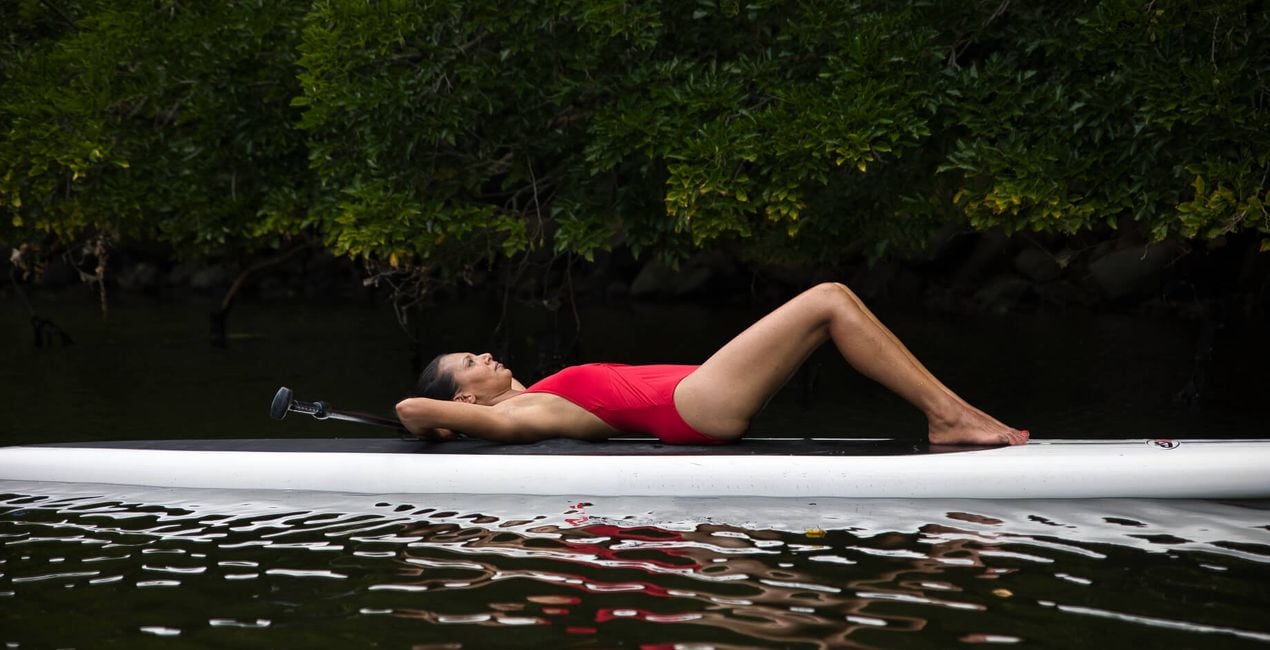
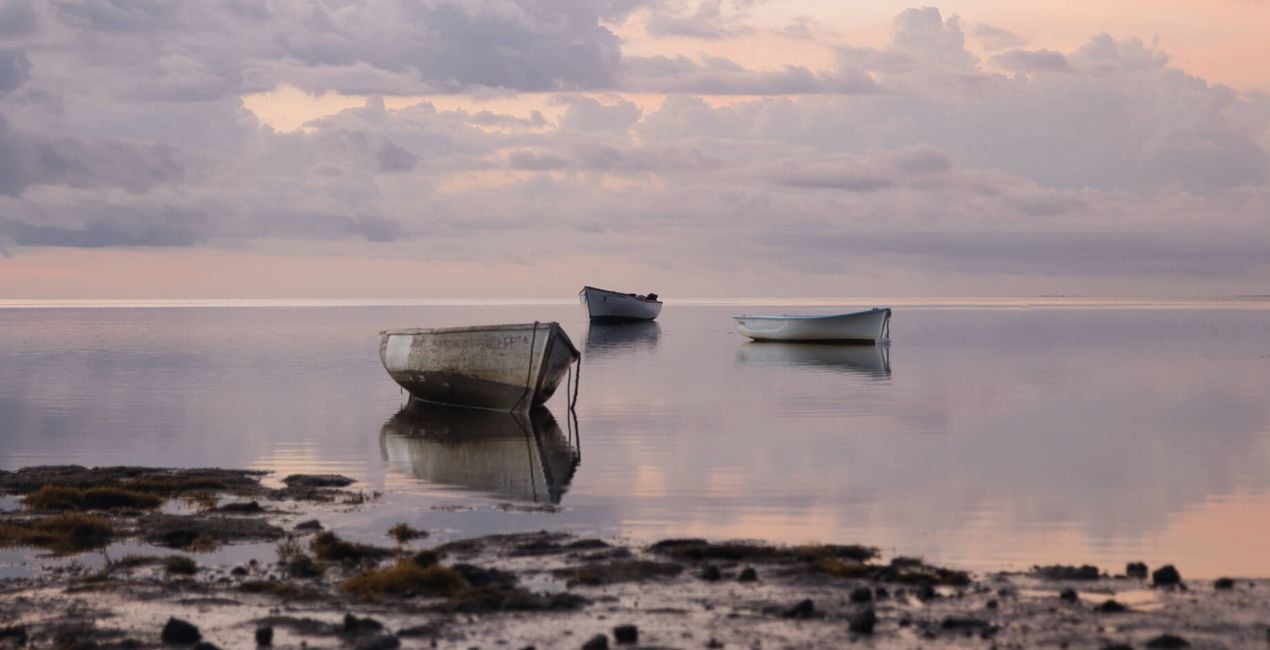
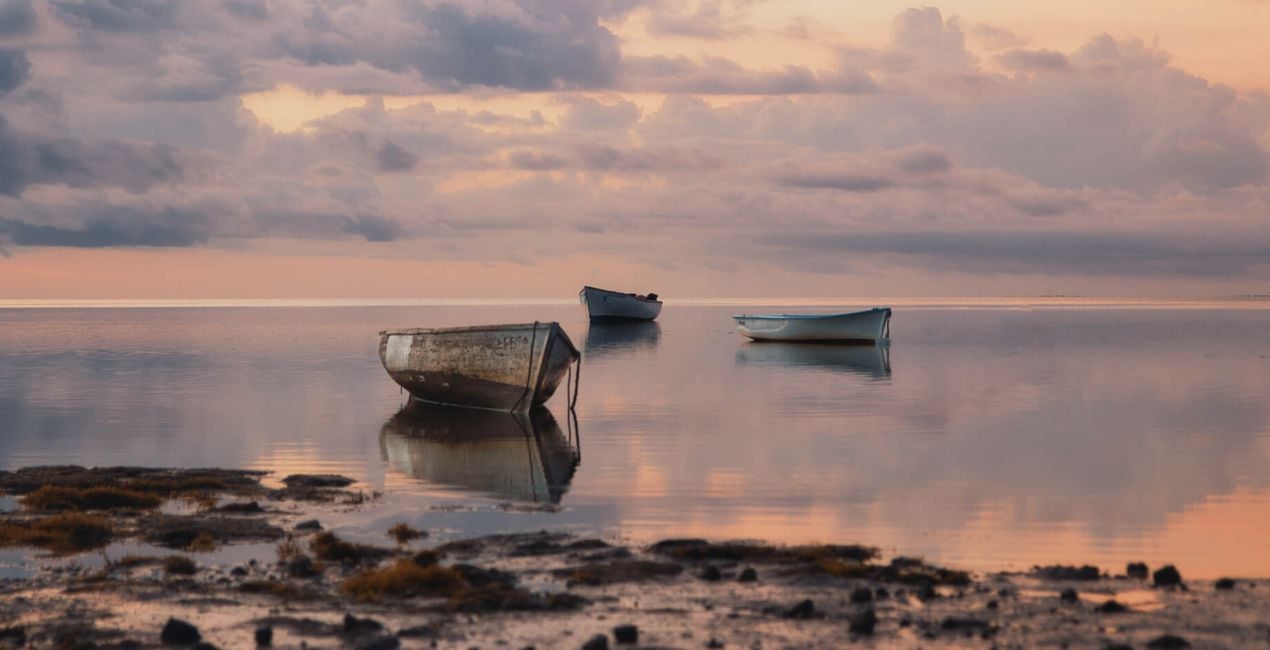
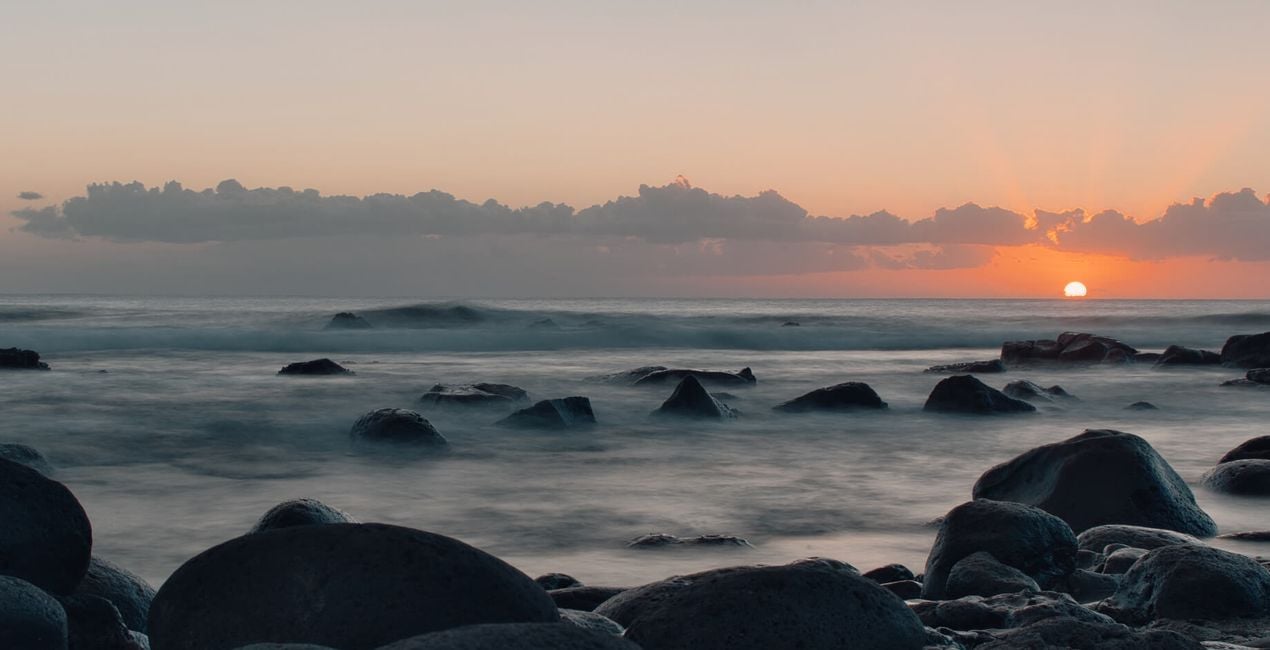
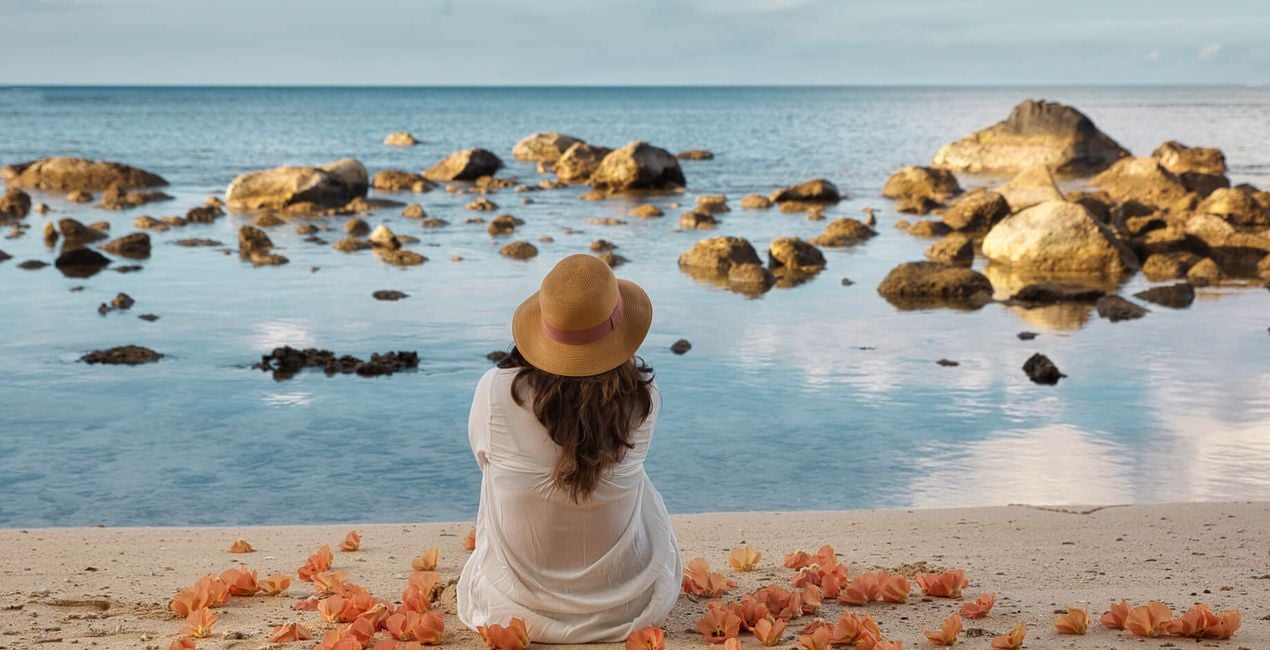
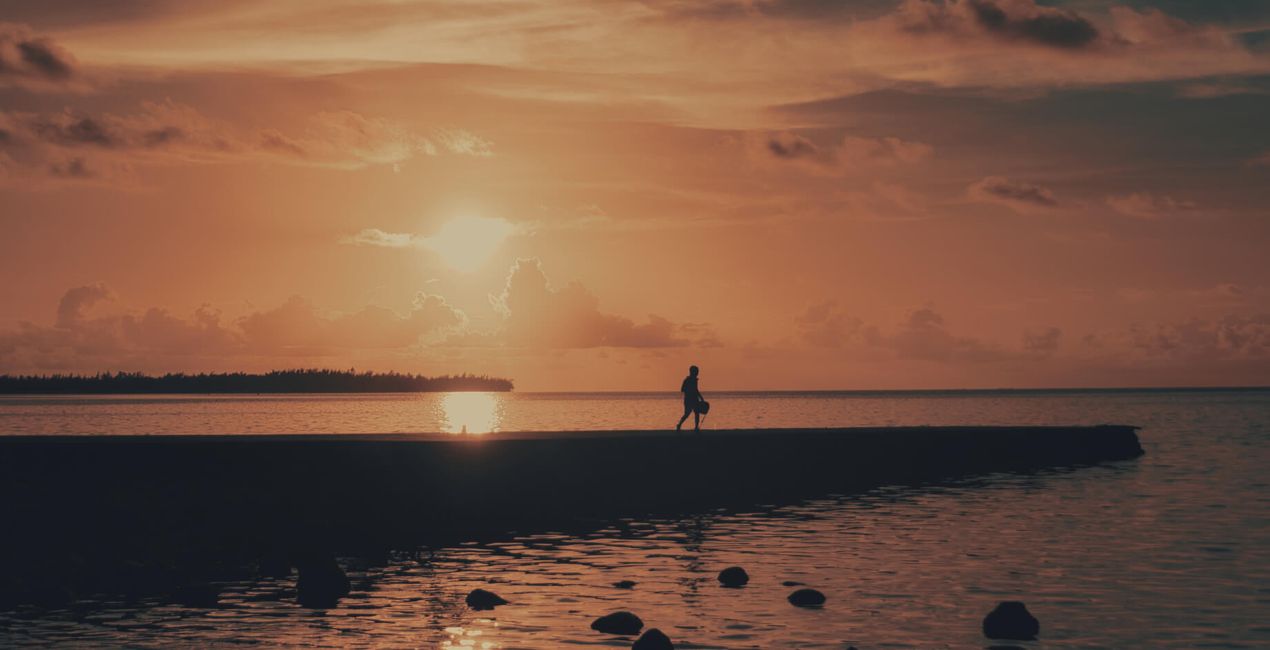
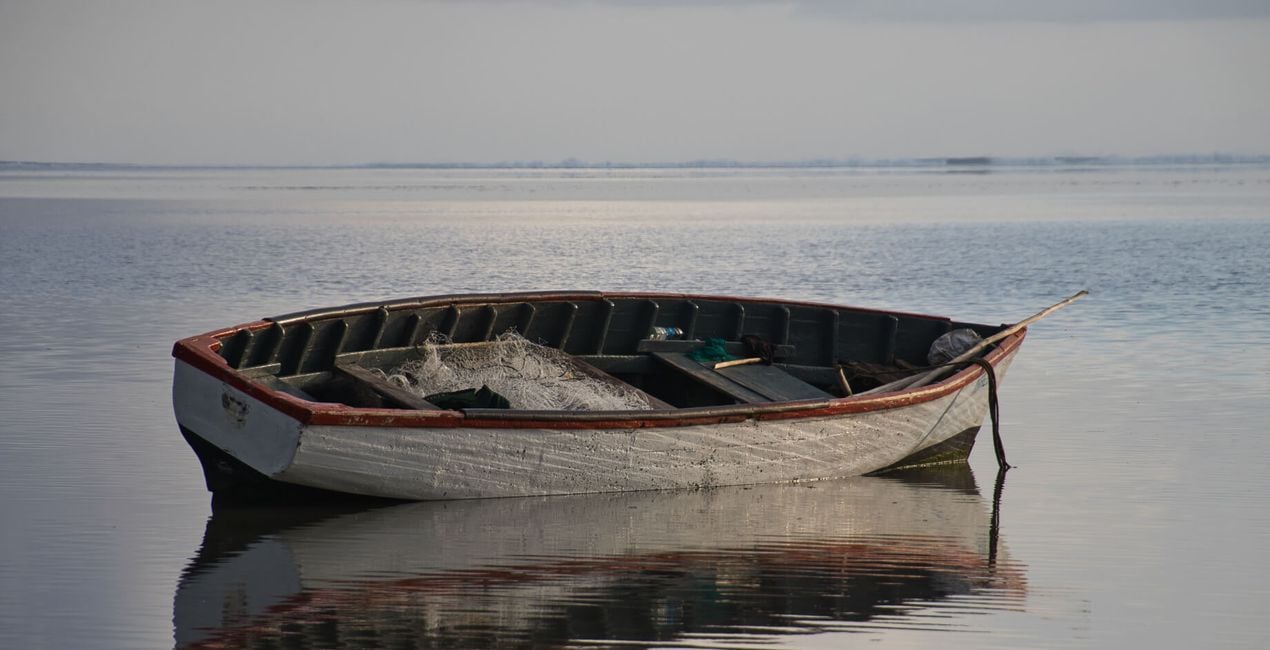
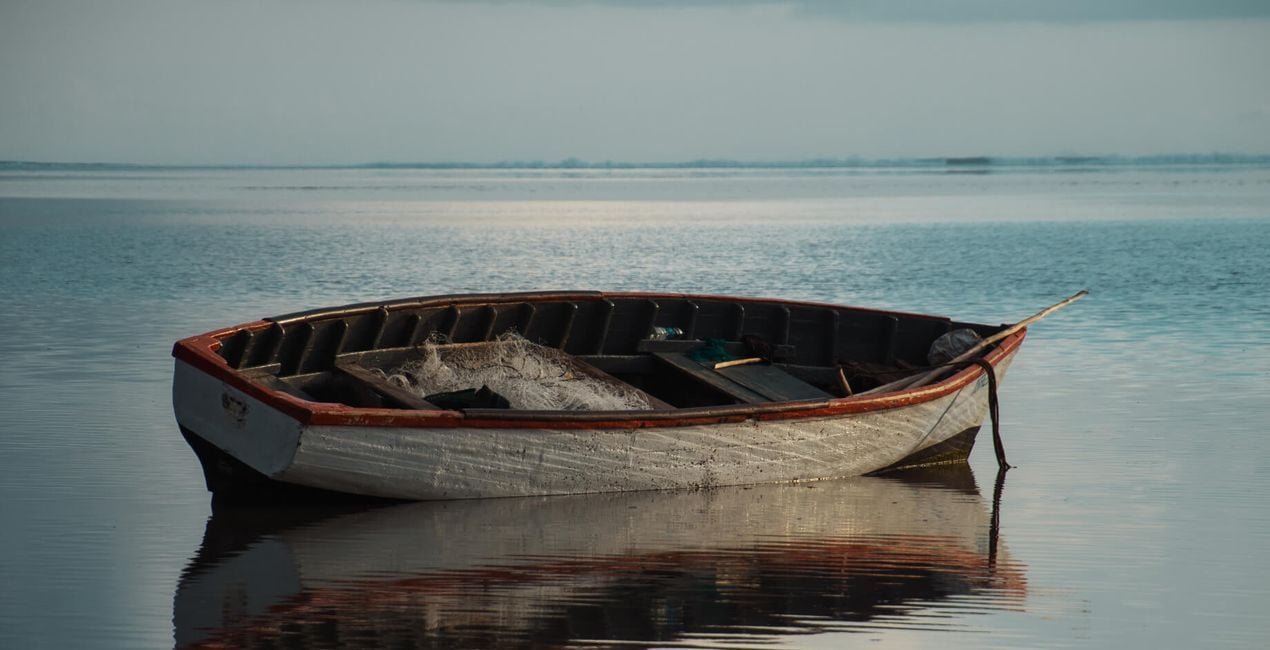
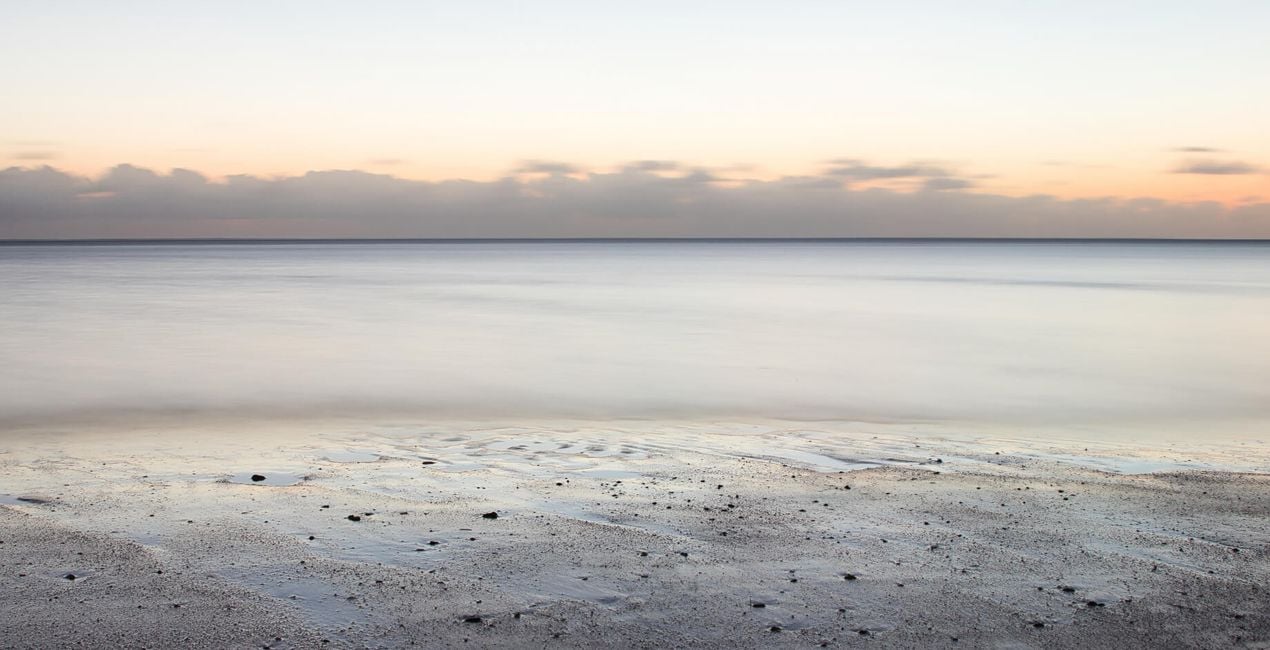
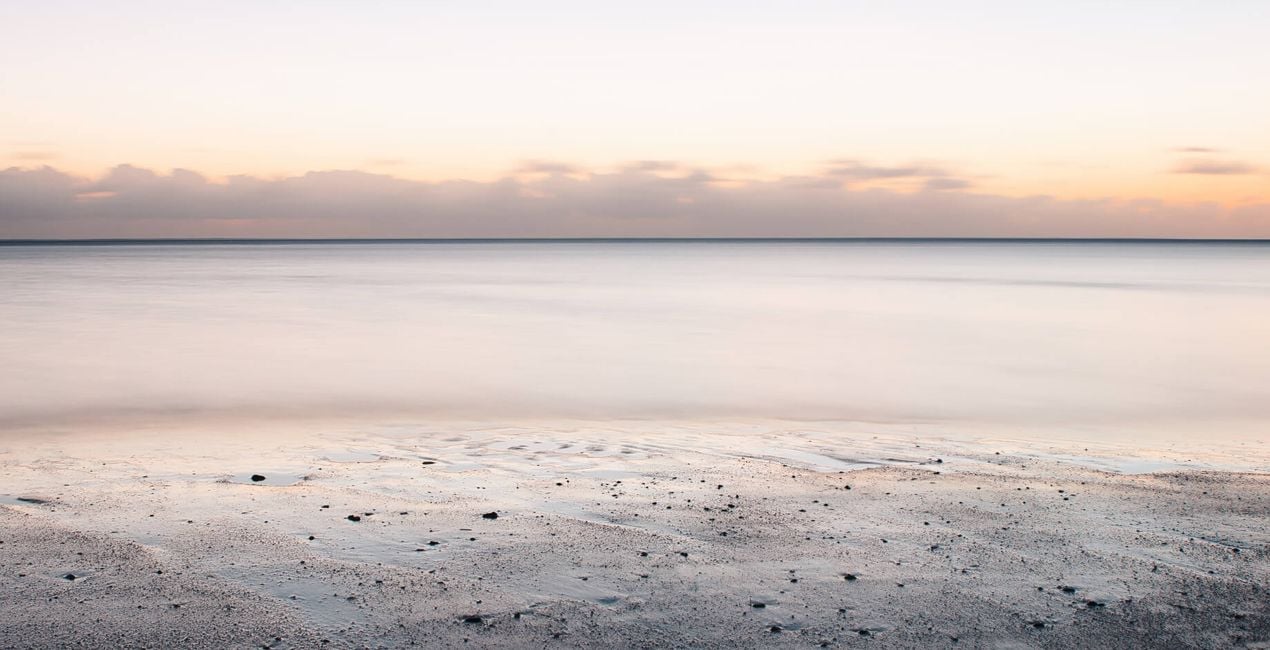
Javed Jeetooが作りあげる10つのシグネチャテンプレートは色調やシャドウを適切にコントロールし、淡い夢のような世界を作り出します。 風景写真用のこのテンプレートコレクションは、癒しを求めてたどり着く海に絶妙な想像性を加え、穏やかに心を癒してくれます。
含まれているもの
10種類のテンプレート。 JPEG、RAW画像に対応。

提供されたRAWファイルを使ってレタッチのコツを簡単に練習、こんな写真に仕上げる方法を学ぶことができます。
.jpeg?w=1270&h=650&resize=cover) >
>
 >
>
 >
>
 >
>
 >
>
 >
>
 >
>
 >
>
 >
>
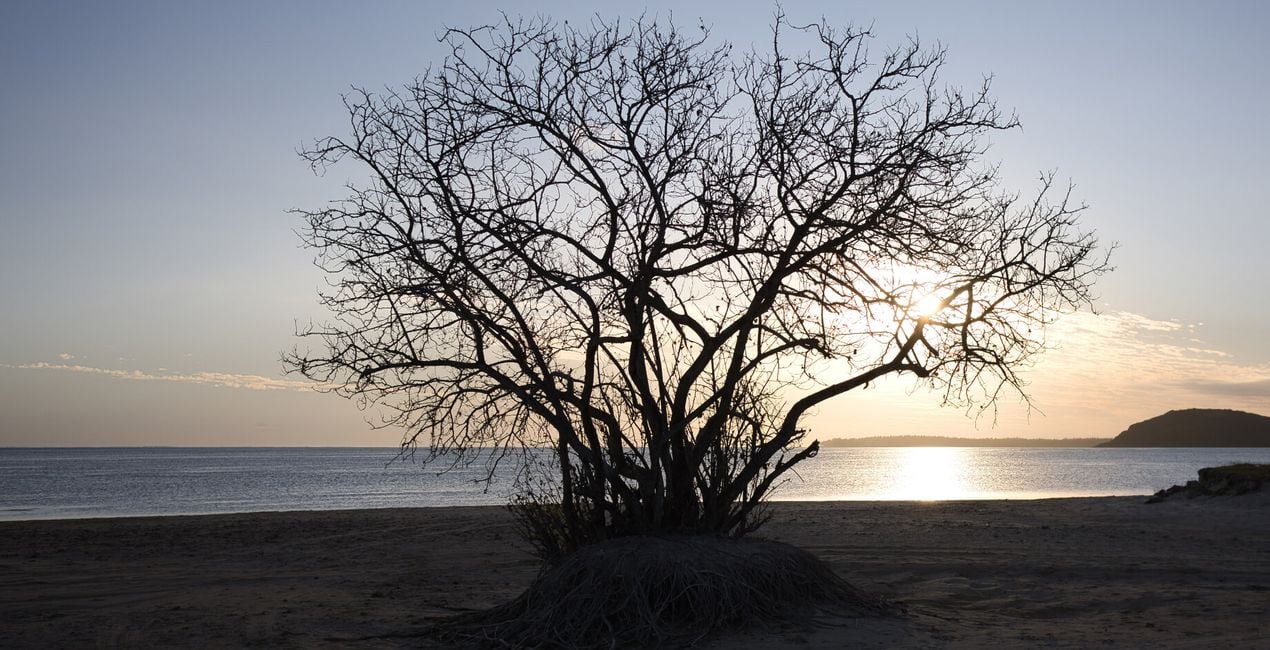
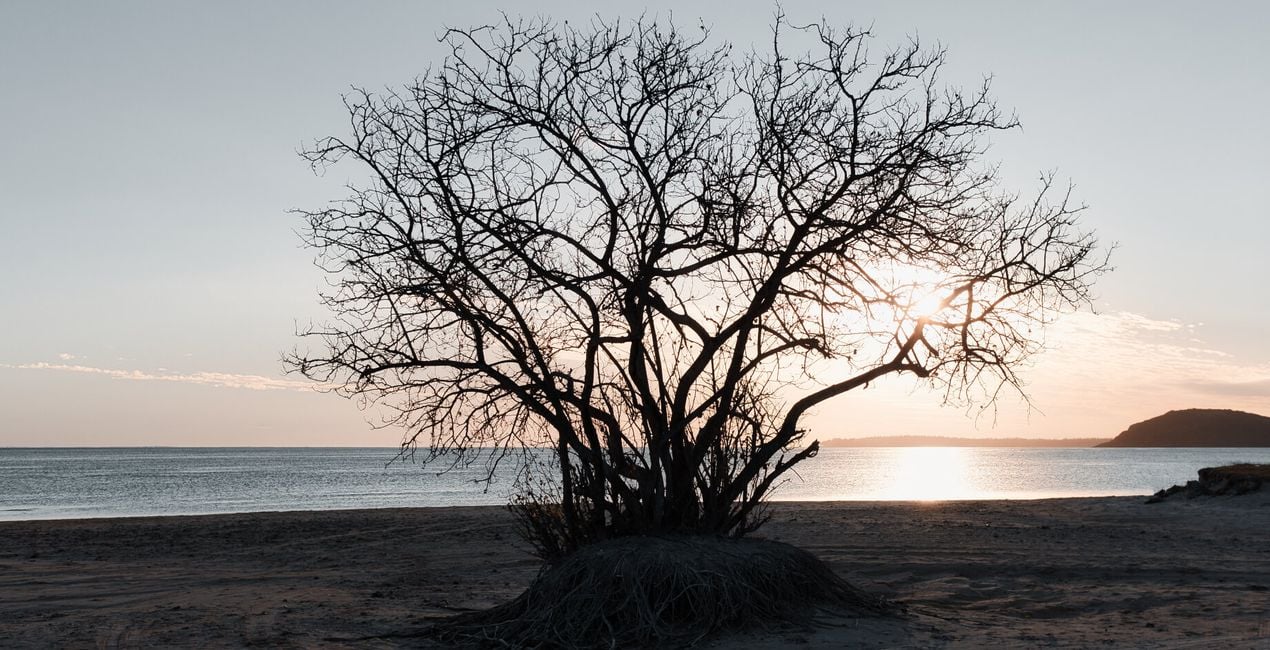
This Signature Templates pack makes use of uniquely crafted LUTs files and other LuminarAI tools like Color Harmony to provide a cinematic feel to your landscapes and nature shots.
LUTs, or Look Up Tables, are basically conversion profiles that take a color value in your original file, look it up in a table, and return a new color value.
Important note: As this Signature Templates pack focuses on tonality changes, adjust your white balance, tint, exposure, highlights, shadows, details, and structure based on your image.
Finally, remember to adjust the intensity of the LUT by moving the Mood sliders to fit your creative vision.
In this pack you'll find:
Dreamers. Subdued teal tones in the highlights and overall reduced contrast provide a dreamscape feel.
Faded Beauties. A faded look with pronounced red tones that’s perfect for those golden hour shots.
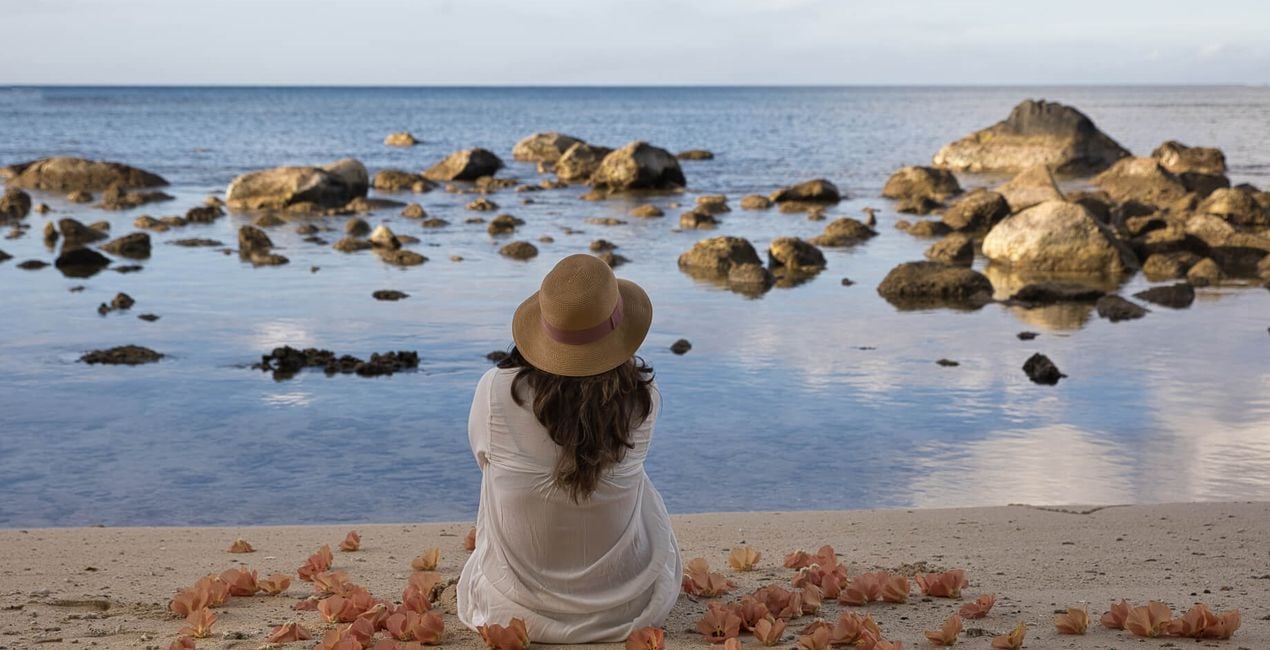
Azureous. Deliver a light blue feel to your pictures and accentuate warmer tones. A good fit for pictures taken during the day.
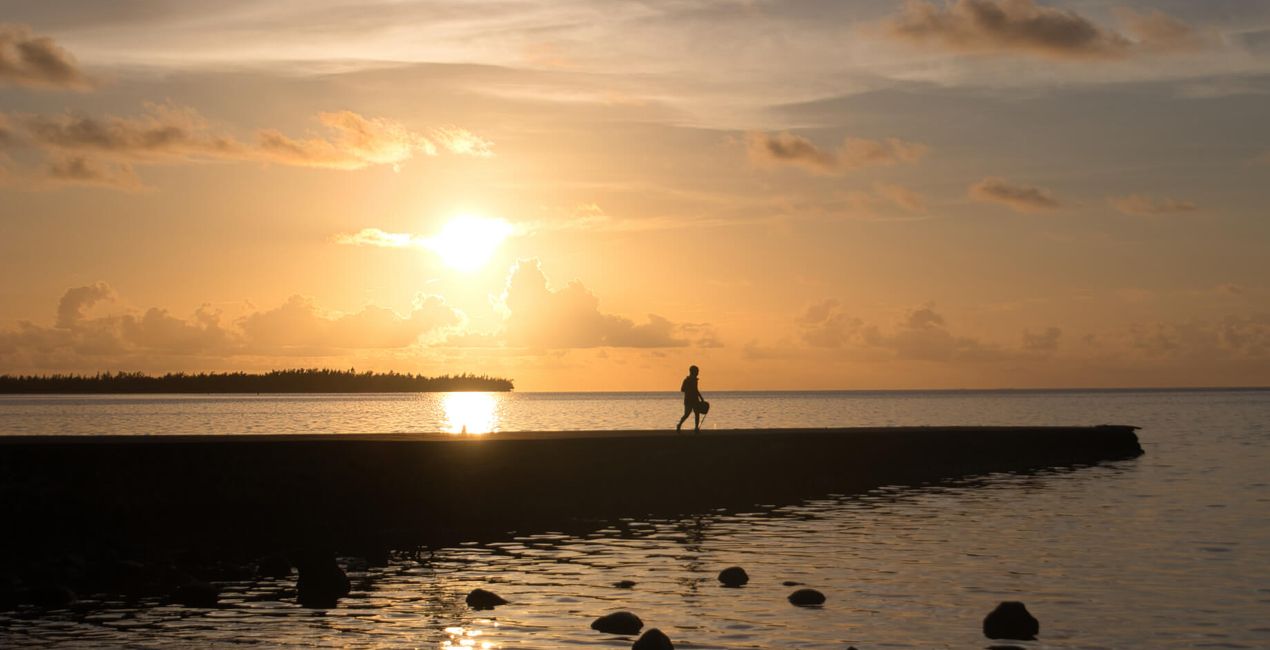
Golden Treasures. Make your sunrise and sunset photos stand out with a stroke of golden hues.
Mellow Hearts. Strike a clever balance between pink, blue, and grey tones to convey a deep cinematic feel in your photos.
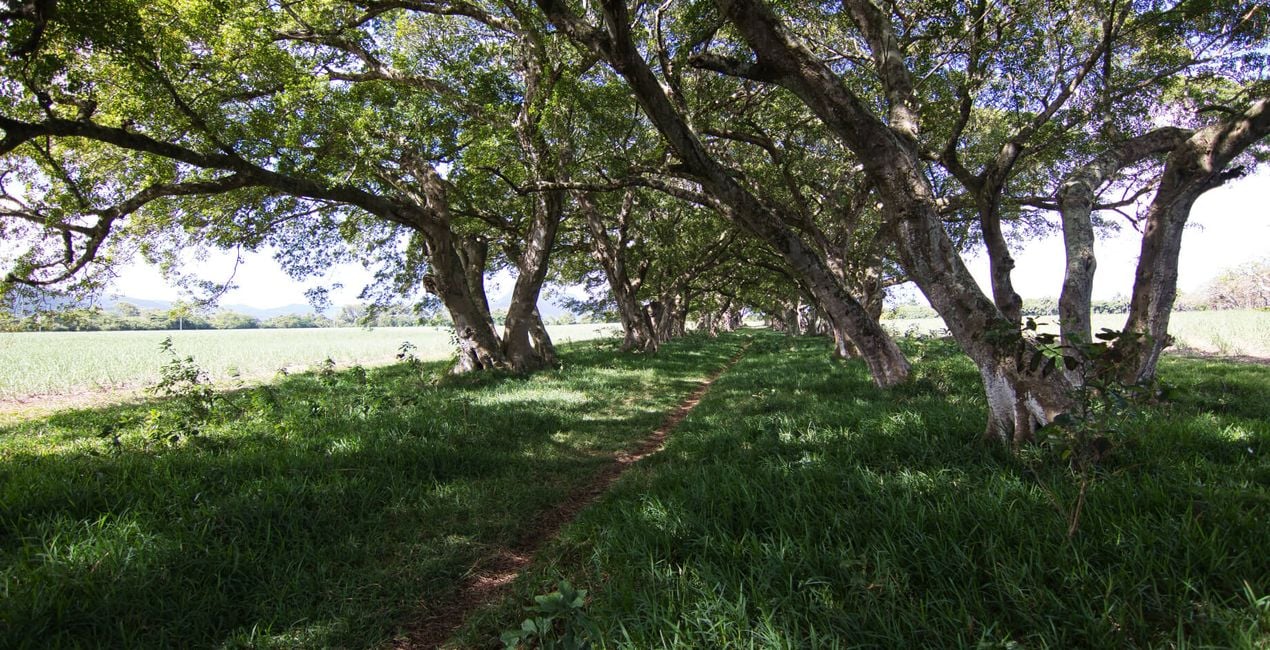
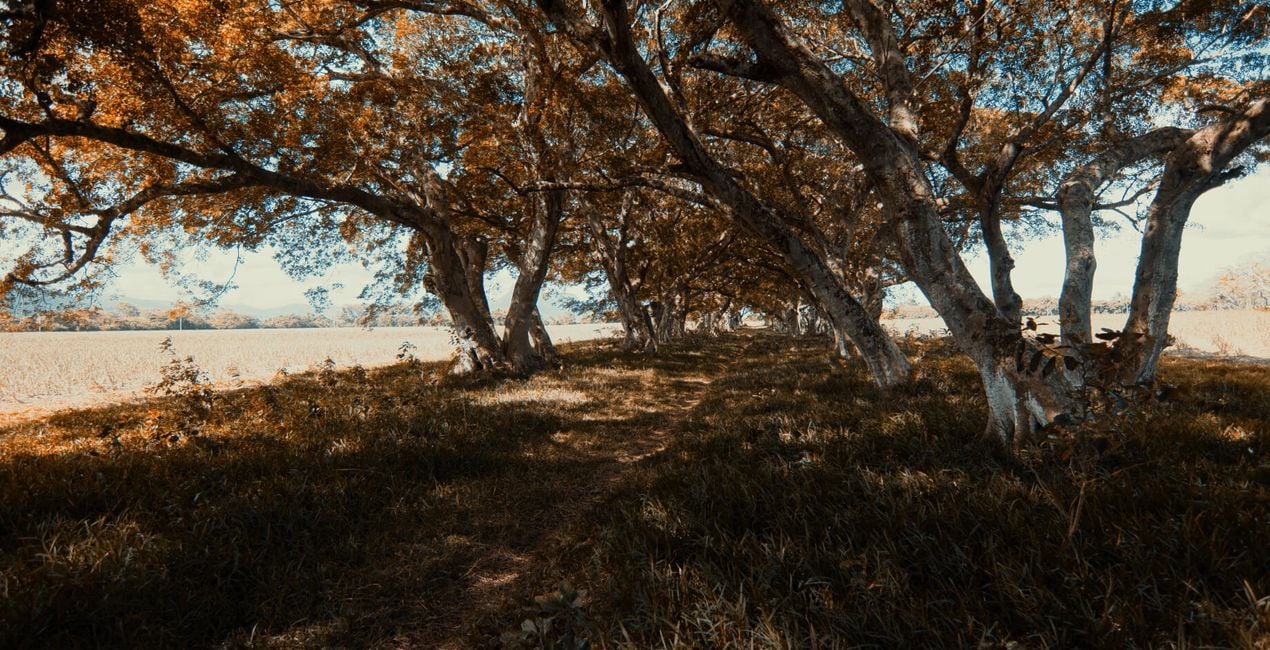
Mellow Lands. Reduce deep greens with subtle tones.
Moody Tones. Accentuate the blacks and orange hues.
Emerald Fields. Give a cinematic feel to your woodland photography.
Inland Beauties. Achieve deeper color harmony and contrast in warmer tones.
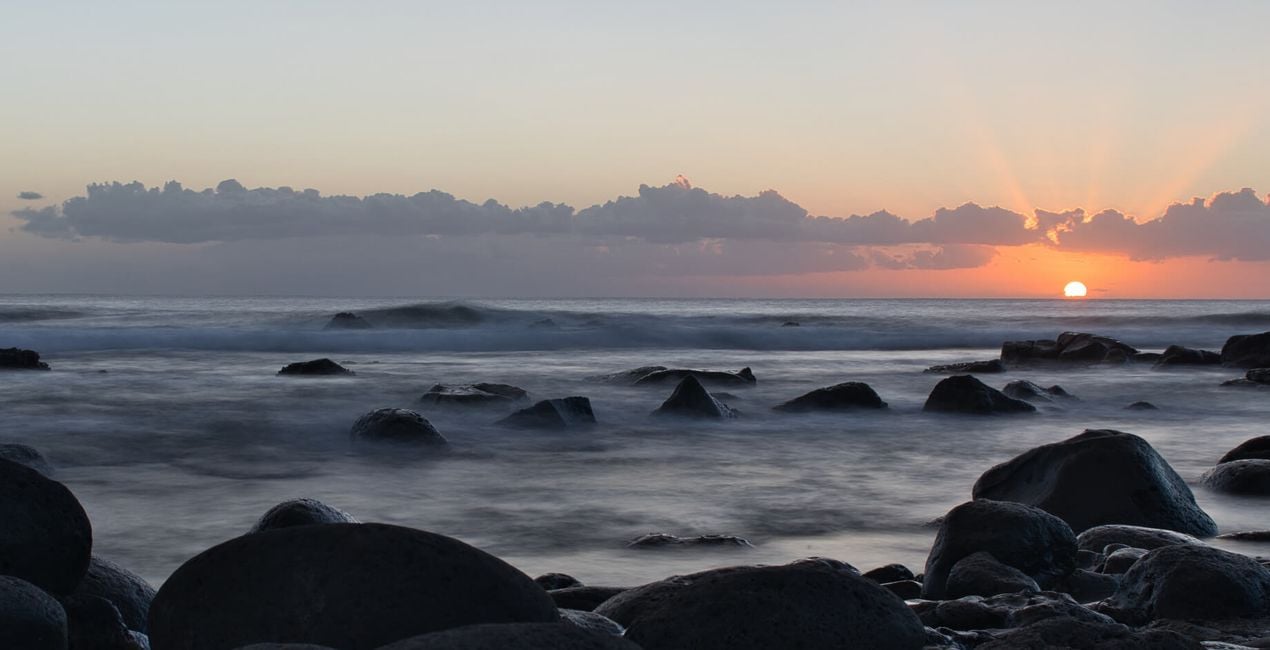
Ocean Sunset. Add a pop of sunset tones to your photos.
SHARE: Use the hashtag #madewithluminar on social media so the Skylum Team can take a look at your results!
Photographer. Skylum Ambassador.
<p>Javed Jeetoo is based on the beautiful tropical island of Mauritius in the Indian Ocean. </p><p>A passionate hobbyist photographer, Javed captures landscapes and seascapes with a particular interest in long exposure photography.</p><p>Javed is also active in building a local photography community to promote photographic art, foster learning opportunities, and organize photo walks around the island.</p><p>On Instagram, Javed runs a theme page (@explore_landscapes_) featuring the work of landscape photographers from around the world.</p>
製品についてご質問がございましたら、24時間対応のサポートチームまでお問い合わせください。こちらのリンクをご利用ください。
Ocean Storiesを購入するには、次の手順に従ってください:
1. Skylumのマーケットプレイスを開きます。
2. Ocean Storiesがリストされているタブに移動し、クリックしてカートに追加します。
3. カートに進み、Ocean Storiesの購入手続きを完了してください。
4. ご購入後、Ocean Storiesのダウンロードリンクが記載された購入完了メールが届きます。また、Skylumアカウントの「マイアドオン」タブからも新しいアイテムをご確認いただけます。
Ocean Storiesのインストール手順の詳細は、ダウンロードリンクと一緒にお送りする「購入完了メール」に記載されています。
また、Luminar Neoから購入されたアイテムを直接インストールすることもできます。エクストラ > マーケットプレイスに進み、商品カテゴリを選択して、購入済みアイテムを見つけてインストールをクリックしてください。
とても簡単です!プリセット タブに移動して、購入済みを選択してください。インストールしたプリセットがここに表示されます。
ご安心ください。Ocean Storiesを含むすべての購入済みアイテムは、Skylumアカウントの「マイアドオン」タブ に保存されるため、簡単に再ダウンロードしてご利用いただけます。
ほとんどのアイテムはLuminar Neoに対応しています。ただし、確実にOcean Storiesがお使いのソフトと互換性があるかを確認するには、ダウンロードや購入前に製品仕様をご確認ください。Ocean Storiesページ右側の「互換性」セクションに対応しているすべての製品が表示されています。
まだお帰りにならないでください。あなただけの特別割引コードをご用意しました。今後15分以内にご利用いただくと、お会計時にさらに10%オフになります。以下のコードをコピーして、お買い物を完了してください。
15 m : 00 s





