

 適用する
適用する 



Infrared Mastery AI
Save $201 $ 19 .00
This Templates pack was created specifically for the unique post-processing needs of infrared photography, taking the effort and guesswork out of creating popular infrared image styles. Designed to take full advantage of the power of Luminar AI and Luminar Neo, you can step into the infrared world of your imagination and create unique and amazing works of art.
含まれているもの
16 Templates. Compatible with JPEG and RAW images.

提供されたRAWファイルを使ってレタッチのコツを簡単に練習、こんな写真に仕上げる方法を学ぶことができます。
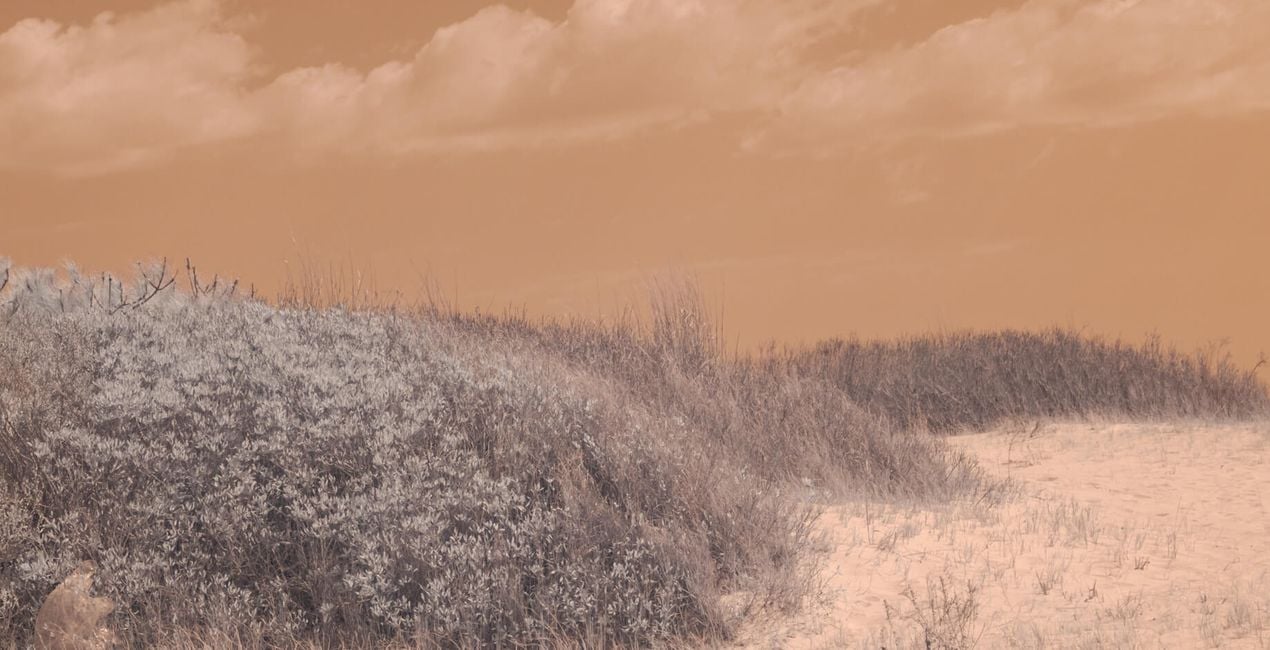
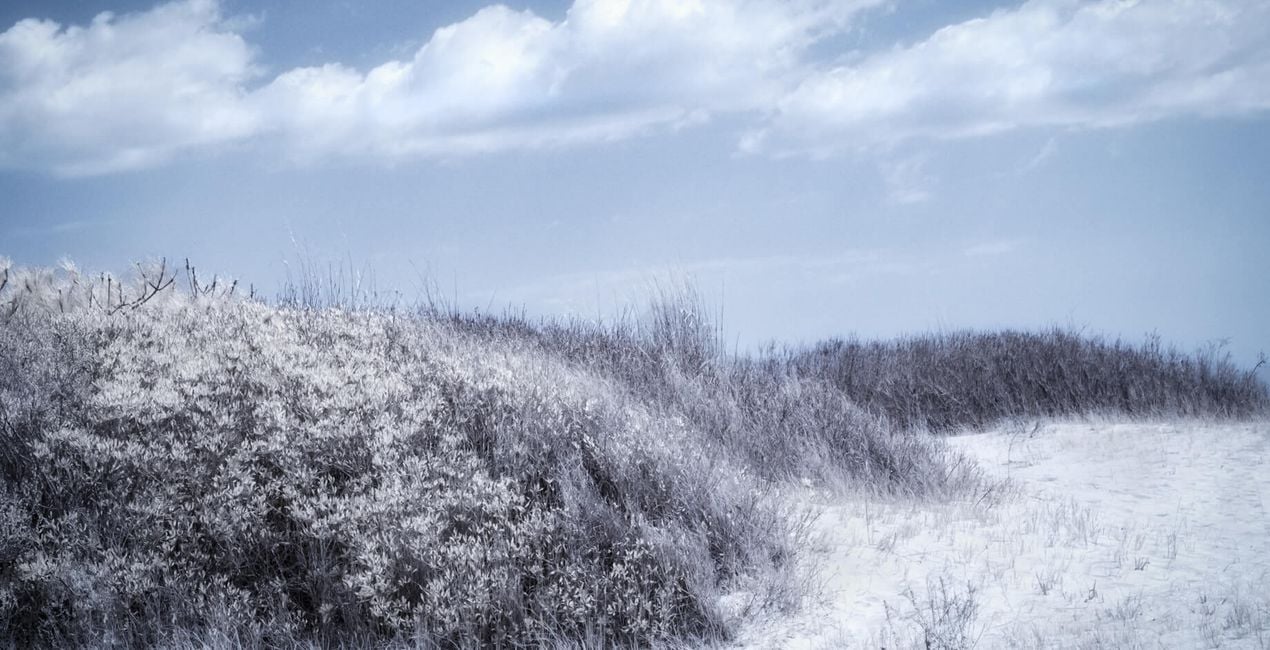 >
>
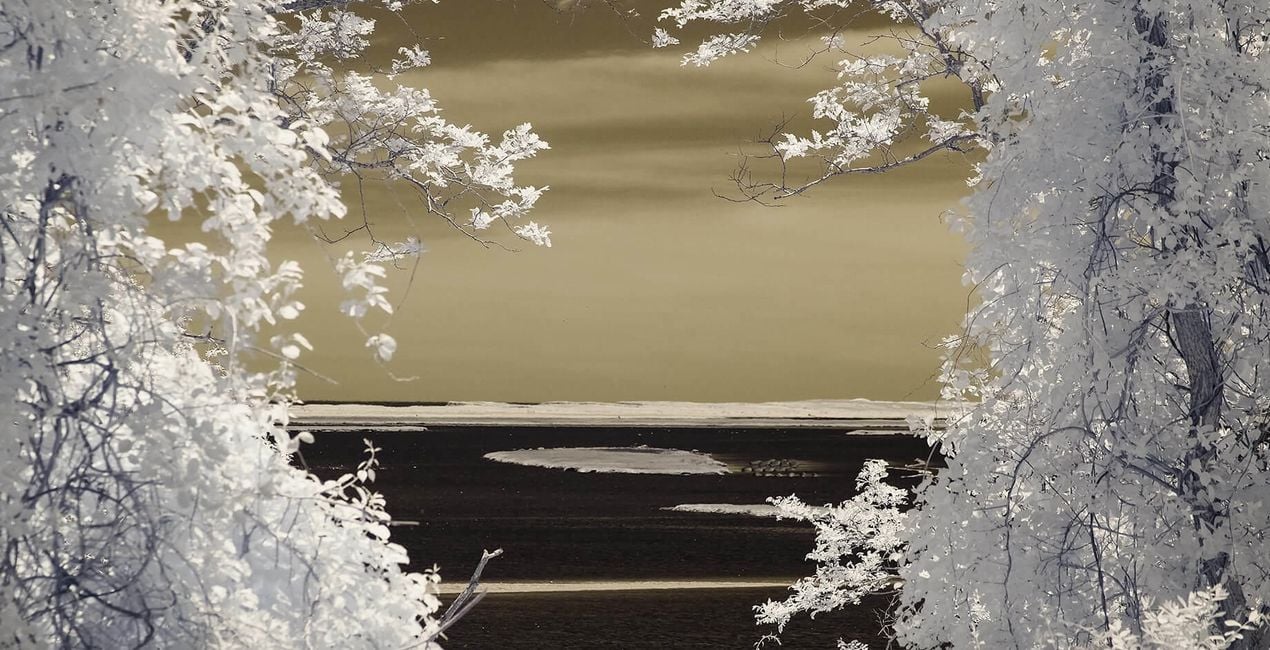
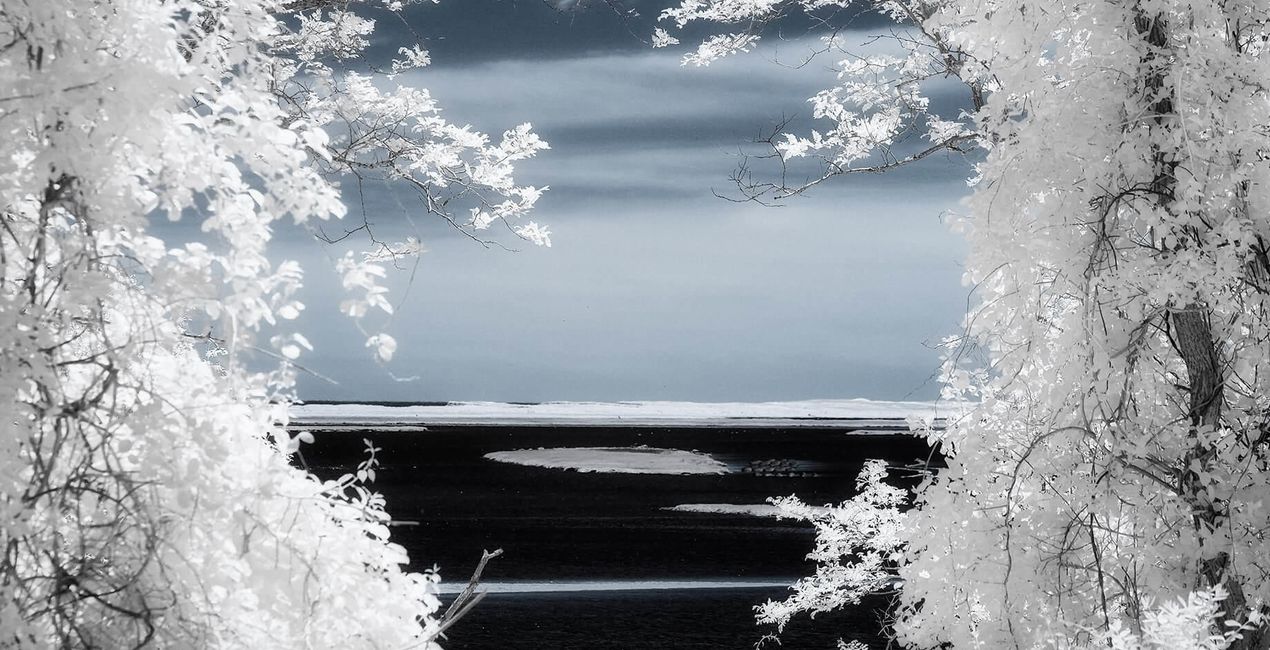 >
>
 >
>
 >
>
 >
>
 >
>
 >
>
 >
>
 >
>
 >
>
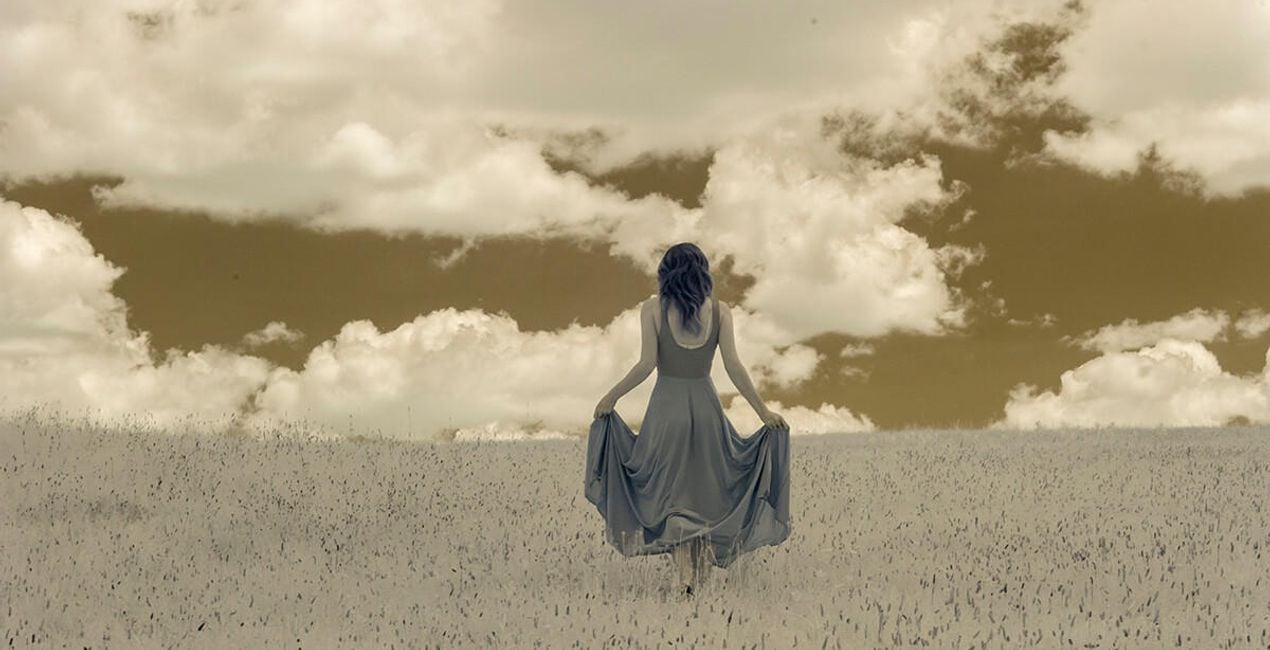
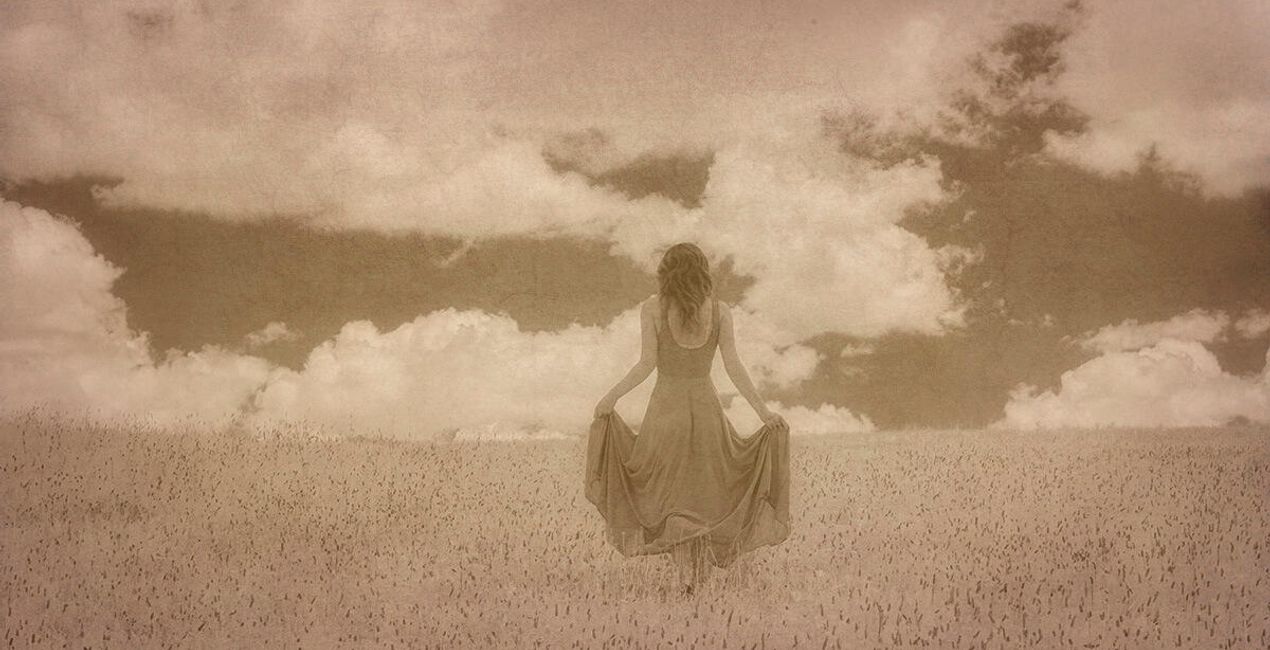 >
>
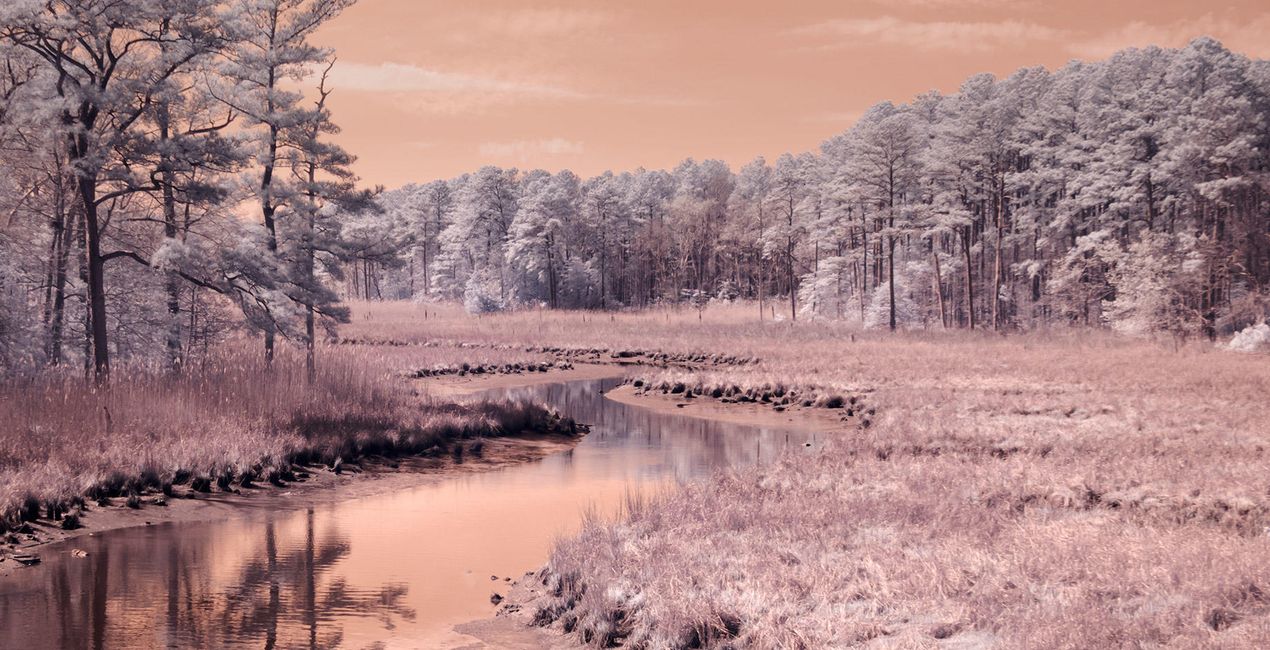
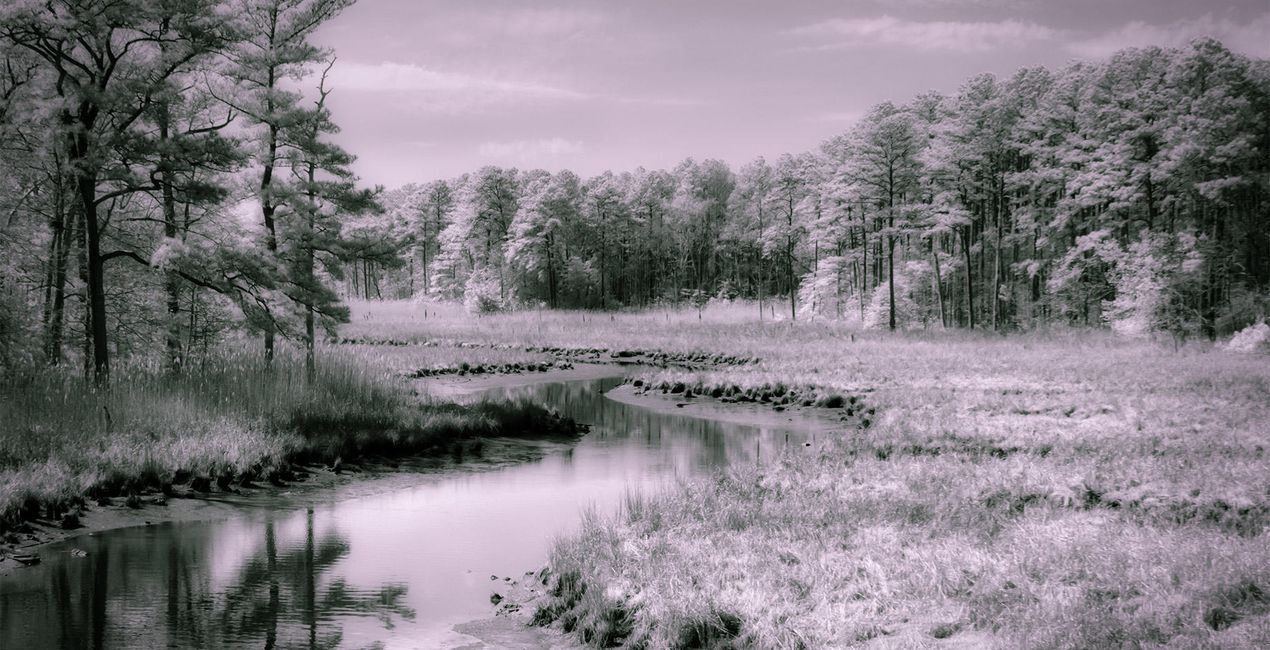 >
>
 >
>
 >
>
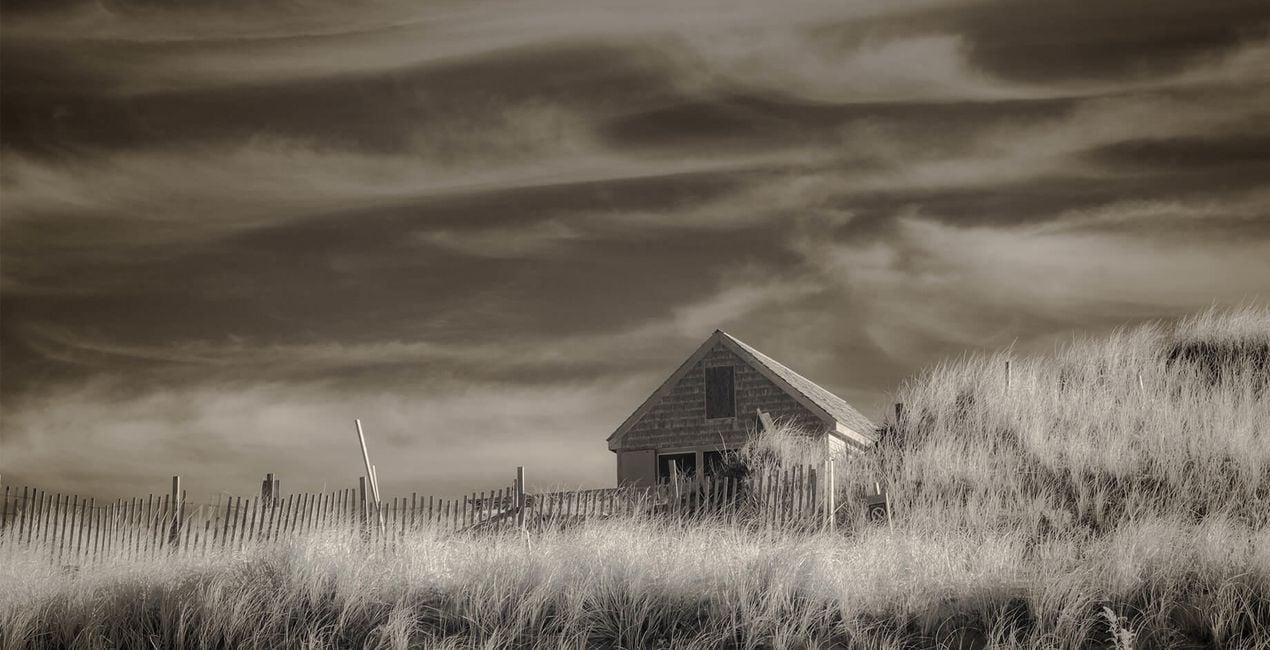
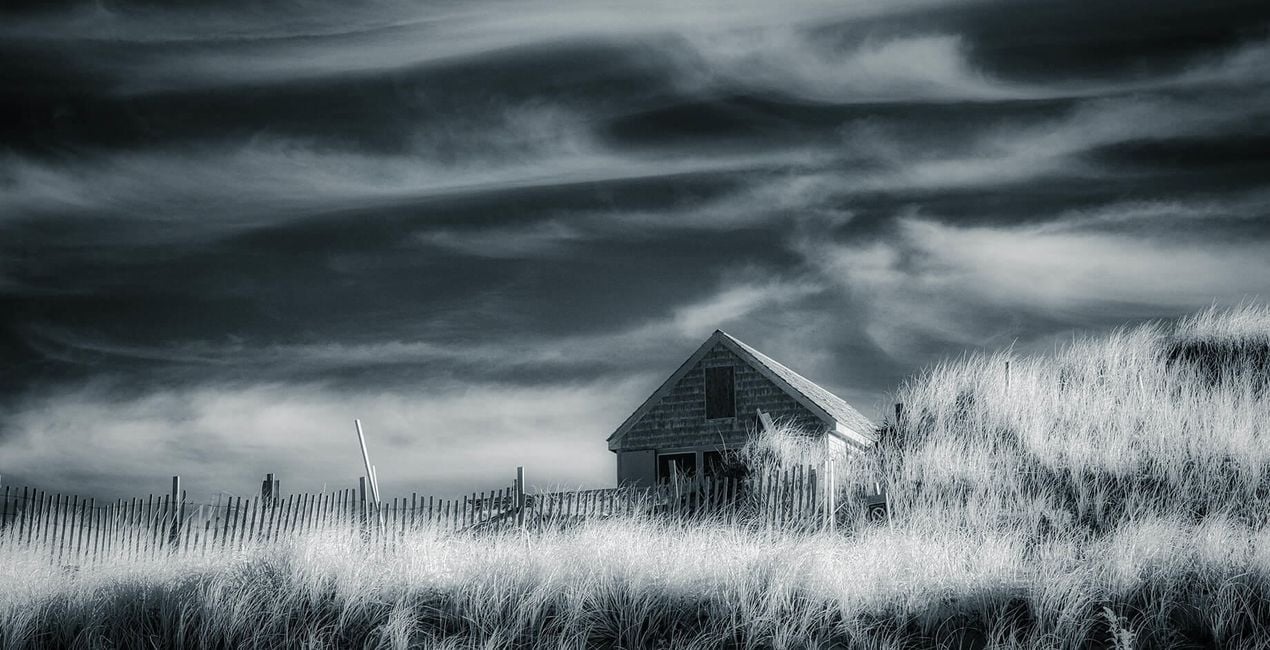 >
>
Ready to venture into the realm of magical infrared images but not sure how to tackle the sometimes intense post-processing needed to reach your vision?
With this new pack of Infrared Mastery Templates, designed to take full advantage of the power of Luminar AI and Luminar Neo, you can step into the infrared world of your imagination and create unique and amazing works of art.
Infrared Mastery II, developed for earlier versions of Luminar, has been used for years by infrared photographers around the globe to create stunning infrared images with minimal post-processing time.
Now Laurie Klein and Shelley Vandegrift, co-authors of Infrared Photography: Digital Techniques for Artistic Images, are bringing you a new set of 16 infrared Templates for Luminar AI and Luminar Neo.
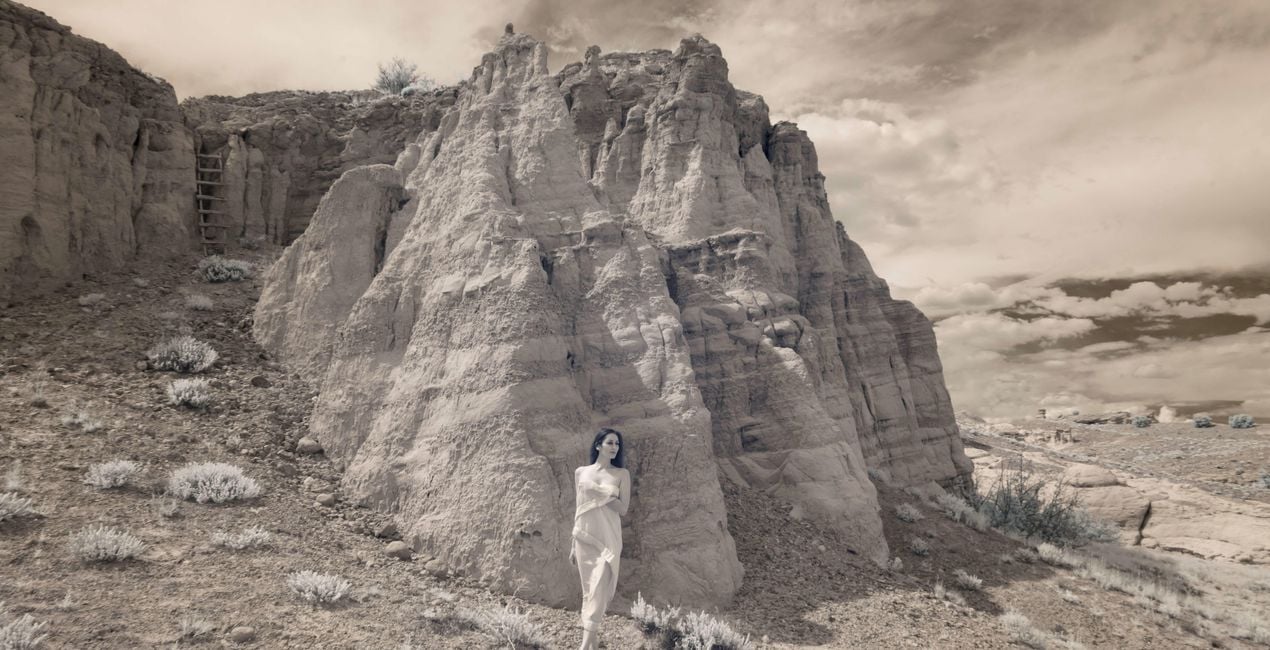
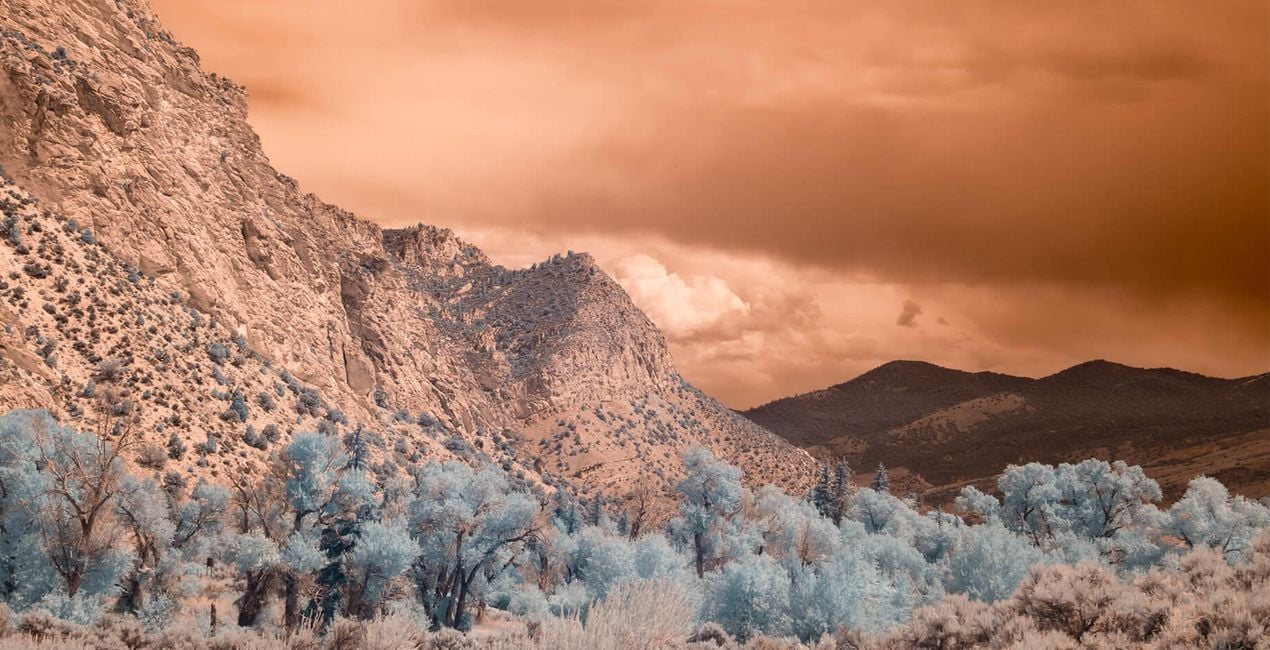
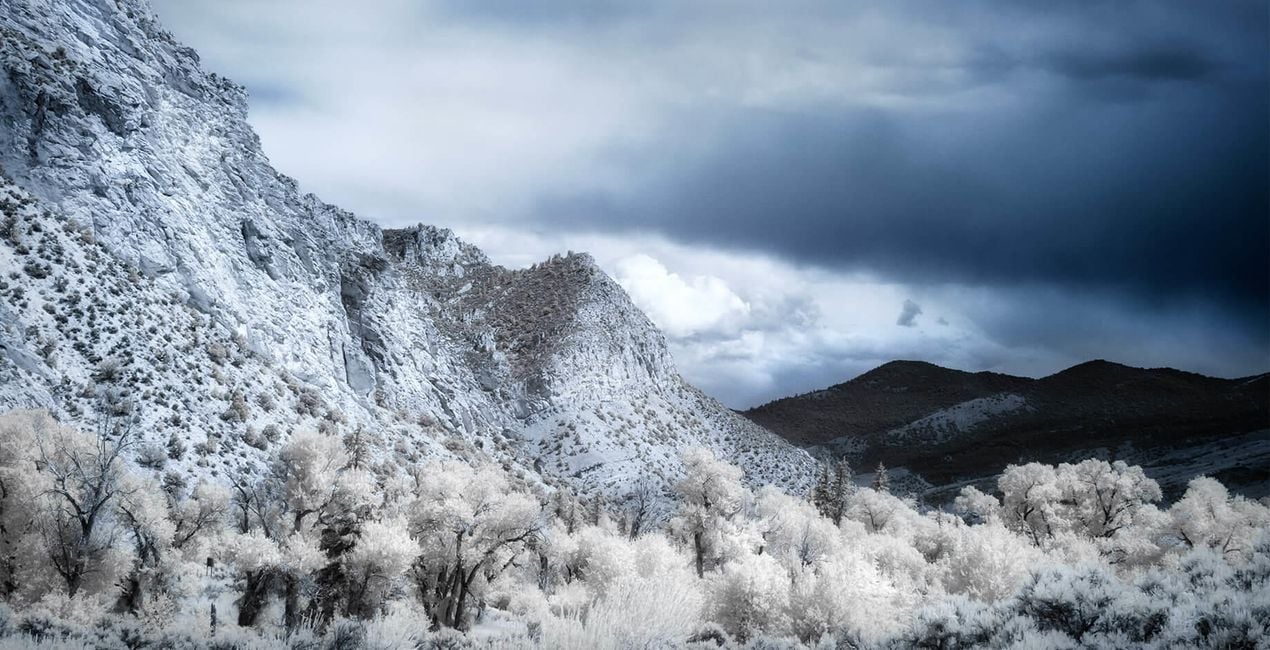
This Templates pack covers popular options for rendering artistic infrared images. Whether you want to create traditional black and white images or venture into the more imaginary world of color infrared, this Templates pack gives you the tools. You will find black and white, native color, channel swapped (no Channel Mixer needed!), and completely new artistic interpretations.
List of 16 Templates:
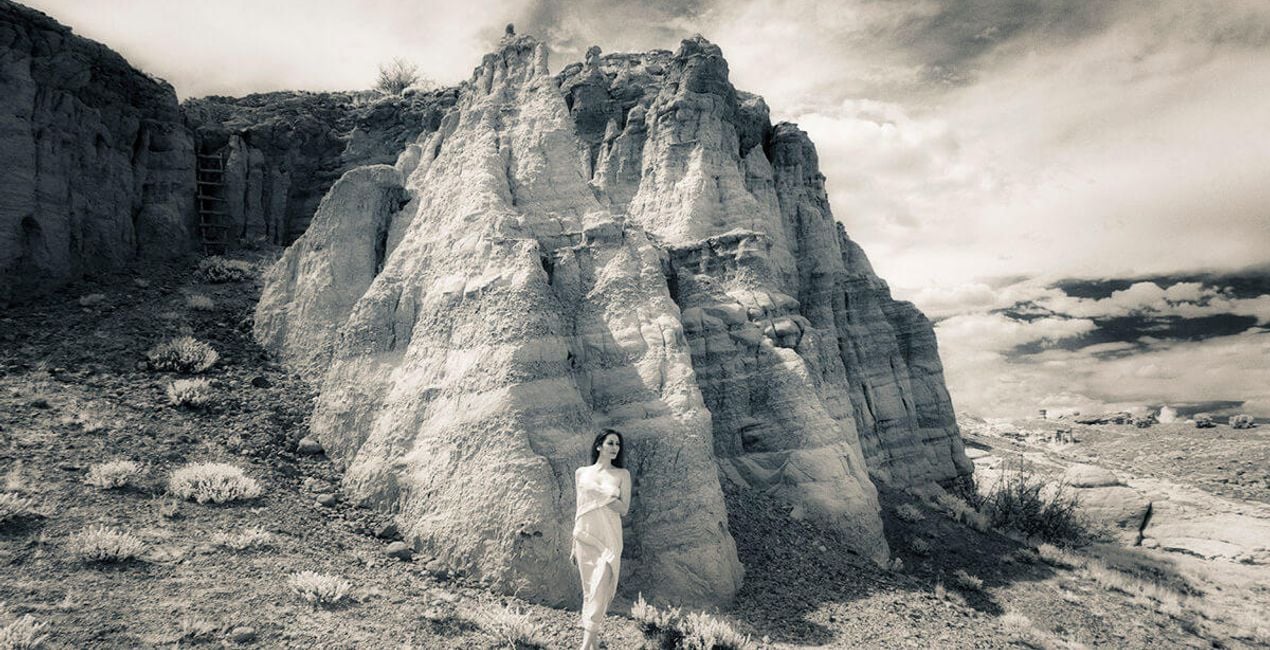
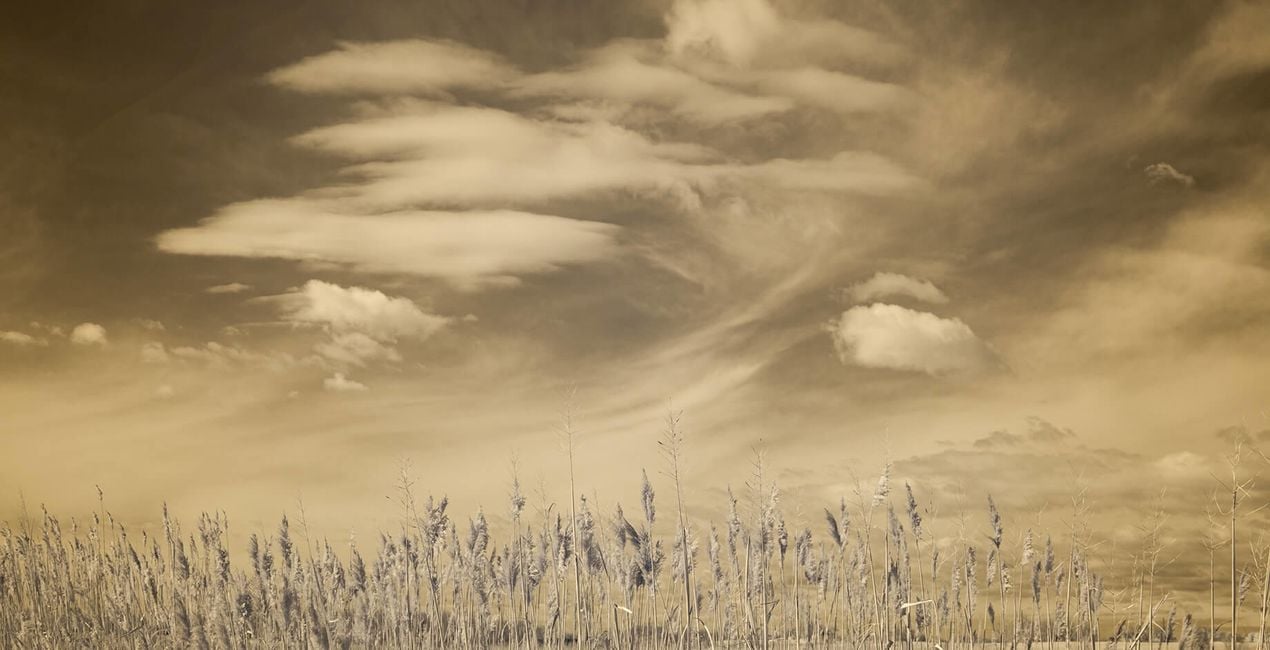
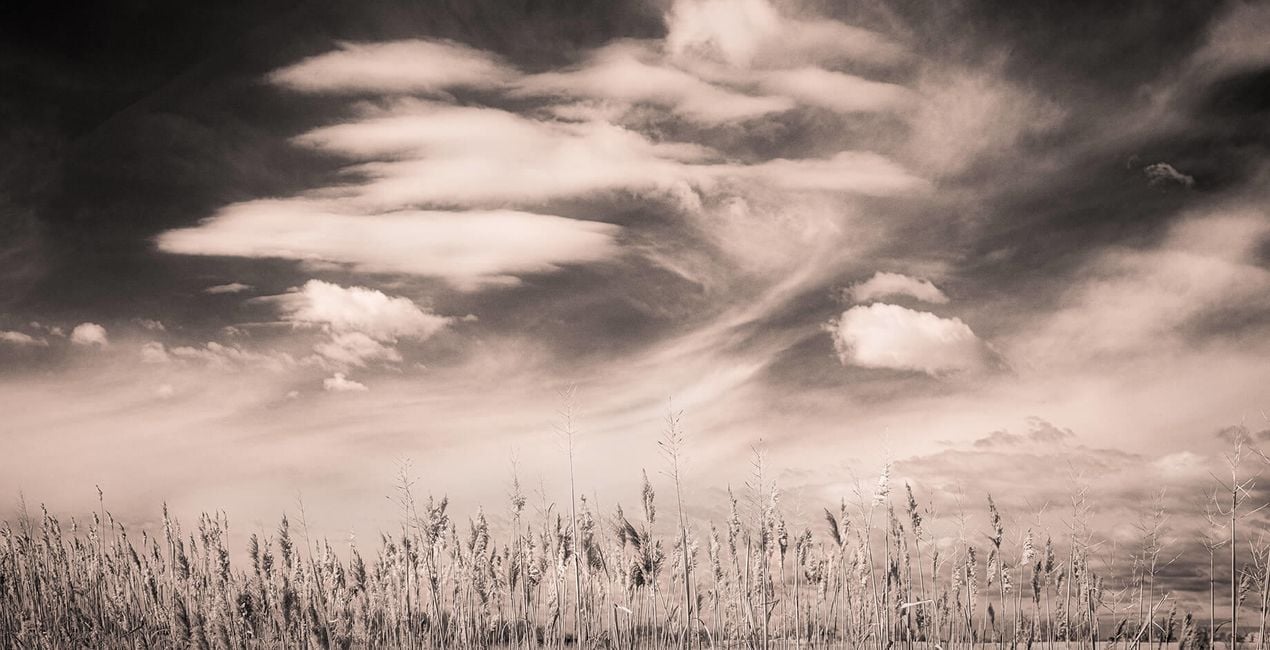
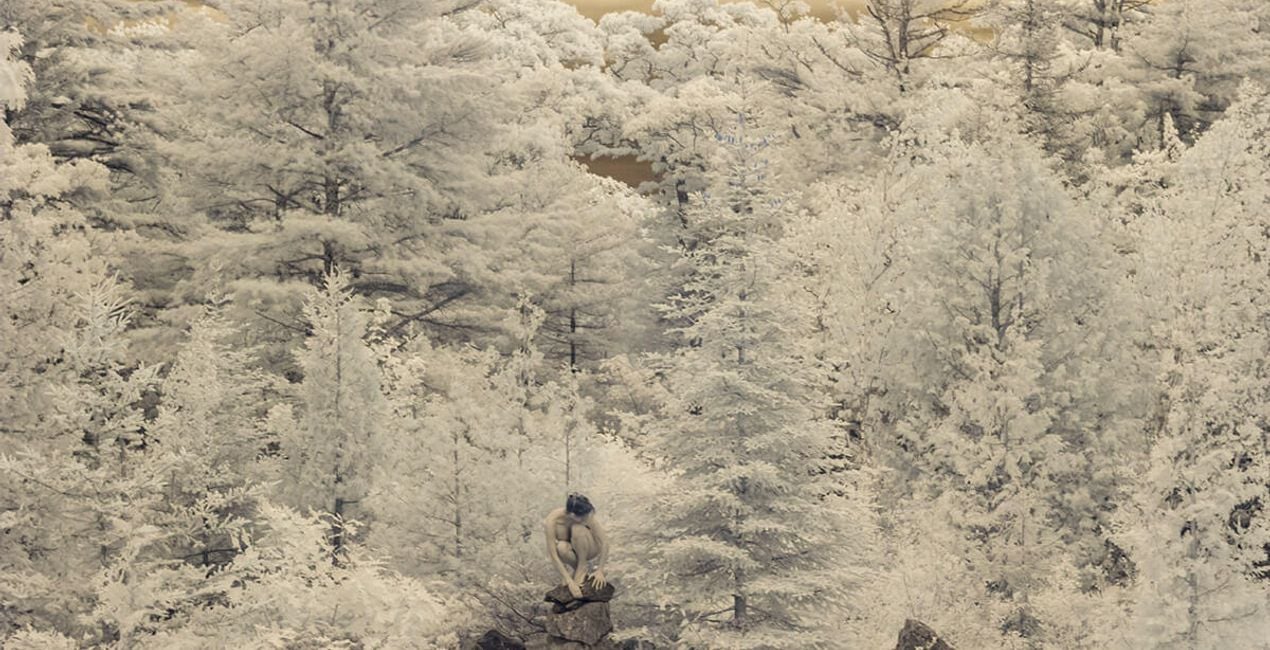
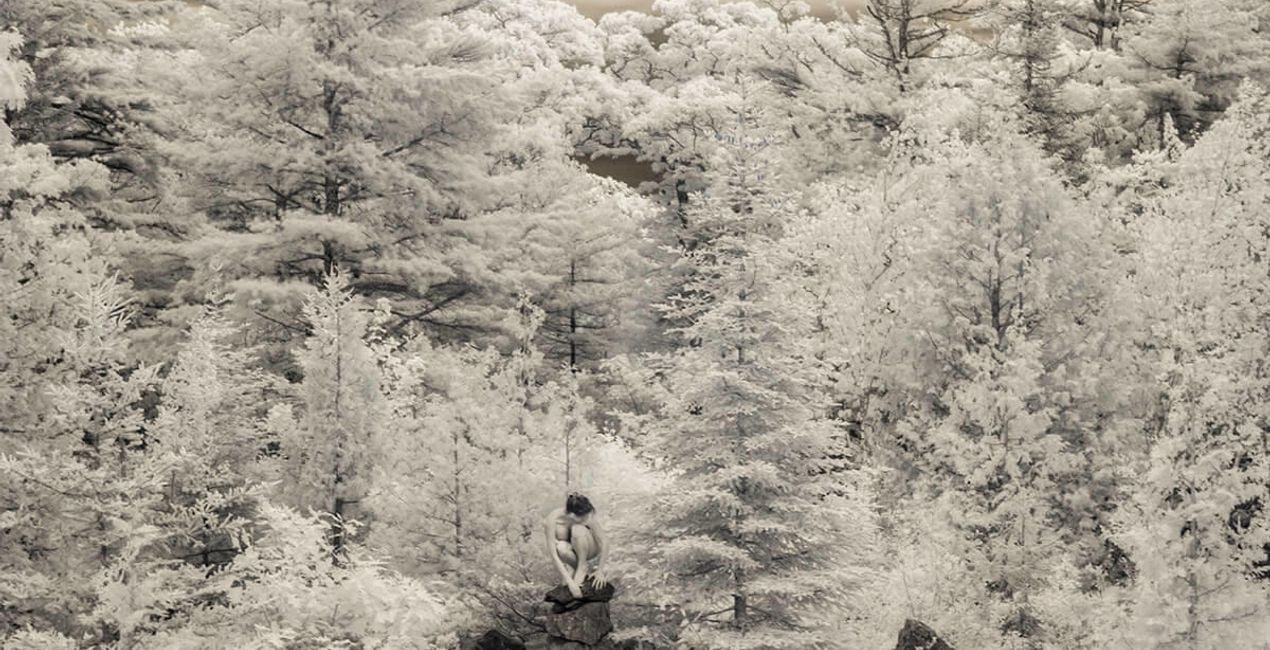
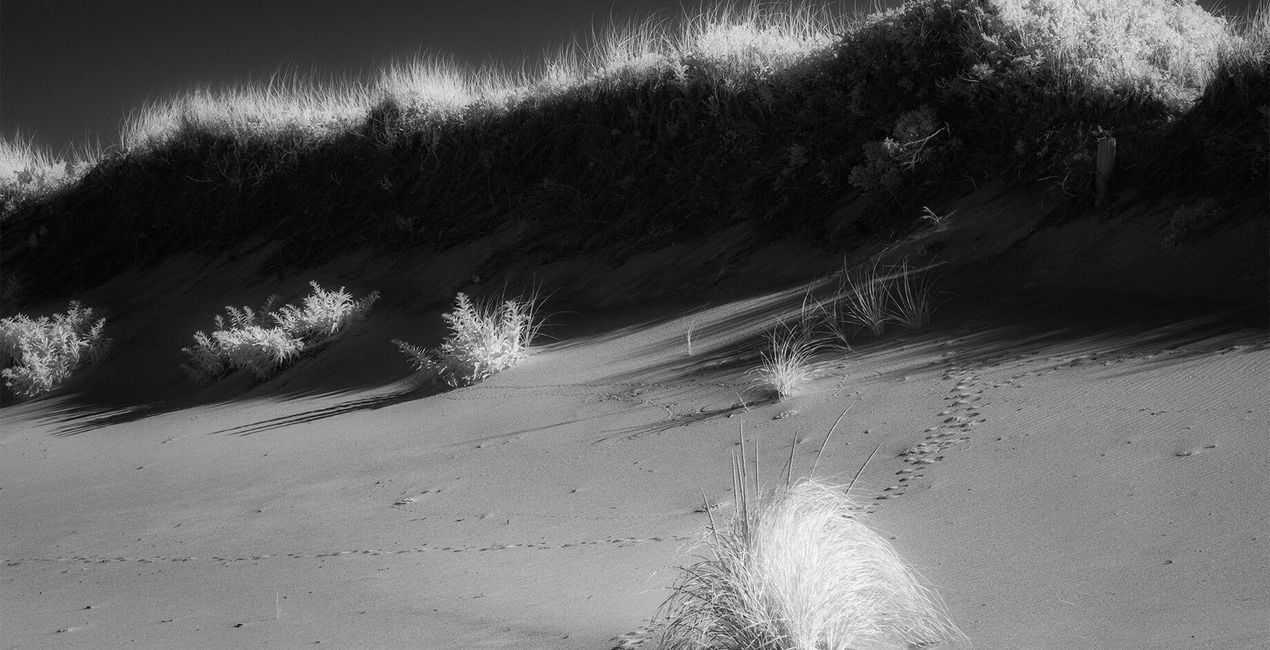
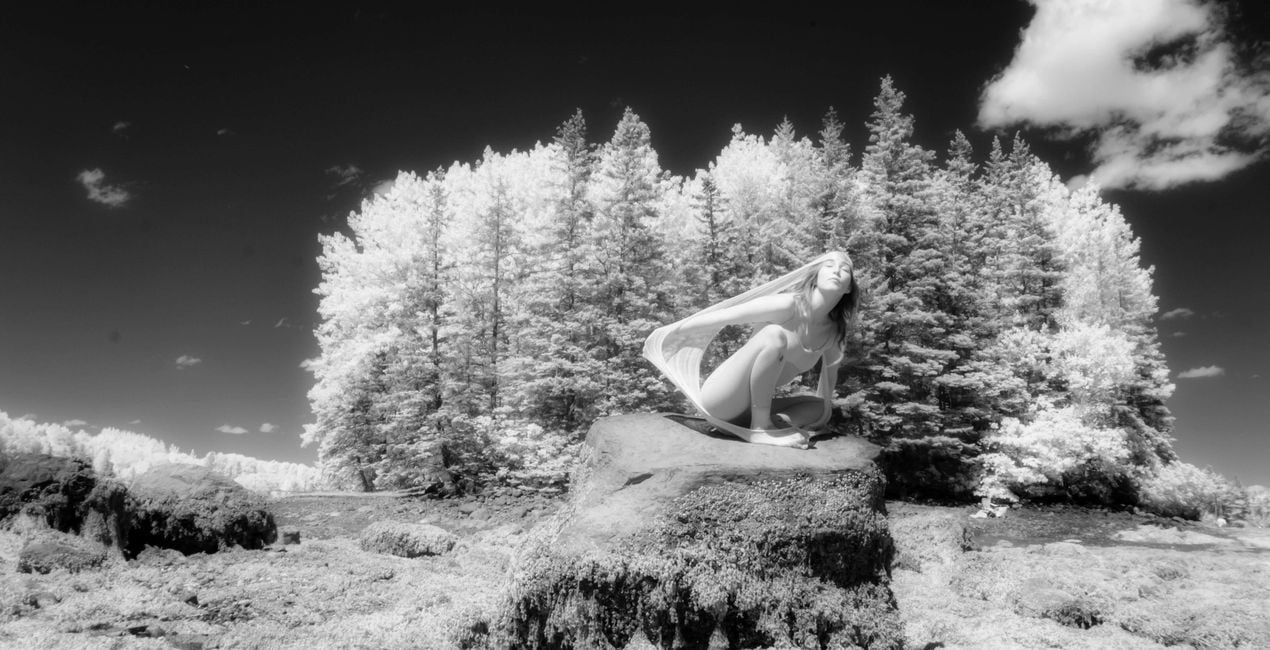
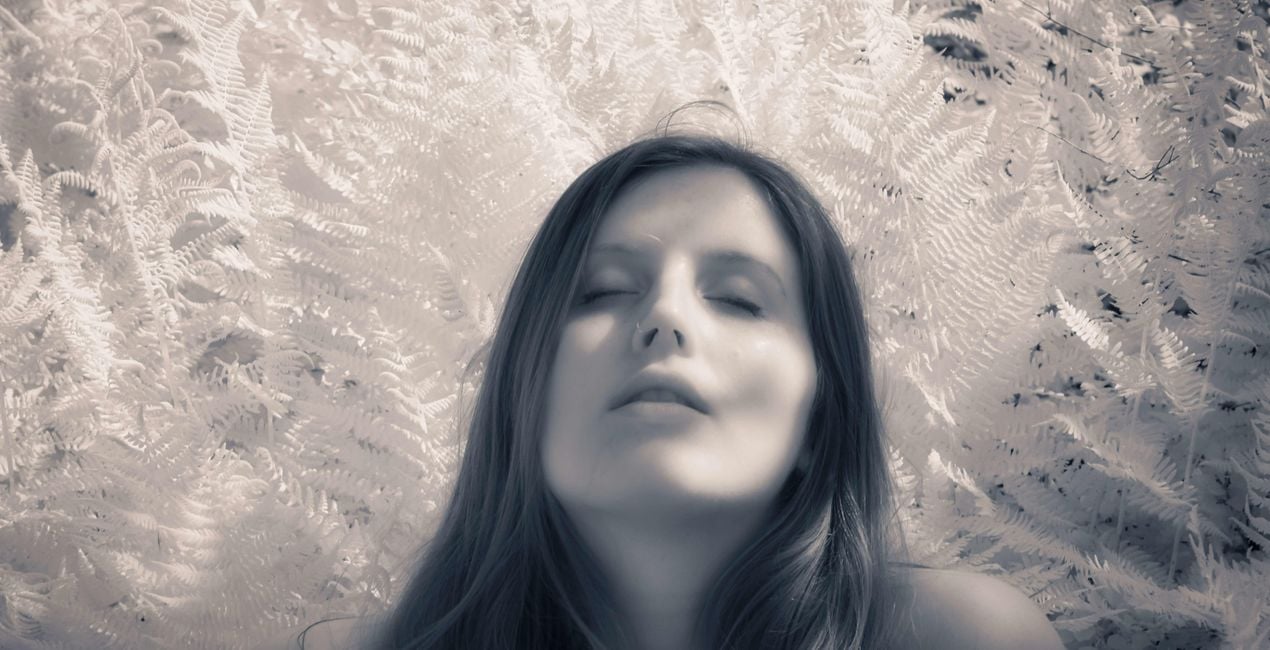
BW Basic: The traditional black and white infrared treatment complete with the characteristic infrared glow.
BW High Key: Adds high key toning to the traditional black and white look.
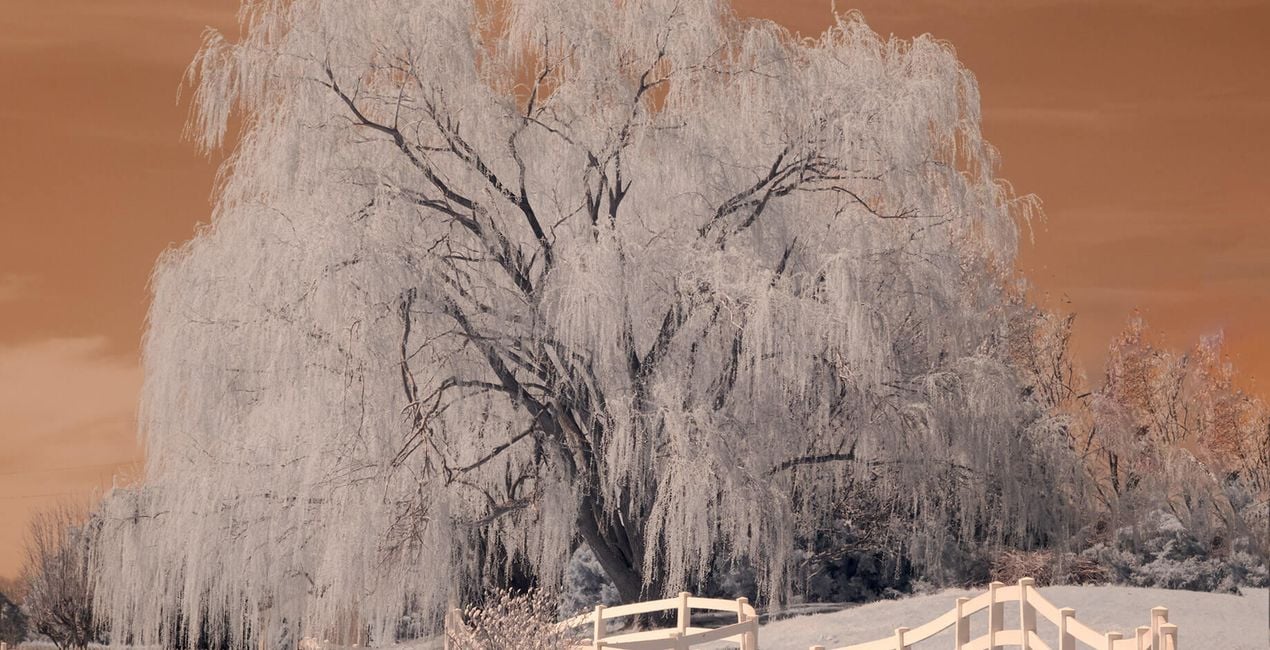
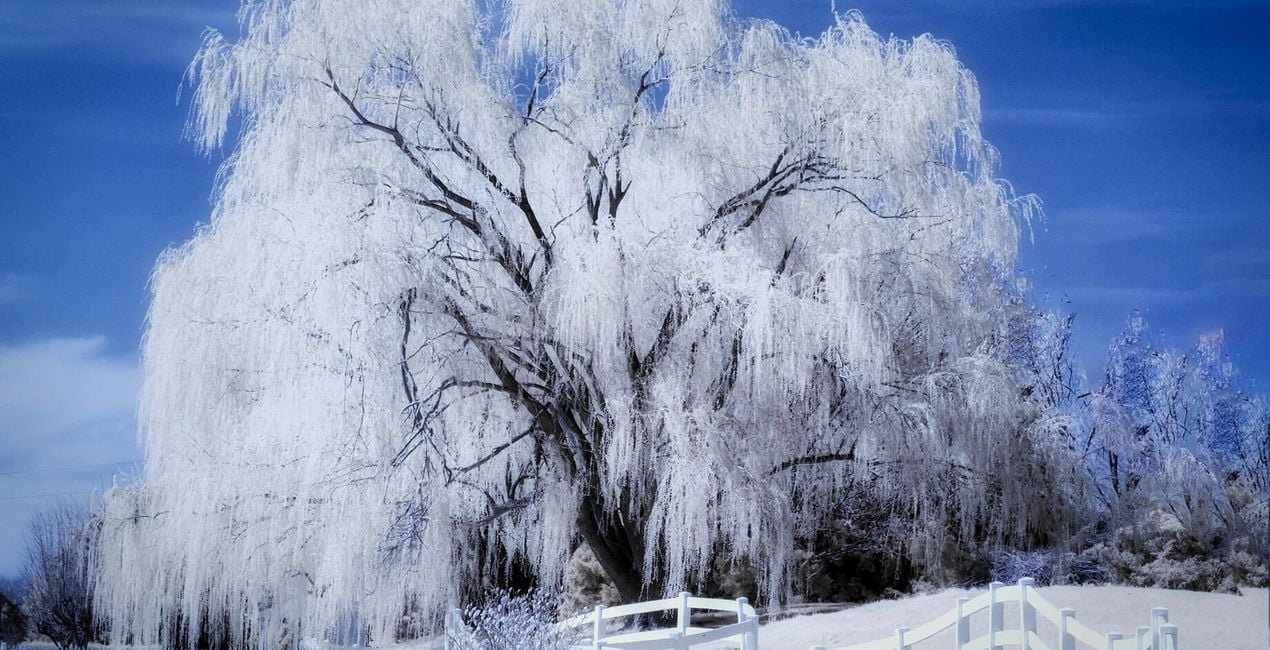
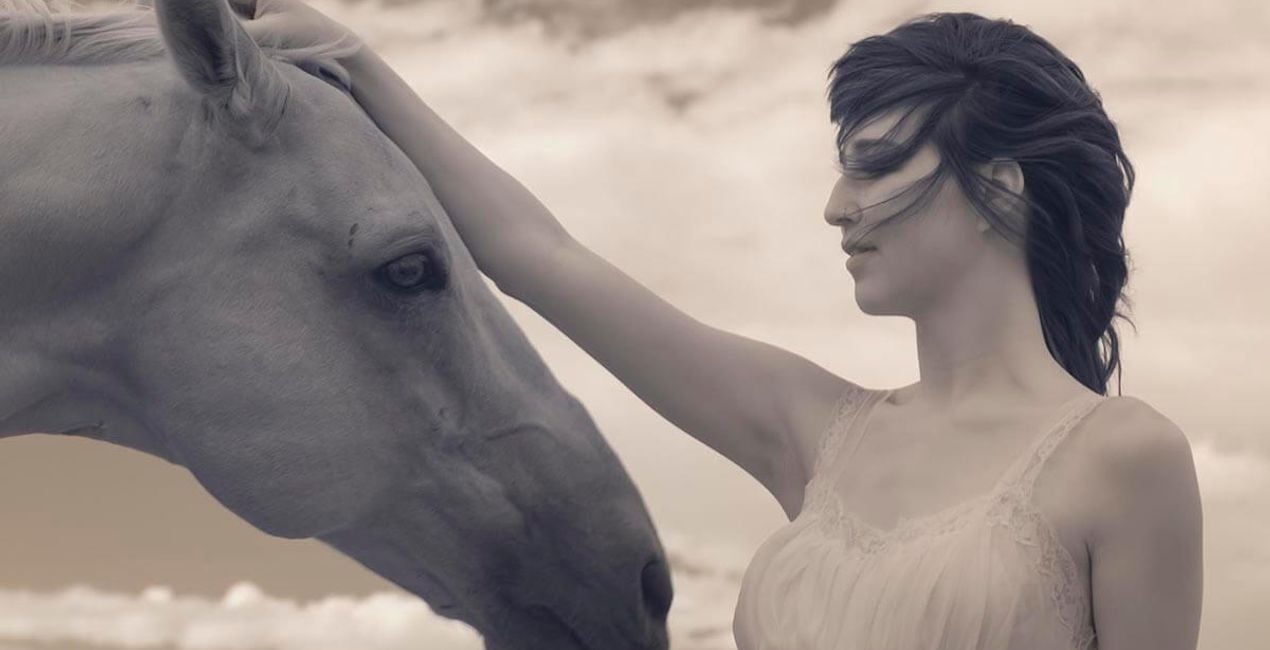
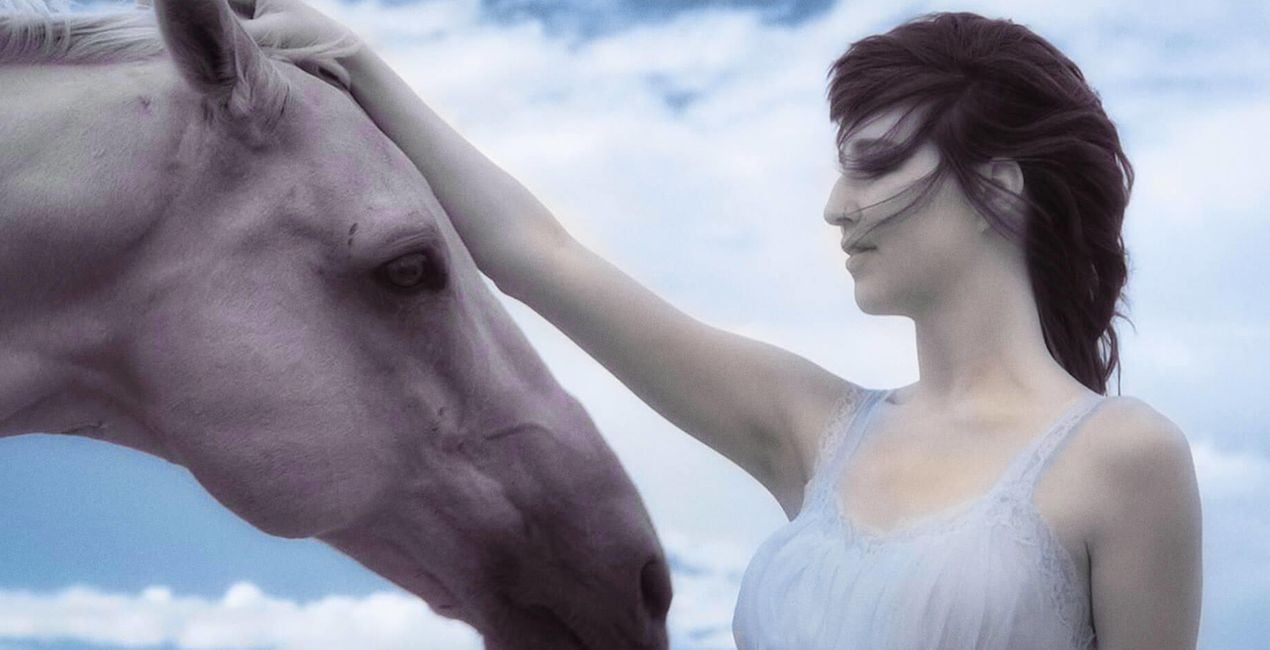
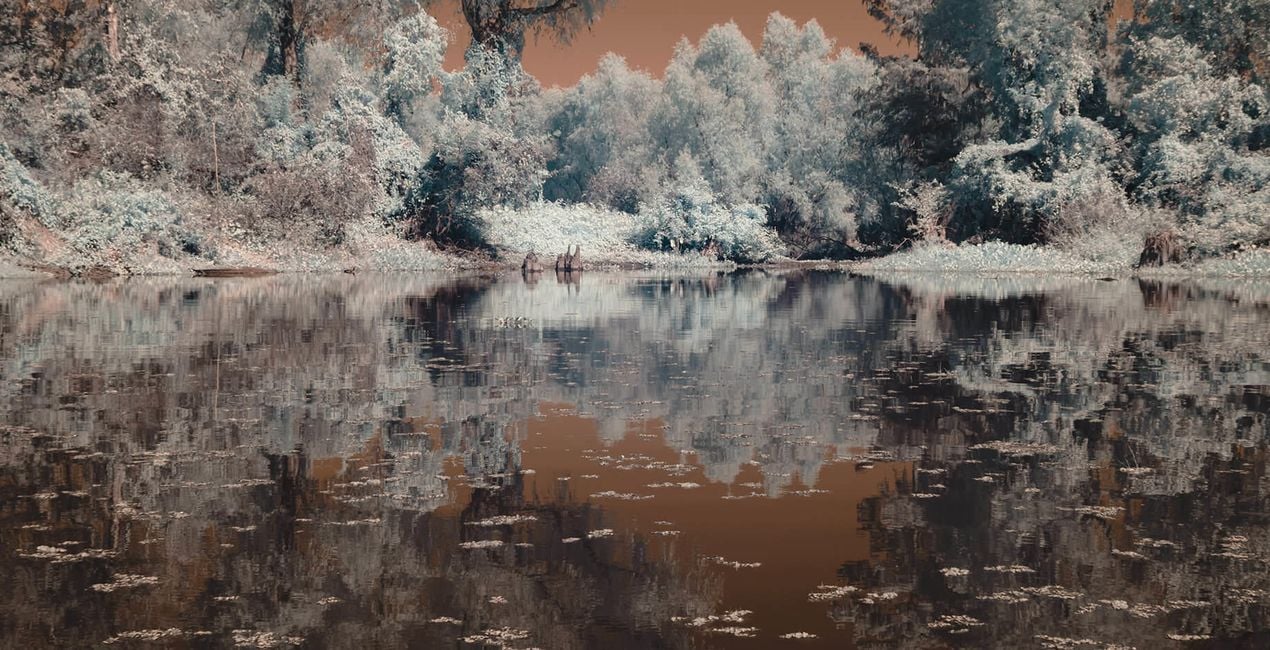
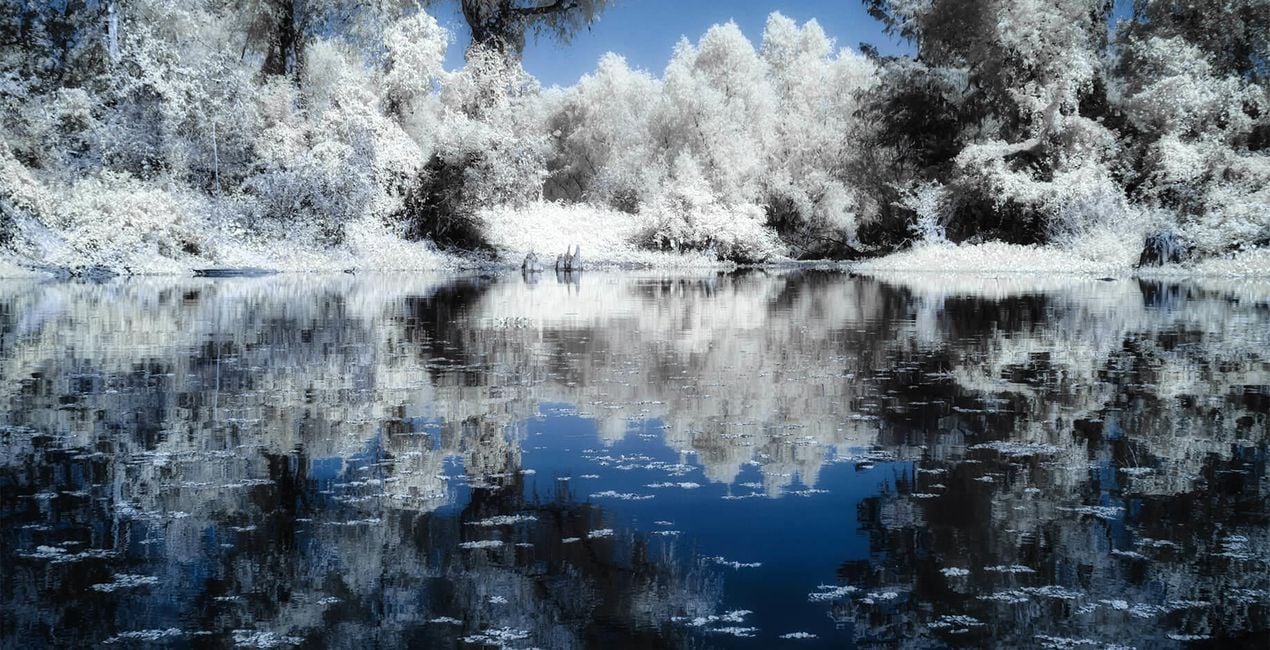
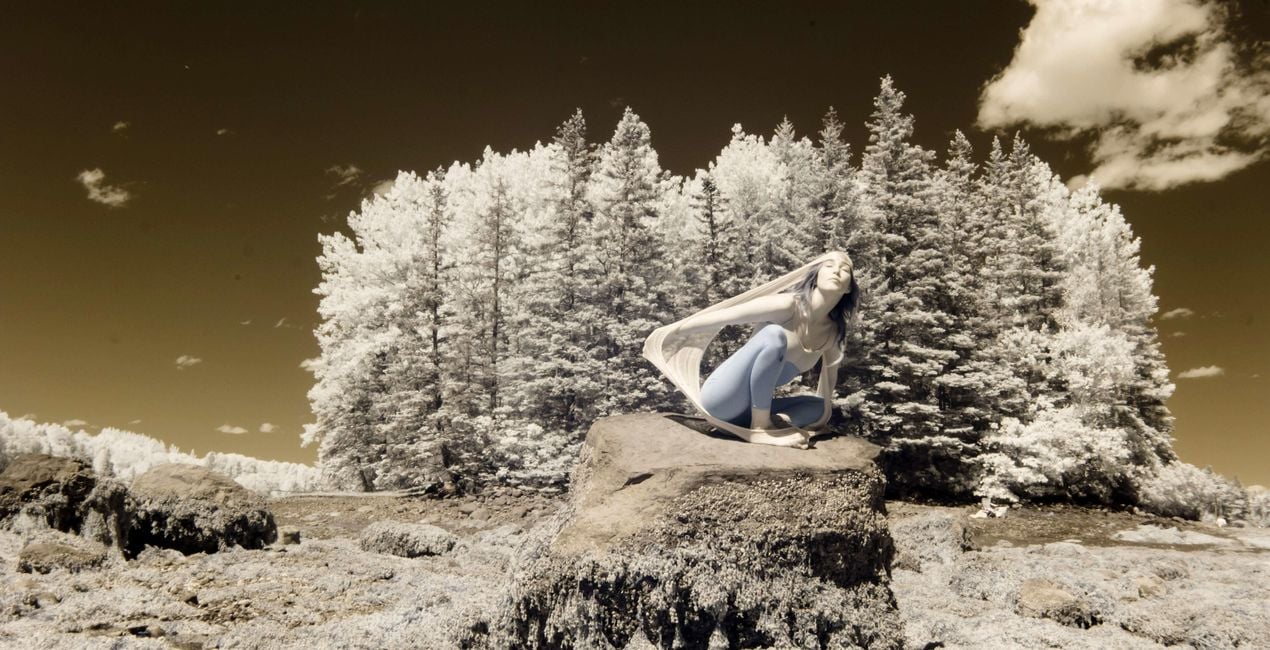
Native Color Basic: Perfects the beautiful blue and tan tones of a balanced infrared image for an infrared-only look.
Native Color Subdued: A softer version of Native Color Basic.
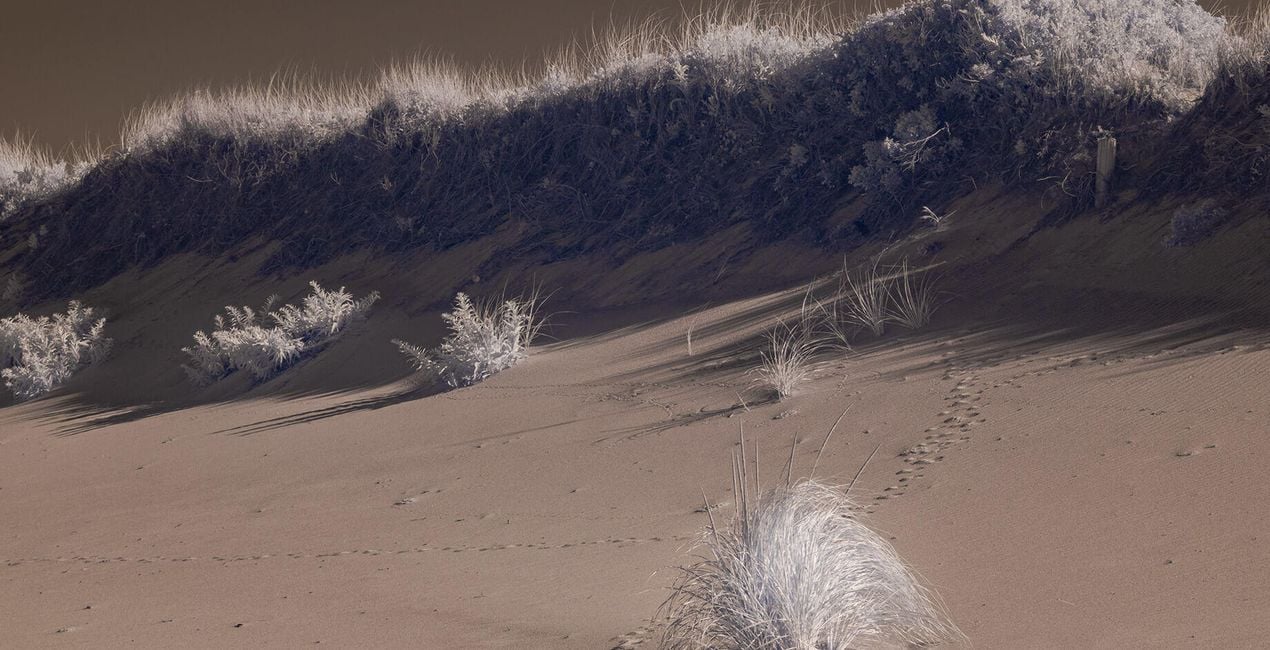
Color 590nm: Creates the very popular channel swapped false color effect for 590nm Super Color converted cameras.
Color 590nm Subdued: A softer version of Color 590nm.
Color 665nm: Creates the very popular channel swapped false color effect for 665nm Enhanced Color converted cameras.
Color 665nm Subdued: A softer version of Color 665nm.
Color 720nm: Creates the very popular channel swapped false color effect for 720nm Standard Infrared converted cameras.
Color 720nm Subdued: A softer version of Color 590nm.
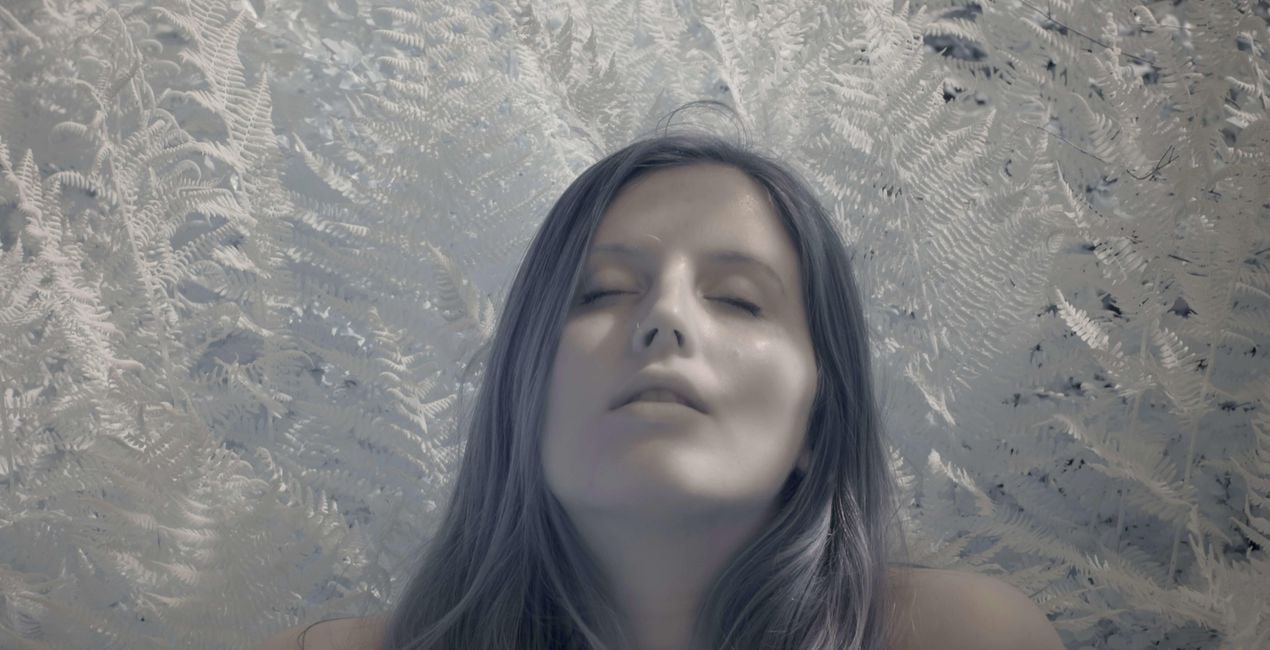
Artsy Selenium: Creates deep selenium blue shadows.
Artsy Textured Gold: Creates a gold tone with a custom texture .
Artsy Toned Golden Blue: Creates a strong split toned look of blue shadows and golden highlights.
Artsy Toned Gray Gold: Creates a soft, warm look, adding soft tones of gray and pale gold.
Artsy Toned Steel Blue: Adds a metal feel with steel blue tones.
Artsy Toned Violet Green: The most fanciful of the Templates, this gives a fairy tale look.
Share: Use the hashtag #invisiblestoryluminar on social media so Laurie, Shelley, and the Luminar team can take a look at your results!
The Invisible Story Team
<p>Renowned photographer and educator Laurie Klein is regarded as one of the most influential infrared photographers in the world. Laurie holds a BFA from Rochester Institute of Technology, an MFA from Ohio University, and was a student of Ansel Adams. She is the author of Infrared Photography: Digital Techniques for Artistic Images, Infrared Photography: Artistic Techniques for Brilliant Images and Photographing the Female Form with Digital Infrared, all published by Amherst Media, as well as Hand Coloring Black and White Photography, published by Quarry Publishers. Laurie teaches regularly at Santa Fe Photographic Workshops, Maine Media, Peter’s Valley Center, numerous other schools and venues, and in her own boutique workshops.
</p><p>
Shelley Vandegrift considers the image her canvas and the computer her brush and palette. The technical components of the post-production process hold as much attraction for her as the creative experience behind the lens. Following a successful career working as a senior technical executive at several major corporations, Shelley now has the privilege of teaching infrared post-processing in workshops around the world. She is the co-author of Infrared Photography: Digital Techniques for Artistic Images from Amherst Publishing. </p>
製品についてご質問がございましたら、24時間対応のサポートチームまでお問い合わせください。こちらのリンクをご利用ください。
Infrared Mastery AIを購入するには、次の手順に従ってください:
1. Skylumのマーケットプレイスを開きます。
2. Infrared Mastery AIがリストされているタブに移動し、クリックしてカートに追加します。
3. カートに進み、Infrared Mastery AIの購入手続きを完了してください。
4. ご購入後、Infrared Mastery AIのダウンロードリンクが記載された購入完了メールが届きます。また、Skylumアカウントの「マイアドオン」タブからも新しいアイテムをご確認いただけます。
Infrared Mastery AIのインストール手順の詳細は、ダウンロードリンクと一緒にお送りする「購入完了メール」に記載されています。
また、Luminar Neoから購入されたアイテムを直接インストールすることもできます。エクストラ > マーケットプレイスに進み、商品カテゴリを選択して、購入済みアイテムを見つけてインストールをクリックしてください。
とても簡単です!プリセット タブに移動して、購入済みを選択してください。インストールしたプリセットがここに表示されます。
ご安心ください。Infrared Mastery AIを含むすべての購入済みアイテムは、Skylumアカウントの「マイアドオン」タブ に保存されるため、簡単に再ダウンロードしてご利用いただけます。
ほとんどのアイテムはLuminar Neoに対応しています。ただし、確実にInfrared Mastery AIがお使いのソフトと互換性があるかを確認するには、ダウンロードや購入前に製品仕様をご確認ください。Infrared Mastery AIページ右側の「互換性」セクションに対応しているすべての製品が表示されています。
まだお帰りにならないでください。あなただけの特別割引コードをご用意しました。今後15分以内にご利用いただくと、お会計時にさらに10%オフになります。以下のコードをコピーして、お買い物を完了してください。
15 m : 00 s





