

 適用する
適用する 




当社について
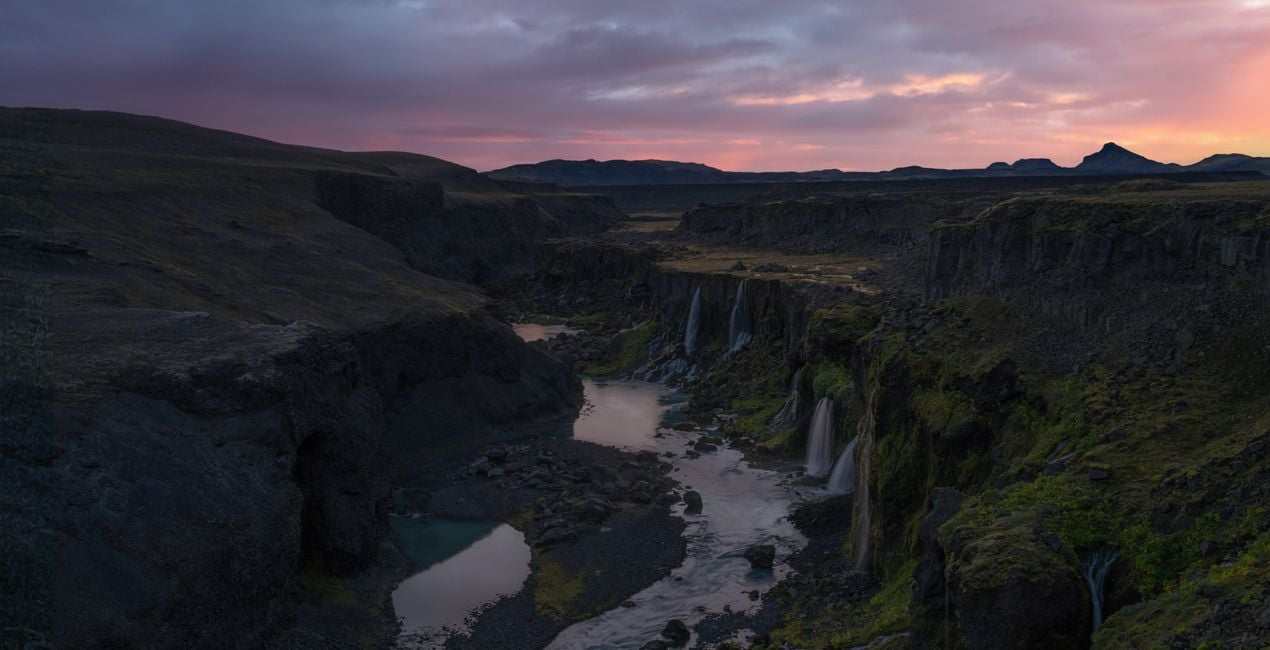
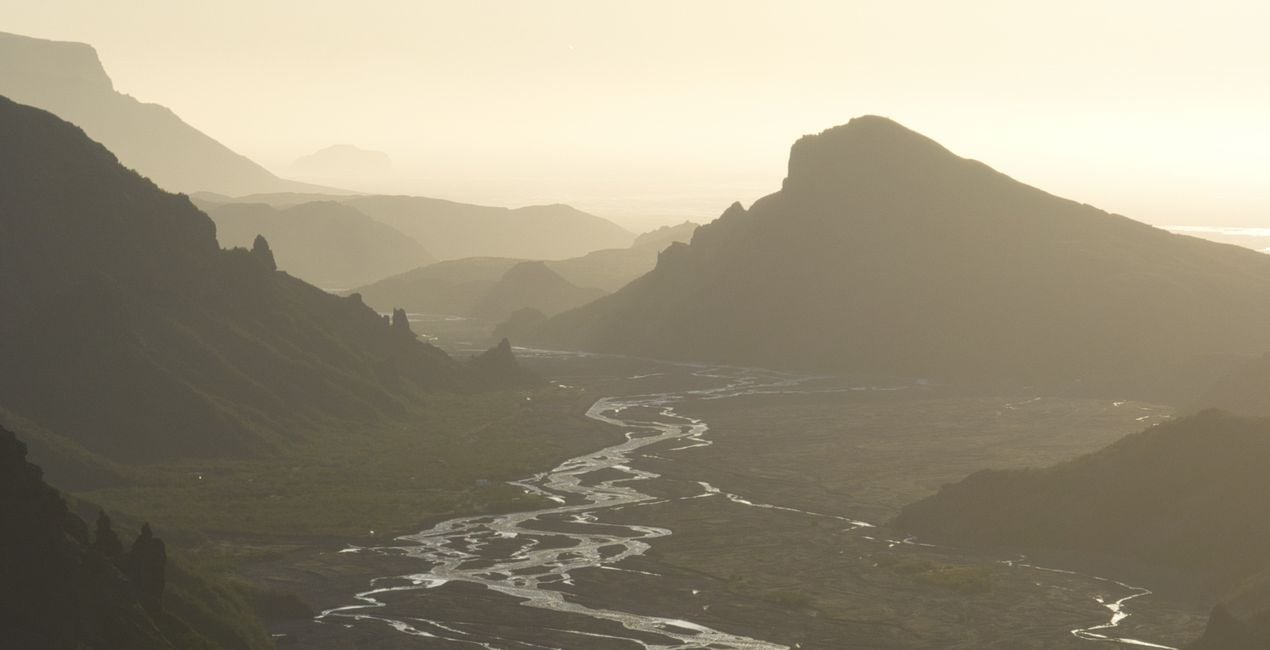
Elevate your dark and moody landscape photography to a whole new level with this collection by Jabi Sanz — where each Preset is a brushstroke that paints a story, leaving a lasting impression on those who view your work. Embrace the power of these Presets and let your creativity unfold in the captivating world of shadows and mood.
互換性

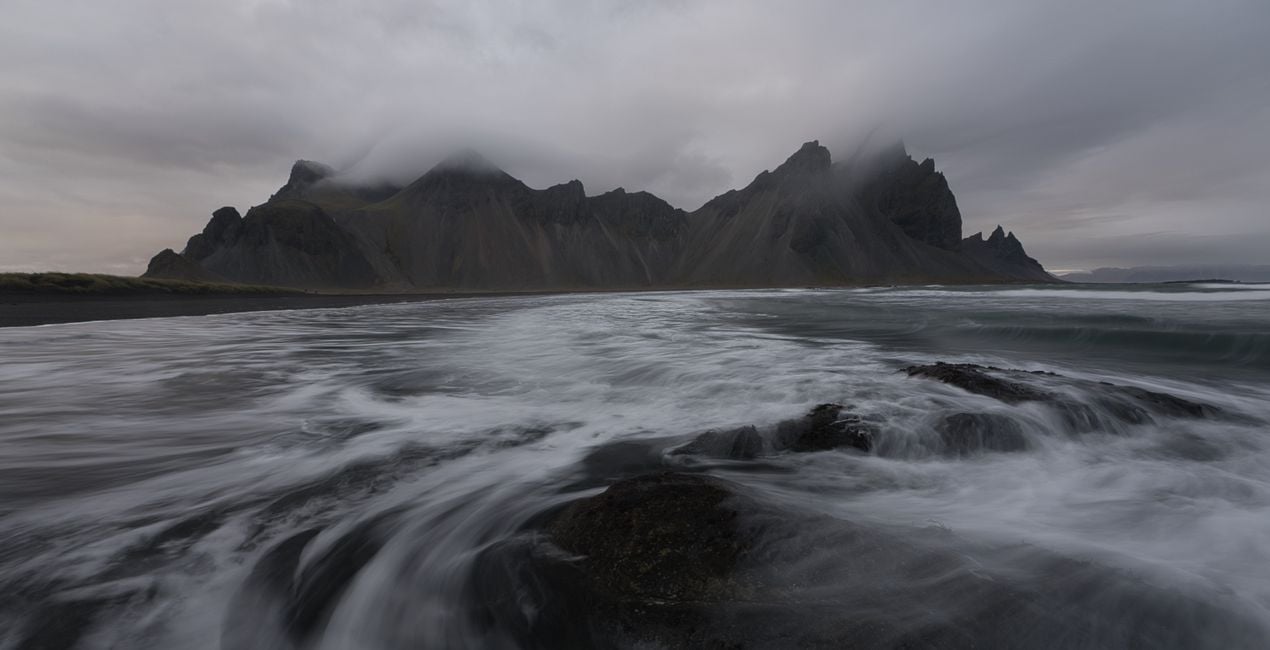
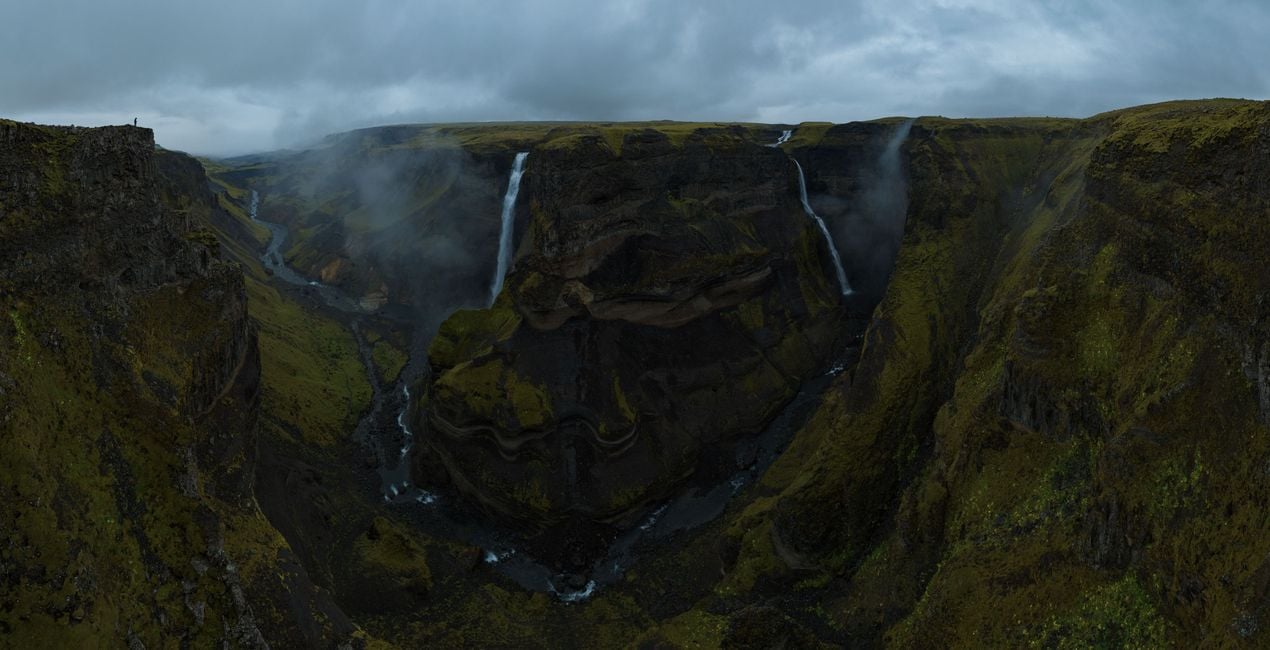
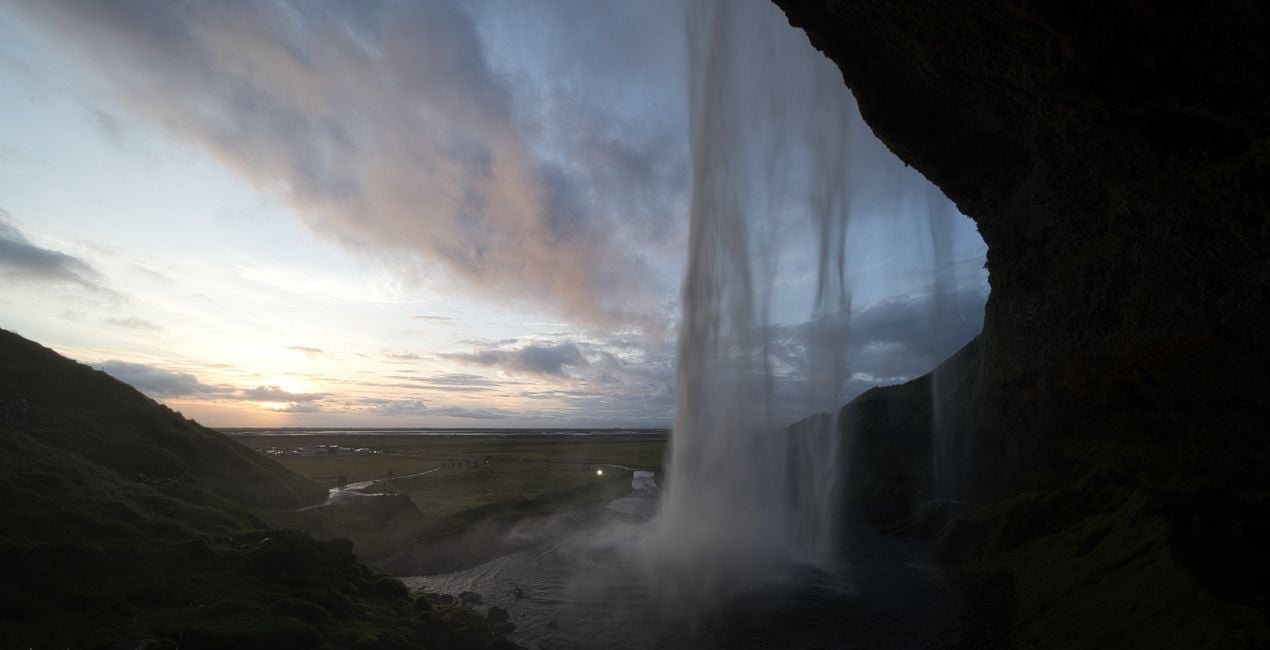
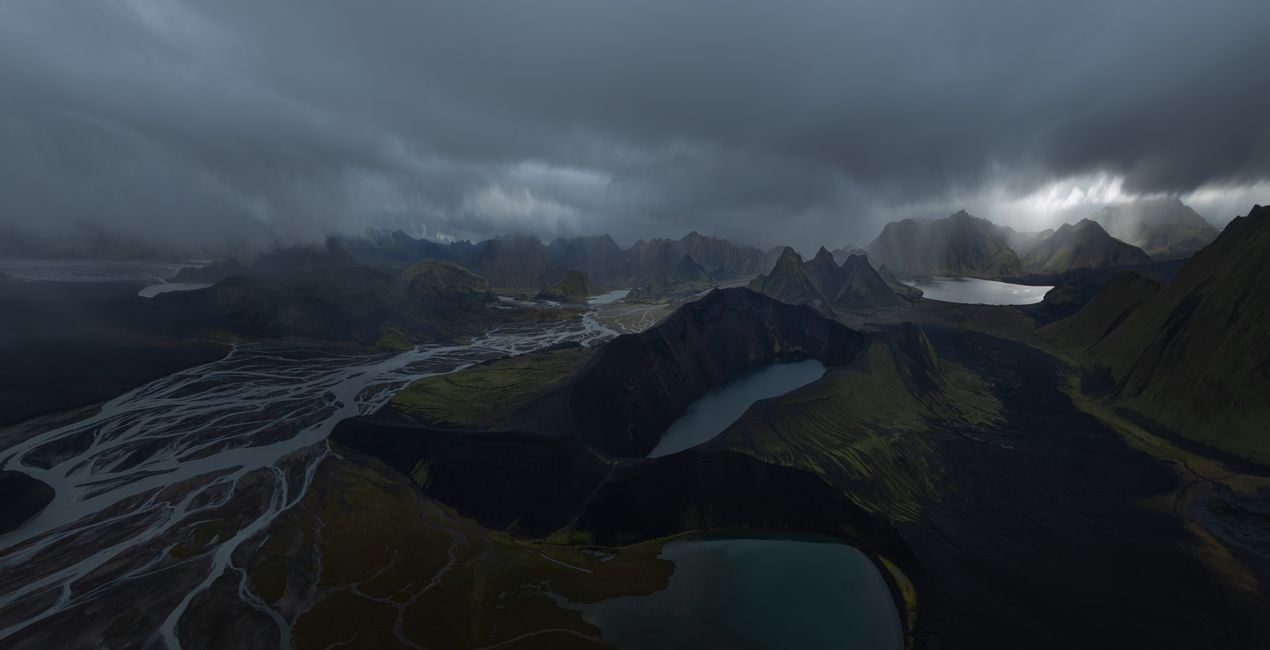
このような写真をゲット
提供されたRAWファイルを使ってレタッチのコツを簡単に練習、こんな写真に仕上げる方法を学ぶことができます。
.jpg?w=1270&h=650&resize=cover) >
>
.jpg?w=1270&h=650&resize=cover) >
>
.jpg?w=1270&h=650&resize=cover) >
>
copy.jpg?w=1270&h=650&resize=cover) >
>
.jpg?w=1270&h=650&resize=cover) >
>
.jpg?w=1270&h=650&resize=cover) >
>
物語
Introducing an outstanding collection by Jabi Sanz — a set of 10 meticulously crafted Presets designed to elevate your dark and moody landscape photography to new heights. Immerse your photos in a captivating atmosphere, where shadows dance and highlights whisper, creating a stunning visual narrative that resonates with emotion.
Jabi Sanz, a renowned name in the world of photography, brings his signature touch to this collection, ensuring that each Preset is a work of art in itself. These Presets are tailor-made for those who seek to evoke a sense of mystery, drama, and depth in their images, transforming ordinary landscapes into extraordinary visual stories.
Whether you're capturing the brooding beauty of a dense forest, the haunting allure of a mist-covered mountain, or the enigmatic charm of the seascapes, these Presets are your key to unlocking a world of creative possibilities. The careful balance of darkness and light in these Presets adds a cinematic quality to your photos, making them stand out in a sea of ordinary images.
Take your audience on a journey through the shadows, where every detail is emphasized, and every nuance is accentuated. With just a click, Jabi Sanz's Presets infuse your photographs with a sense of atmosphere, allowing you to express the mood and emotion you envisioned at the moment of capture.
You will find 10 Presets in this Pack:
Connection: Dramatic look with an emphasis on vivid colors.
Glowing: Accentuate the warm, golden tones in an image and bring it to life.
Highland: Give a nice lift to your images with colors, light and contrast.
Volcanos: Accentuates the highlights and depths in an image.
Warm Morning: Lift the warm colors on the images and saturation.
Level Up: Recovers the highlights and shadows, creating a dreamlike atmosphere.
Cold Autumn: Gives cold tones to the image without losing the warm highlights.
Warm Up: Enhances the sunset tones and creates a better color separation, adding a dreamy look.
Moody: Works great to create dramatic, moody images, enhancing the atmosphere.
Dark: Perfect for flat images, creates a dark moody atmosphere with a fairytale look.
関連商品


クリエーター
Jabi Sanz
Photographer. Skylum Ambassador.
<p>Jabi Sanz is a landscape and travel photographer from Pamplona, a small city in northern Spain. He never had a professional camera or a passion for photography until his trip to Iceland. Iceland really blew his mind, and now Jabi can’t imagine his life without photography. His inspiration comes from nature, with all the beauty, variety of colors, sounds, and compositions. Photography and travel open new horizons for Jabi and take him to places he has never been.<br></p>
サポートへの問い合わせ方法は?
製品についてご質問がございましたら、24時間対応のサポートチームまでお問い合わせください。こちらのリンクをご利用ください。
Gloomy Landscapesを購入する方法は?
Gloomy Landscapesを購入するには、次の手順に従ってください:
1. Skylumのマーケットプレイスを開きます。
2. Gloomy Landscapesがリストされているタブに移動し、クリックしてカートに追加します。
3. カートに進み、Gloomy Landscapesの購入手続きを完了してください。
4. ご購入後、Gloomy Landscapesのダウンロードリンクが記載された購入完了メールが届きます。また、Skylumアカウントの「マイアドオン」タブからも新しいアイテムをご確認いただけます。
Gloomy Landscapesをインストールする方法は?
Gloomy Landscapesのインストール手順の詳細は、ダウンロードリンクと一緒にお送りする「購入完了メール」に記載されています。
また、Luminar Neoから購入されたアイテムを直接インストールすることもできます。エクストラ > マーケットプレイスに進み、商品カテゴリを選択して、購入済みアイテムを見つけてインストールをクリックしてください。
Gloomy Landscapesのインストール後、どこで見つけられますか?
とても簡単です!プリセット タブに移動して、購入済みを選択してください。インストールしたプリセットがここに表示されます。
Gloomy Landscapes を失くしてしまった場合は?
ご安心ください。Gloomy Landscapesを含むすべての購入済みアイテムは、Skylumアカウントの「マイアドオン」タブ に保存されるため、簡単に再ダウンロードしてご利用いただけます。
Gloomy Landscapesが自分のソフトに対応しているかどうかを確認するには?
ほとんどのアイテムはLuminar Neoに対応しています。ただし、確実にGloomy Landscapesがお使いのソフトと互換性があるかを確認するには、ダウンロードや購入前に製品仕様をご確認ください。Gloomy Landscapesページ右側の「互換性」セクションに対応しているすべての製品が表示されています。


