

 適用する
適用する 



銀河の空
Save $201 $ 19 .00
素晴らしい星と青、紫、黒のすべての色合いで飾られた、遠く離れた素晴らしい銀河を導く14種類のユニークなテンプレートコレクションで、目で見える範囲を超えたディテールに手を伸ばしてください。
含まれているもの
14種類のテンプレート。 JPEG、RAW画像に対応。

提供されたRAWファイルを使ってレタッチのコツを簡単に練習、こんな写真に仕上げる方法を学ぶことができます。

 >
>

 >
>

 >
>

 >
>
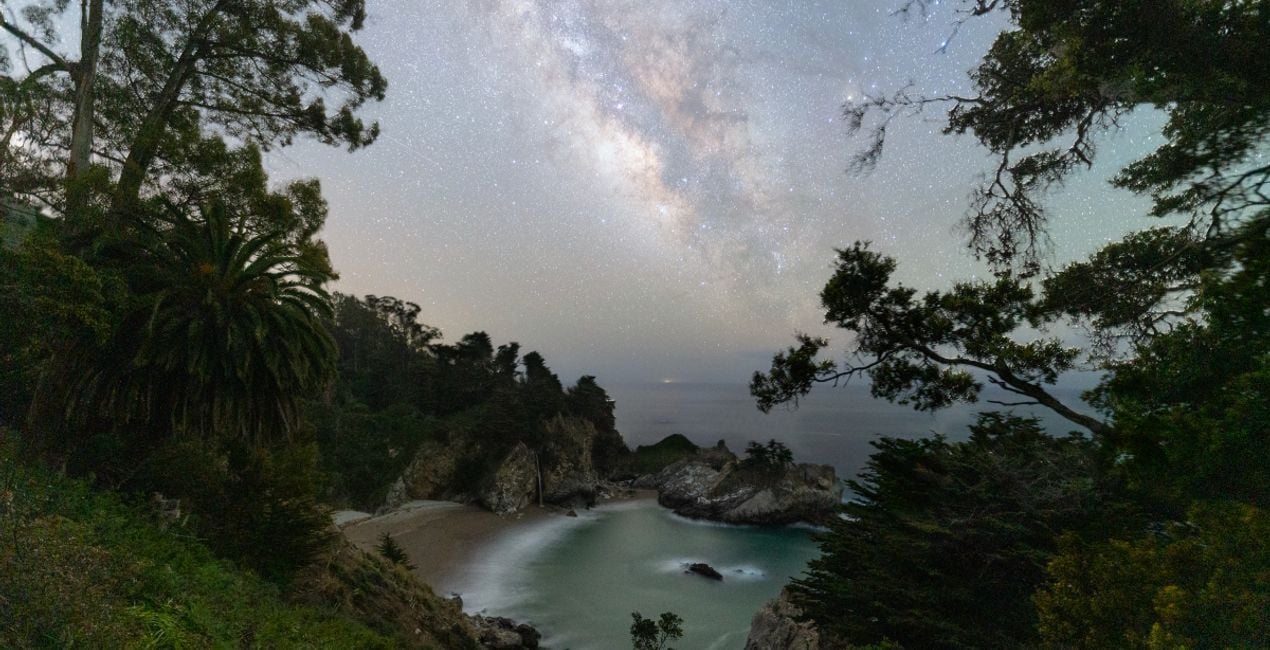
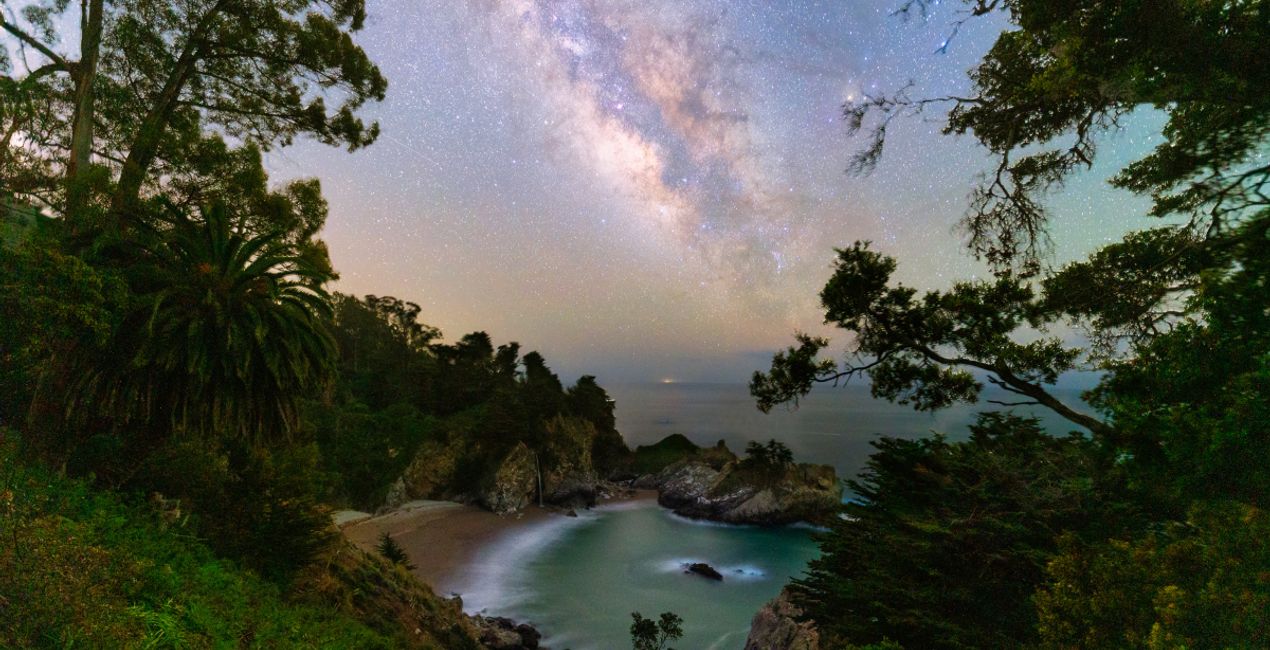 >
>

 >
>
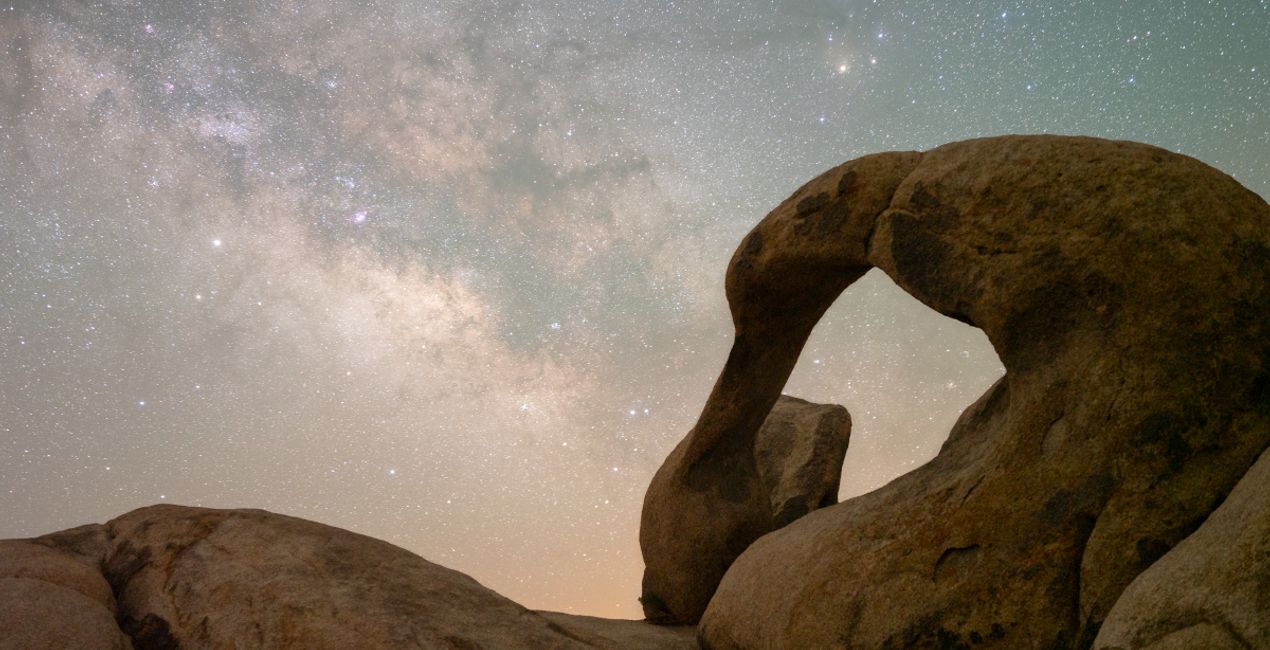
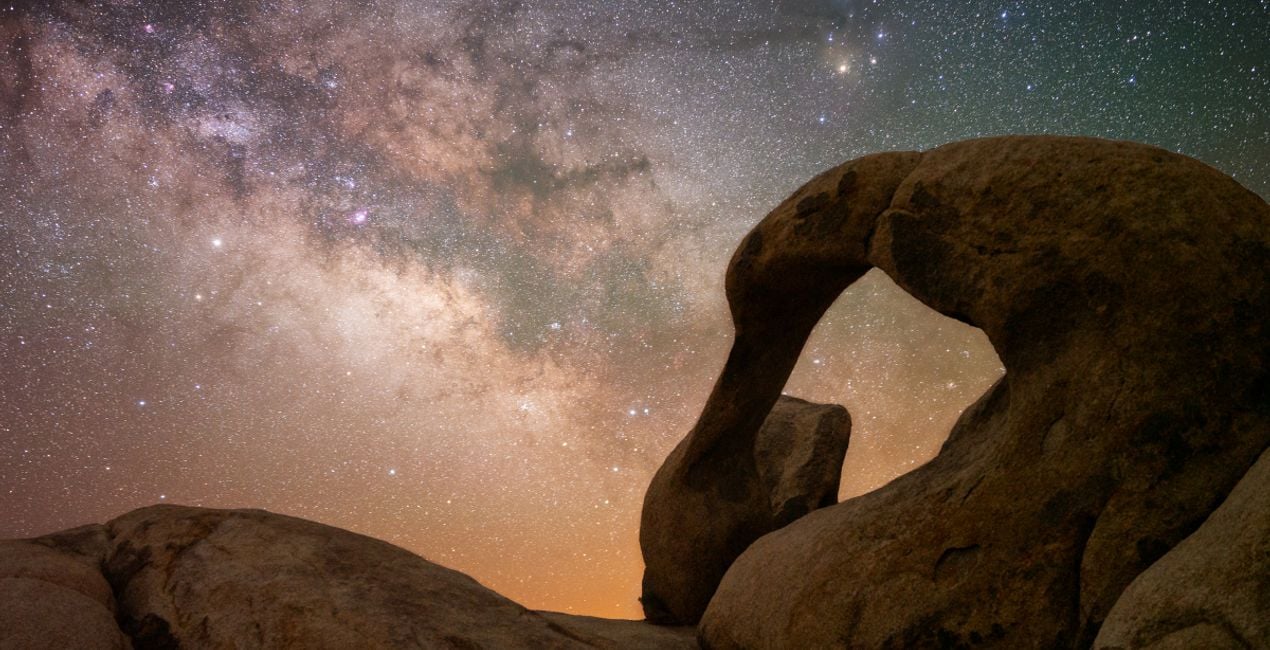 >
>
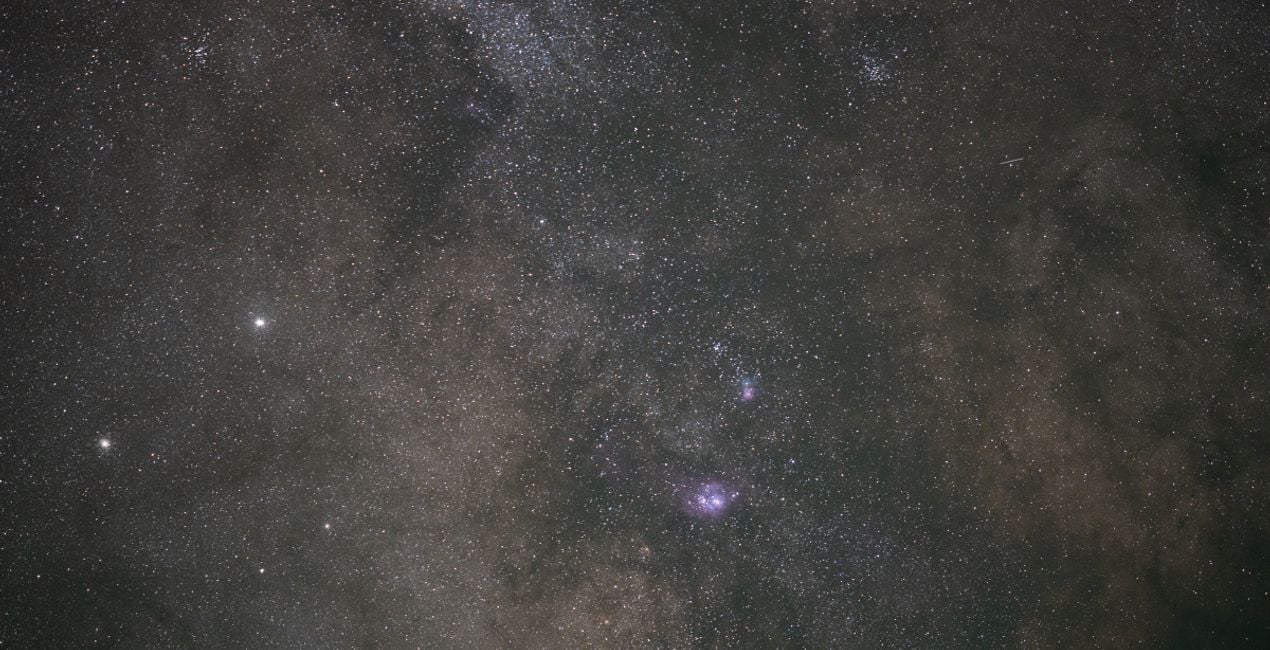
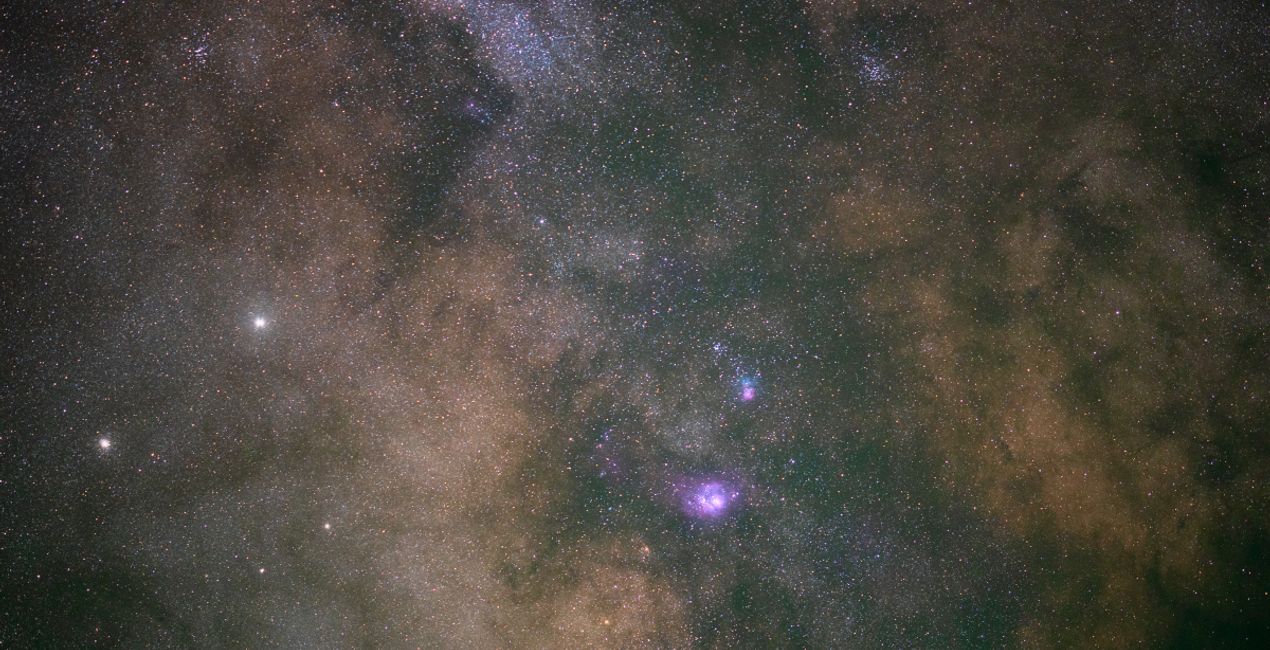 >
>
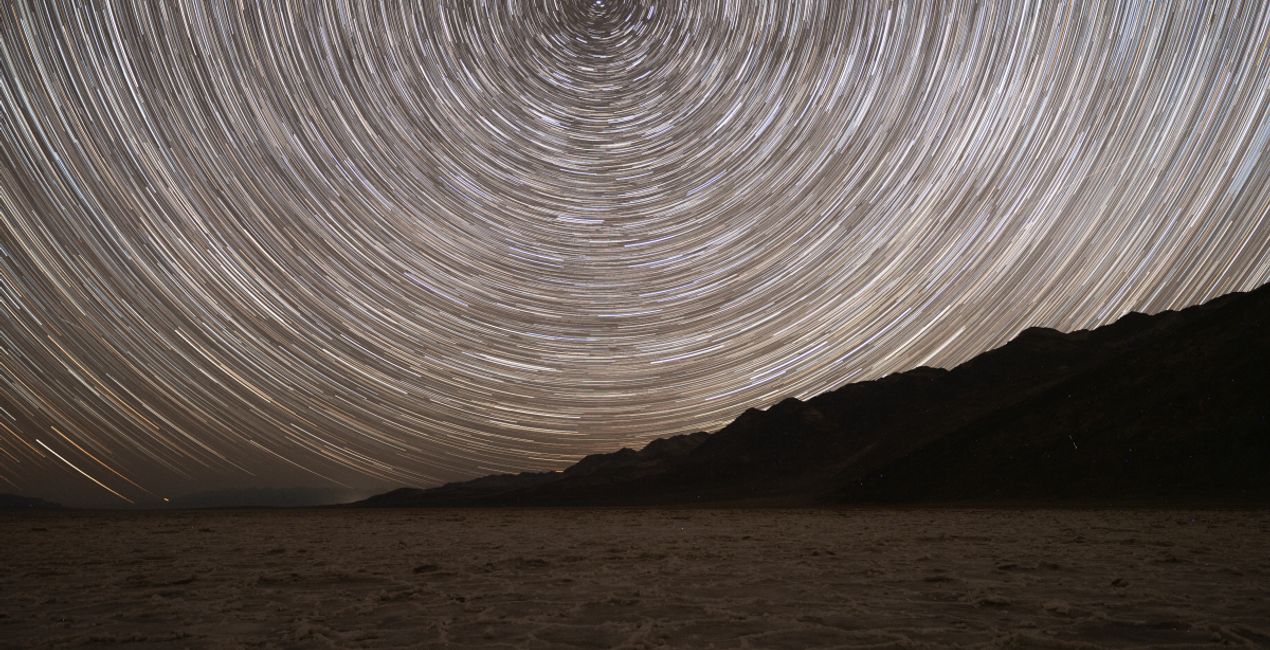
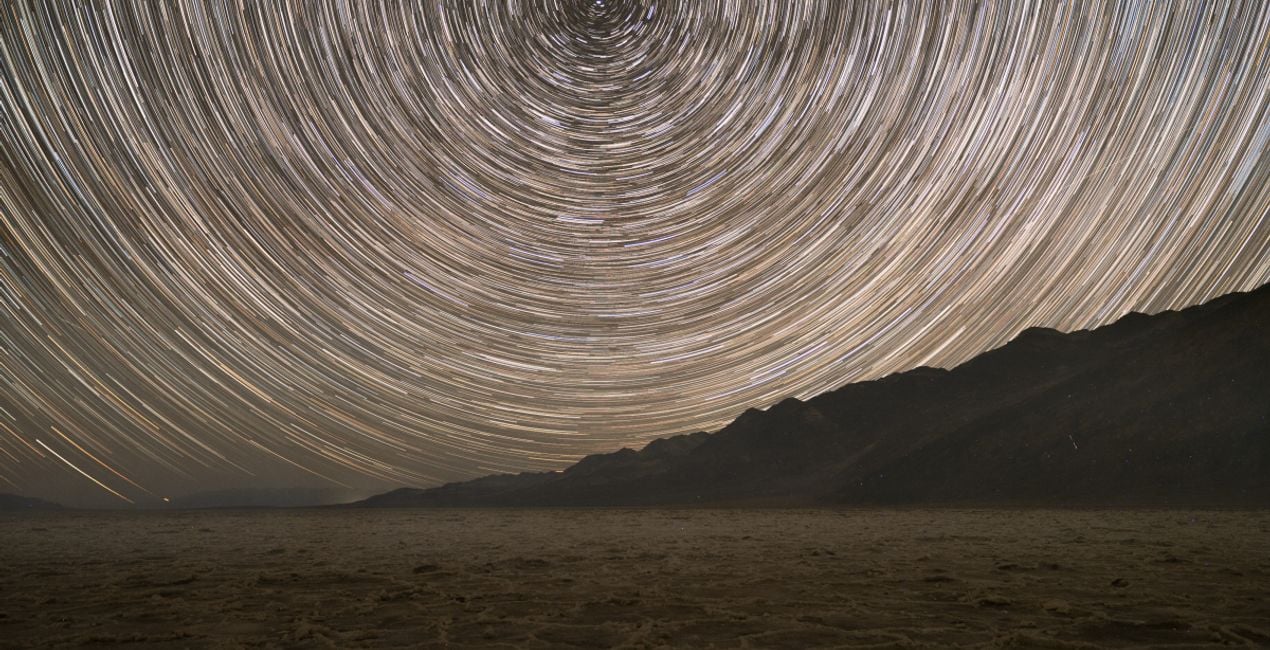 >
>
The night sky holds incredible detail in faint and distant light. While our long exposures capture far more detail than our eyes can see, it’s up to our post-processing to bring that detail to life.
These 14 Templates tackle anything from the galactic core of the Milky Way under the darkest of skies to towering mountains lit up by moonlight.
By taking advantage of traditional astrophotography processing techniques combined with tools exclusive to LuminarAI, such as EnhanceAI, Supercontrast, Mystical, and Glow, these Templates help you illustrate the wonders of the night sky.
Each Template takes a unique approach to pulling out details and enhancing your final result.
Whether you’re looking for a one-click solution or to give yourself an advantage as you further customize your image, these Templates are sure to help you unlock the details of our universe.
Jack likes to tailor these Templates by adjusting the White Balance and Exposure as a way to define the style for each image.
Astrophotographer & Timelapser
Jack Fusco is a landscape astrophotographer and timelapser based out of San Diego, California. For Jack, photography began as a way to document his travels as a touring musician, but it has become his main form of creative expression.
On his often-sleepless journeys, Jack strives to share the wonder of the night sky with as many people as possible. Whether chasing the Milky Way along coastlines or capturing the northern lights in unforgiving remote locations, he’s sure to have coffee in hand and be smiling up at the stars.
Many of Jack’s images are planned days, weeks, or even months in advance while waiting for weather and celestial objects to align. The resulting work shows a true and complete dedication to his craft.
Jack’s work has been featured by National Geographic, TEDx, the LA Times, NASA APOD, the BBC, Forbes, and many more publications.
製品についてご質問がございましたら、24時間対応のサポートチームまでお問い合わせください。こちらのリンクをご利用ください。
Galactic Skiesを購入するには、次の手順に従ってください:
1. Skylumのマーケットプレイスを開きます。
2. Galactic Skiesがリストされているタブに移動し、クリックしてカートに追加します。
3. カートに進み、Galactic Skiesの購入手続きを完了してください。
4. ご購入後、Galactic Skiesのダウンロードリンクが記載された購入完了メールが届きます。また、Skylumアカウントの「マイアドオン」タブからも新しいアイテムをご確認いただけます。
Galactic Skiesのインストール手順の詳細は、ダウンロードリンクと一緒にお送りする「購入完了メール」に記載されています。
また、Luminar Neoから購入されたアイテムを直接インストールすることもできます。エクストラ > マーケットプレイスに進み、商品カテゴリを選択して、購入済みアイテムを見つけてインストールをクリックしてください。
とても簡単です!プリセット タブに移動して、購入済みを選択してください。インストールしたプリセットがここに表示されます。
ご安心ください。Galactic Skiesを含むすべての購入済みアイテムは、Skylumアカウントの「マイアドオン」タブ に保存されるため、簡単に再ダウンロードしてご利用いただけます。
ほとんどのアイテムはLuminar Neoに対応しています。ただし、確実にGalactic Skiesがお使いのソフトと互換性があるかを確認するには、ダウンロードや購入前に製品仕様をご確認ください。Galactic Skiesページ右側の「互換性」セクションに対応しているすべての製品が表示されています。
まだお帰りにならないでください。あなただけの特別割引コードをご用意しました。今後15分以内にご利用いただくと、お会計時にさらに10%オフになります。以下のコードをコピーして、お買い物を完了してください。
15 m : 00 s





