

 適用する
適用する 



凄いを創ろう
Save $201 $ 11 .40 $ 19 .00
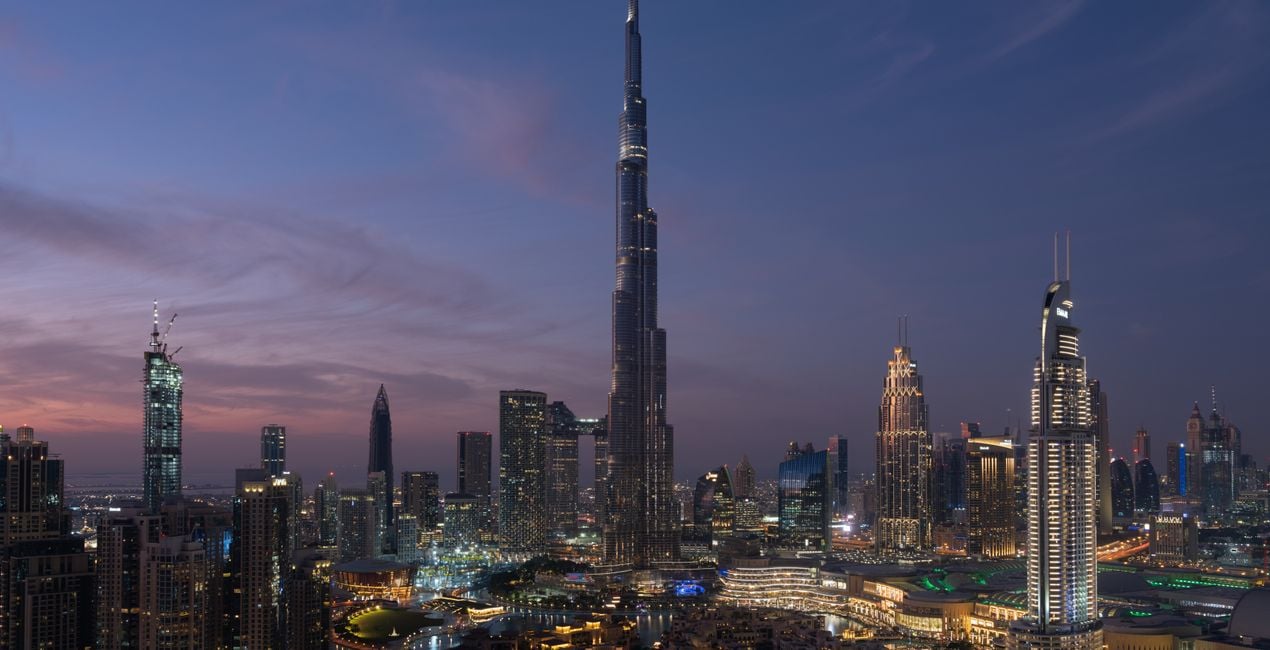
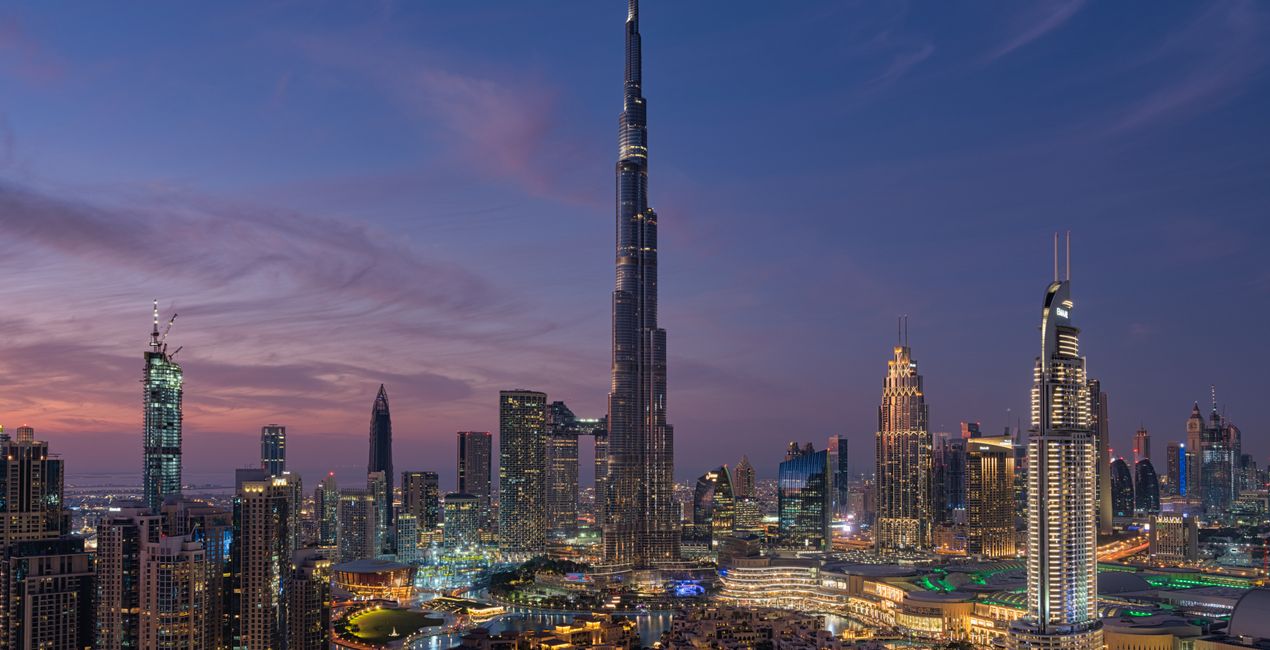
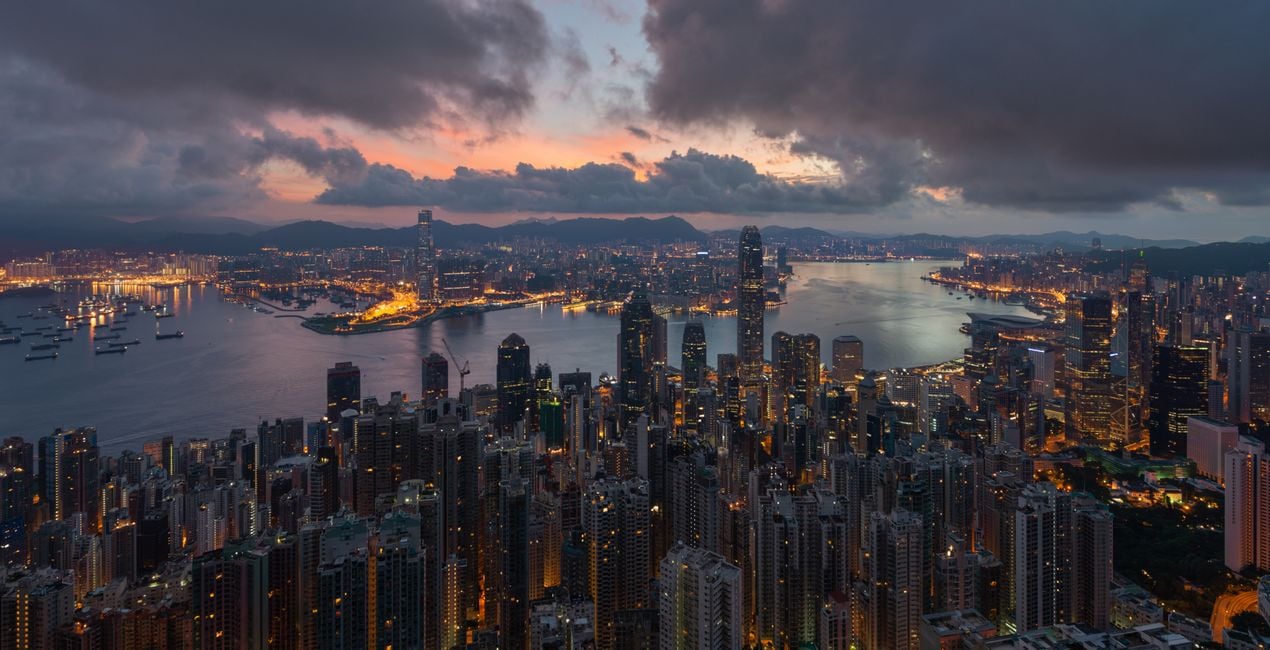
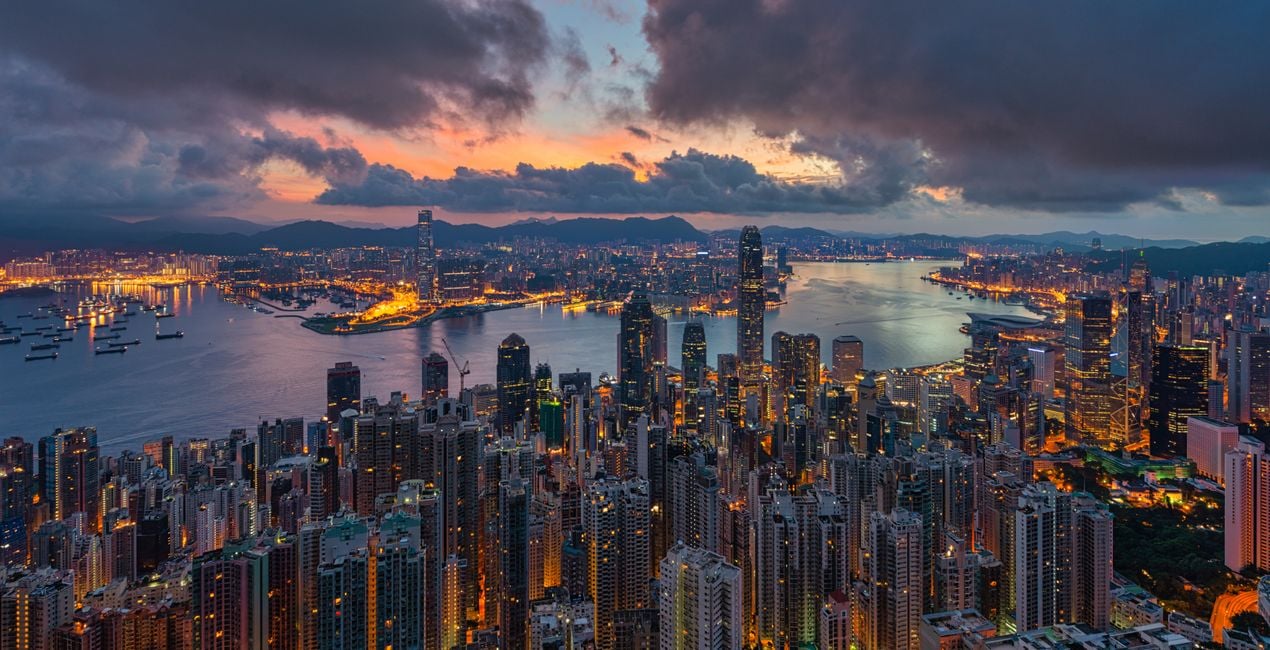
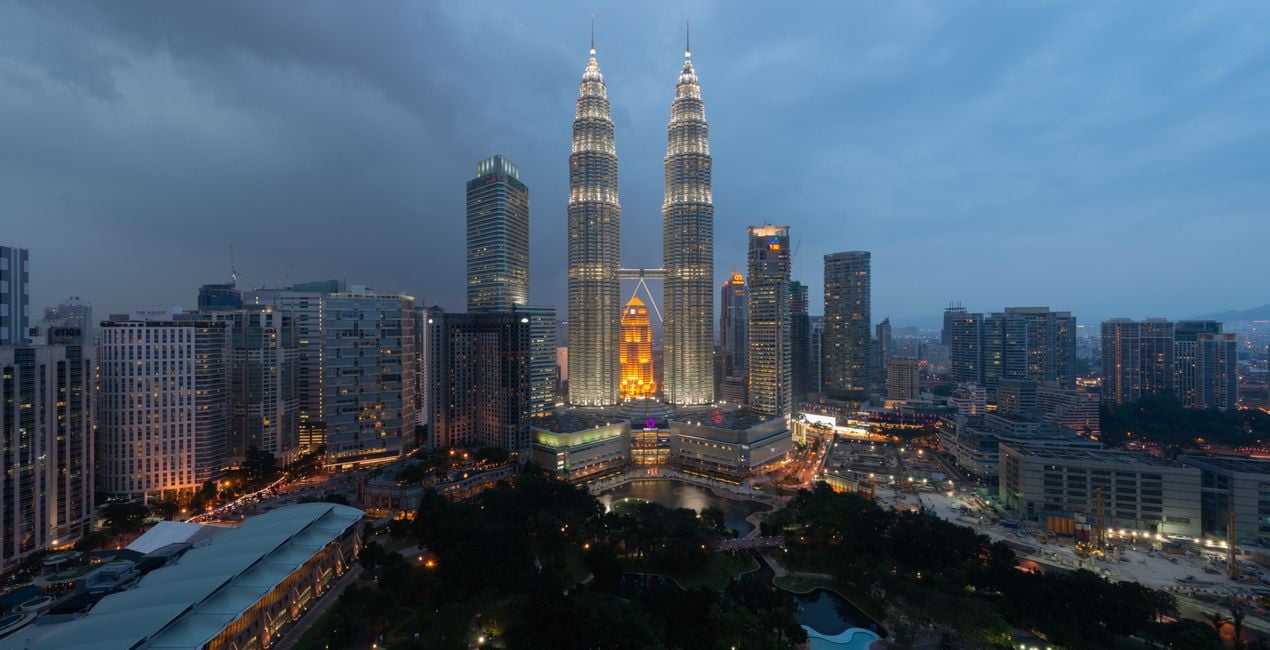
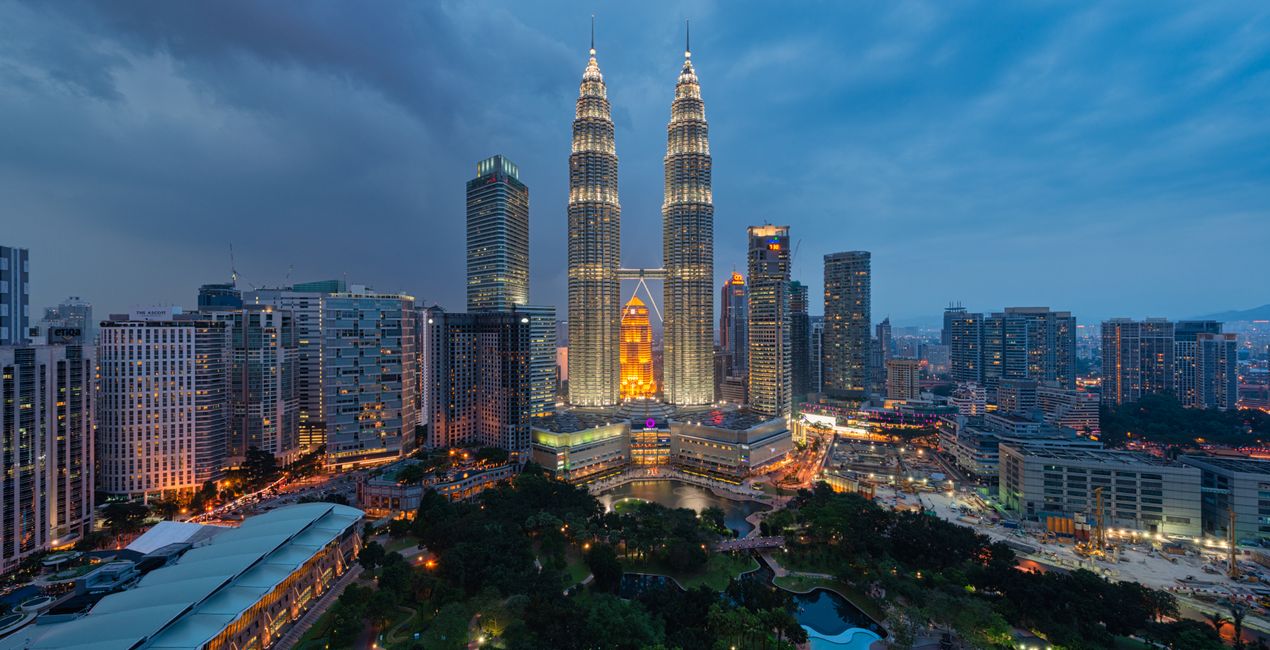
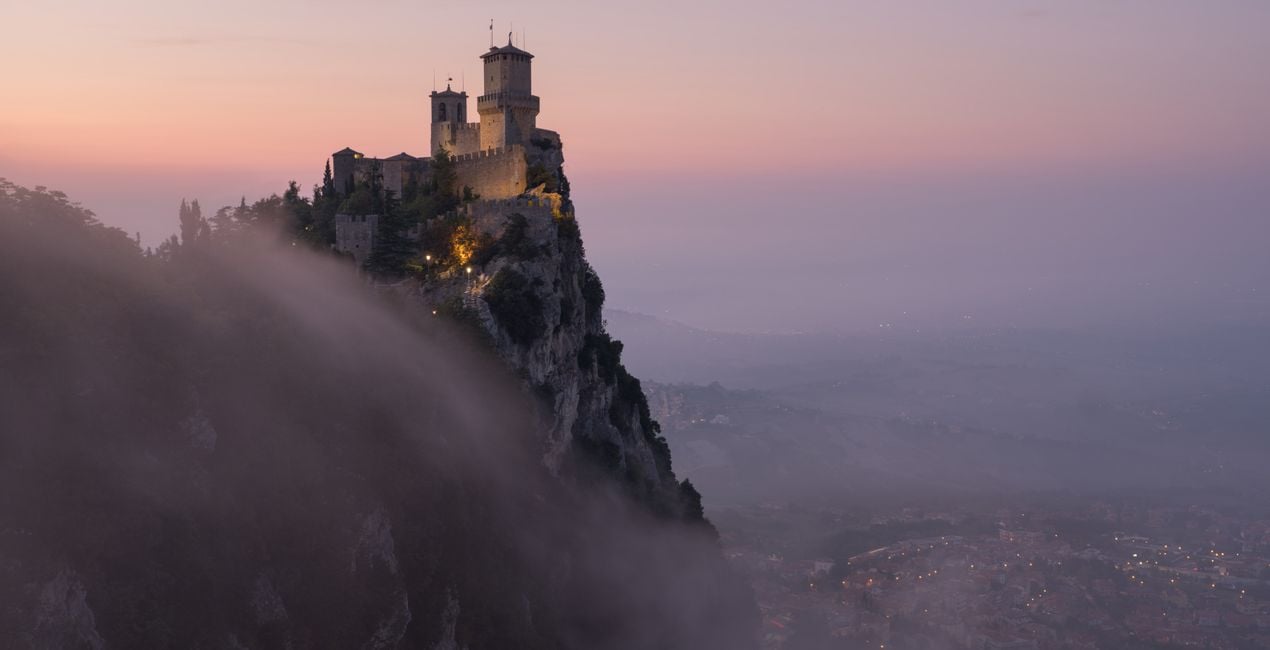
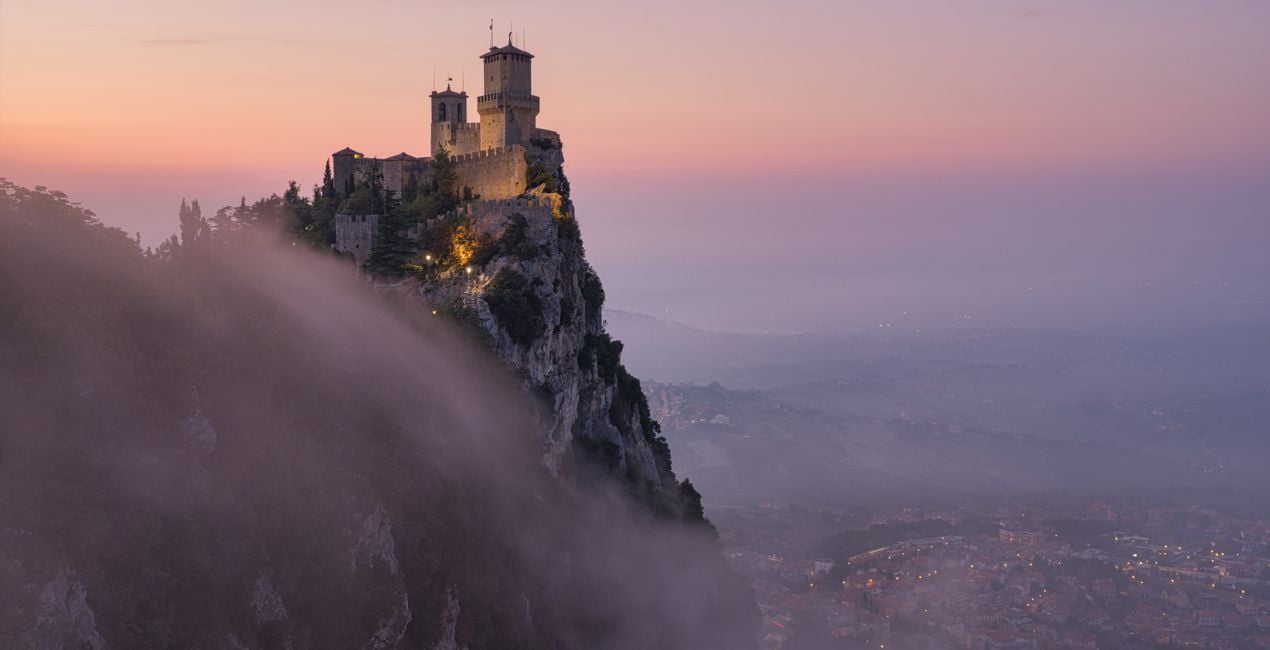
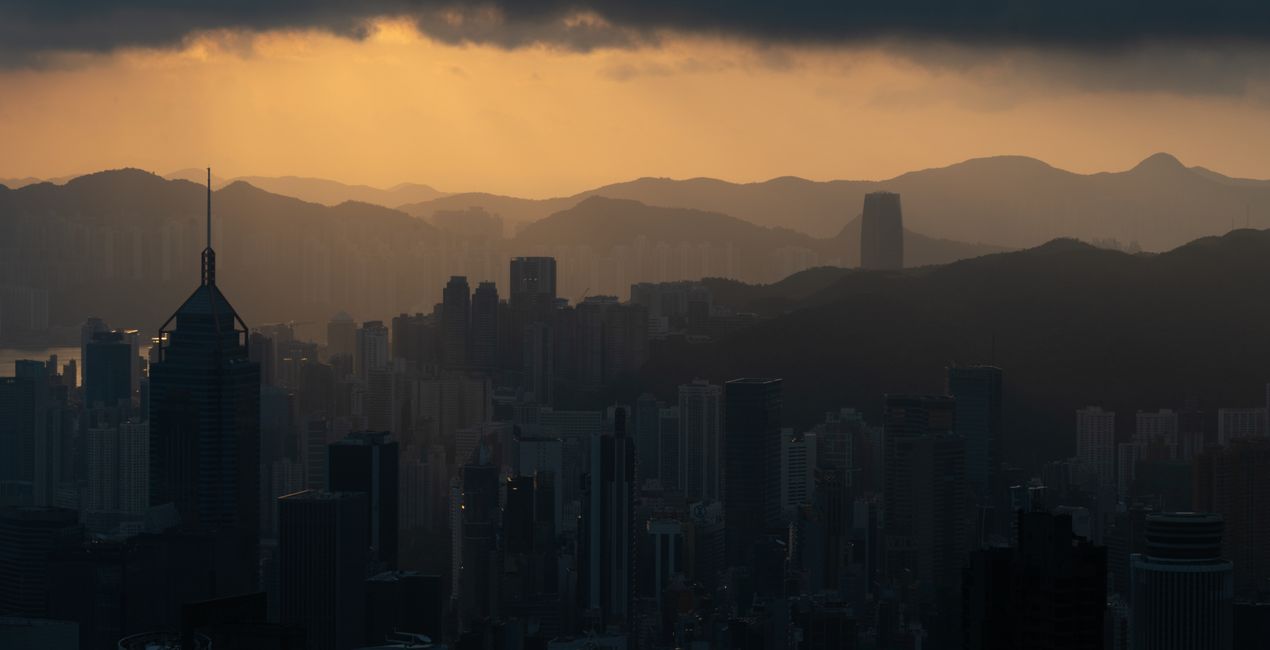
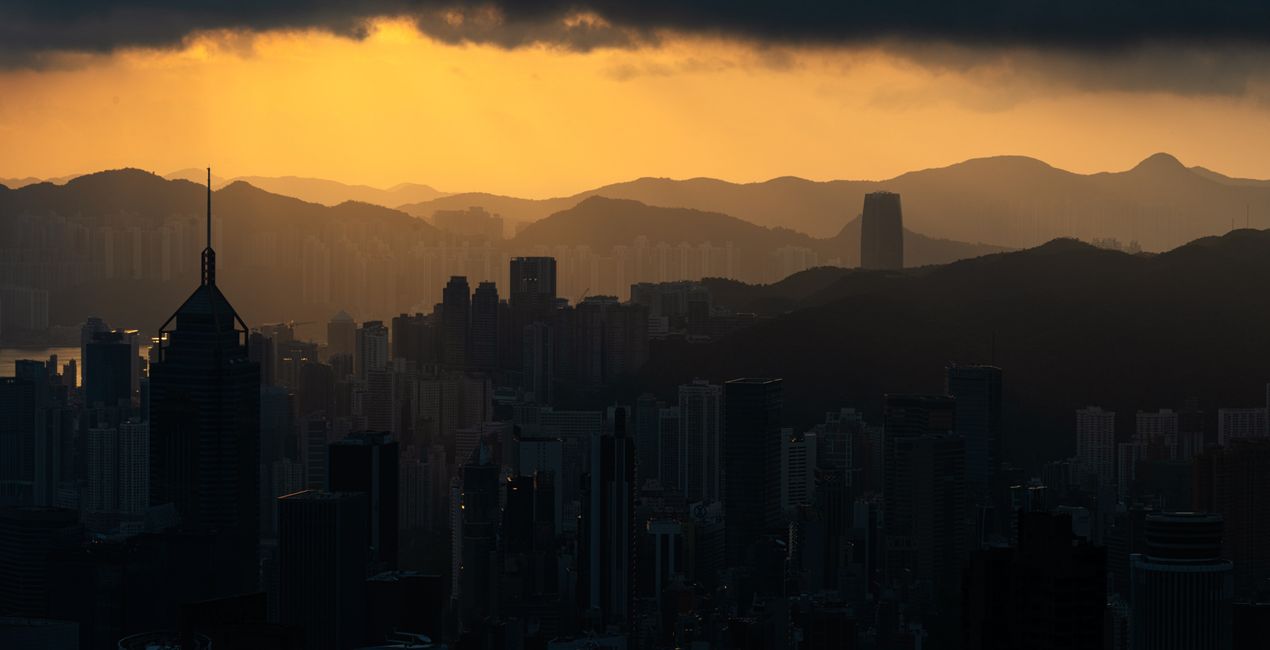
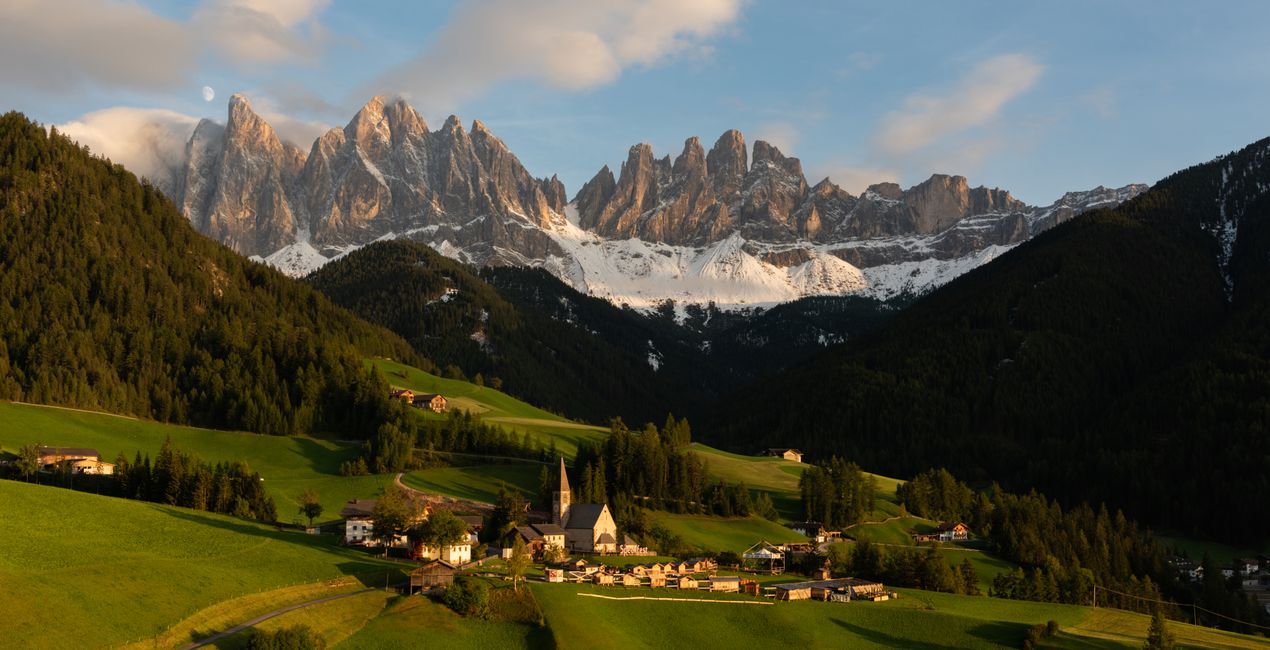
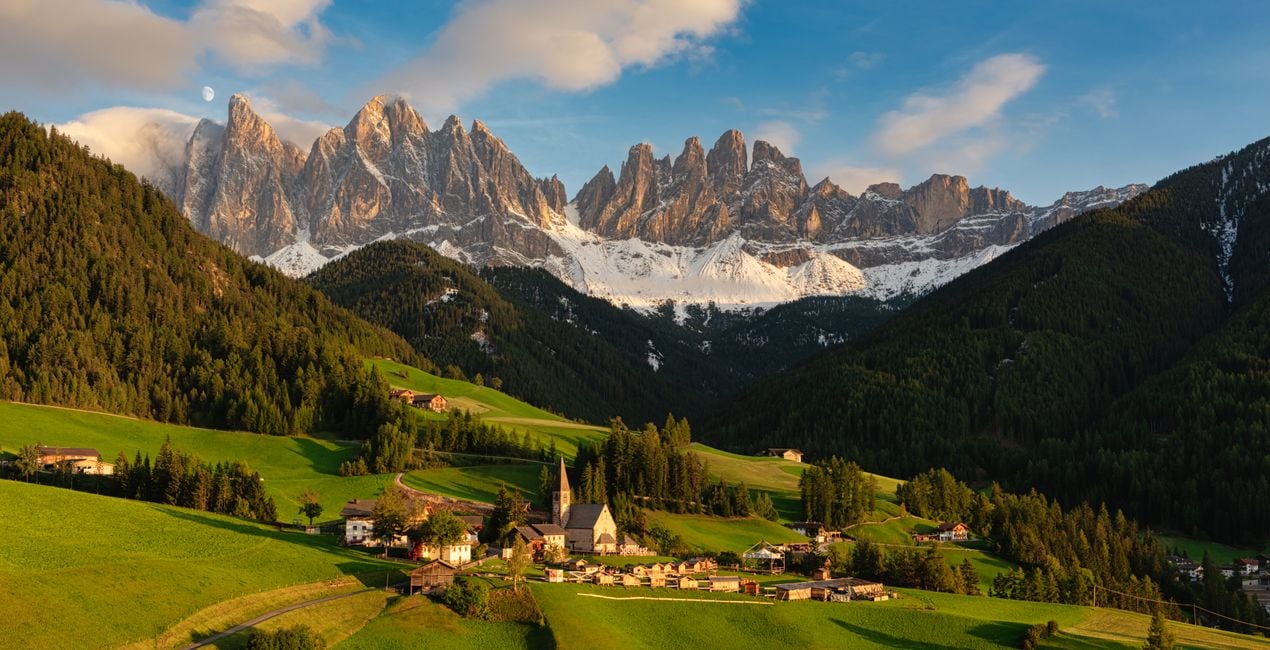
豊かな動的コントラスト、色分解、増幅されたテクスチャのディテールの特別なブレンドで、Elia Locardiは、独特のひと目でわかるスタイルを生み出しています。このLooksパックには、風景・都市景観写真で驚き要素を作り出すのにEliaが使う11の特化したプリセットが含まれています。
含まれているもの
11種類のテンプレート。 JPEG、RAW画像に対応。

提供されたRAWファイルを使ってレタッチのコツを簡単に練習、こんな写真に仕上げる方法を学ぶことができます。
 >
>
 >
>
 >
>
 >
>
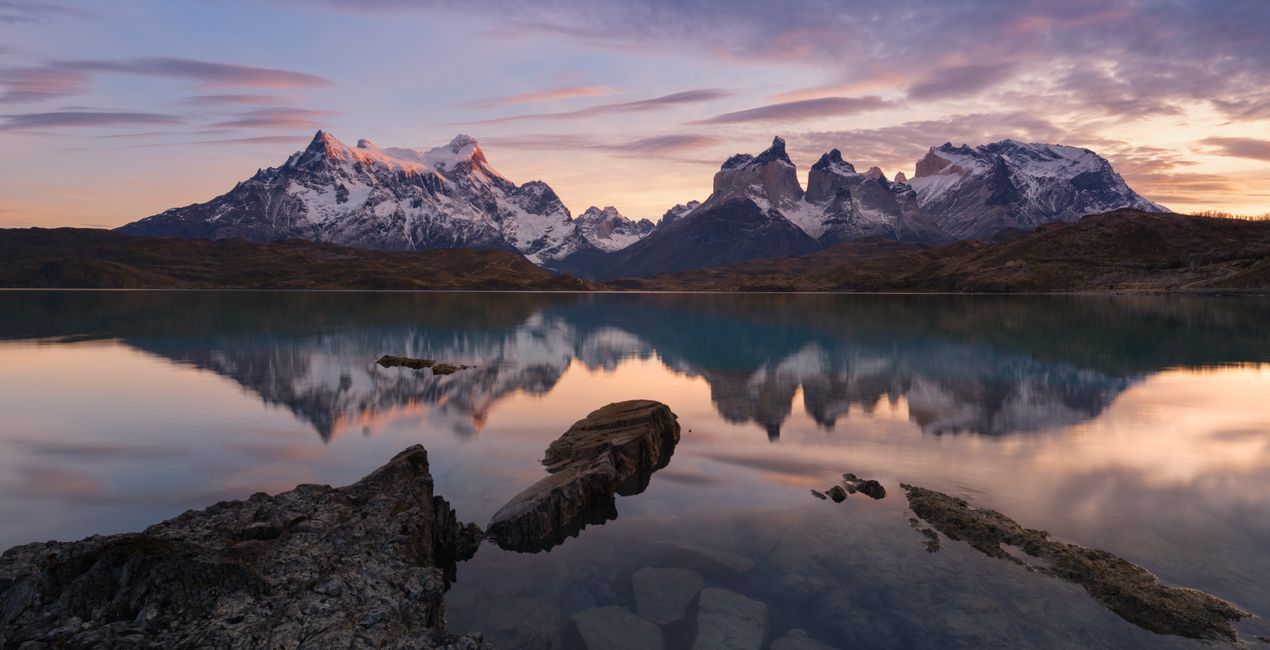
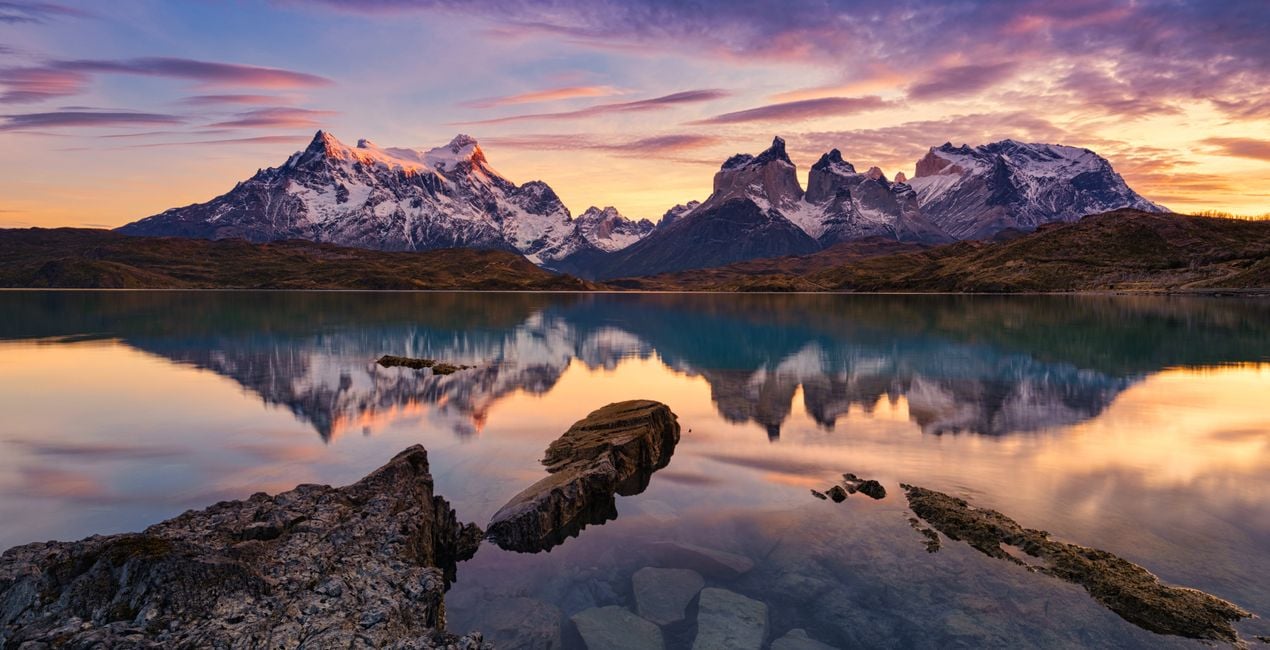 >
>
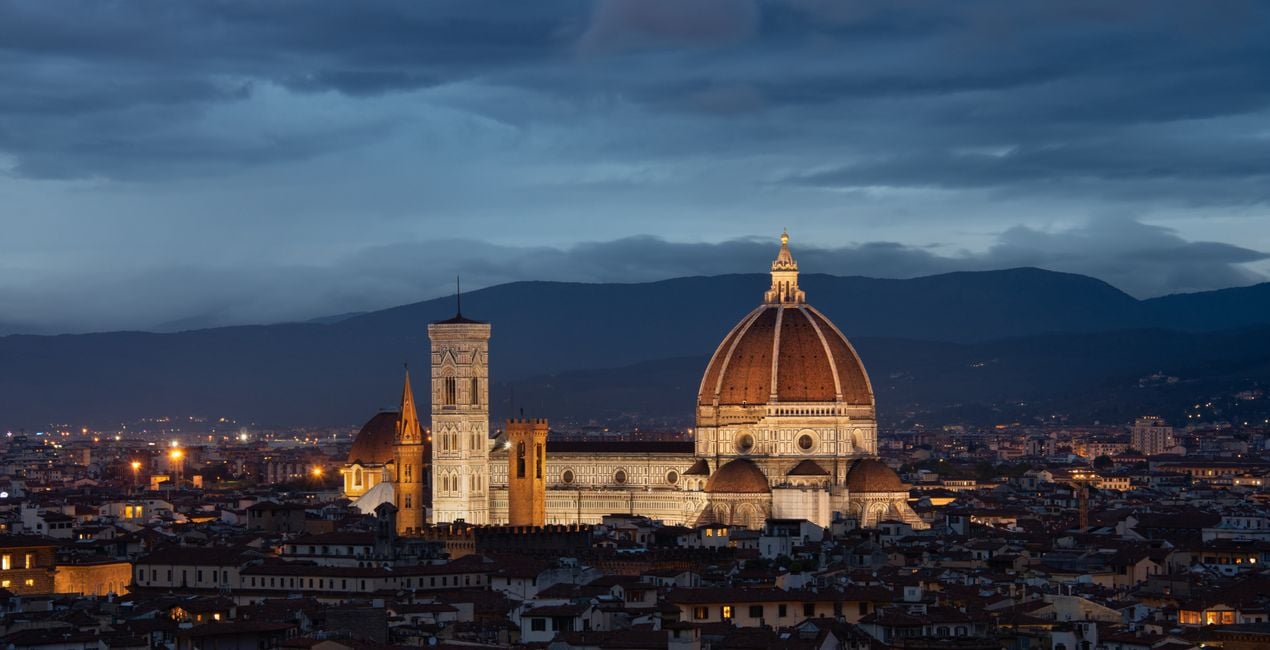
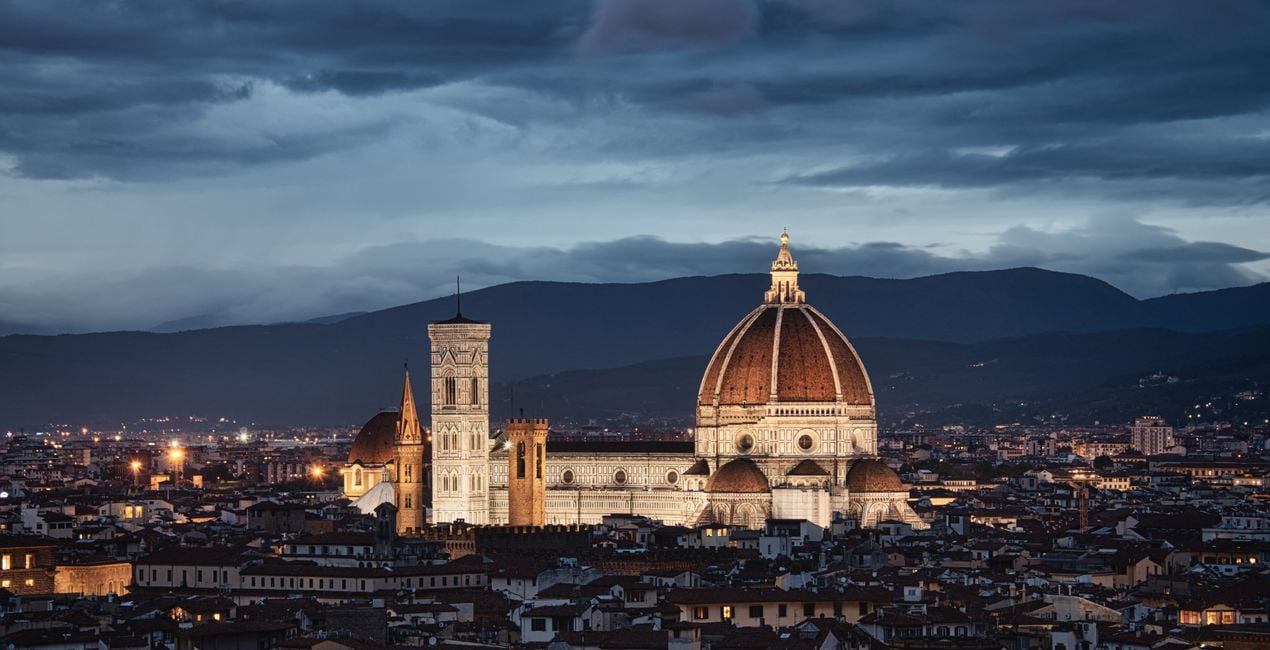 >
>
 >
>
 >
>
-Medium-After.jpeg?w=1270&h=650&resize=cover) >
>
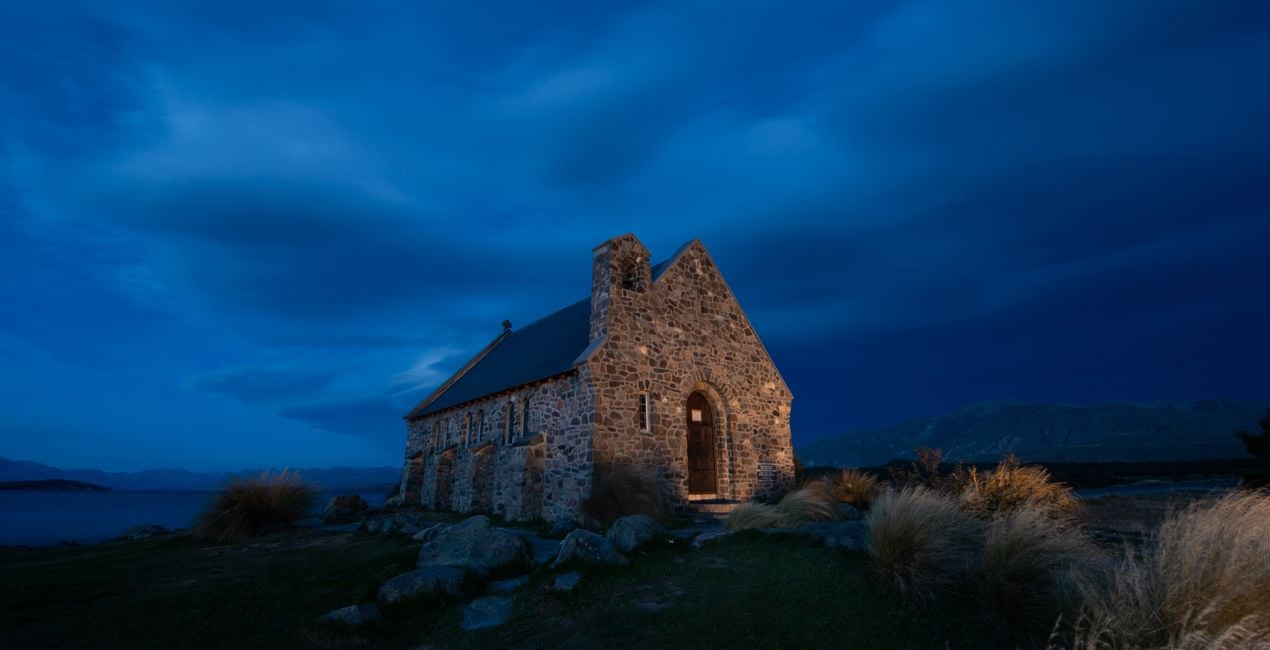
To create this Templates Collection, I broke down dozens of my photos to find unifying factors that are shared across my portfolio. Since I specialize in both cityscape and landscape photography, I created a small set of Templates for each genre.
The idea behind this collection is not necessarily to stylize photos but rather to bring out and enhance the natural beauty of the image itself, whether that’s in a soft, moderate, or dramatic way.
If your landscape or cityscape could use a strong pick-me-up, start by applying one of the dramatic Templates.
If your image just needs a smaller push in the right direction, begin by using one of the light Templates.
Either way, these Templates will make enhancements that are easy to adjust.
Special Tips: This Templates Collection includes 3 Landscape & Nature and 3 Cityscapes & Blue Hour Looks that have light, medium, and dramatic levels of adjustment.
Though they’re each geared towards a specific genre, I recommend trying each one no matter what photo you’re working with since they all offer something different.
Note: The Cityscapes & Blue Hour Templates are designed to work on any cityscape, and any time of day. Similarly, they also work well on Blue Hour Landscapes.
Exposure: These Templates work best if the exposure, shadows, and highlights are adjusted using the Light panel.
White Balance: Each photo is different. Make adjustments to the White Balance and Tint if the scene seems too warm or cold.
Amount: For the best results, don’t hesitate to use the Amount slider to customize exactly how much of the Template is needed.
Share: Use the tag #LocardiLuminar on social media so Elia Locardi and the Luminar Team can check out your images created with these Signature Templates!
Worldwide Photographer
Elia Locardi is an internationally acclaimed travel photographer, writer, public speaker, and educator.
Elia, who has been featured by Professional Photographer Magazine, CNet, Wacom, SmugMug Films, Fujifilm, and Fstoppers, began working full-time as a photographer in 2009. Since then he has visited more than 65 countries, flown nearly 2 million miles, and collaborated with companies and brands on nearly every continent.
Using a combination of traditional in-camera techniques, targeted times of day, and advanced post-processing and time blending methods, Elia has developed a recognizable style that has become well known around the world.
製品についてご質問がございましたら、24時間対応のサポートチームまでお問い合わせください。こちらのリンクをご利用ください。
Creating The Wow Factorを購入するには、次の手順に従ってください:
1. Skylumのマーケットプレイスを開きます。
2. Creating The Wow Factorがリストされているタブに移動し、クリックしてカートに追加します。
3. カートに進み、Creating The Wow Factorの購入手続きを完了してください。
4. ご購入後、Creating The Wow Factorのダウンロードリンクが記載された購入完了メールが届きます。また、Skylumアカウントの「マイアドオン」タブからも新しいアイテムをご確認いただけます。
Creating The Wow Factorのインストール手順の詳細は、ダウンロードリンクと一緒にお送りする「購入完了メール」に記載されています。
また、Luminar Neoから購入されたアイテムを直接インストールすることもできます。エクストラ > マーケットプレイスに進み、商品カテゴリを選択して、購入済みアイテムを見つけてインストールをクリックしてください。
とても簡単です!プリセット タブに移動して、購入済みを選択してください。インストールしたプリセットがここに表示されます。
ご安心ください。Creating The Wow Factorを含むすべての購入済みアイテムは、Skylumアカウントの「マイアドオン」タブ に保存されるため、簡単に再ダウンロードしてご利用いただけます。
ほとんどのアイテムはLuminar Neoに対応しています。ただし、確実にCreating The Wow Factorがお使いのソフトと互換性があるかを確認するには、ダウンロードや購入前に製品仕様をご確認ください。Creating The Wow Factorページ右側の「互換性」セクションに対応しているすべての製品が表示されています。
まだお帰りにならないでください。あなただけの特別割引コードをご用意しました。今後15分以内にご利用いただくと、お会計時にさらに10%オフになります。以下のコードをコピーして、お買い物を完了してください。
15 m : 00 s





