

 適用する
適用する 



Colorful Objects
Save $201 $ 19 .00
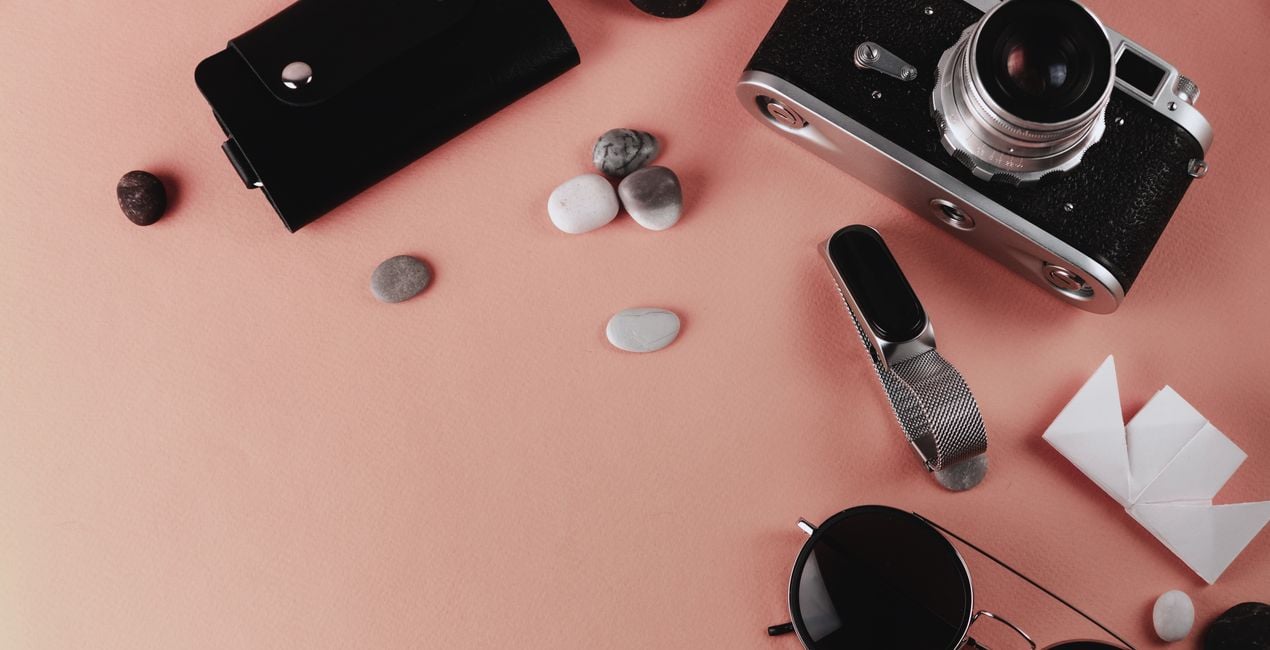
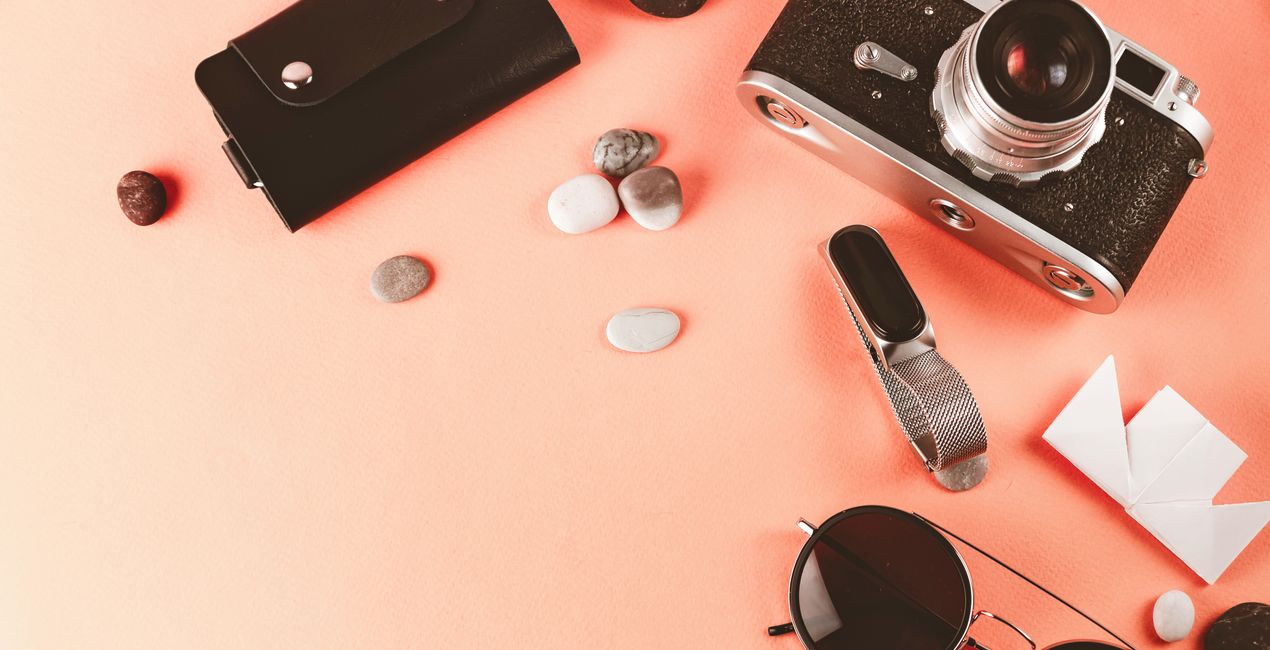
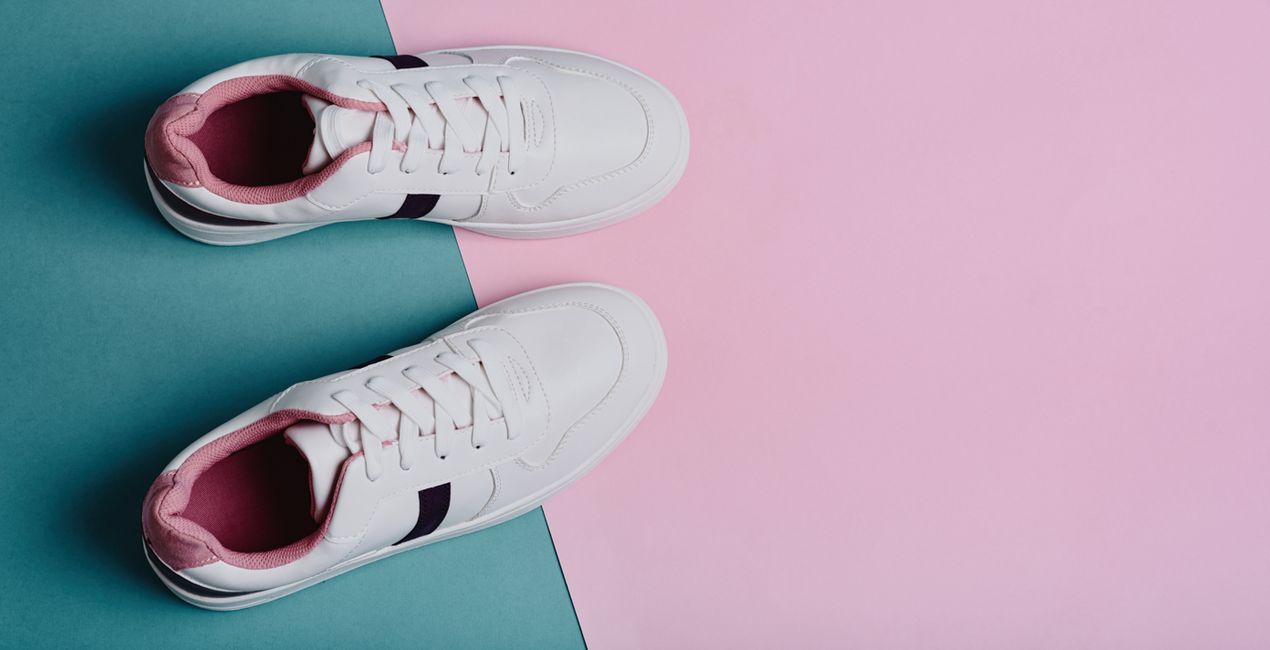
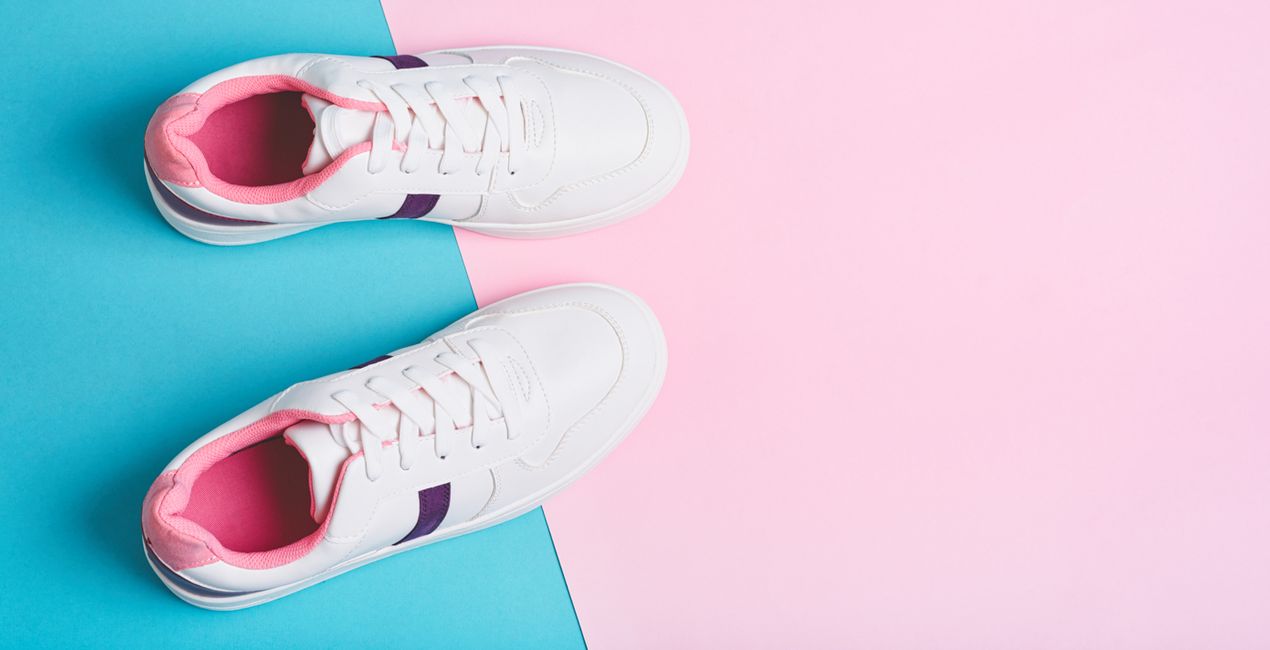
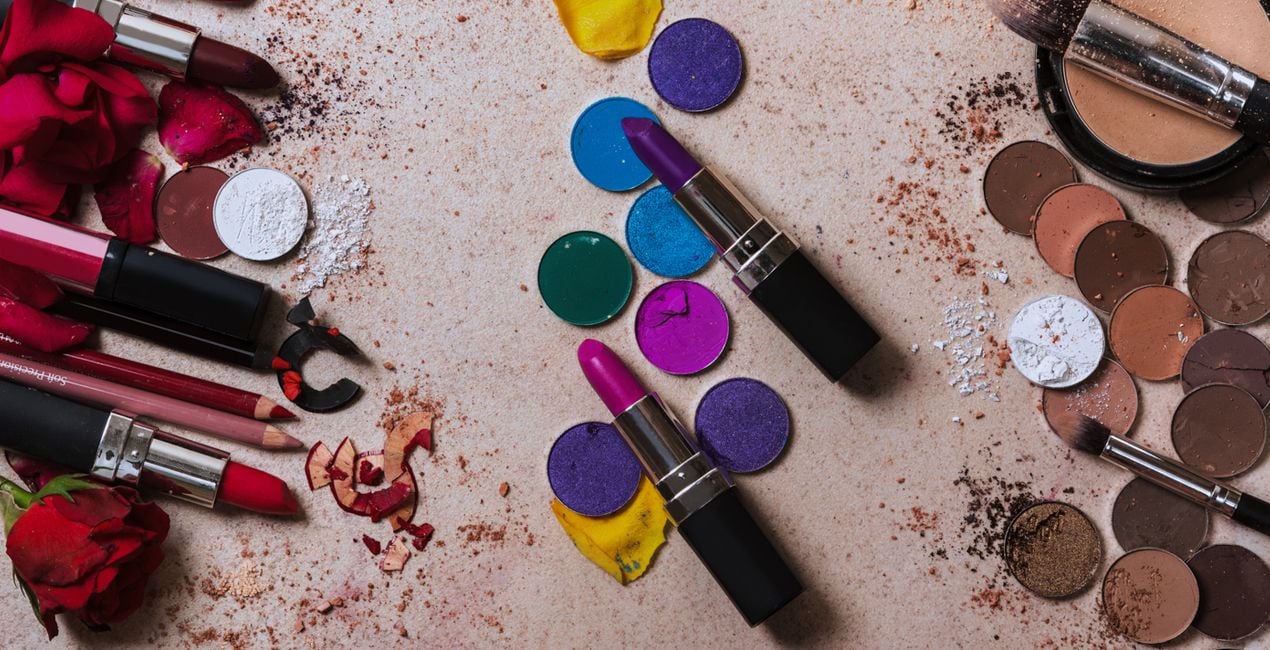
To make your product photos stand out, you can add a bright and colorful vibe in post-processing. You can achieve this by using a Preset collection that will bring your photos to life without altering the original colors of your products.

提供されたRAWファイルを使ってレタッチのコツを簡単に練習、こんな写真に仕上げる方法を学ぶことができます。
 >
>
 >
>
 >
>

 >
>

 >
>
 >
>
Enhancing your product photos is crucial to make them stand out in the market. Adding vibrant and lively hues during post-processing can help achieve this.
By using this Preset collection, designed by Clever Photographer, you can bring your pictures to life without compromising the original colors of your products.
You will find 10 Presets in this Pack:
Clean Bright – Bright Preset with extra saturation and light glow.
Full Colors – Saturated Preset with color, contrast, and sharp details.
Fancy Sparkle – Vivid Preset with soft glow and bright highlights.
Extra Focus – Contrasted Preset with heavy shadows and additional clarity.
Pastel Vibes – Preset with extra pastel tones and balanced contrast.
Soft Vibe – Soft Preset with dark shadows and light glow.
Minimal Pop – Balanced Preset with extra vividness and natural contrast.
Natural Light – Extra bright Preset with strong highlights and saturated colors.
Fresh Push – Fresh Preset which enhances lighting and reduces shadows, while adding a subtle glow.
Super Pop – This Preset boosts the saturation and vibrancy of colors.
Skylum is not affiliated with, endorsed by, or an official partner of any of the trademarks that may be depicted in the images used on this page. All trademarks and brand names mentioned are the property of their respective owners.
Co-Founder of Clever Photographer
Jakub Bors is a UK-based landscape photographer with over 15 years of experience in digital art and technology. He’s most inspired by the work of Trey Ratcliff and Scott Kelby. Jakub has a large and supportive fanbase on social media, sells prints of fine art photography worldwide, has worked for PX500 and Trivago on their European projects, and has had his work published in several magazines including Practical Photography. His passion for traveling has brought Jakub to almost every corner of the planet and helped him connect with amazing people.
製品についてご質問がございましたら、24時間対応のサポートチームまでお問い合わせください。こちらのリンクをご利用ください。
Colorful Objectsを購入するには、次の手順に従ってください:
1. Skylumのマーケットプレイスを開きます。
2. Colorful Objectsがリストされているタブに移動し、クリックしてカートに追加します。
3. カートに進み、Colorful Objectsの購入手続きを完了してください。
4. ご購入後、Colorful Objectsのダウンロードリンクが記載された購入完了メールが届きます。また、Skylumアカウントの「マイアドオン」タブからも新しいアイテムをご確認いただけます。
Colorful Objectsのインストール手順の詳細は、ダウンロードリンクと一緒にお送りする「購入完了メール」に記載されています。
また、Luminar Neoから購入されたアイテムを直接インストールすることもできます。エクストラ > マーケットプレイスに進み、商品カテゴリを選択して、購入済みアイテムを見つけてインストールをクリックしてください。
とても簡単です!プリセット タブに移動して、購入済みを選択してください。インストールしたプリセットがここに表示されます。
ご安心ください。Colorful Objectsを含むすべての購入済みアイテムは、Skylumアカウントの「マイアドオン」タブ に保存されるため、簡単に再ダウンロードしてご利用いただけます。
ほとんどのアイテムはLuminar Neoに対応しています。ただし、確実にColorful Objectsがお使いのソフトと互換性があるかを確認するには、ダウンロードや購入前に製品仕様をご確認ください。Colorful Objectsページ右側の「互換性」セクションに対応しているすべての製品が表示されています。
まだお帰りにならないでください。あなただけの特別割引コードをご用意しました。今後15分以内にご利用いただくと、お会計時にさらに10%オフになります。以下のコードをコピーして、お買い物を完了してください。
15 m : 00 s





