

 適用する
適用する 



クラシック B&W フィルター
Save $201 $ 19 .00
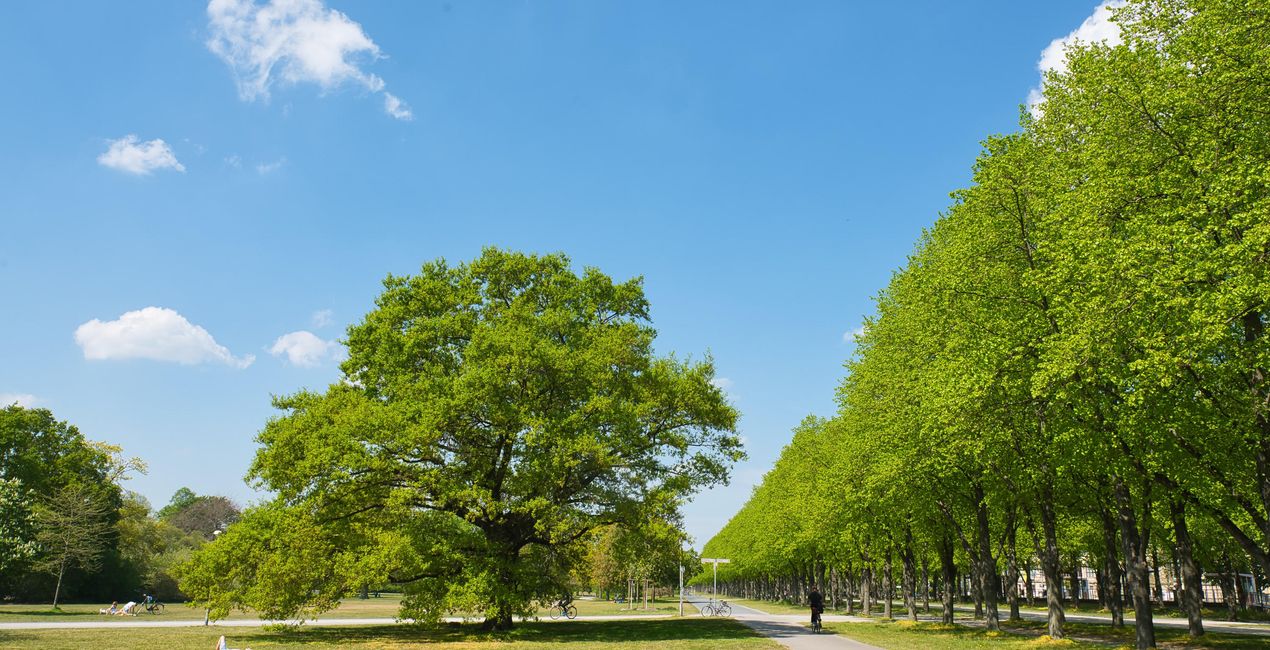
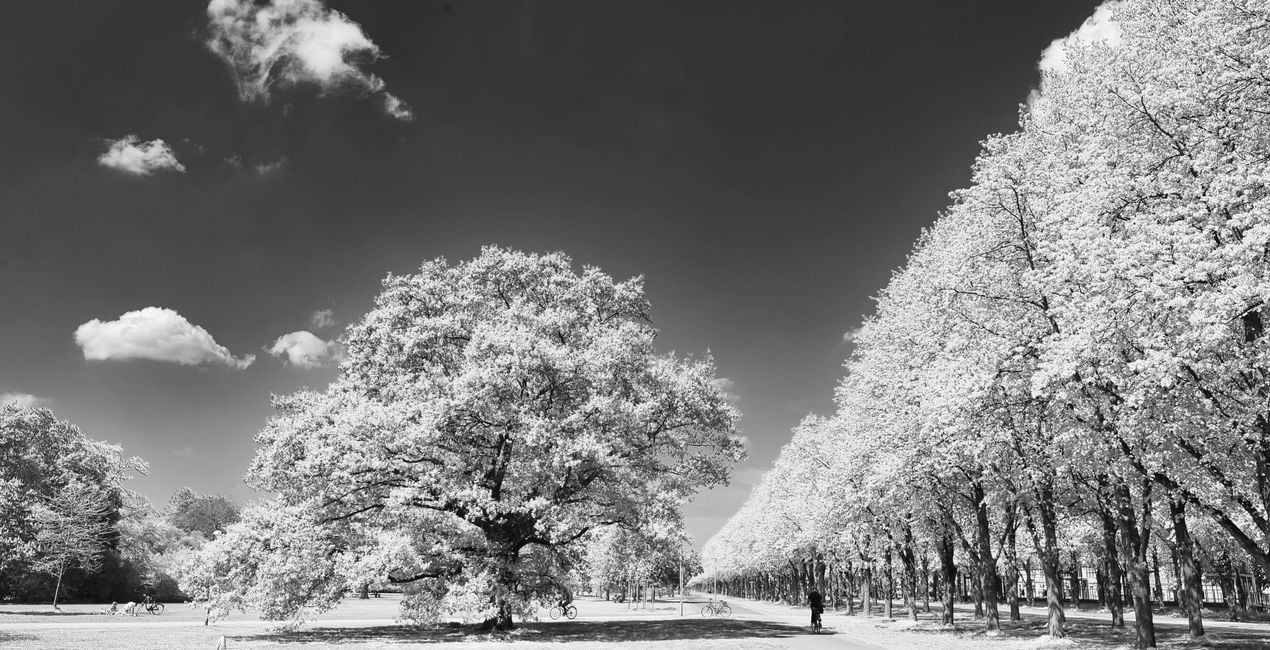
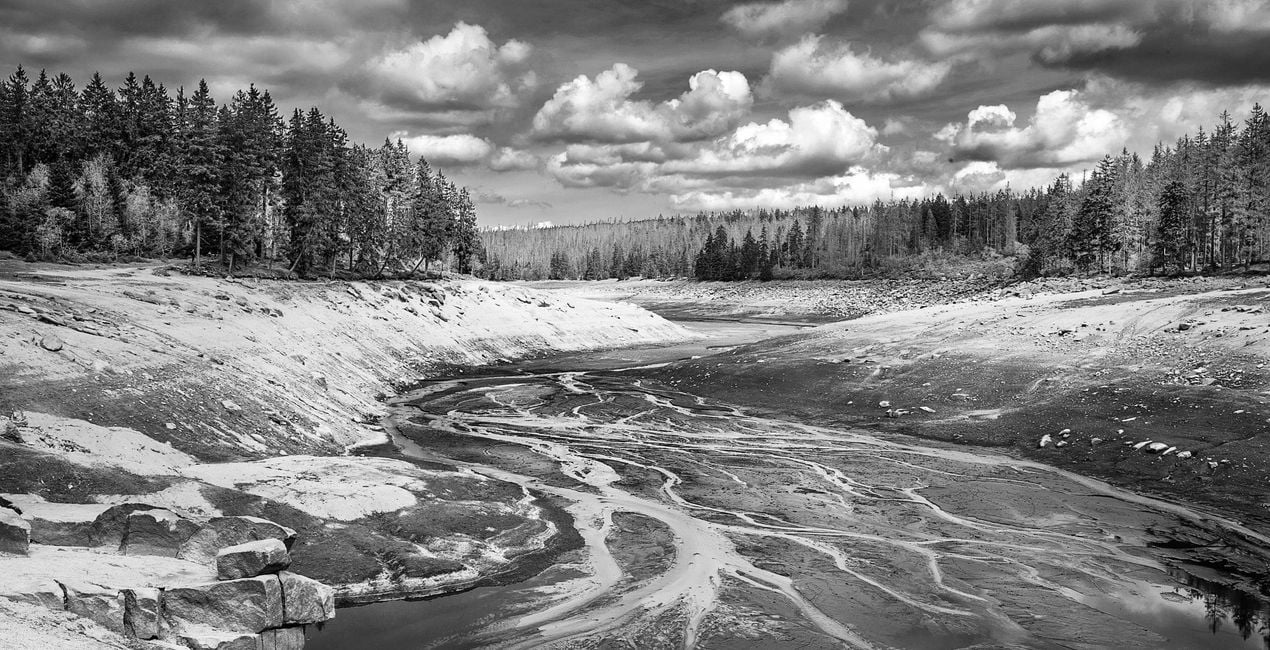
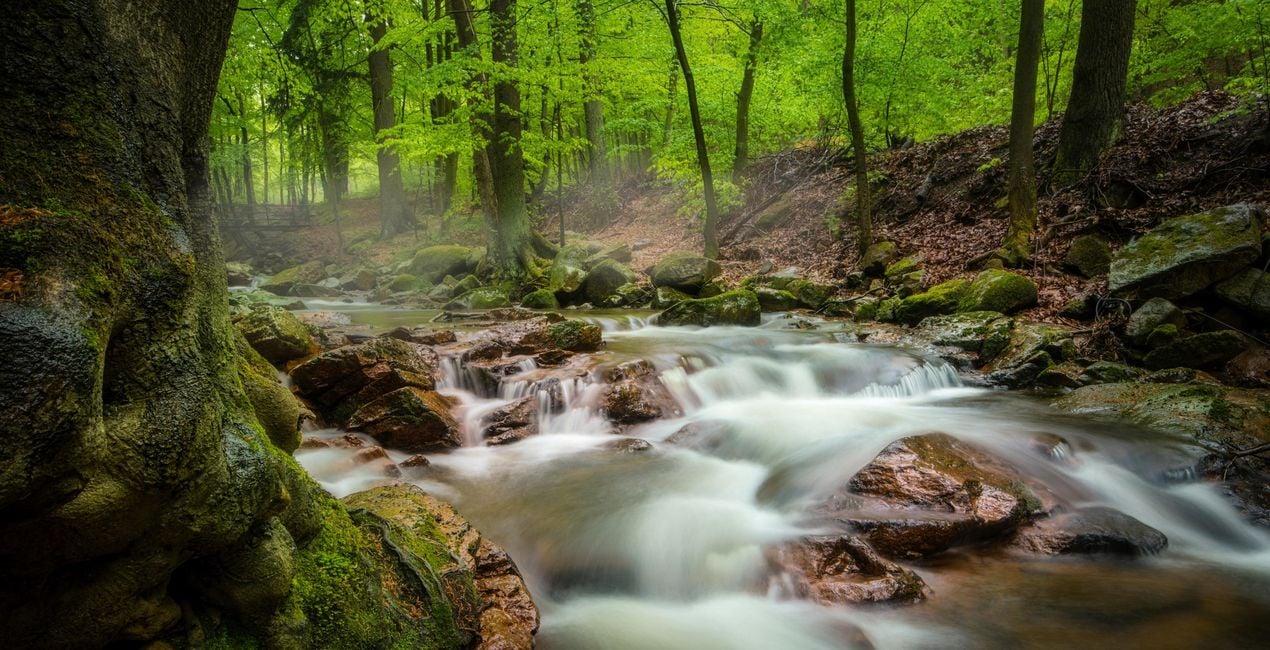
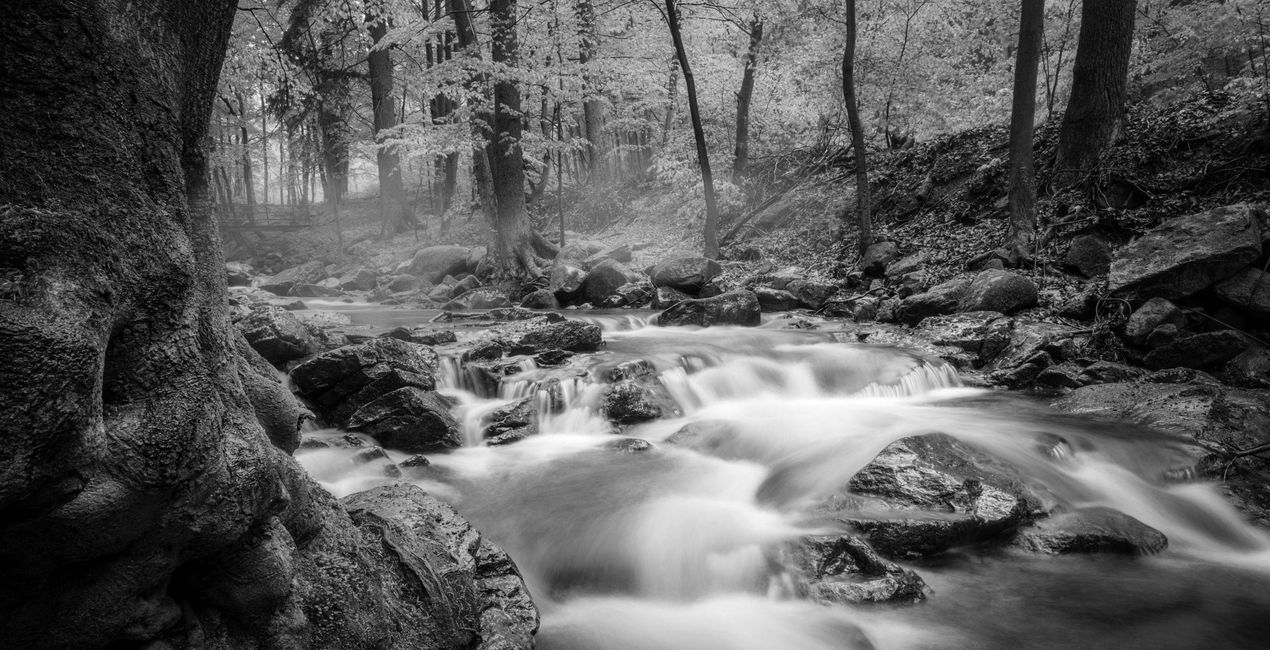
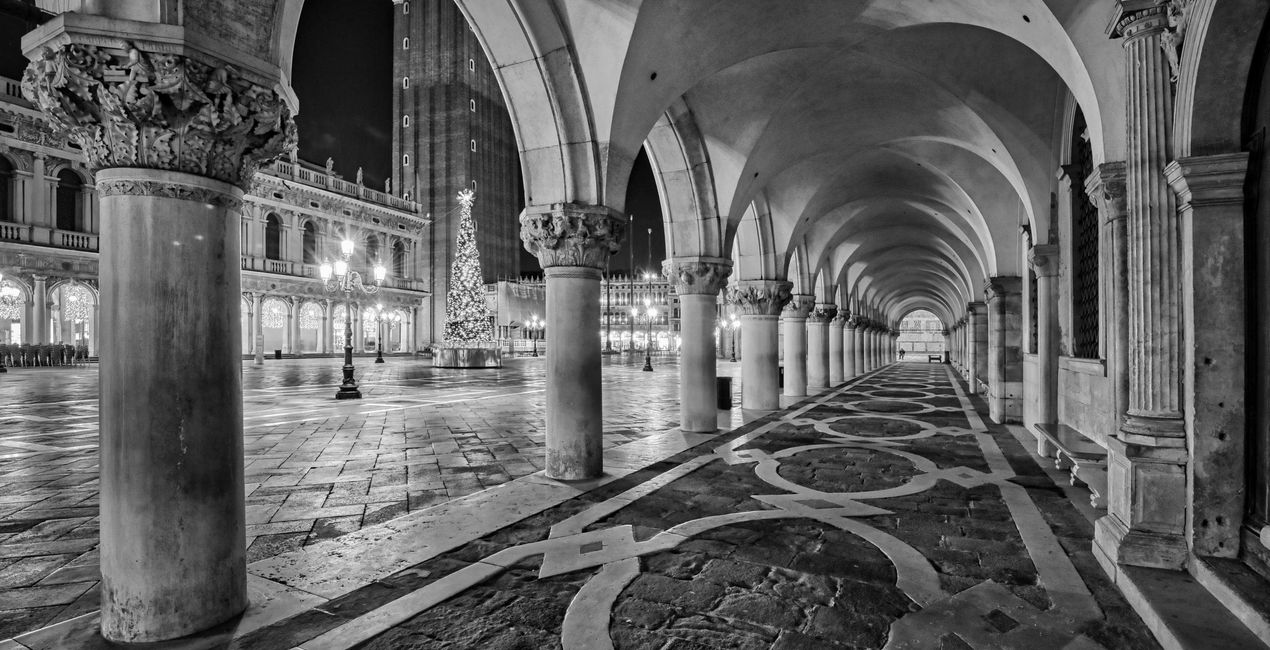
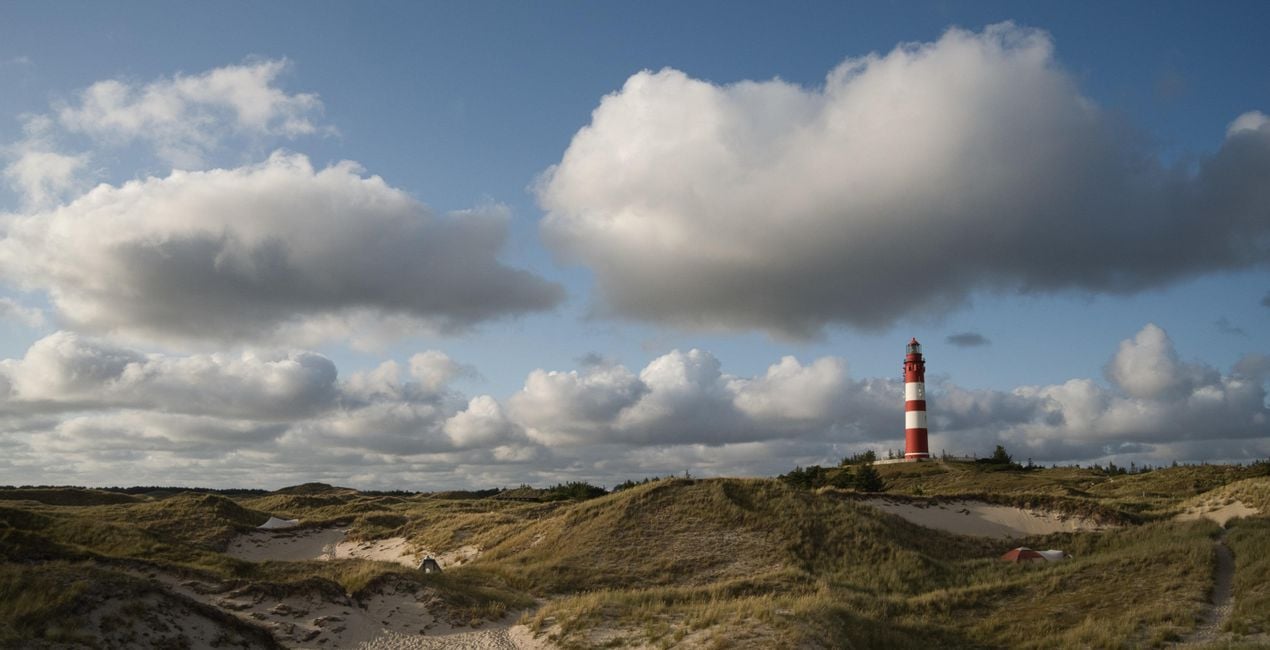
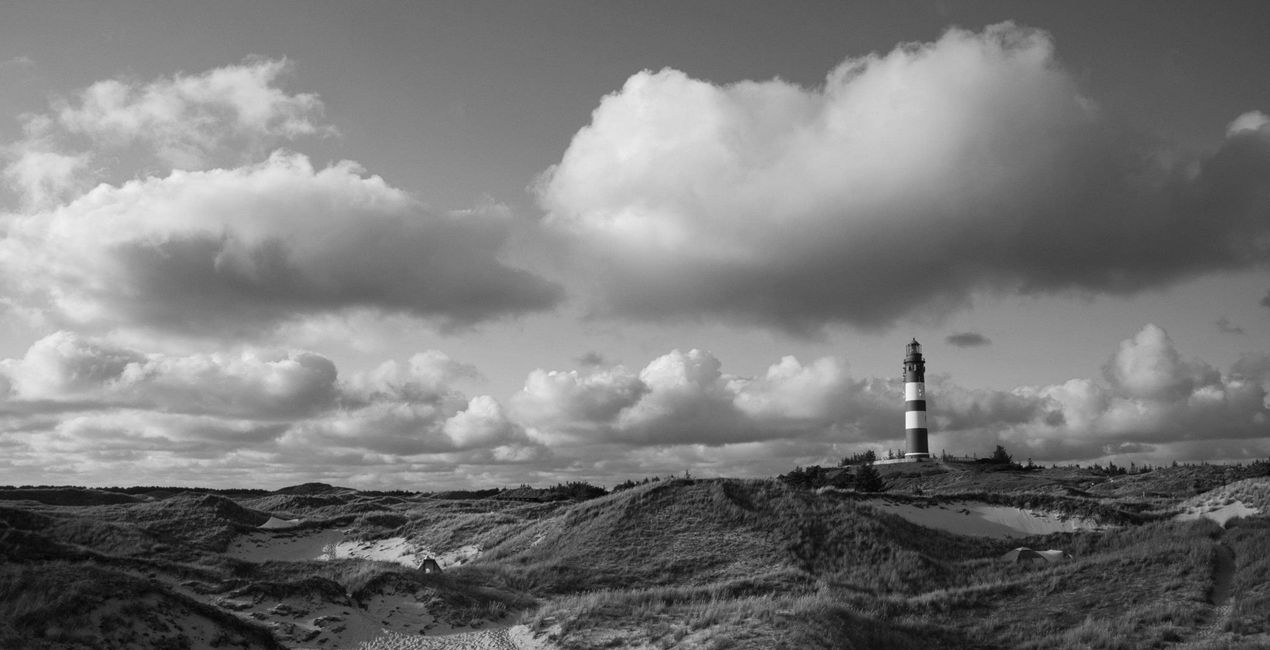
Rene Ledradoによる12種類のプリセット/テンプレート/ルックのコレクションを使って、写真をクラシックなモノクロ スタイルに変えましょう:レッドフィルター、イエローフィルター、グリーンフィルター、ブルーフィルター、赤外線、ナチュラルなど、さまざまな効果が含まれています。今すぐお試しください!

提供されたRAWファイルを使ってレタッチのコツを簡単に練習、こんな写真に仕上げる方法を学ぶことができます。
 >
>

 >
>

 >
>

 >
>
 >
>

 >
>

 >
>
 >
>
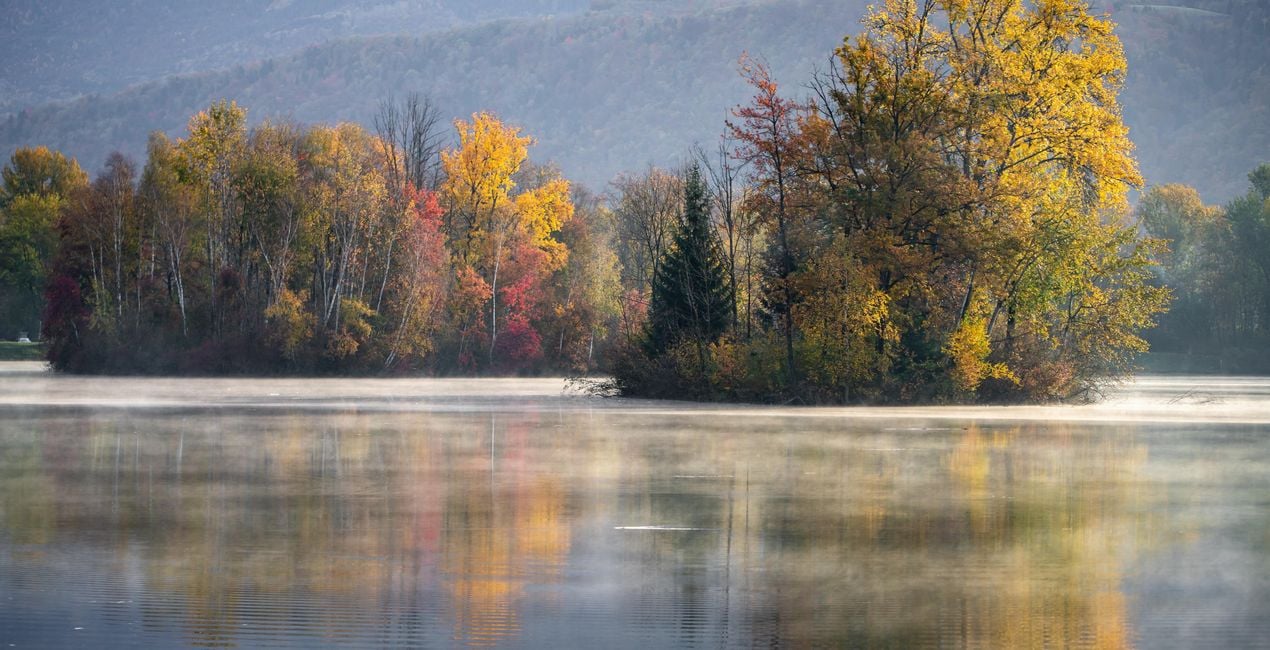
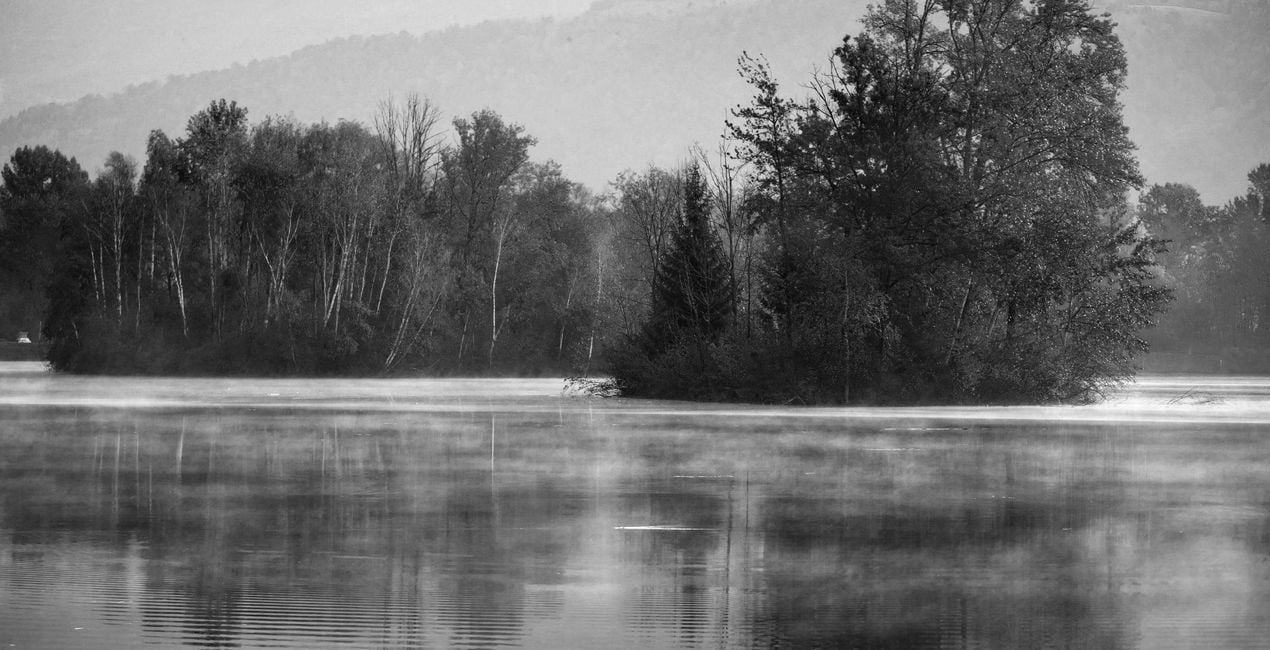 >
>
Want to create black and white photos that stand out? This collection contains 12 Presets/Templates/Looks by Rene Ledrado that transform your color photos into impressive black and white photos in a classic style. For this purpose, they make use of various tools in Luminar Neo such as Develop or Develop Raw, Color, Structure AI, and Black and White Conversion. You will find a variety of effects imitating yellow filters, red filters, green filters, blue filters, infrared filters, and others. Experiment and create impressive photos.You’ll find 12 Presets/Templates/Looks in this pack:BW Green Filter: Creates black and white images with bright and beautiful meadows and plantsBW Red Filter: Creates high-contrast photos with dramatic skiesBW Infrared: Transforms your colorful photos into dreamlike and surreal black and white imagesBW Standard: A grayscale conversion that corresponds to a standard panchromatic black and white filmBW Bright: Turns your color photo into a cozy black and white imageBW Dark: An overall darker black and white conversion of a color photoBW Blue Filter: A contrast-increasing Preset in which blue tones are reproduced very brightlyBW Yellow Filter: Gives fantastic photos, especially for subjects with autumn leavesBW Max Black: Produces strong, dark areas; well suited for low-key black and white photosBW Max White: Creates beautiful bright highlights; well suited for high-key black and white photosBW Neutral Density: For black and white photos with good detail and many shades of grayBW Contrasting Red Filter: For photos with an expressive sky and enhanced light/dark contrasts
製品についてご質問がございましたら、24時間対応のサポートチームまでお問い合わせください。こちらのリンクをご利用ください。
CLASSIC B&W FILTERS を購入するには、次の手順に従ってください:
1. Skylumのマーケットプレイスを開きます。
2. CLASSIC B&W FILTERS がリストされているタブに移動し、クリックしてカートに追加します。
3. カートに進み、CLASSIC B&W FILTERS の購入手続きを完了してください。
4. ご購入後、CLASSIC B&W FILTERS のダウンロードリンクが記載された購入完了メールが届きます。また、Skylumアカウントの「マイアドオン」タブからも新しいアイテムをご確認いただけます。
CLASSIC B&W FILTERS のインストール手順の詳細は、ダウンロードリンクと一緒にお送りする「購入完了メール」に記載されています。
また、Luminar Neoから購入されたアイテムを直接インストールすることもできます。エクストラ > マーケットプレイスに進み、商品カテゴリを選択して、購入済みアイテムを見つけてインストールをクリックしてください。
とても簡単です!プリセット タブに移動して、購入済みを選択してください。インストールしたプリセットがここに表示されます。
ご安心ください。CLASSIC B&W FILTERS を含むすべての購入済みアイテムは、Skylumアカウントの「マイアドオン」タブ に保存されるため、簡単に再ダウンロードしてご利用いただけます。
ほとんどのアイテムはLuminar Neoに対応しています。ただし、確実にCLASSIC B&W FILTERS がお使いのソフトと互換性があるかを確認するには、ダウンロードや購入前に製品仕様をご確認ください。CLASSIC B&W FILTERS ページ右側の「互換性」セクションに対応しているすべての製品が表示されています。
まだお帰りにならないでください。あなただけの特別割引コードをご用意しました。今後15分以内にご利用いただくと、お会計時にさらに10%オフになります。以下のコードをコピーして、お買い物を完了してください。
15 m : 00 s





