

 Applied


HDR LANDSCAPES
Save $201 $ 19 .00

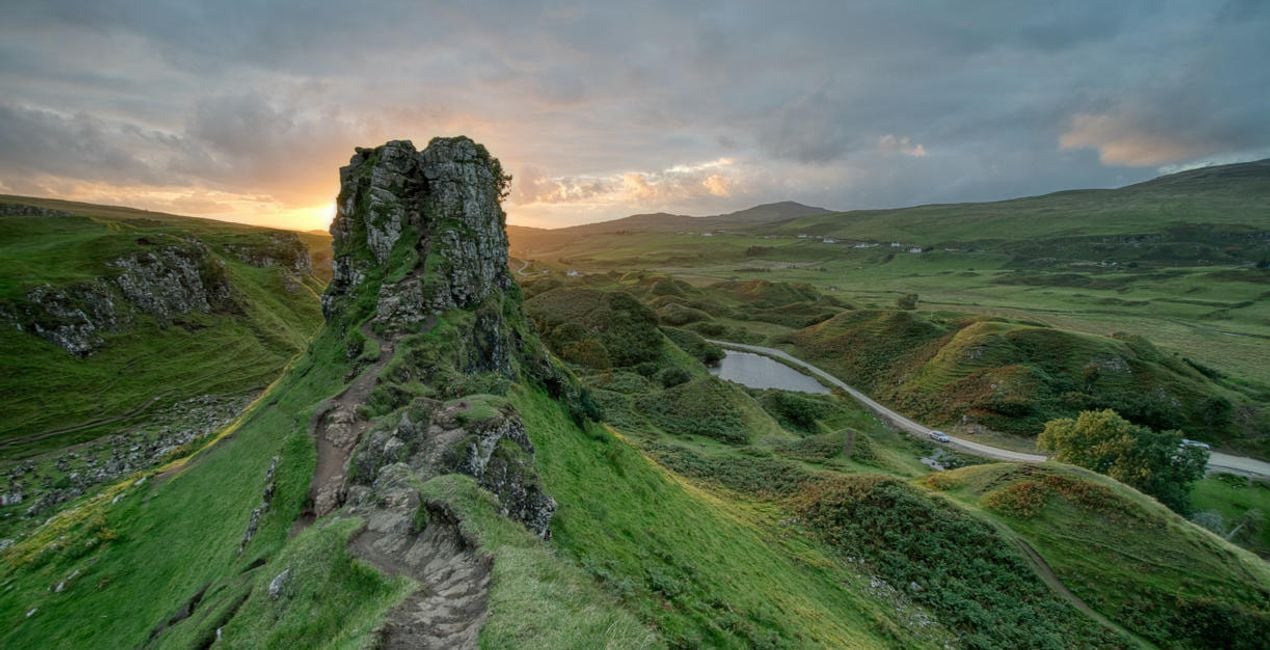
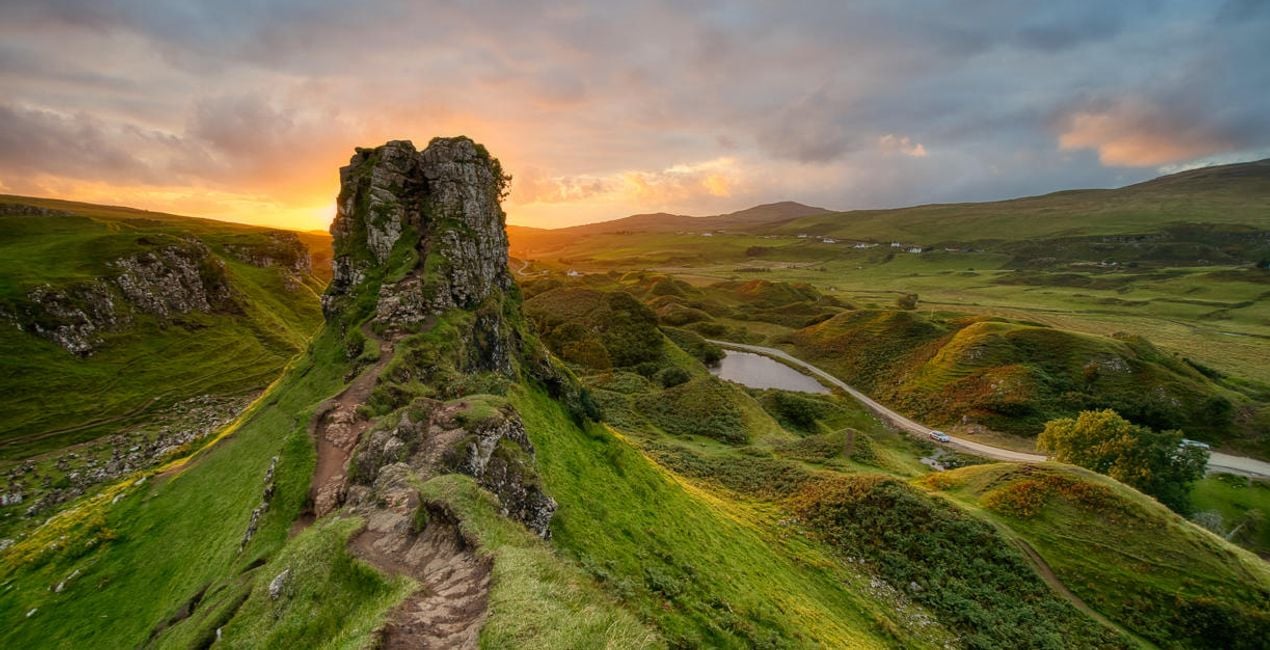
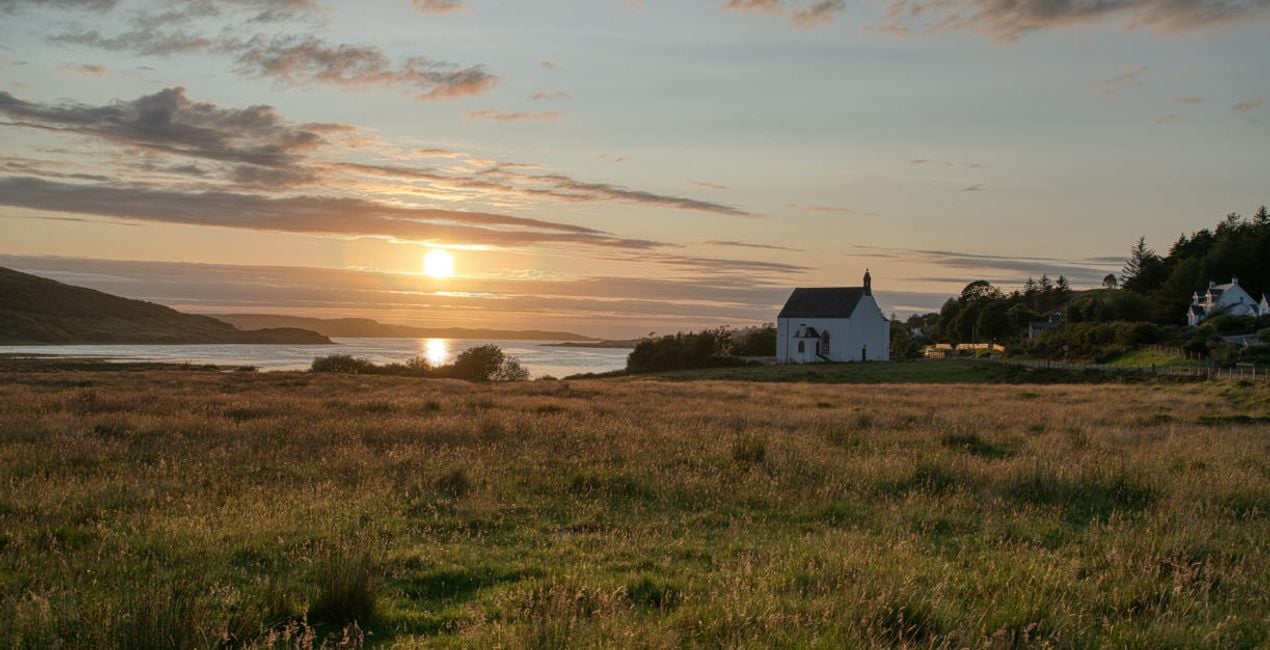
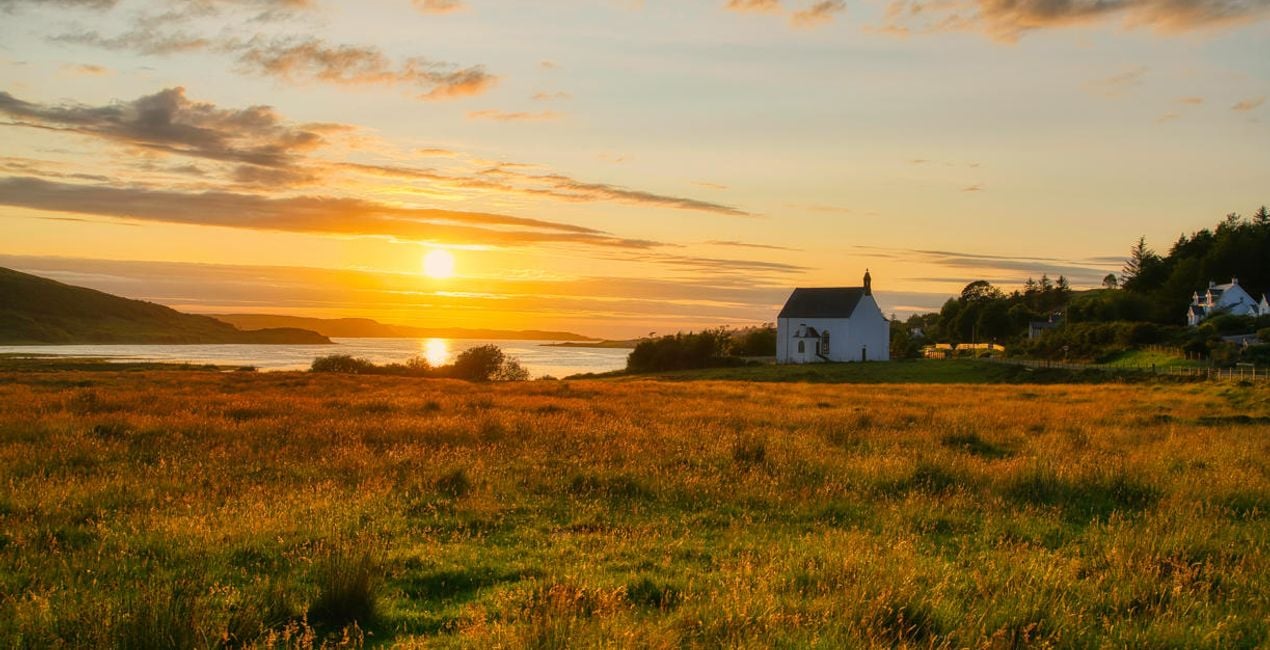
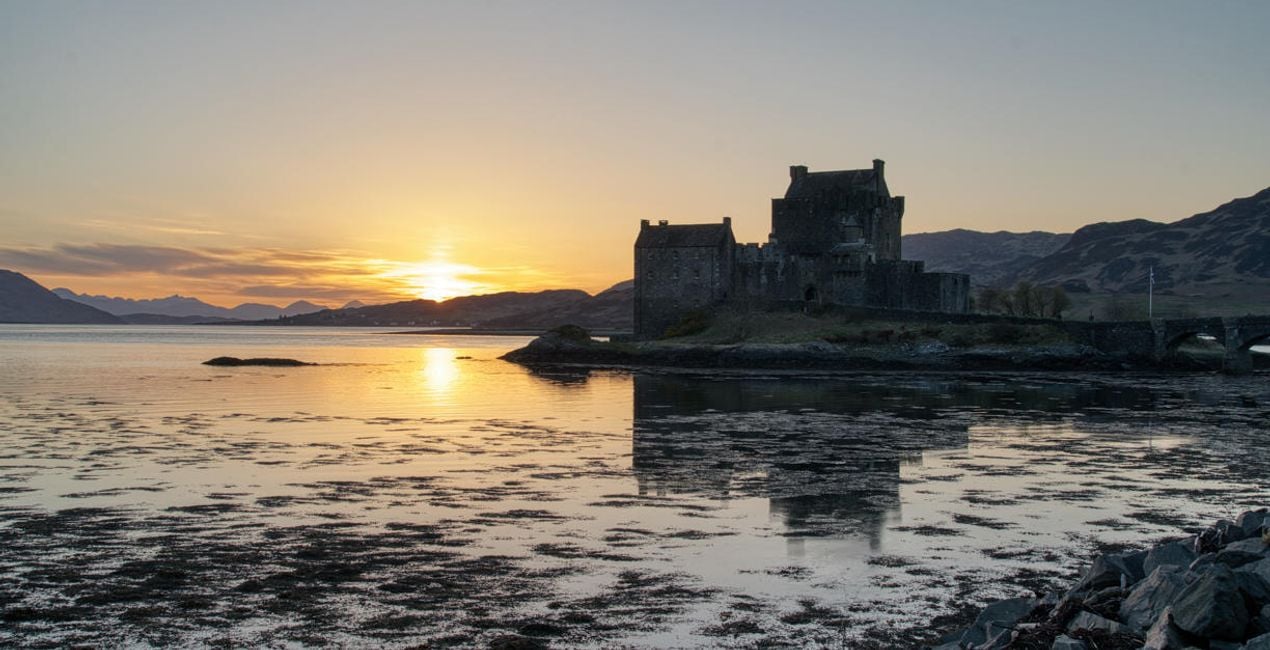
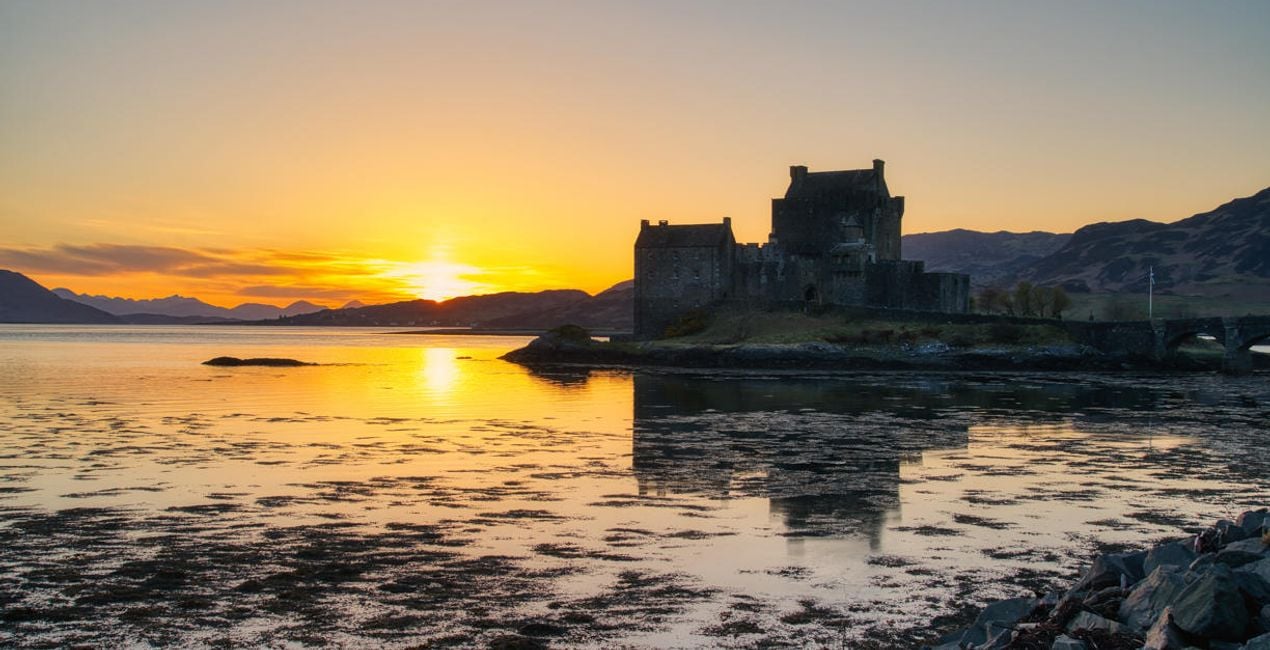
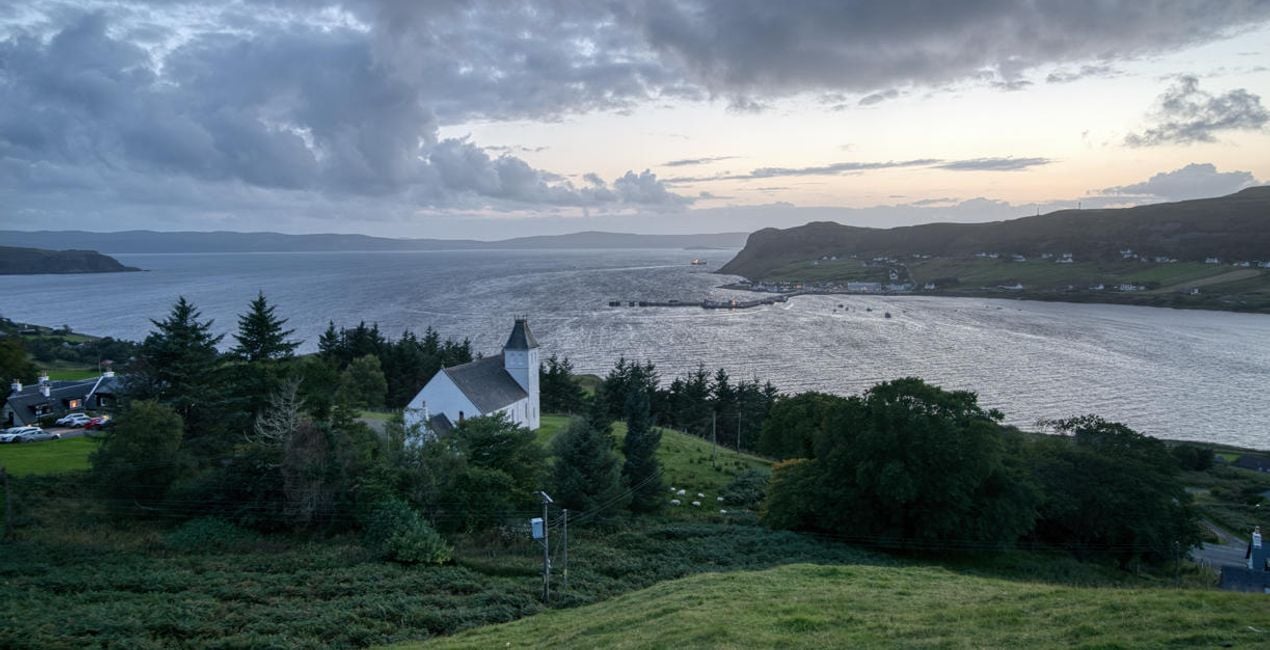
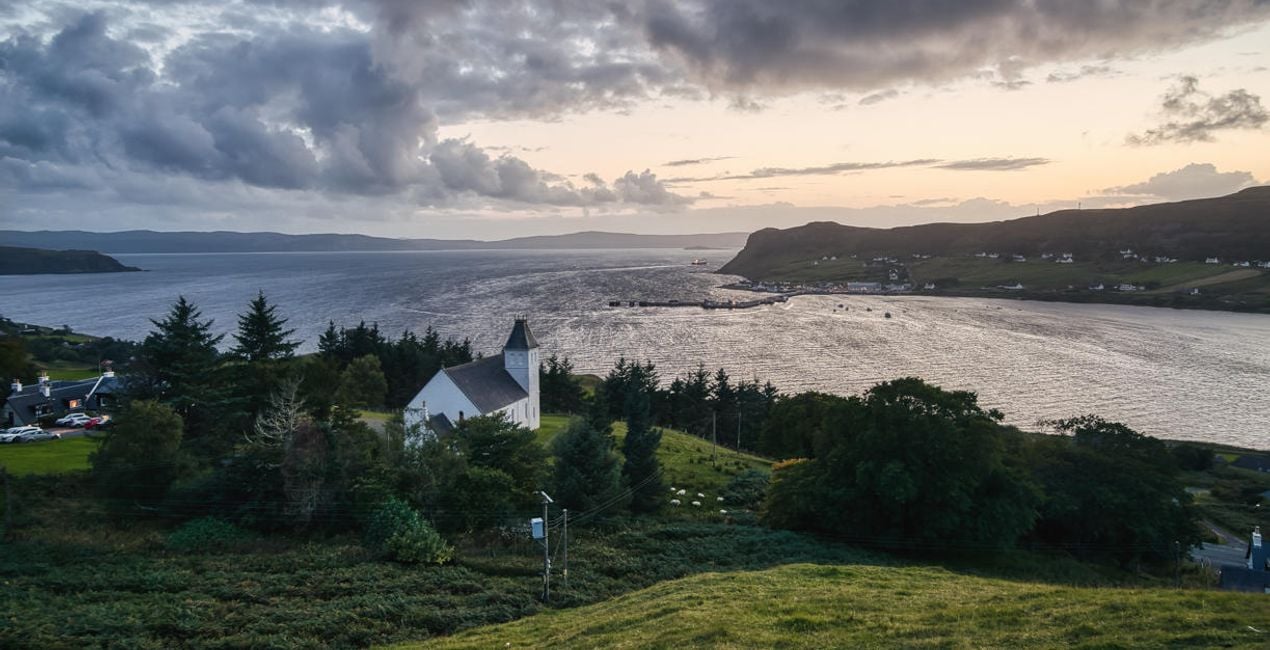
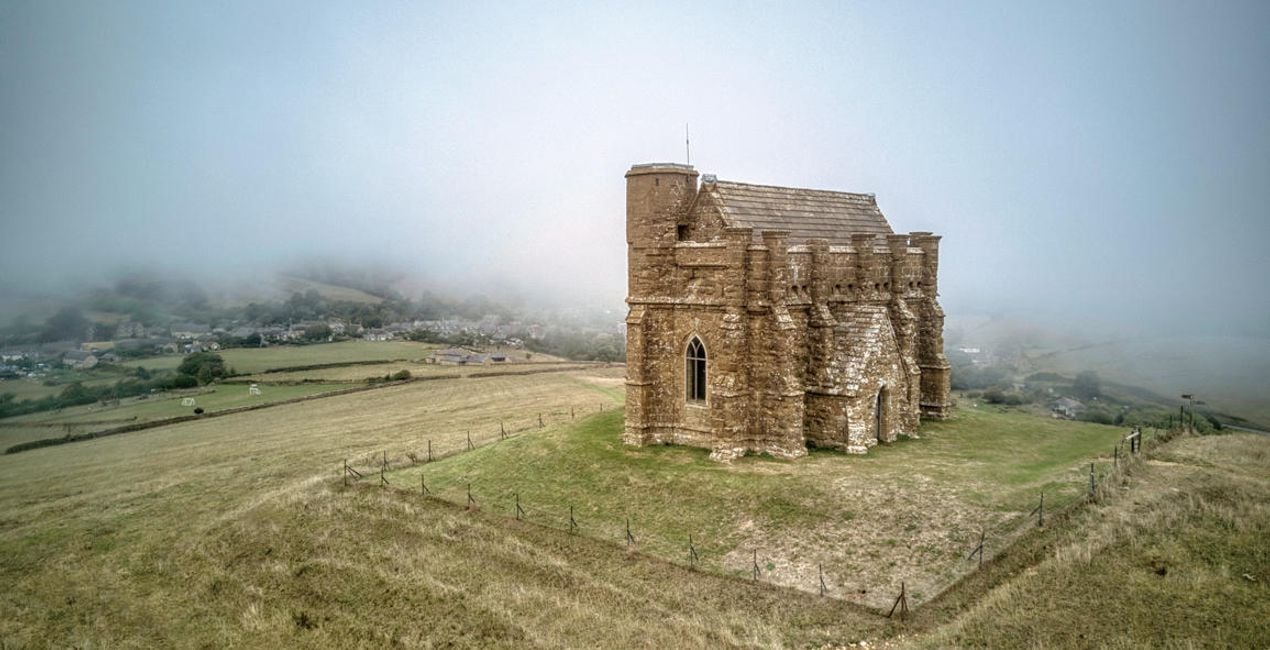
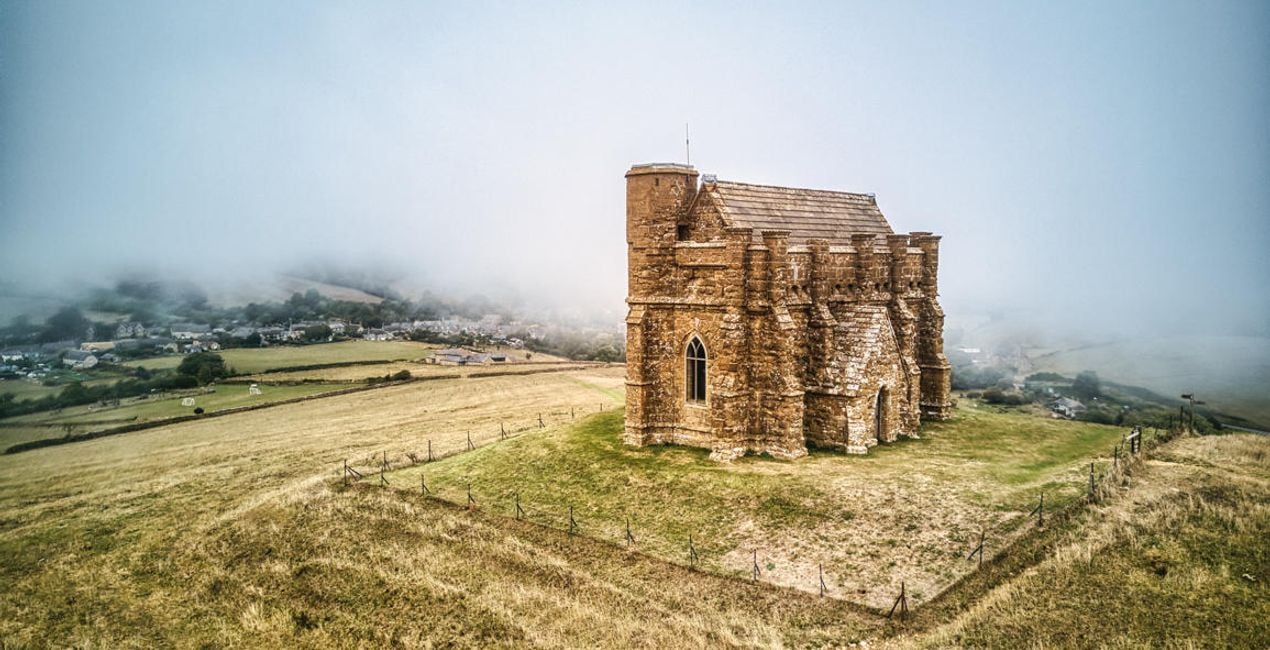
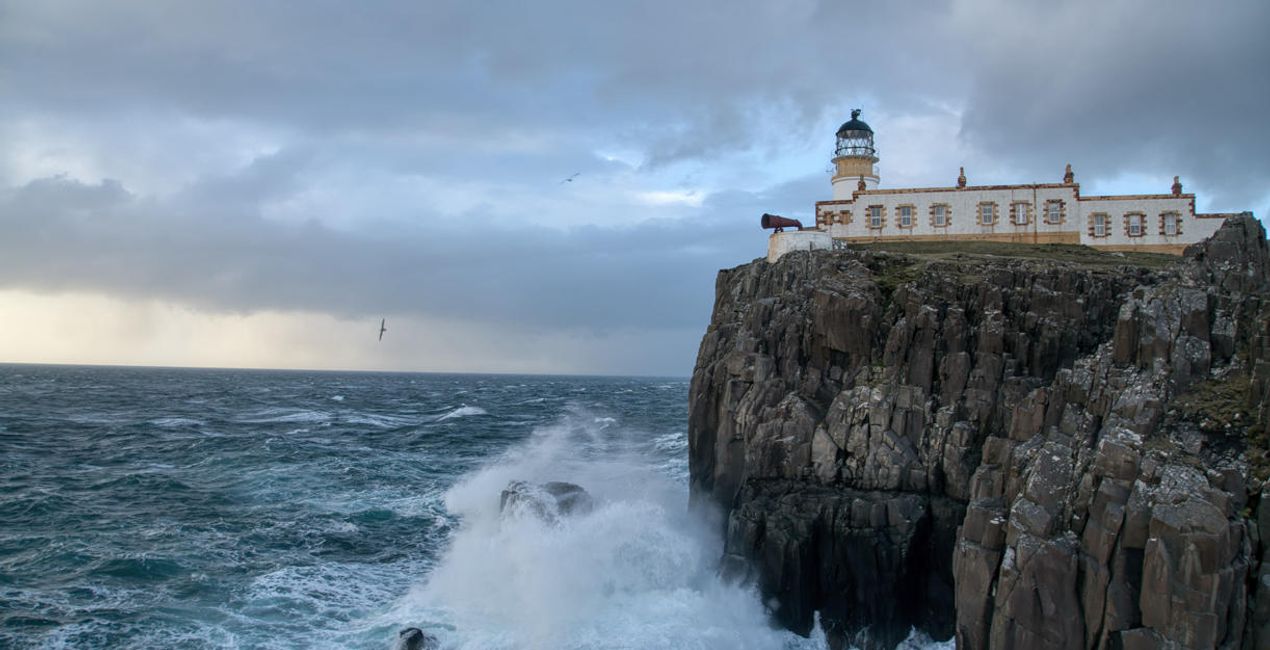
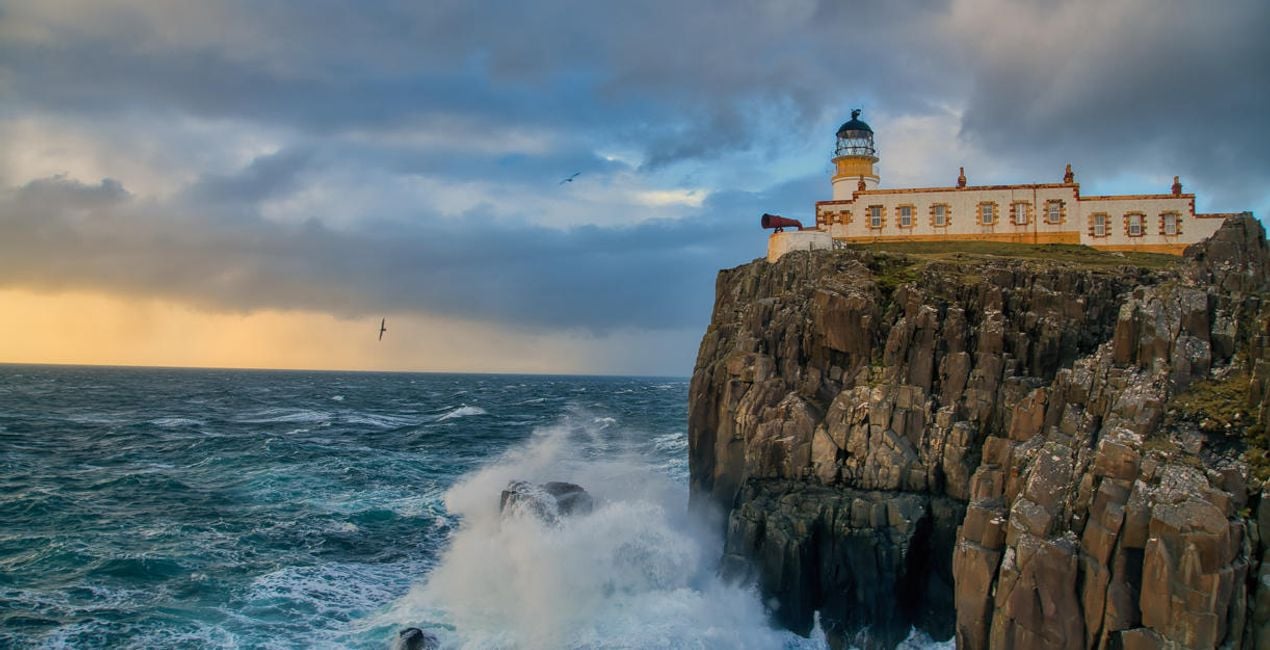
Transform your landscape images and get stunning results with 10 powerful Presets designed by Clever Photographer specifically for photos created by the HDR Merge Extension.

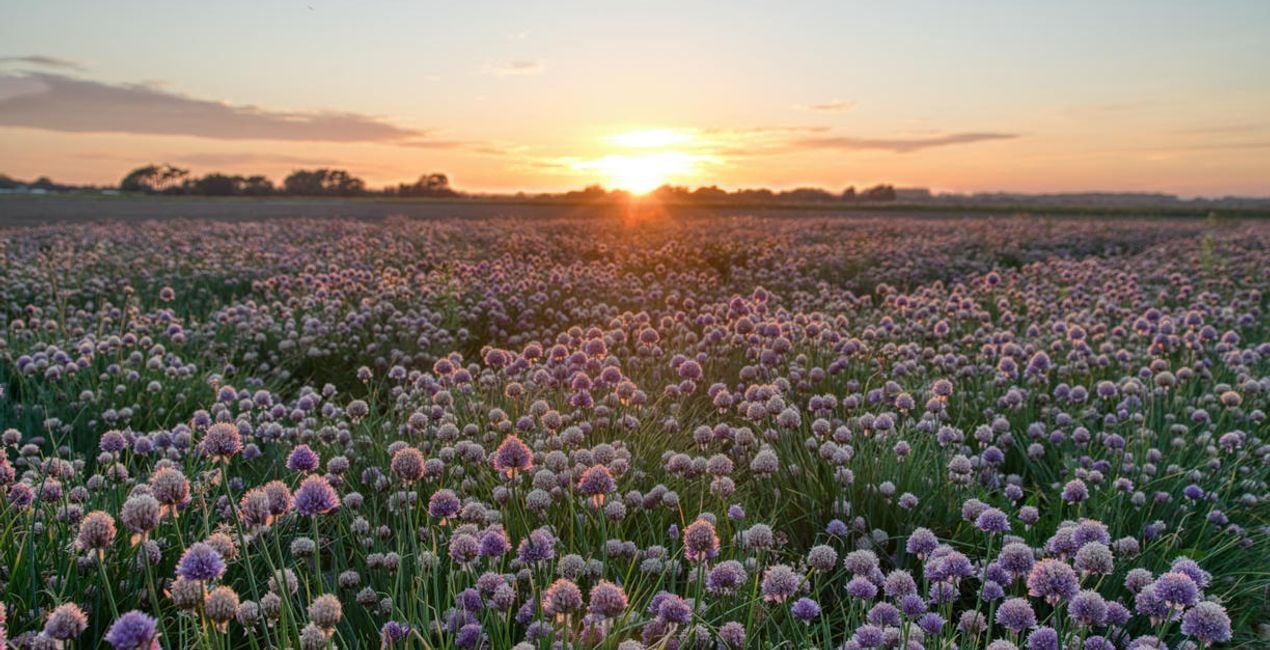
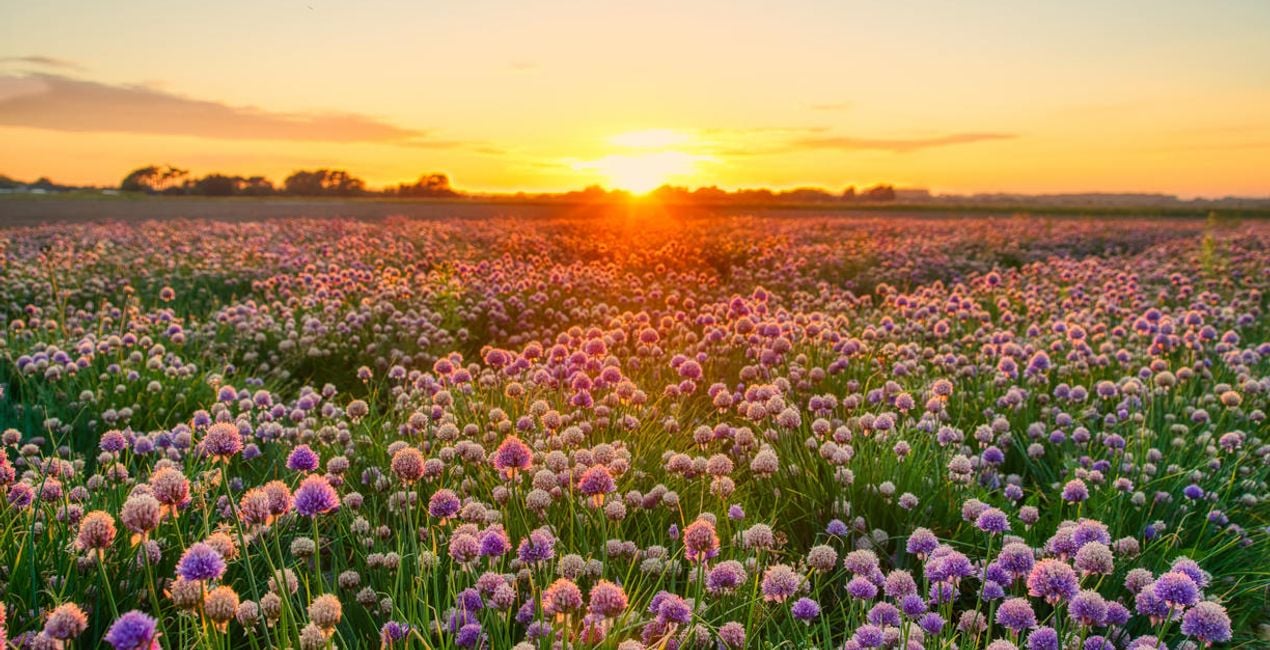
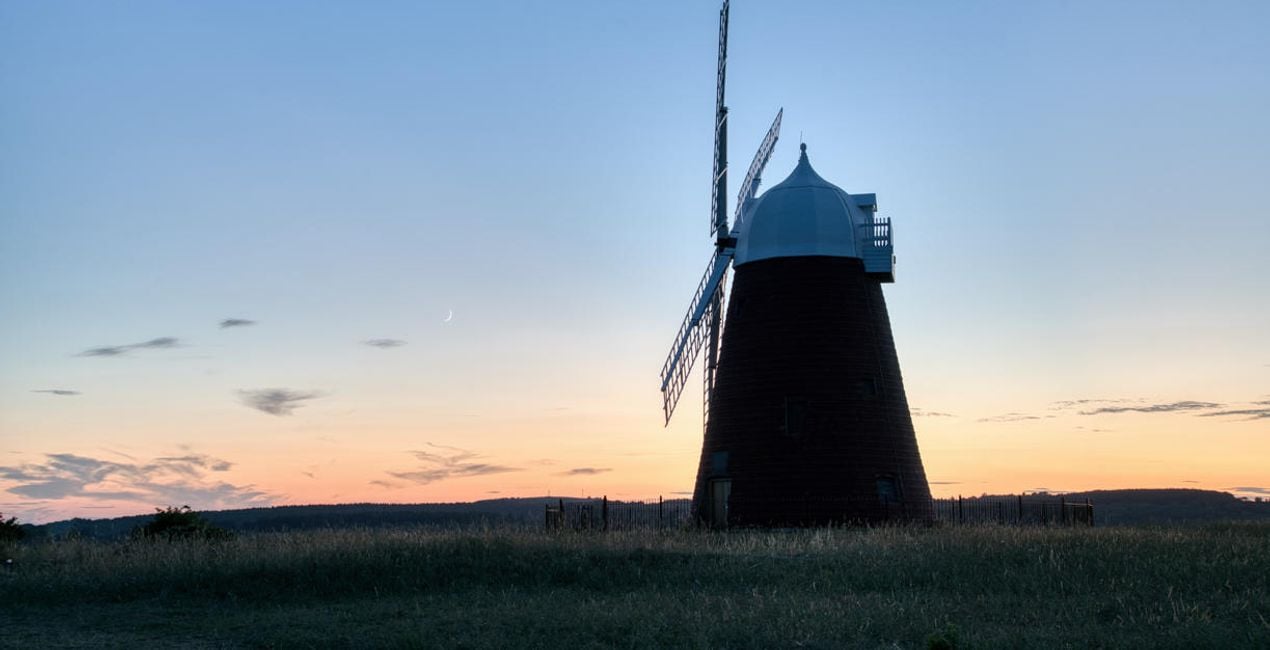
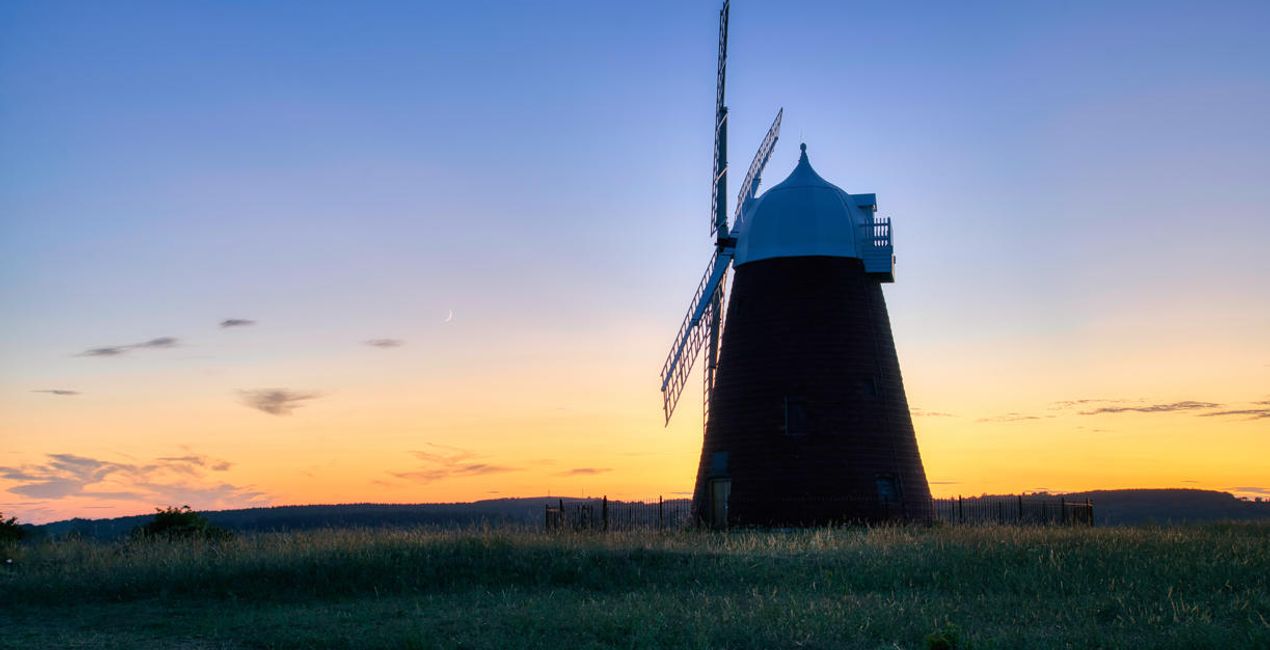
Using RAW files you will easily practice retouching tips and learn how to get photos like these.
 >
>
 >
>
 >
>
 >
>
 >
>
 >
>

 >
>
 >
>
 >
>
Landscape photography is perfect for experimenting with HDR, as it helps you capture the details of the scene. With this collection of 10 Presets by Clever Photographer, you can get the most out of your landscape images captured at any time of the day. These Presets will help you achieve a natural, dreamy, or powerful look with just one click. Develop your landscape photos in no time with Presets designed for photos created by the HDR Merge Extension in Luminar Neo. You’ll find 10 Presets in this pack:Balanced Edit: A simple, balanced development Preset that’s ideal as a starting point for HDR editingBlue Hour: A warm Preset with balanced contrast and glow designed specifically for blue hour capturesDramatic Landscape: A contrasty Preset with enhanced details and structureDreamy Fields: A warm and dreamy Preset with a touch of glow and fadeEarly Sunset: A balanced and natural Preset ideal for warm captures with enhanced details and structureAiry Forest: A natural Preset with adjustments enhancing foliage and contrast while keeping the scene bright and airyGolden Hour: A warm Preset with a touch of glow and balanced saturation that’s ideal for early evening scenesMoody Landscape: A contrasty and washed Preset full of details and structureStrong Sunrise: A cinematic Preset with an extra touch of warmth and fadeStrong Sunset: A natural Preset designed to boost sunsets with enhanced warmth and glowKeep in mind that a Preset’s default effect might be too strong for your photo. If it is, simply switch to the Edits tab and adjust the tools according to your taste.Don’t forget to share your results! Use the hashtag #madewithluminar on social media so the Skylum Team can take a look at your work.
Co-Founder of Clever Photographer
Jakub Bors is a UK-based landscape photographer with over 15 years of experience in digital art and technology. He’s most inspired by the work of Trey Ratcliff and Scott Kelby. Jakub has a large and supportive fanbase on social media, sells prints of fine art photography worldwide, has worked for PX500 and Trivago on their European projects, and has had his work published in several magazines including Practical Photography. His passion for traveling has brought Jakub to almost every corner of the planet and helped him connect with amazing people.
If you have any questions about the product, you can contact the 24/7 support team. Just follow this link.
To purchase HDR LANDSCAPES, follow these steps:
1. Open Skylum’s Marketplace.
2. Go to the preferable tab where HDR LANDSCAPES is listed. Click on it and add it to your cart.
3. Proceed to your cart. Here, complete the purchase process for HDR LANDSCAPES.
4. After the purchase, you will receive a fulfillment email with the download link for HDR LANDSCAPES. Also, you can find the new item in your Skylum account, My Add-ons tab.
Detailed instructions on installing the HDR LANDSCAPES will be sent to you in the fulfillment email alongside the download link.
Besides, you can install the purchased item directly in Luminar Neo: go to Extras > Marketplace, Select the Product category, find the purchased item, and click Install.
It’s pretty easy! Go to the Presets tab, then select Purchased. Your installed preset will be here.
Don't worry. All purchased items, including HDR LANDSCAPES, are stored in the 'My Add-ons' tab of your Skylum account, allowing for easy redownload and use.
Generally, most items are compatible with Luminar Neo. But to ensure HDR LANDSCAPES is compatible with your software, review its specifications before downloading or purchasing. Look for the 'Compatibility' section at the right of the HDR LANDSCAPES page, where all compatible products are listed.
Don’t leave just yet. Here’s an exclusive discount code for you. Use it within the next 15 minutes to get an extra 10% off at checkout. Copy the code below and complete your purchase.
15 m : 00 s





