

 Applied


电影色彩外观
Save $201 $ 25 .00

电影对于摄影师来说是无尽的视觉和美学灵感的源泉。创造图像的新想法可能来自电影摄影,服装,场景设计或故事。我们与来自洛杉矶的商业摄影师Ilya Nodia一起制作了一套灵感源自红地毯电影的效果和预设置,我们将在今年的奥斯卡金像奖时发布。


Using RAW files you will easily practice retouching tips and learn how to get photos like these.
 >
>

 >
>

 >
>
 >
>
 >
>
 >
>

 >
>
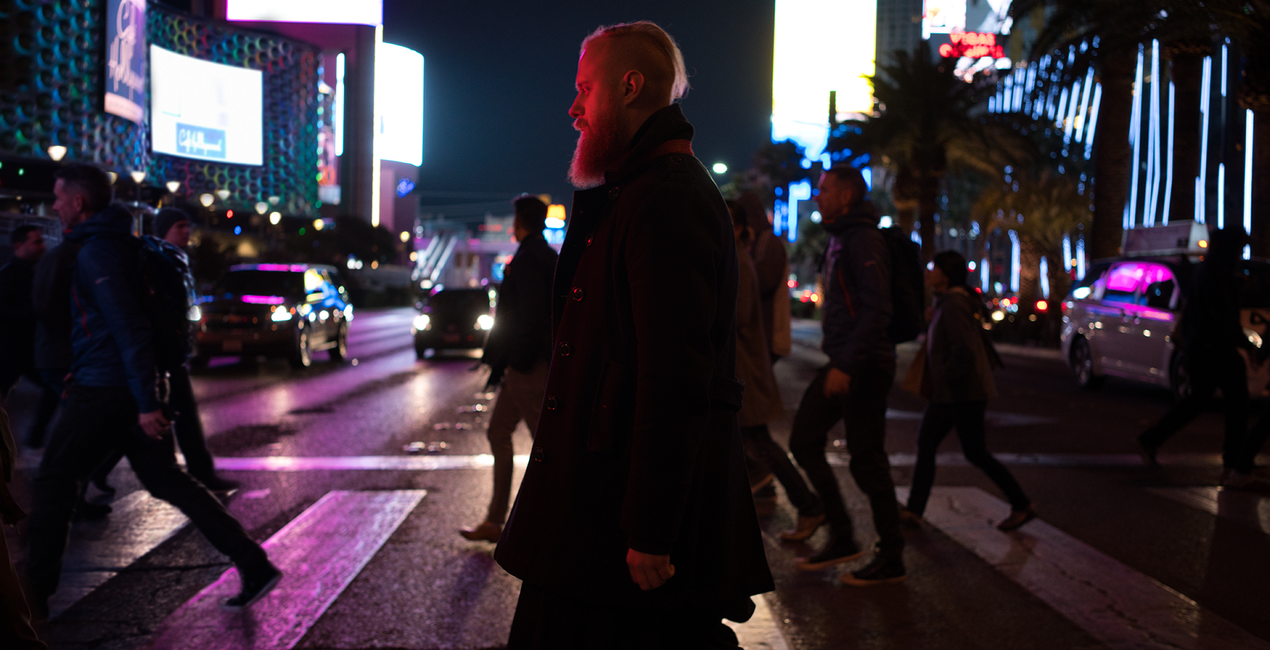
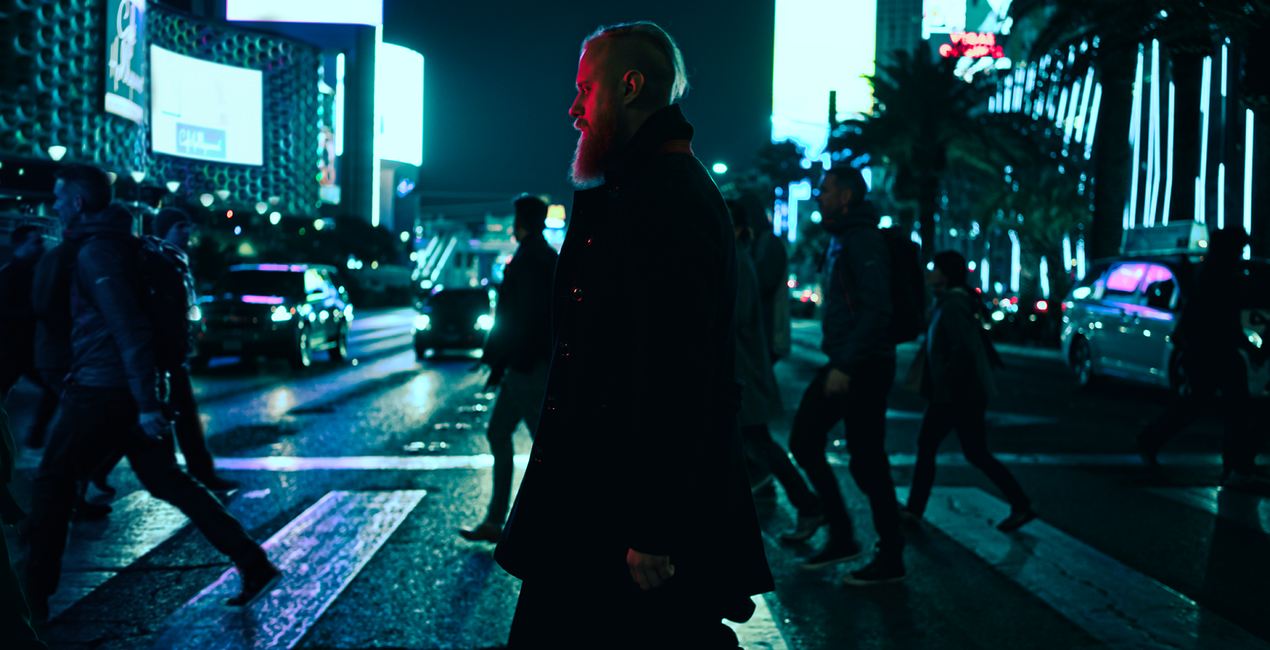
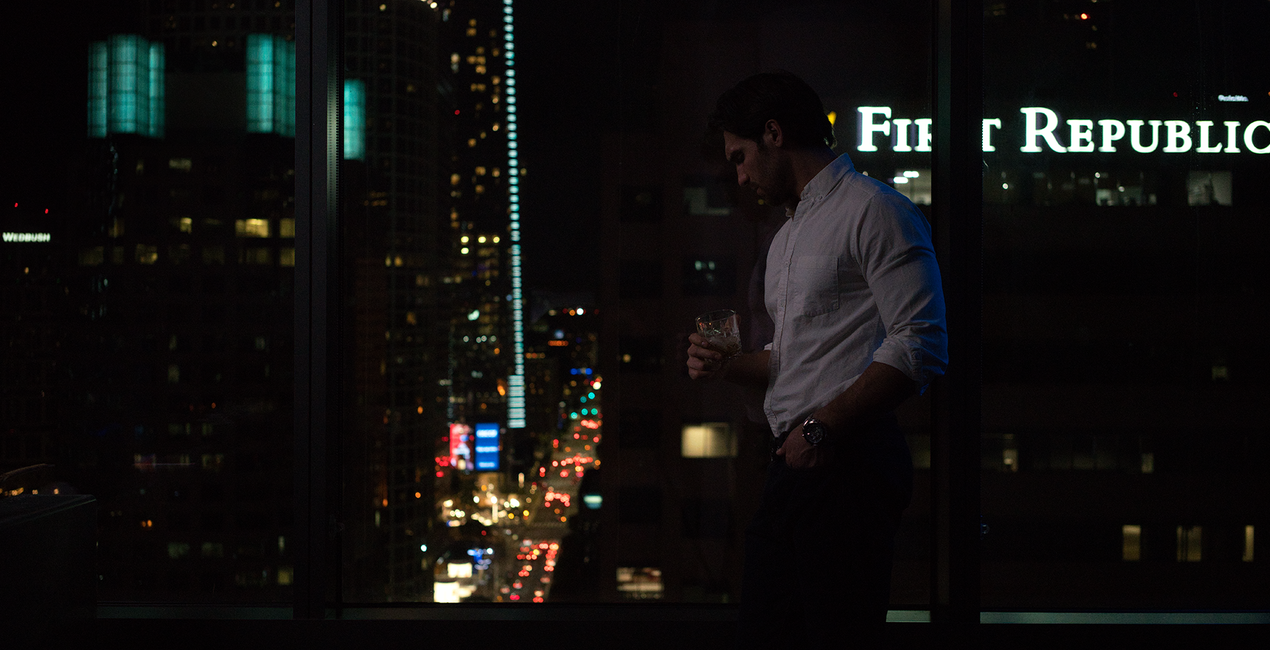
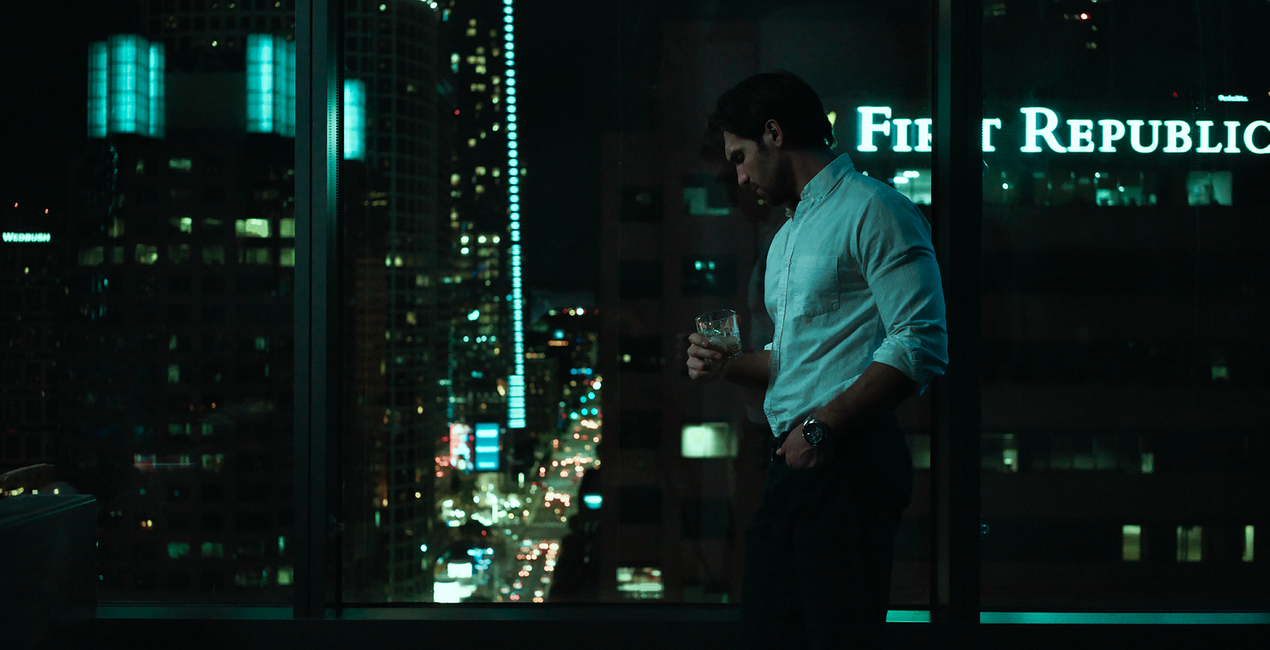
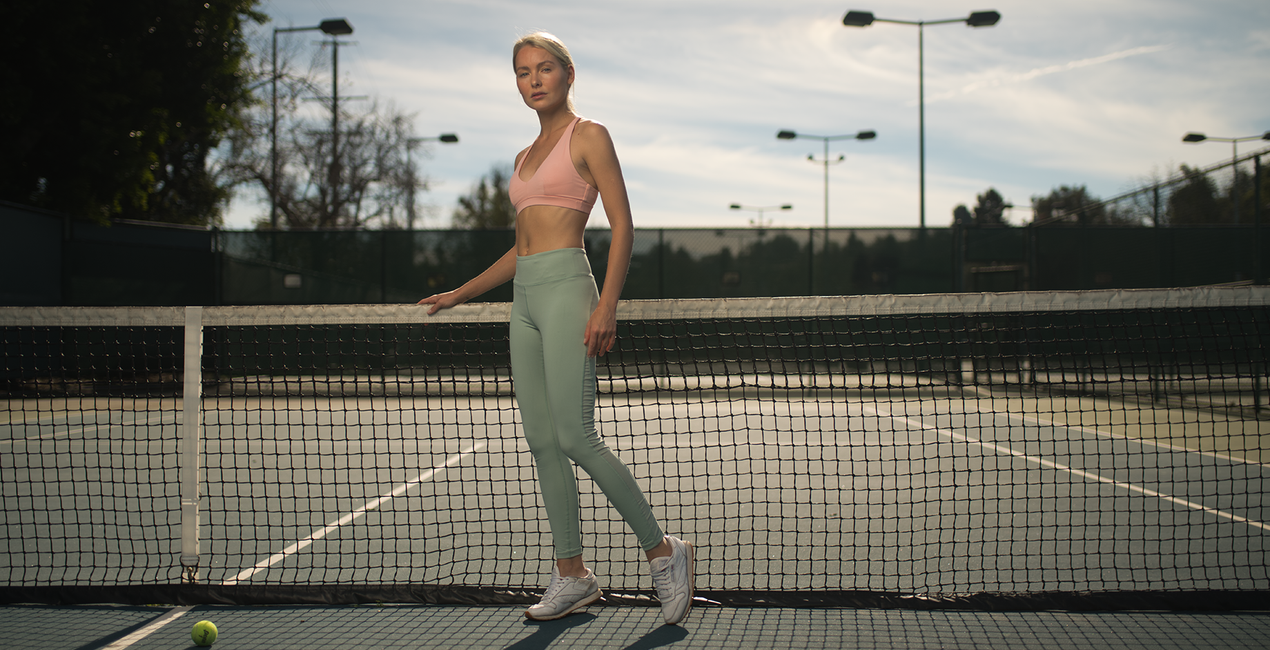
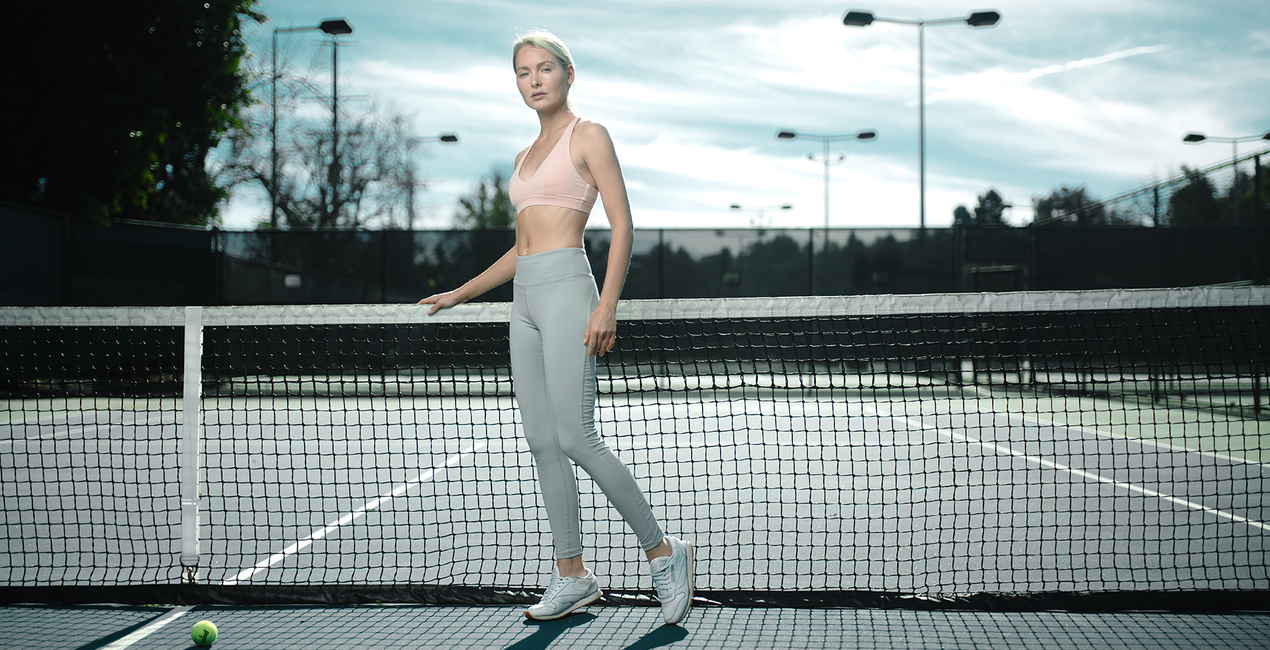
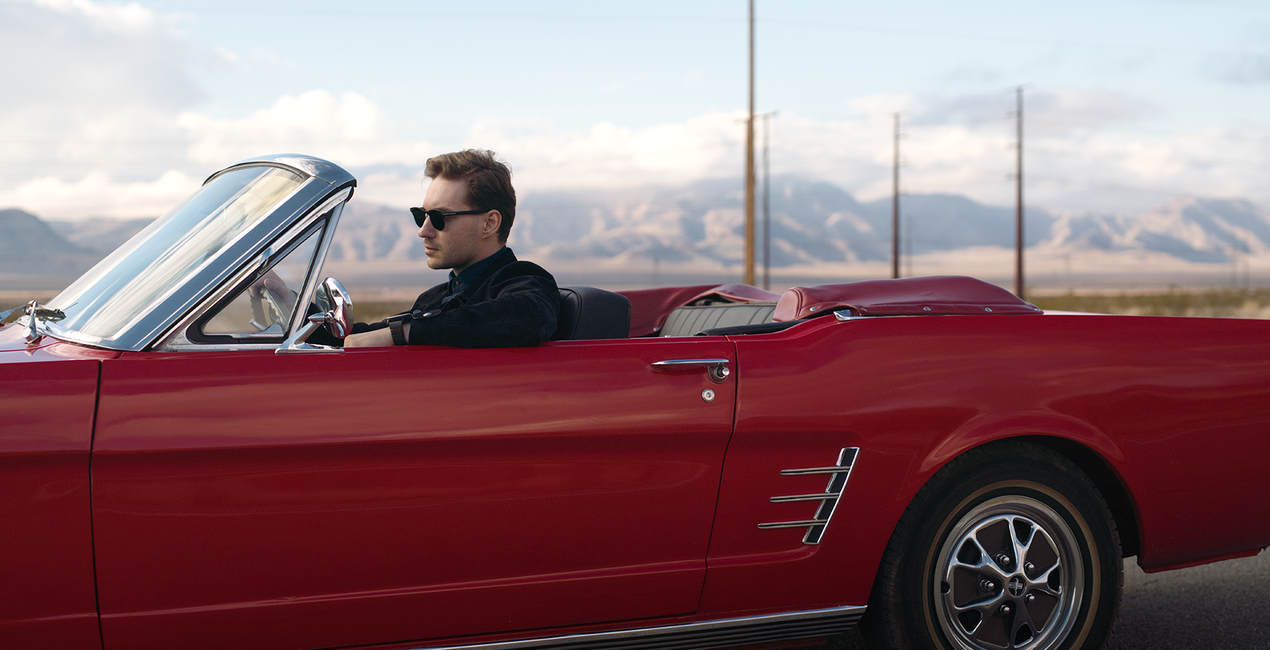
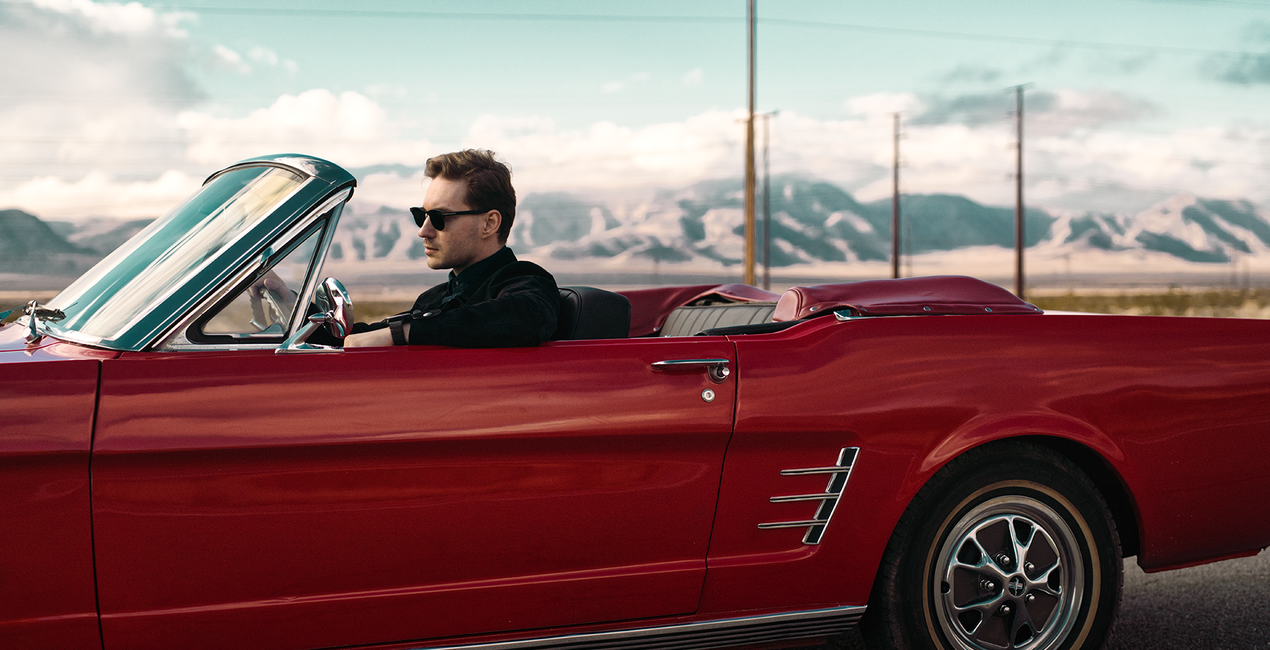
Together with Los-Angeles based commercial photographer, Ilya Nodia, we've recently created a set of Hollywood-inspired looks for Luminar and Lightroom, based around 12 outstanding movies to give the photos those signature cinematic looks we admire in award-winning movies.From the dramatic atmosphere of a post-apocalyptic landscape, through the old-school grainy look, to the subtle vibrancy of road movies, the new looks have it all.“Cinematography is very diverse, and I wanted to show different stories. We have very static ones (where time stands still), like the one with My Name is Max, or super-dynamic, like the shots with a guy in a car and a wrestler. Here we have a set of radically different colors and approach to shooting, but all of them are brought together by this special cinematic style,” Ilya says.He goes on to give a word of caution, however: “The presets alone are not enough to recreate such photos. The shooting style and lighting need to be the same as the movie the Look is meant to replicate. For example, if you want to get a photo with a Bourne Identity style, (cold, with greenish mid-tones, and shot in cloudy weather) you need to plan and style the shoot accordingly. For instance, you might want to have it outdoors, carefully select the heroes for the shoot, and think of all those little details that make it all look consistent.”The pack includes Luminar Looks, Lightroom Presets and Custom Profiles (Lightroom Classic CC and Lightroom CC compatible. They are all inspired by the same movies, though there might be a slight difference in the final looks. 4 out of 12 Looks are free.
Photographers, colorists & retouchers
The Skylum team works with hundreds of professional photographers and retouchers to bring you Templates that top photographers use to create their masterpieces. The Skylum AI Lab analyzes the photos and workflows of photographers and creates Templates that are accessible to everyone and that take advantage of the advanced technology under the hood of LuminarAI. Our mission is to cut the time and effort it takes to make a striking photo and allow everyone to enjoy photo editing and photography.
If you have any questions about the product, you can contact the 24/7 support team. Just follow this link.
To purchase Cinematic Color Looks, follow these steps:
1. Open Skylum’s Marketplace.
2. Go to the preferable tab where Cinematic Color Looks is listed. Click on it and add it to your cart.
3. Proceed to your cart. Here, complete the purchase process for Cinematic Color Looks.
4. After the purchase, you will receive a fulfillment email with the download link for Cinematic Color Looks. Also, you can find the new item in your Skylum account, My Add-ons tab.
Detailed instructions on installing the Cinematic Color Looks will be sent to you in the fulfillment email alongside the download link.
Besides, you can install the purchased item directly in Luminar Neo: go to Extras > Marketplace, Select the Product category, find the purchased item, and click Install.
It’s pretty easy! First, download the pack from your Account > My Add-ons. Then follow the installation instructions inside the downloaded folder. Each asset type may have its own installation steps, so make sure to check the guide included.
Don't worry. All purchased items, including Cinematic Color Looks, are stored in the 'My Add-ons' tab of your Skylum account, allowing for easy redownload and use.
Generally, most items are compatible with Luminar Neo. But to ensure Cinematic Color Looks is compatible with your software, review its specifications before downloading or purchasing. Look for the 'Compatibility' section at the right of the Cinematic Color Looks page, where all compatible products are listed.
Don’t leave just yet. Here’s an exclusive discount code for you. Use it within the next 15 minutes to get an extra 10% off at checkout. Copy the code below and complete your purchase.
15 m : 00 s





