
6 Lessons
About 50 minutes of video on how to build a strong editing foundation with Luminar for Mobile.
RAW Files for your Practice
Use 10 RAW files edited throughout the course to develop your editing skills.
Start-to-Finish Editing Session
Follow Nikolaj as he edits a photograph from start to finish, using techniques from all the lessons.
What you’ll learn
Discover a complete, practical photo editing workflow in Luminar for Mobile — from setting up the app and intelligently organizing your photos to creating polished edits and exporting them in the best possible quality. Learn how to build a strong foundation with Light, Contrast, and Curves, then develop your own editing style using Color, Saturation, Landscape, and Vignette. Speed up your workflow with AI-powered tools such as Structure, Enhance, and Light Depth, and learn how to make quick, effective edits with Styles and Presets. Follow a complete start-to-finish editing session and understand the thinking behind each adjustment, including how to recover a photo that wasn’t shot perfectly. Finish by learning how to export your photos correctly for different formats while maintaining the best possible quality.
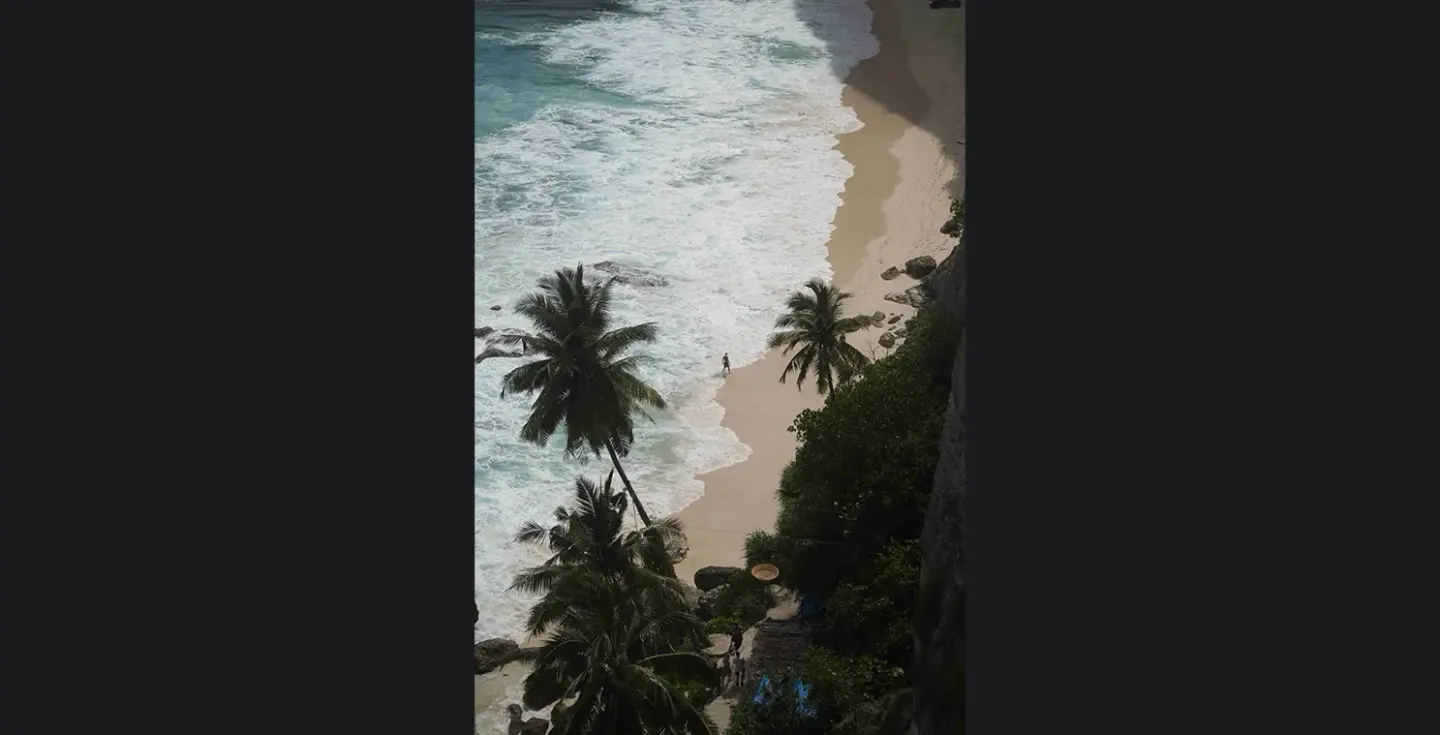
Get photos like these
Use the techniques and workflows shown throughout the course to get such photos.

A word from the Author
Hi, I’m Nikolaj Green — the person behind this course.
Photography has been my passion for years, and I built this course to share the way I actually think about editing — not just which sliders to move, but why I make the choices I make.
Over six lessons, we’ll go from the basics of setting up and importing your photos, through adjustments and building your own style, faster editing techniques, a complete start-to-finish session, and exporting your work. Hence, it looks its best wherever you share it.
Whether you’re just starting or looking to sharpen a workflow you already have, this course is built to be practical, honest, and genuinely useful.
Thanks for being here. Let’s get started.
Nikolaj Green

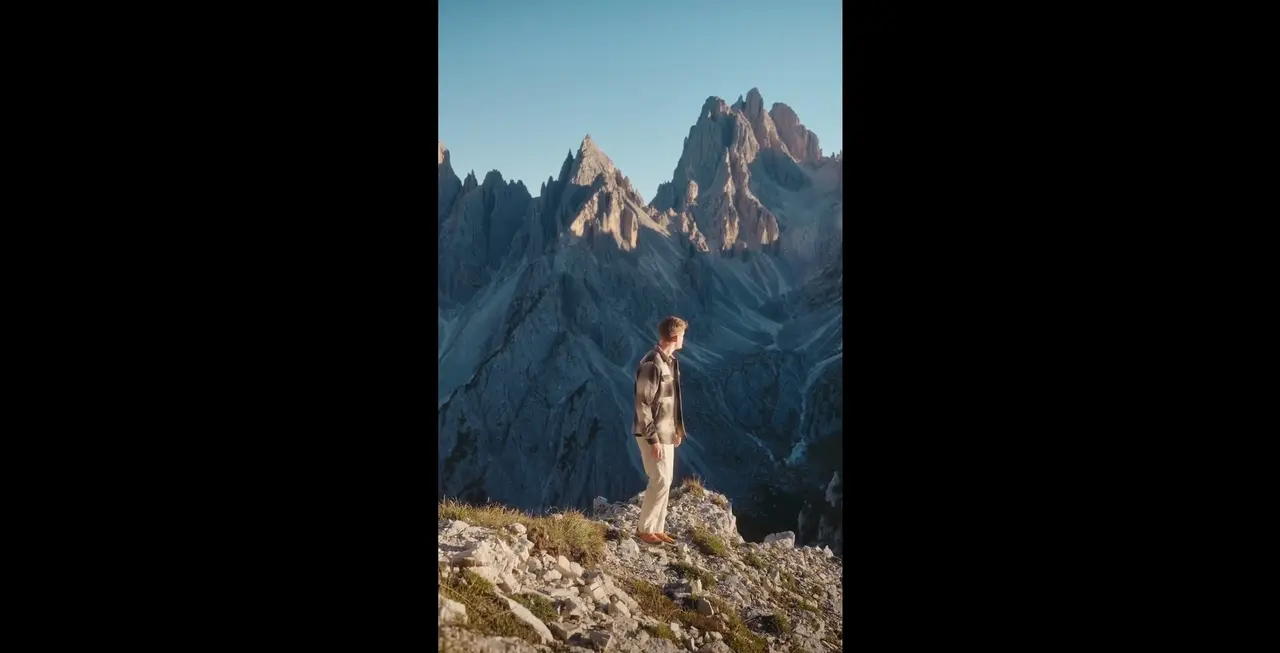
Watch the process
Pricing
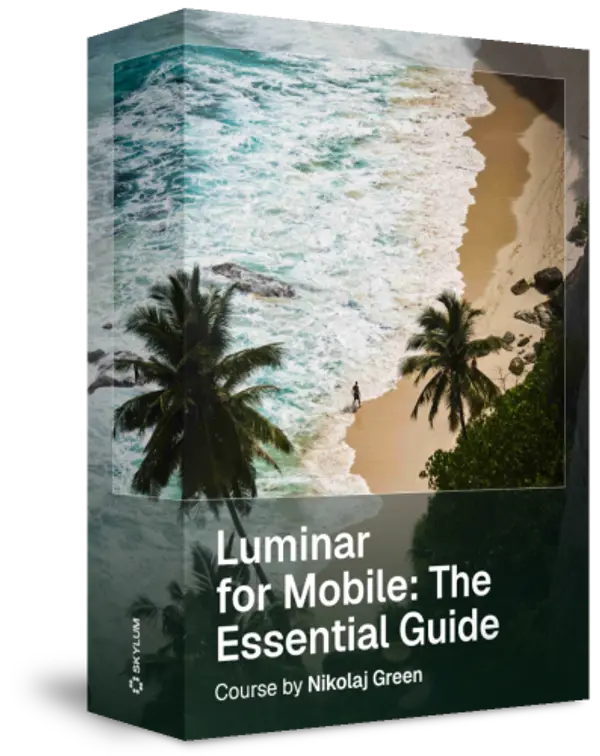
Luminar for Mobile — The Essential Guide
Master mobile photo editing in Luminar and build a workflow you can trust with Nikolaj Green’s practical, step-by-step course.
Creator
Nikolaj Green
Photographer & Filmmaker

Related Products