 © stasia04
 © oneinchpunch
 © simbiothy
About
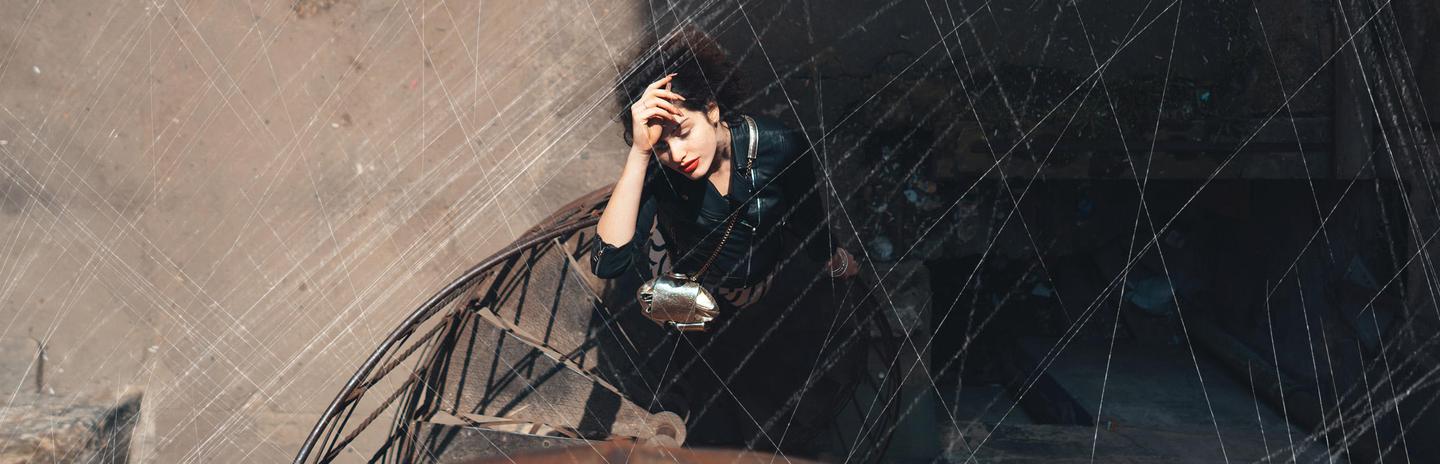
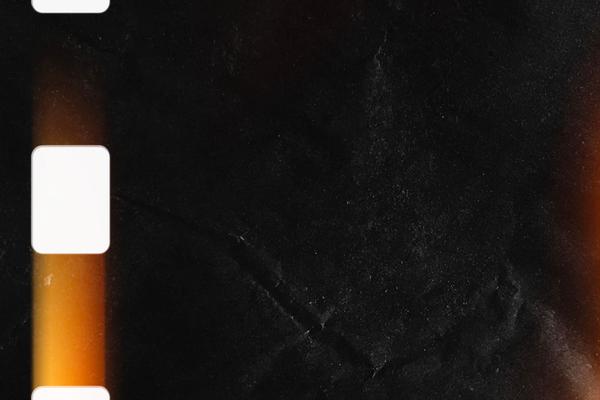
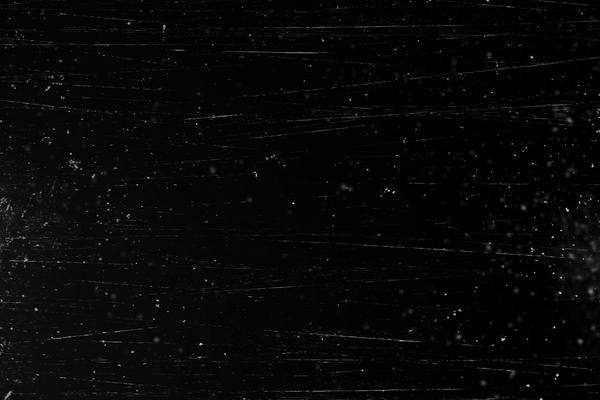
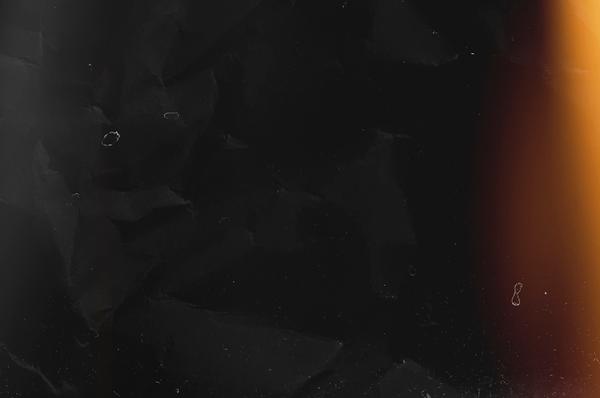
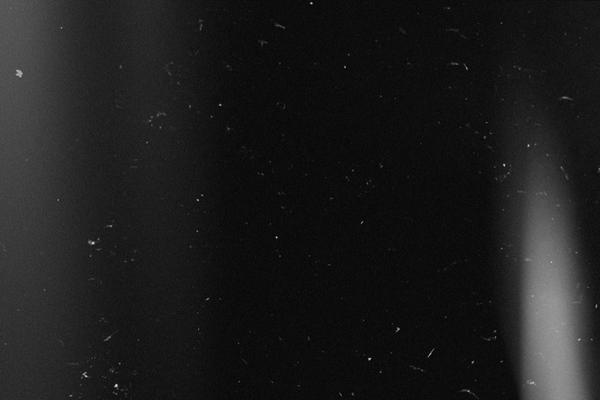
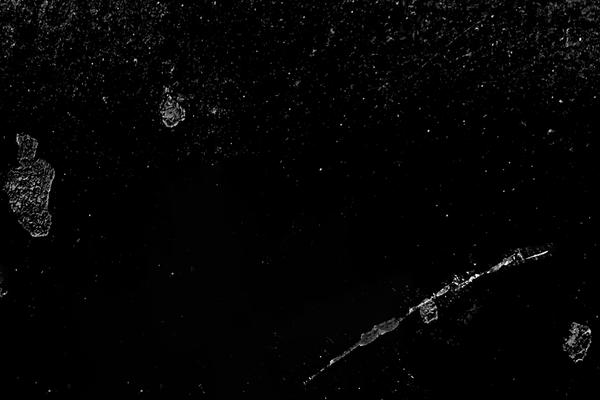
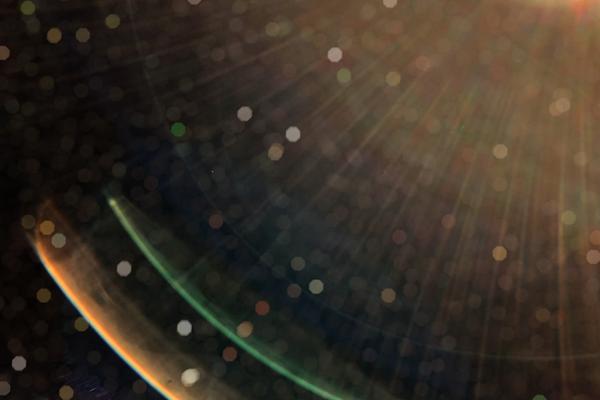
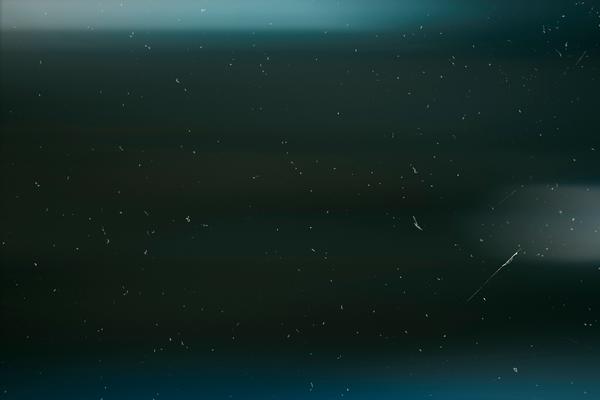
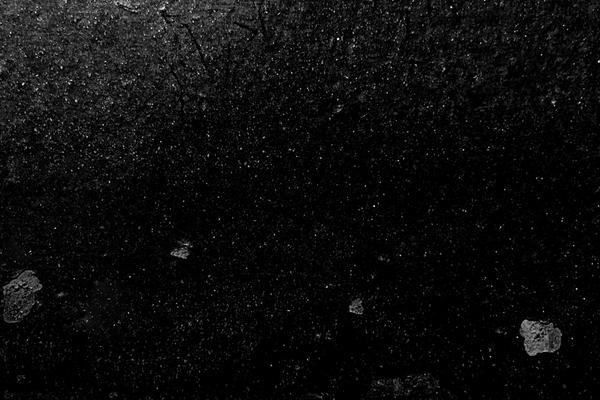
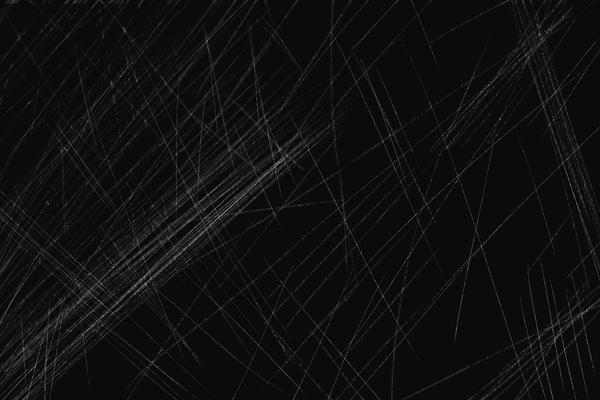
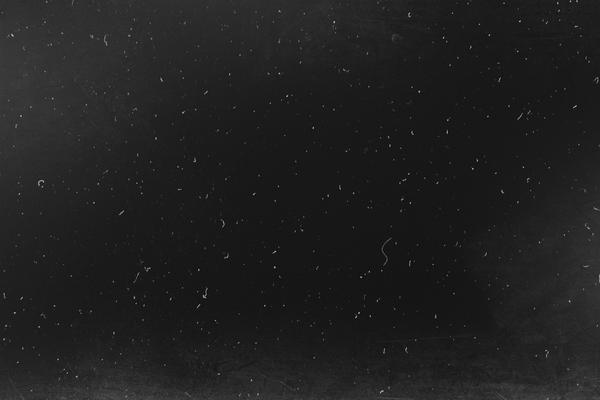
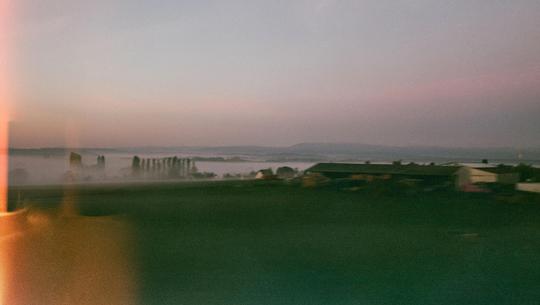
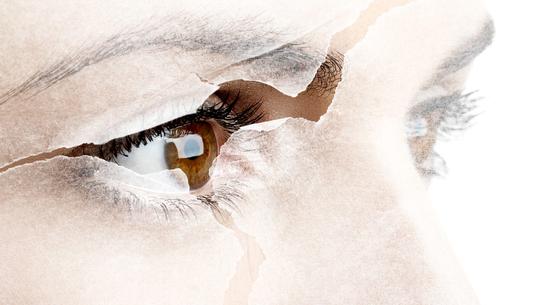
Ever wanted to experiment with your style and find something new in the ordinary? Give your images an edgy vibe with overlays that recreate the unique feeling of dust particles on old-school film shots. Transform your photos into grunge, rock ’n’ roll, and retro images thanks to this collection of 10 overlays created by the Skylum Team. Here you’ll find overlays of scratches, cracked surfaces, dust over burned film, and so much more.
What is included
10 Overlays that help you add a special effect to your photo.
Compatibility


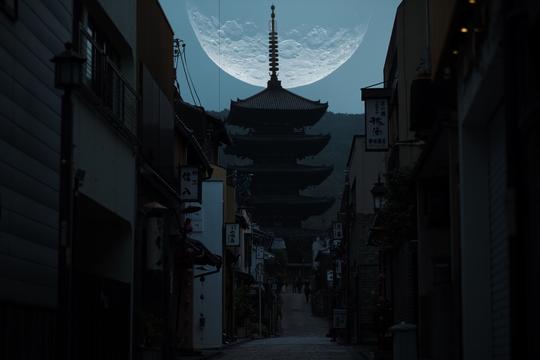
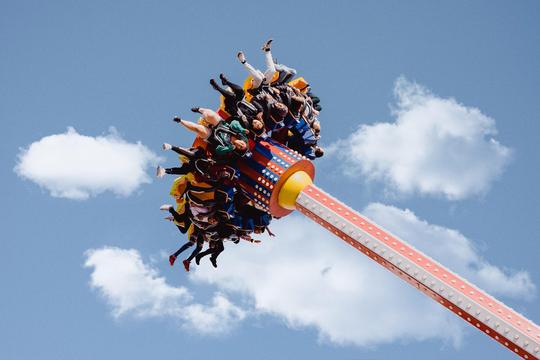
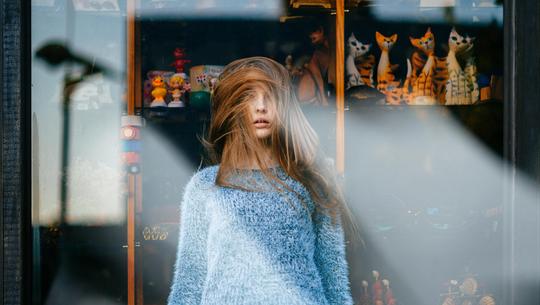
Get photos like these
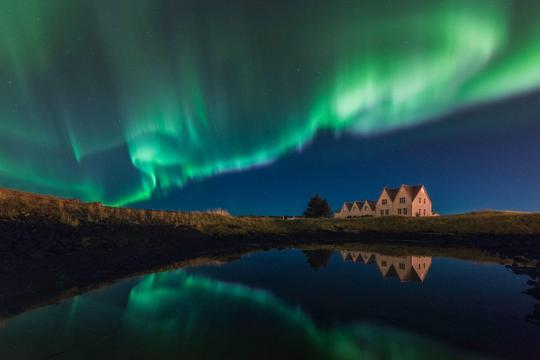
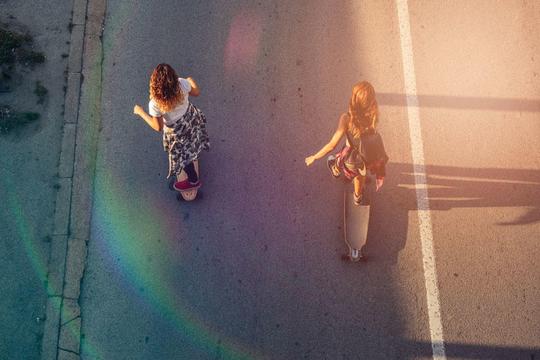
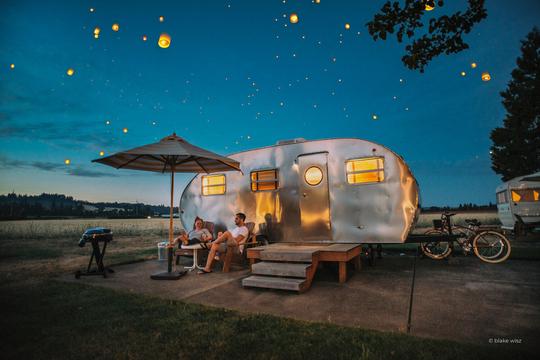
Using RAW files you will easily practice retouching tips and learn how to get photos like these.
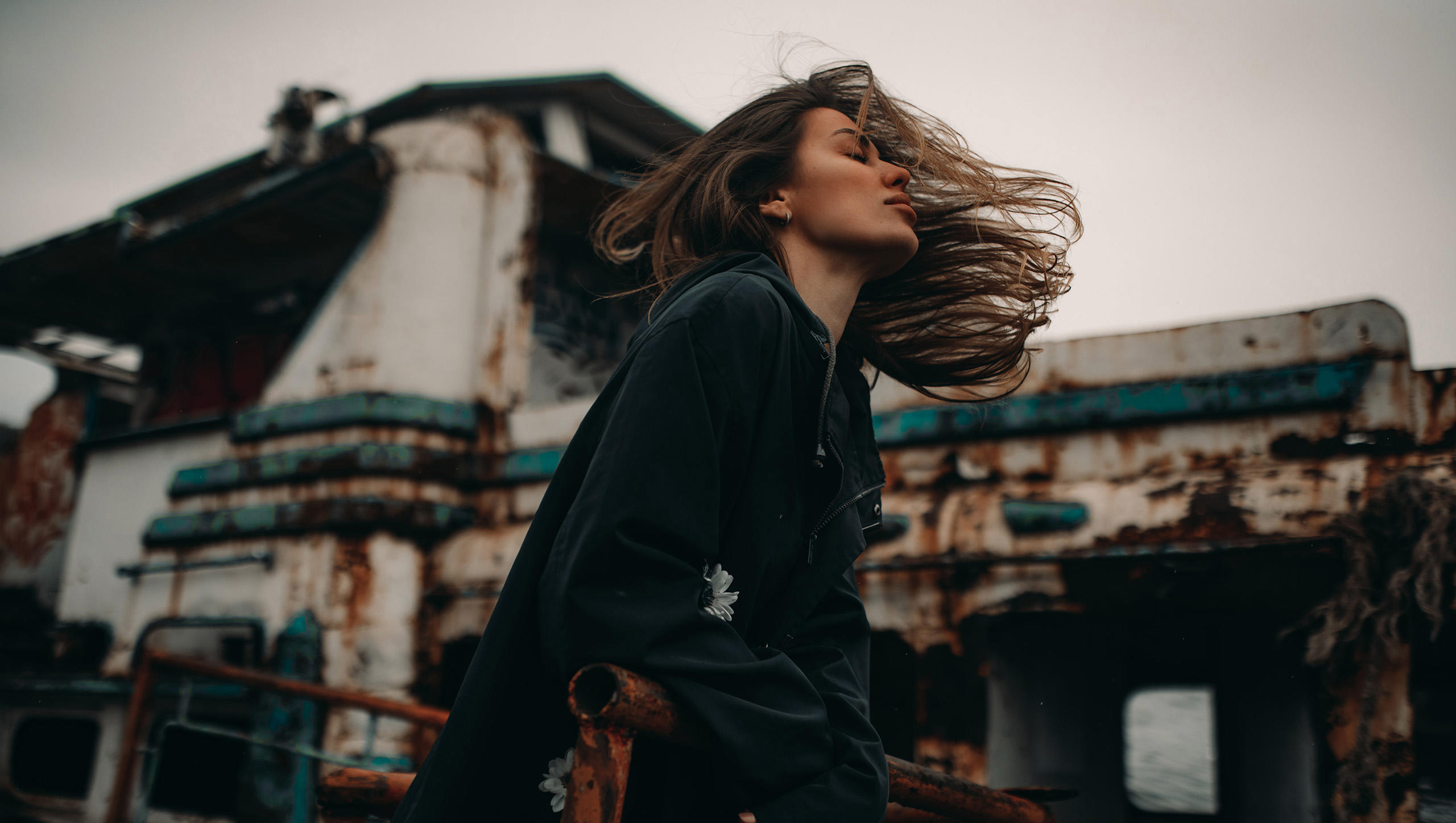
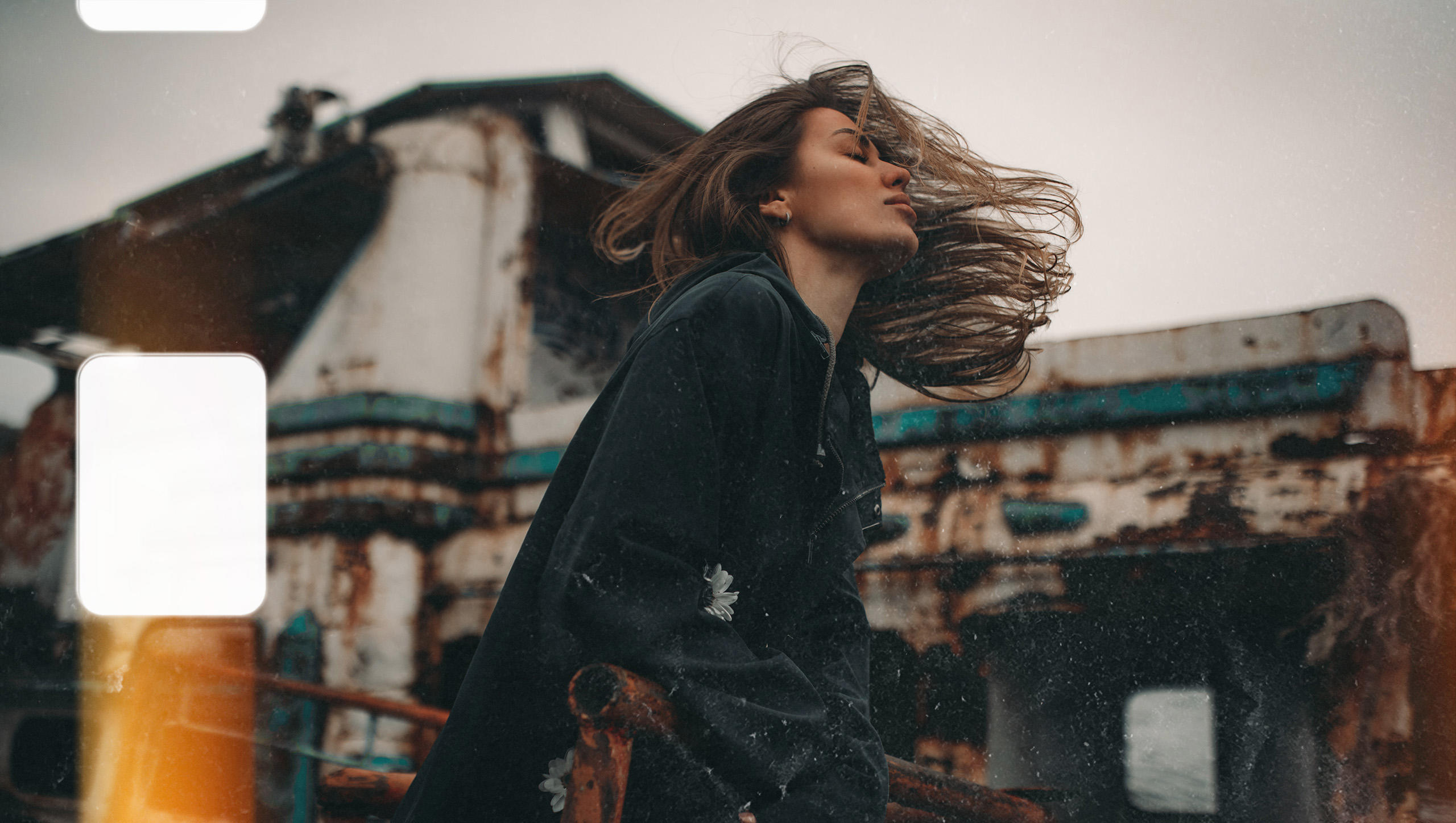
Overlays included in the pack
Related Products




Creator
Team Skylum
Photographers, colorists & retouchers
The Skylum team works with hundreds of professional photographers and retouchers to bring you Templates that top photographers use to create their masterpieces. The Skylum AI Lab analyzes the photos and workflows of photographers and creates Presets that are accessible to everyone and that take advantage of the advanced technology under the hood of Luminar. Our mission is to cut the time and effort it takes to make a striking photo and allow everyone to enjoy photo editing and photography.