


 Toegepast


Artist's Surface Overlays
Save $201 $ 39 .00

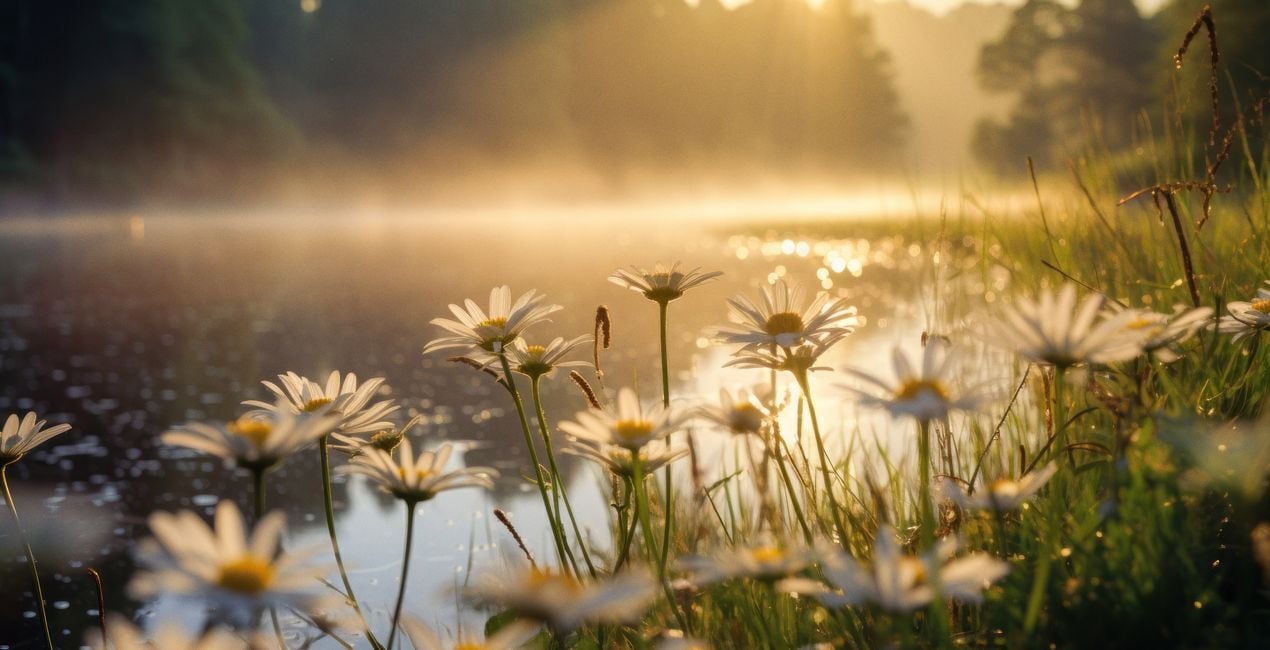
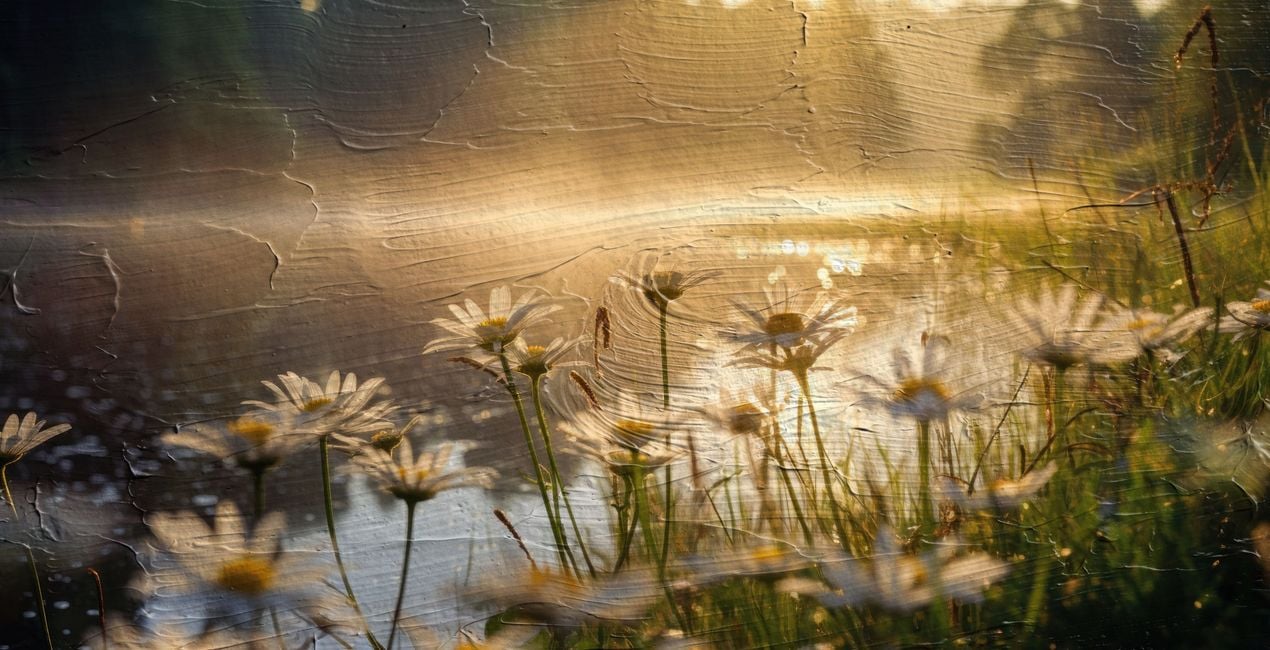
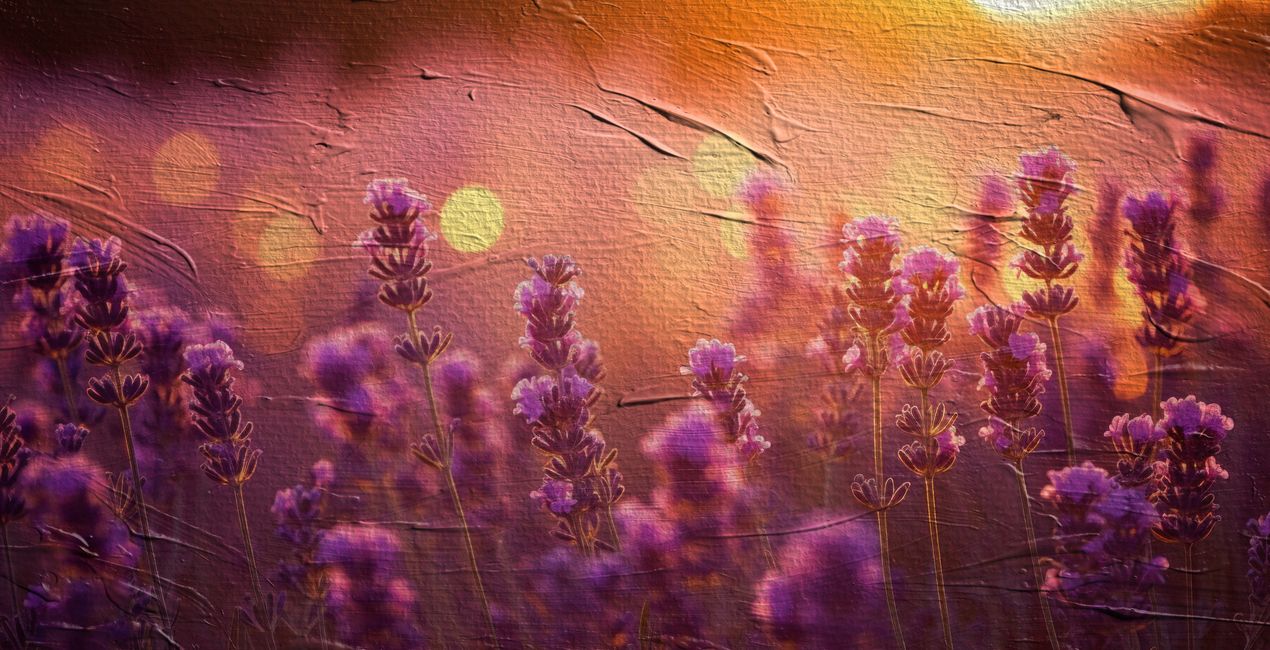
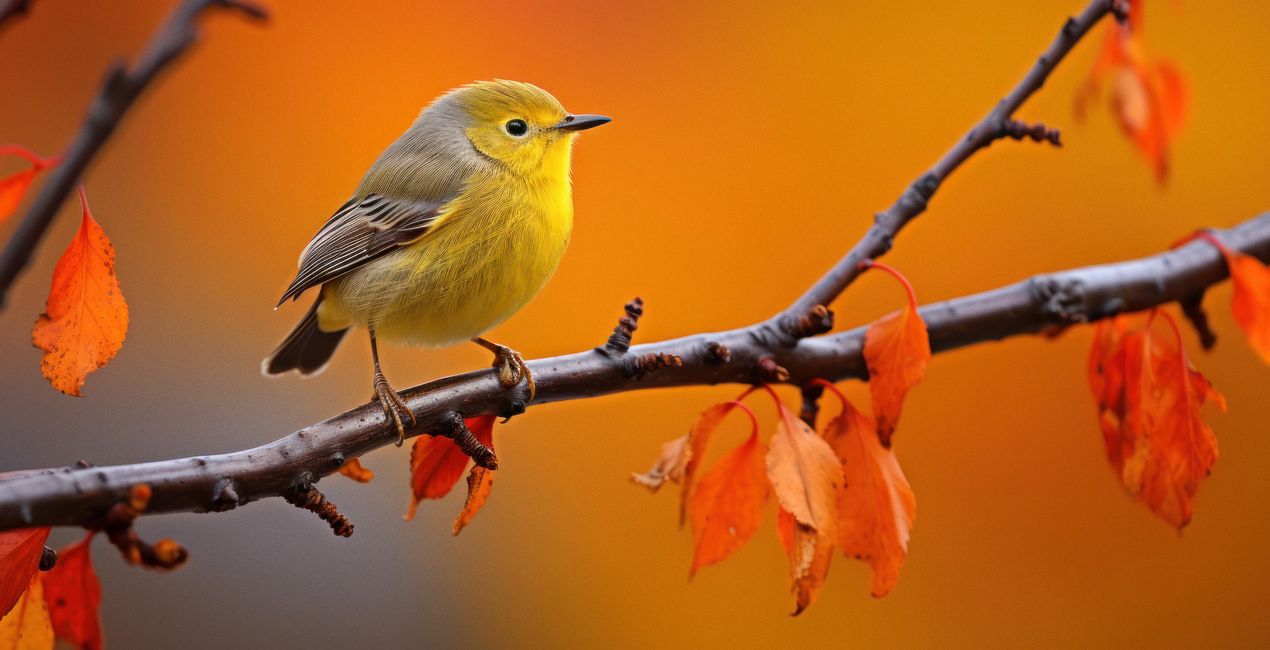
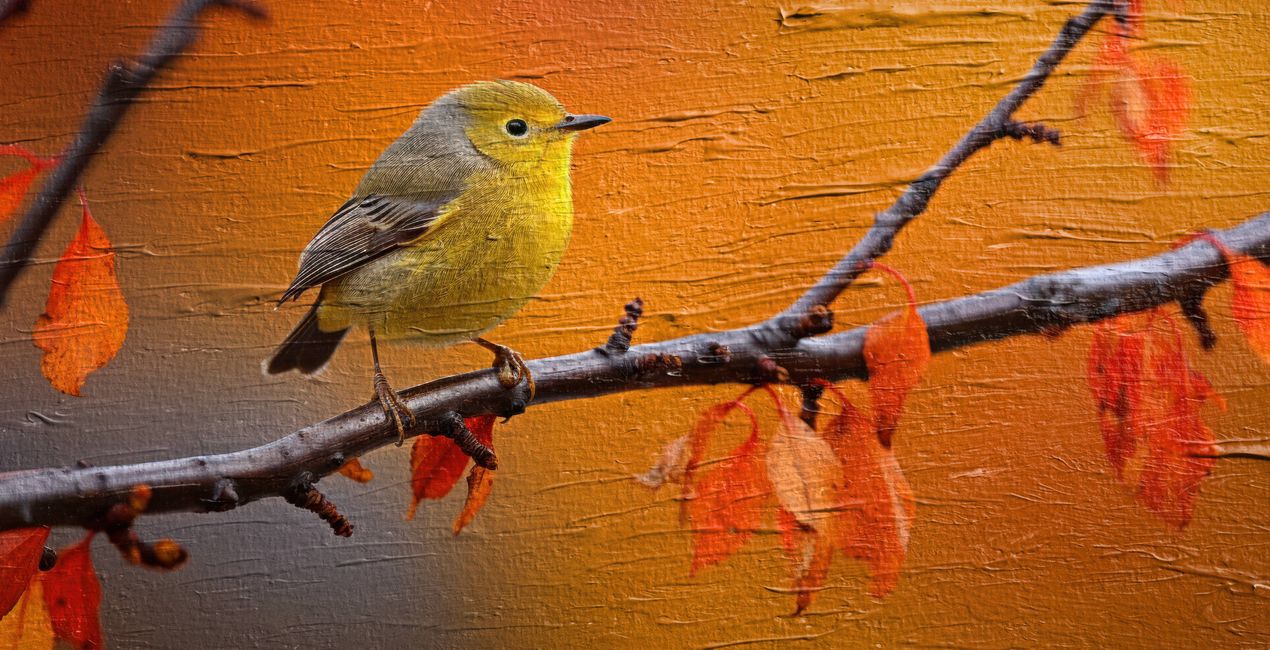
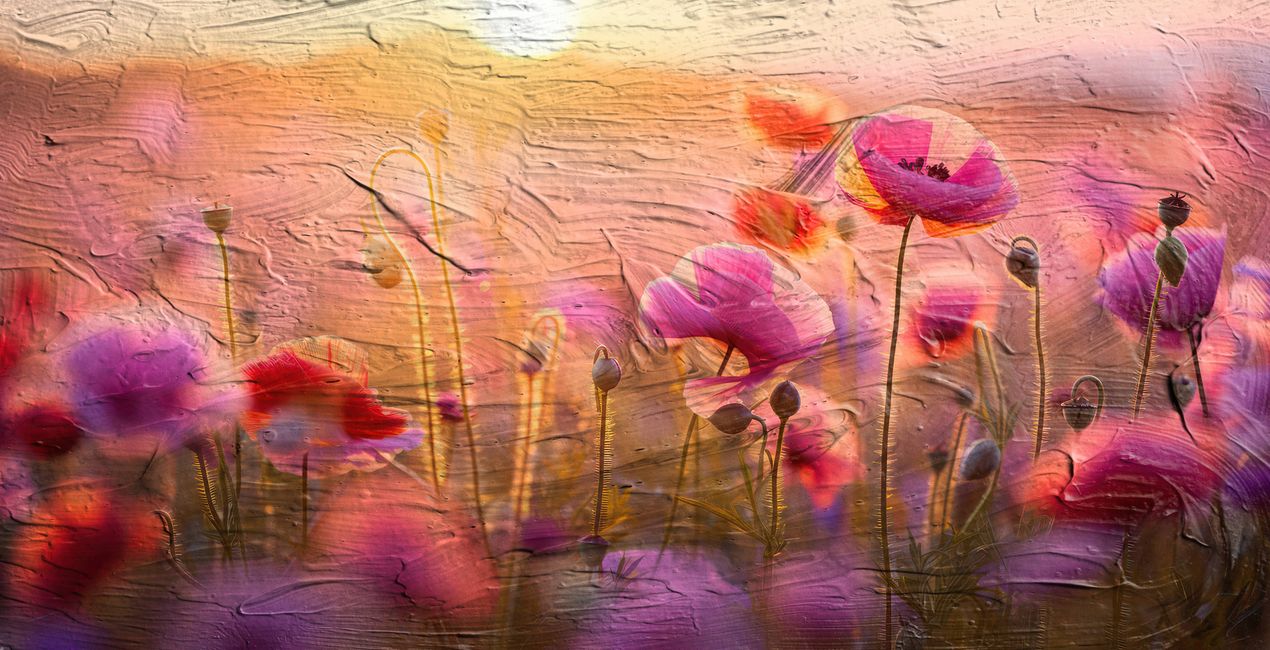
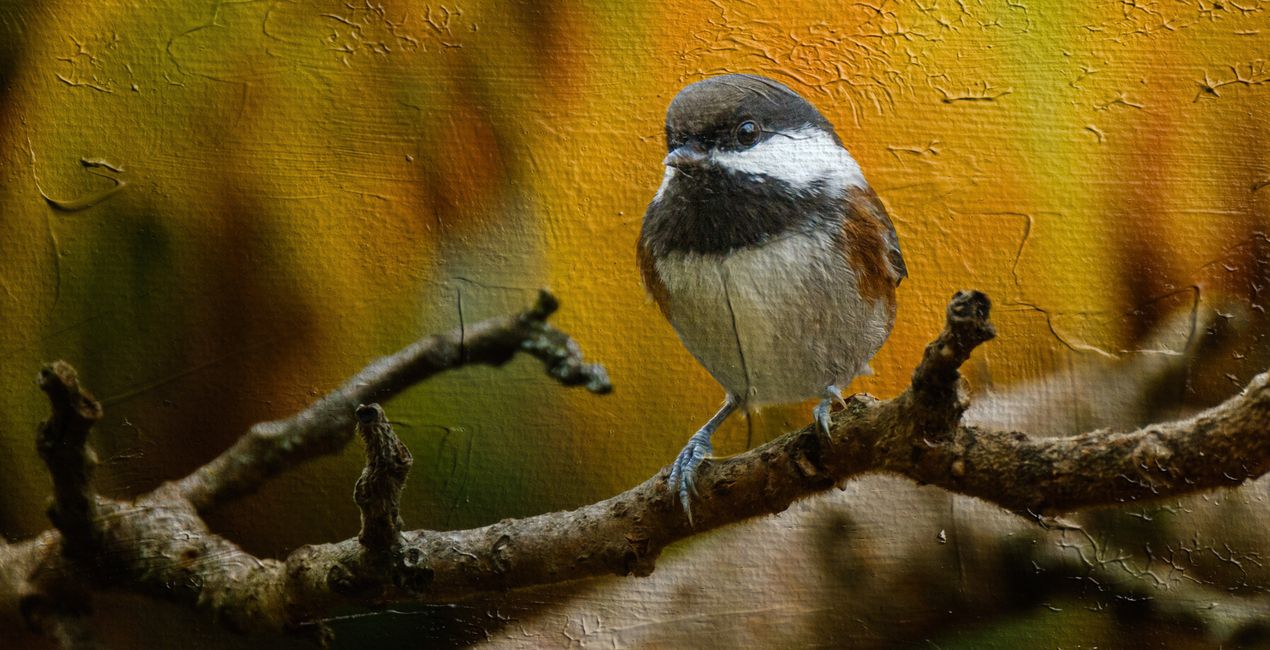
Inspired by the tactile beauty of traditional painting, this collection boasts 40 genuinely hand-painted texture Overlays, meticulously captured to bring the authentic charm of paint on canvas right into your digital workspace. These aren’t just digital designs — every texture is a photograph of a real paint stroke, each one imbued with its unique character and story. When you add the Artist's Surface Overlays to a photo in Luminar Neo, it's like draping a painted canvas over your image. The photo gets a textured, artsy feel with real brush stroke patterns. It turns any of your photographs into something that feels hand-painted and gallery-worthy.
Wat is inbegrepen
40 Overlays in JPEG format


Met behulp van de meegeleverde RAW-bestanden oefent u gemakkelijk retoucheertips en leert u hoe u dergelijke foto's kunt maken.
 >
>

 >
>
 >
>

 >
>

 >
>


Photographer & Educator
Nicole S. Young's love affair with the camera began during her high school years, where she immersed herself in the world of photography by working at a photo lab and photo studio.
After graduating, she dedicated 8.5 years to serving in the US Navy, and then rekindled her passion in the realm of digital photography, swiftly transitioning to carve out a niche for herself in stock photography.
Beyond her ability to create beautiful images, Nicole is a published author, with her educational books are reaching photography enthusiasts worldwide in multiple languages. Drawing upon her extensive knowledge and experience, she has established an online business, offering courses and books to budding photographers and crafting essential tools such as presets, textures, and overlays.
Today, she draws inspiration from the serene beauty of the Oregon countryside, a place she calls home.
Veelgestelde vragen
Heb je nog extra vragen of wil je gewoon wat advies?
neem contact op met ons supportteamHeb je vragen over het product? Neem dan gerust contact op met ons supportteam – 24/7 bereikbaar. Volg gewoon deze link.
Volg deze stappen om Artist's Surface Textures te kopen:
1. Open Skylum’s Marketplace.
2. Ga naar het tabblad waar Artist's Surface Textures staat. Klik erop en voeg het toe aan je winkelmandje.
3. Ga naar je winkelmandje. Rond hier het aankoopproces van Artist's Surface Textures af.
4. Na je aankoop ontvang je een bevestigingsmail met de downloadlink voor Artist's Surface Textures. Je vindt het product ook terug in je Skylum-account onder het tabblad ‘Mijn add-ons’.
Uitgebreide instructies voor het installeren van Artist's Surface Textures ontvang je in de bevestigingsmail, samen met de downloadlink.
Daarnaast kun je het gekochte item direct installeren in Luminar Neo: ga naar Extra’s > Marketplace, selecteer de productcategorie, zoek het gekochte item en klik op Installeren.
Het is heel eenvoudig! Download eerst het pakket via uw account > Mijn add-ons. Volg daarna de installatie-instructies in de gedownloade map. Elk type asset kan zijn eigen installatiestappen hebben, dus zorg ervoor dat u de bijgevoegde handleiding raadpleegt.
Geen zorgen. Alle gekochte items, waaronder Artist's Surface Textures, staan in het tabblad ‘Mijn add-ons’ van je Skylum-account. Van daaruit kun je ze makkelijk opnieuw downloaden en gebruiken.
In de meeste gevallen zijn items compatibel met Luminar Neo. Maar om zeker te weten of Artist's Surface Textures werkt met jouw software, check je best even de specificaties vóór je iets downloadt of koopt. Kijk op de pagina van Artist's Surface Textures aan de rechterkant bij het kopje ‘Compatibiliteit’ – daar staan alle compatibele producten vermeld.
Ga nog niet weg. Hier is een exclusieve kortingscode voor jou. Gebruik deze binnen 15 minuten om bij het afrekenen 10% extra korting te krijgen. Kopieer de onderstaande code en rond je aankoop af.
15 m : 00 s





