

 © Vadymvdrobot
 © TarasMalyarevich
 © pro-fotos@yandex.ru
Over
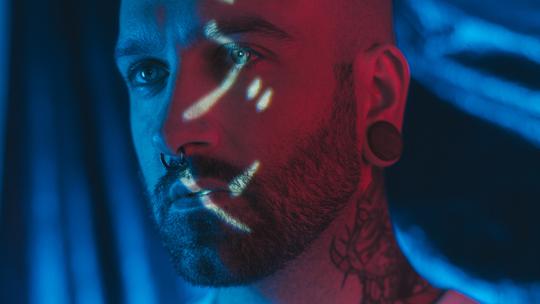
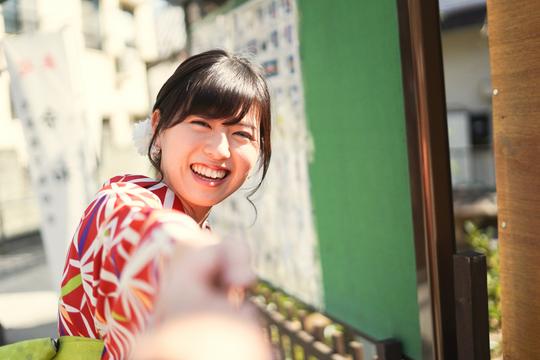
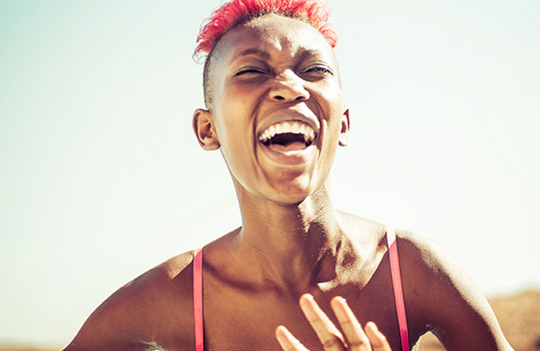
Laat uw studioportretten er fantastisch uitzien met deze 10 fantasierijke Sjablonen die allemaal de unieke functies voor het verbeteren van het portret van Luminar hebben, evenals verschillende kleuren, toning en details waarmee u in een mum van tijd unieke en opvallende portretten kunt maken.
Wat is inbegrepen
10 Templates. Compatible with JPEG and RAW images.
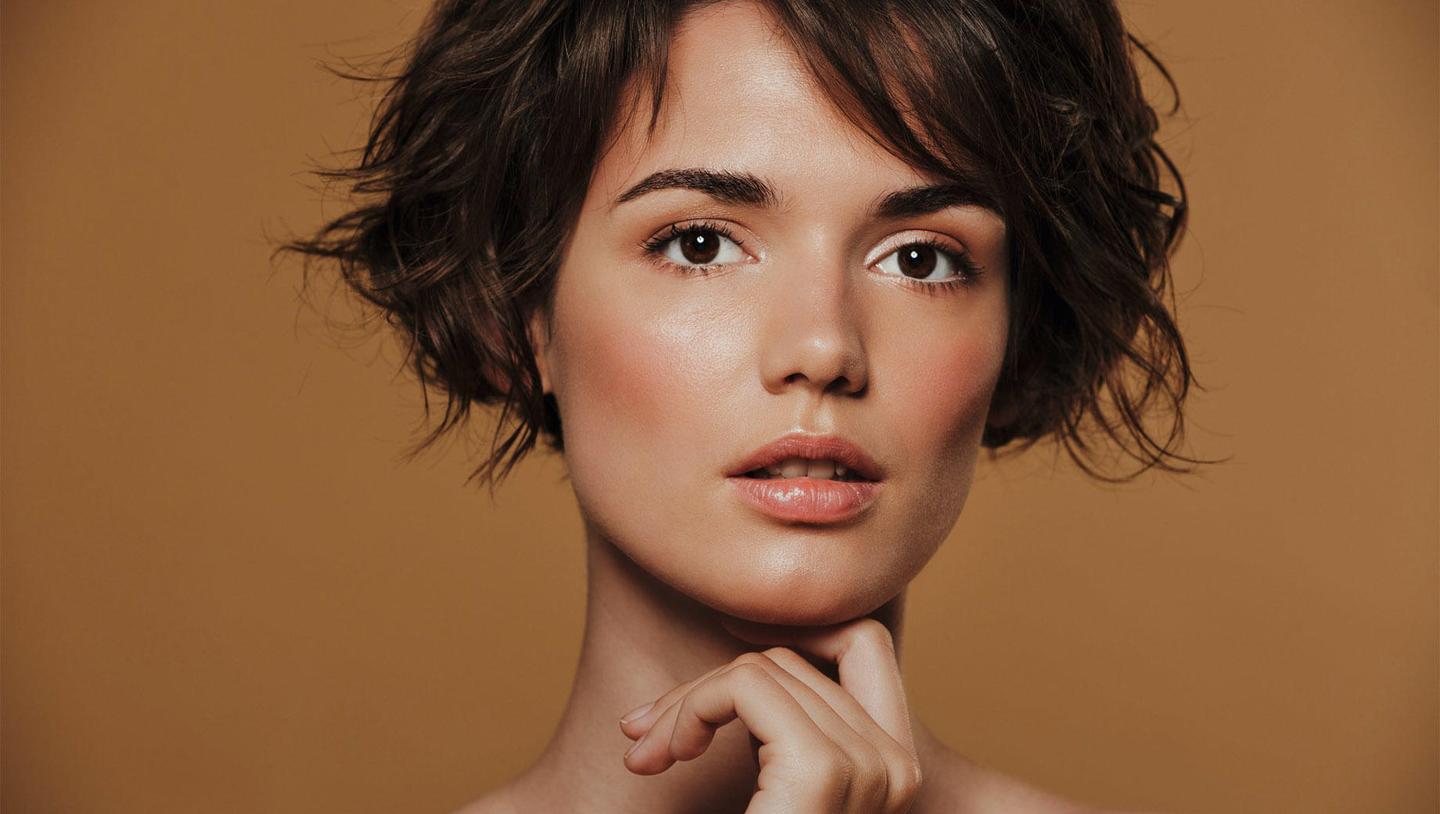
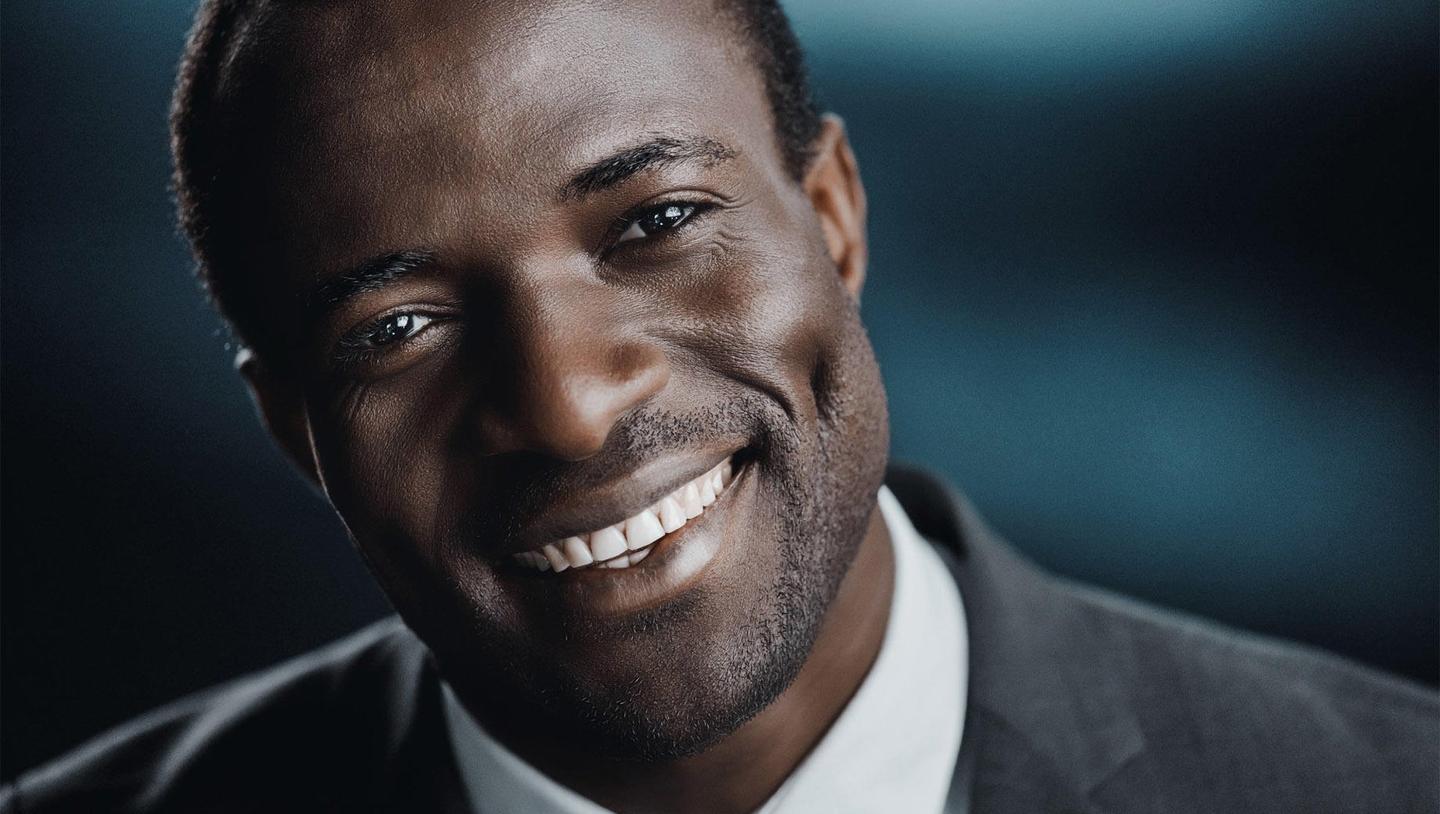
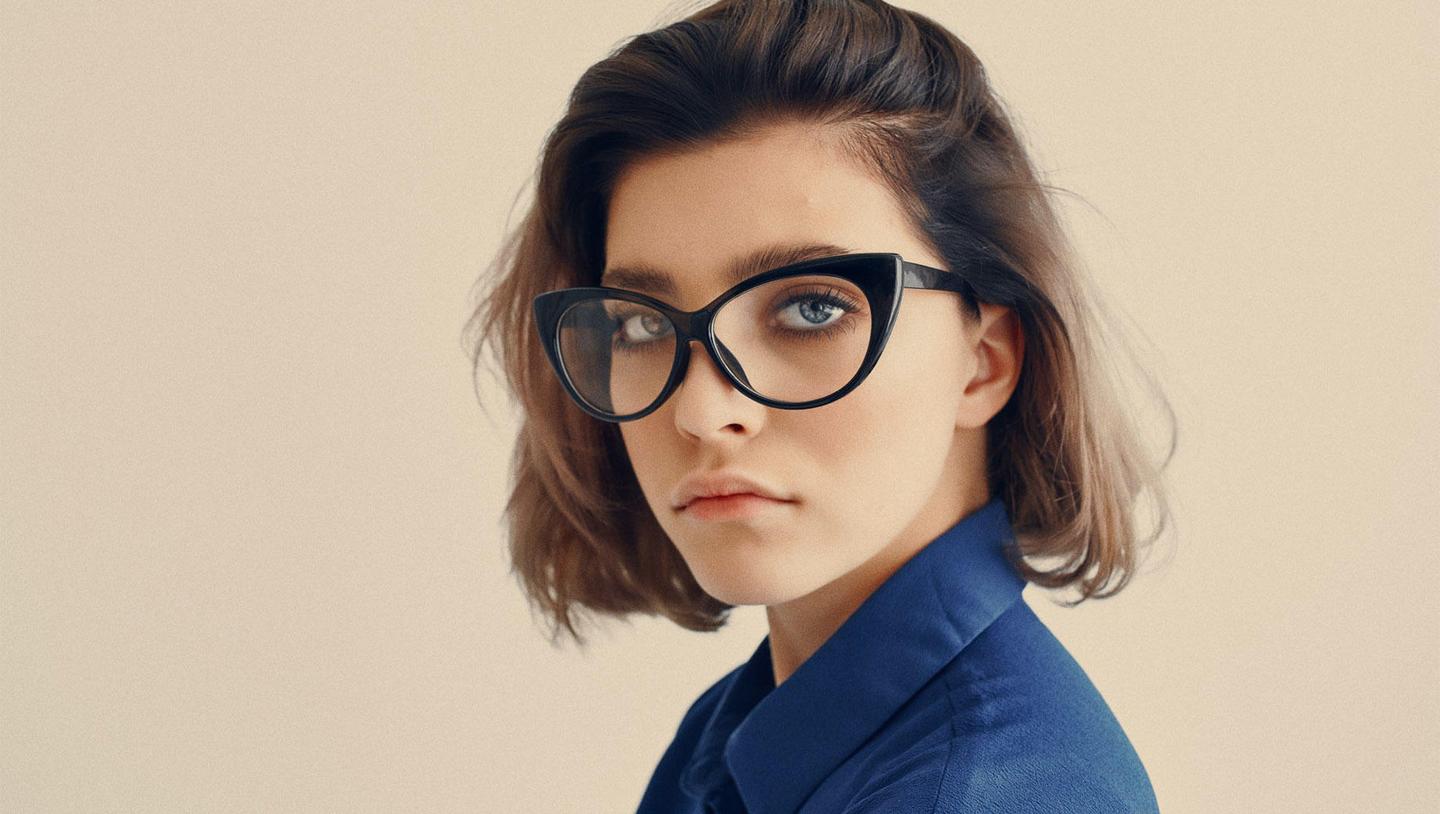
Maak foto's zoals deze
Met behulp van de meegeleverde RAW-bestanden oefent u gemakkelijk retoucheertips en leert u hoe u dergelijke foto's kunt maken.
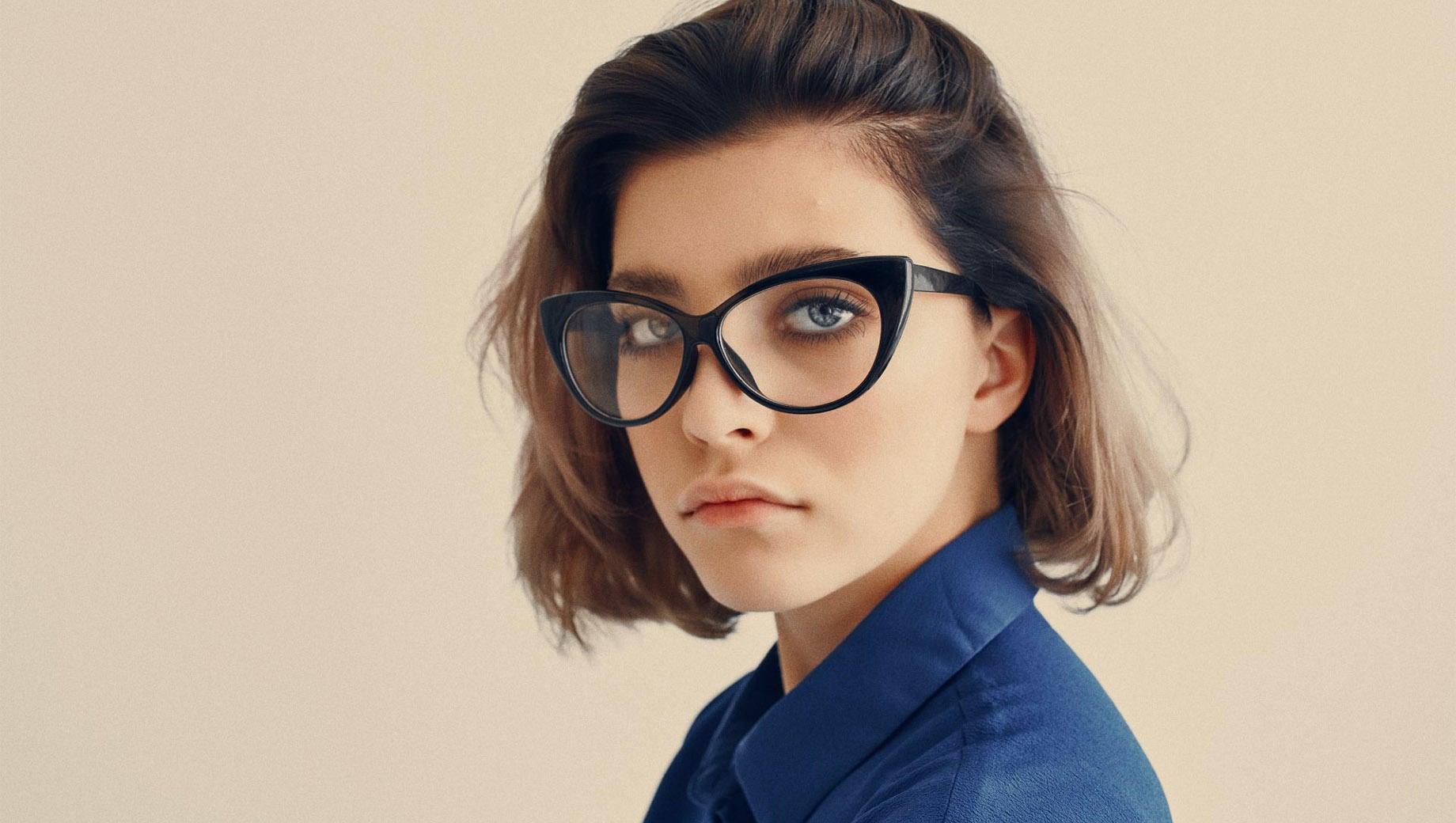
Het Verhaal
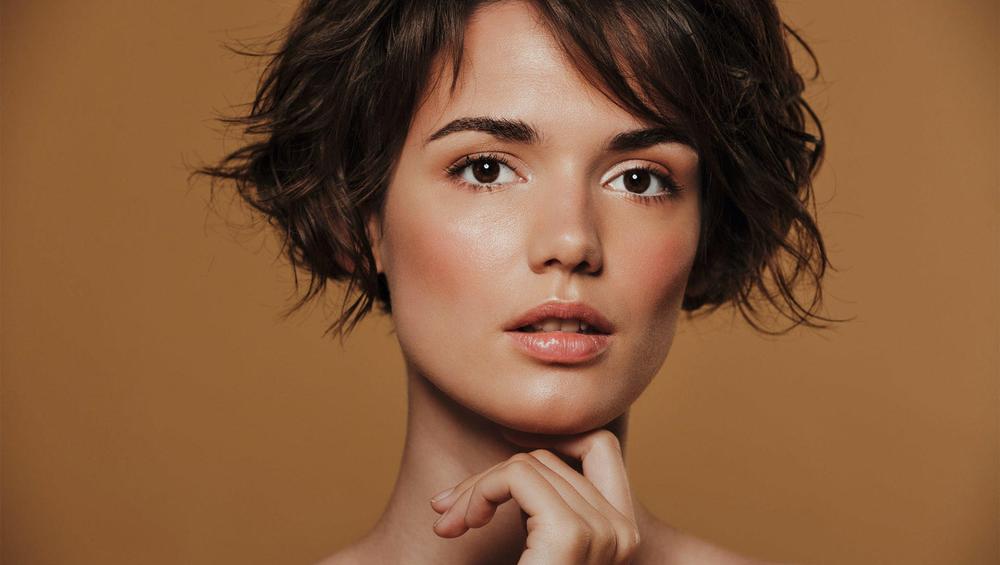
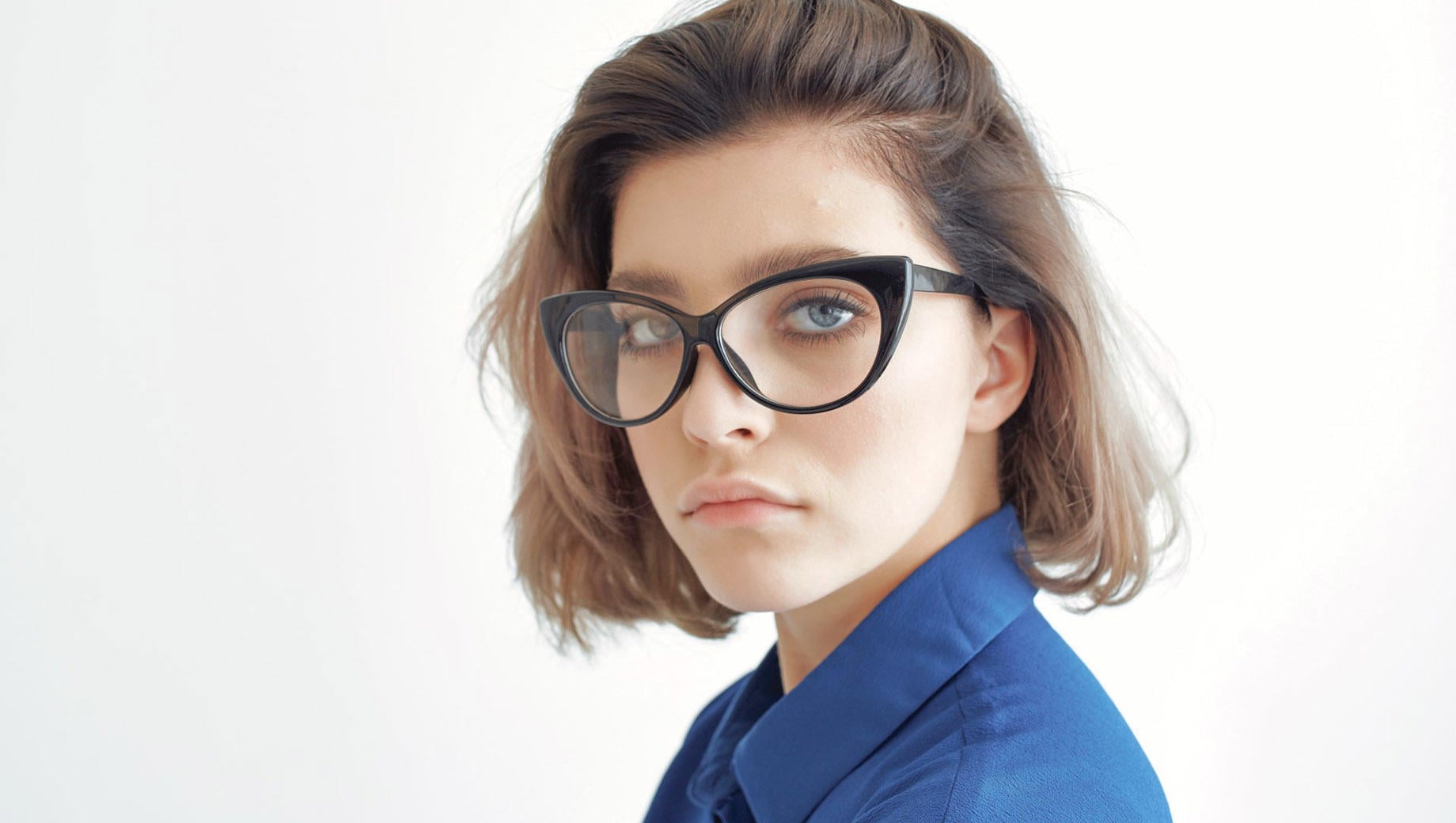
Shine the spotlight on your model, making them look extraordinary.
This collection of 10 Templates is here to not only make your models look gorgeous but to add unique colors, artistic grain, green tint, cool highlights, and anything else that will take your photos to the next level.
Create portrait photos people will adore.
Portrait enhancing features.
What you’ll find in this pack (10 Templates):
Crisp: A soft and warm Template with a lowered white point for a crispy and fresh feeling in your portraits.
Olivia: A soft Template with a lowered white point and a slightly greenish tint.
Noah: A Template that conveys classic sepia colors but adds a modern twist with some artistic noise.
Charlotte: A contrasting Template with a raised black point and slightly cool highlights.
Emma: A cool, slightly matte Template with soft shades.
Ava: A low key Template that gives maximum enhancement for portrait features and provides strong contrast and enhanced details.
Mia: A soft Template with a slightly raised black point and some purple shadows.
Evelyn: An accent Template with slightly faded skin tones.
Rose: A bright contrasting Template that enhances large details.
Sophia: A Template with slightly lowered exposure, cool highlights, and soft contrast.
Keep in mind that a Template’s default effect might be too strong for your photo.
If it is, simply bring it back a bit with the Amount slider.
Don’t forget to share your results! Use the hashtag #madewithluminar on social media so the Skylum Team can take a look at your work!
Gerelateerde Producten




Maker
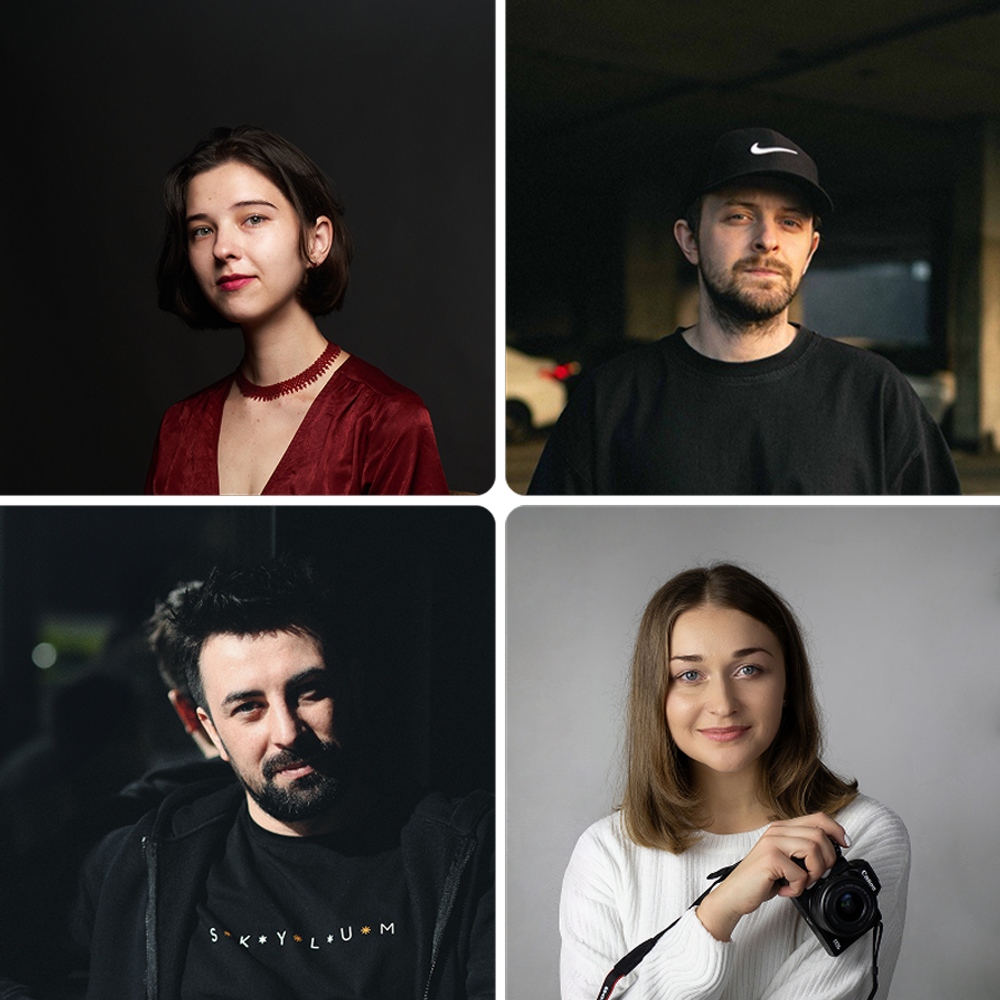
Team Skylum
Photographers, colorists & retouchers
The Skylum team works with hundreds of professional photographers and retouchers to bring you Templates that top photographers use to create their masterpieces. The Skylum AI Lab analyzes the photos and workflows of photographers and creates Presets that are accessible to everyone and that take advantage of the advanced technology under the hood of Luminar. Our mission is to cut the time and effort it takes to make a striking photo and allow everyone to enjoy photo editing and photography.
Veelgestelde vragen
Heb je nog extra vragen of wil je gewoon wat advies?
Neem contact op met ons supportteam