


 Toegepast


Let It Snow Overlays
Save $201 $ 34 .30 $ 49 .00

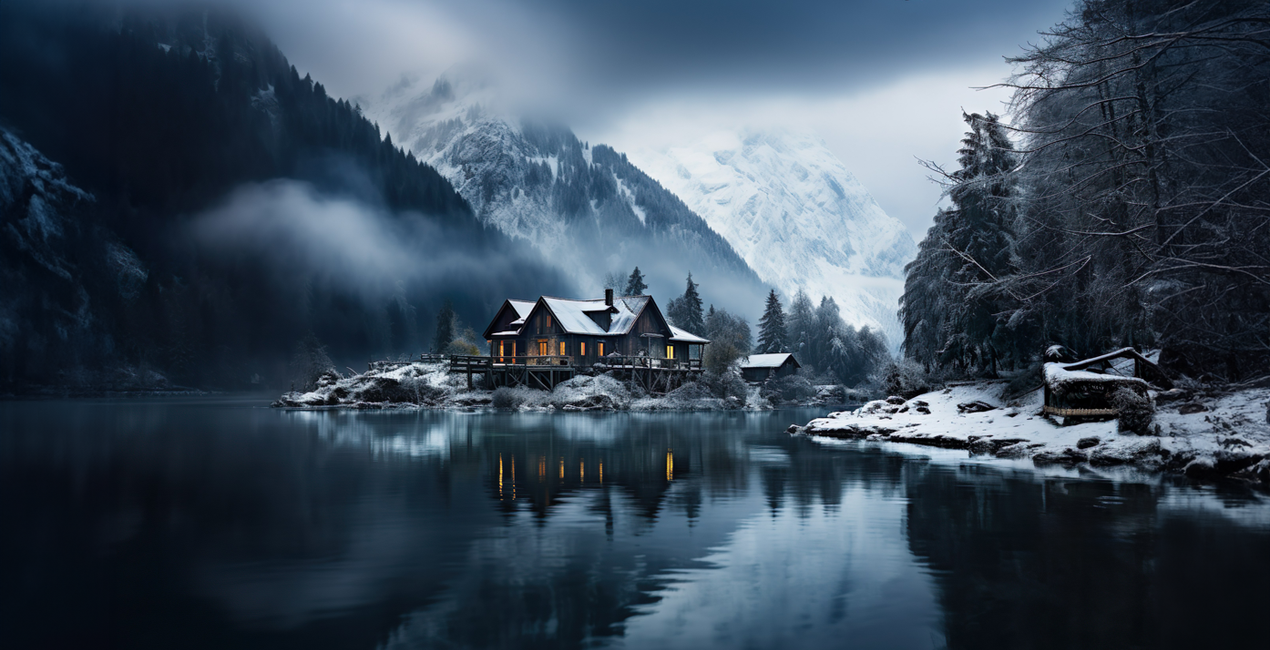
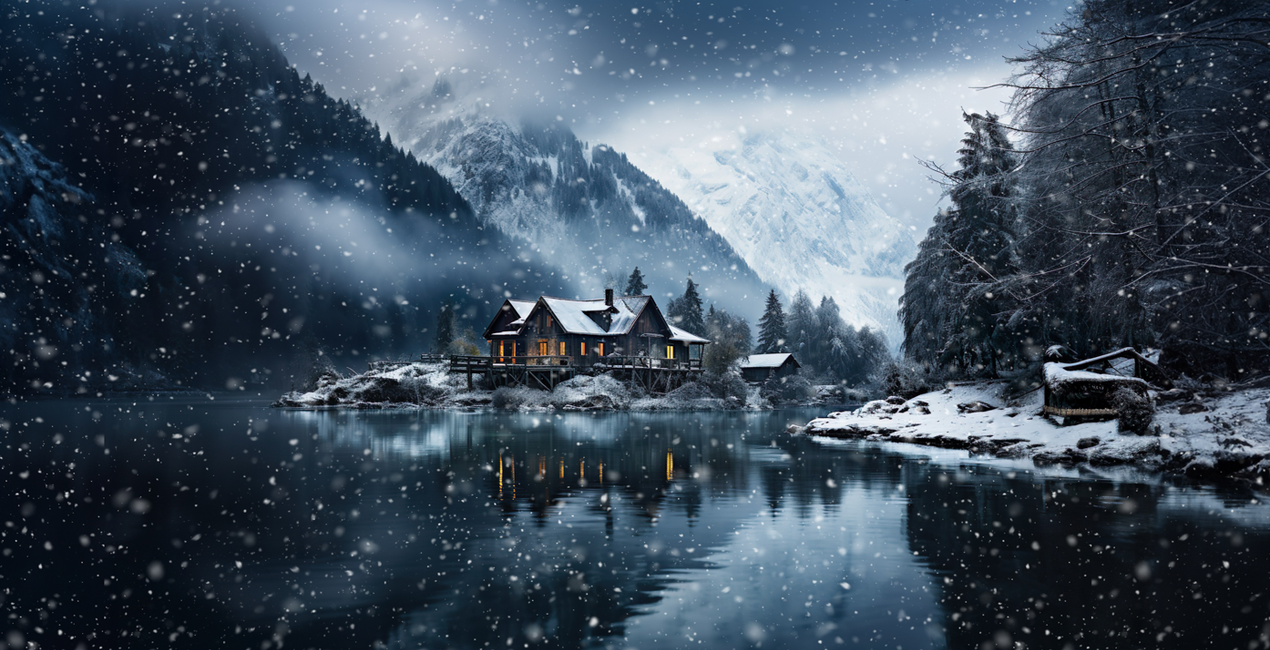
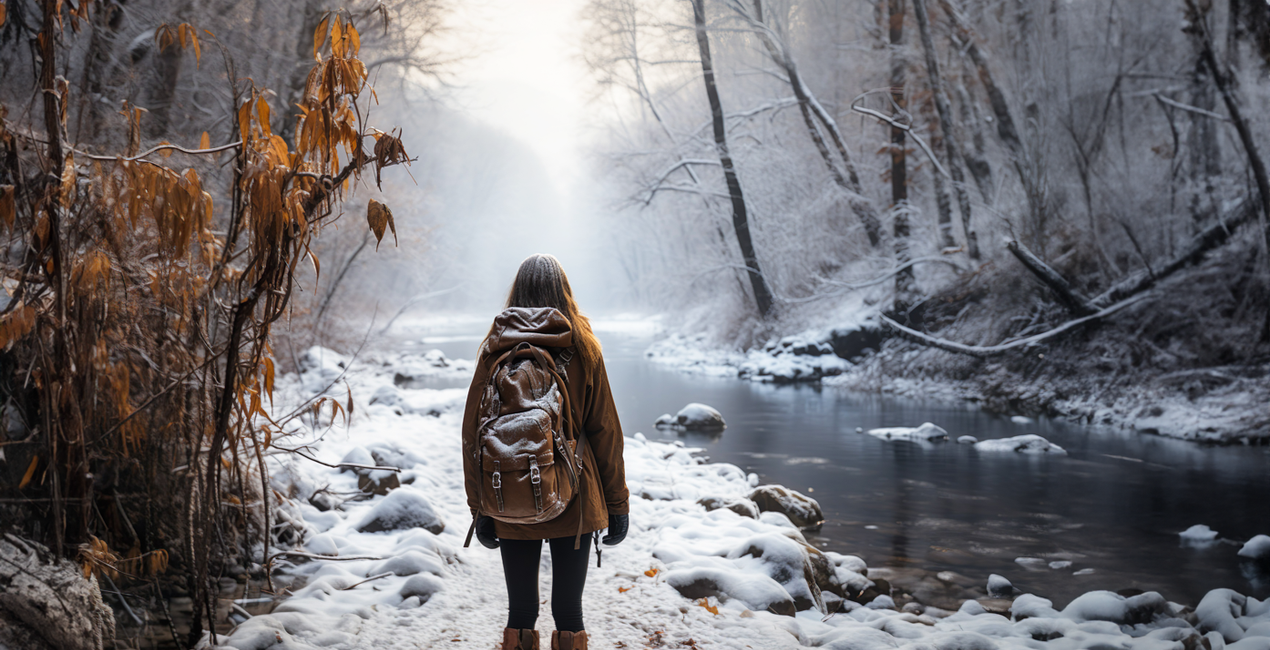
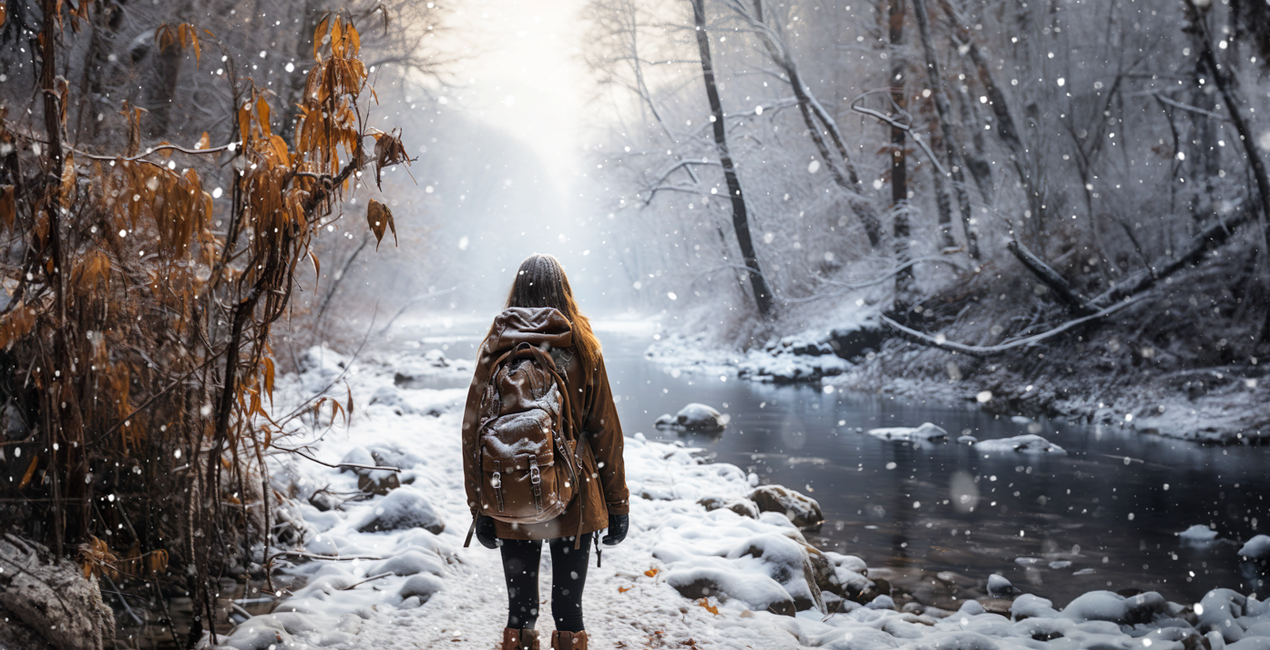
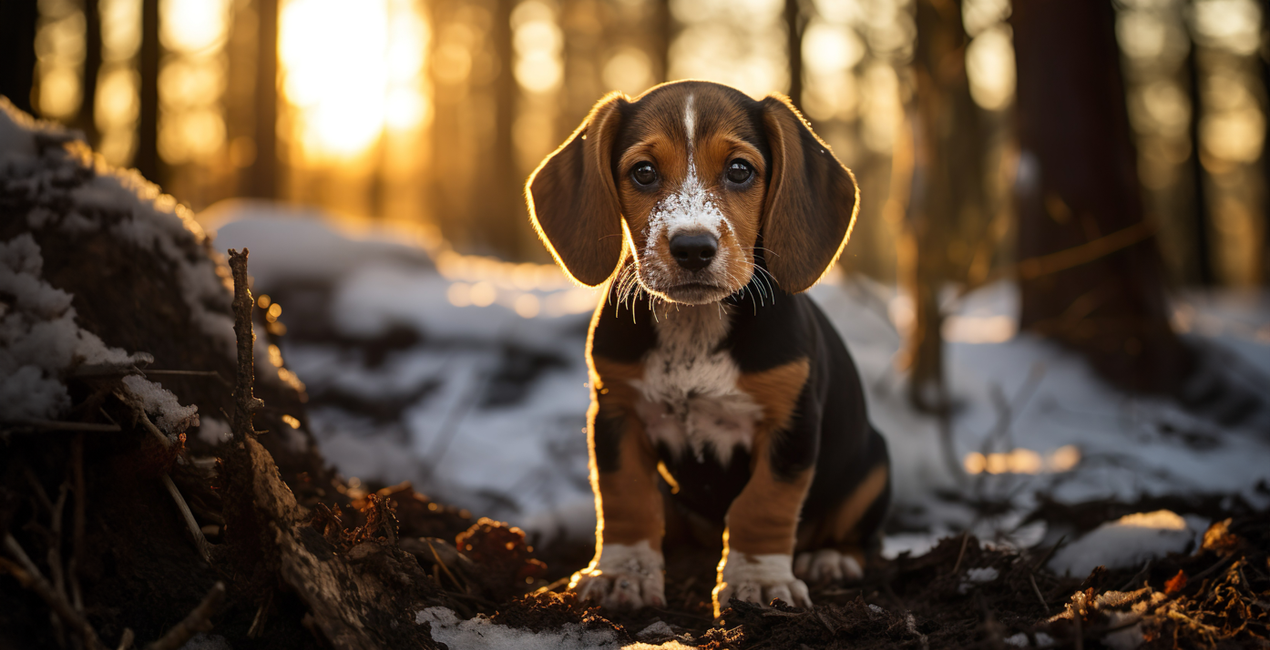
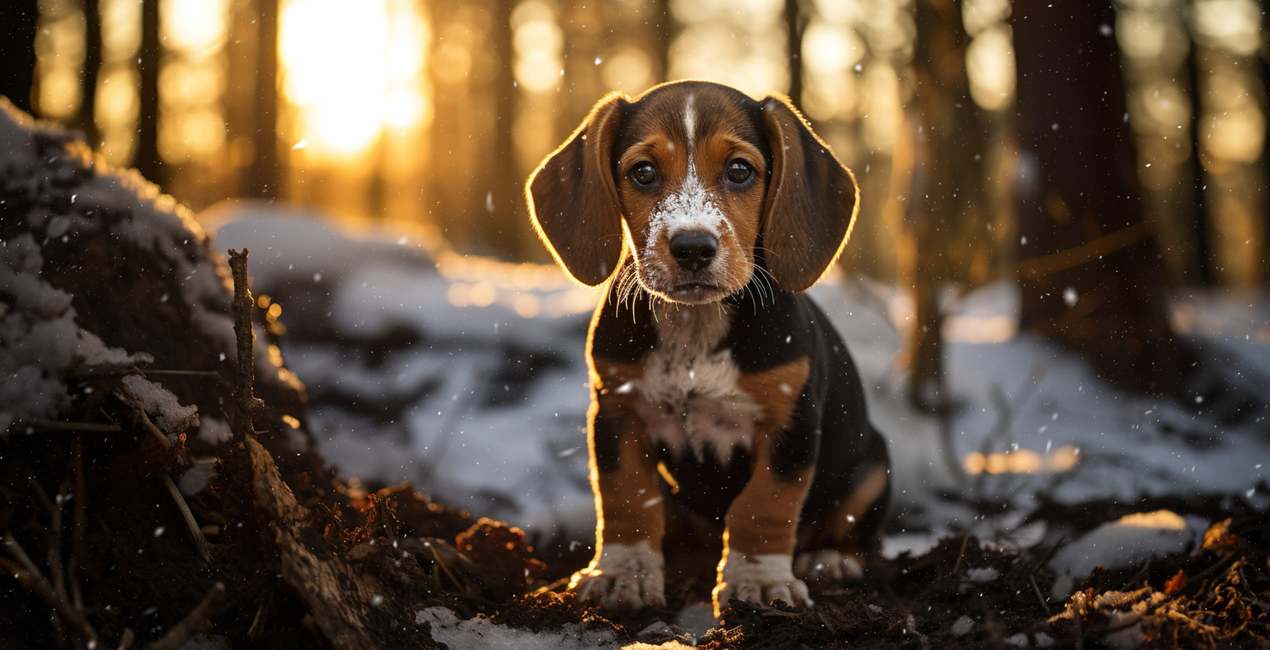
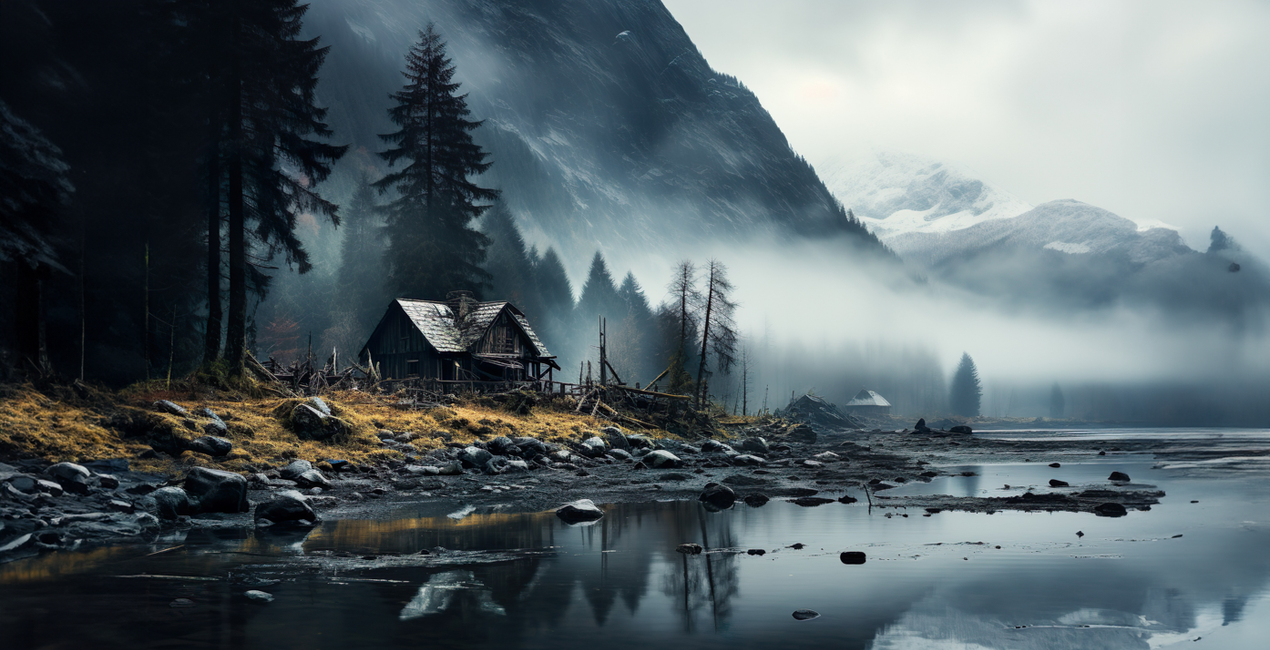
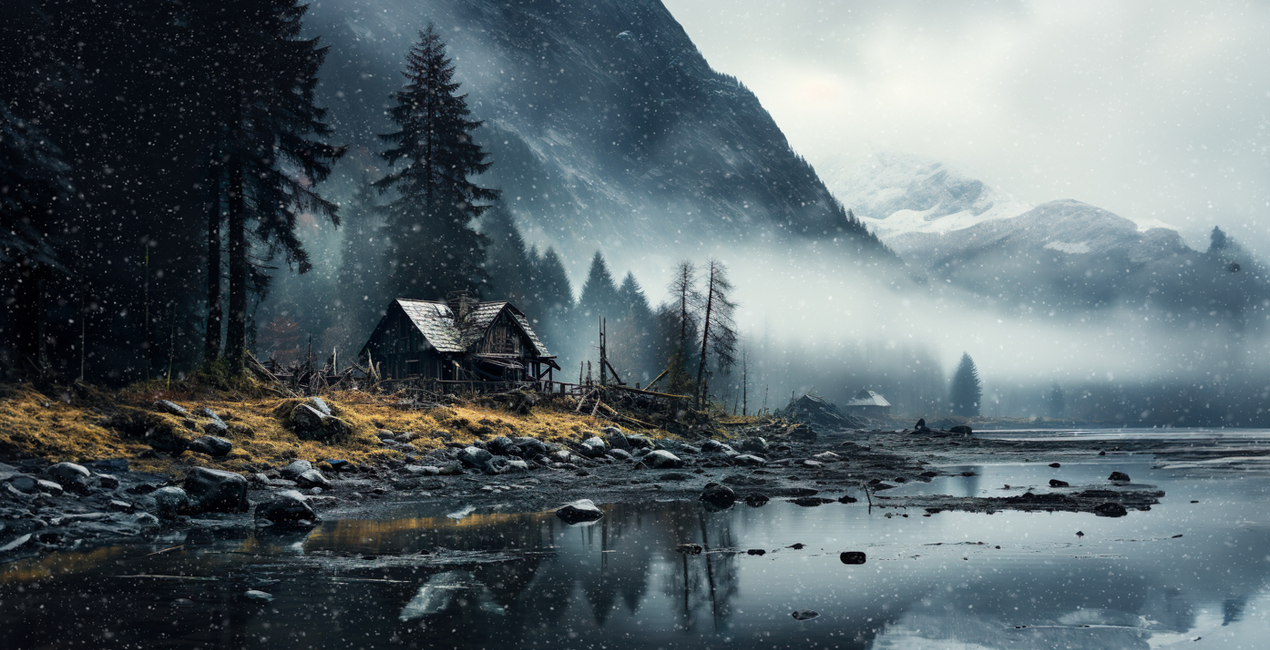
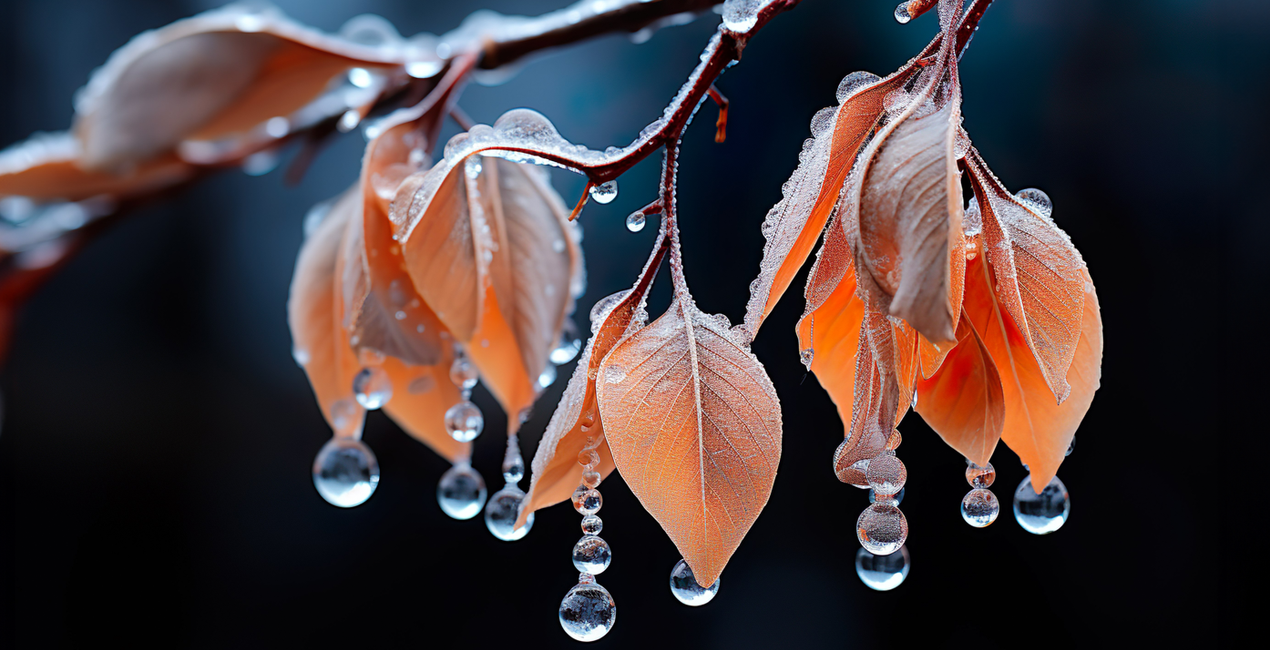
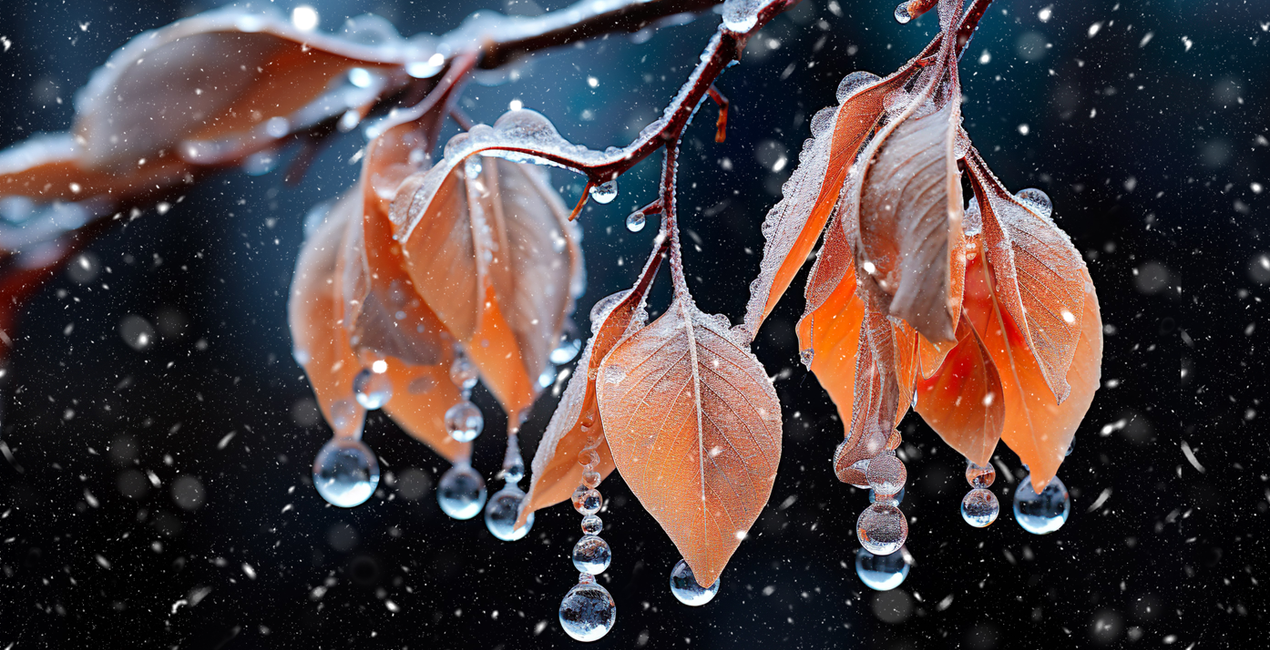
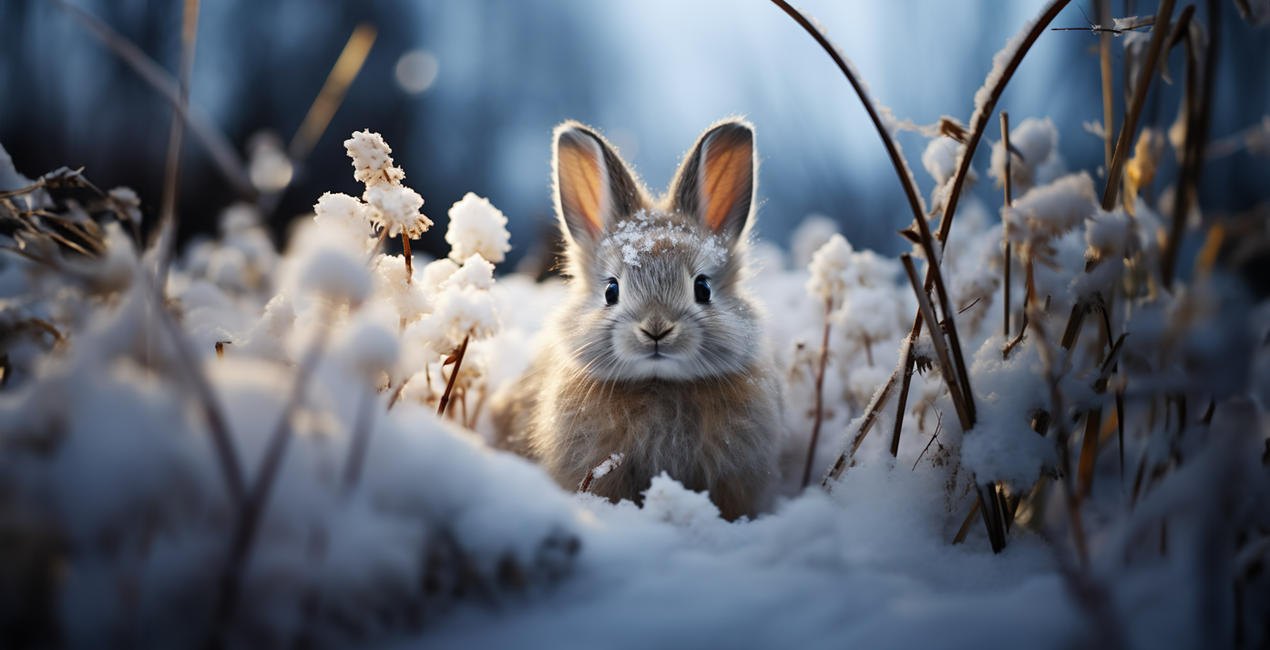
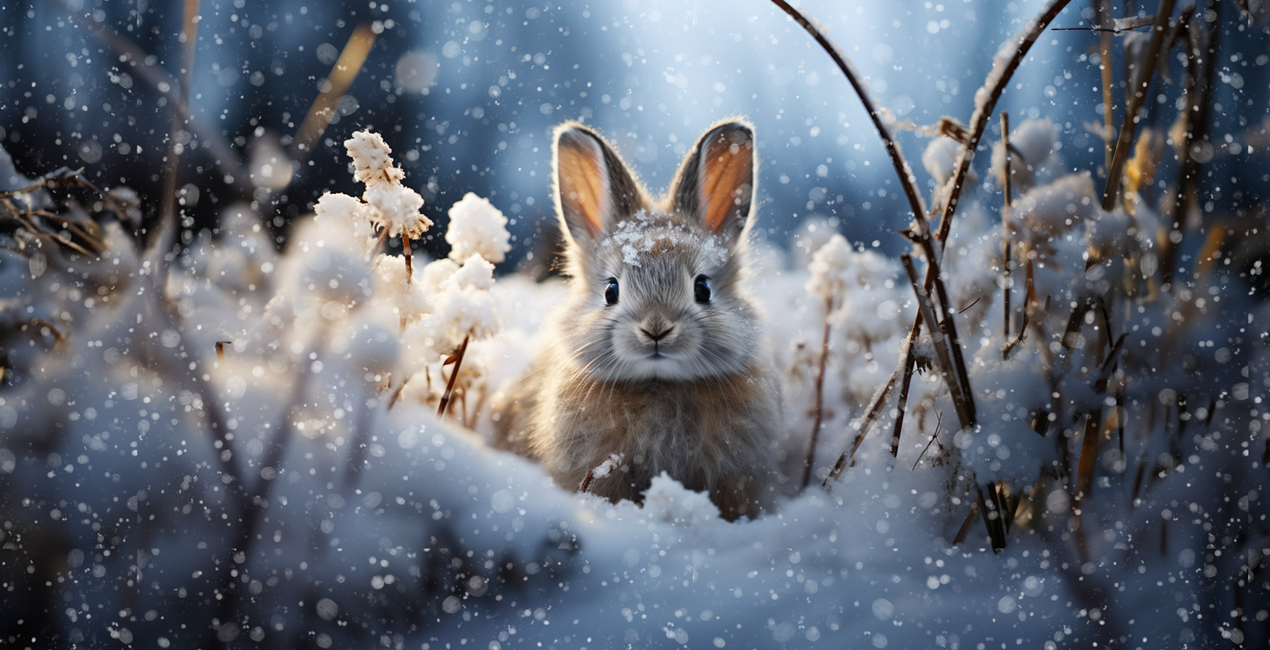
Transform your photos and artworks into a winter wonderland – with just a click. Introducing Let It Snow, your ultimate Snow Overlay Pack specially designed to embellish your works with a wintry touch. Whether you're a photographer, a digital artist, or simply a creative individual – this pack turns anyone into a snow magician
Wat is inbegrepen
100 overlays in JPEG format


Met behulp van de meegeleverde RAW-bestanden oefent u gemakkelijk retoucheertips en leert u hoe u dergelijke foto's kunt maken.
 >
>
 >
>
 >
>
 >
>
 >
>
 >
>
Diverse Selection
Kathrin Federer has passionately curated a collection offering you 100 stunning snow Overlays in various forms – from fine snowflakes to large snow globules, including versions with depth-of-field and motion blur. Your creative possibilities are endless!
Premium Quality
All Overlays are provided in high-resolution JPG format, with dimensions of 6000px on the longer side and a crisp resolution of 300 DPI. This makes them perfect for any project, from social media posts to large-format prints.
Universal Software Compatibility
These Overlays are compatible with any software that supports layers and blending modes. Simply set the blending mode to "Multiply Negative," and let the wintry magic begin!
Fine-tuning to the Last Detail
You have the option to mask specific areas of your image to, for example, highlight faces or other important elements. This way, you can give your photos an individual and intricate touch without losing the winter effect. Or achieve even more artistic effects by adding an extra motion blur filter.
Features:
100 diverse snow Overlays
High-resolution quality (6000px, 300 DPI)
Full compatibility with various software applications
Easy handling and customization
Capture the essence of winter and lend your photos a unique atmosphere with Let It Snow!
BONUS TIP: You can even create rain! This works especially well with my finer snow overlays. Simply add a Motion Blur Effect to the Overlay Layer. From there, you can adjust the strength and angle. Optionally, you can also adjust the layer's opacity. And just like that, your rain effect is complete!


Digital Artist, Architect of Visual Dreams, Skylum Ambassador
Born in Switzerland, Kathrin Federer has established an impressive art career from her base near Zurich. Initially, an abstract painter, her 2017 encounter with Photoshop revolutionized her creative process. Kathrin's ability to realize her visions sets her apart in the art world, and she has become a living source of inspiration to many.
Skillfully employing a diverse range of professional design software and various digital enhancement tools, Kathrin constructs breathtaking artworks. Her creative toolbox extends beyond Photoshop and Illustrator, embracing the full spectrum of digital technologies to bring her vibrant artistic concepts to life. These involve a fusion of her photographs, 3D objects, vectors, and her original digital elements, infusing her vibrant artistic concepts with life. Characterized by continuous growth and refinement, her art maintains a signature crisp style that is distinctively hers, transforming any setting with its profound visual impact.
Kathrin Federer draws her inspiration from a variety of sources. Everyday subjects, images, and her own vivid imagination often serve as the basis for her art. She has the unique ability to create an entire environment around a single inspirational object. This can be anything from grazing sheep in a pasture to a snapshot or a child's drawing. Kathrin's works reflect a part of her soul and are meant to take the viewer on a journey, make them think, or even just make them smile. She hopes to exude calm and serenity with her minimalist creations and offer a respite from the fast-paced modern world.
Kathrin Federer's style is a blend of minimalism and nature, with an occasional dash of humor, resulting in haunting, dreamlike scenarios. Her digital art is characterized by its clear depiction and unique compositions. Kathrin's meticulous attention to detail and perfectionism are evident in each of her works. She often incorporates elements such as animals, trees, mountains, and architectural features into her works. Kathrin's color choices and arrangement of elements in her works are carefully considered, often guided by intuition, and supported by a deep understanding of color theory and design principles.
Veelgestelde vragen
Heb je nog extra vragen of wil je gewoon wat advies?
neem contact op met ons supportteamHeb je vragen over het product? Neem dan gerust contact op met ons supportteam – 24/7 bereikbaar. Volg gewoon deze link.
Volg deze stappen om Let It Snow Overlays te kopen:
1. Open Skylum’s Marketplace.
2. Ga naar het tabblad waar Let It Snow Overlays staat. Klik erop en voeg het toe aan je winkelmandje.
3. Ga naar je winkelmandje. Rond hier het aankoopproces van Let It Snow Overlays af.
4. Na je aankoop ontvang je een bevestigingsmail met de downloadlink voor Let It Snow Overlays. Je vindt het product ook terug in je Skylum-account onder het tabblad ‘Mijn add-ons’.
Uitgebreide instructies voor het installeren van Let It Snow Overlays ontvang je in de bevestigingsmail, samen met de downloadlink.
Daarnaast kun je het gekochte item direct installeren in Luminar Neo: ga naar Extra’s > Marketplace, selecteer de productcategorie, zoek het gekochte item en klik op Installeren.
Supermakkelijk! Let It Snow Overlays vind je onder Lagen > Gekocht. Klik om toe te passen en pas daarna eigenschappen zoals grootte, dekking en overvloeimodus aan via het menu Laageigenschappen.
Gebruik je Luminar AI? Ga dan naar het tabblad Bewerken in de menubalk bovenaan. Je geïnstalleerde Let It Snow Overlays vind je onder Lokale maskering > Textuur > Textuur selecteren > Aangepast.
Geen zorgen. Alle gekochte items, waaronder Let It Snow Overlays, staan in het tabblad ‘Mijn add-ons’ van je Skylum-account. Van daaruit kun je ze makkelijk opnieuw downloaden en gebruiken.
In de meeste gevallen zijn items compatibel met Luminar Neo. Maar om zeker te weten of Let It Snow Overlays werkt met jouw software, check je best even de specificaties vóór je iets downloadt of koopt. Kijk op de pagina van Let It Snow Overlays aan de rechterkant bij het kopje ‘Compatibiliteit’ – daar staan alle compatibele producten vermeld.
Ga nog niet weg. Hier is een exclusieve kortingscode voor jou. Gebruik deze binnen 15 minuten om bij het afrekenen 10% extra korting te krijgen. Kopieer de onderstaande code en rond je aankoop af.
15 m : 00 s





