


 Toegepast




Over
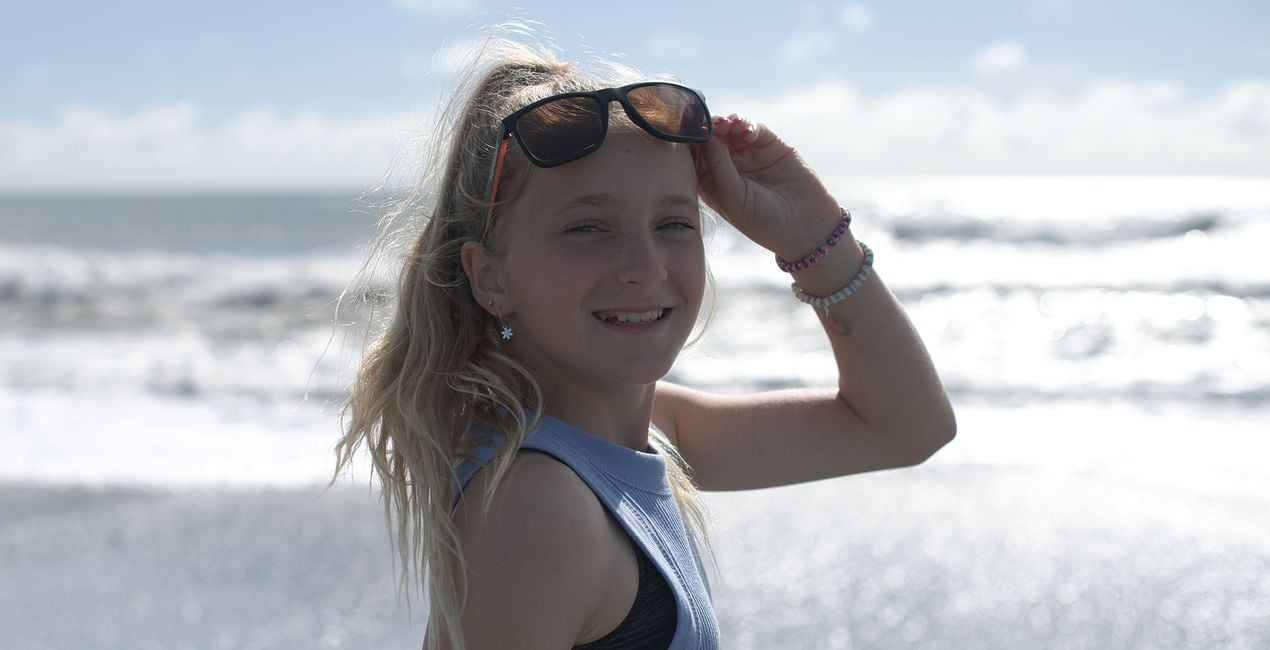
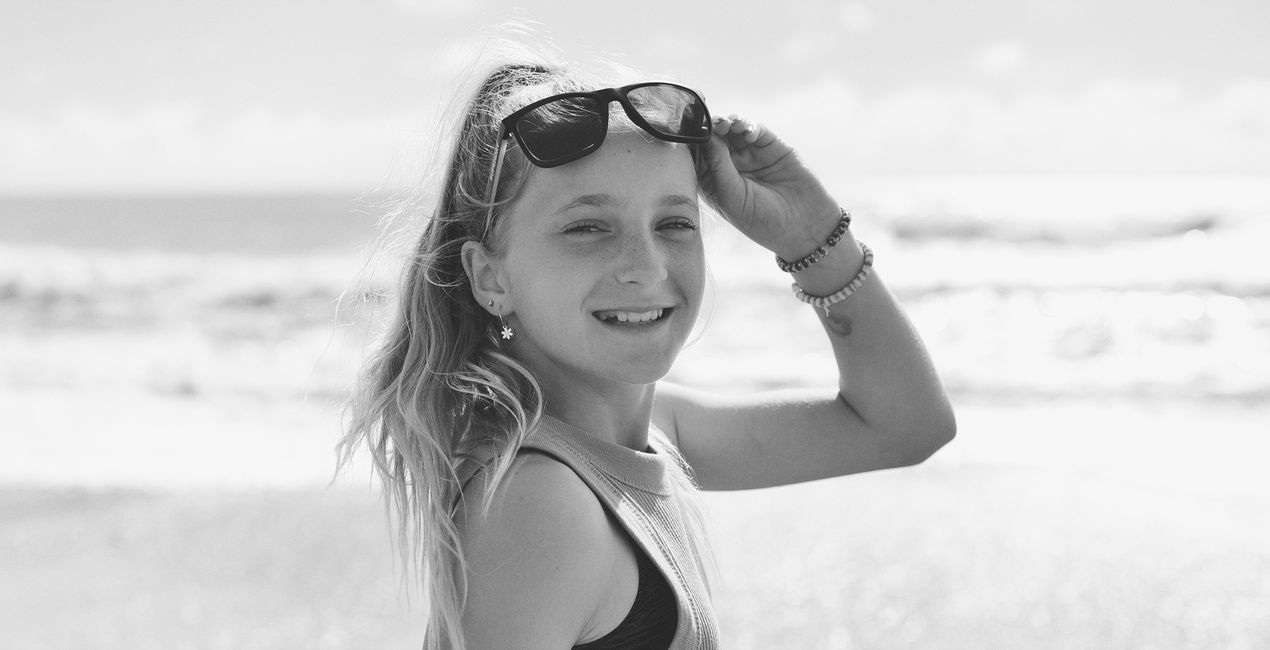
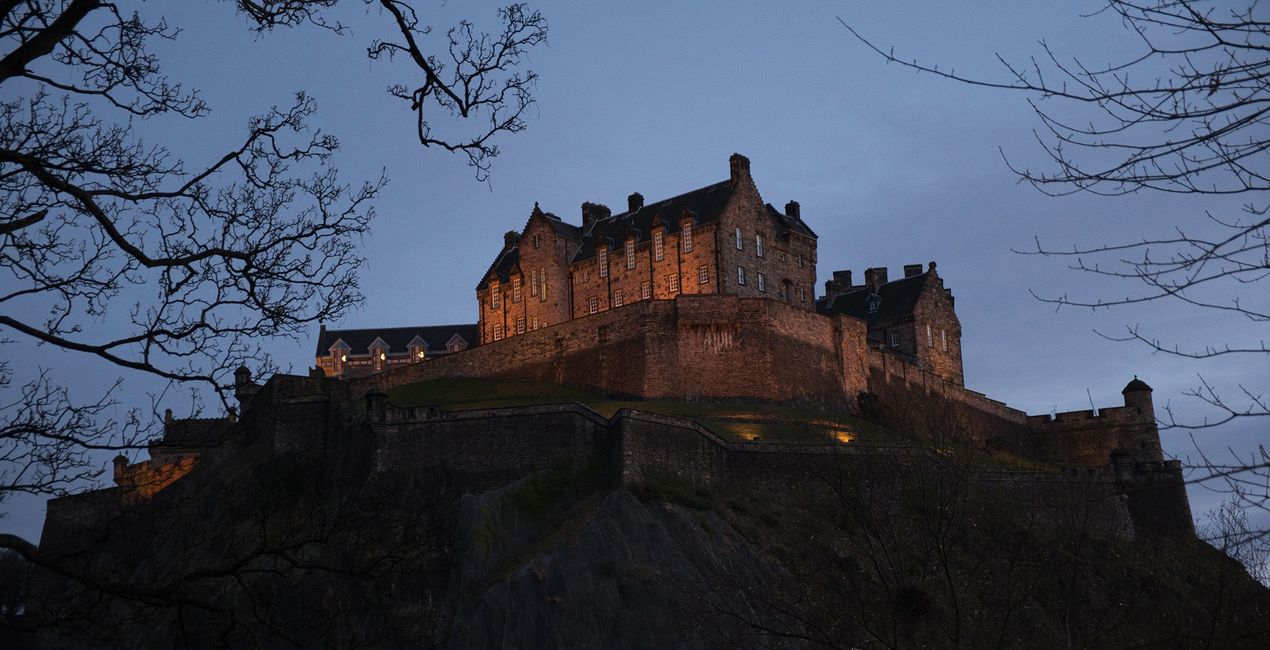
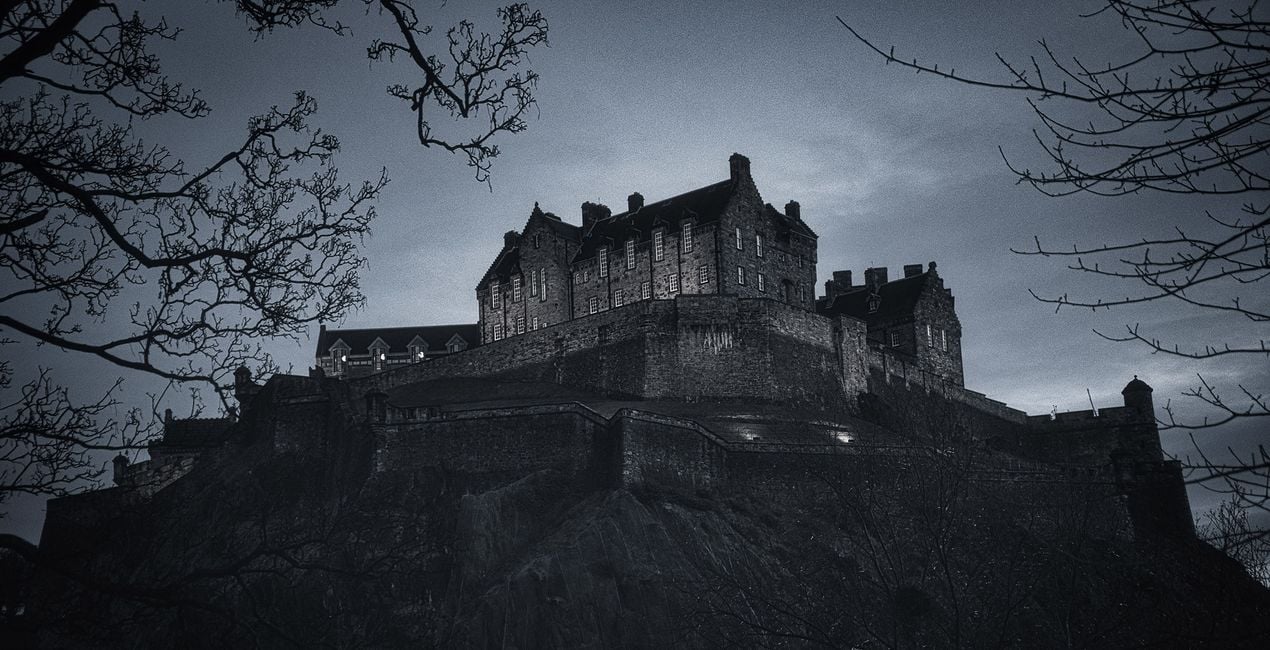
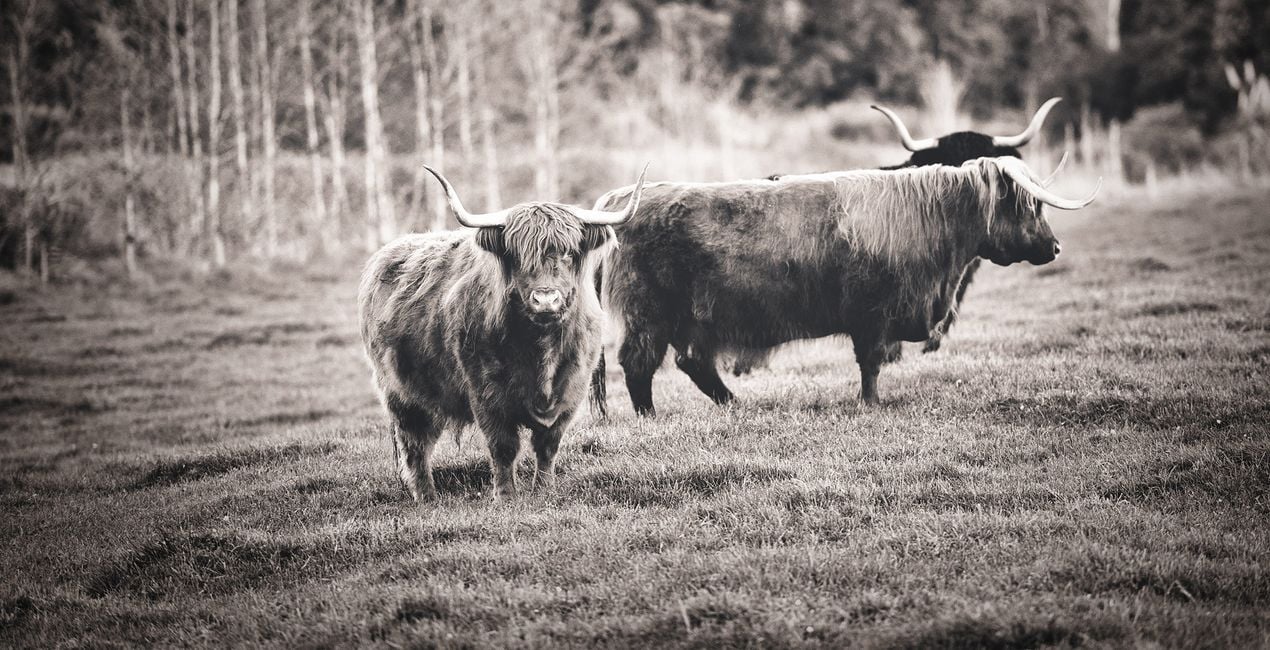
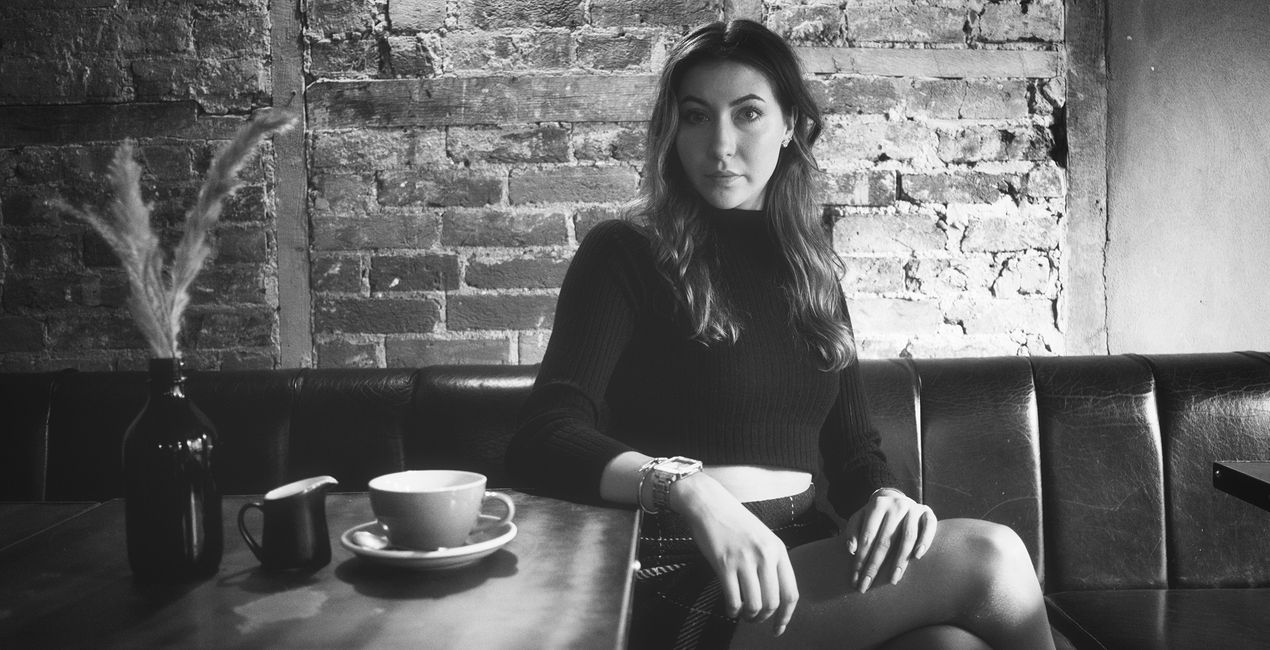
A multifunctional pack of Presets meticulously crafted to give your photos a timeless black and white look. Evoke the nostalgic elegance of golden era photography.
Compatibiliteit

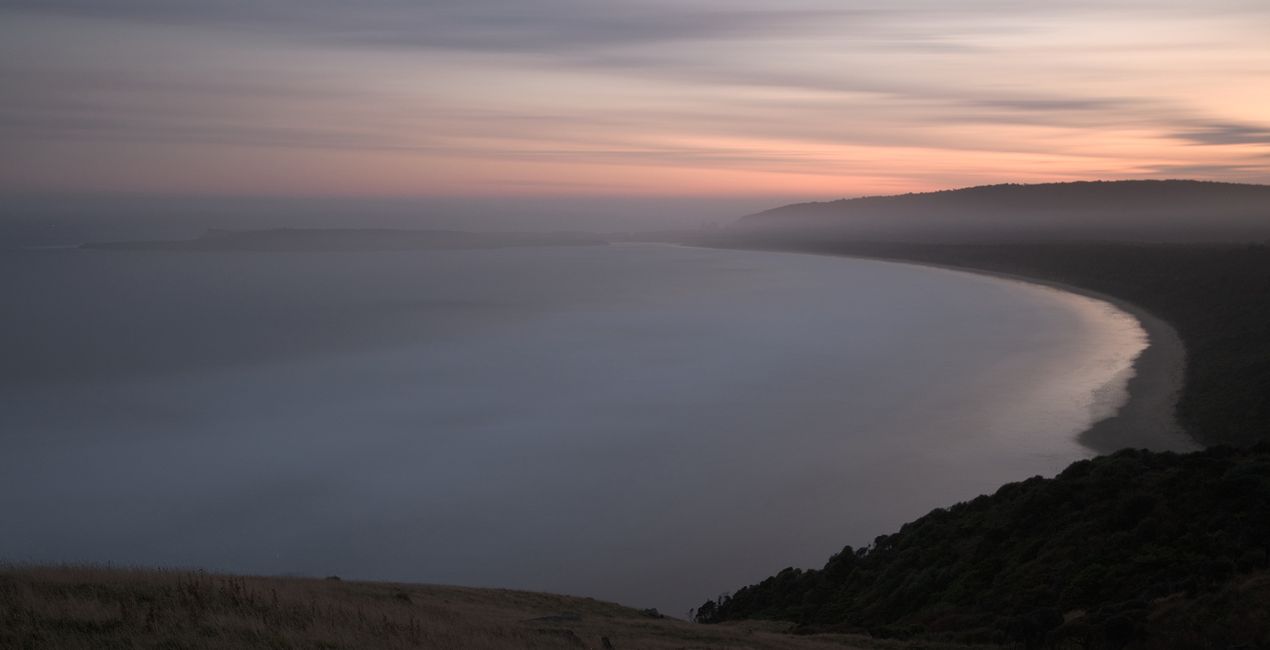
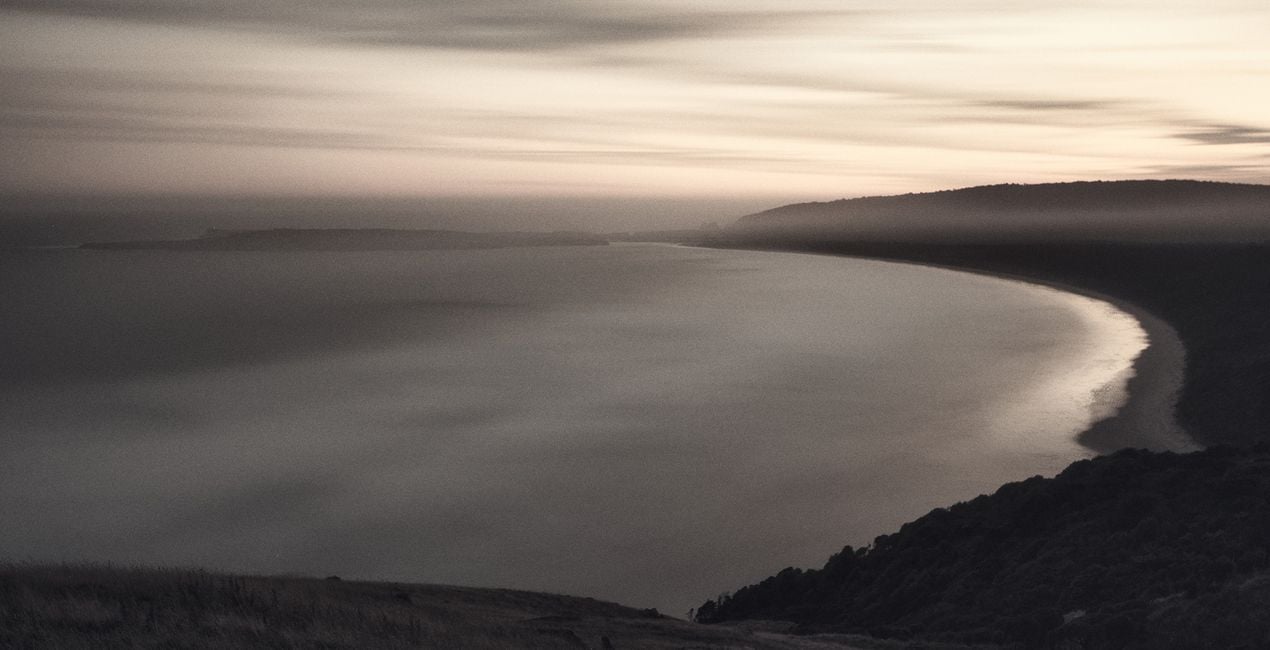
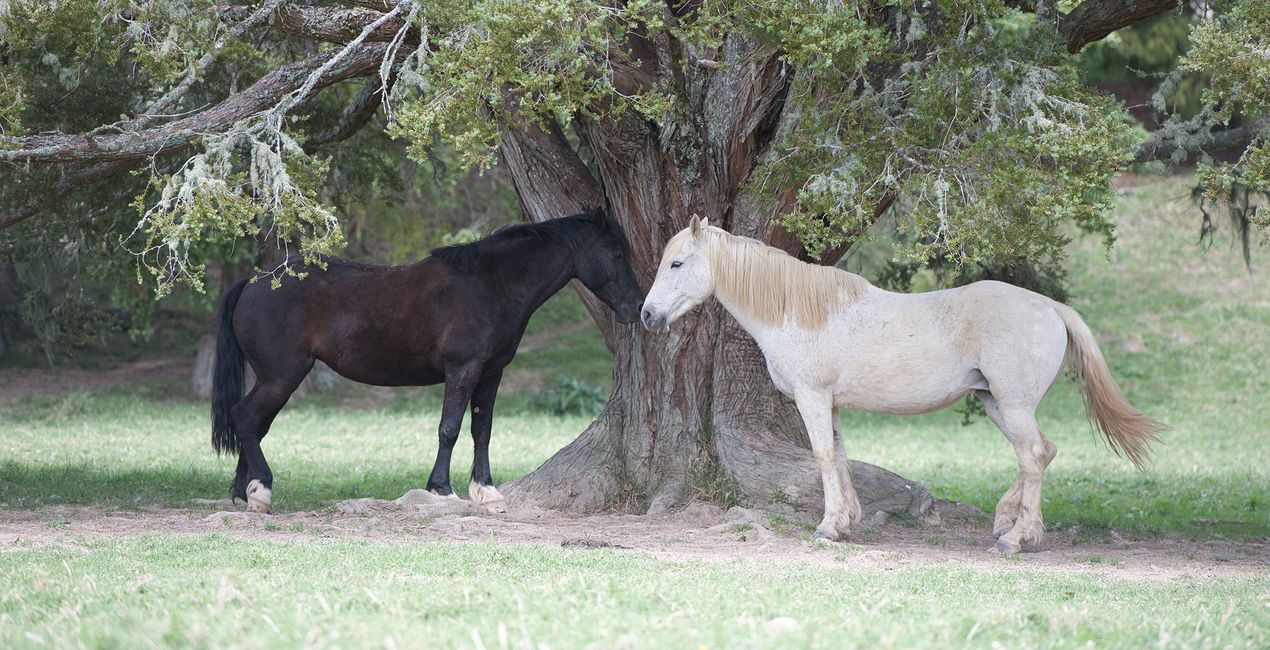
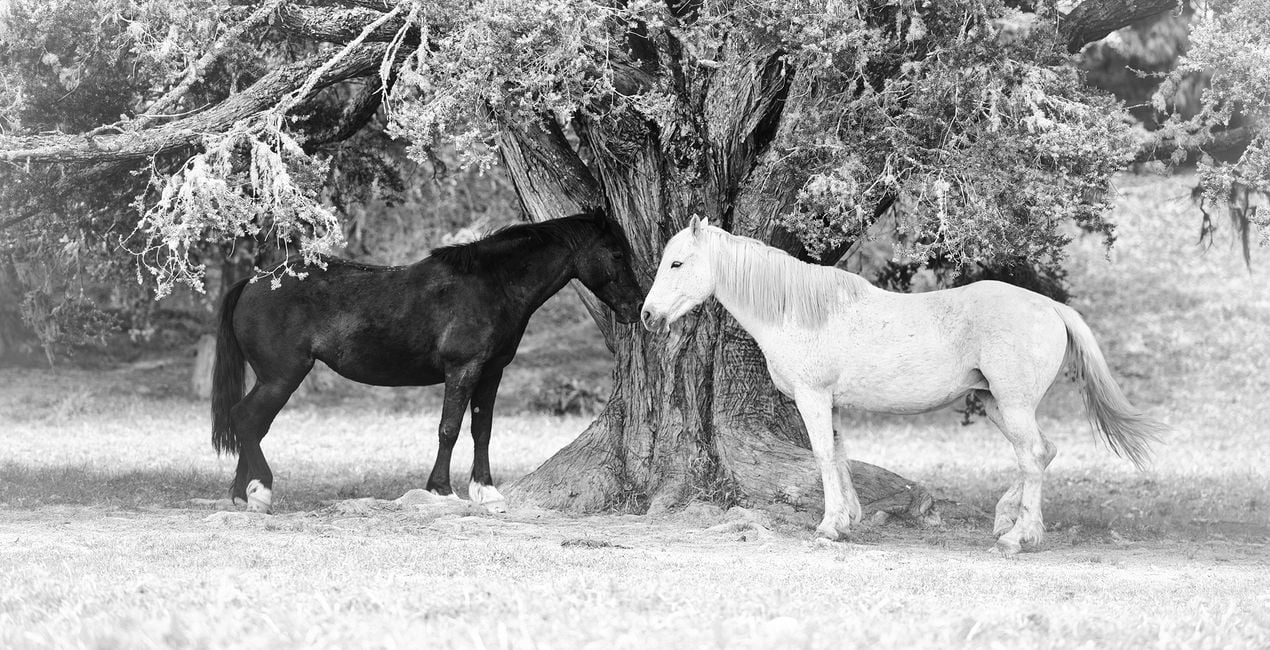
Maak foto's zoals deze
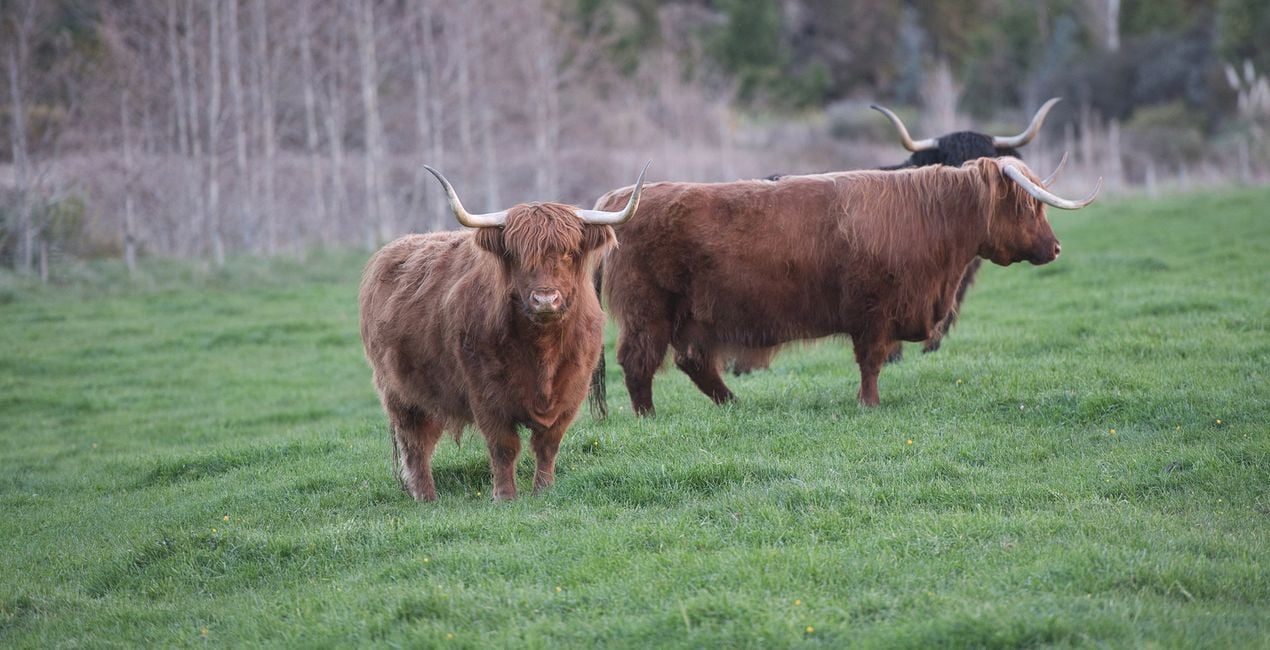
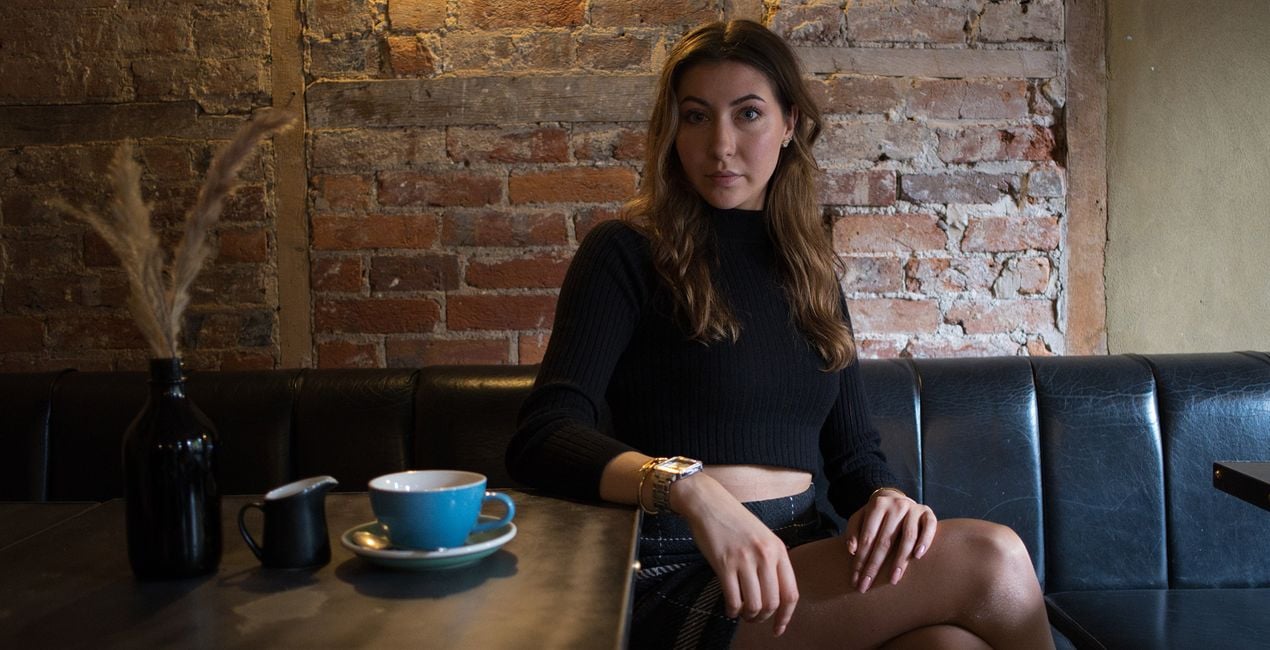
Met behulp van de meegeleverde RAW-bestanden oefent u gemakkelijk retoucheertips en leert u hoe u dergelijke foto's kunt maken.
 >
>
 >
>
 >
>
 >
>
 >
>
 >
>
Het Verhaal
Anthony Turnham originally became captivated with the idea of emulating a vintage style in his wedding photography. It always amazed him how a simple and nice moment could be elevated into an emotion-rich image by adding a good vintage Preset. The vintage processing Anthony started applying is what made him hugely popular among his clients.
After leaving wedding photography, Anthony began to wonder how the emotive power of vintage looks could be applied to other genres. To his delight, this timeless look worked well across many genres of photography. Whether you shoot portraits, landscapes, animals, or architecture, this collection is designed to give you a set of Presets that will transform your photos with soft and subtle charm.
While each Preset is demonstrated on a particular style of photography, please don't feel limited to that that genre only. The Presets are versatile and Anthony encourages you to experiment with their application across different areas of your photography.
You will find 10 Presets in this Pack:
Details: Ideal for enhancing photos where detail is paramount. A punchy black and white Preset that brings out a structural gritty look.
Details Faded: Get the best of both worlds by balancing the enhanced structural elements in the photo with the calming subtlety of faded tones.
Bleach: Subtle edge bleaching combined with pop and contrast towards the center of the frame. Ideal for focusing attention on a central subject.
Tint: Create a mostly desaturated version of your photo while embuing a hint of golden tint.
Soul: A hint of warmth through the mid tones and highlights combined with vintage fading gives your photos a soft, soulful feel.
Simplicity: Designed for speed, this Preset uses just two tools to create a quick conversion to faded black and white. No frills, classic result.
Blues: Designed to drop your image into a low-key version with a subtle hint of blue. Ideal for bringing a moody essence to a photo.
Yesteryear: A washed-out black and white fade with slightly beached corners. Designed to take your photos back to the yesteryear era. Great for portraits.
Opulence: Lifted blacks and dropped whites combine to give a timeless, faded look. A boost in the shadows keeps details through the darker regions. A winner with portraits.
Summer: Designed for portraits giving a high-key lift for a fresh summertime vibe while still keeping the emotive essence of the faded vintage look.
Gerelateerde Producten


Maker
Anthony Turnham
Professional photographer & photography educator
Anthony moved to New Zealand in 2006 and began his professional photography journey shortly after. Working within a variety of photographic genres has given him an invaluably broad knowledge of different types of photography.
After a couple of decades as a full-time professional photographer, more recently Anthony Turnham has refocused his efforts on sharing his extensive knowledge with the photographic community by giving free training on his YouTube channel. While Anthony still undertakes specific commissions for architectural photography and relish the technical side of this genre, Anthony has dedicated more time to his passion for landscape photography.
Anthony has been a finalist in Wedding Photographer of the Year and won awards in different photography categories, including several coveted GOLD Iris Awards. He is and he is proud to have been awarded the title "Master of Photography" by the New Zealand Institute of Professional Photography.
Veelgestelde vragen
Heb je nog extra vragen of wil je gewoon wat advies?
neem contact op met ons supportteamHoe neem ik contact op met het supportteam?
Heb je vragen over het product? Neem dan gerust contact op met ons supportteam – 24/7 bereikbaar. Volg gewoon deze link.
Hoe koop ik mijn Vintage Monochrome?
Volg deze stappen om Vintage Monochrome te kopen:
1. Open Skylum’s Marketplace.
2. Ga naar het tabblad waar Vintage Monochrome staat. Klik erop en voeg het toe aan je winkelmandje.
3. Ga naar je winkelmandje. Rond hier het aankoopproces van Vintage Monochrome af.
4. Na je aankoop ontvang je een bevestigingsmail met de downloadlink voor Vintage Monochrome. Je vindt het product ook terug in je Skylum-account onder het tabblad ‘Mijn add-ons’.
Hoe installeer ik mijn Vintage Monochrome?
Uitgebreide instructies voor het installeren van Vintage Monochrome ontvang je in de bevestigingsmail, samen met de downloadlink.
Daarnaast kun je het gekochte item direct installeren in Luminar Neo: ga naar Extra’s > Marketplace, selecteer de productcategorie, zoek het gekochte item en klik op Installeren.
Waar vind ik mijn Vintage Monochrome na installatie?
Supermakkelijk! Ga naar het tabblad Presets en kies daar ‘Gekocht’. Je geïnstalleerde preset staat ertussen.
Wat als ik mijn Vintage Monochrome kwijtraak?
Geen zorgen. Alle gekochte items, waaronder Vintage Monochrome, staan in het tabblad ‘Mijn add-ons’ van je Skylum-account. Van daaruit kun je ze makkelijk opnieuw downloaden en gebruiken.
Hoe weet ik of Vintage Monochrome compatibel is met mijn software?
In de meeste gevallen zijn items compatibel met Luminar Neo. Maar om zeker te weten of Vintage Monochrome werkt met jouw software, check je best even de specificaties vóór je iets downloadt of koopt. Kijk op de pagina van Vintage Monochrome aan de rechterkant bij het kopje ‘Compatibiliteit’ – daar staan alle compatibele producten vermeld.


