


 Toegepast


ONROEREND GOED HDR
Save $201 $ 19 .00

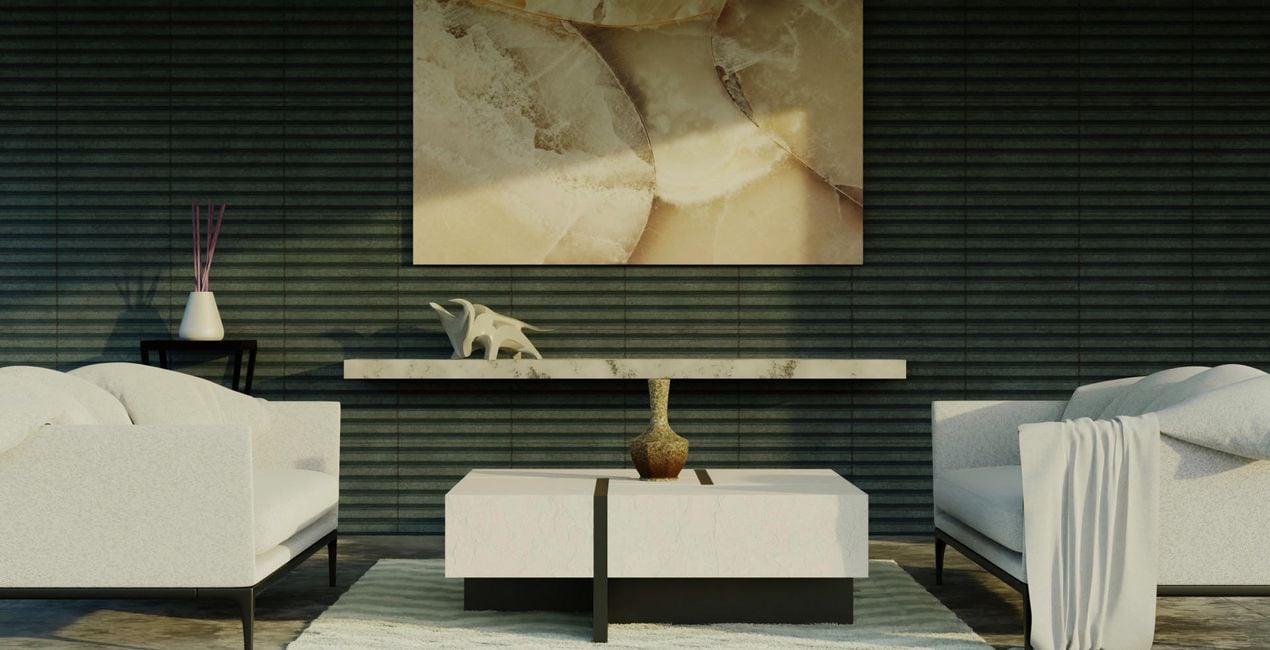
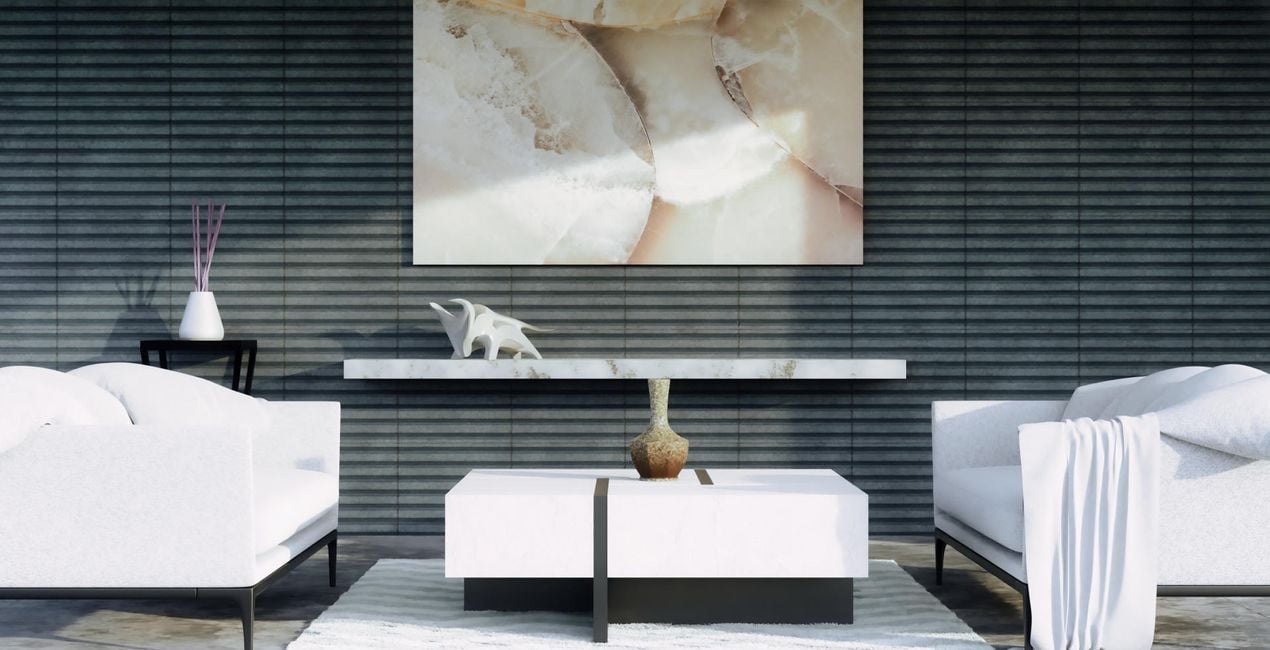
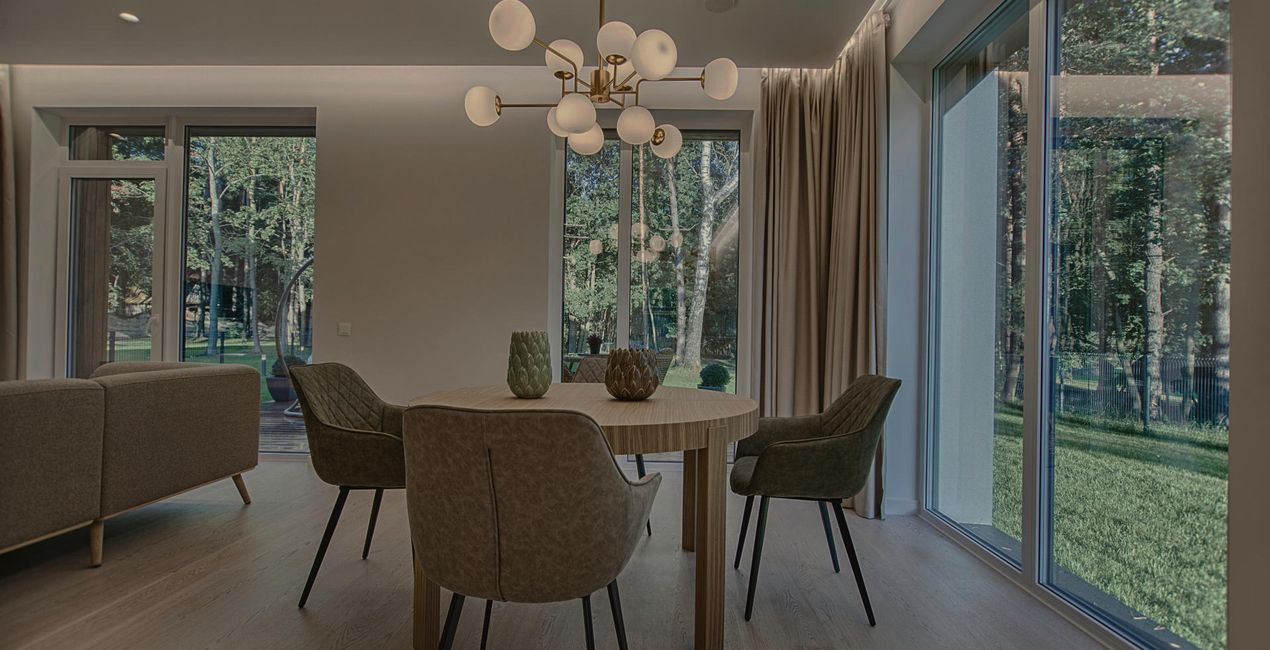
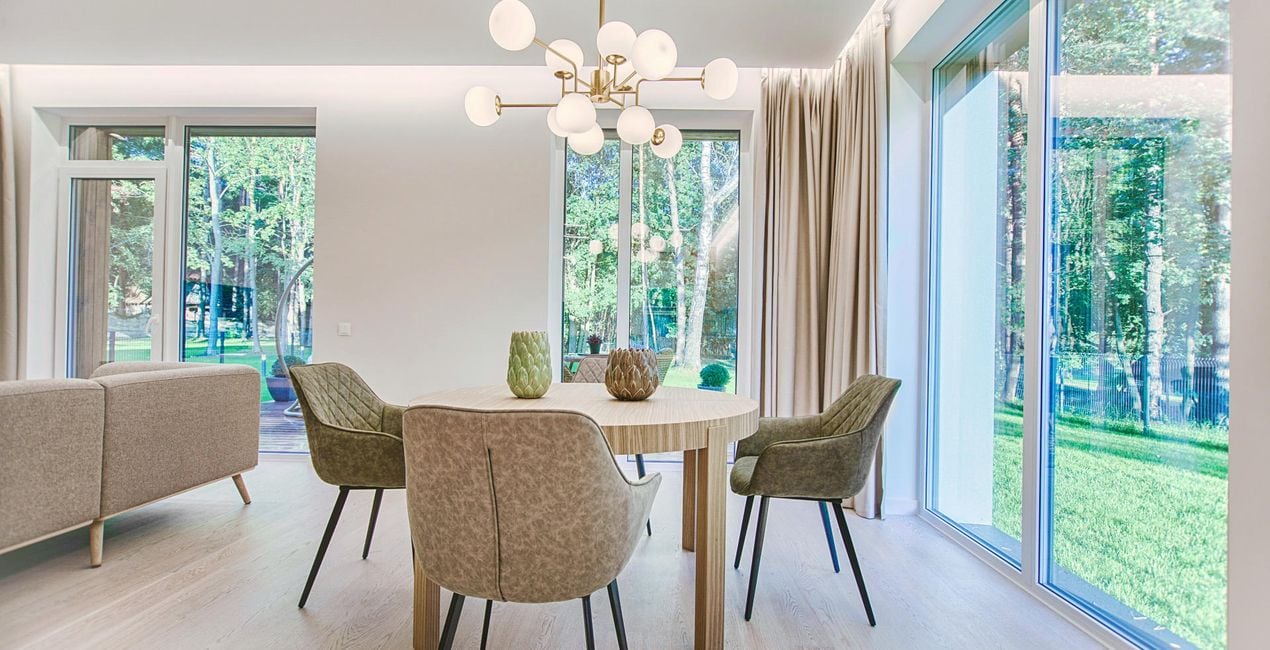
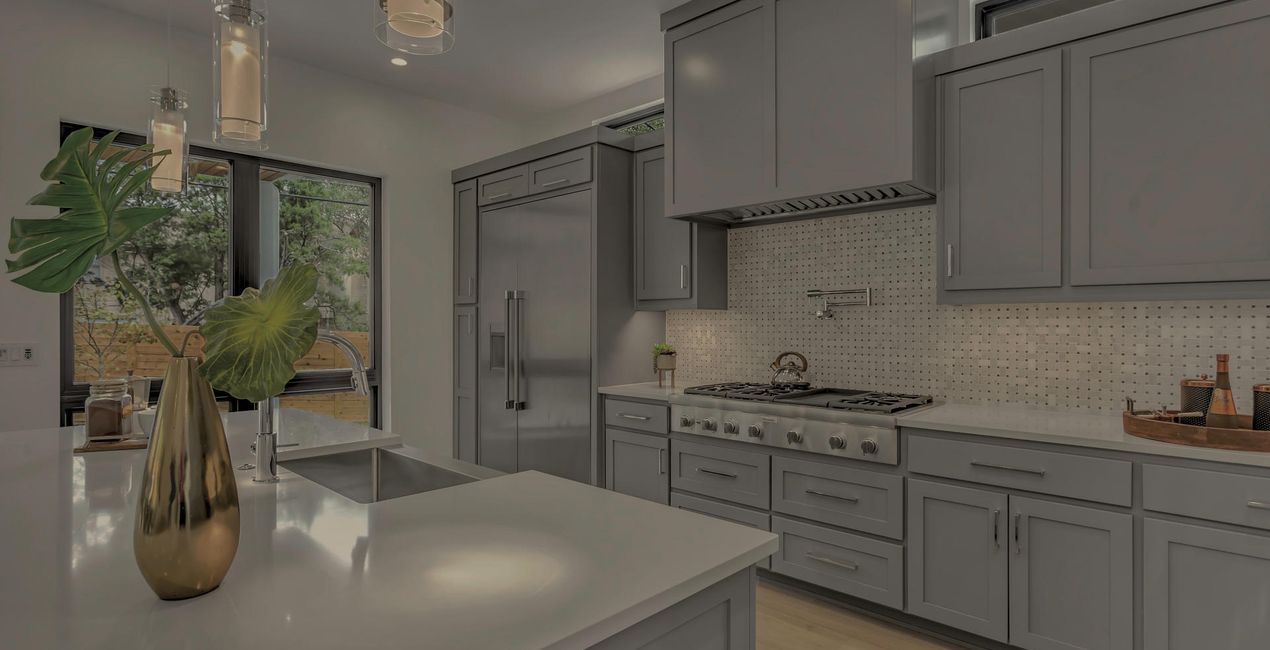
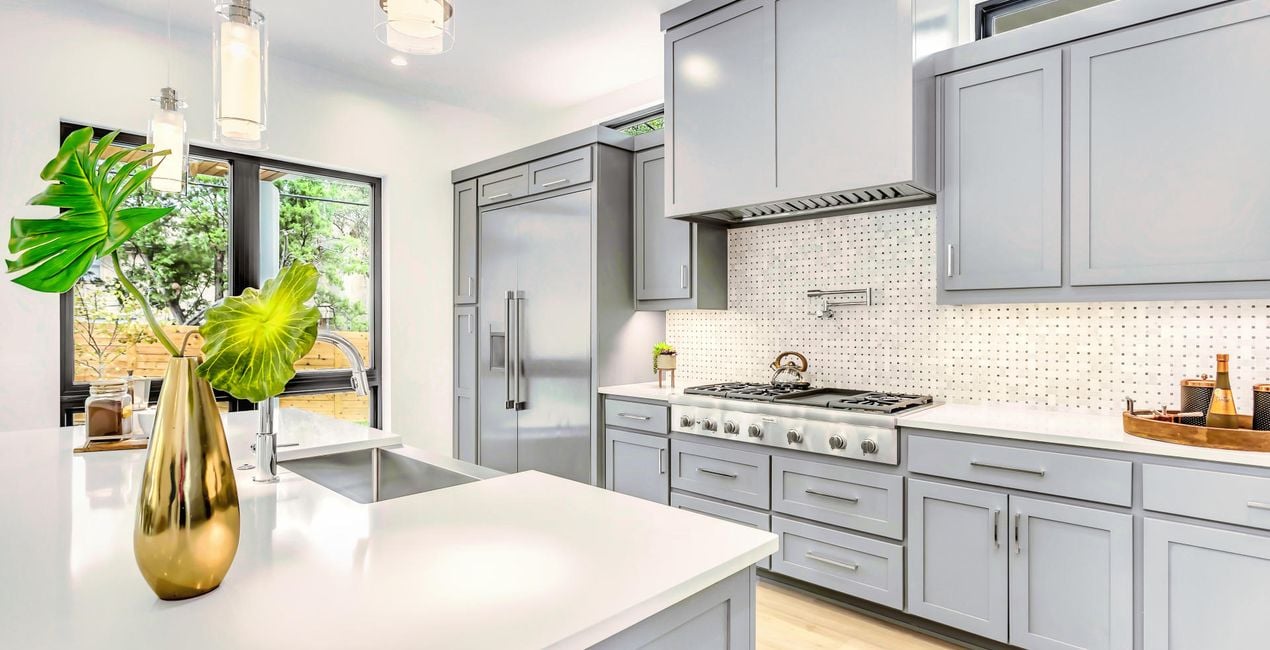
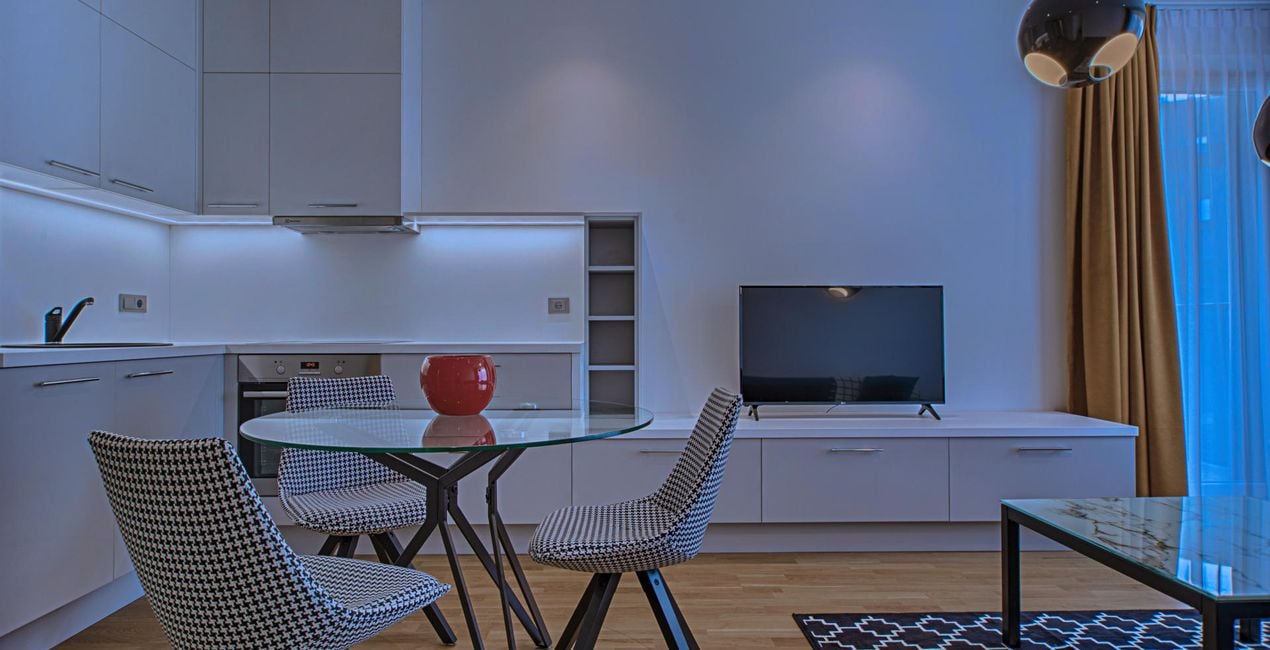
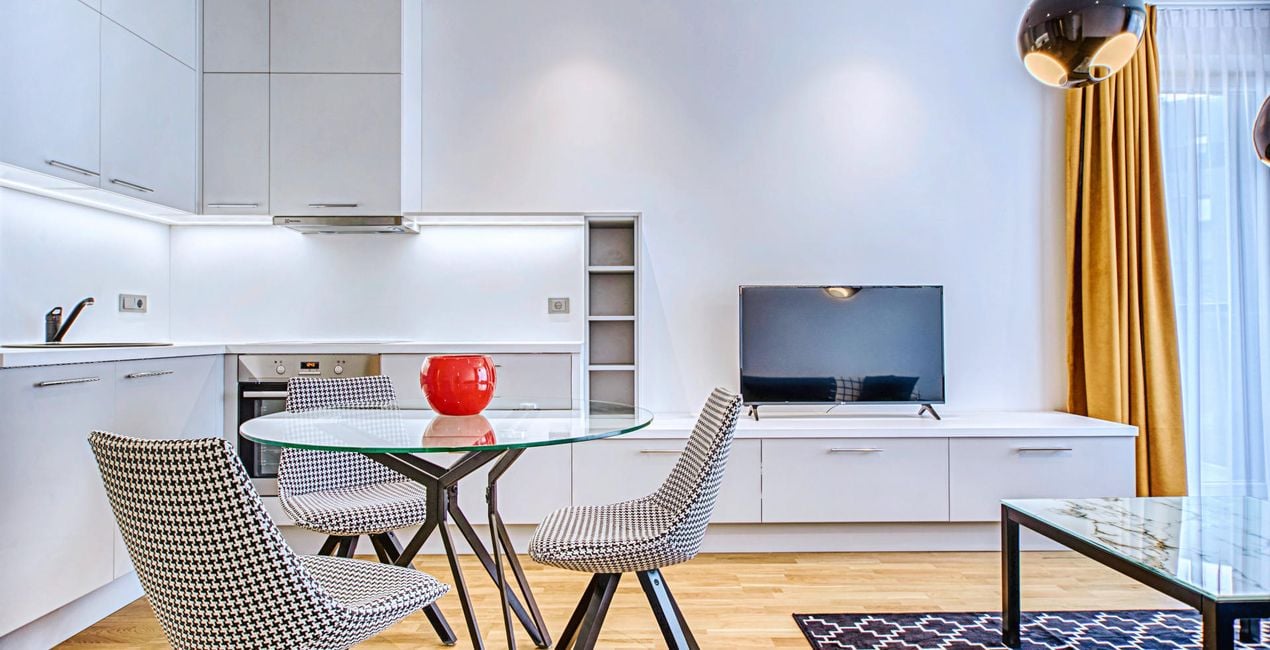
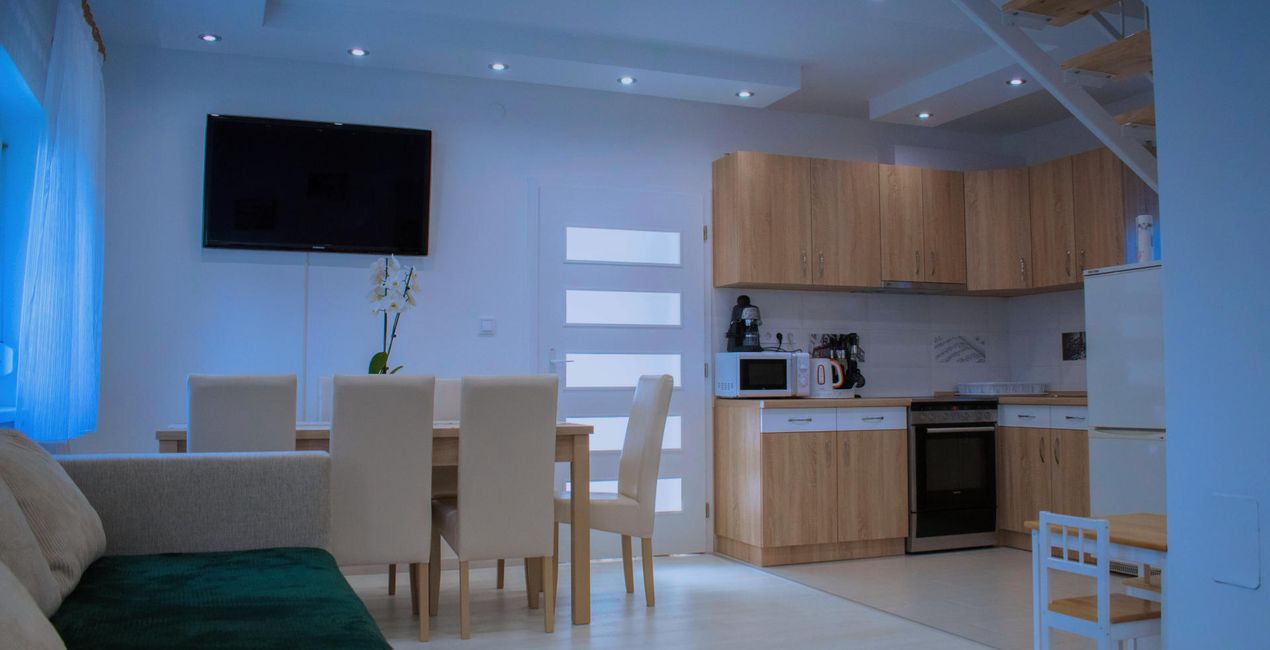
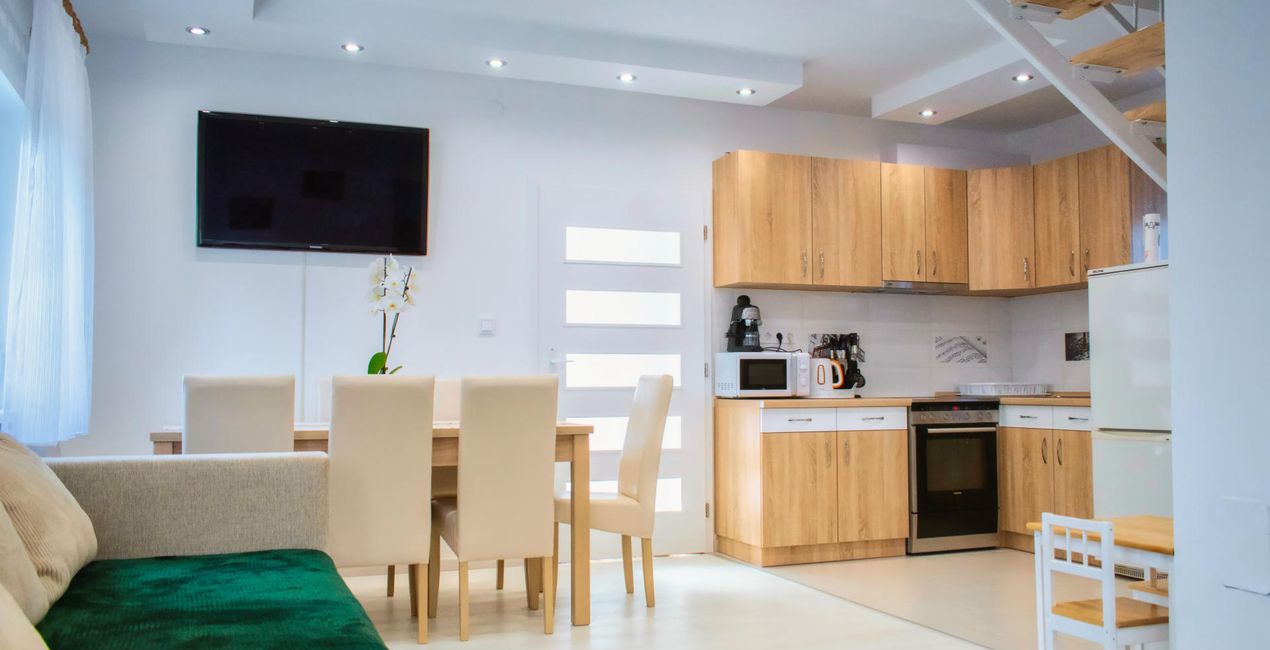
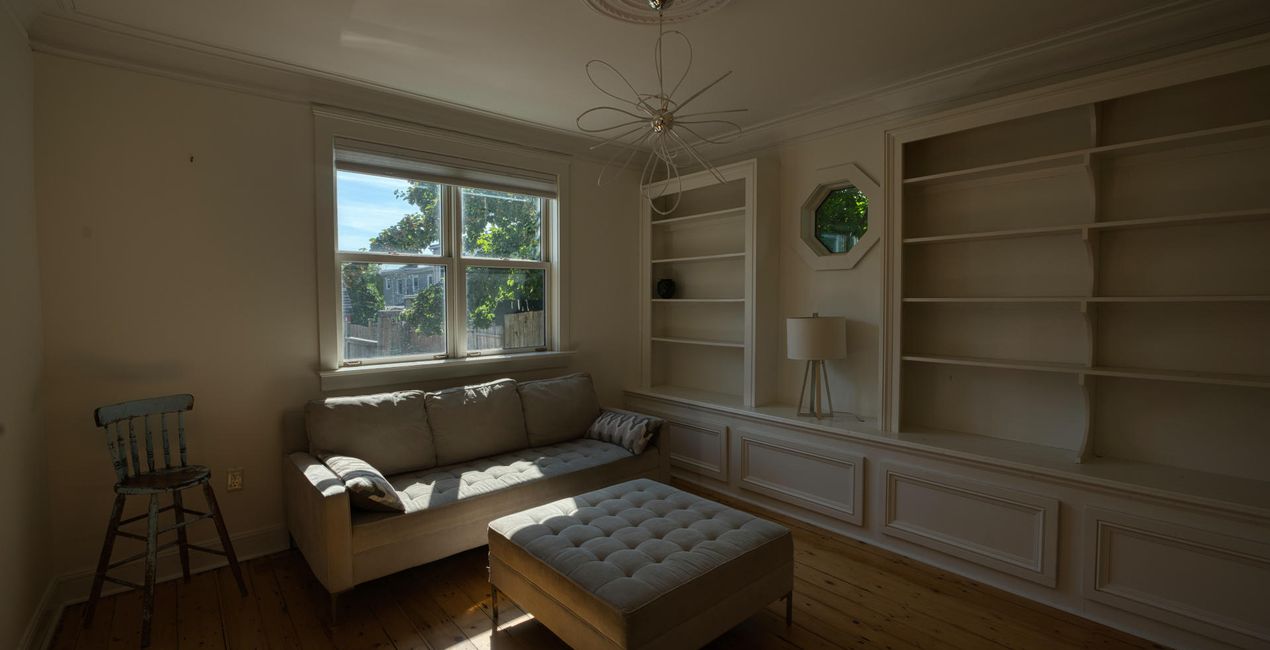
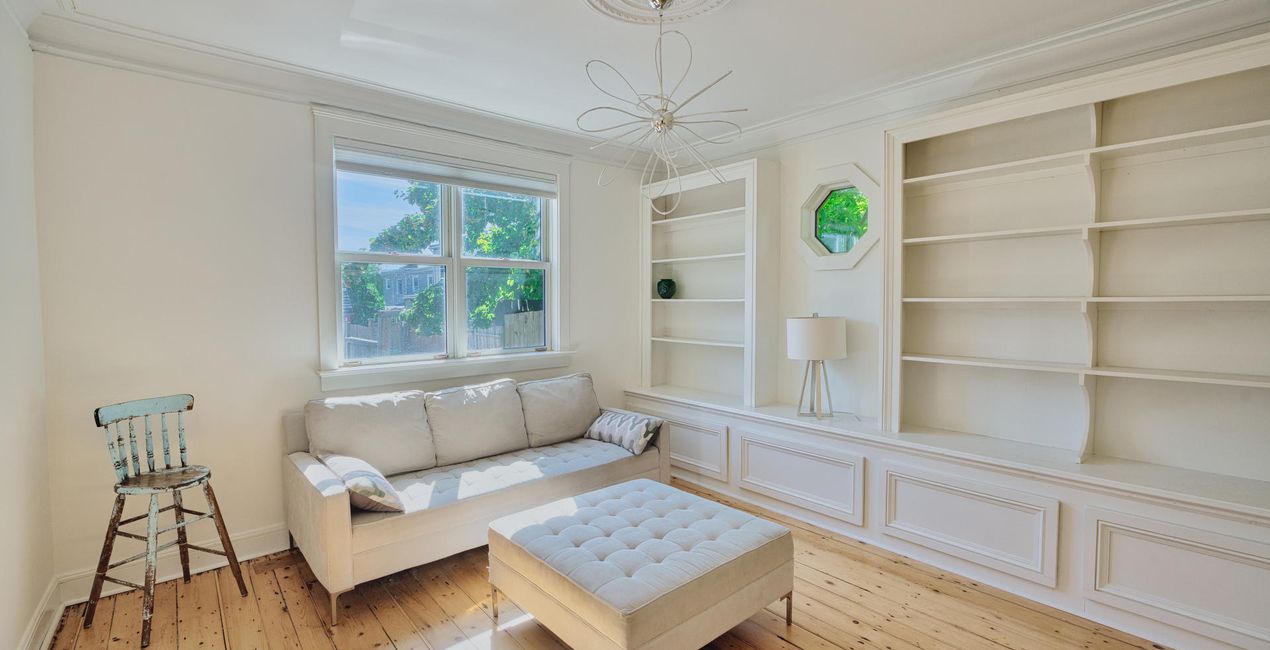
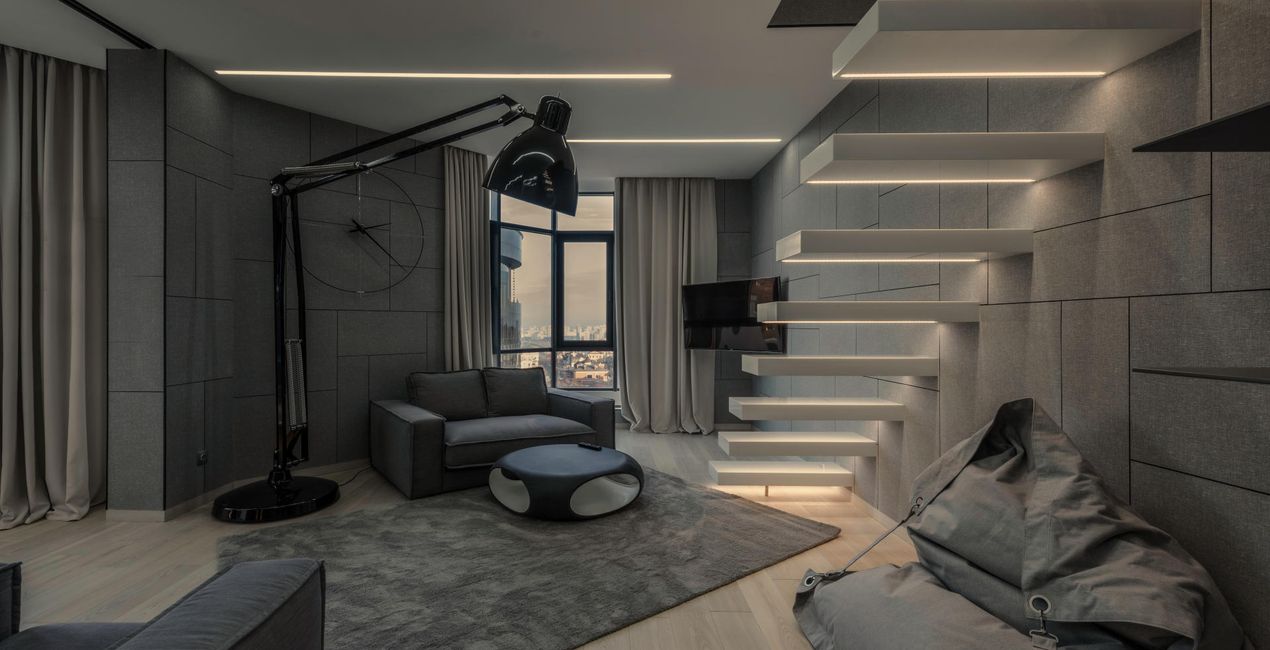
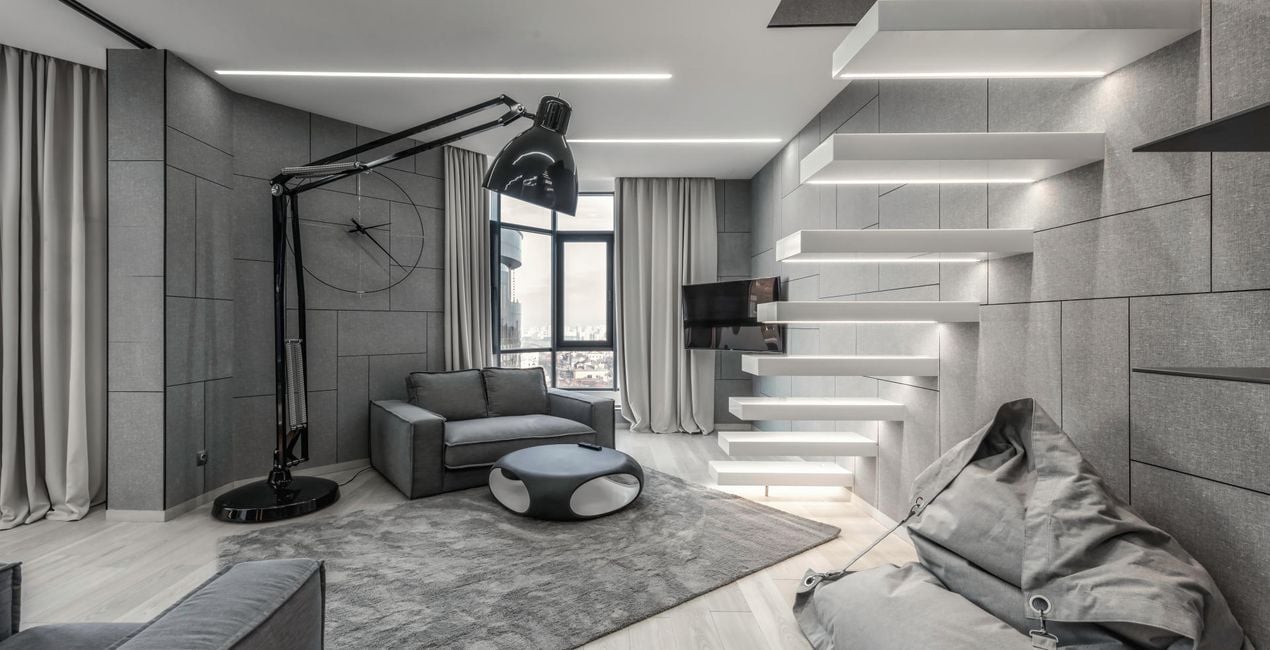
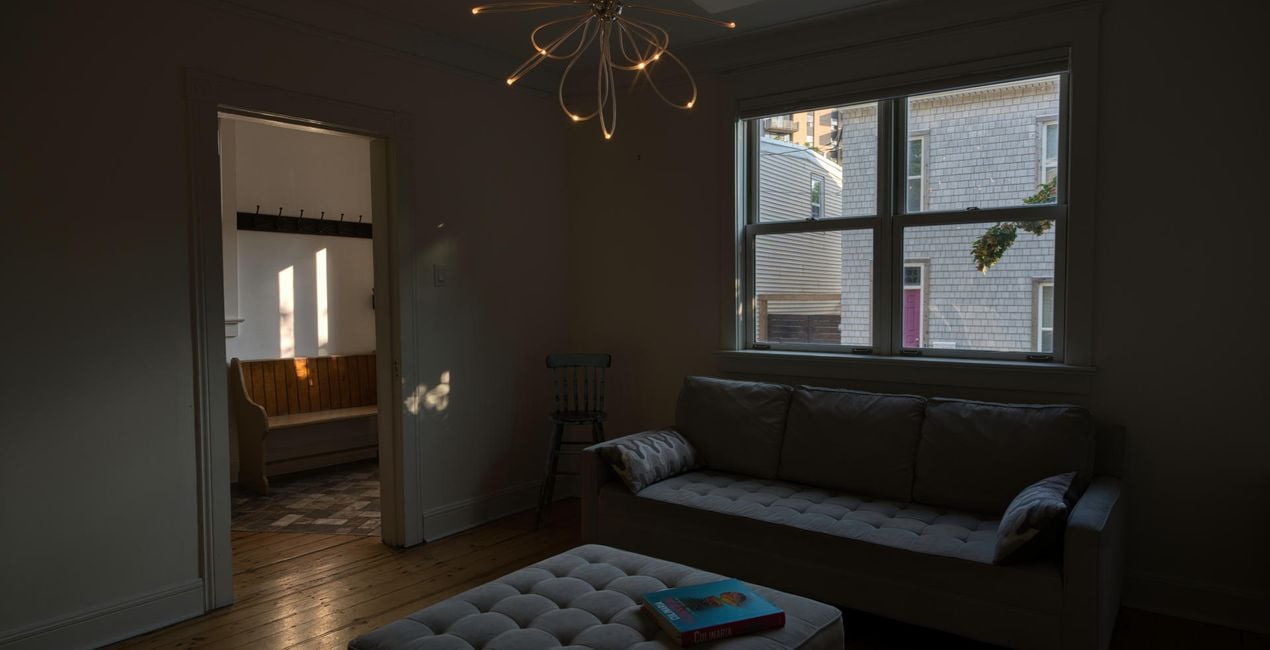
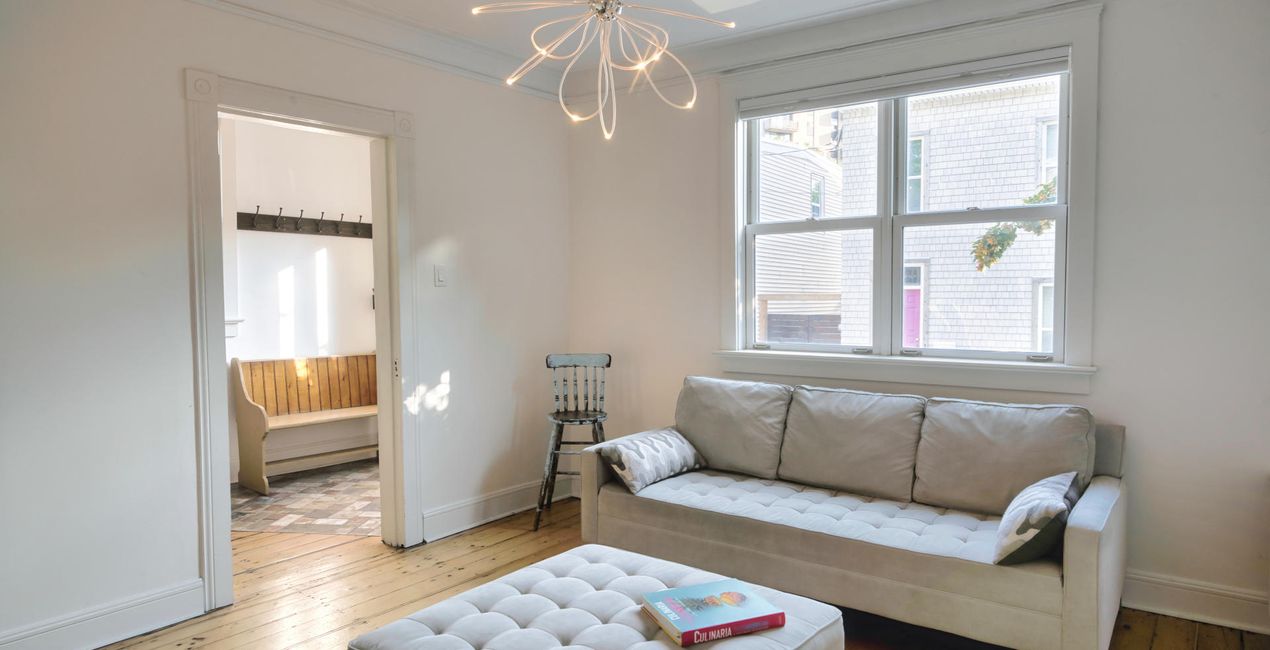
Het belangrijkste in onroerend goed is de eerste indruk, dus het is cruciaal om foto's te hebben die meteen verkopen. Deze 10 spectaculaire Voorinstellingen van Jabi Sanz zijn hier om u te helpen afbeeldingen van hoge kwaliteit te maken die klanten aantrekken die klaar zijn om een deal te sluiten.

Met behulp van de meegeleverde RAW-bestanden oefent u gemakkelijk retoucheertips en leert u hoe u dergelijke foto's kunt maken.
 >
>
 >
>
 >
>
 >
>

 >
>
 >
>
 >
>
 >
>
 >
>
Often, it’s not enough to have an amazing property. Jabi Sanz has created these 10 Presets to make it easy for you to reach more clients with the highest quality photos. With the help of the new Luminar Neo HDR Merge Extension, Jabi captures the natural light of each scene, and he has created these spectacular Presets that you can use on your own shots. The results are beautiful photos with natural light and harmony. Since every photo is different, Jabi recommends using these Presets as a base and then playing with the Exposure sliders, Highlights, Shadows, Blacks and Whites to give your photo the perfect result. You can also explore the possibilities that masks offer. With Mask AI, your work is much easier and more precise. By using these Presets, your houses will go from for sale to sold.
Photographer. Skylum Ambassador.
<p>Jabi Sanz is a landscape and travel photographer from Pamplona, a small city in northern Spain. He never had a professional camera or a passion for photography until his trip to Iceland. Iceland really blew his mind, and now Jabi can’t imagine his life without photography. His inspiration comes from nature, with all the beauty, variety of colors, sounds, and compositions. Photography and travel open new horizons for Jabi and take him to places he has never been.<br></p>
Veelgestelde vragen
Heb je nog extra vragen of wil je gewoon wat advies?
neem contact op met ons supportteamHeb je vragen over het product? Neem dan gerust contact op met ons supportteam – 24/7 bereikbaar. Volg gewoon deze link.
Volg deze stappen om REAL ESTATE HDR te kopen:
1. Open Skylum’s Marketplace.
2. Ga naar het tabblad waar REAL ESTATE HDR staat. Klik erop en voeg het toe aan je winkelmandje.
3. Ga naar je winkelmandje. Rond hier het aankoopproces van REAL ESTATE HDR af.
4. Na je aankoop ontvang je een bevestigingsmail met de downloadlink voor REAL ESTATE HDR. Je vindt het product ook terug in je Skylum-account onder het tabblad ‘Mijn add-ons’.
Uitgebreide instructies voor het installeren van REAL ESTATE HDR ontvang je in de bevestigingsmail, samen met de downloadlink.
Daarnaast kun je het gekochte item direct installeren in Luminar Neo: ga naar Extra’s > Marketplace, selecteer de productcategorie, zoek het gekochte item en klik op Installeren.
Supermakkelijk! Ga naar het tabblad Presets en kies daar ‘Gekocht’. Je geïnstalleerde preset staat ertussen.
Geen zorgen. Alle gekochte items, waaronder REAL ESTATE HDR, staan in het tabblad ‘Mijn add-ons’ van je Skylum-account. Van daaruit kun je ze makkelijk opnieuw downloaden en gebruiken.
In de meeste gevallen zijn items compatibel met Luminar Neo. Maar om zeker te weten of REAL ESTATE HDR werkt met jouw software, check je best even de specificaties vóór je iets downloadt of koopt. Kijk op de pagina van REAL ESTATE HDR aan de rechterkant bij het kopje ‘Compatibiliteit’ – daar staan alle compatibele producten vermeld.
Ga nog niet weg. Hier is een exclusieve kortingscode voor jou. Gebruik deze binnen 15 minuten om bij het afrekenen 10% extra korting te krijgen. Kopieer de onderstaande code en rond je aankoop af.
15 m : 00 s





