


 Toegepast


Neon People
Save $201 $ 19 .00

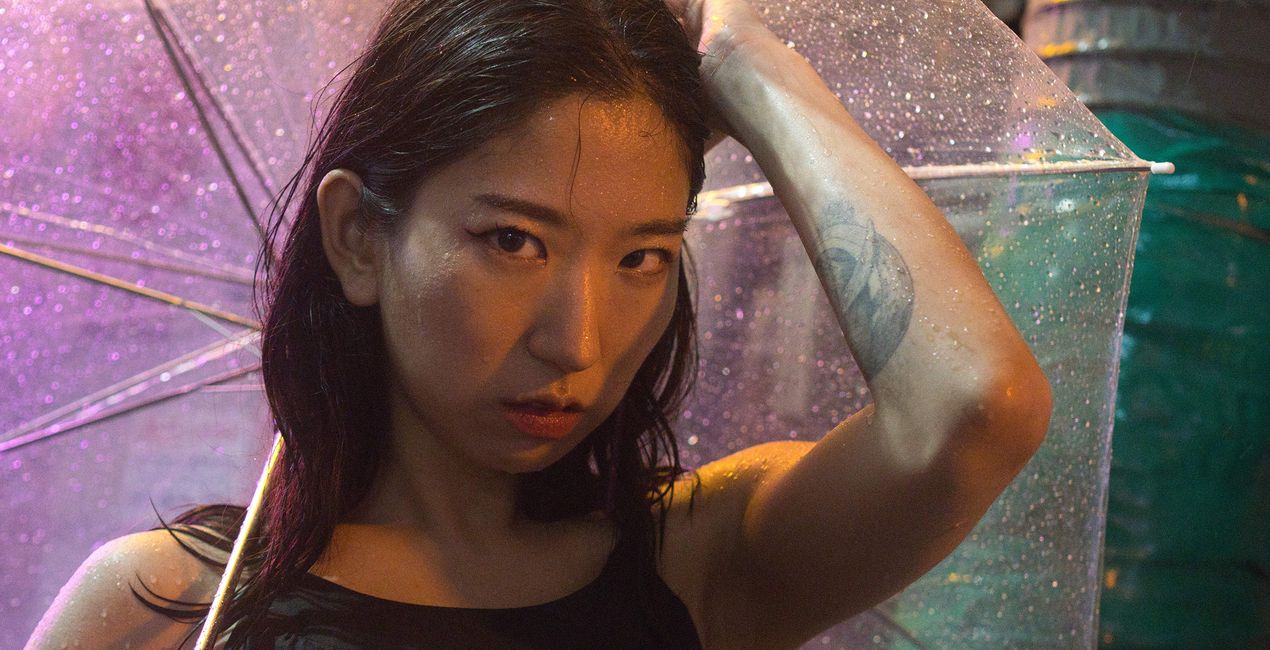
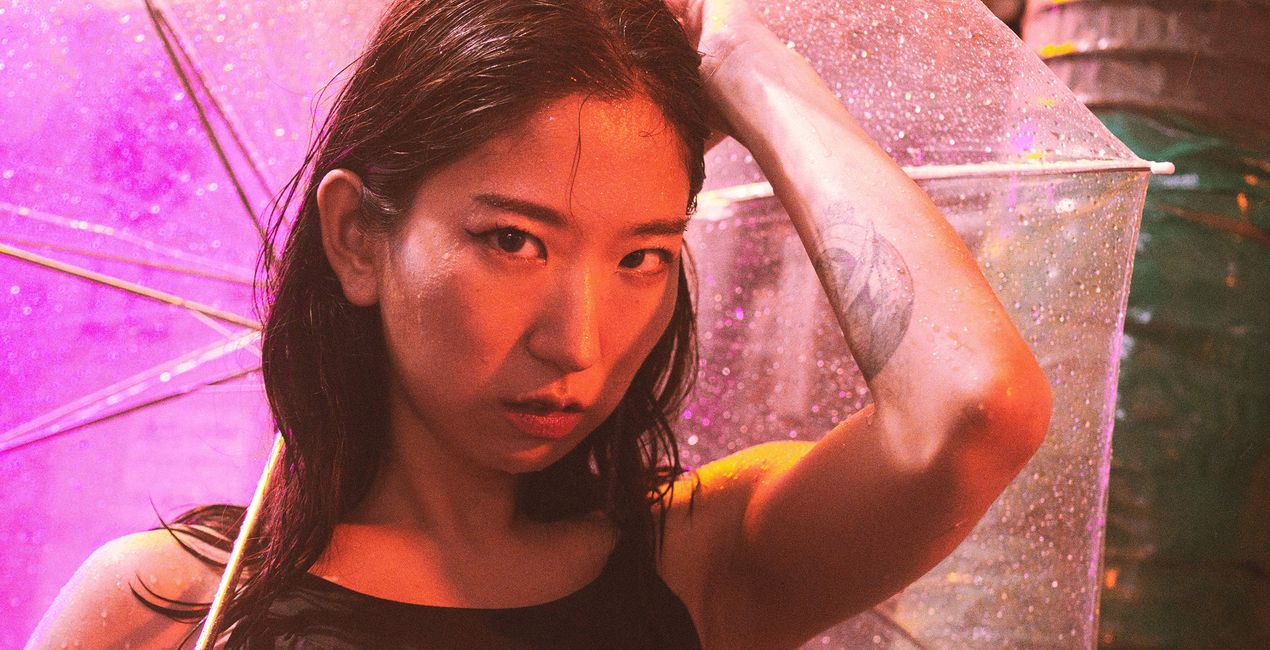
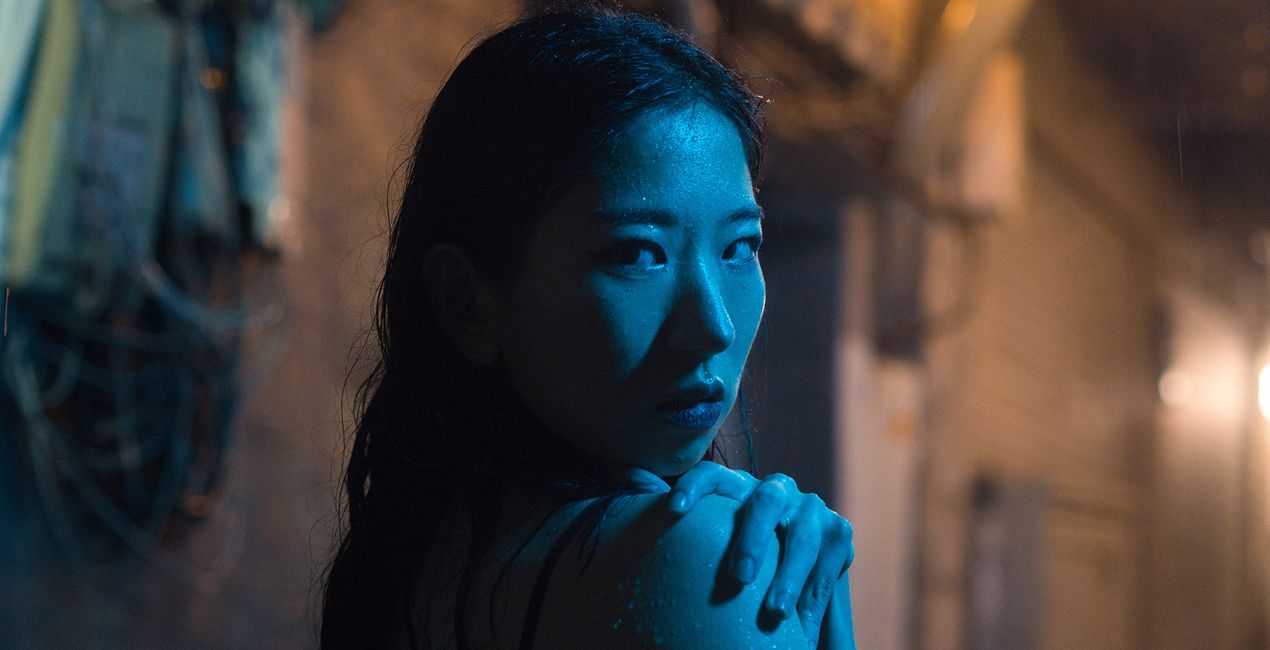
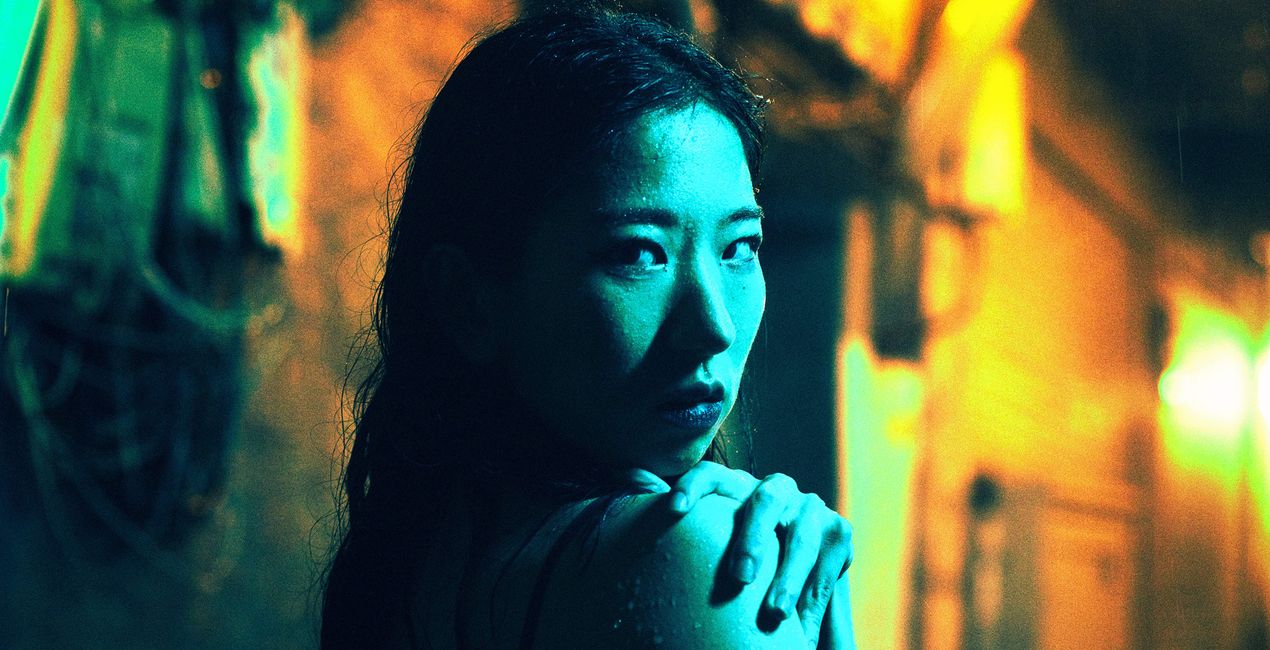
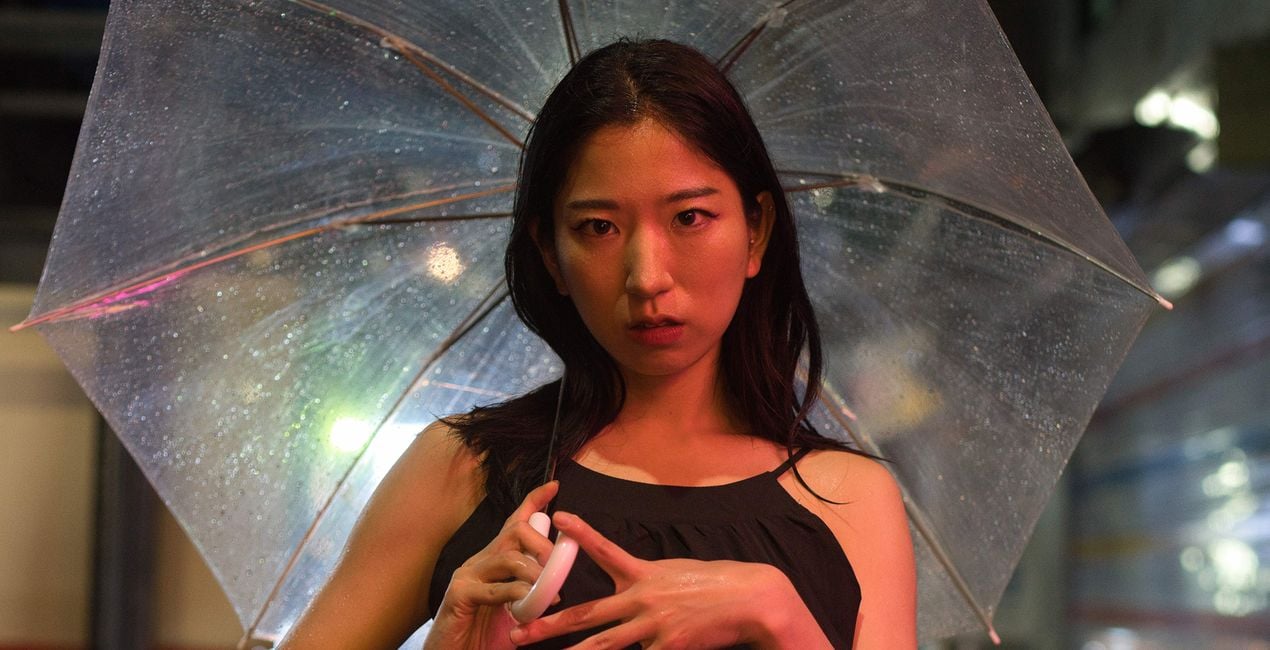
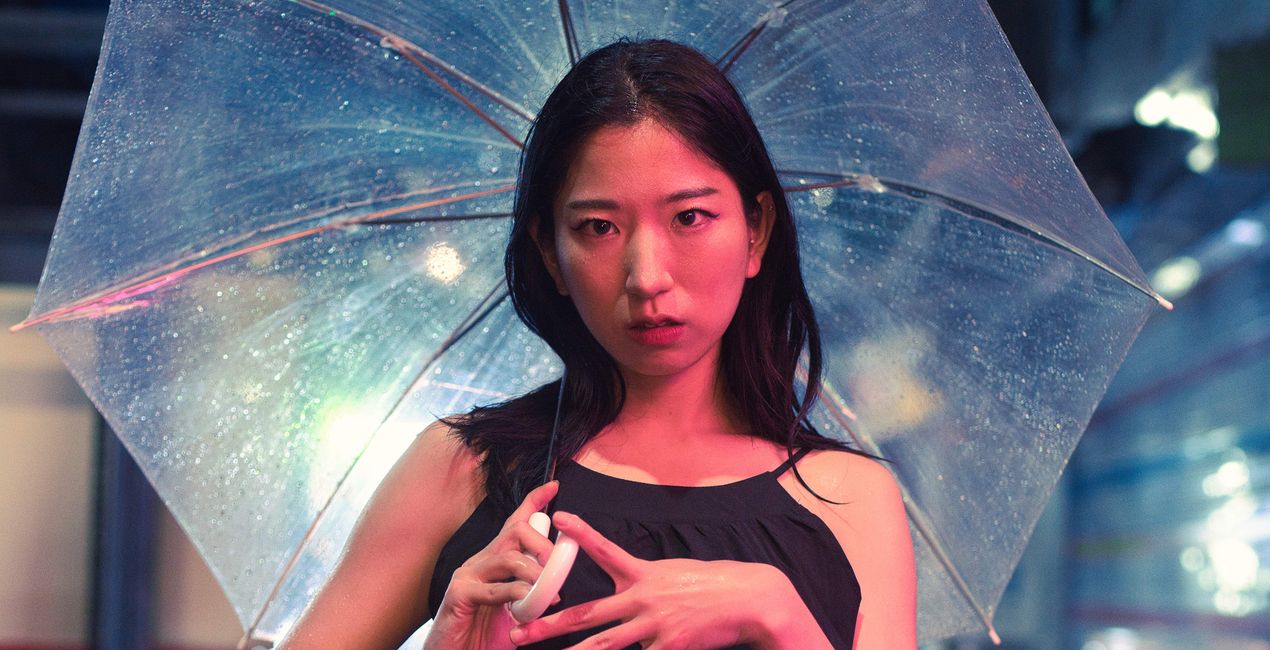
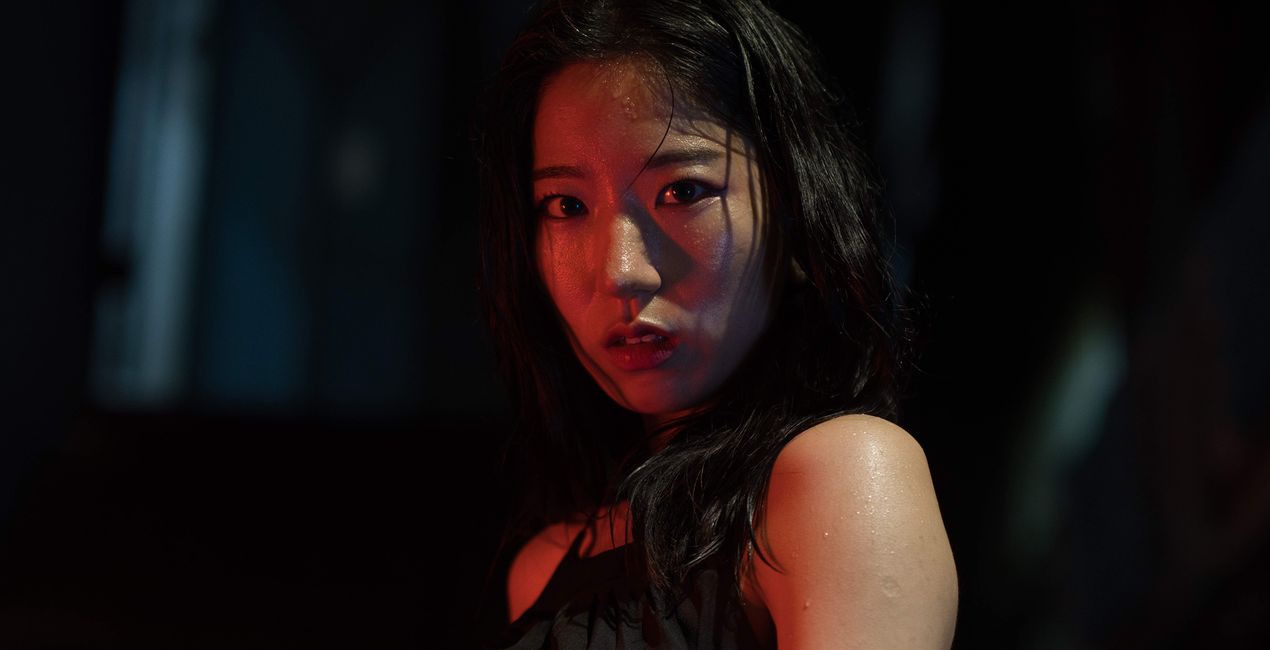
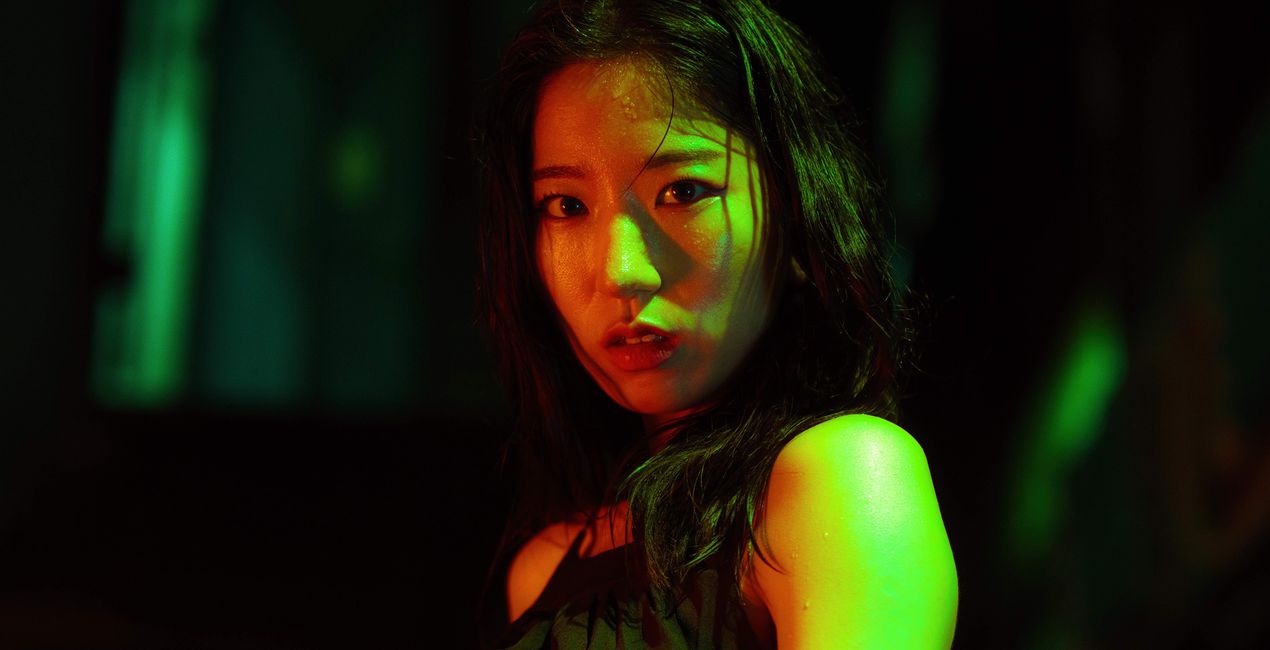
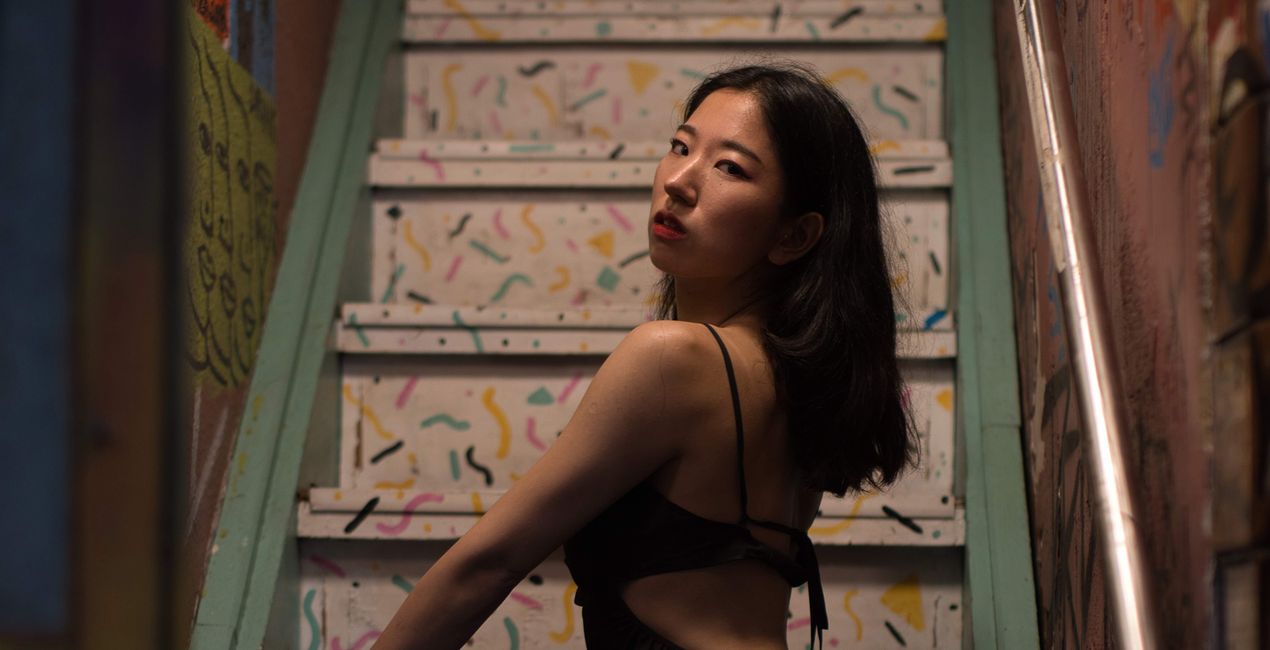
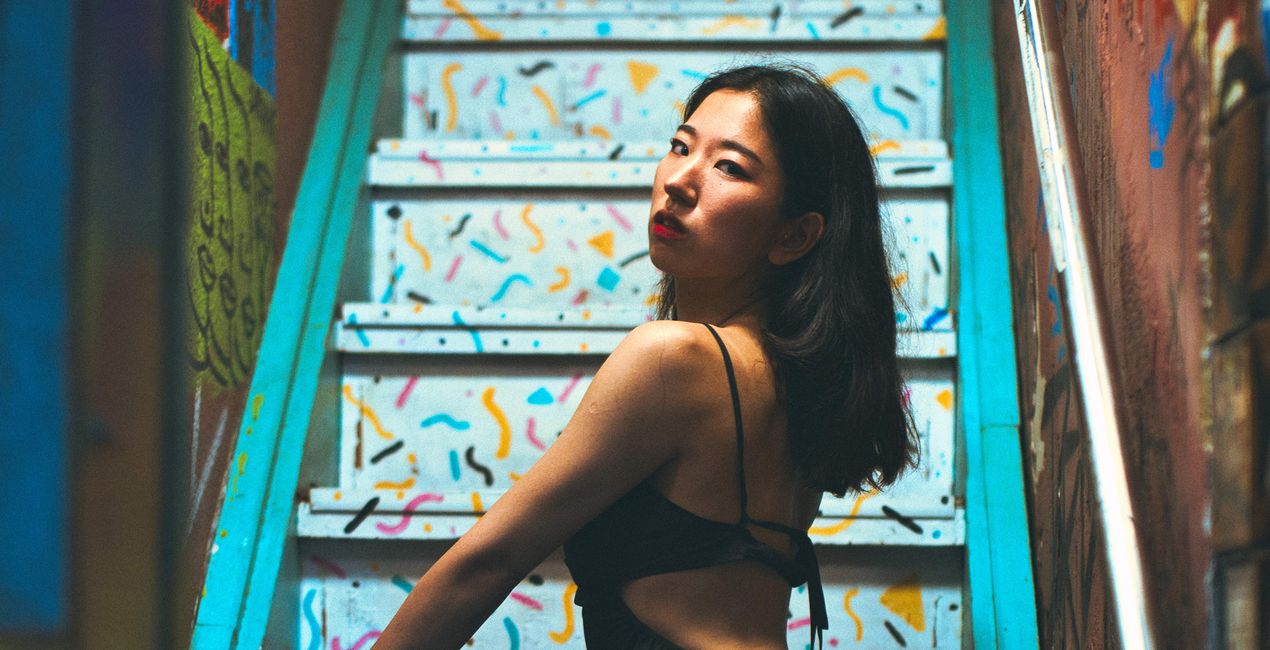
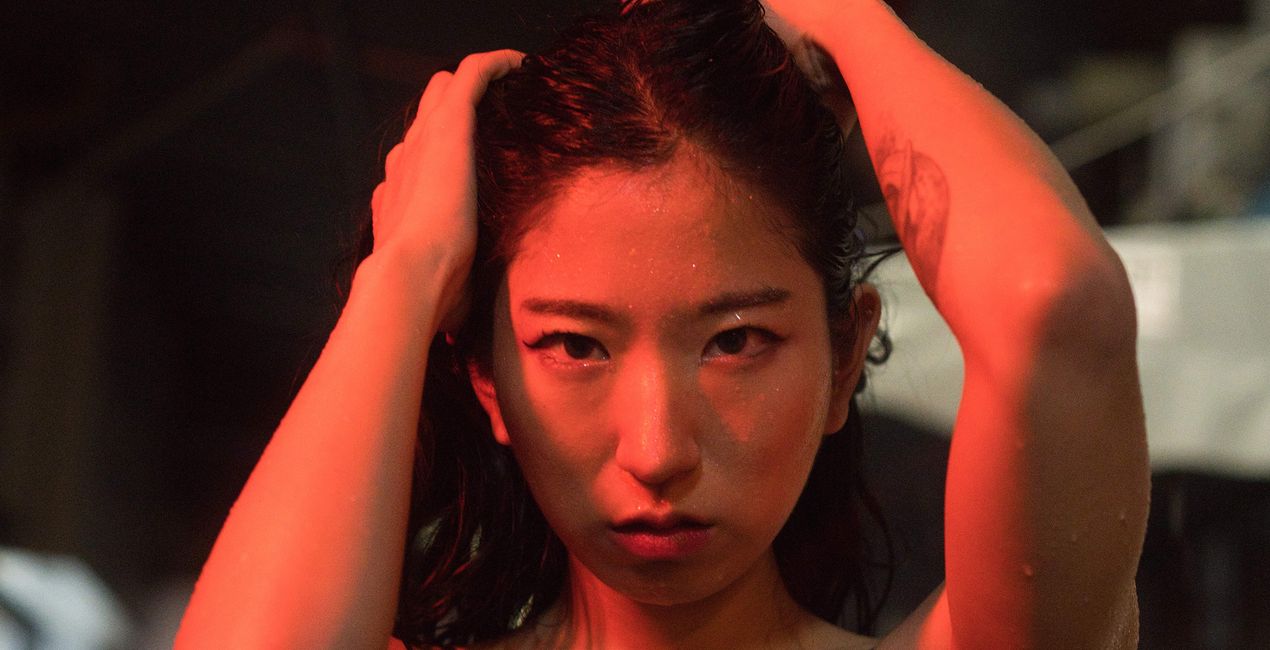
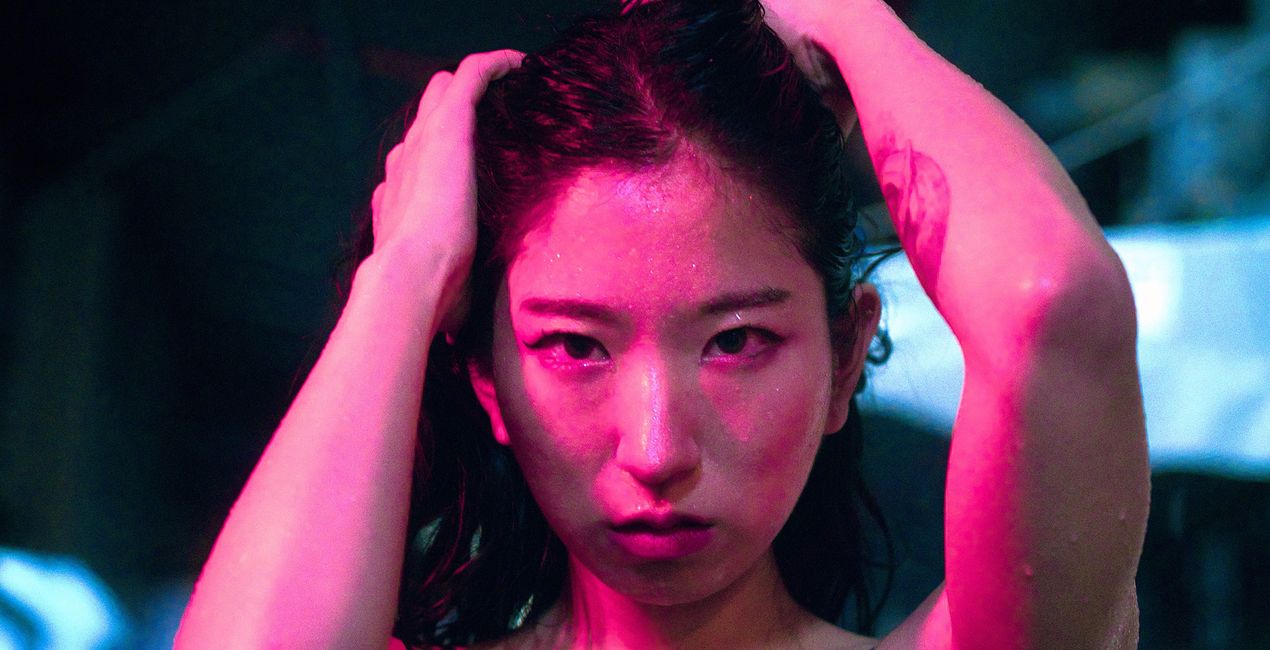
Introducing the Neon Portraits pack by Steve Roe, a versatile collection of 10 Presets that will enhance your portrait photography with a modern and unique aesthetic, accentuating the essence and character of your subjects. From classic and timeless styles to contemporary and edgy vibes, these Presets cater to photographers of all levels, allowing you to effortlessly create captivating and distinctive portraits. Elevate your portrait photography with the Neon Portraits pack and unlock a new realm of artistic possibilities.

Met behulp van de meegeleverde RAW-bestanden oefent u gemakkelijk retoucheertips en leert u hoe u dergelijke foto's kunt maken.
 >
>
 >
>
 >
>
 >
>
 >
>
 >
>
This outstanding collection of 10 Presets is designed to bestow your portrait photography with a completely unique and modern look. With a rich variety of color enhancements and artistic effects, these Presets are perfect for elevating your portrait shots, allowing your subjects to shine in a distinct and captivating light.
Embrace a new realm of portrait photography with confidence as you experiment with these Presets. They are expertly crafted to enhance the beauty and character of your subjects, adding a touch of artistry to every shot.
Step into the world of Neon Portraits Presets today and witness how your photography can transform into stunning, one-of-a-kind portraits, capturing the essence and emotion of your subjects with an enchanting aura.
You will find 10 Presets in this Pack:
Blue Mood: Cooler colors with warmer tones pushed through that will give you a split tone of blue and yellow.
Cool Light: Brings through pink tones and light cool blue tones that will compliment your night portrait photography.
Cyber: Strong green tones split with warmer red to orange tones.
Cyber Film: Green tones create the base of this Preset, complimented with warmer tones with a hint of blues too, overlaid with grain.
Film Look Cool: Complementing the colors of your image, the cooler temperatures will be enhanced with a grainy film look.
Green Hue: Green and cooler tones pushed through in the image that will complement your night portraits, warmer tones are given a subtle push.
Neon Golden Hour: Rich golden tones complimented with red hues that will give you a unique night portrait.
Pink Blue Pop: The classic cyberpunk colors of blues and pinks, giving you an eye-catching futuristic feel to your image.
Pink Pop: Emphasizing pink hues for a futuristic feel for your image, cooler tones are pushed through to complement them.
Pink Yellow: Pink tones pushed through for your portrait, combined with warmer tones.
When doing night photography, photos tend to be underexposed to save information in light sources, therefore the exposure parameters are set to default so that you can light your images as you see fit. I recommend doing this after you have applied the Preset.
Street and Fashion photographer
Steve Roe is a photographer based in Seoul, originally from the UK, who has made a name for himself with his neon street photography. He captures the vibrant essence of cyberpunk culture, infusing his work with a futuristic and captivating allure. He is also known for his experimental approach to portraiture, employing neon lights and fractal lenses to craft imaginative and unique images that transport subjects to a realm of intriguing futurism. His talents have not gone unnoticed, with notable brands like Apple and Prada seeking his distinctive style for their campaigns. Steve's work has also received recognition from major platforms such as the BBC and National Geographic, while his photographs have graced the covers of iconic cyberpunk novels like The Neuromancer Trilogy by William Gibson. With an eye for neon aesthetics and a passion for capturing the essence of Asia's neon-lit cities, Steve Roe continues to captivate audiences, blurring the lines between reality and the dazzling realm of neon-lit dreams.
Veelgestelde vragen
Heb je nog extra vragen of wil je gewoon wat advies?
neem contact op met ons supportteamHeb je vragen over het product? Neem dan gerust contact op met ons supportteam – 24/7 bereikbaar. Volg gewoon deze link.
Volg deze stappen om Neon People te kopen:
1. Open Skylum’s Marketplace.
2. Ga naar het tabblad waar Neon People staat. Klik erop en voeg het toe aan je winkelmandje.
3. Ga naar je winkelmandje. Rond hier het aankoopproces van Neon People af.
4. Na je aankoop ontvang je een bevestigingsmail met de downloadlink voor Neon People. Je vindt het product ook terug in je Skylum-account onder het tabblad ‘Mijn add-ons’.
Uitgebreide instructies voor het installeren van Neon People ontvang je in de bevestigingsmail, samen met de downloadlink.
Daarnaast kun je het gekochte item direct installeren in Luminar Neo: ga naar Extra’s > Marketplace, selecteer de productcategorie, zoek het gekochte item en klik op Installeren.
Supermakkelijk! Ga naar het tabblad Presets en kies daar ‘Gekocht’. Je geïnstalleerde preset staat ertussen.
Geen zorgen. Alle gekochte items, waaronder Neon People, staan in het tabblad ‘Mijn add-ons’ van je Skylum-account. Van daaruit kun je ze makkelijk opnieuw downloaden en gebruiken.
In de meeste gevallen zijn items compatibel met Luminar Neo. Maar om zeker te weten of Neon People werkt met jouw software, check je best even de specificaties vóór je iets downloadt of koopt. Kijk op de pagina van Neon People aan de rechterkant bij het kopje ‘Compatibiliteit’ – daar staan alle compatibele producten vermeld.
Ga nog niet weg. Hier is een exclusieve kortingscode voor jou. Gebruik deze binnen 15 minuten om bij het afrekenen 10% extra korting te krijgen. Kopieer de onderstaande code en rond je aankoop af.
15 m : 00 s





