


 Toegepast


Lovely Light
Save $201 $ 29 .00

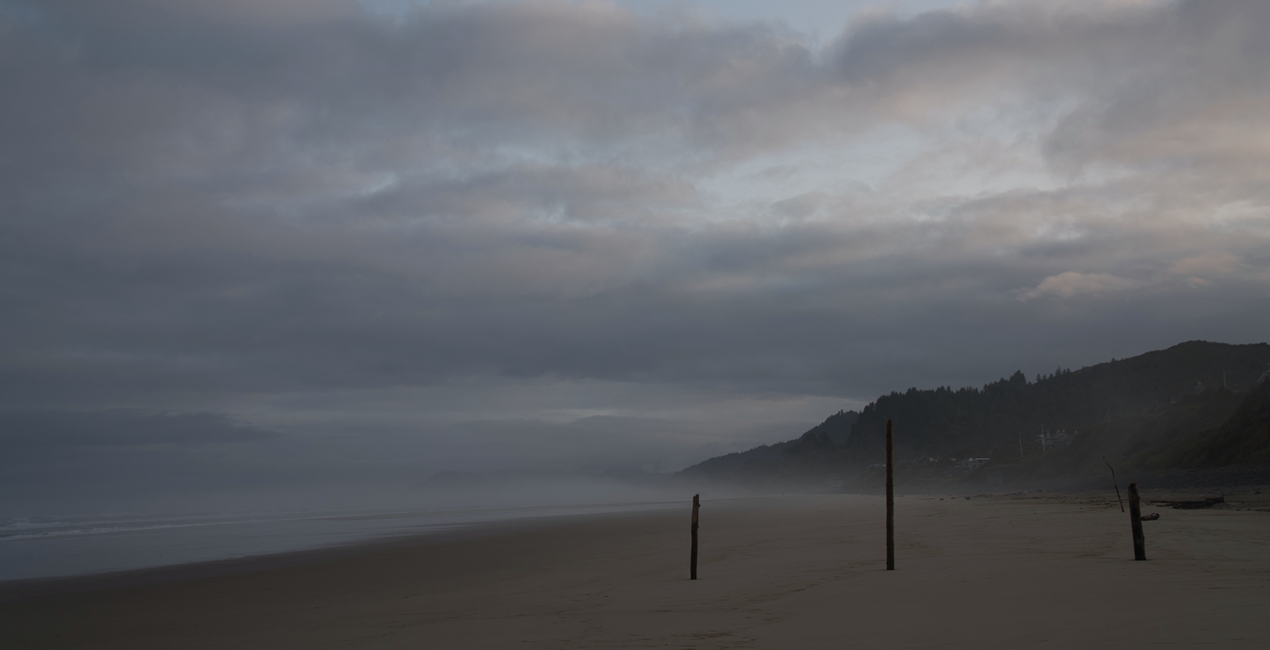
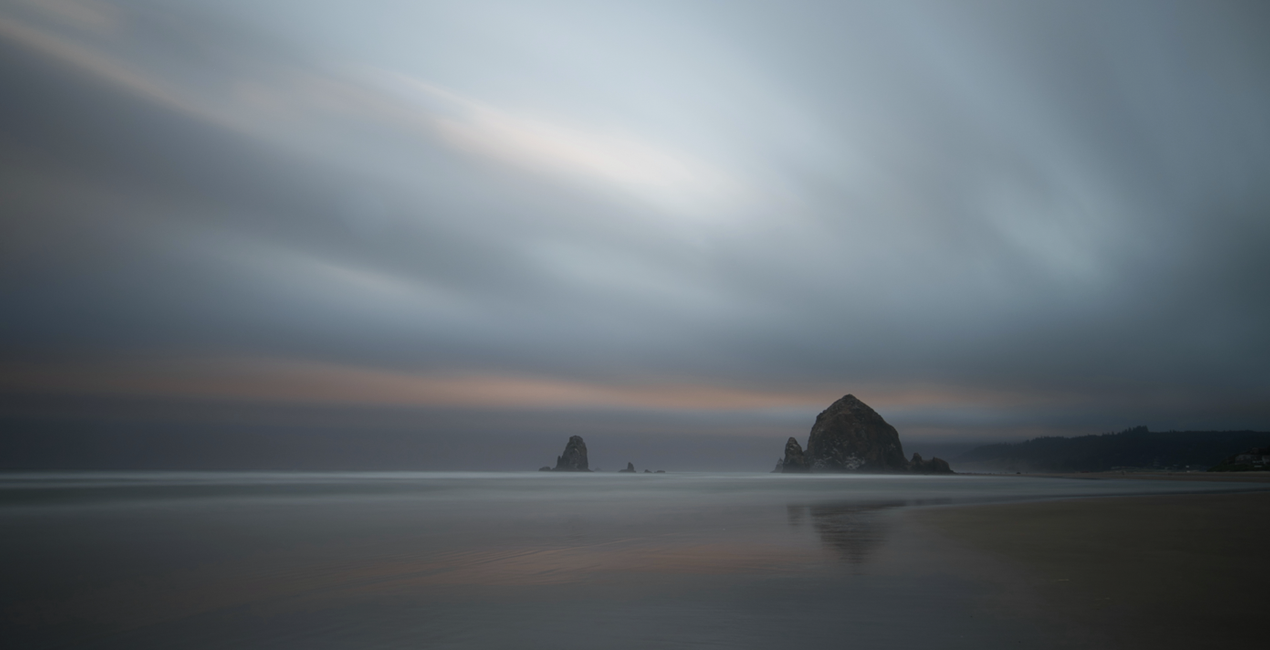
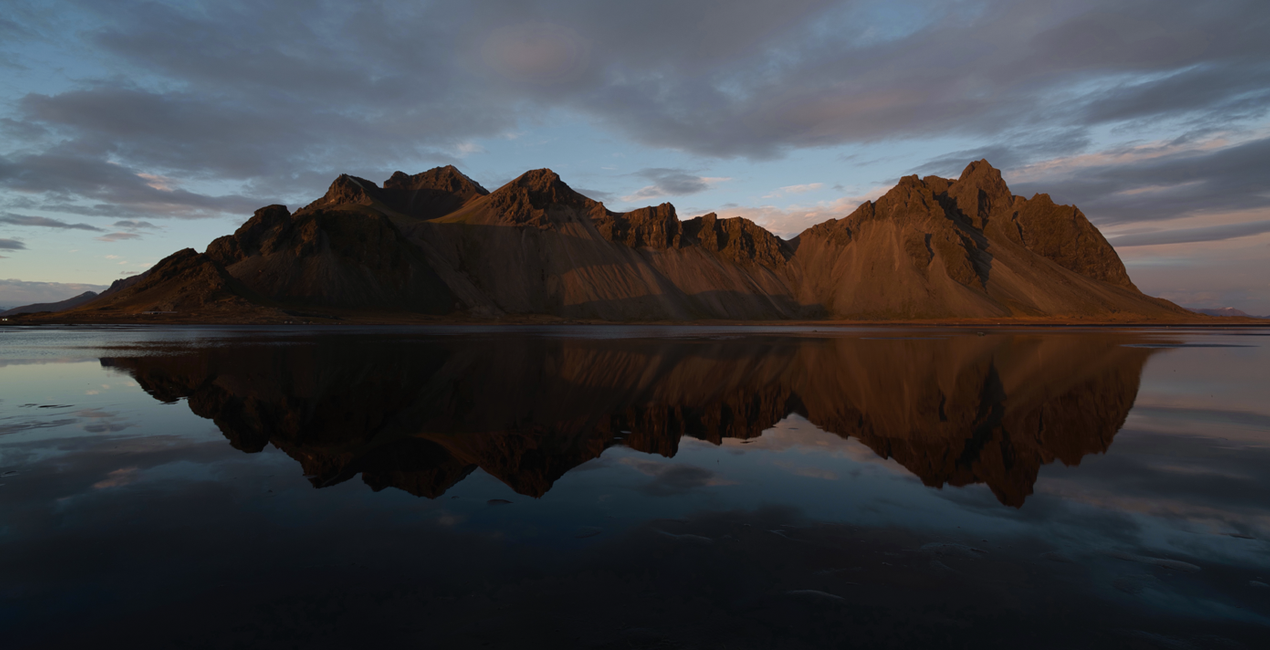
Looking for a way to make your photos even more captivating? Introducing 20 incredible Presets designed by Jim Nix for those moments at the edges of the day when light and color come to life. Each one is perfect for landscapes, cityscapes, and travel imagery.

Met behulp van de meegeleverde RAW-bestanden oefent u gemakkelijk retoucheertips en leert u hoe u dergelijke foto's kunt maken.
 >
>

 >
>

 >
>
 >
>
 >
>

 >
>
Everyone loves to photograph at the edges of the day, during sunrises, sunsets, blue and golden hours. During those times the light is soft and the colors are just gorgeous. But if your photo’s color doesn't quite look the way you remember it, use these Presets to give your image a little extra emphasis.
These Presets are designed specifically for that time of day, and are crafted to enhance color and light to complement your scene. The Presets were inspired by Jim’s love of bold color and soft light and how he likes to combine them to enhance the overall mood of an image.
The Presets are named for the type of image that they are designed for: Sunset, Golden Hour, or Blue Hour.
Sunset: Give a nice lift to your image’s colors and tones with an emphasis on warm tones and rich colors.
Blue Hour: Lift the exposure of a darker, blue hour image and pop the colors and tones as well while adding some warmth
Golden Hour: Accentuate the warm, golden tones in an image and bring it to life.
Photographer. Skylum Ambassador.
Jim Nix is a travel photographer and YouTuber based in Austin, Texas. His photographic interests include broad cityscapes and intimate street photographs. Jim has a colorful and expressive style and a strong preference for shooting at the edges of the day, where soft light and shadow help create the dramatic and moody sentiments his photographs embody. He loves to convey his artistic vision through editing tutorials, which he publishes several times a week on YouTube, and he encourages his viewers to experiment with their editing techniques in order to find their own creative voice.
Veelgestelde vragen
Heb je nog extra vragen of wil je gewoon wat advies?
neem contact op met ons supportteamHeb je vragen over het product? Neem dan gerust contact op met ons supportteam – 24/7 bereikbaar. Volg gewoon deze link.
Volg deze stappen om Lovely Light te kopen:
1. Open Skylum’s Marketplace.
2. Ga naar het tabblad waar Lovely Light staat. Klik erop en voeg het toe aan je winkelmandje.
3. Ga naar je winkelmandje. Rond hier het aankoopproces van Lovely Light af.
4. Na je aankoop ontvang je een bevestigingsmail met de downloadlink voor Lovely Light. Je vindt het product ook terug in je Skylum-account onder het tabblad ‘Mijn add-ons’.
Uitgebreide instructies voor het installeren van Lovely Light ontvang je in de bevestigingsmail, samen met de downloadlink.
Daarnaast kun je het gekochte item direct installeren in Luminar Neo: ga naar Extra’s > Marketplace, selecteer de productcategorie, zoek het gekochte item en klik op Installeren.
Supermakkelijk! Ga naar het tabblad Presets en kies daar ‘Gekocht’. Je geïnstalleerde preset staat ertussen.
Geen zorgen. Alle gekochte items, waaronder Lovely Light, staan in het tabblad ‘Mijn add-ons’ van je Skylum-account. Van daaruit kun je ze makkelijk opnieuw downloaden en gebruiken.
In de meeste gevallen zijn items compatibel met Luminar Neo. Maar om zeker te weten of Lovely Light werkt met jouw software, check je best even de specificaties vóór je iets downloadt of koopt. Kijk op de pagina van Lovely Light aan de rechterkant bij het kopje ‘Compatibiliteit’ – daar staan alle compatibele producten vermeld.
Ga nog niet weg. Hier is een exclusieve kortingscode voor jou. Gebruik deze binnen 15 minuten om bij het afrekenen 10% extra korting te krijgen. Kopieer de onderstaande code en rond je aankoop af.
15 m : 00 s





