


 Toegepast


Flying Colors
Save $201 $ 19 .00

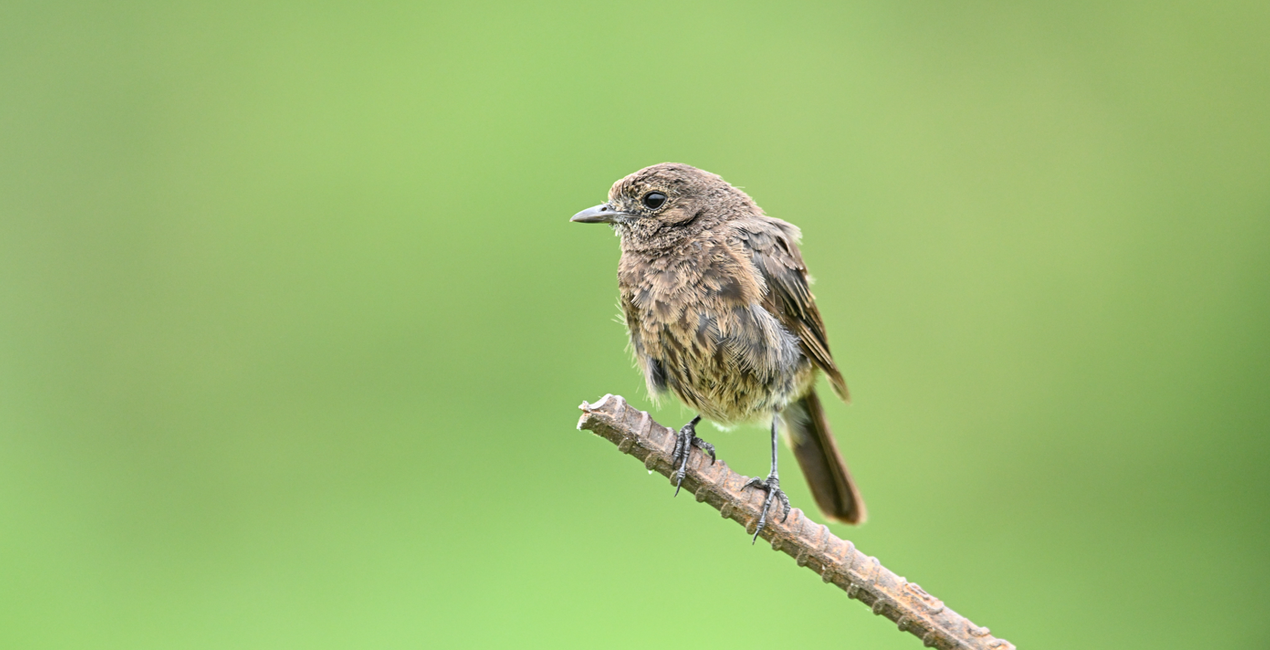
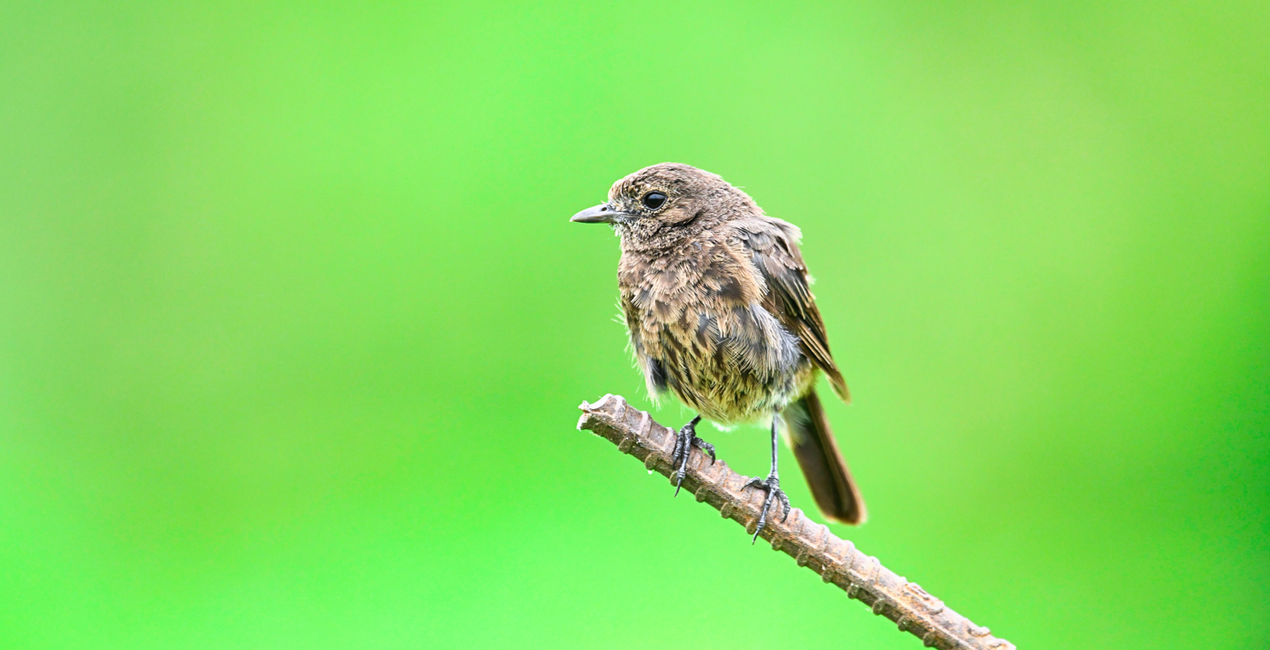
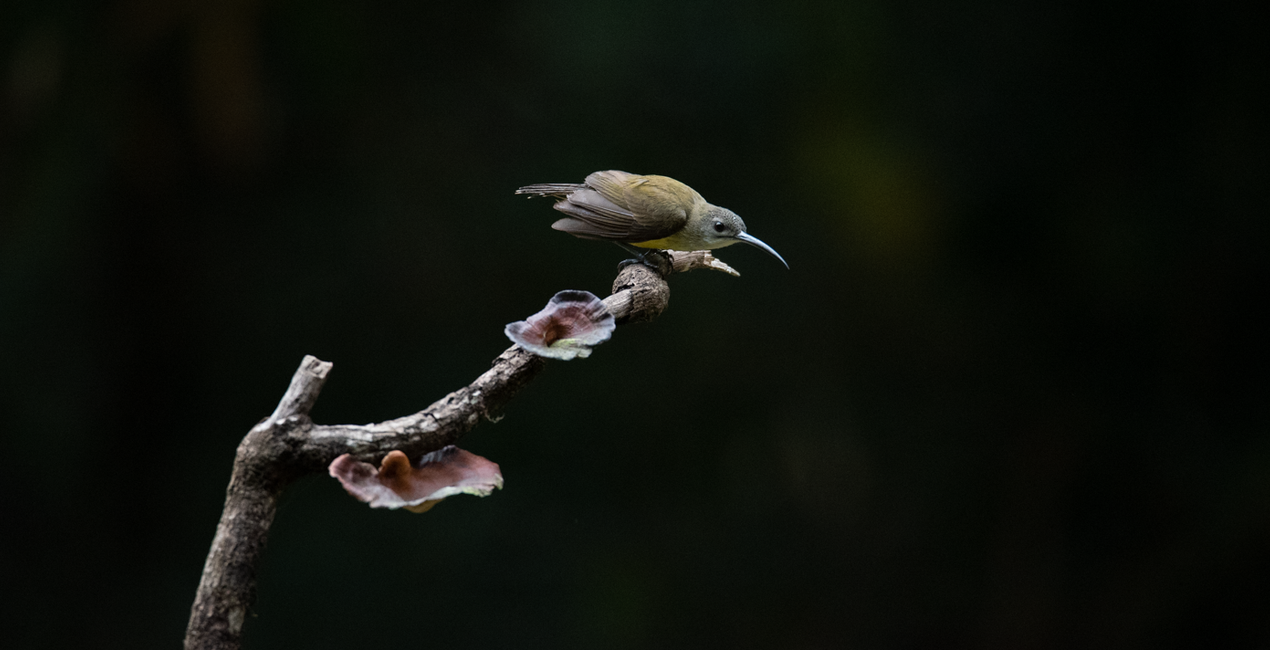
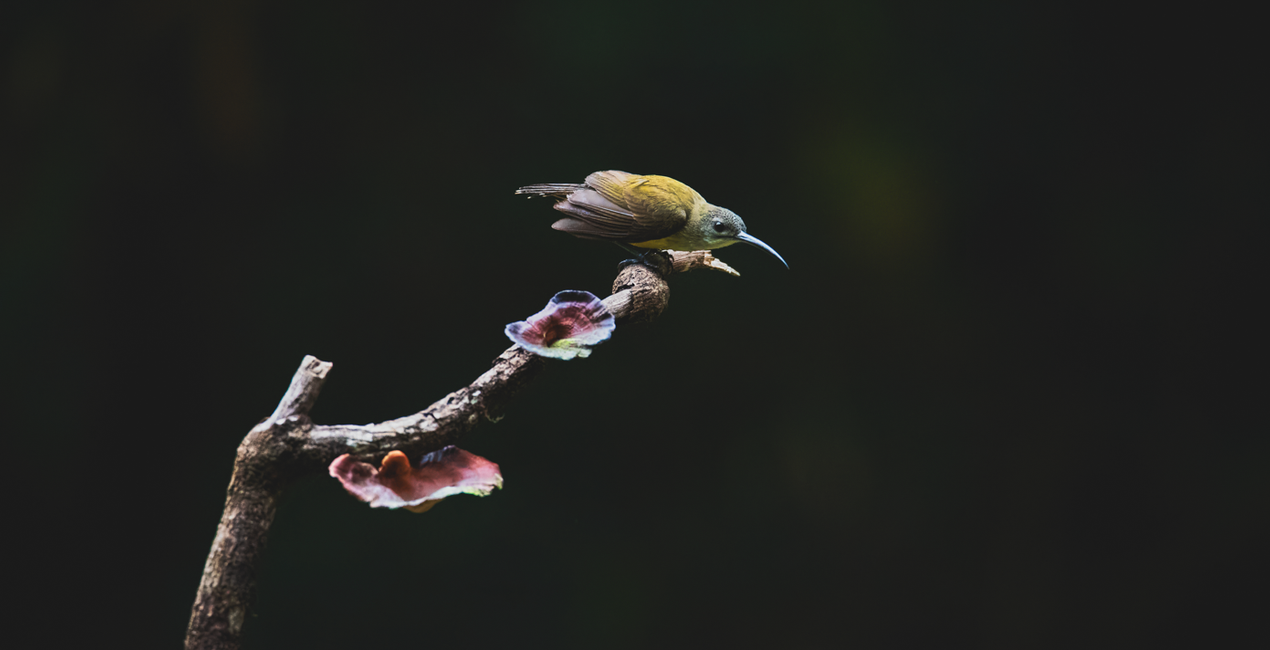
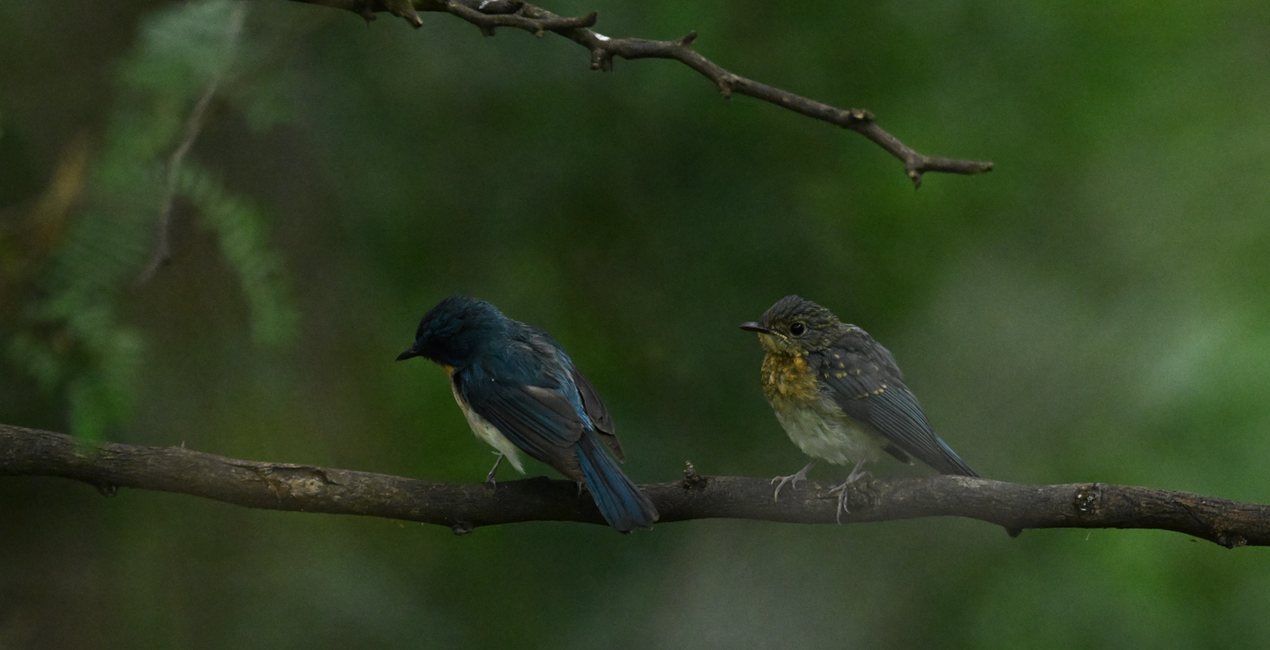
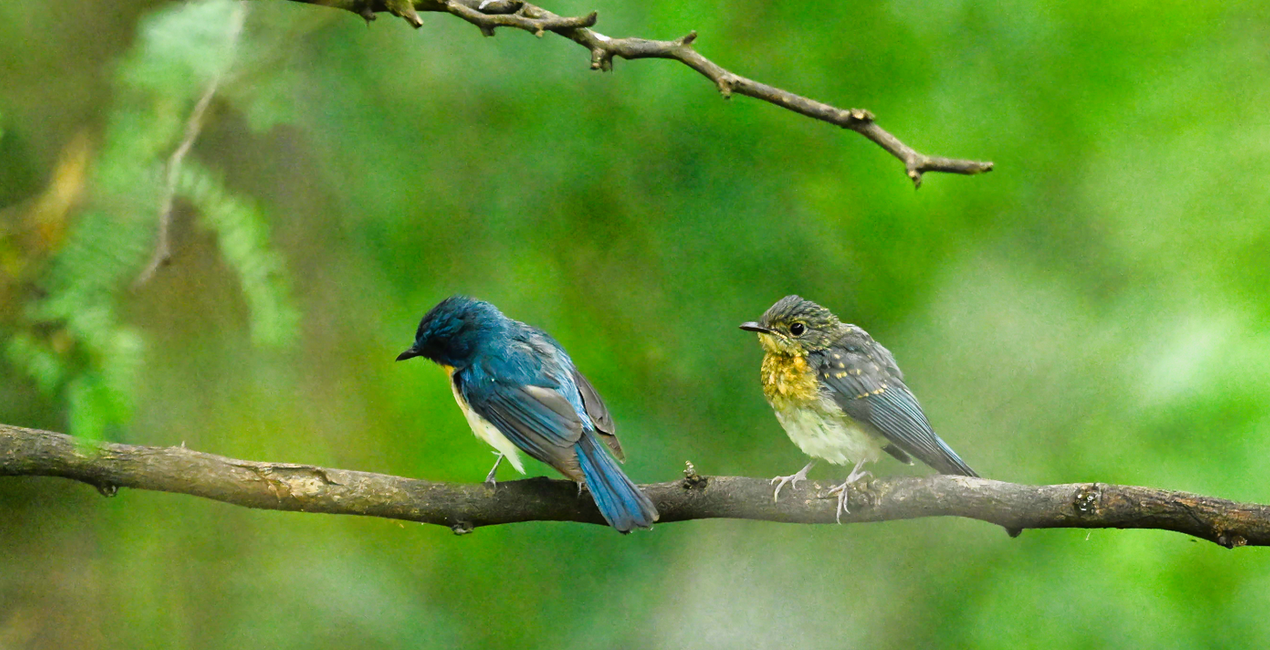
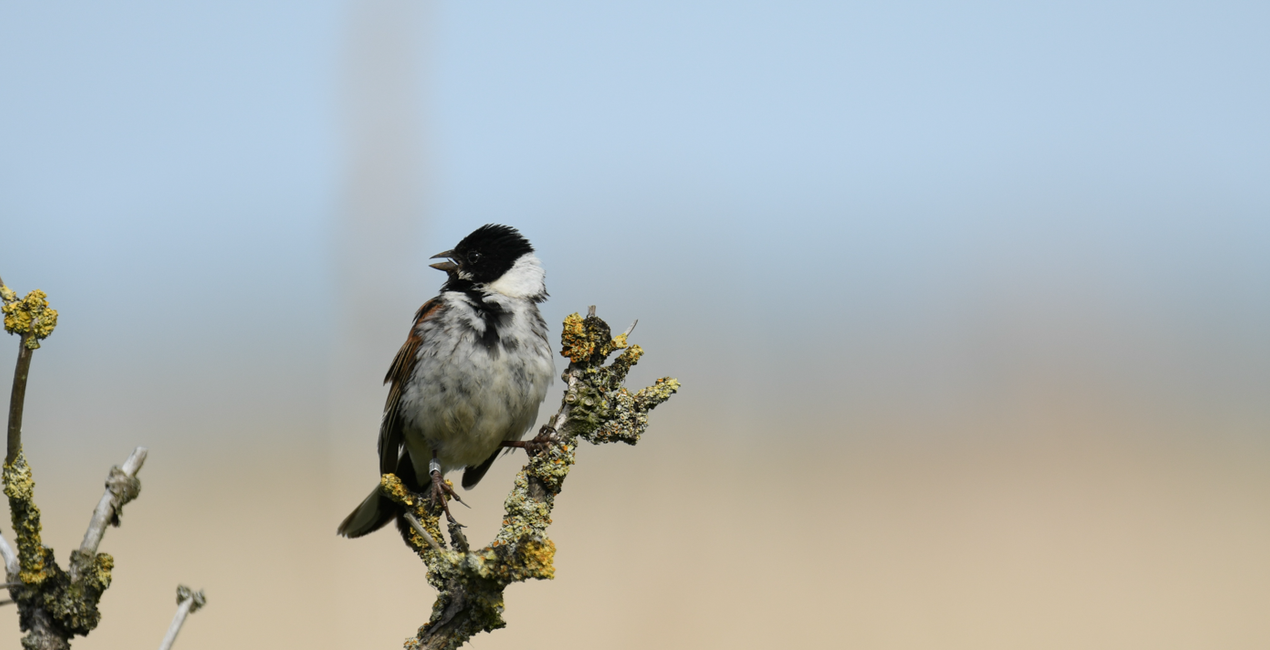
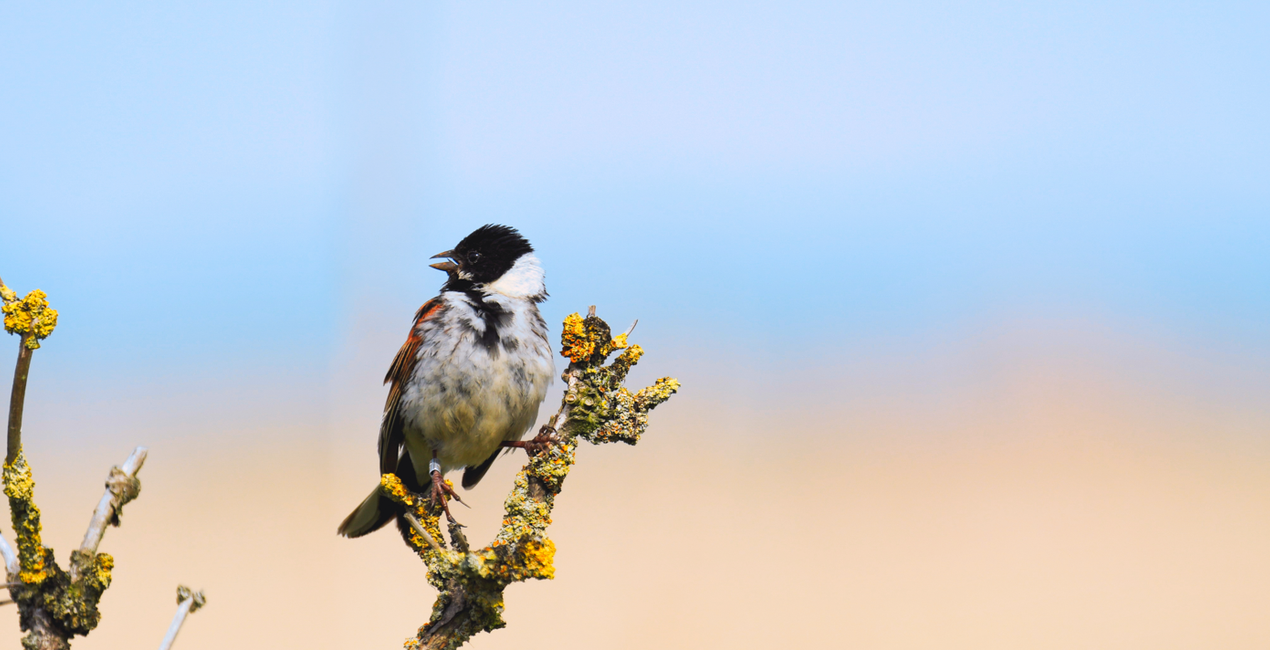
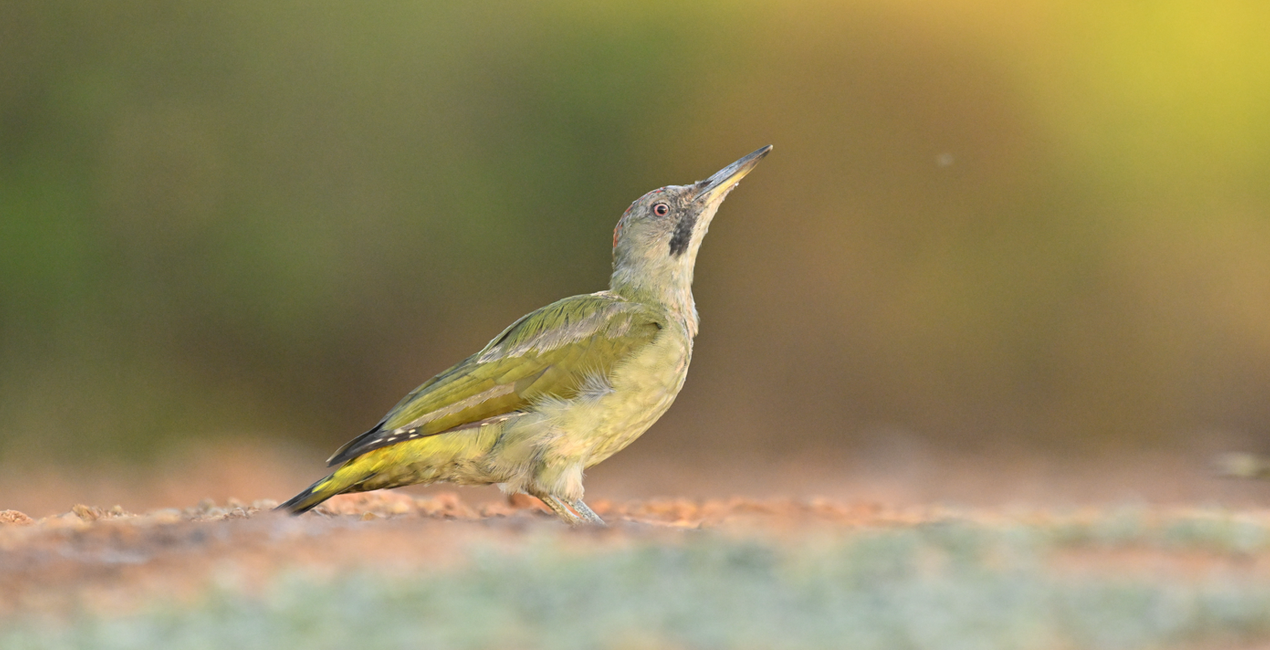
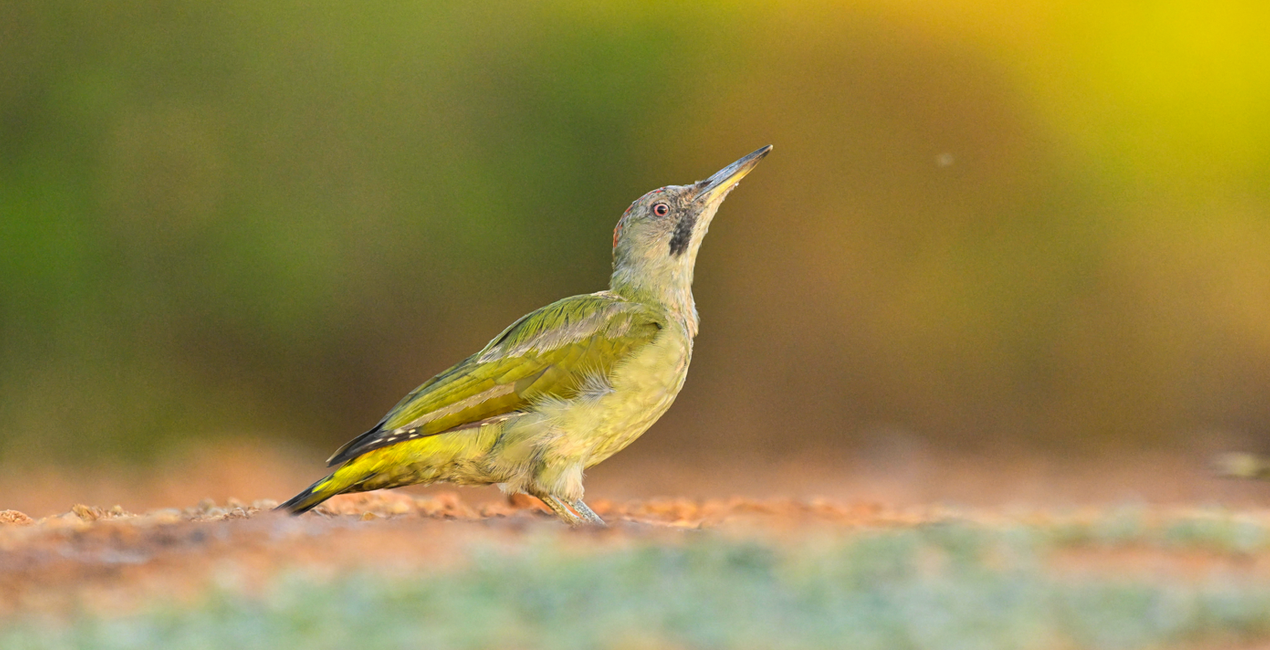
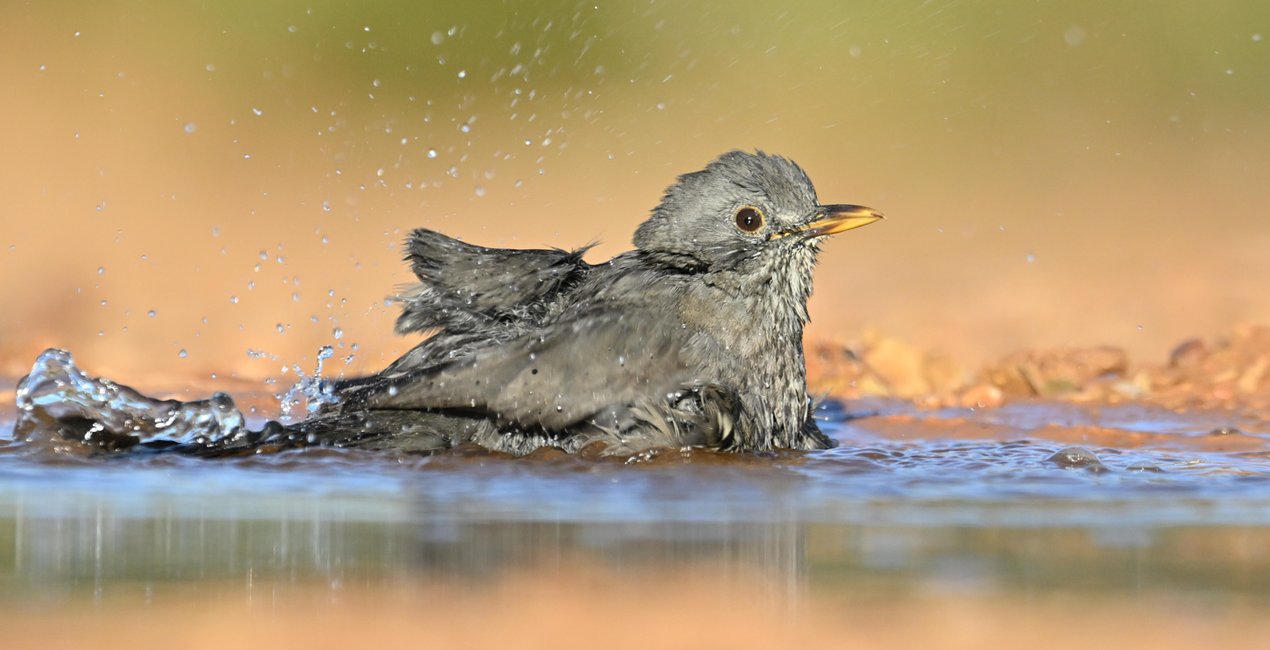
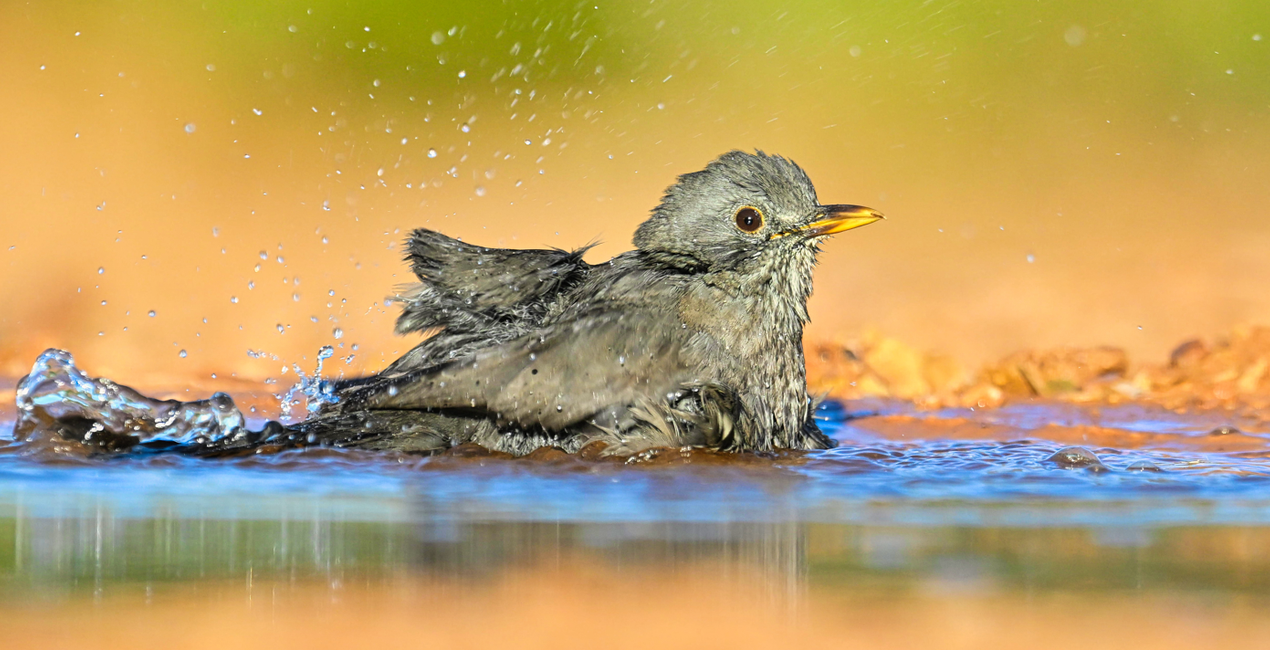
Enhance your bird photography with this collection of 10 Presets. From enhancing the vibrancy of plumage colors to optimizing lighting and contrast to bring out the finest details in feathers, there is an ideal Preset for any need in this pack.

Met behulp van de meegeleverde RAW-bestanden oefent u gemakkelijk retoucheertips en leert u hoe u dergelijke foto's kunt maken.
 >
>
 >
>
 >
>
 >
>
 >
>
 >
>
Each one of these Presets is designed by Ujval Pasupuleti to cater to a wide range of avian subjects and shooting conditions. Whether you're capturing the elegance of a soaring hunting bird, the delicate intricacies of a songbird, or the dramatic allure of a waterfowl in flight, these Presets provide a shortcut to professional-quality results.
With intuitive adjustments and customizable options, this collection empowers photographers of all skill levels to transform their bird photography into captivating visual stories, unveiling the natural beauty and grace of these winged wonders in every frame.
You’ll find 10 Presets in this pack:
Flying Colors: Transform your photos with vibrant hues that soar.
DeNoise and Sharp: Eliminate noise and sharpen details for crystal-clear images.
Crisp Feathers: Enhance feathered subjects with sharpness and clarity.
Snowy Birds: Perfect for capturing the beauty of birds in winter wonderlands.
Enchanted Plumage: Add a touch of enchantment to bird photography.
Avian Glow: Infuse your images with a radiant and ethereal avian aura.
Misty Morning Flight: Create an atmospheric morning mist effect for your bird shots.
Ethereal Plumage: Elevate bird plumage to an otherworldly level of beauty.
Nocturnal Brilliance: Illuminate your nighttime bird captures with brilliance.
Lush Canopy Hues: Enhance the vibrant colors of birds amidst lush foliage.
Wildlife & Nature Photographer
Hailing from Telangana, India, Ujval Pasupuleti's journey as an IT professional intertwines with an unwavering love for wildlife and landscapes. From traversing the United States to exploring the mesmerizing vistas of Dubai and India, he now finds himself immersed in the enchanting landscapes of Europe. Ujval's lens is a gateway to capturing the raw and captivating beauty of nature's finest creations. His fascination with photography ignited during his school days, beginning with film cameras and seamlessly transitioning into the world of digital and mirrorless photography. Beyond mere images, every click of the shutter carries a deeper purpose for Ujval. Through his artistry, he contributes to nature and conservation efforts, raising awareness and revealing the untamed beauty of new species. The fusion of Ujval's artistic flair and technical prowess is evident in his photographs. Each frame not only showcases the breathtaking allure of wildlife and landscapes, but also elegantly intertwines the wonders of technology. Join Ujval on a mesmerizing visual escapade, where art, nature, and technology converge harmoniously. Embark on this remarkable journey through his lens, as he uncovers the extraordinary coexistence of humanity and the untamed wonders of the wilderness.
Veelgestelde vragen
Heb je nog extra vragen of wil je gewoon wat advies?
neem contact op met ons supportteamHeb je vragen over het product? Neem dan gerust contact op met ons supportteam – 24/7 bereikbaar. Volg gewoon deze link.
Volg deze stappen om Flying Colors te kopen:
1. Open Skylum’s Marketplace.
2. Ga naar het tabblad waar Flying Colors staat. Klik erop en voeg het toe aan je winkelmandje.
3. Ga naar je winkelmandje. Rond hier het aankoopproces van Flying Colors af.
4. Na je aankoop ontvang je een bevestigingsmail met de downloadlink voor Flying Colors. Je vindt het product ook terug in je Skylum-account onder het tabblad ‘Mijn add-ons’.
Uitgebreide instructies voor het installeren van Flying Colors ontvang je in de bevestigingsmail, samen met de downloadlink.
Daarnaast kun je het gekochte item direct installeren in Luminar Neo: ga naar Extra’s > Marketplace, selecteer de productcategorie, zoek het gekochte item en klik op Installeren.
Supermakkelijk! Ga naar het tabblad Presets en kies daar ‘Gekocht’. Je geïnstalleerde preset staat ertussen.
Geen zorgen. Alle gekochte items, waaronder Flying Colors, staan in het tabblad ‘Mijn add-ons’ van je Skylum-account. Van daaruit kun je ze makkelijk opnieuw downloaden en gebruiken.
In de meeste gevallen zijn items compatibel met Luminar Neo. Maar om zeker te weten of Flying Colors werkt met jouw software, check je best even de specificaties vóór je iets downloadt of koopt. Kijk op de pagina van Flying Colors aan de rechterkant bij het kopje ‘Compatibiliteit’ – daar staan alle compatibele producten vermeld.
Ga nog niet weg. Hier is een exclusieve kortingscode voor jou. Gebruik deze binnen 15 minuten om bij het afrekenen 10% extra korting te krijgen. Kopieer de onderstaande code en rond je aankoop af.
15 m : 00 s





