


 Toegepast


Maak je Wow Factor
Save $201 $ 11 .40 $ 19 .00

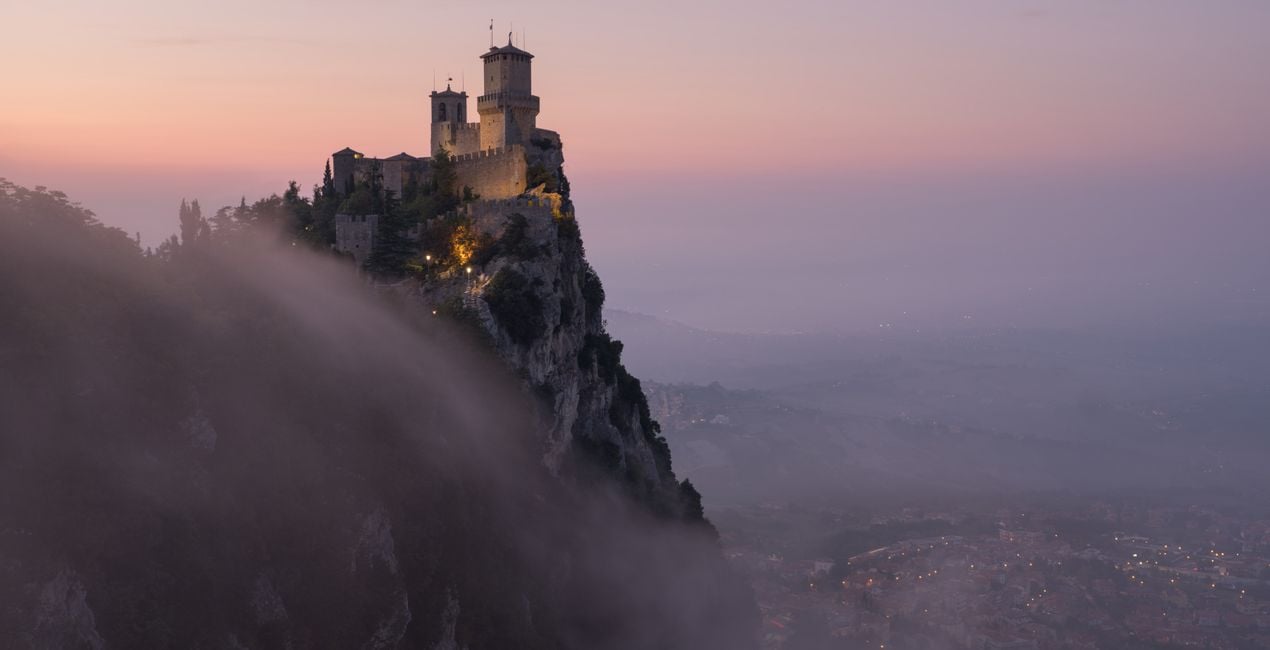
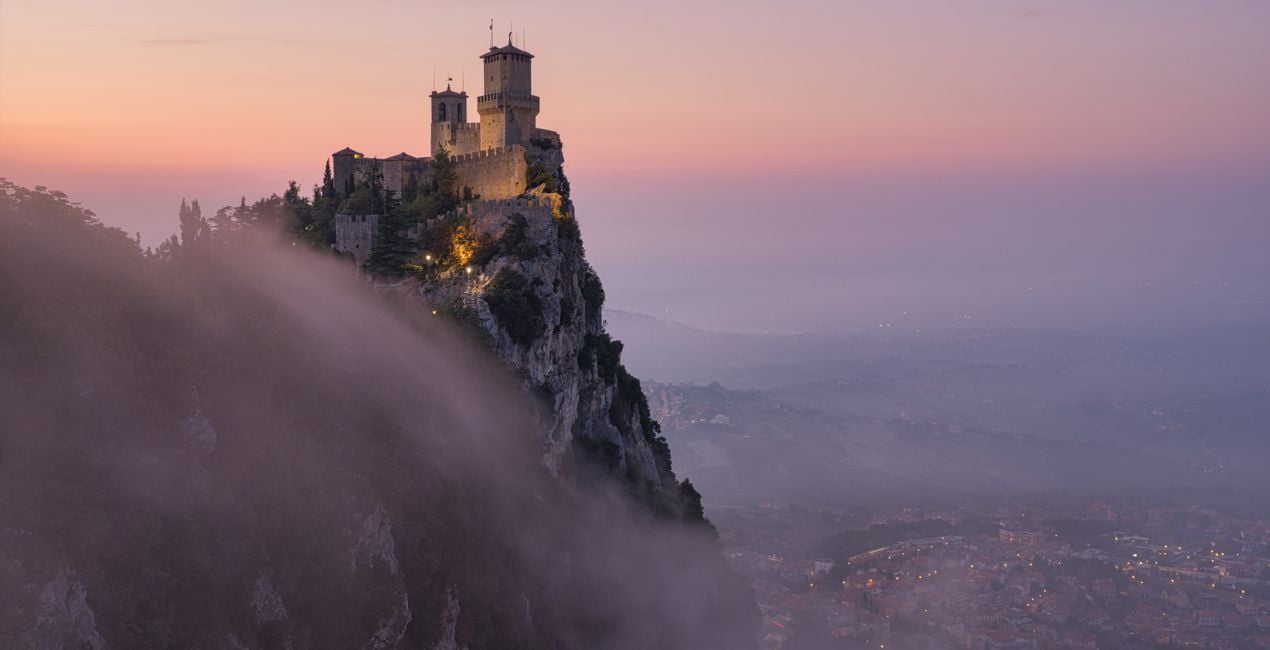
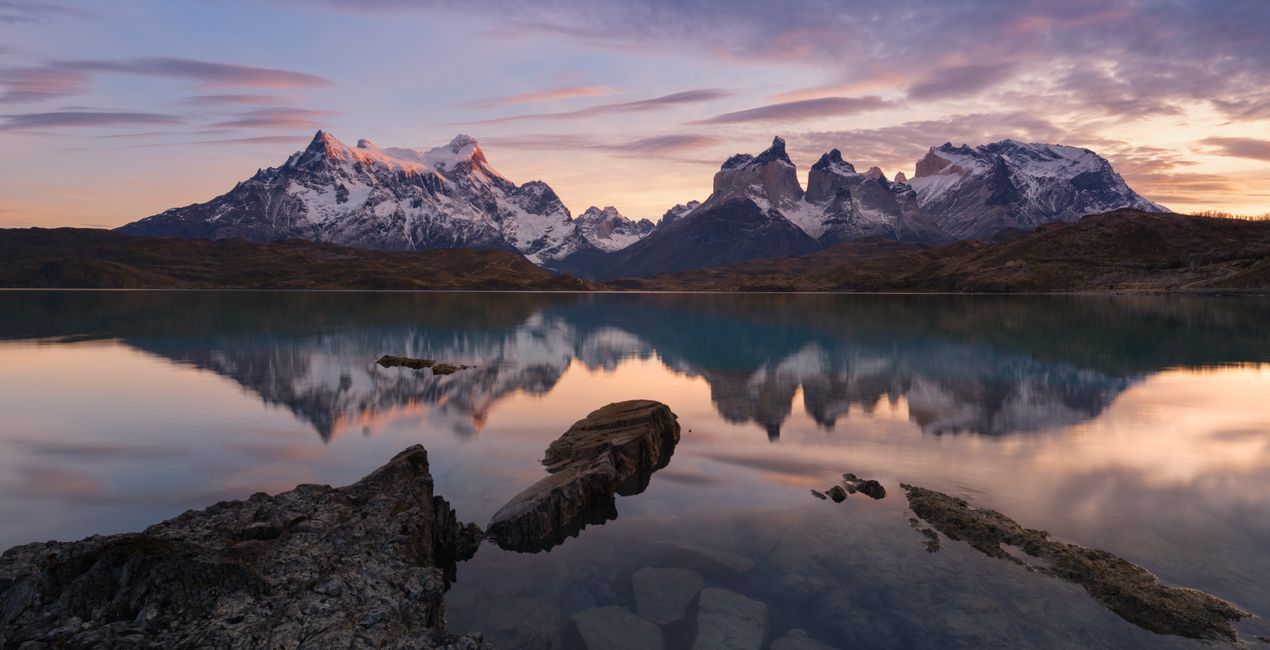
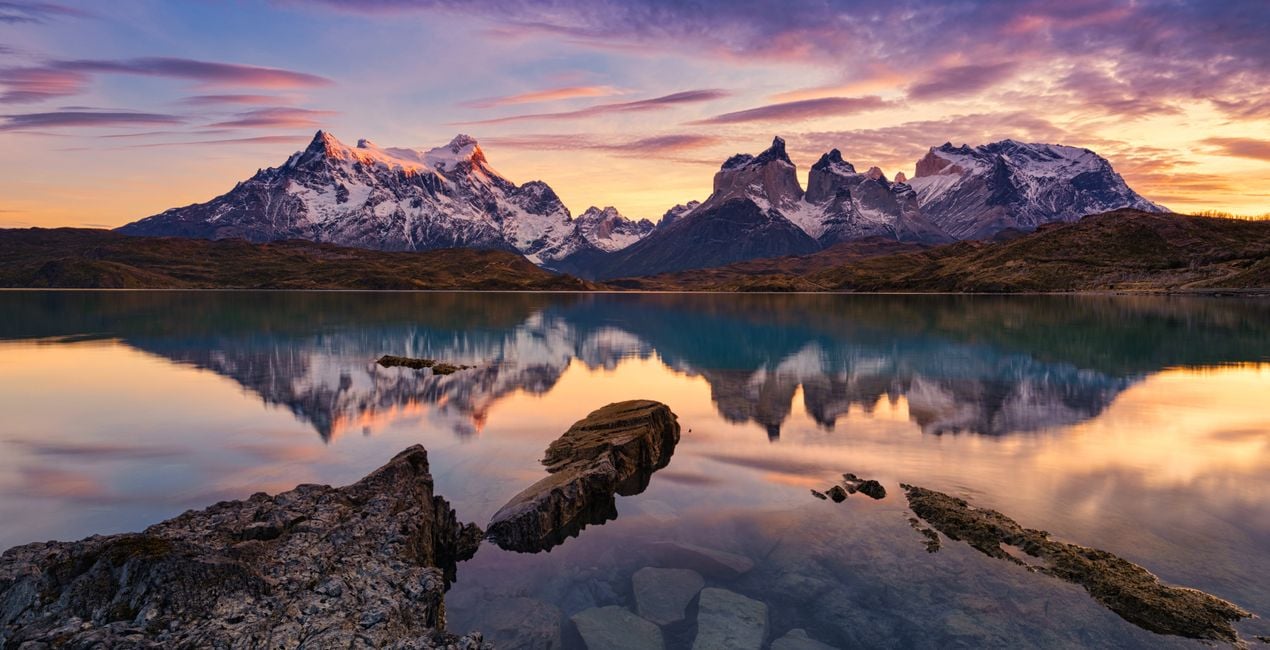
Met een speciale mix van een rijk dynamisch contrast, kleurscheiding en meer textuurdetails heeft Elia Locardi een unieke en herkenbare stijl gecreëerd. Dit Looks pakket bevat 11 gespecialiseerde presets die Elia gebruikt om de wow-factor in zijn landschaps- en stadsfotografie te brengen.
Wat is inbegrepen
11 Sjablonen. Compatibel met JPEG en RAW afbeeldingen.

Met behulp van de meegeleverde RAW-bestanden oefent u gemakkelijk retoucheertips en leert u hoe u dergelijke foto's kunt maken.

 >
>

 >
>

 >
>
 >
>
 >
>
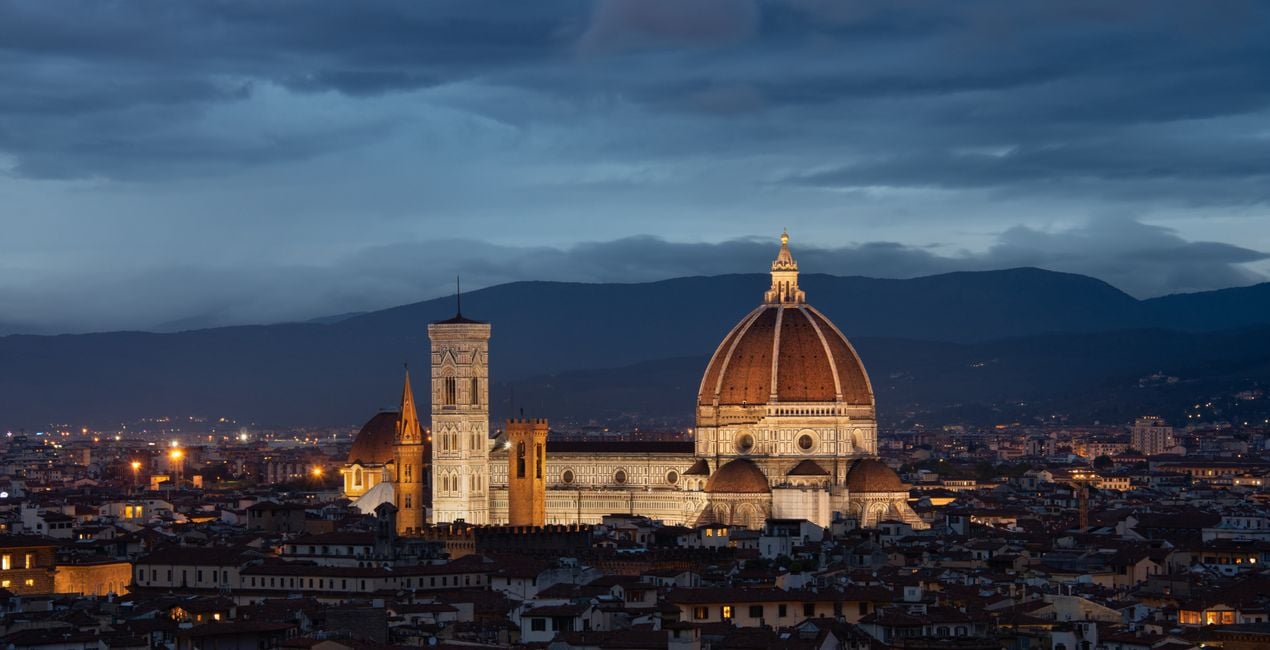
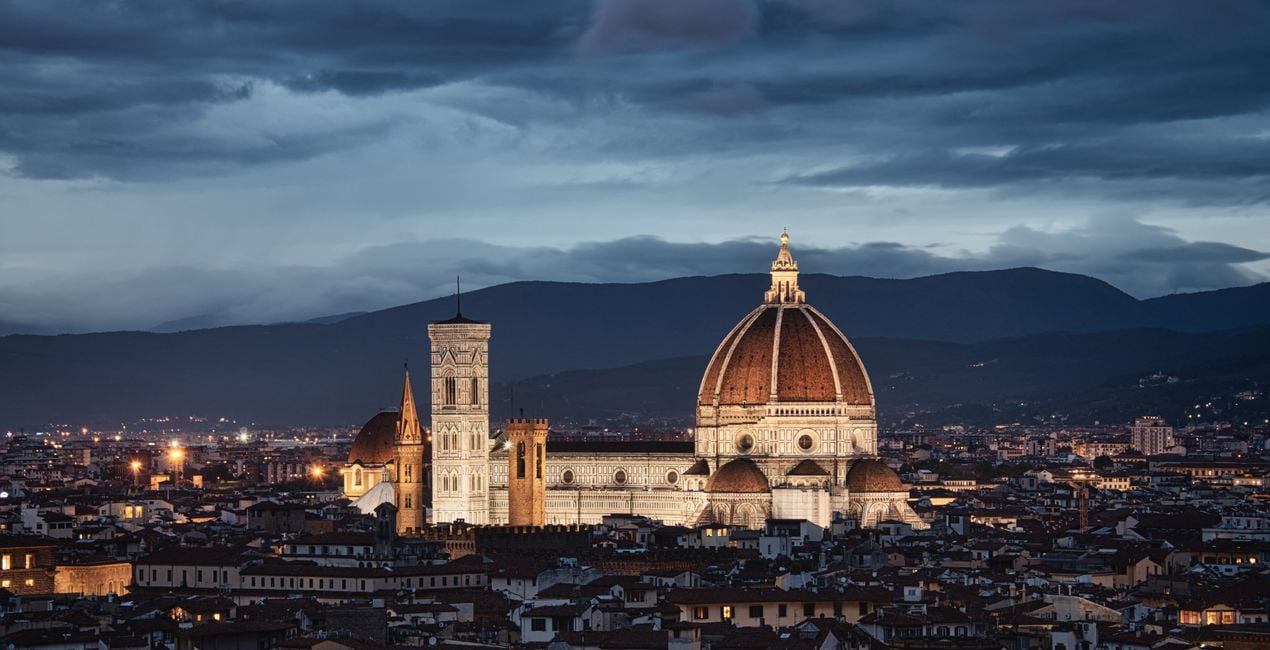 >
>

 >
>
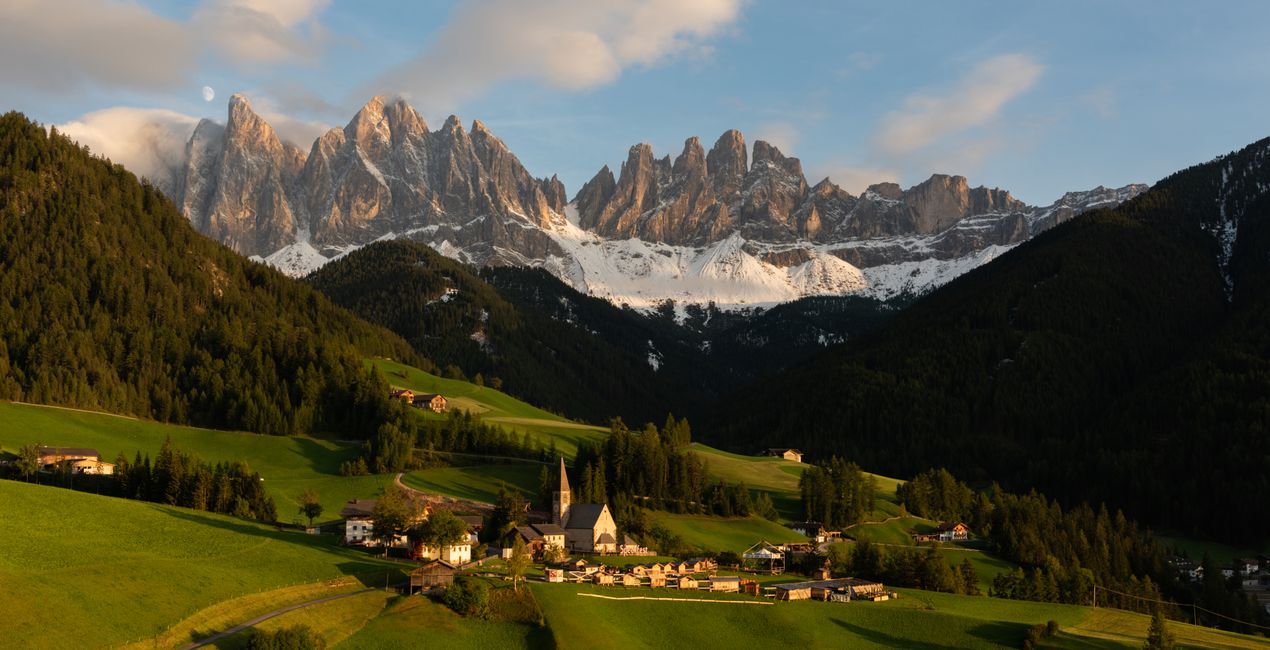
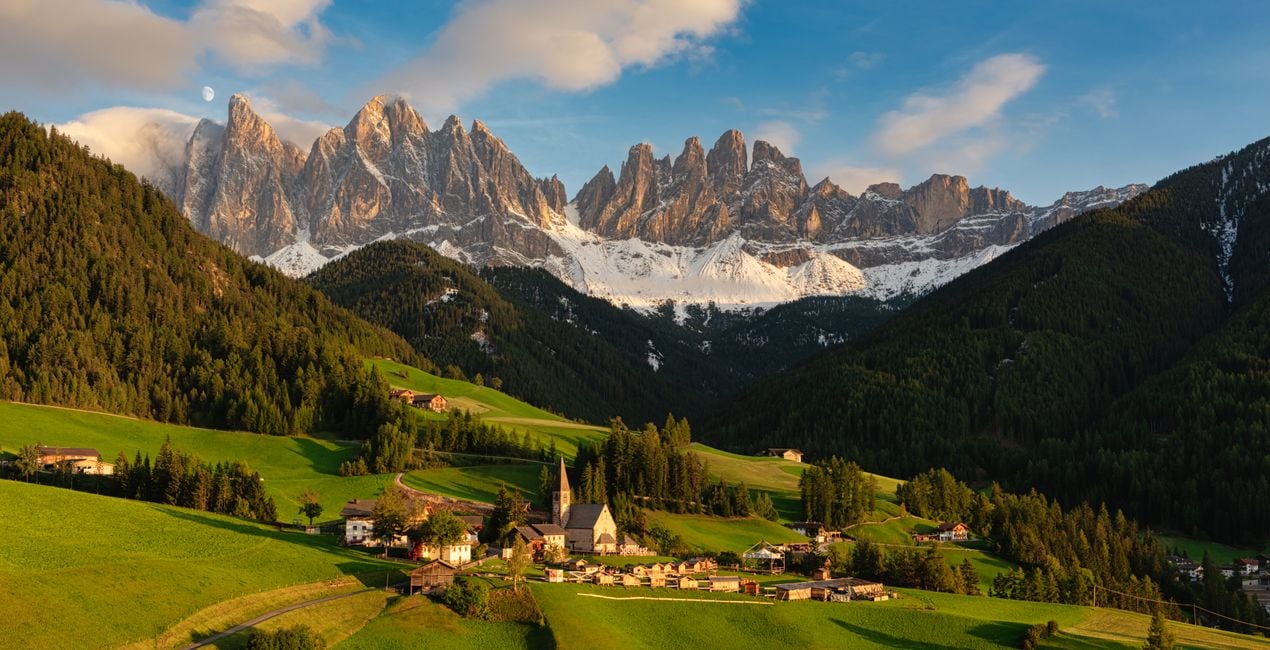 >
>
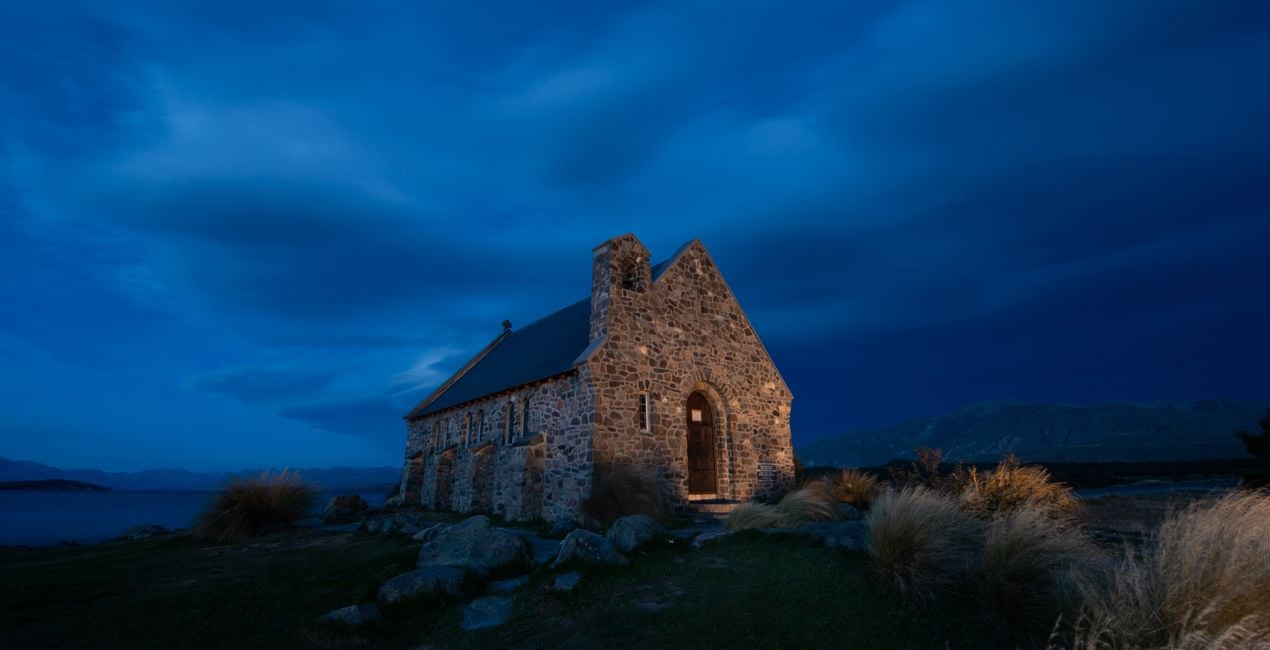
-Medium-After.jpeg?w=1270&h=650&resize=cover) >
>
To create this Templates Collection, I broke down dozens of my photos to find unifying factors that are shared across my portfolio. Since I specialize in both cityscape and landscape photography, I created a small set of Templates for each genre.
The idea behind this collection is not necessarily to stylize photos but rather to bring out and enhance the natural beauty of the image itself, whether that’s in a soft, moderate, or dramatic way.
If your landscape or cityscape could use a strong pick-me-up, start by applying one of the dramatic Templates.
If your image just needs a smaller push in the right direction, begin by using one of the light Templates.
Either way, these Templates will make enhancements that are easy to adjust.
Special Tips: This Templates Collection includes 3 Landscape & Nature and 3 Cityscapes & Blue Hour Looks that have light, medium, and dramatic levels of adjustment.
Though they’re each geared towards a specific genre, I recommend trying each one no matter what photo you’re working with since they all offer something different.
Note: The Cityscapes & Blue Hour Templates are designed to work on any cityscape, and any time of day. Similarly, they also work well on Blue Hour Landscapes.
Exposure: These Templates work best if the exposure, shadows, and highlights are adjusted using the Light panel.
White Balance: Each photo is different. Make adjustments to the White Balance and Tint if the scene seems too warm or cold.
Amount: For the best results, don’t hesitate to use the Amount slider to customize exactly how much of the Template is needed.
Share: Use the tag #LocardiLuminar on social media so Elia Locardi and the Luminar Team can check out your images created with these Signature Templates!
Worldwide Photographer
Elia Locardi is an internationally acclaimed travel photographer, writer, public speaker, and educator.
Elia, who has been featured by Professional Photographer Magazine, CNet, Wacom, SmugMug Films, Fujifilm, and Fstoppers, began working full-time as a photographer in 2009. Since then he has visited more than 65 countries, flown nearly 2 million miles, and collaborated with companies and brands on nearly every continent.
Using a combination of traditional in-camera techniques, targeted times of day, and advanced post-processing and time blending methods, Elia has developed a recognizable style that has become well known around the world.
Veelgestelde vragen
Heb je nog extra vragen of wil je gewoon wat advies?
neem contact op met ons supportteamHeb je vragen over het product? Neem dan gerust contact op met ons supportteam – 24/7 bereikbaar. Volg gewoon deze link.
Volg deze stappen om Creating The Wow Factor te kopen:
1. Open Skylum’s Marketplace.
2. Ga naar het tabblad waar Creating The Wow Factor staat. Klik erop en voeg het toe aan je winkelmandje.
3. Ga naar je winkelmandje. Rond hier het aankoopproces van Creating The Wow Factor af.
4. Na je aankoop ontvang je een bevestigingsmail met de downloadlink voor Creating The Wow Factor. Je vindt het product ook terug in je Skylum-account onder het tabblad ‘Mijn add-ons’.
Uitgebreide instructies voor het installeren van Creating The Wow Factor ontvang je in de bevestigingsmail, samen met de downloadlink.
Daarnaast kun je het gekochte item direct installeren in Luminar Neo: ga naar Extra’s > Marketplace, selecteer de productcategorie, zoek het gekochte item en klik op Installeren.
Supermakkelijk! Ga naar het tabblad Presets en kies daar ‘Gekocht’. Je geïnstalleerde preset staat ertussen.
Geen zorgen. Alle gekochte items, waaronder Creating The Wow Factor, staan in het tabblad ‘Mijn add-ons’ van je Skylum-account. Van daaruit kun je ze makkelijk opnieuw downloaden en gebruiken.
In de meeste gevallen zijn items compatibel met Luminar Neo. Maar om zeker te weten of Creating The Wow Factor werkt met jouw software, check je best even de specificaties vóór je iets downloadt of koopt. Kijk op de pagina van Creating The Wow Factor aan de rechterkant bij het kopje ‘Compatibiliteit’ – daar staan alle compatibele producten vermeld.
Ga nog niet weg. Hier is een exclusieve kortingscode voor jou. Gebruik deze binnen 15 minuten om bij het afrekenen 10% extra korting te krijgen. Kopieer de onderstaande code en rond je aankoop af.
15 m : 00 s





