


 Toegepast


Geweldige Dieren - Deel II
Save $201 $ 12 .00 $ 15 .00

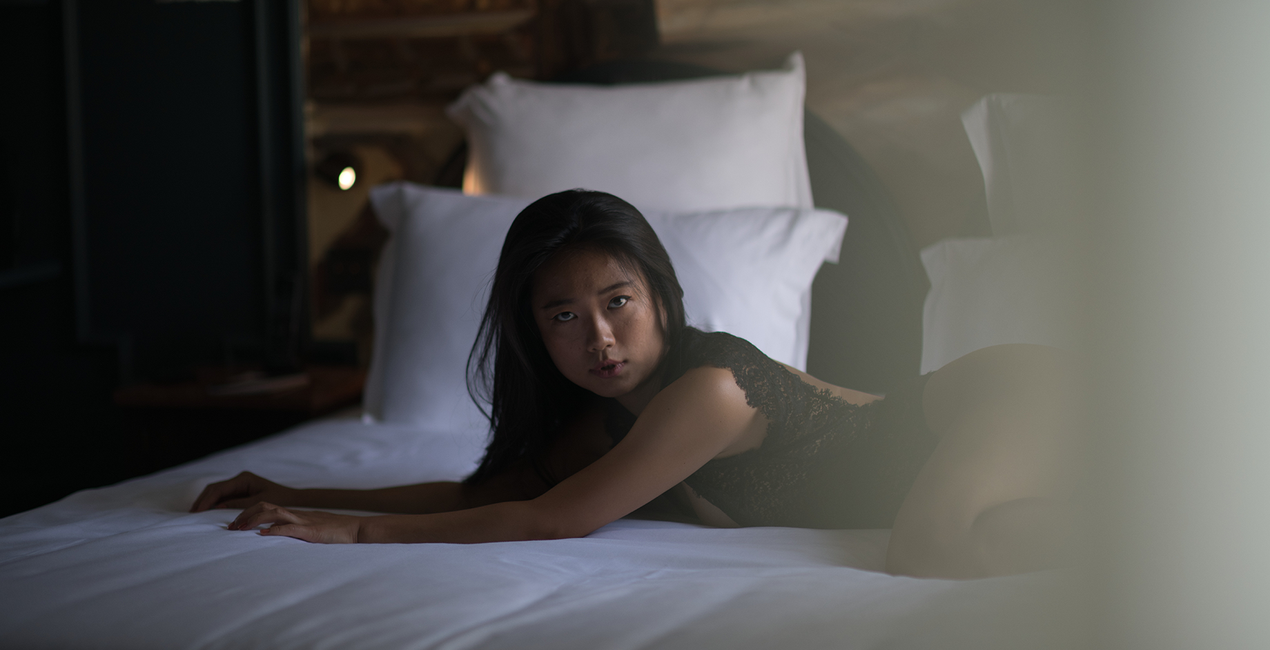
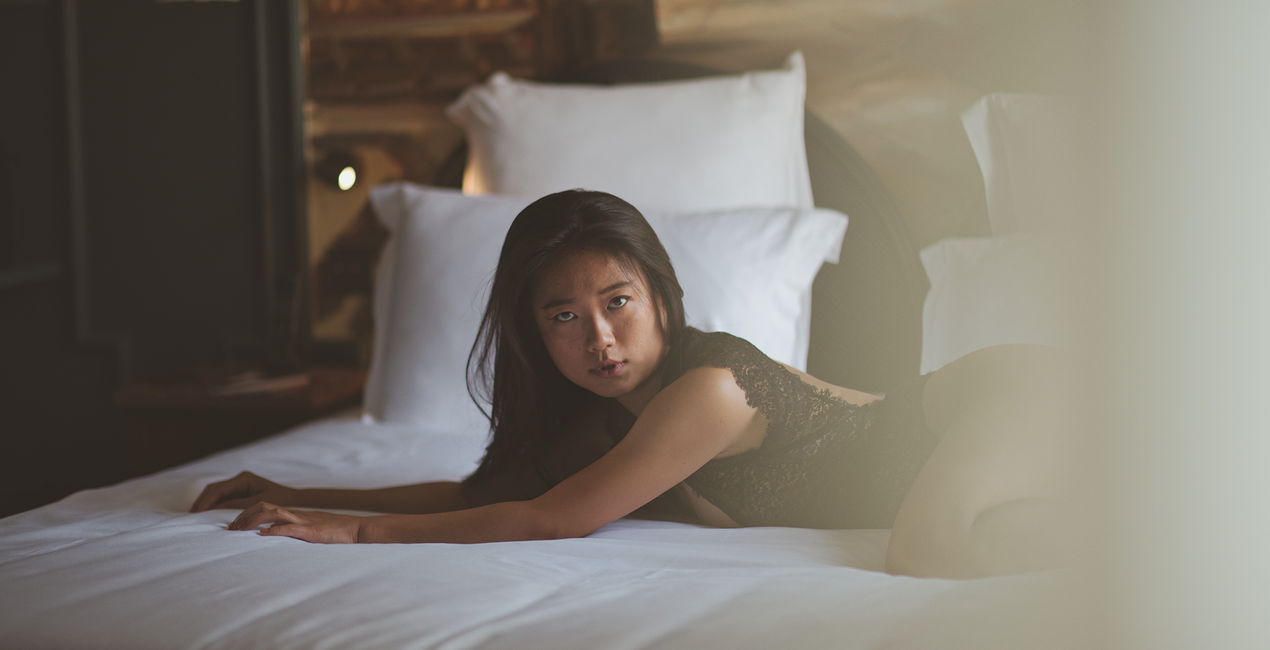
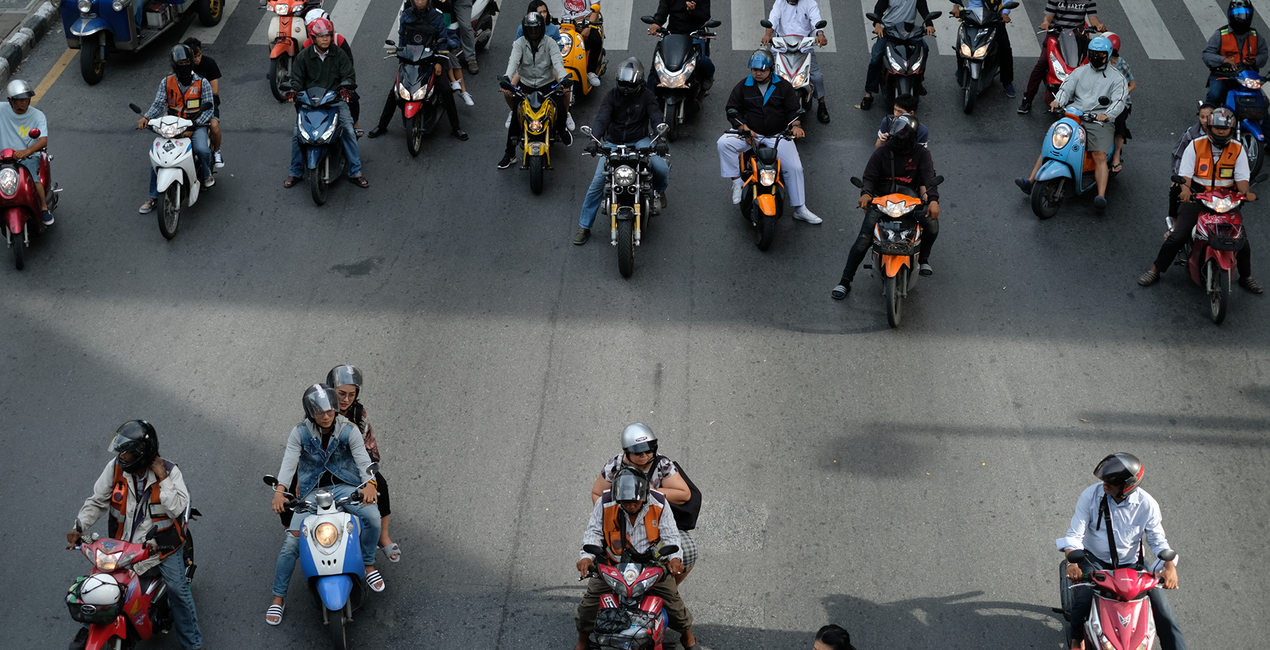
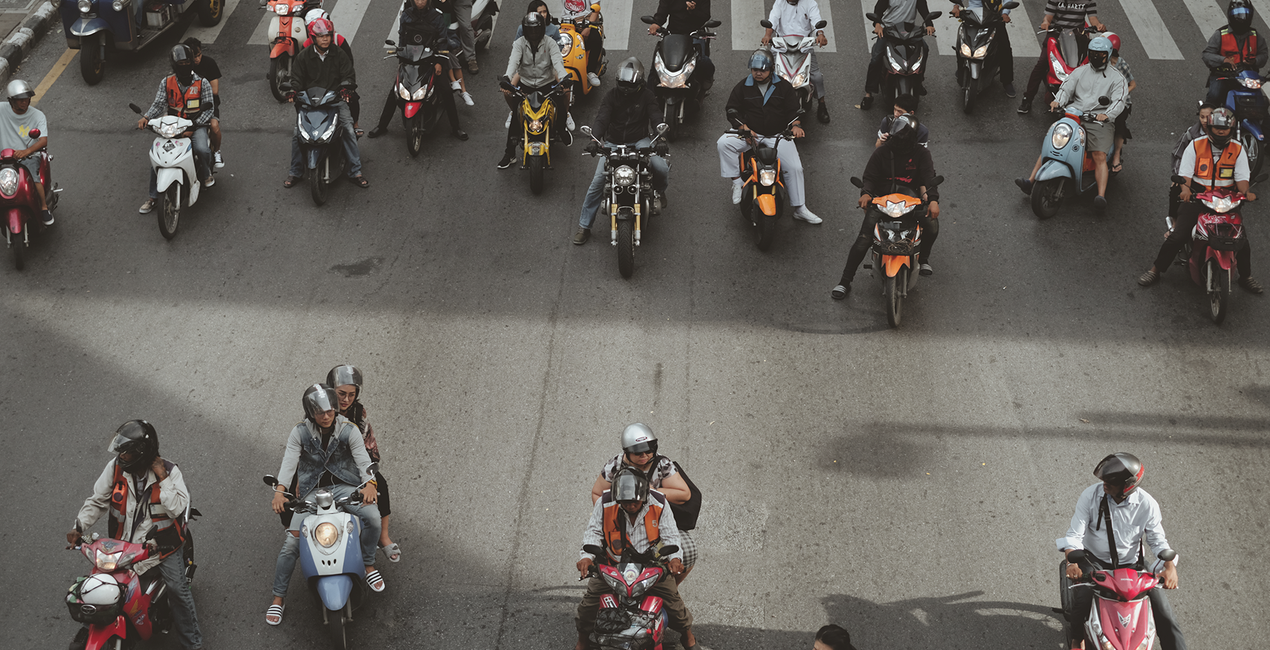
Laat uw afbeeldingen van dieren opvallen met deze verzameling van 12 felle Templates van Mathew Browne waarmee u de ziel van uw onderwerpen kunt onthullen. Van roofvogels tot majestueuze leeuwen tot schattige harige wezens, deze collectie heeft ongetwijfeld de Template die u zoekt.
Wat is inbegrepen
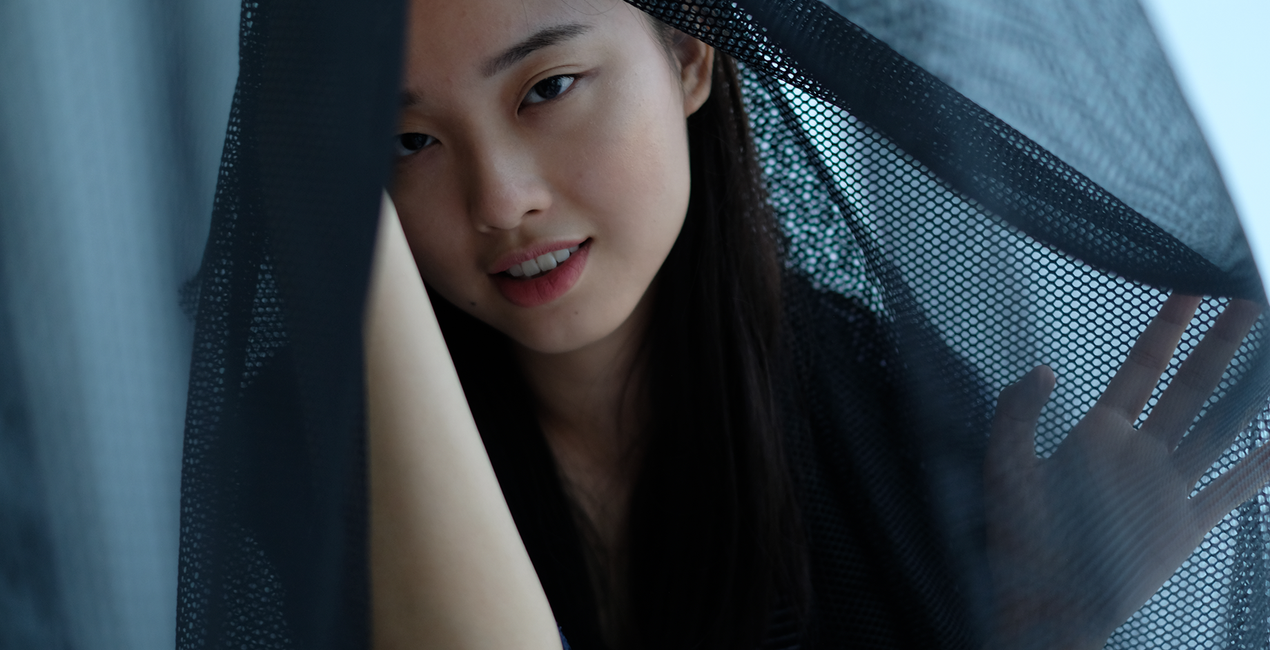
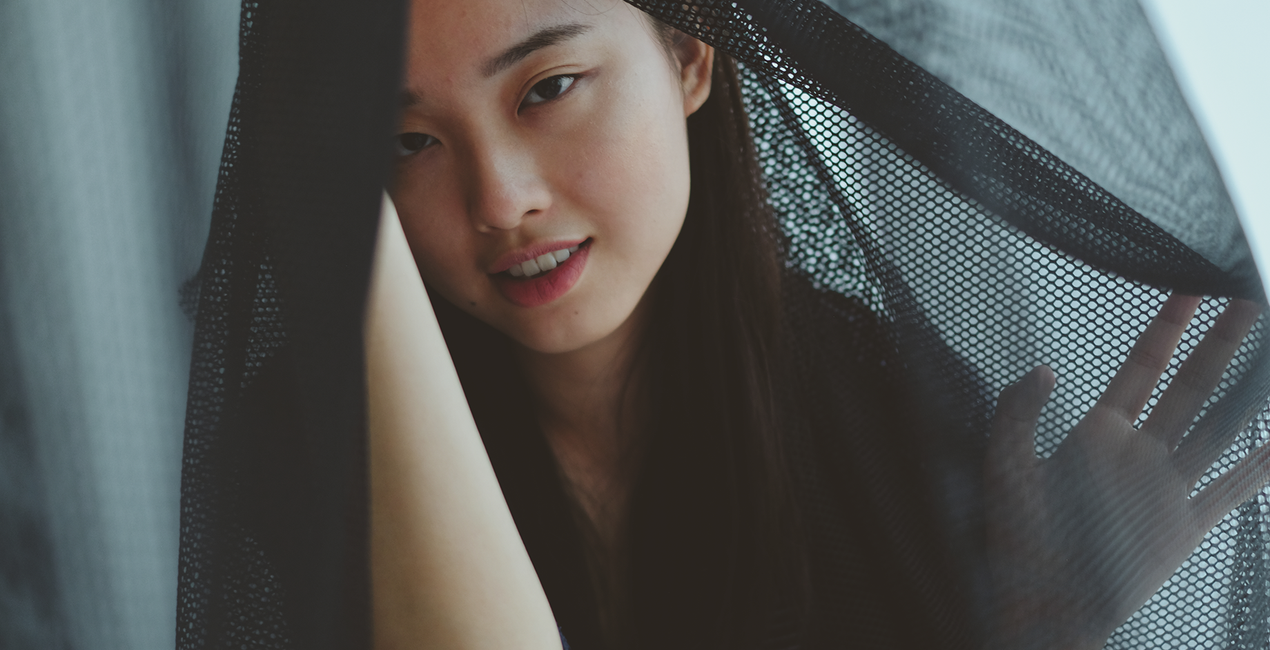
12 Sjablonen en Voorinstellingen. Compatibel met JPEG en RAW afbeeldingen.

Met behulp van de meegeleverde RAW-bestanden oefent u gemakkelijk retoucheertips en leert u hoe u dergelijke foto's kunt maken.

 >
>
 >
>
 >
>
 >
>

 >
>
 >
>
 >
>
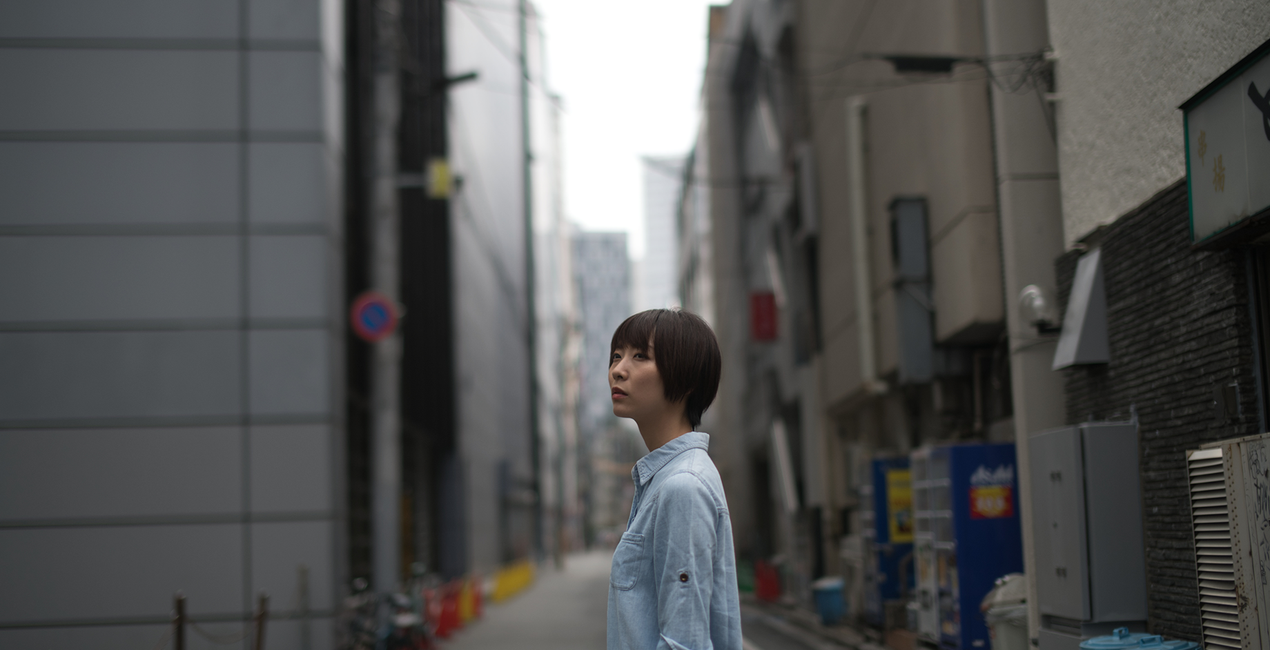
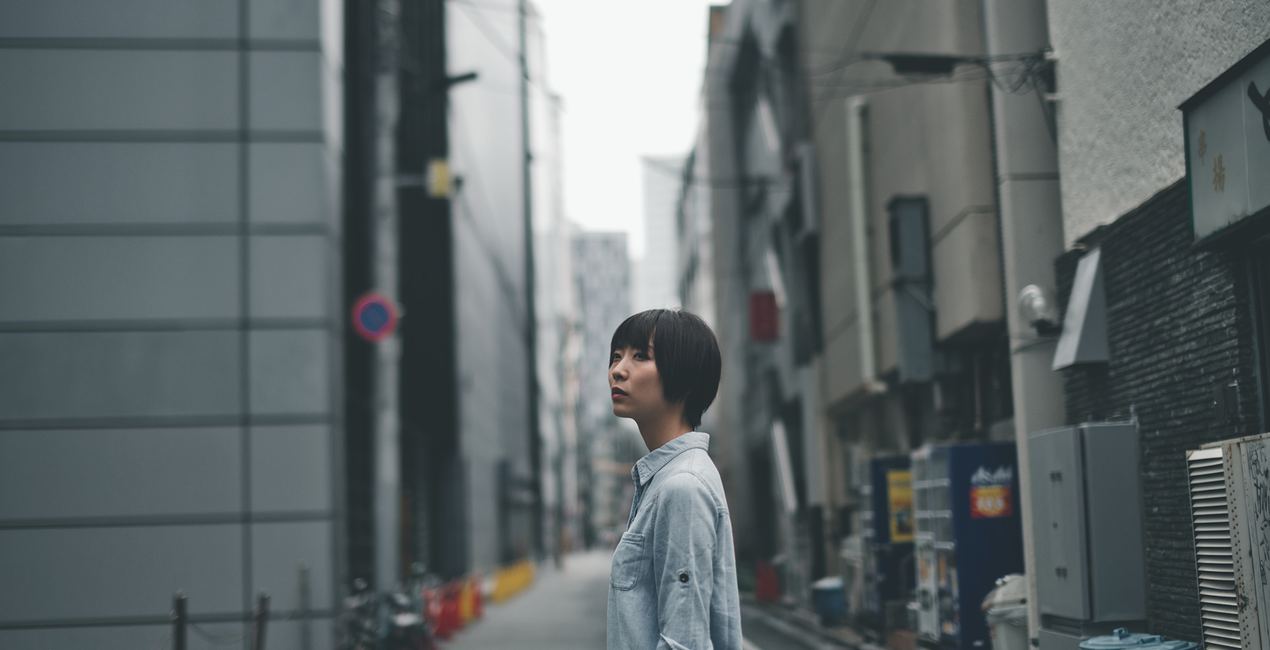 >
>

 >
>
Got photos of wild animals that don’t do these creatures justice?
Enhance them with the Templates in this collection.
Enjoy 12 fierce wild fauna Templates by Mathew Browne that are perfect for your safari photos.
Vibrant, dynamic, faded, atmospheric, mysterious — you name it, this collection has it. Perfect for animals you’ve encountered in the wild or in zoos, no matter how big or small.
With this collection, they will surely make an impression.
What you’ll find in this pack (12 Templates):
Tortoise Shell: Add a pleasing vignette, bring out details, and give a slightly cold tone for a captivating photo.
Flamingo: Make your photos stand out thanks to slightly darker toning plus enhanced contrast and depth.
Soft Fur: This Template adds softness and glow, perfect for enhancing the fur of cuddly animals.
Gorilla: This Template adds a darker, more mysterious tone that adds drama and pulls the viewer in.
Rainy Bird: An atmospheric Template in cold tones and shadows that adds a gloomy mood to your photo.
Tiger: Add contrast and color in one slide, making colorful animals stand out.
Meerkat: Elevate your subject by bringing a slightly darker toning to the background.
Red Panda: This Template enhances the contrast of the photo, adding an accentuating vignette.
Savanna: Bring a faded, subdued tone to your images for an atmospheric look.
Forest Bird: This rich Template adds drama and depth as well as a mystical glow.
Primates: A neutral tone that pulls the viewer toward the subject, with a slight vignette.
Peacock: Add a cheerful tone to your animal photos with this Template filled with bright colors and increased saturation.
Keep in mind that a Template’s default effect might be too strong for your photo.
If it is, simply bring it back a bit with the Amount slider.
Don’t forget to share your results! Use the hashtag #madewithluminar on social media so the Skylum Team can take a look at your work!
Photographer. Skylum Ambassador.
<p>Justin Lim is a professional photographer based in Asia with wide experience in portraiture and travel photography. Founded in 2013 in Hong Kong, his studio, The Kandid, is a curated space for creators with props and textures.</p><p></p><p>One of Hong Kong’s most accomplished lifestyle photographers, Justin Lim began his photographic journey when he was a teenager in England in 1999. After a stint in the legal industry, Justin returned to Hong Kong, the country of his birth, where he founded The Kandid, his bespoke studio along with a social media consultancy business. Justin has been featured on social media since the Flickr era, going on to become a Suggested User on Instagram as well as a guest editor on 500px. </p><p>His passion for photography has seen him canvas the world seeking lifestyle moments and beautiful portraiture. He has worked for some of the world’s most famous brands as both a photographer and influencer and has dedicated his life to learning more about cultures and people through his travels.</p>
Veelgestelde vragen
Heb je nog extra vragen of wil je gewoon wat advies?
neem contact op met ons supportteamHeb je vragen over het product? Neem dan gerust contact op met ons supportteam – 24/7 bereikbaar. Volg gewoon deze link.
Volg deze stappen om Cinematic Bespoke te kopen:
1. Open Skylum’s Marketplace.
2. Ga naar het tabblad waar Cinematic Bespoke staat. Klik erop en voeg het toe aan je winkelmandje.
3. Ga naar je winkelmandje. Rond hier het aankoopproces van Cinematic Bespoke af.
4. Na je aankoop ontvang je een bevestigingsmail met de downloadlink voor Cinematic Bespoke. Je vindt het product ook terug in je Skylum-account onder het tabblad ‘Mijn add-ons’.
Uitgebreide instructies voor het installeren van Cinematic Bespoke ontvang je in de bevestigingsmail, samen met de downloadlink.
Daarnaast kun je het gekochte item direct installeren in Luminar Neo: ga naar Extra’s > Marketplace, selecteer de productcategorie, zoek het gekochte item en klik op Installeren.
Supermakkelijk! Ga naar het tabblad Presets en kies daar ‘Gekocht’. Je geïnstalleerde preset staat ertussen.
Geen zorgen. Alle gekochte items, waaronder Cinematic Bespoke, staan in het tabblad ‘Mijn add-ons’ van je Skylum-account. Van daaruit kun je ze makkelijk opnieuw downloaden en gebruiken.
In de meeste gevallen zijn items compatibel met Luminar Neo. Maar om zeker te weten of Cinematic Bespoke werkt met jouw software, check je best even de specificaties vóór je iets downloadt of koopt. Kijk op de pagina van Cinematic Bespoke aan de rechterkant bij het kopje ‘Compatibiliteit’ – daar staan alle compatibele producten vermeld.
Ga nog niet weg. Hier is een exclusieve kortingscode voor jou. Gebruik deze binnen 15 minuten om bij het afrekenen 10% extra korting te krijgen. Kopieer de onderstaande code en rond je aankoop af.
15 m : 00 s





