

 © Albert Dros
 © Albert Dros
 © Albert Dros
 © Albert Dros
Over
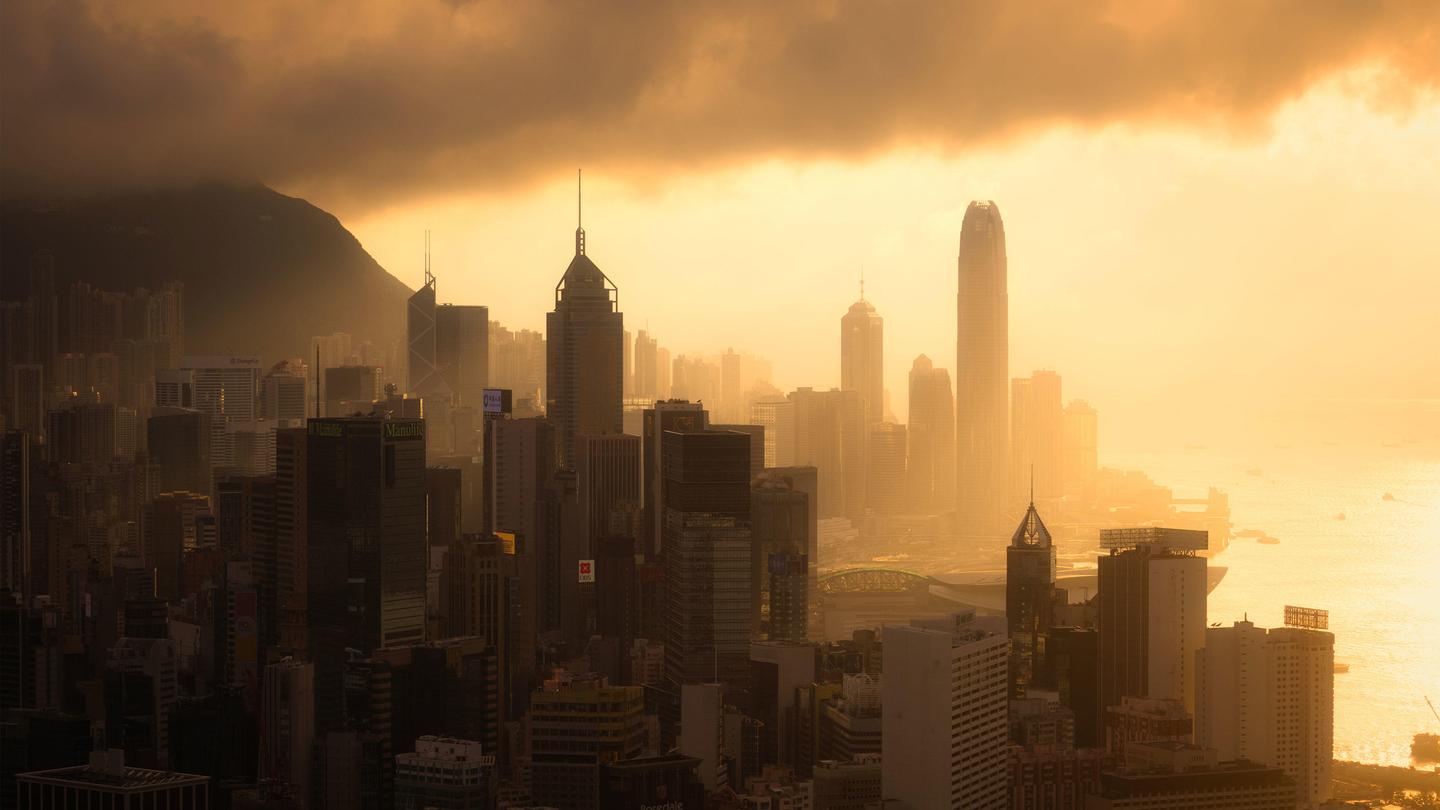
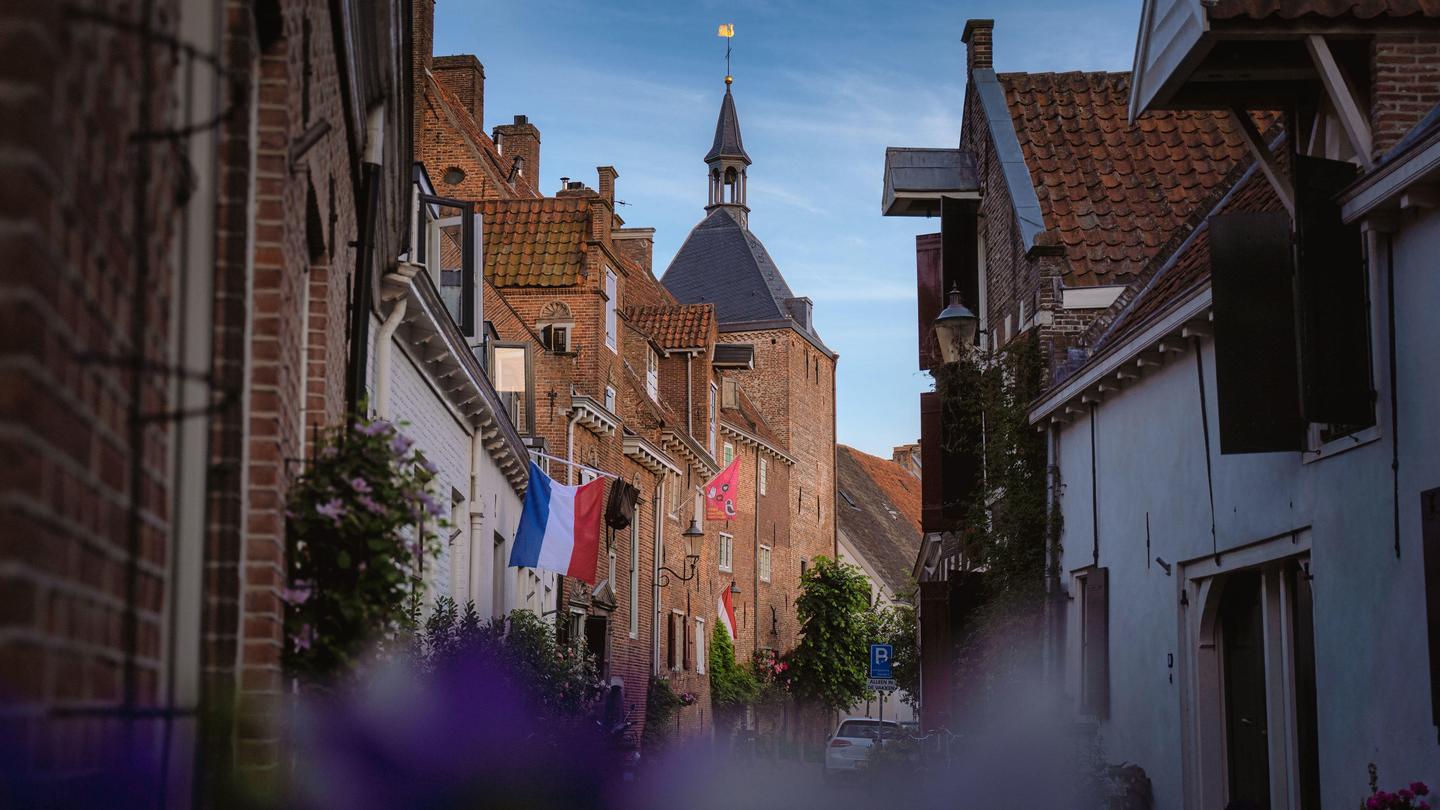
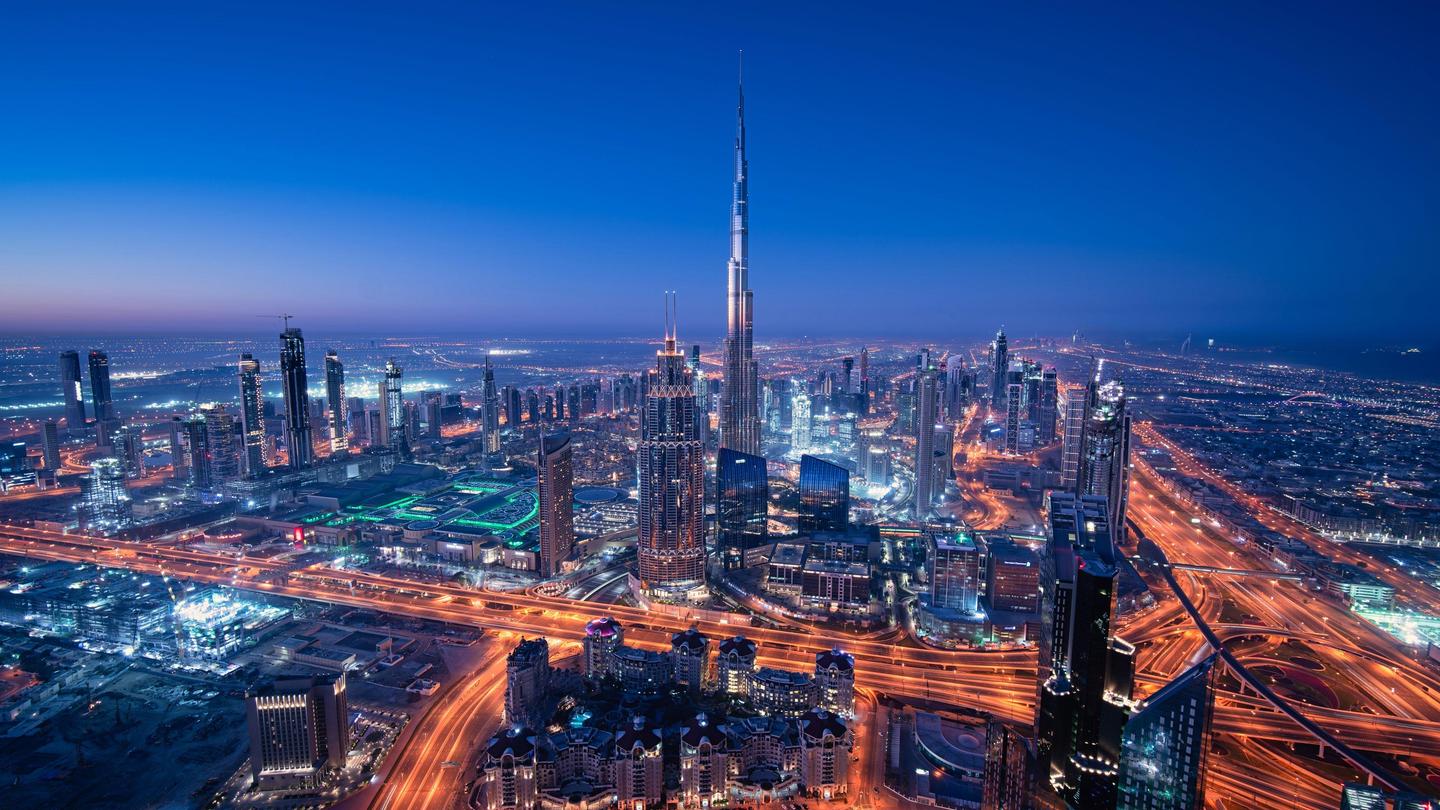
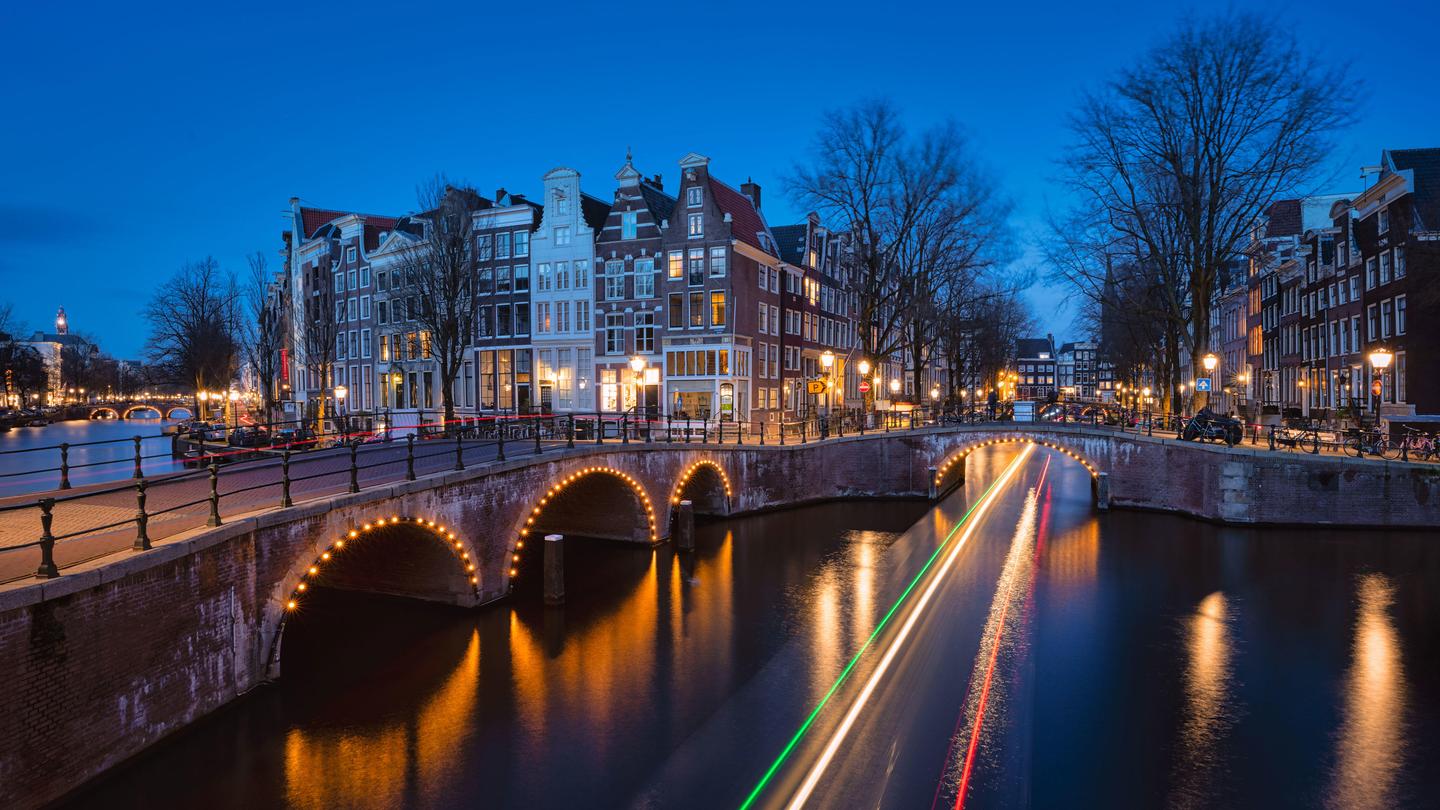
Albert Dros is back with another captivating set of Templates/Looks created specifically for Luminar 4. Born from Albert’s passion for cities, this pack of nine versatile Templates/Looks is perfect for processing any of your cityscape photos fast and easily, whether you’re creating a dream-like cozy town or a futuristic cyberpunk metropolis.
Maak foto's zoals deze
Met behulp van de meegeleverde RAW-bestanden oefent u gemakkelijk retoucheertips en leert u hoe u dergelijke foto's kunt maken.
Het Verhaal
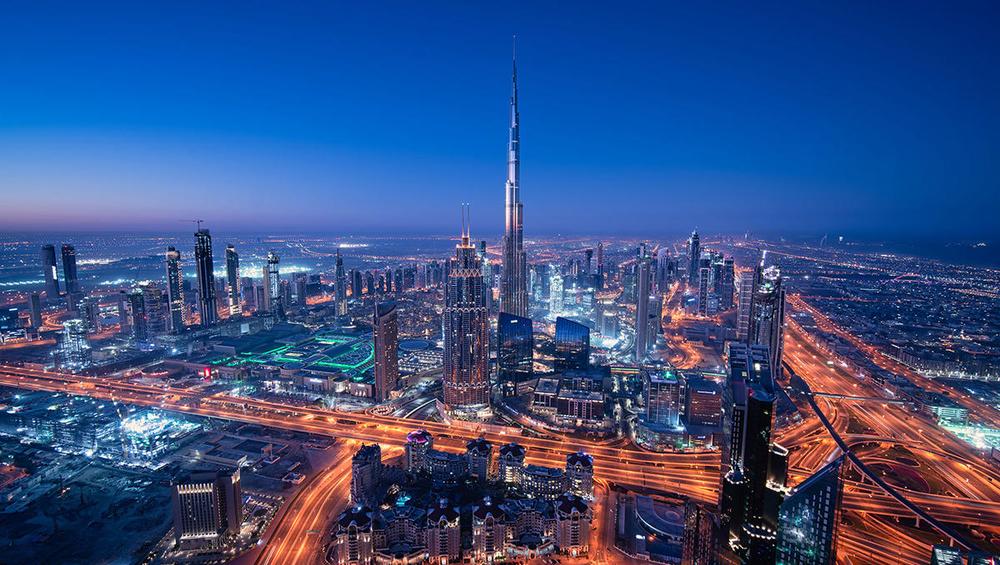
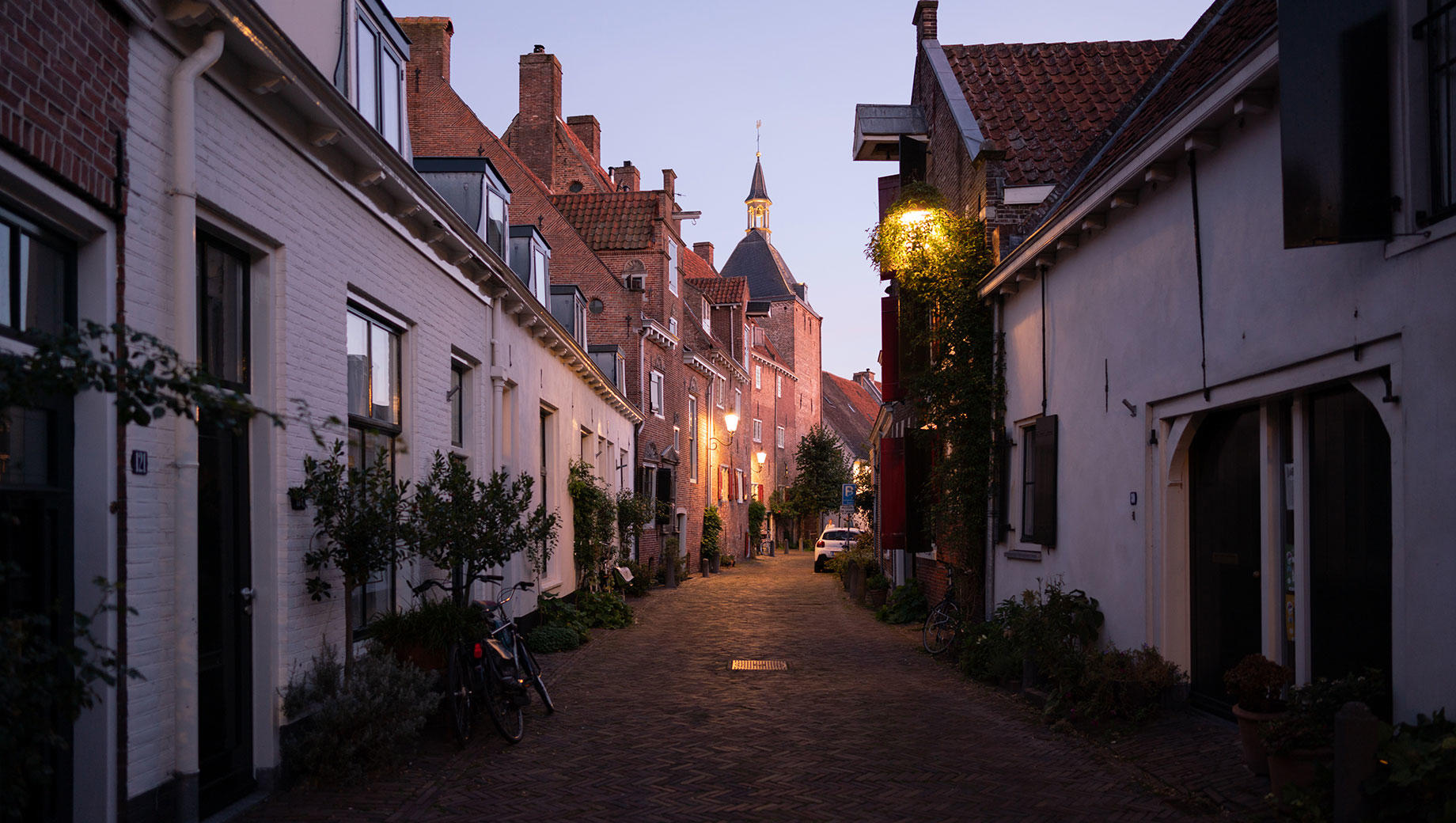
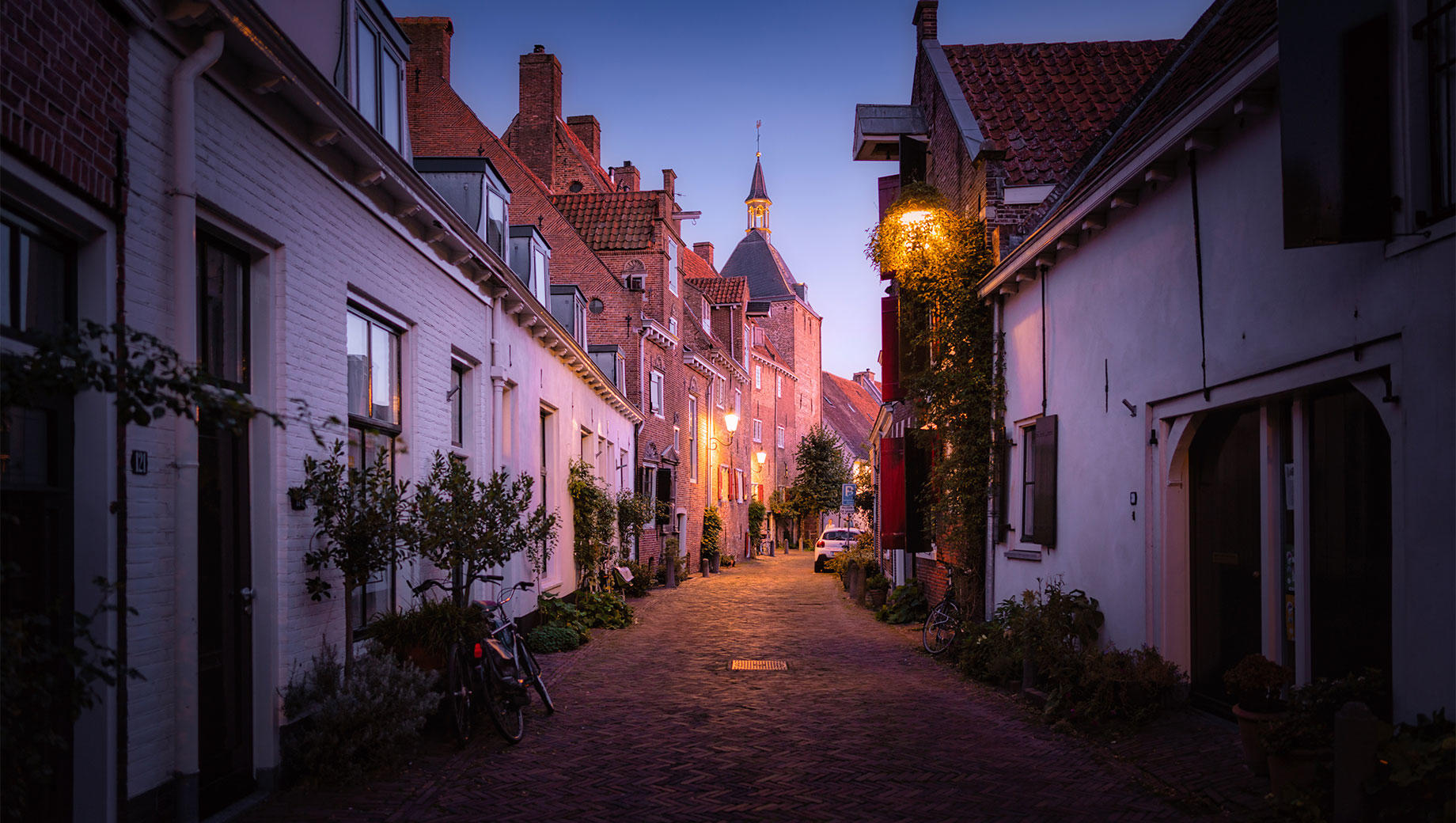
Want to transform ordinary city images into brilliant cityscapes? These Templates/Looks can turn any street corner — whether in a small town or a huge urban jungle — into a work of art. Daylight or nighttime, rural or modern — breathe life into your city shots and create masterpieces worth sharing simply by applying the Captivating Cityscapes Templates/Looks in Luminar.As a follow-up to his wildly popular Magical Forest Templates/Looks, Albert Dros has created a multi-purpose set of Templates/Looks specifically for LuminarAI and Luminar 4. Albert is not only passionate about landscapes but enjoys photographing cities, from science fiction realms like Dubai and Hong Kong to cozy towns in Italy and his homeland of the Netherlands. This versatile pack includes nine Templates/Looks that can be applied to all kinds of cityscapes. Blue Hour Enhance enriches your blue hour images with a natural look. Cozy Nights adds a romantic atmosphere, while Cyberpunk is for that futuristic movie vibe. Perfect for daylight and nighttime photos, the Templates/Looks in this pack will suit all tastes. Beyond creating an atmosphere, these Templates/Looks can fix imperfections in your shots. Fix overly strong sunlight with Sunset, a template that creates a dreamy vibe with subtle color adjustments to the oranges and yellows and adds glow to the highlights. Or use Dehaze to save your city images from smog. What more do you need for your cityscape processing needs?SPECIAL TIPS:Exposure: Manually adjust the exposure if you feel the image is too bright or too dark.Tint: If the photo is too purple or green, adjust the green/purple Tint.Vignette: If you’re unsure about the strong Vignette effect on some Templates/Looks, you can always decrease it.Amount: Don’t hesitate to use the Amount slider to regulate the effects.Templates/Looks: Experiment with different Templates/Looks on different images, regardless of their names. You might find something exciting!⭐SHARE:Use the tag #DrosLuminar on social media so Albert Dros and the Luminar Team can check out your images created with these Signature Templates Collection!
Gerelateerde Producten








Maker
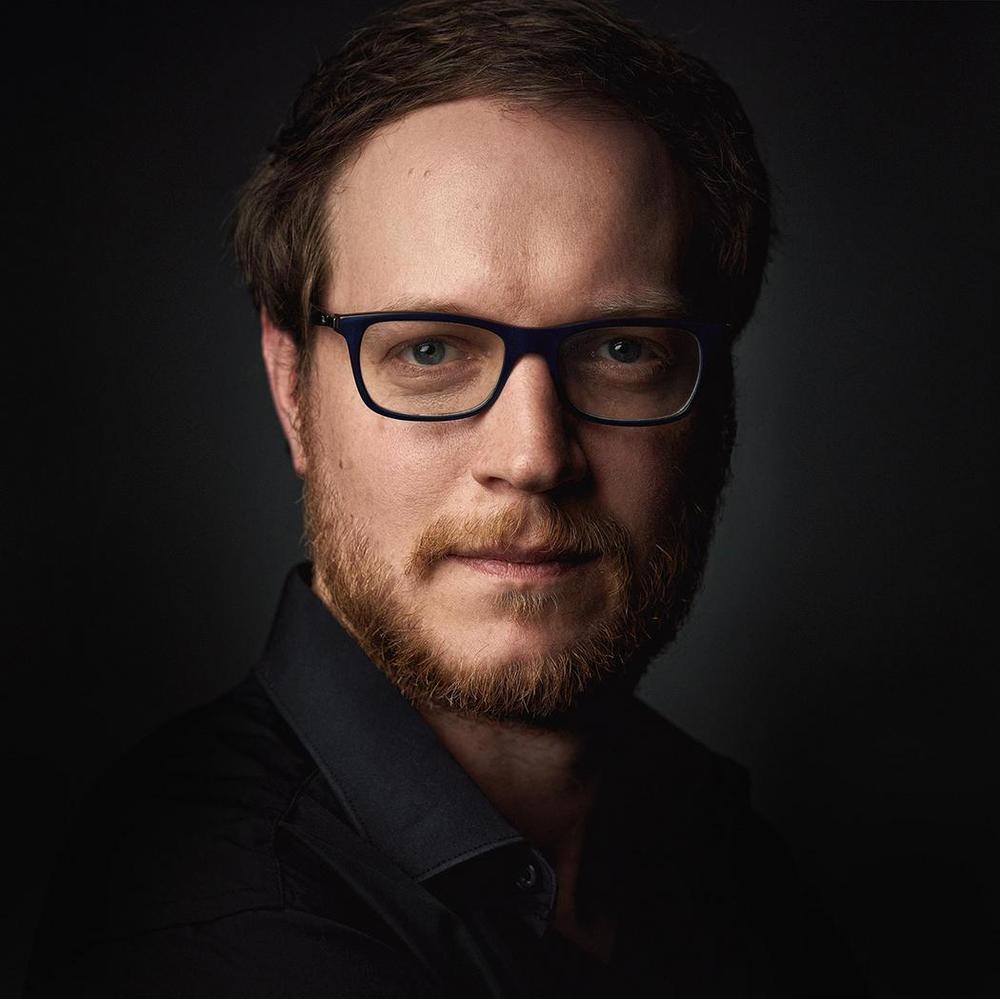
Albert Dros
Photographer, writer and educator
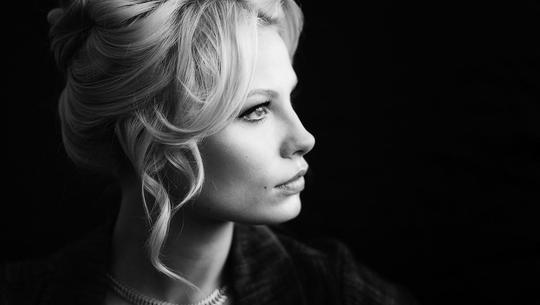
Albert Dros is a Dutch landscape photographer who has an extraordinary passion to plan and create unique shots. Volcanoes, solar eclipses and unique aspects of nature draw his attention. He doesn’t just go for the simple shot.
"Go big or go home" is his motto, always trying to add some unique element to his shots.
His work has been recognized on a worldwide scale and he has been published worldwide in the biggest media outlets.
Albert travels a lot as a photo educator but also for personal projects. But even in The Netherlands, he can’t stop photographing. His inspiration never stops.
Veelgestelde vragen
Heb je nog extra vragen of wil je gewoon wat advies?
Neem contact op met ons supportteam