

 적용됨
적용됨 



Analog Overlays
Save $201 $ 19 .00
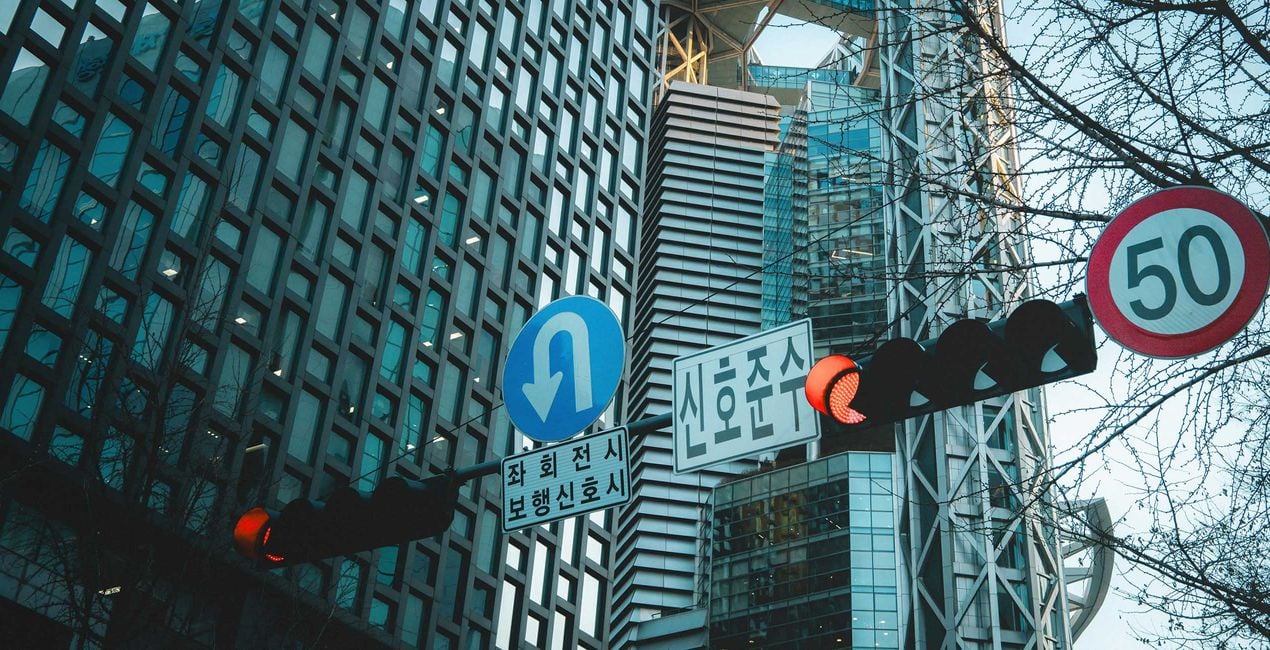
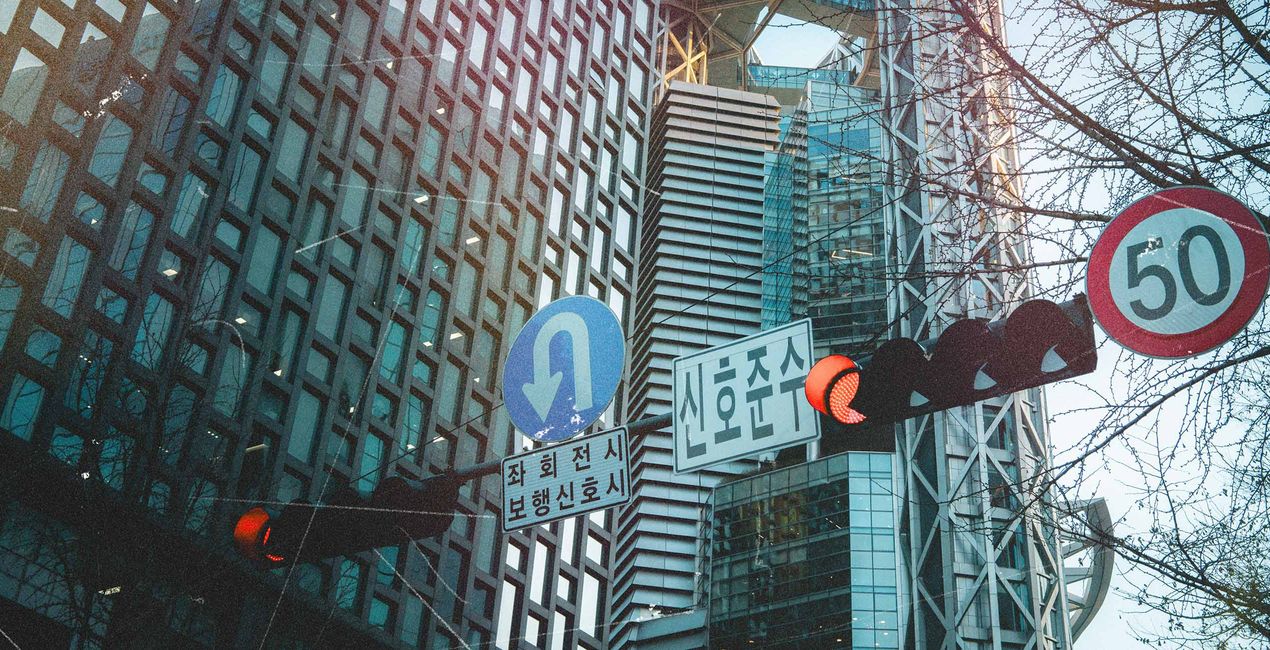
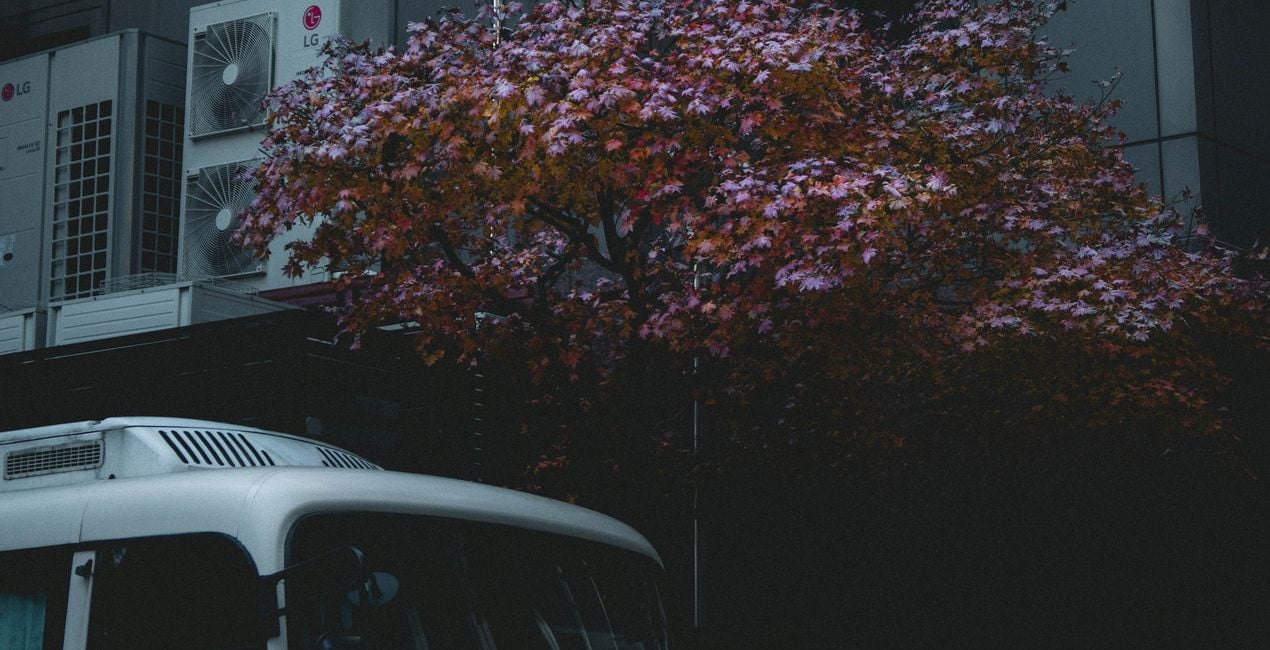
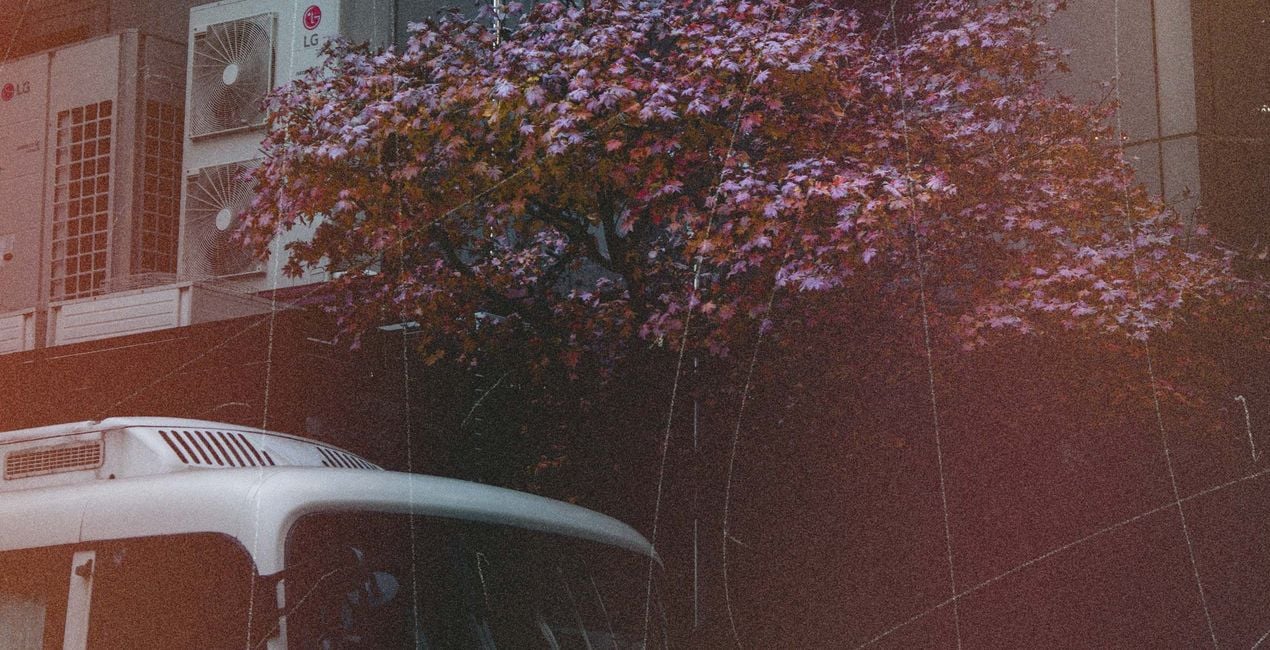
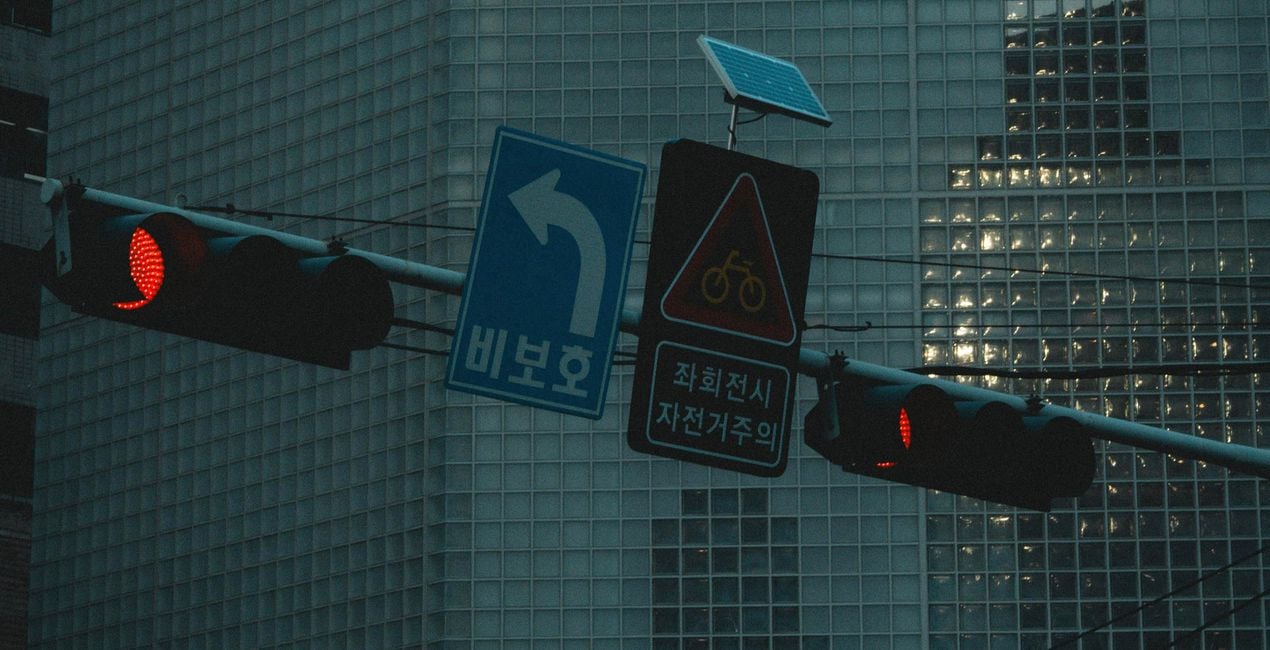
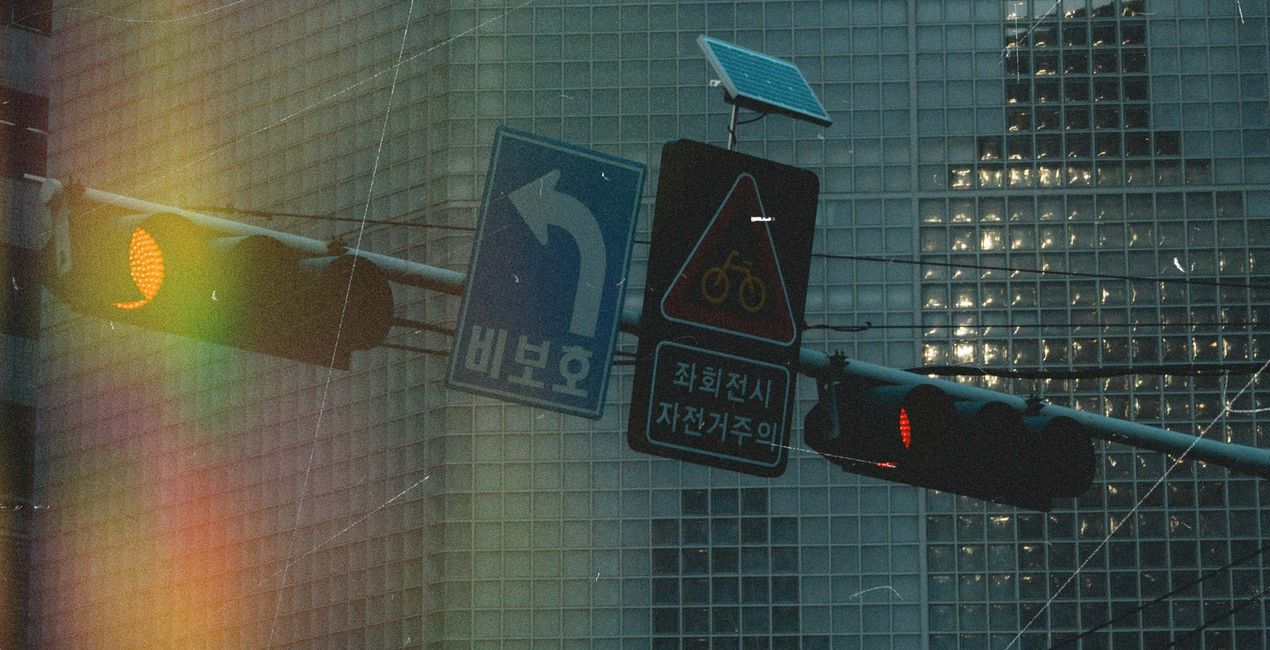
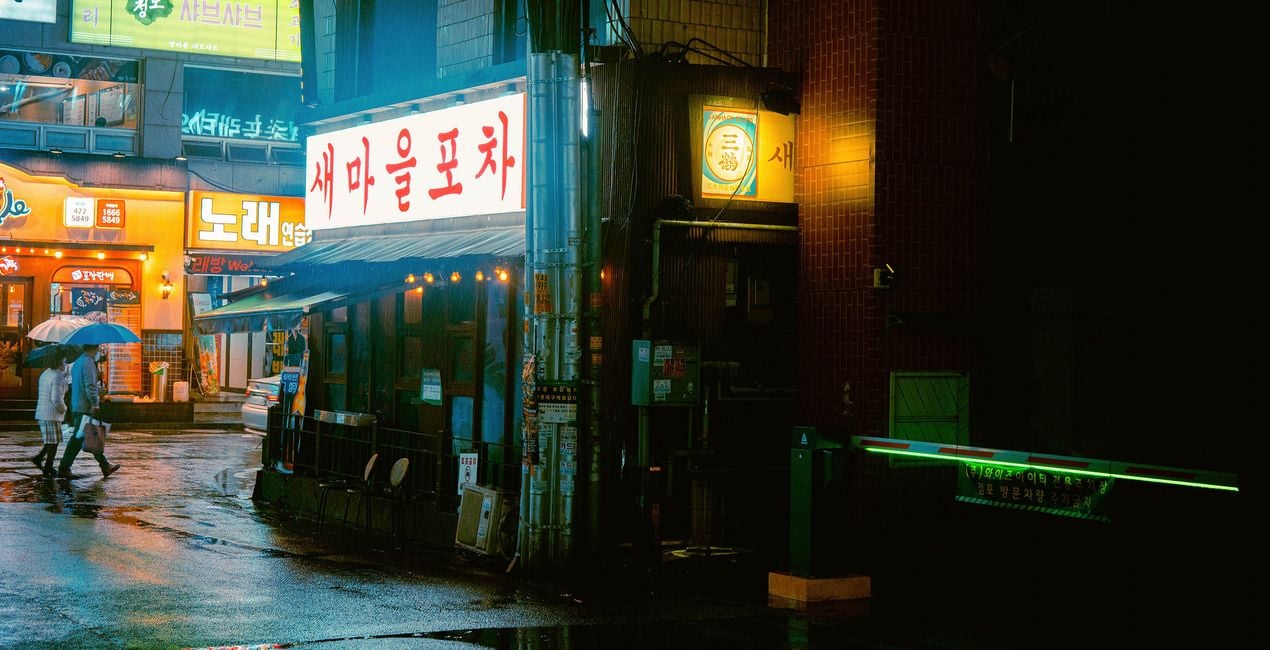
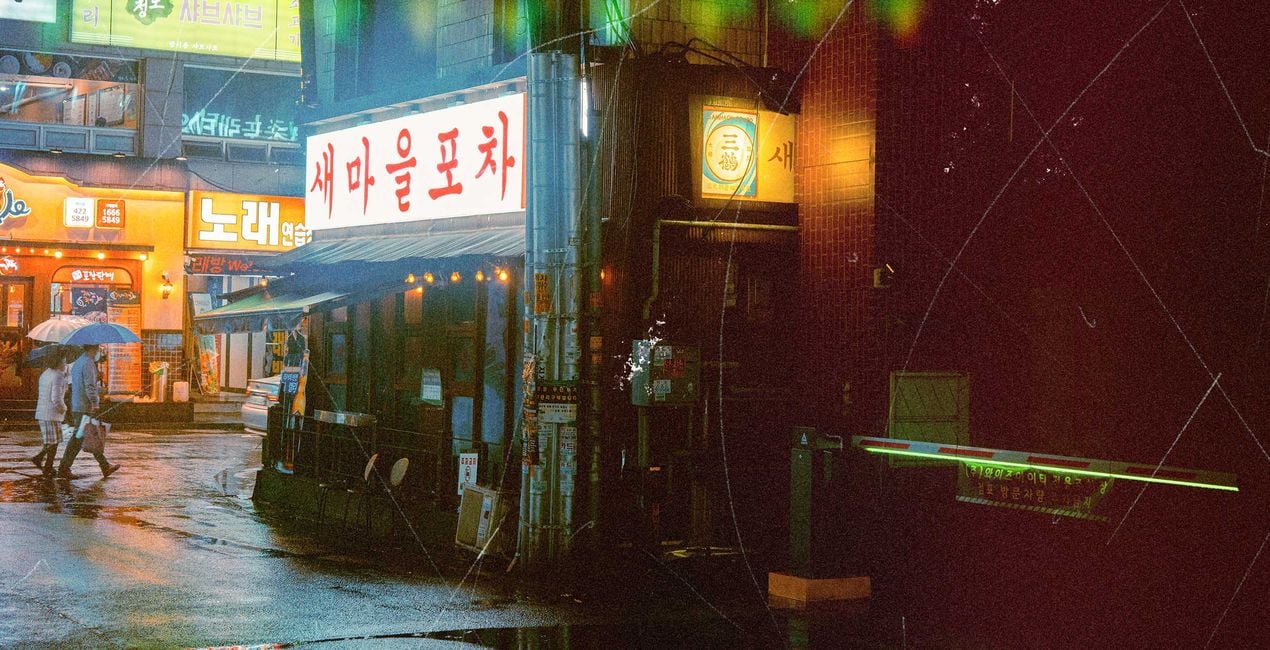
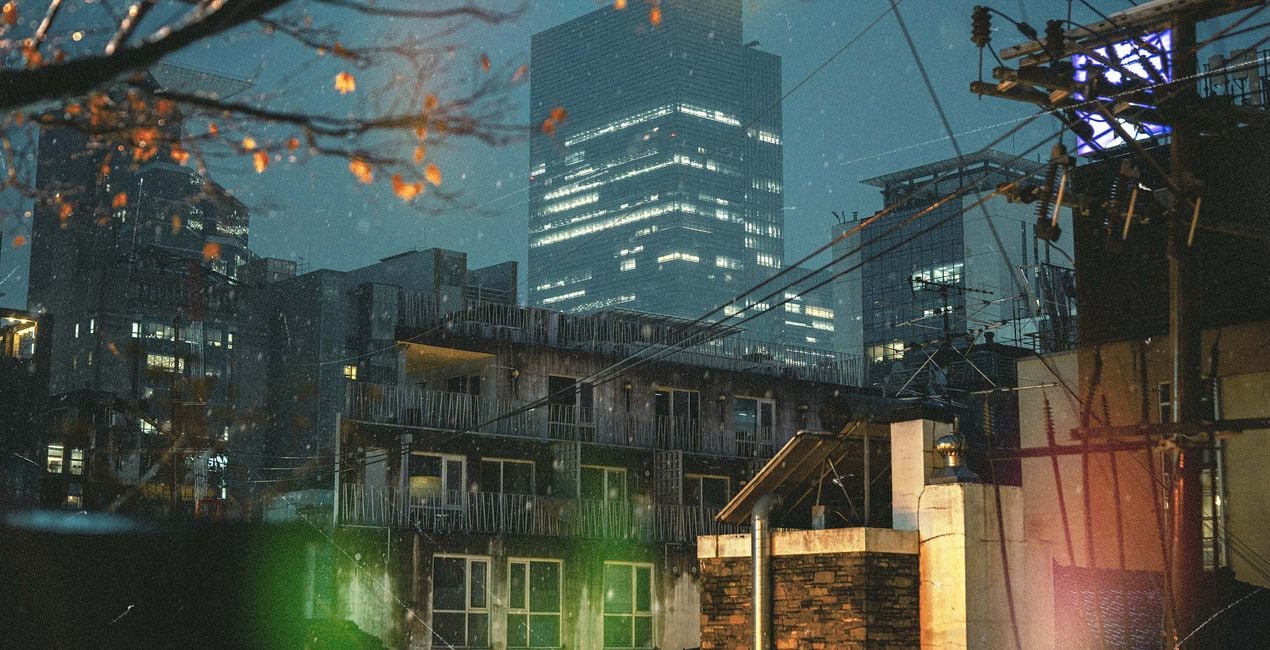
Analog Overlays is a meticulously curated collection designed to infuse digital images with the authentic charm of film photography. Each Overlay, from fine grain and subtle dust to classic scratches and warm light leaks, is crafted to transform your photos into timeless analog masterpieces. Ideal for photographers of all genres, these Overlays offer a simple yet powerful tool to elevate your imagery with the nostalgic beauty and imperfection of film.
포함되어 있는 사항
10 Overlays in JPEG format


RAW 파일을 사용하면 간편하게 리터치 기법을 연습하고 멋진 사진을 편집하는 방법을 배울 수 있습니다.
 >
>

 >
>
 >
>
 >
>
 >
>

 >
>


Street and Fashion photographer
Steve Roe is a photographer based in Seoul, originally from the UK, who has made a name for himself with his neon street photography. He captures the vibrant essence of cyberpunk culture, infusing his work with a futuristic and captivating allure. He is also known for his experimental approach to portraiture, employing neon lights and fractal lenses to craft imaginative and unique images that transport subjects to a realm of intriguing futurism. His talents have not gone unnoticed, with notable brands like Apple and Prada seeking his distinctive style for their campaigns. Steve's work has also received recognition from major platforms such as the BBC and National Geographic, while his photographs have graced the covers of iconic cyberpunk novels like The Neuromancer Trilogy by William Gibson. With an eye for neon aesthetics and a passion for capturing the essence of Asia's neon-lit cities, Steve Roe continues to captivate audiences, blurring the lines between reality and the dazzling realm of neon-lit dreams.
제품에 관한 문의 사항이 있으시면 24시간 지원팀에 연락하세요. 아래 링크를 따라가시면 됩니다.
Analog Overlays을 구매하려면 다음 단계를 따르세요:
1. Skylum 마켓플레이스를 엽니다.
2. Analog Overlays이 표시된 탭으로 이동하세요. 해당 상품을 클릭하여 장바구니에 담으세요.
3. 장바구니로 이동하세요. 여기서 Analog Overlays의 구매 절차를 완료하세요.
4. 구매 후 Analog Overlays의 다운로드 링크가 포함된 주문 완료 이메일을 받게 됩니다. 또한 새로 구매한 항목은 Skylum 계정의 ‘내 애드온’ 탭에서 확인하실 수 있습니다.
Analog Overlays 설치에 대한 자세한 안내는 다운로드 링크와 함께 발송되는 주문 처리 이메일로 보내드립니다.
또한 구매한 항목은 Luminar Neo에서 직접 설치할 수 있습니다: 기타 > 마켓플레이스로 이동한 후, 제품 카테고리를 선택하고 구매한 항목을 찾아 설치를 클릭하세요.
아주 간단합니다! Analog Overlays은 레이어 > 구매 항목에 있습니다. 클릭하여 적용한 후 레이어 속성 메뉴에서 크기, 불투명도, 블렌드 모드 같은 텍스처/객체 속성을 조정하세요.
Luminar AI를 사용 중이라면 상단 바 메뉴의 편집 탭으로 이동하세요. 설치된 Analog Overlays은 로컬 마스킹 > 텍스처 > 텍스처 선택 > 사용자 정의에 표시됩니다.
걱정하지 마세요. Analog Overlays을 포함한 모든 구매 항목은 Skylum 계정의 ‘내 애드온’ 탭에 저장되어 있어 다시 간편하게 다운로드하고 이용할 수 있습니다.
일반적으로 대부분의 항목은 Luminar Neo와 호환됩니다. 그러나 Analog Overlays이 귀하의 소프트웨어와 호환되는지 확인하려면 다운로드 또는 구매 전에 해당 제품의 사양을 검토하십시오. Analog Overlays 페이지 오른쪽의 ‘호환성’ 섹션을 확인하시면 모든 호환 제품이 나열되어 있습니다.
아직 떠나지 마세요. 여러분만을 위한 특별 할인 코드를 준비했습니다. 15분 이내에 이 코드를 사용하시면 결제 시 추가 10% 할인을 받으실 수 있습니다. 아래 코드를 복사하여 구매를 완료해 주세요.
15 m : 00 s





