

 적용됨
적용됨 




소개
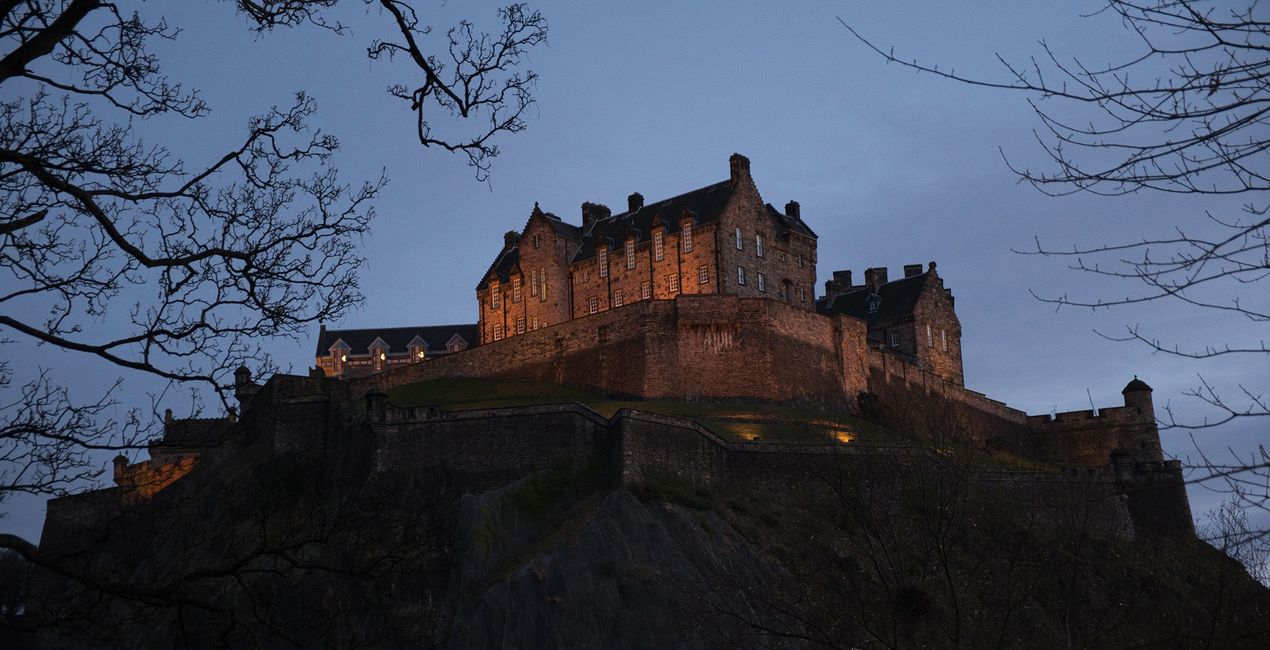
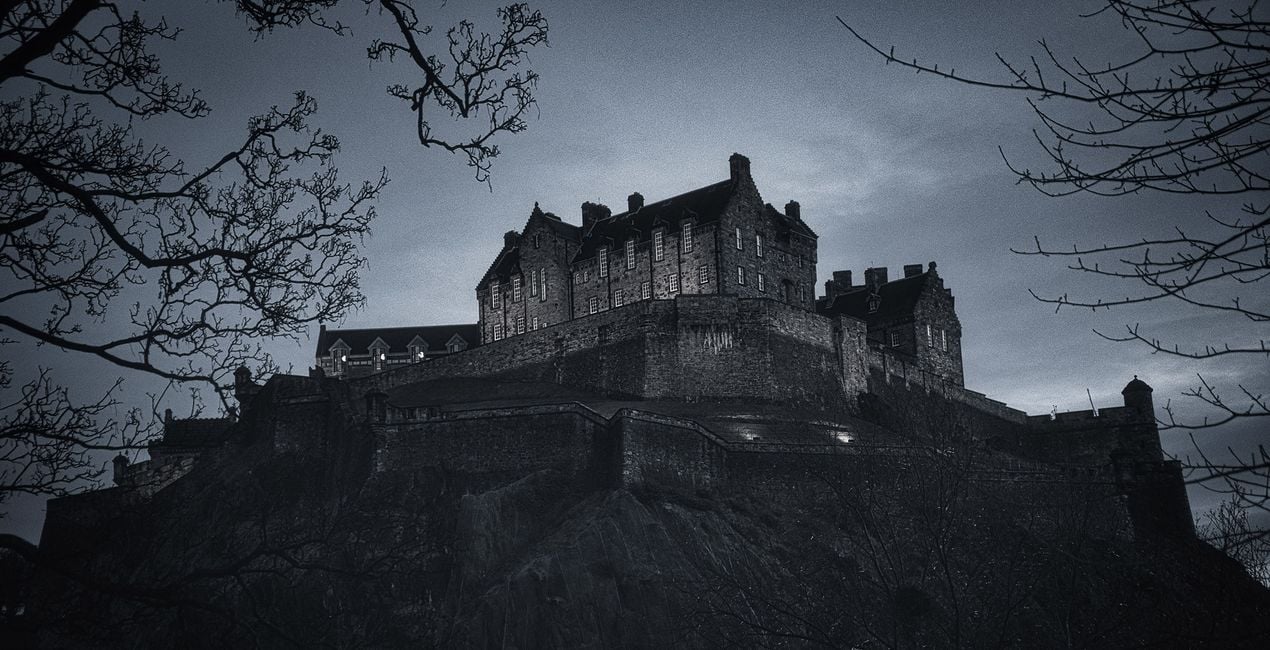
A multifunctional pack of Presets meticulously crafted to give your photos a timeless black and white look. Evoke the nostalgic elegance of golden era photography.
호환성

예술 작품 만들기
RAW 파일을 사용하면 간편하게 리터치 기법을 연습하고 멋진 사진을 편집하는 방법을 배울 수 있습니다.
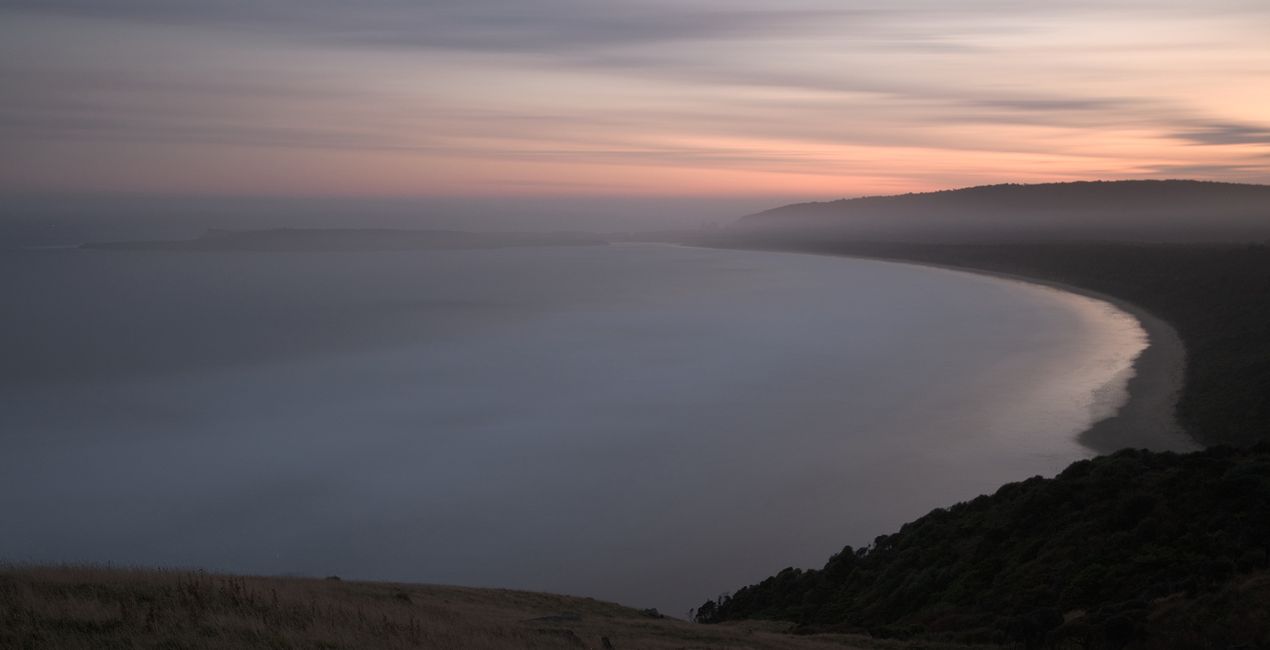
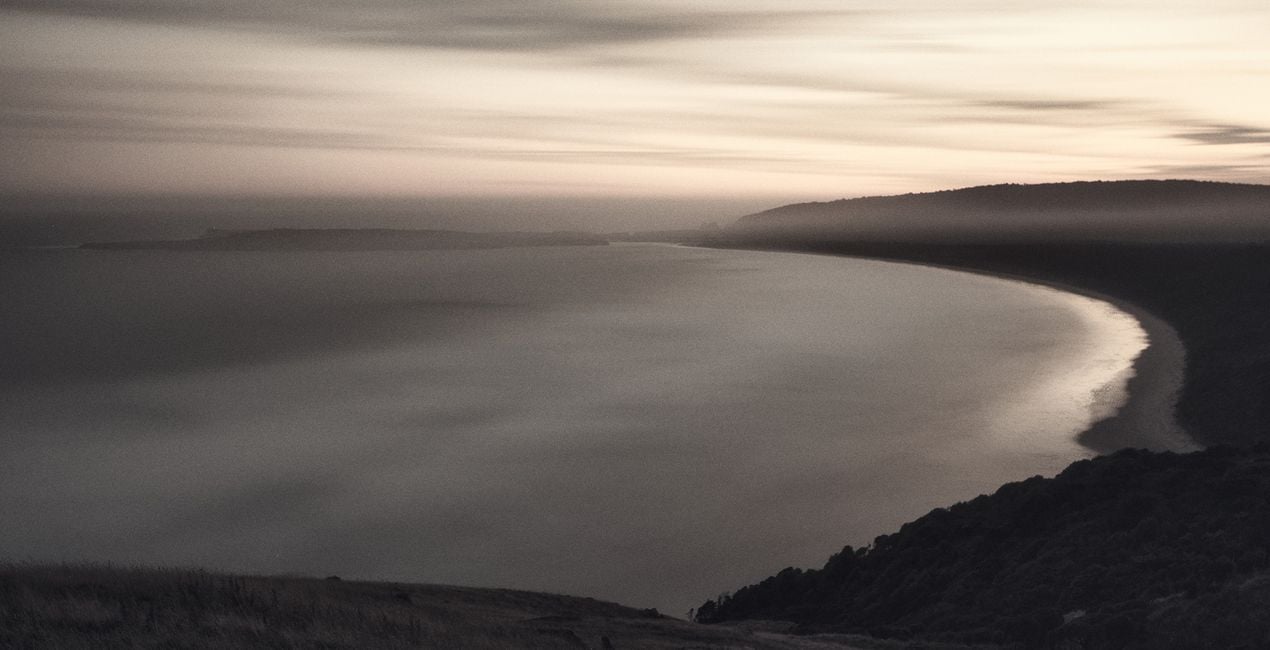 >
>
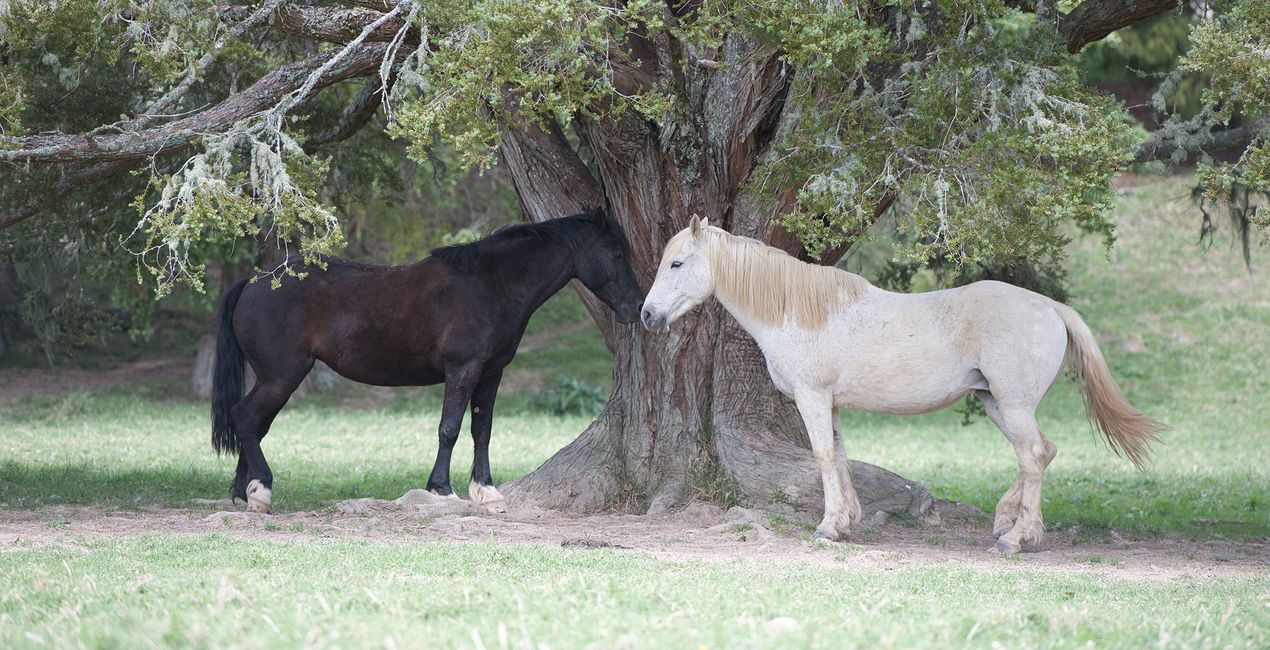
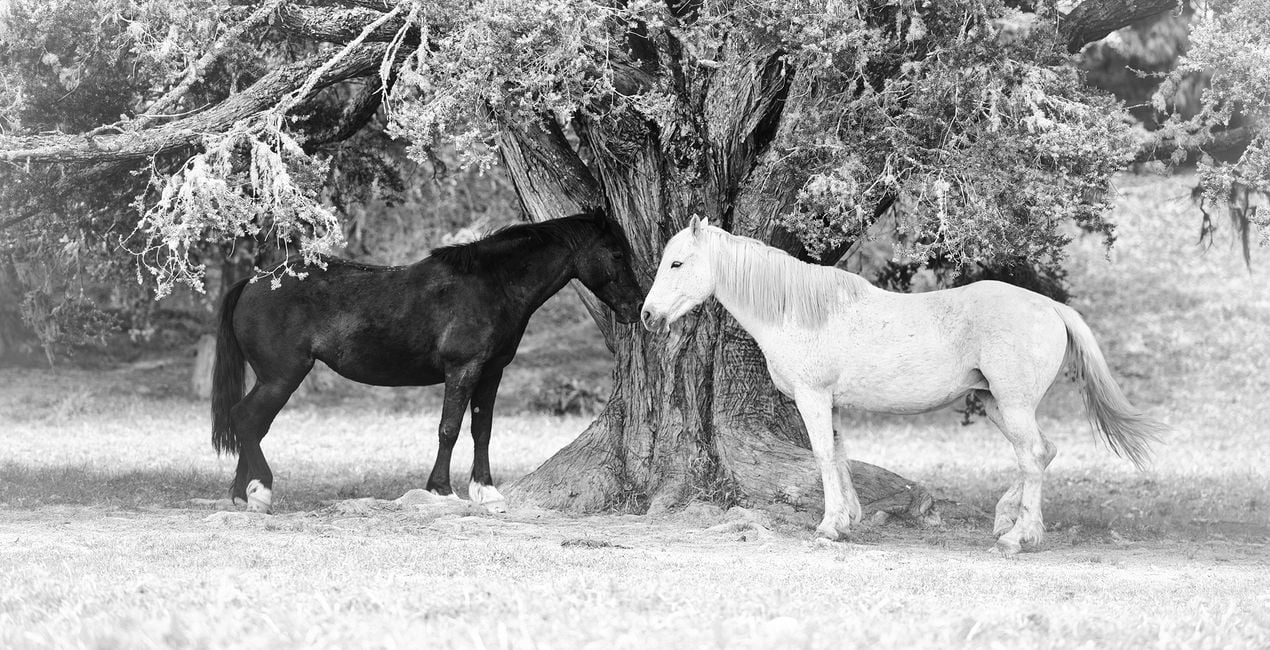 >
>

 >
>
 >
>
 >
>

 >
>
이야기
Anthony Turnham originally became captivated with the idea of emulating a vintage style in his wedding photography. It always amazed him how a simple and nice moment could be elevated into an emotion-rich image by adding a good vintage Preset. The vintage processing Anthony started applying is what made him hugely popular among his clients.
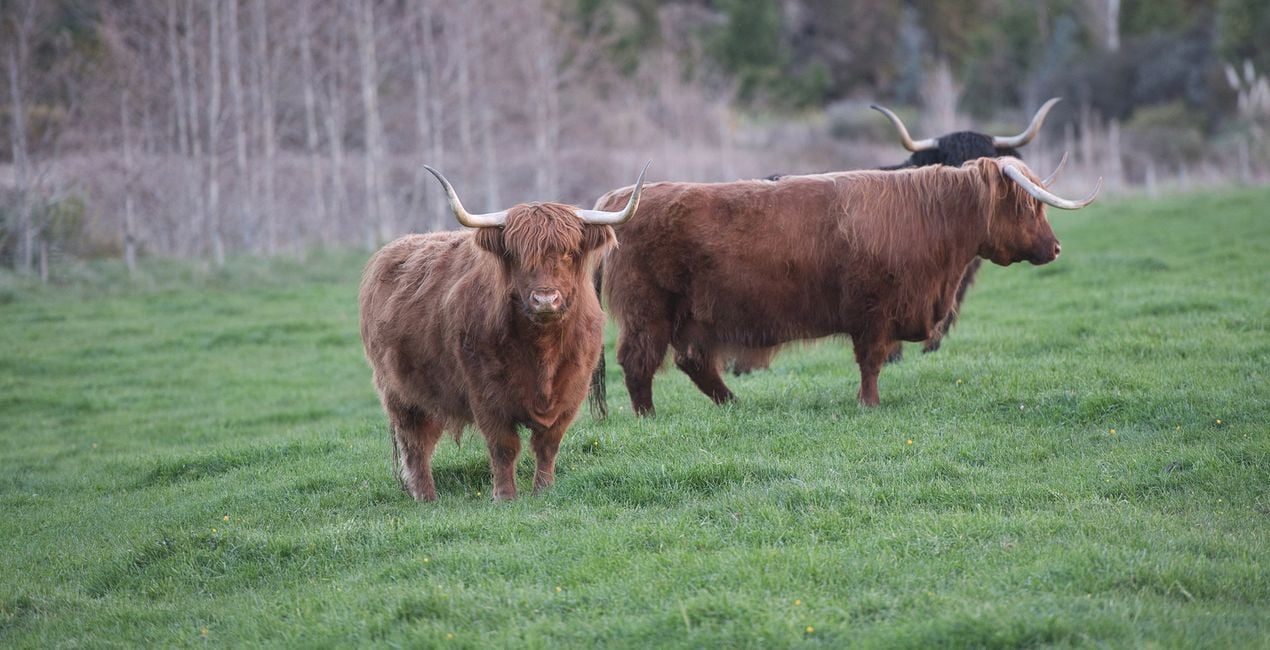
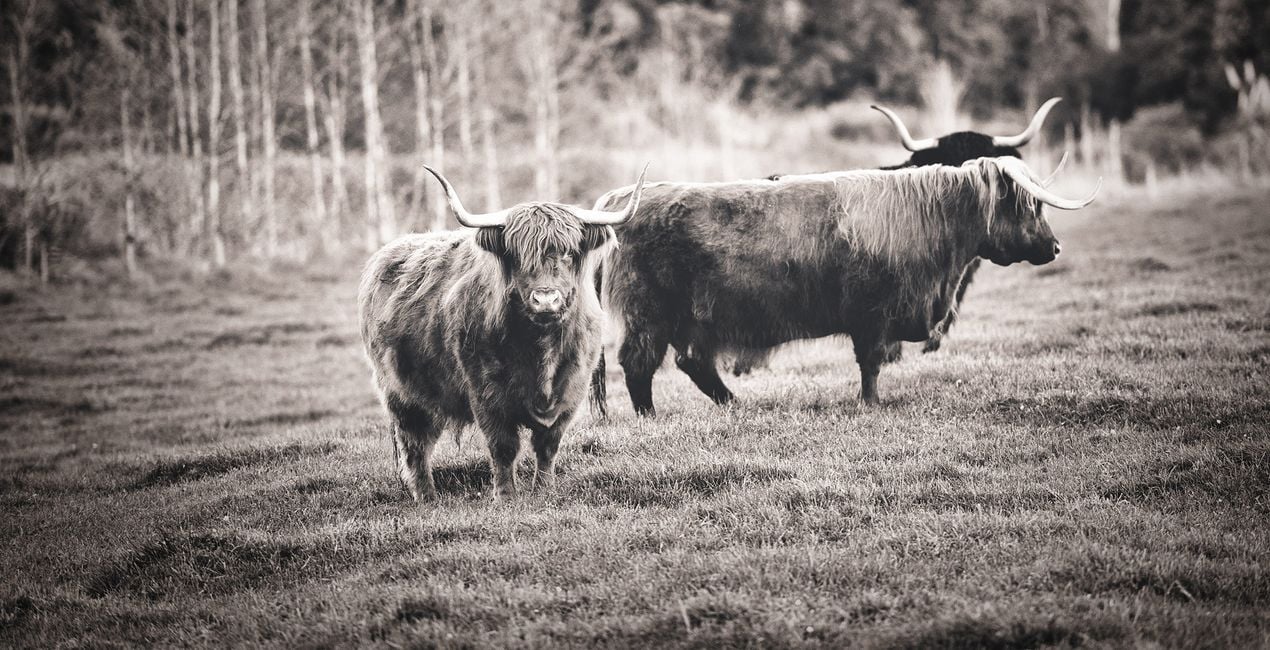
After leaving wedding photography, Anthony began to wonder how the emotive power of vintage looks could be applied to other genres. To his delight, this timeless look worked well across many genres of photography. Whether you shoot portraits, landscapes, animals, or architecture, this collection is designed to give you a set of Presets that will transform your photos with soft and subtle charm.
While each Preset is demonstrated on a particular style of photography, please don't feel limited to that that genre only. The Presets are versatile and Anthony encourages you to experiment with their application across different areas of your photography.
You will find 10 Presets in this Pack:
Details: Ideal for enhancing photos where detail is paramount. A punchy black and white Preset that brings out a structural gritty look.
Details Faded: Get the best of both worlds by balancing the enhanced structural elements in the photo with the calming subtlety of faded tones.
Bleach: Subtle edge bleaching combined with pop and contrast towards the center of the frame. Ideal for focusing attention on a central subject.
Tint: Create a mostly desaturated version of your photo while embuing a hint of golden tint.
Soul: A hint of warmth through the mid tones and highlights combined with vintage fading gives your photos a soft, soulful feel.
Simplicity: Designed for speed, this Preset uses just two tools to create a quick conversion to faded black and white. No frills, classic result.
Blues: Designed to drop your image into a low-key version with a subtle hint of blue. Ideal for bringing a moody essence to a photo.
Yesteryear: A washed-out black and white fade with slightly beached corners. Designed to take your photos back to the yesteryear era. Great for portraits.
Opulence: Lifted blacks and dropped whites combine to give a timeless, faded look. A boost in the shadows keeps details through the darker regions. A winner with portraits.
Summer: Designed for portraits giving a high-key lift for a fresh summertime vibe while still keeping the emotive essence of the faded vintage look.
관련 제품


크리에이터
Anthony Turnham
Professional photographer & photography educator
Anthony moved to New Zealand in 2006 and began his professional photography journey shortly after. Working within a variety of photographic genres has given him an invaluably broad knowledge of different types of photography.
After a couple of decades as a full-time professional photographer, more recently Anthony Turnham has refocused his efforts on sharing his extensive knowledge with the photographic community by giving free training on his YouTube channel. While Anthony still undertakes specific commissions for architectural photography and relish the technical side of this genre, Anthony has dedicated more time to his passion for landscape photography.
Anthony has been a finalist in Wedding Photographer of the Year and won awards in different photography categories, including several coveted GOLD Iris Awards. He is and he is proud to have been awarded the title "Master of Photography" by the New Zealand Institute of Professional Photography.
고객 지원팀에 어떻게 연락하나요?
제품에 관한 문의 사항이 있으시면 24시간 지원팀에 연락하세요. 아래 링크를 따라가시면 됩니다.
Vintage Monochrome은 어떻게 구매하나요?
Vintage Monochrome을 구매하려면 다음 단계를 따르세요:
1. Skylum 마켓플레이스를 엽니다.
2. Vintage Monochrome이 표시된 탭으로 이동하세요. 해당 상품을 클릭하여 장바구니에 담으세요.
3. 장바구니로 이동하세요. 여기서 Vintage Monochrome의 구매 절차를 완료하세요.
4. 구매 후 Vintage Monochrome의 다운로드 링크가 포함된 주문 완료 이메일을 받게 됩니다. 또한 새로 구매한 항목은 Skylum 계정의 ‘내 애드온’ 탭에서 확인하실 수 있습니다.
Vintage Monochrome은 어떻게 설치하나요?
Vintage Monochrome 설치에 대한 자세한 안내는 다운로드 링크와 함께 발송되는 주문 처리 이메일로 보내드립니다.
또한 구매한 항목은 Luminar Neo에서 직접 설치할 수 있습니다: 기타 > 마켓플레이스로 이동한 후, 제품 카테고리를 선택하고 구매한 항목을 찾아 설치를 클릭하세요.
설치 후 Vintage Monochrome은 어디에서 찾을 수 있나요?
아주 간단합니다! 프리셋 탭으로 이동한 후 '구매한 항목'을 선택하세요. 설치된 프리셋이 여기에 표시됩니다.
Vintage Monochrome을 분실하면 어떻게 되나요?
걱정하지 마세요. Vintage Monochrome을 포함한 모든 구매 항목은 Skylum 계정의 ‘내 애드온’ 탭에 저장되어 있어 다시 간편하게 다운로드하고 이용할 수 있습니다.
Vintage Monochrome이 제 소프트웨어와 호환되는지 어떻게 확인할 수 있나요?
일반적으로 대부분의 항목은 Luminar Neo와 호환됩니다. 그러나 Vintage Monochrome이 귀하의 소프트웨어와 호환되는지 확인하려면 다운로드 또는 구매 전에 해당 제품의 사양을 검토하십시오. Vintage Monochrome 페이지 오른쪽의 ‘호환성’ 섹션을 확인하시면 모든 호환 제품이 나열되어 있습니다.


