

 적용됨
적용됨 




소개
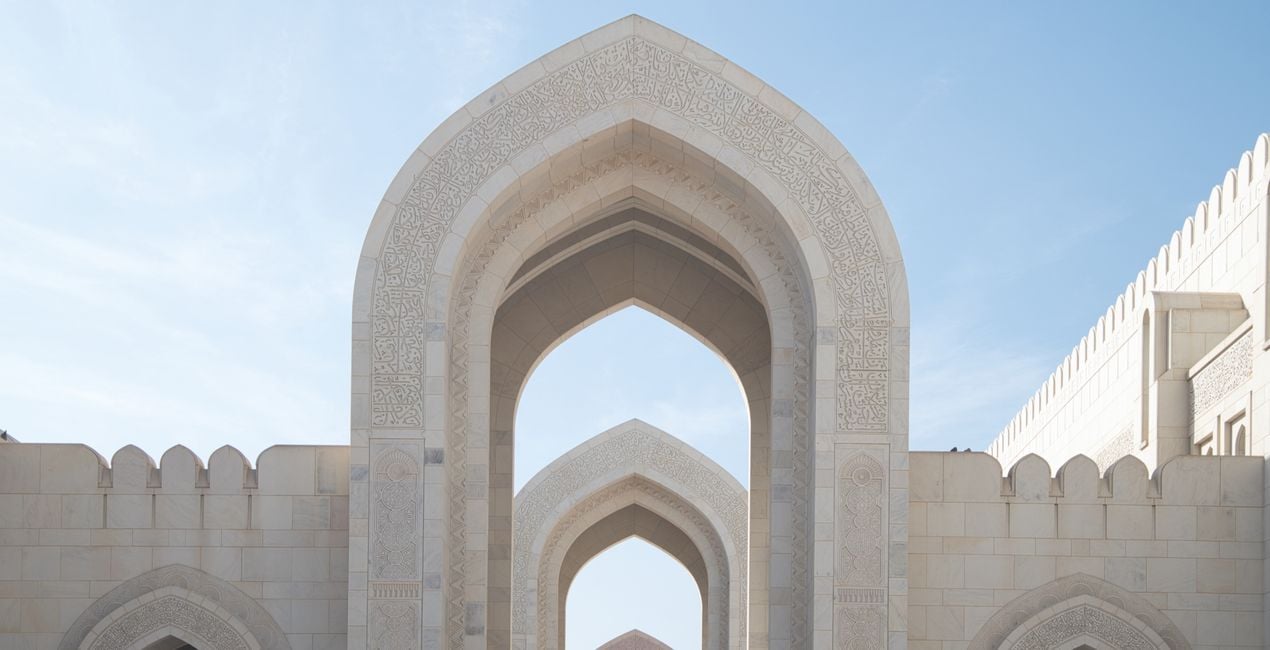
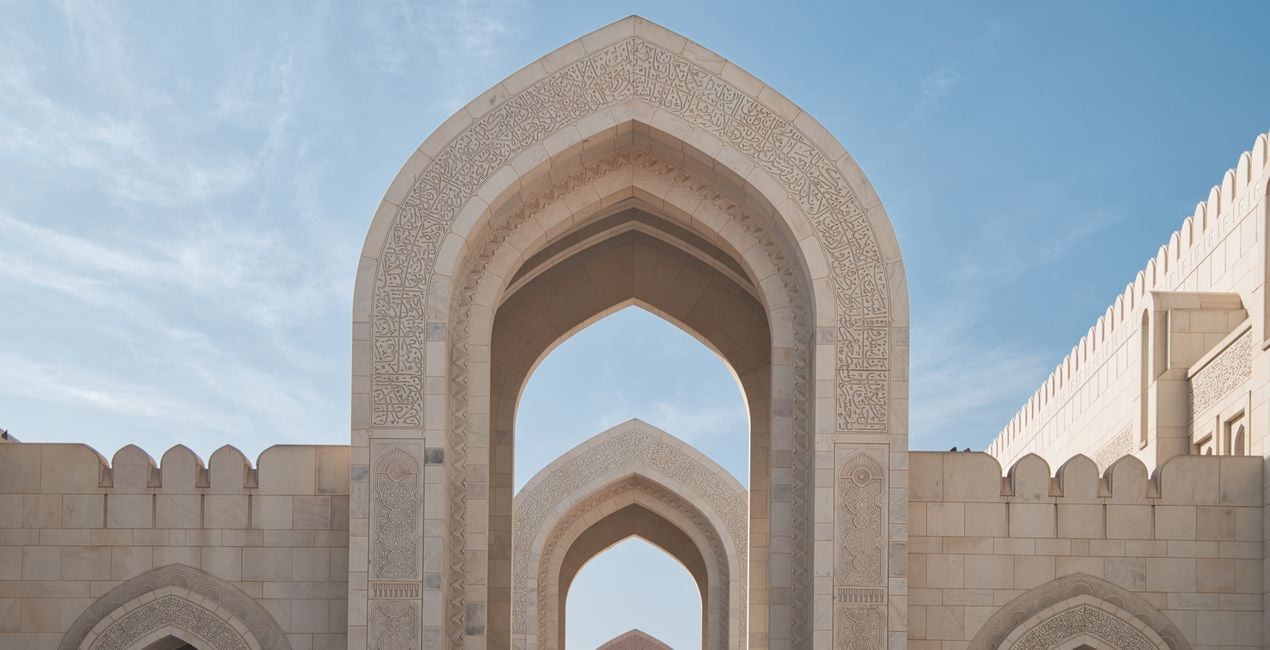
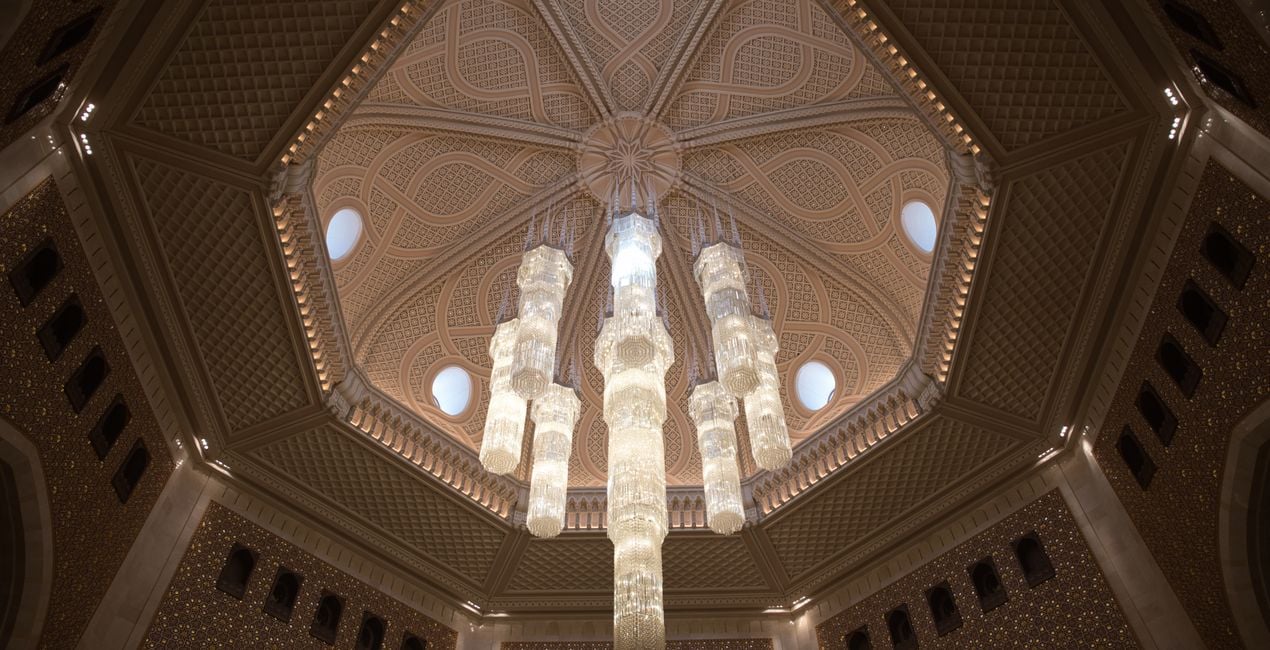
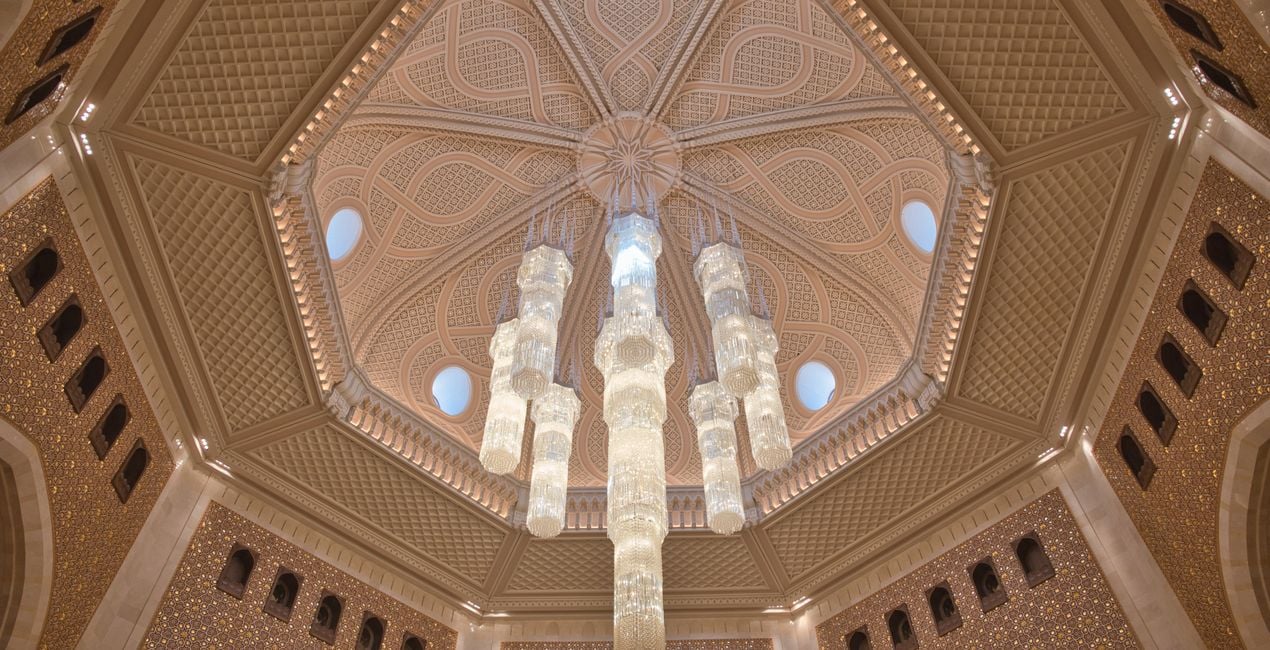
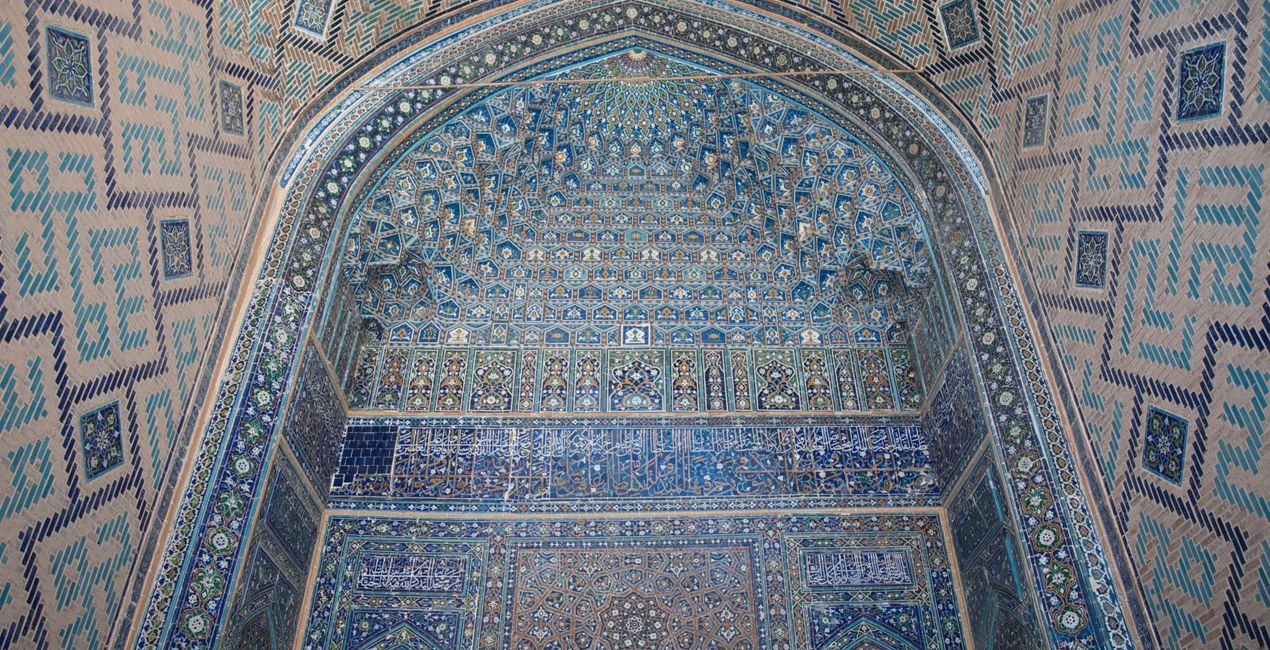
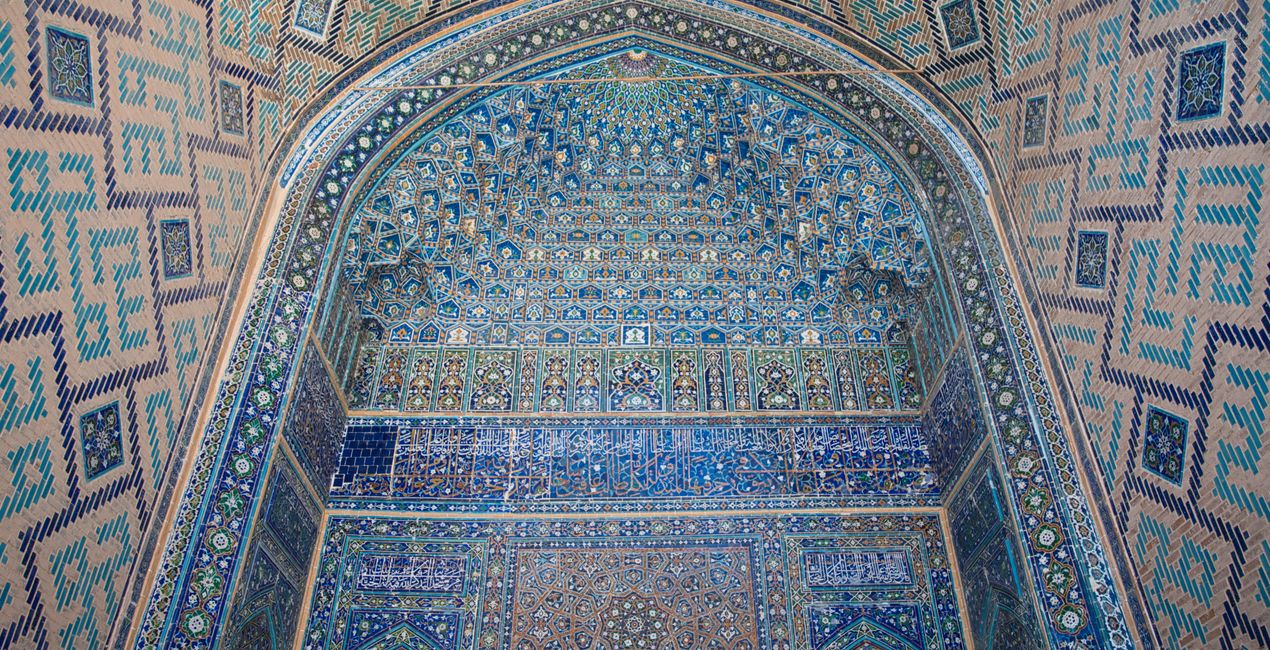
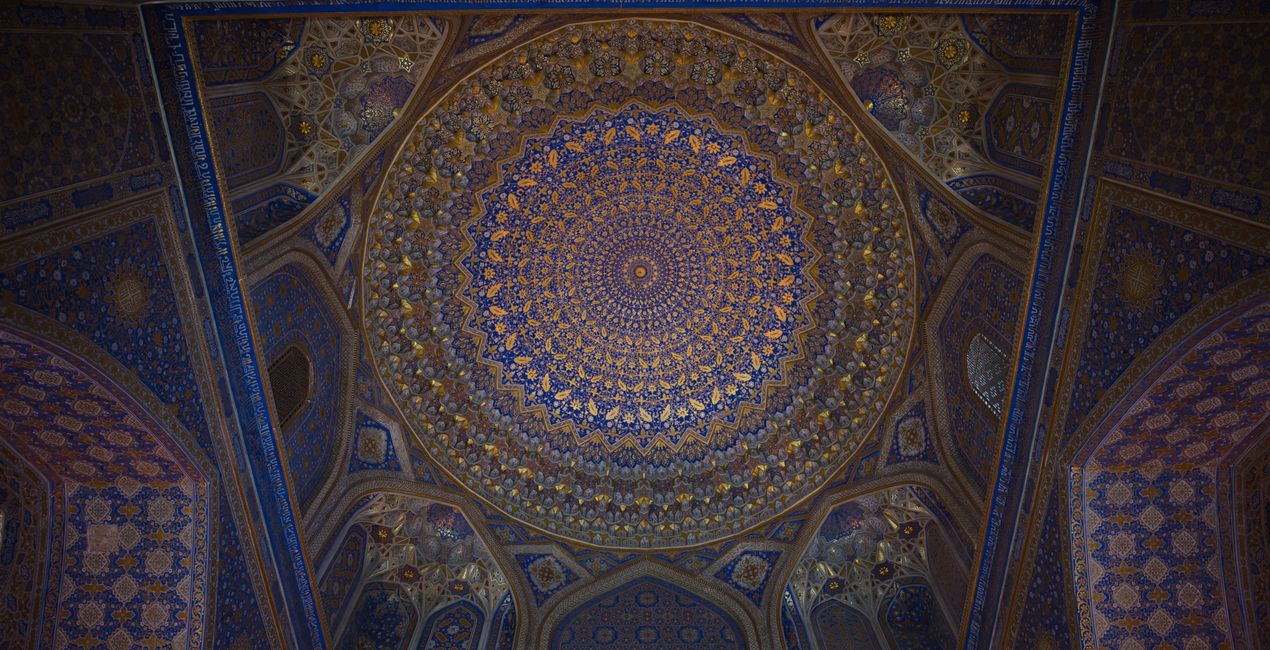
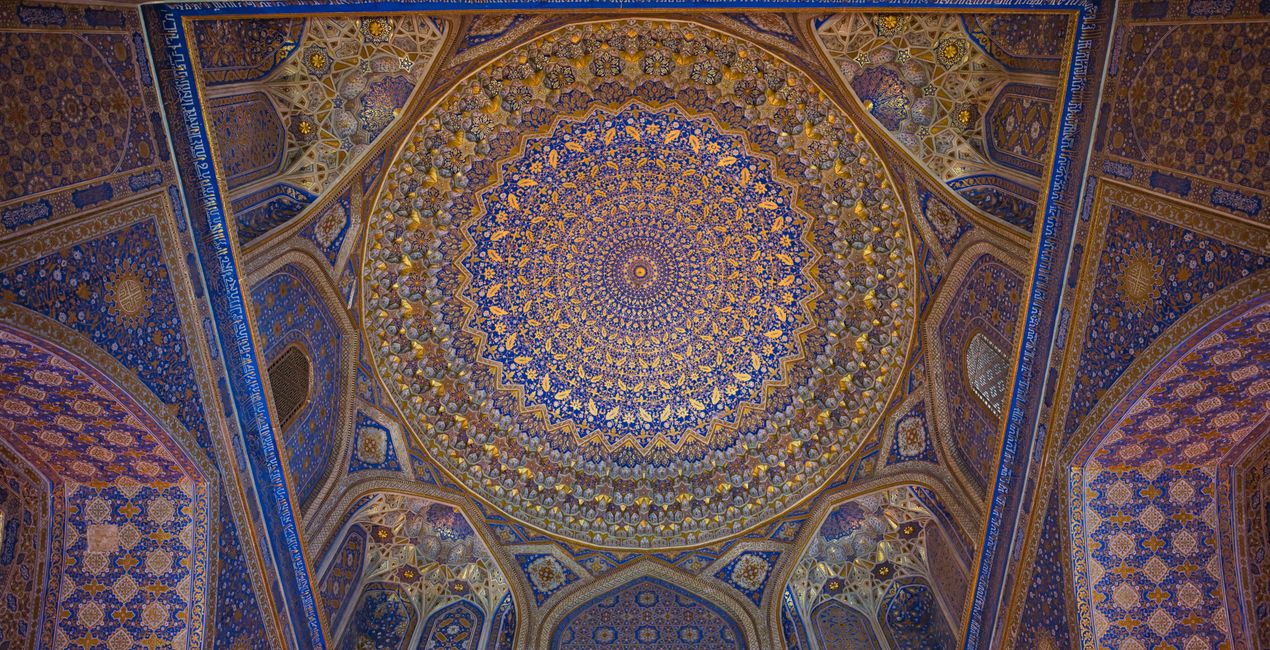
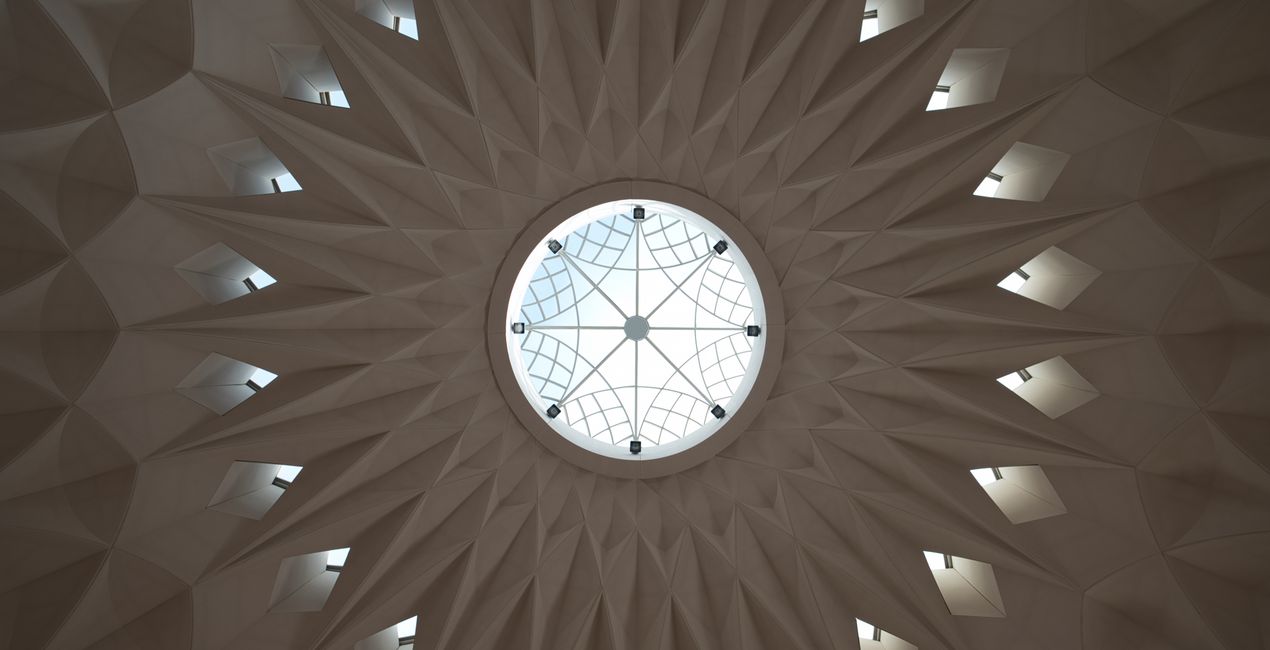
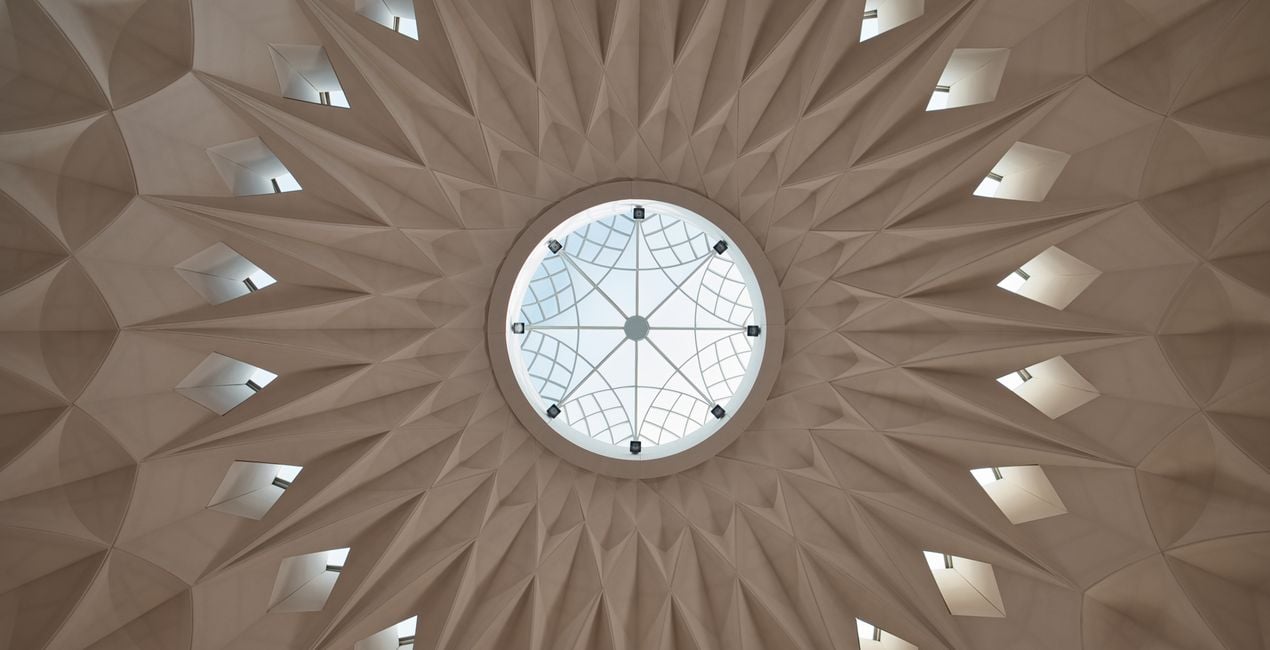
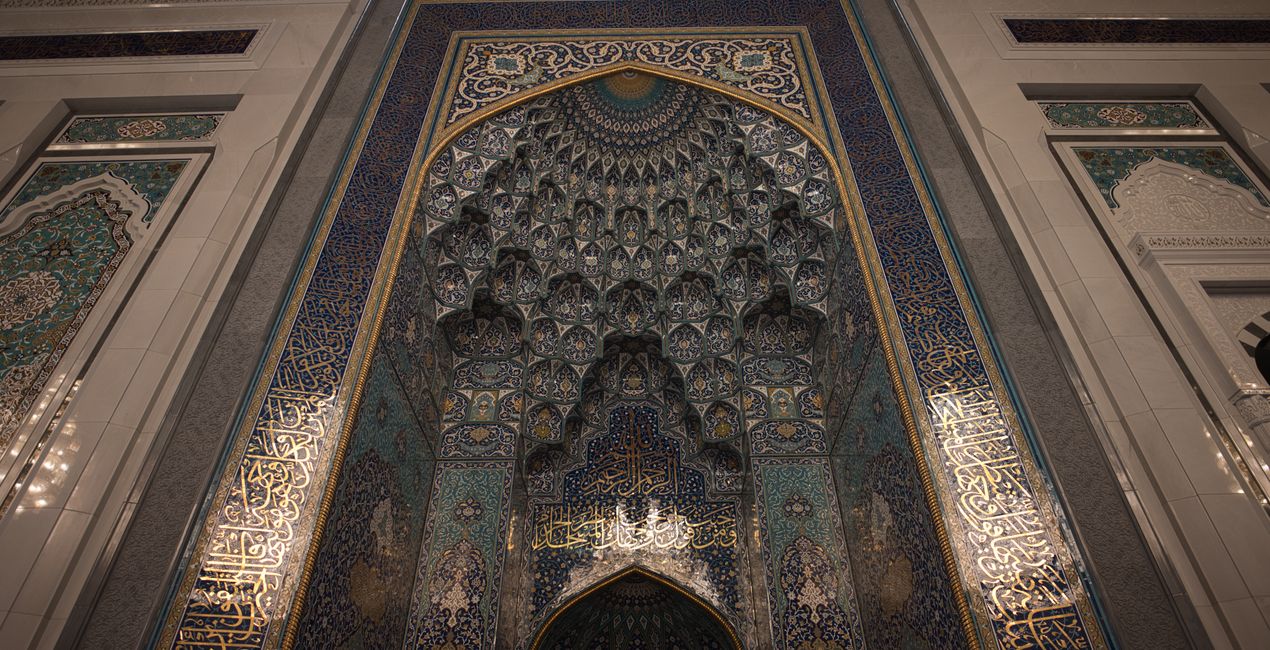
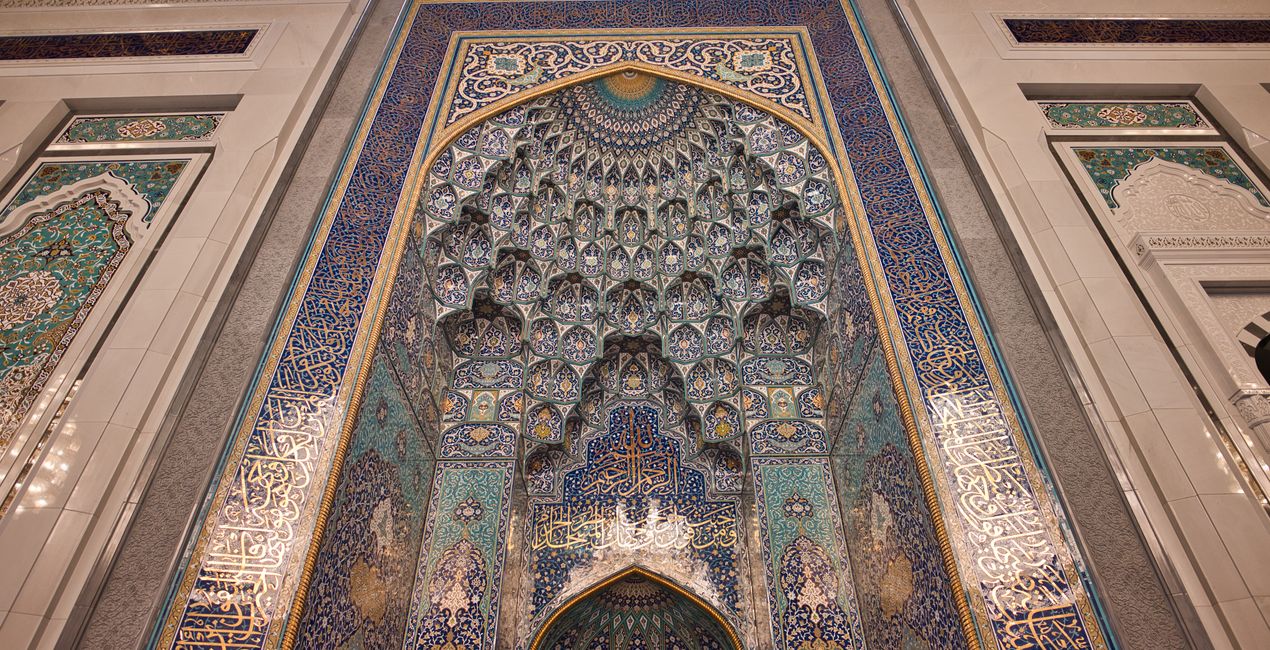
A pack of 10 Presets for Luminar Neo and Luminar AI. Instantly get a warm look for your travel photos shot in the Middle East and other Arab countries. These Presets are specifically created to enhance desert landscapes and oriental cityscapes with golden tones and rich colors.
호환성

예술 작품 만들기
RAW 파일을 사용하면 간편하게 리터치 기법을 연습하고 멋진 사진을 편집하는 방법을 배울 수 있습니다.
 >
>
 >
>
 >
>
 >
>
 >
>
 >
>
이야기
This collection of 10 one-click Presets for travel and architecture photography is just what you need to enhance your oriental images. These Presets add more detail, color and a sunny look to your photos.
You’ll find 10 Presets in this pack:
Samarkand - Lighten up and give a light saturation to the image.
Bukhara - Improve the colors and give some structure adjusting the contrast.
Amman - Warm the colors, improve the structure and the glow of the picture.
Riyhad - Add colder tones and enhance the structure.
Muscat - Darken the over-exposed areas and improve the gold tones in the image.
Shiraz - Improve the luminosity of the image making it more glowy.
Abu Dhabi - Lower the contrast and mute vibrant colors for a mystical look.
Kuwait - Add a hard contrast and improve the structure of the image.
Dubai - Improve the luminosity of your picture by adding a characteristic glow.
Doha - Perfect for desert landscapes, it adds a bit of a dramatic look.
Pro tip: For the best results, adjust the Amount slider for each Preset to control its impact. Remember that each image is unique, so make sure to adjust each Preset to match your vision and get the best results. Once you’ve applied a Preset, tweak the Exposure, Contrast, Highlights, and Blacks and Whites to your liking.
관련 제품


크리에이터
Nancy Da Campo
Architecture photographer and educator
<p>Nancy Da Campo is a freelance architecture and interiors photographer born in Milan, Italy, and currently traveling extensively to discover and capture the beauty of the built environment. <br></p><p>Perspectives and the use of lines are two central pillars of Nancy’s content, and she’s always looking for new and interesting angles to show her interpretation of a building through her camera or drone lens. </p><p></p><p>Nancy regularly works with architectural and cultural institutions, tech brands, and tourism boards. </p>
고객 지원팀에 어떻게 연락하나요?
제품에 관한 문의 사항이 있으시면 24시간 지원팀에 연락하세요. 아래 링크를 따라가시면 됩니다.
Oriental Feel은 어떻게 구매하나요?
Oriental Feel을 구매하려면 다음 단계를 따르세요:
1. Skylum 마켓플레이스를 엽니다.
2. Oriental Feel이 표시된 탭으로 이동하세요. 해당 상품을 클릭하여 장바구니에 담으세요.
3. 장바구니로 이동하세요. 여기서 Oriental Feel의 구매 절차를 완료하세요.
4. 구매 후 Oriental Feel의 다운로드 링크가 포함된 주문 완료 이메일을 받게 됩니다. 또한 새로 구매한 항목은 Skylum 계정의 ‘내 애드온’ 탭에서 확인하실 수 있습니다.
Oriental Feel은 어떻게 설치하나요?
Oriental Feel 설치에 대한 자세한 안내는 다운로드 링크와 함께 발송되는 주문 처리 이메일로 보내드립니다.
또한 구매한 항목은 Luminar Neo에서 직접 설치할 수 있습니다: 기타 > 마켓플레이스로 이동한 후, 제품 카테고리를 선택하고 구매한 항목을 찾아 설치를 클릭하세요.
설치 후 Oriental Feel은 어디에서 찾을 수 있나요?
아주 간단합니다! 프리셋 탭으로 이동한 후 '구매한 항목'을 선택하세요. 설치된 프리셋이 여기에 표시됩니다.
Oriental Feel을 분실하면 어떻게 되나요?
걱정하지 마세요. Oriental Feel을 포함한 모든 구매 항목은 Skylum 계정의 ‘내 애드온’ 탭에 저장되어 있어 다시 간편하게 다운로드하고 이용할 수 있습니다.
Oriental Feel이 제 소프트웨어와 호환되는지 어떻게 확인할 수 있나요?
일반적으로 대부분의 항목은 Luminar Neo와 호환됩니다. 그러나 Oriental Feel이 귀하의 소프트웨어와 호환되는지 확인하려면 다운로드 또는 구매 전에 해당 제품의 사양을 검토하십시오. Oriental Feel 페이지 오른쪽의 ‘호환성’ 섹션을 확인하시면 모든 호환 제품이 나열되어 있습니다.


