

 적용됨
적용됨 



오션 스토리
Save $201 $ 14 .25 $ 19 .00
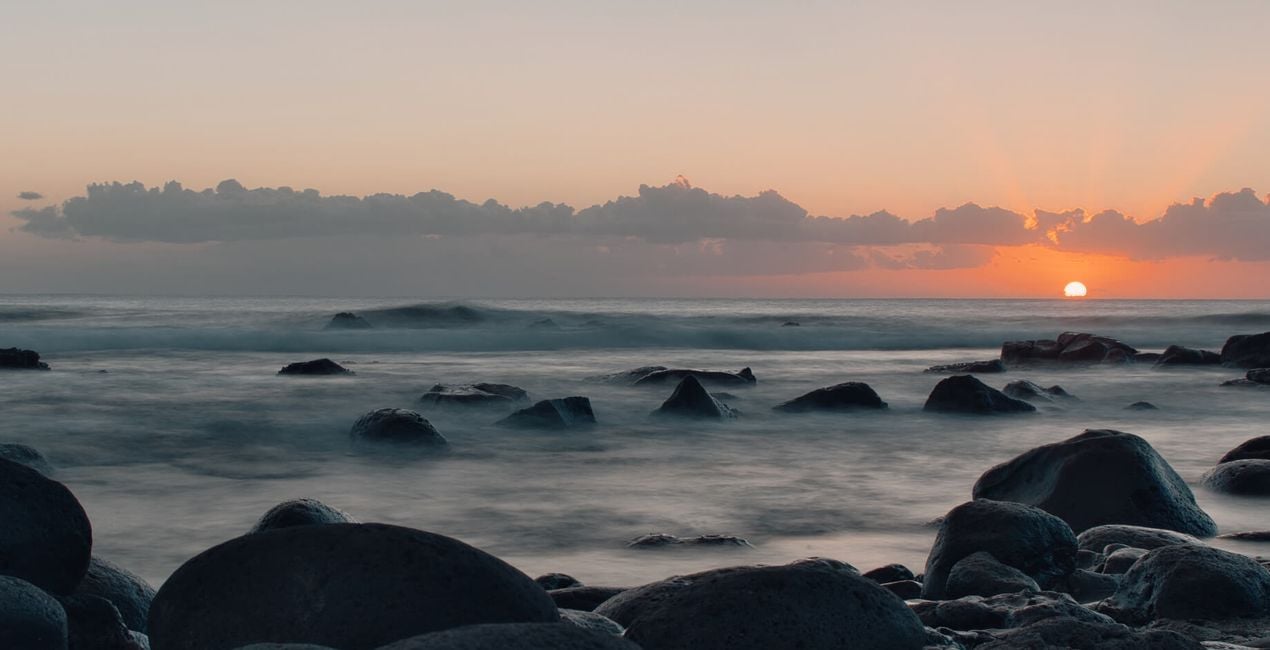
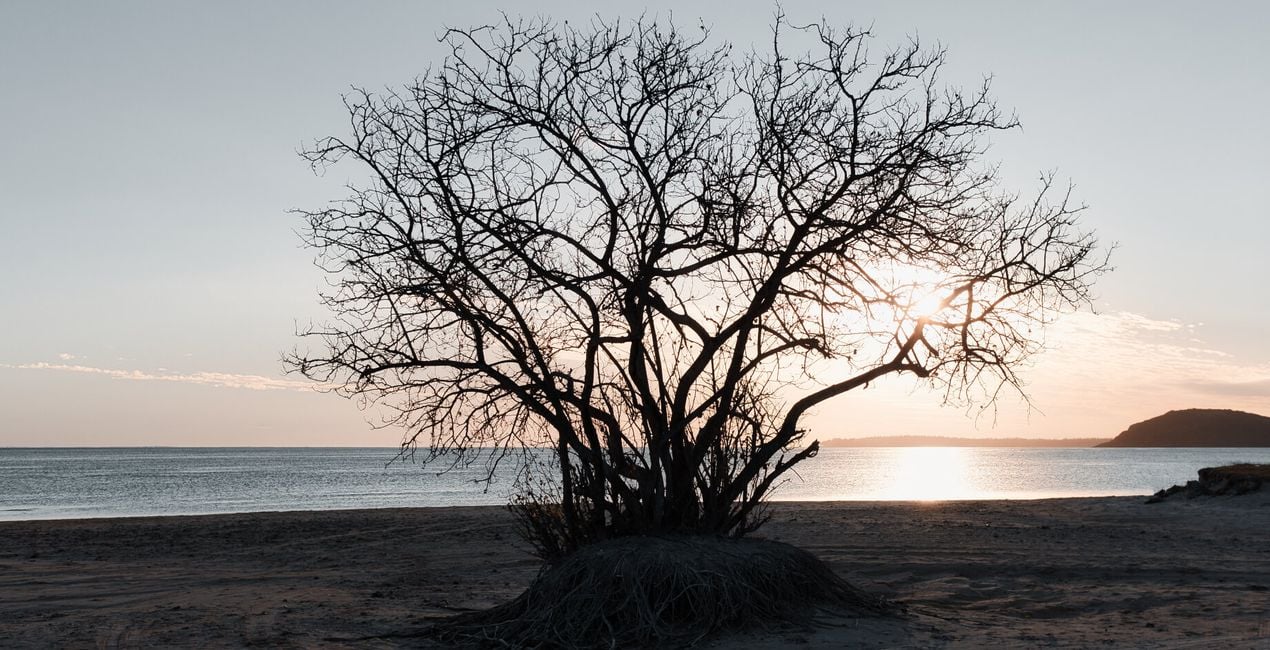
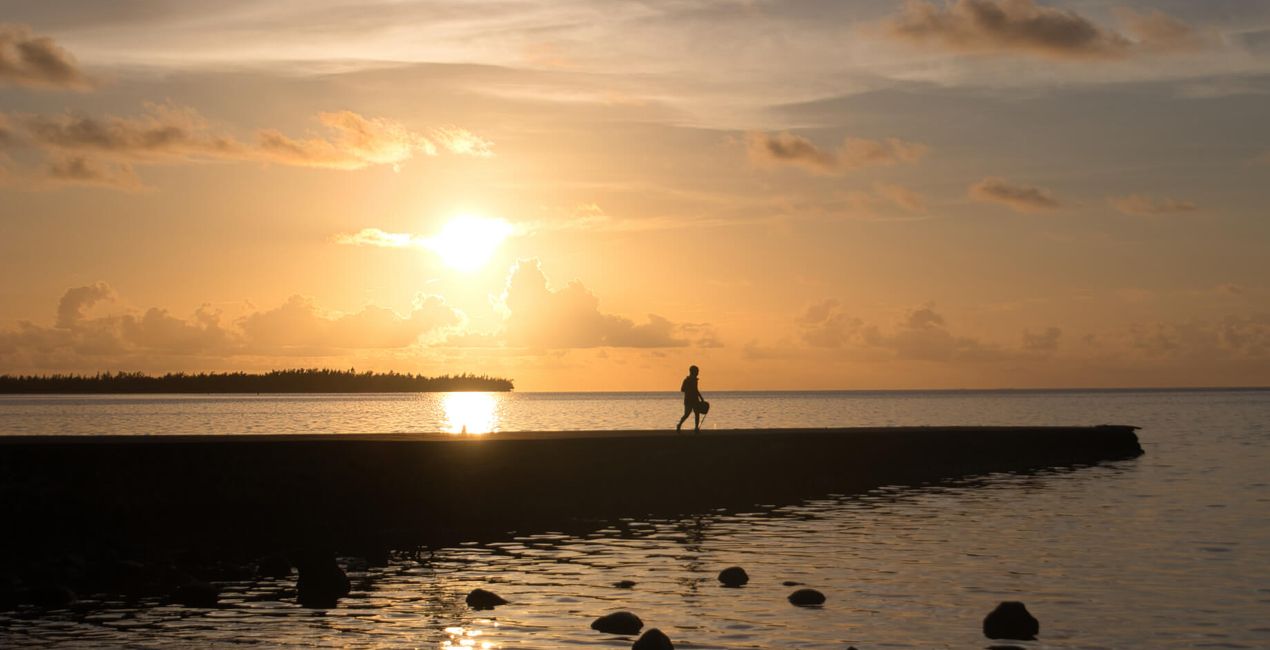
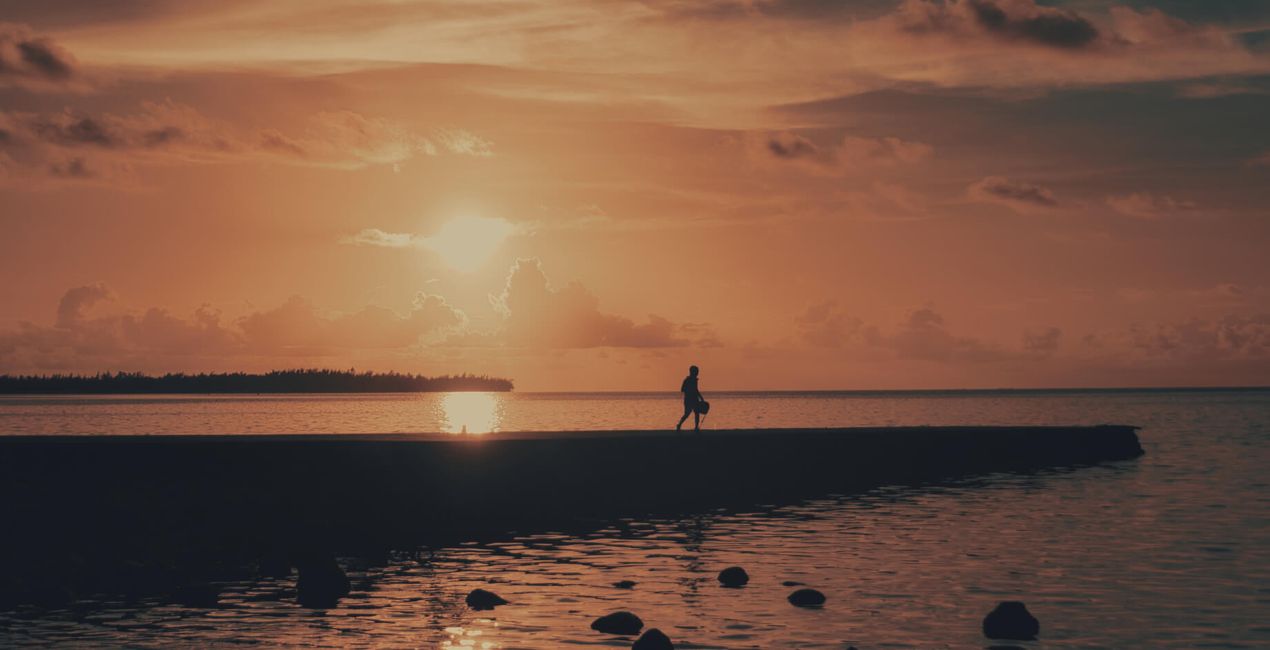
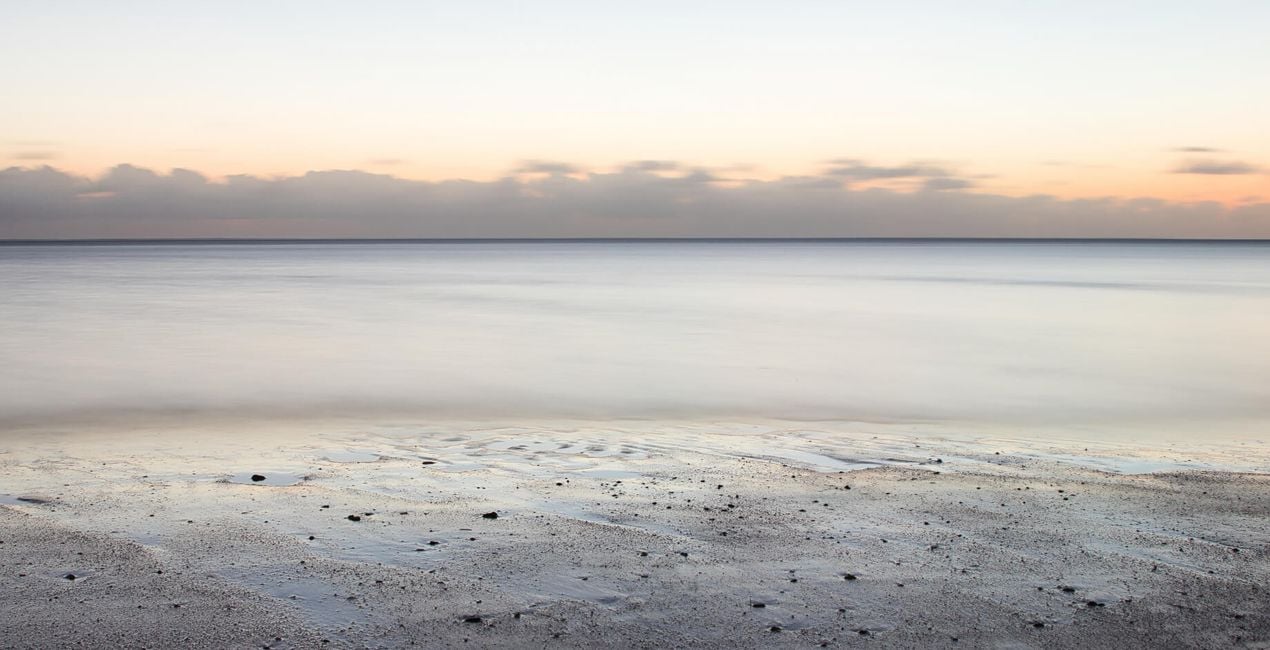
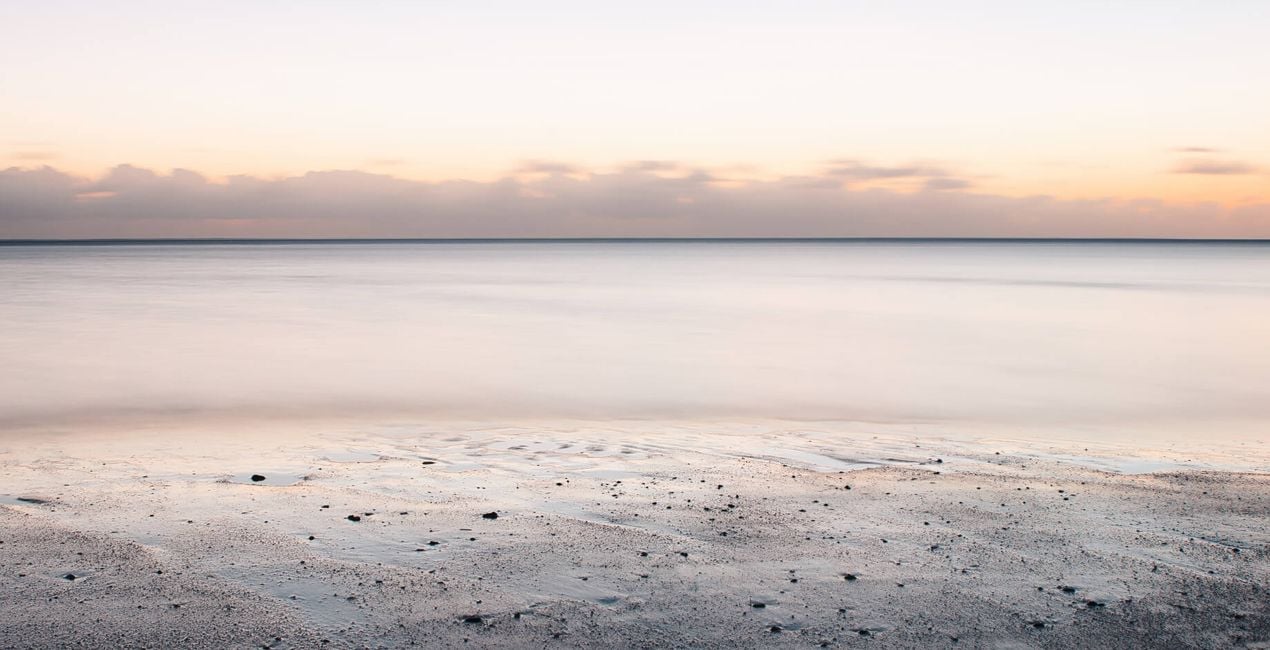
Javed Jeetoo의 10가지 시그니처 템플릿 팩을 통해 색과 그림자를 사용하여 몽롱한 꿈 속에서 나타날 듯한 사진으로 바꿀 수 있습니다. 어떤 풍경에도 완벽하게 어울리는 이 템플릿은 특히나 잔잔한 바다 느낌의 사진에서 잘 작동하며, 미묘하면서도 창의적인 색상 솔루션을 제공합니다.
포함되어 있는 사항
10가지의 템플릿. JPEG 및 RAW 이미지와 호환 가능.

RAW 파일을 사용하면 간편하게 리터치 기법을 연습하고 멋진 사진을 편집하는 방법을 배울 수 있습니다.
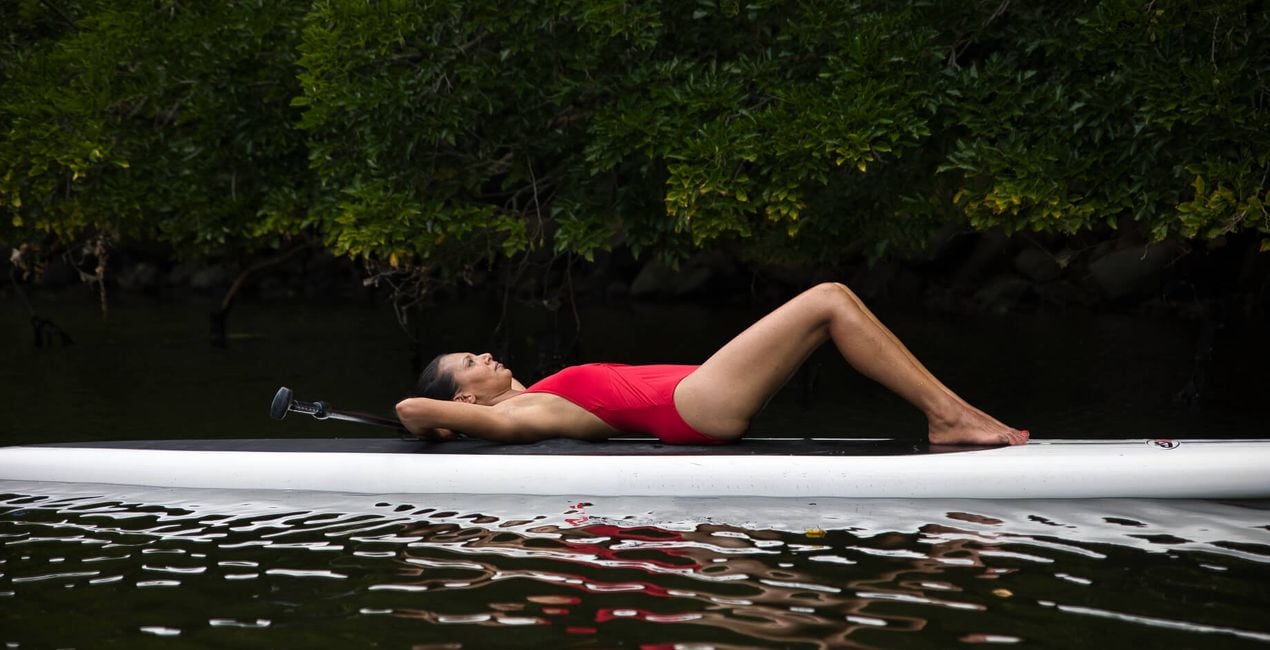
.jpeg?w=1270&h=650&resize=cover) >
>
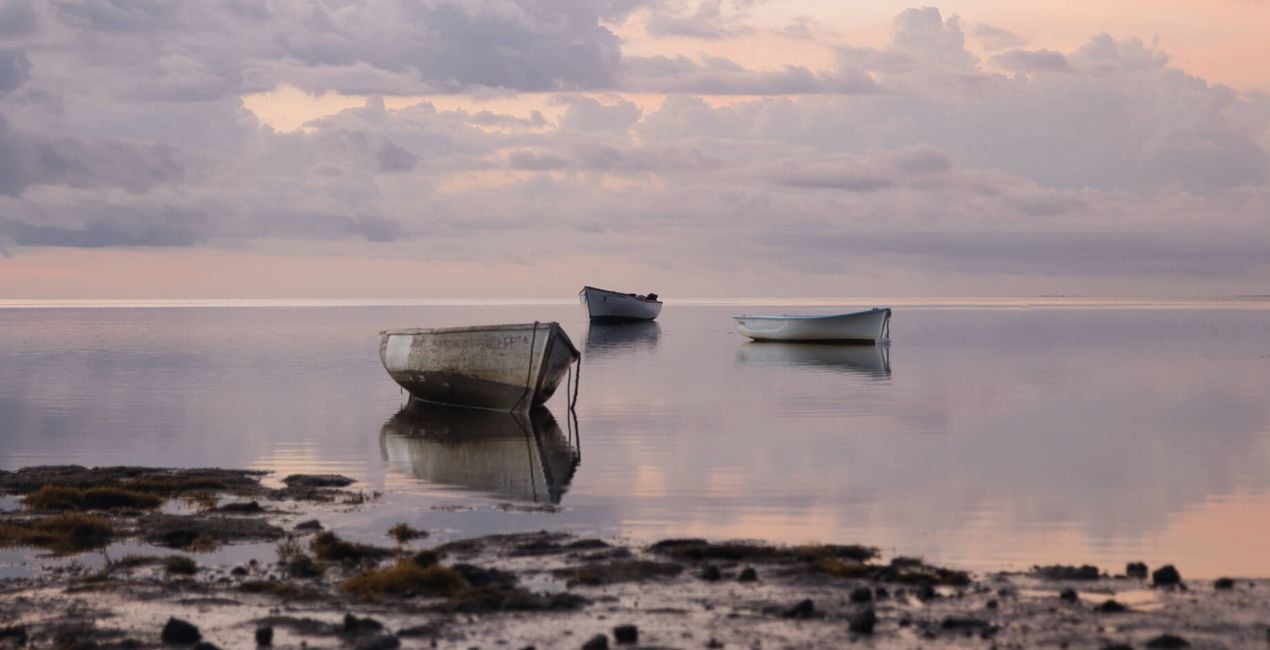
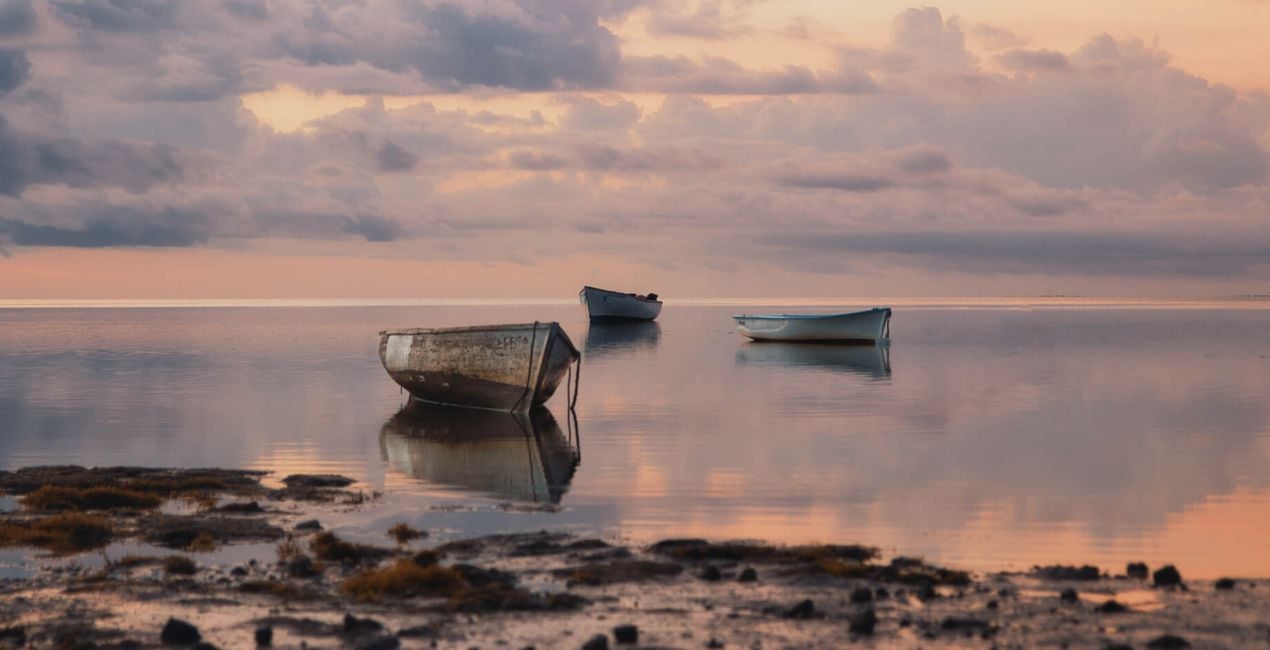 >
>
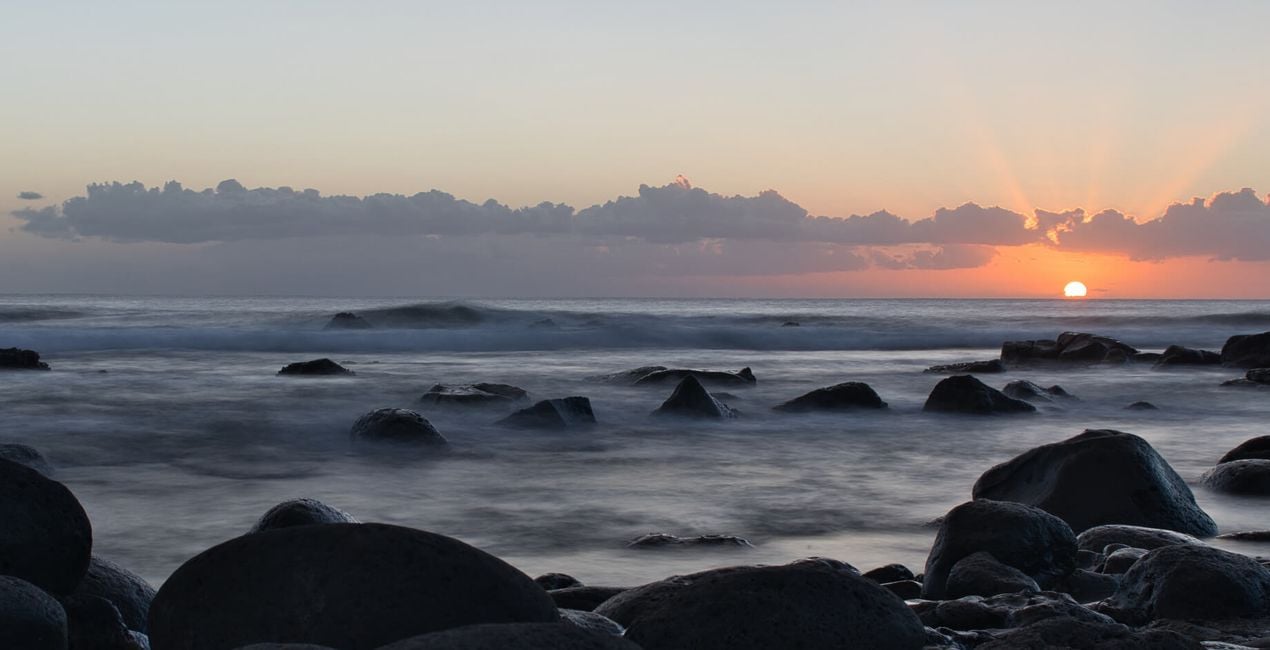
 >
>
 >
>

 >
>
 >
>
 >
>

 >
>
 >
>
This Signature Templates pack makes use of uniquely crafted LUTs files and other LuminarAI tools like Color Harmony to provide a cinematic feel to your landscapes and nature shots.
LUTs, or Look Up Tables, are basically conversion profiles that take a color value in your original file, look it up in a table, and return a new color value.
Important note: As this Signature Templates pack focuses on tonality changes, adjust your white balance, tint, exposure, highlights, shadows, details, and structure based on your image.
Finally, remember to adjust the intensity of the LUT by moving the Mood sliders to fit your creative vision.
In this pack you'll find:
Dreamers. Subdued teal tones in the highlights and overall reduced contrast provide a dreamscape feel.
Faded Beauties. A faded look with pronounced red tones that’s perfect for those golden hour shots.
Azureous. Deliver a light blue feel to your pictures and accentuate warmer tones. A good fit for pictures taken during the day.
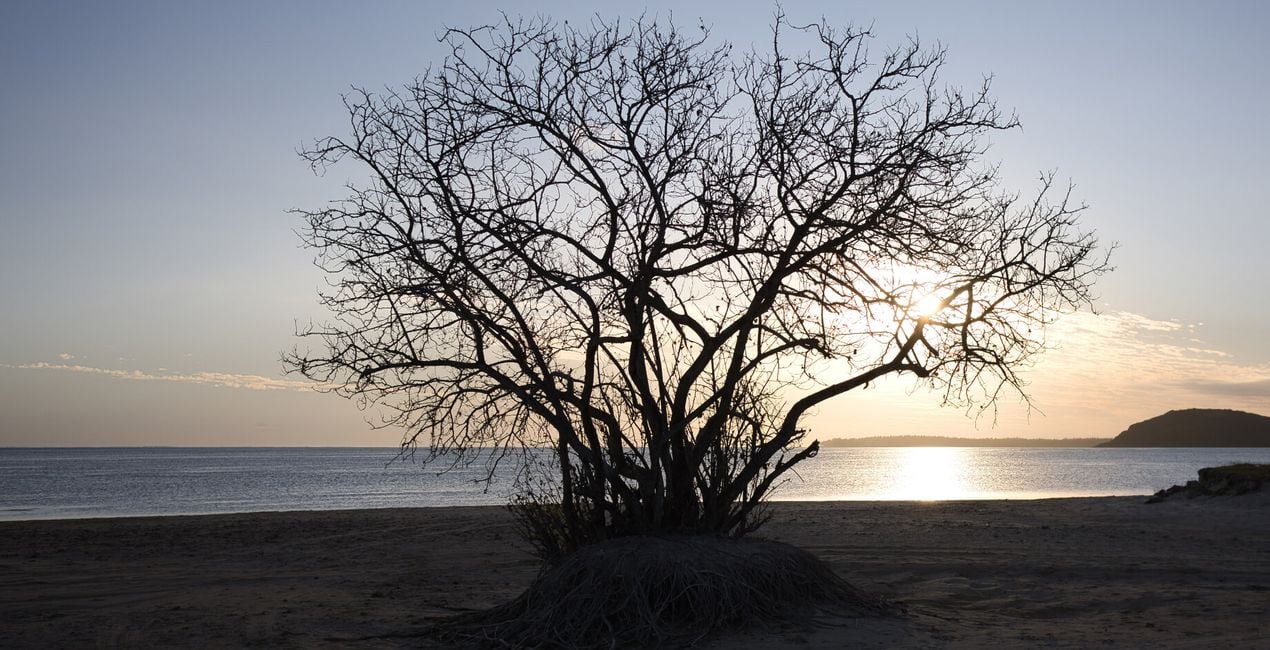
Golden Treasures. Make your sunrise and sunset photos stand out with a stroke of golden hues.
Mellow Hearts. Strike a clever balance between pink, blue, and grey tones to convey a deep cinematic feel in your photos.
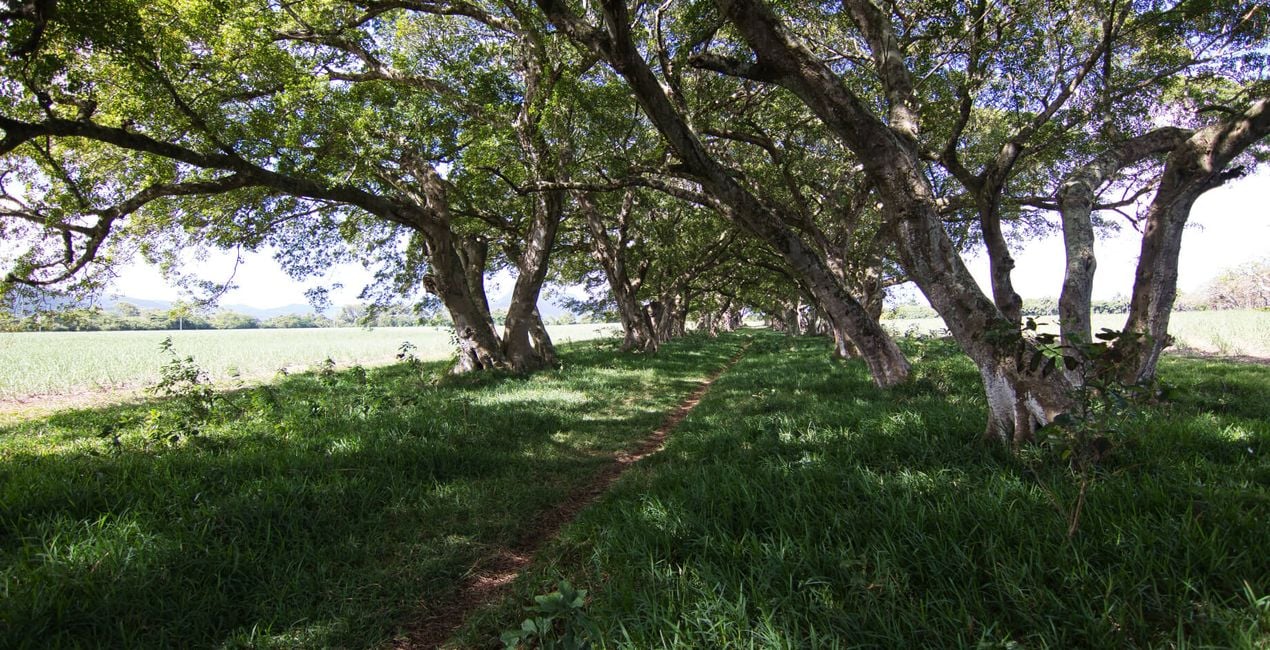
Mellow Lands. Reduce deep greens with subtle tones.
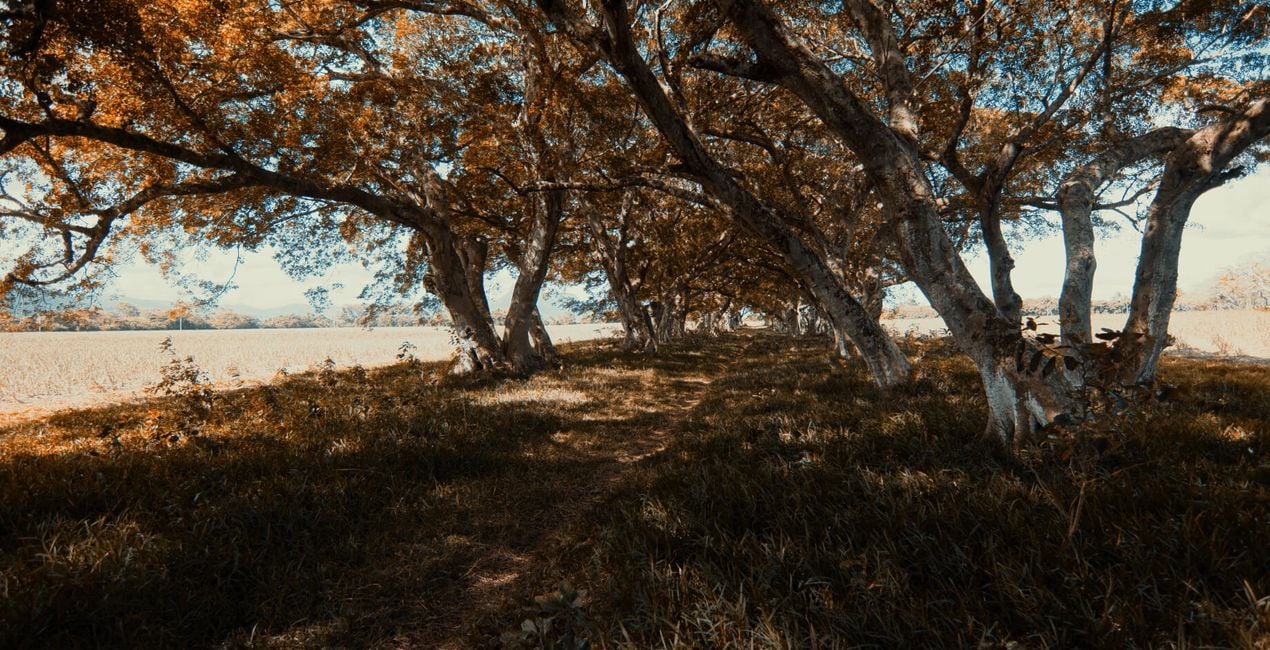
Moody Tones. Accentuate the blacks and orange hues.
Emerald Fields. Give a cinematic feel to your woodland photography.
Inland Beauties. Achieve deeper color harmony and contrast in warmer tones.
Ocean Sunset. Add a pop of sunset tones to your photos.
SHARE: Use the hashtag #madewithluminar on social media so the Skylum Team can take a look at your results!
Photographer. Skylum Ambassador.
<p>Javed Jeetoo is based on the beautiful tropical island of Mauritius in the Indian Ocean. </p><p>A passionate hobbyist photographer, Javed captures landscapes and seascapes with a particular interest in long exposure photography.</p><p>Javed is also active in building a local photography community to promote photographic art, foster learning opportunities, and organize photo walks around the island.</p><p>On Instagram, Javed runs a theme page (@explore_landscapes_) featuring the work of landscape photographers from around the world.</p>
제품에 관한 문의 사항이 있으시면 24시간 지원팀에 연락하세요. 아래 링크를 따라가시면 됩니다.
Ocean Stories을 구매하려면 다음 단계를 따르세요:
1. Skylum 마켓플레이스를 엽니다.
2. Ocean Stories이 표시된 탭으로 이동하세요. 해당 상품을 클릭하여 장바구니에 담으세요.
3. 장바구니로 이동하세요. 여기서 Ocean Stories의 구매 절차를 완료하세요.
4. 구매 후 Ocean Stories의 다운로드 링크가 포함된 주문 완료 이메일을 받게 됩니다. 또한 새로 구매한 항목은 Skylum 계정의 ‘내 애드온’ 탭에서 확인하실 수 있습니다.
Ocean Stories 설치에 대한 자세한 안내는 다운로드 링크와 함께 발송되는 주문 처리 이메일로 보내드립니다.
또한 구매한 항목은 Luminar Neo에서 직접 설치할 수 있습니다: 기타 > 마켓플레이스로 이동한 후, 제품 카테고리를 선택하고 구매한 항목을 찾아 설치를 클릭하세요.
아주 간단합니다! 프리셋 탭으로 이동한 후 '구매한 항목'을 선택하세요. 설치된 프리셋이 여기에 표시됩니다.
걱정하지 마세요. Ocean Stories을 포함한 모든 구매 항목은 Skylum 계정의 ‘내 애드온’ 탭에 저장되어 있어 다시 간편하게 다운로드하고 이용할 수 있습니다.
일반적으로 대부분의 항목은 Luminar Neo와 호환됩니다. 그러나 Ocean Stories이 귀하의 소프트웨어와 호환되는지 확인하려면 다운로드 또는 구매 전에 해당 제품의 사양을 검토하십시오. Ocean Stories 페이지 오른쪽의 ‘호환성’ 섹션을 확인하시면 모든 호환 제품이 나열되어 있습니다.
아직 떠나지 마세요. 여러분만을 위한 특별 할인 코드를 준비했습니다. 15분 이내에 이 코드를 사용하시면 결제 시 추가 10% 할인을 받으실 수 있습니다. 아래 코드를 복사하여 구매를 완료해 주세요.
15 m : 00 s





