

 적용됨
적용됨 



Lifestyle Colors
Save $201 $ 19 .00
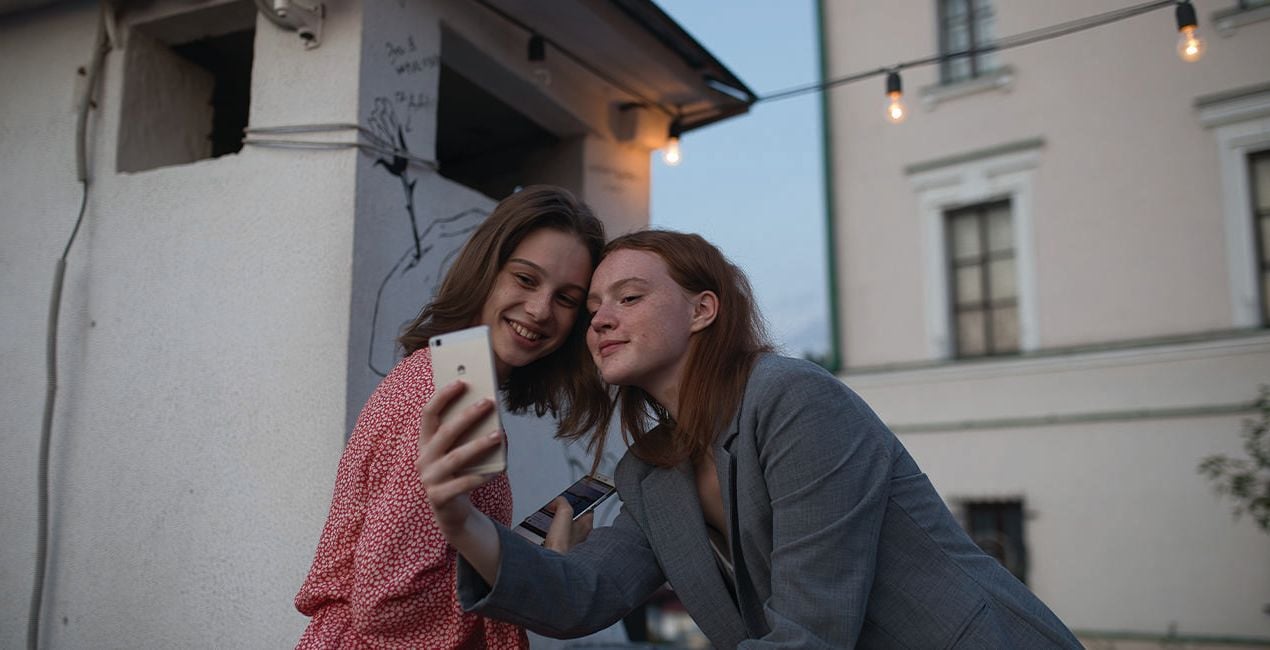
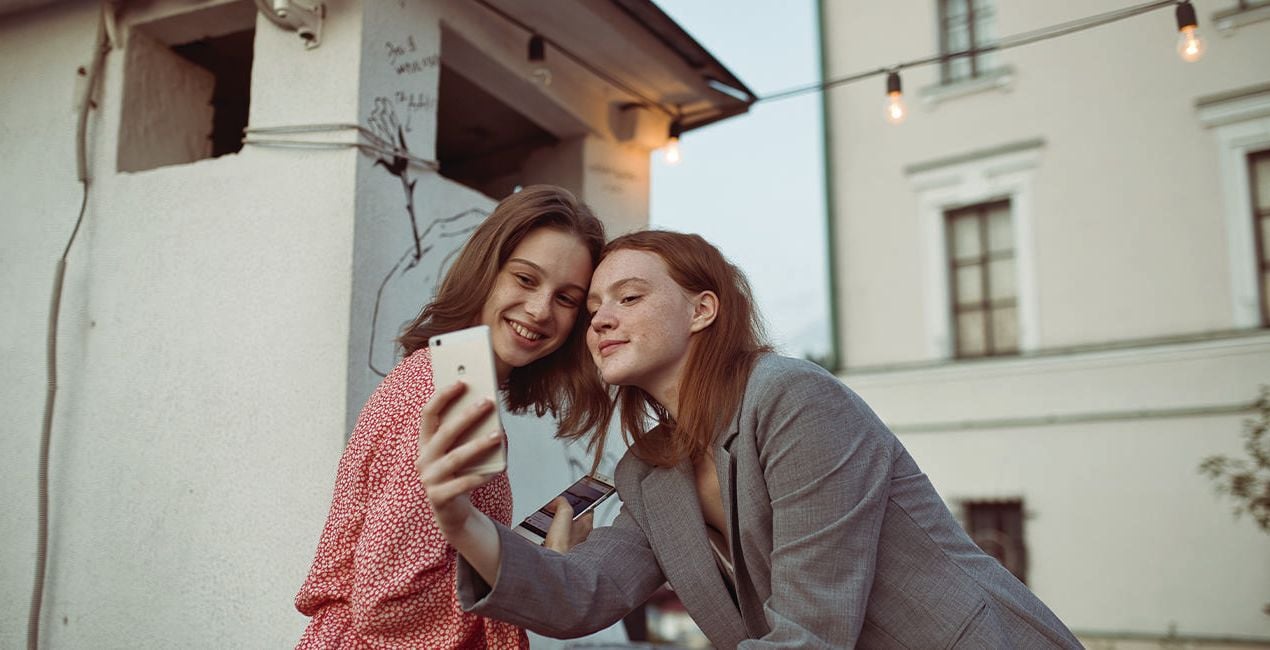
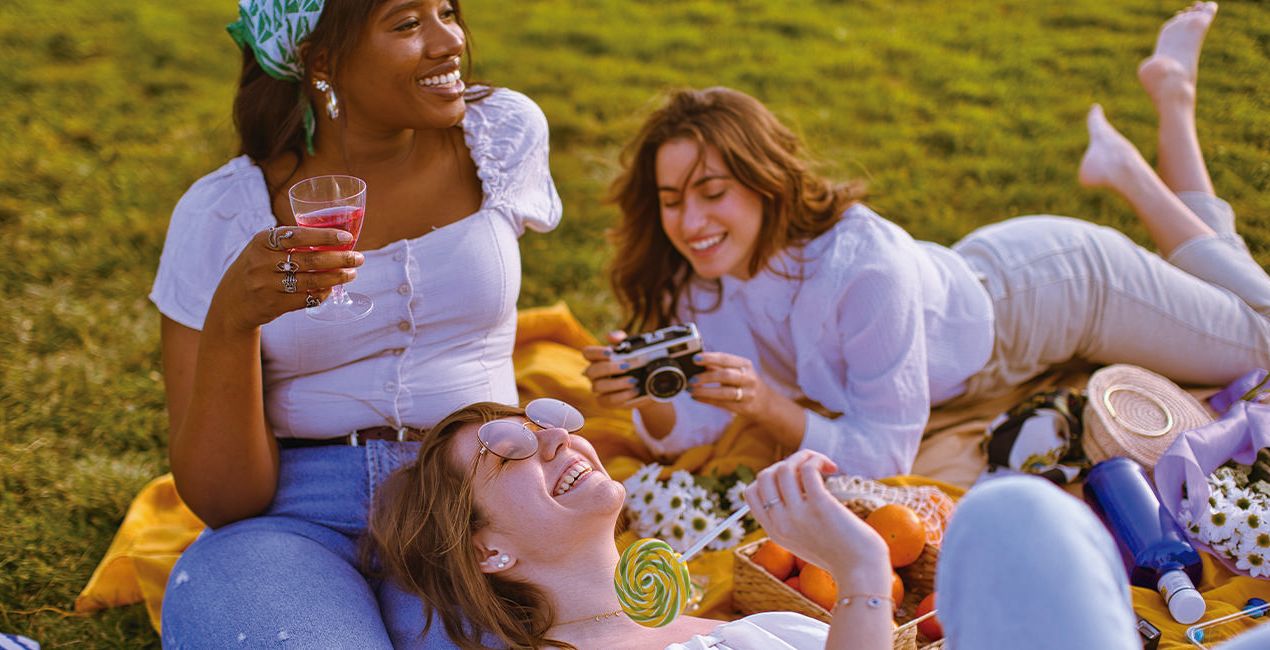
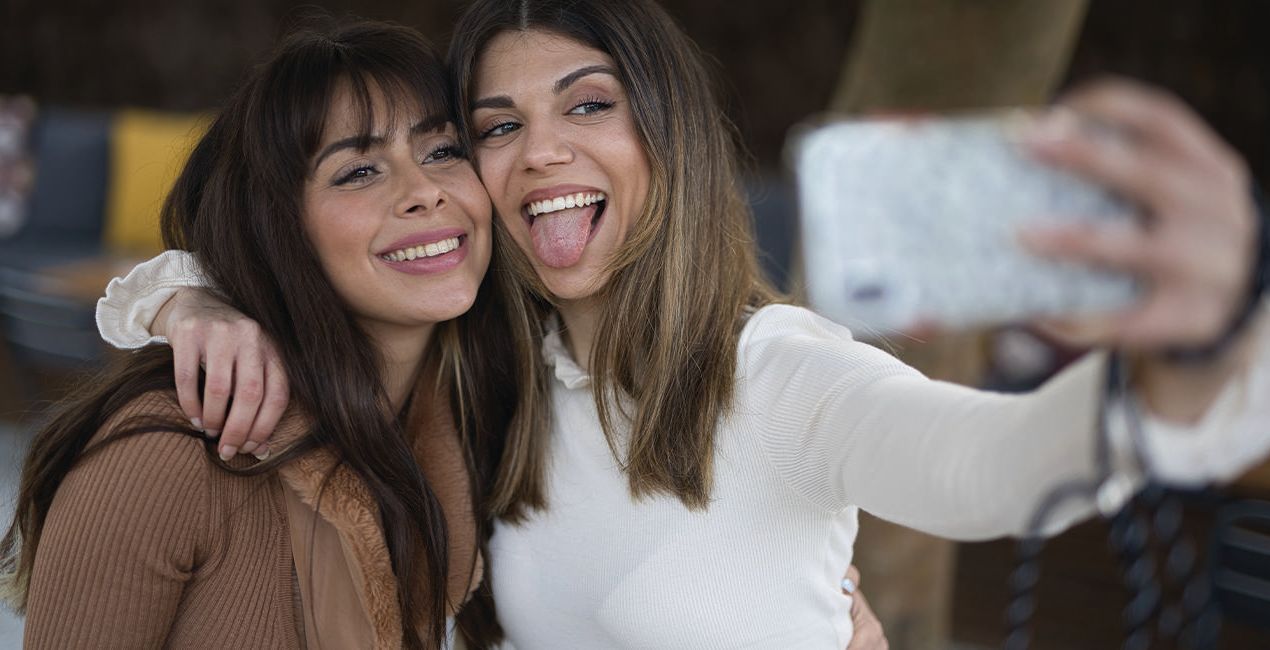
This Presets pack for lifestyle photographs is perfect for commercial campaigns, stock photography, and blogs. You’ll find 10 Presets that complement all your photo sessions, whether they’re for clients or just for fun.

RAW 파일을 사용하면 간편하게 리터치 기법을 연습하고 멋진 사진을 편집하는 방법을 배울 수 있습니다.
 >
>

 >
>

 >
>
 >
>

 >
>
 >
>
You will find 10 Presets in this Pack:
Business: A Preset that’s ideal for commercial photos, with desaturated colors, high contrast, and a touch of yellow.
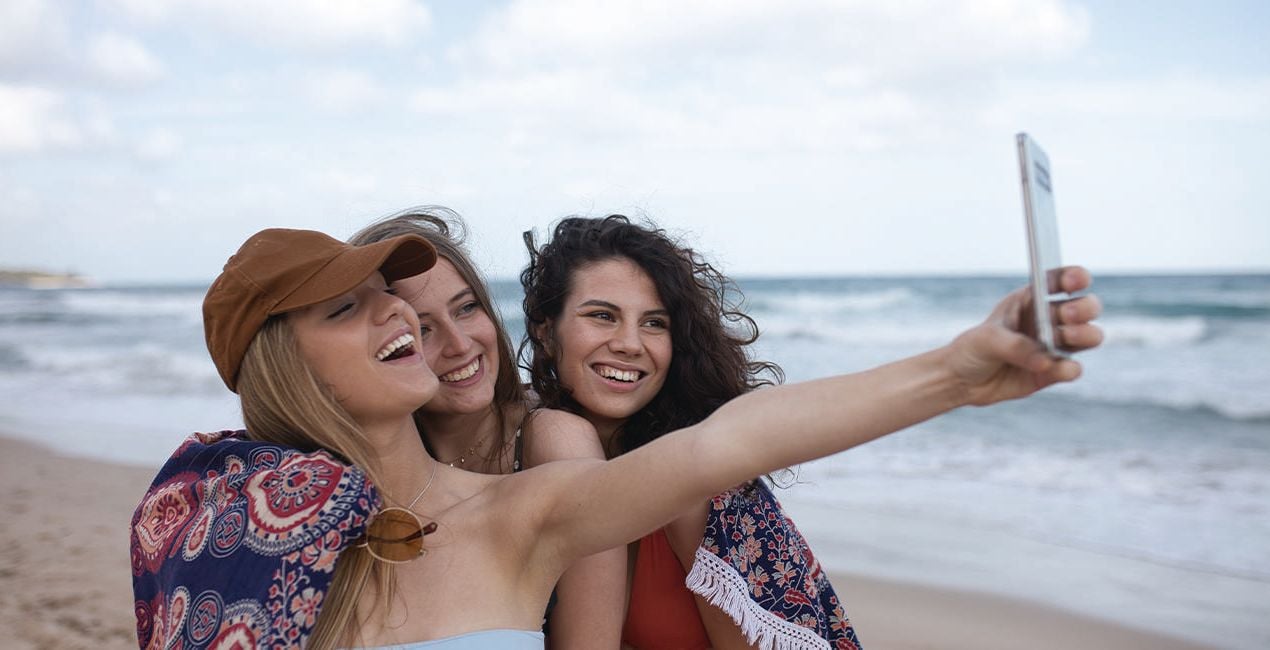
Summer: This Preset is ideal for fun beach photos, with enhanced colors and high saturation adding a vintage touch.
Connected: A Preset designed for portrait photography, with low saturation and strong contrast for your commercial photos.
Picnic: This postcard-inspired Preset has strong saturation and a vintage feel, making it ideal for spontaneous photographs with many people as well as photos for blogs.
Absorbed: Similar to the Connected Preset, but with more saturation and warmer colors.
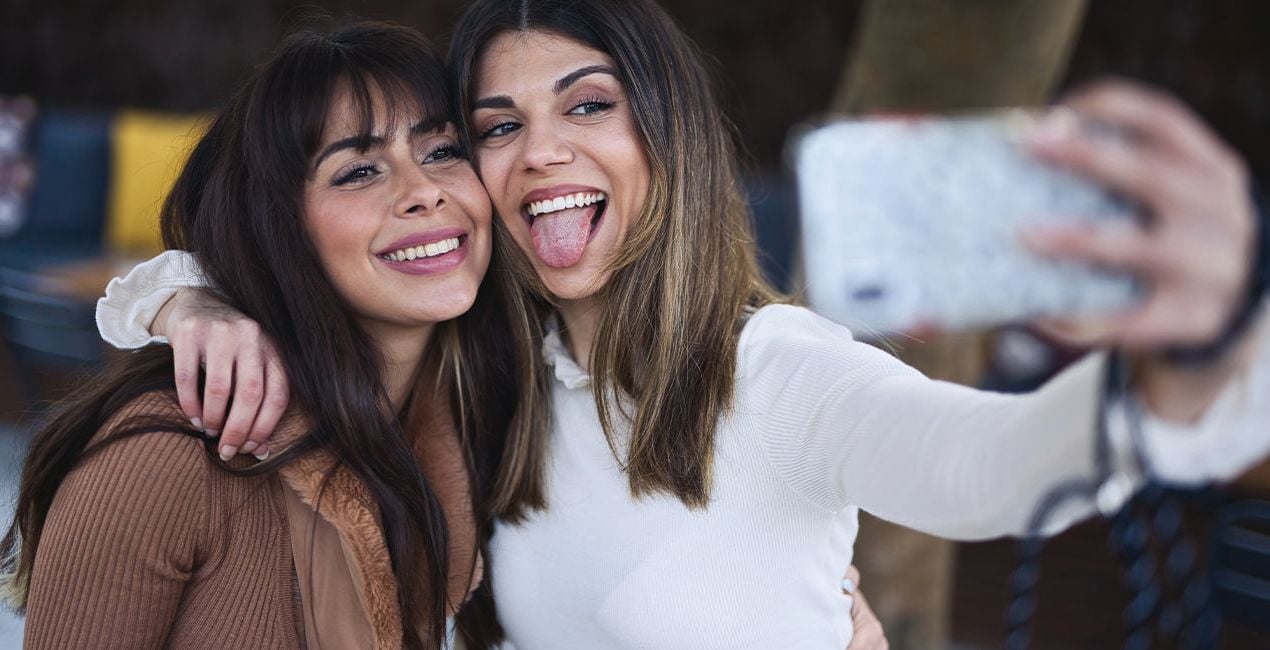
Selfie: A Preset with a warm touch and high contrast for candid shots of models/friends.
Friendship: A Preset with a cinematic touch and high contrast for candid shots of models/friends.
Smile: A Preset based on vintage Kodak Portra 400 film.
Routine: This Preset with deep saturation and contrast is focused on serious photographs where the subject appears to be working.
Concentrated: A special Preset for desaturated photographs taken with strong interior lighting.
Photographer. Skylum Ambassador.
Based in Lleida, Catalonia, Javier Pardina is a photographer and multimedia artist whose commercial work sees him shooting for advertising agencies, stock platforms, corporate brands, and creative agencies. Javier focused his university studies on photography, video, and graphic/3D design. Since 2004, he hasn’t stopped improving and learning all these subjects. In 2005, he created Pardina.co, using his surname as the name of his brand. Javier’s creative work was initially related to music. You can find Javier’s work on albums by some of the most talented musicians in Europe, including Thomas Lemmer and Cristopher Goze.
Years later, Javier decided to specialize in abstract photography, which he used to develop wallpapers for apps and operating systems including Firefox OS and iOS. In 2013, Javier signed with Mozilla to work on the Firefox OS project. In 2015, Javier started working with Stocksy along with offset and Shutterstock Custom, and currently Javier is working on the KAIOS project. To date, Javier has contributed 10,000+ pictures across different stock agencies, and he is heavily focused in the advertising and commercial world, using and merging video, photography, and 3D art forms. He’s worked on multiple ad campaigns both within Spain and internationally. Improving every day and working with passion, Pardina.co is a synonym for work, dedication, and trust.
제품에 관한 문의 사항이 있으시면 24시간 지원팀에 연락하세요. 아래 링크를 따라가시면 됩니다.
Lifestyle Colors을 구매하려면 다음 단계를 따르세요:
1. Skylum 마켓플레이스를 엽니다.
2. Lifestyle Colors이 표시된 탭으로 이동하세요. 해당 상품을 클릭하여 장바구니에 담으세요.
3. 장바구니로 이동하세요. 여기서 Lifestyle Colors의 구매 절차를 완료하세요.
4. 구매 후 Lifestyle Colors의 다운로드 링크가 포함된 주문 완료 이메일을 받게 됩니다. 또한 새로 구매한 항목은 Skylum 계정의 ‘내 애드온’ 탭에서 확인하실 수 있습니다.
Lifestyle Colors 설치에 대한 자세한 안내는 다운로드 링크와 함께 발송되는 주문 처리 이메일로 보내드립니다.
또한 구매한 항목은 Luminar Neo에서 직접 설치할 수 있습니다: 기타 > 마켓플레이스로 이동한 후, 제품 카테고리를 선택하고 구매한 항목을 찾아 설치를 클릭하세요.
아주 간단합니다! 프리셋 탭으로 이동한 후 '구매한 항목'을 선택하세요. 설치된 프리셋이 여기에 표시됩니다.
걱정하지 마세요. Lifestyle Colors을 포함한 모든 구매 항목은 Skylum 계정의 ‘내 애드온’ 탭에 저장되어 있어 다시 간편하게 다운로드하고 이용할 수 있습니다.
일반적으로 대부분의 항목은 Luminar Neo와 호환됩니다. 그러나 Lifestyle Colors이 귀하의 소프트웨어와 호환되는지 확인하려면 다운로드 또는 구매 전에 해당 제품의 사양을 검토하십시오. Lifestyle Colors 페이지 오른쪽의 ‘호환성’ 섹션을 확인하시면 모든 호환 제품이 나열되어 있습니다.
아직 떠나지 마세요. 여러분만을 위한 특별 할인 코드를 준비했습니다. 15분 이내에 이 코드를 사용하시면 결제 시 추가 10% 할인을 받으실 수 있습니다. 아래 코드를 복사하여 구매를 완료해 주세요.
15 m : 00 s





