

 적용됨
적용됨 



Epic Iceland
Save $201 $ 12 .73 $ 19 .00
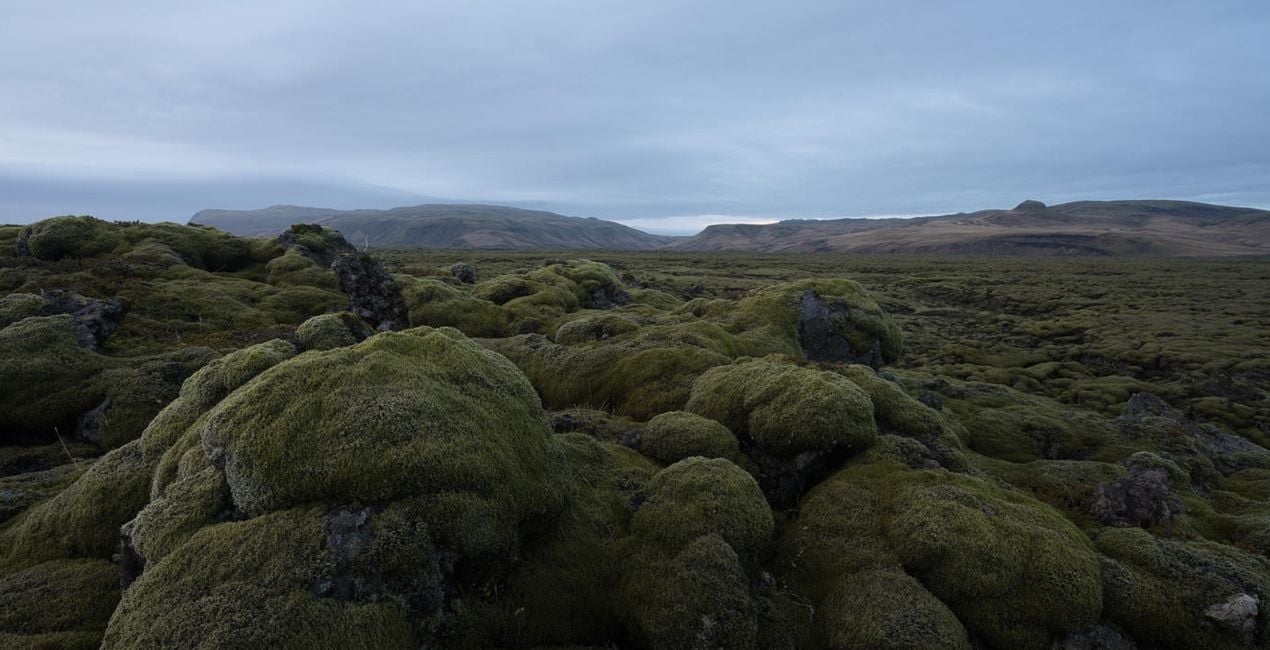
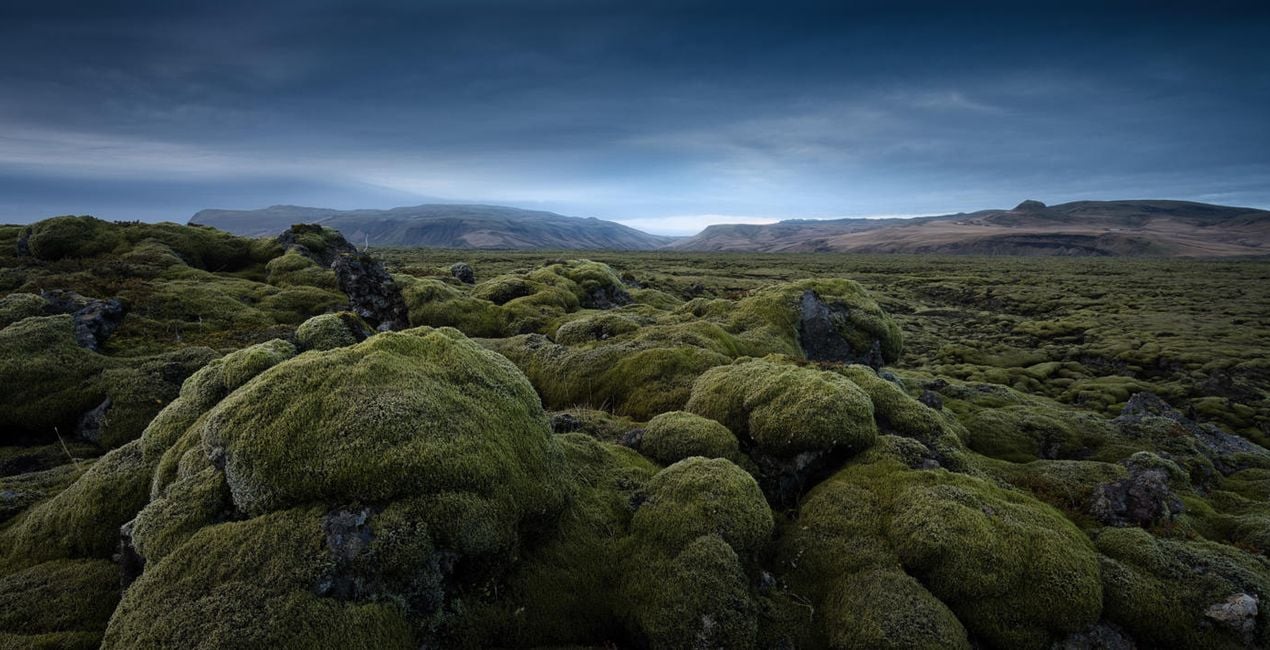
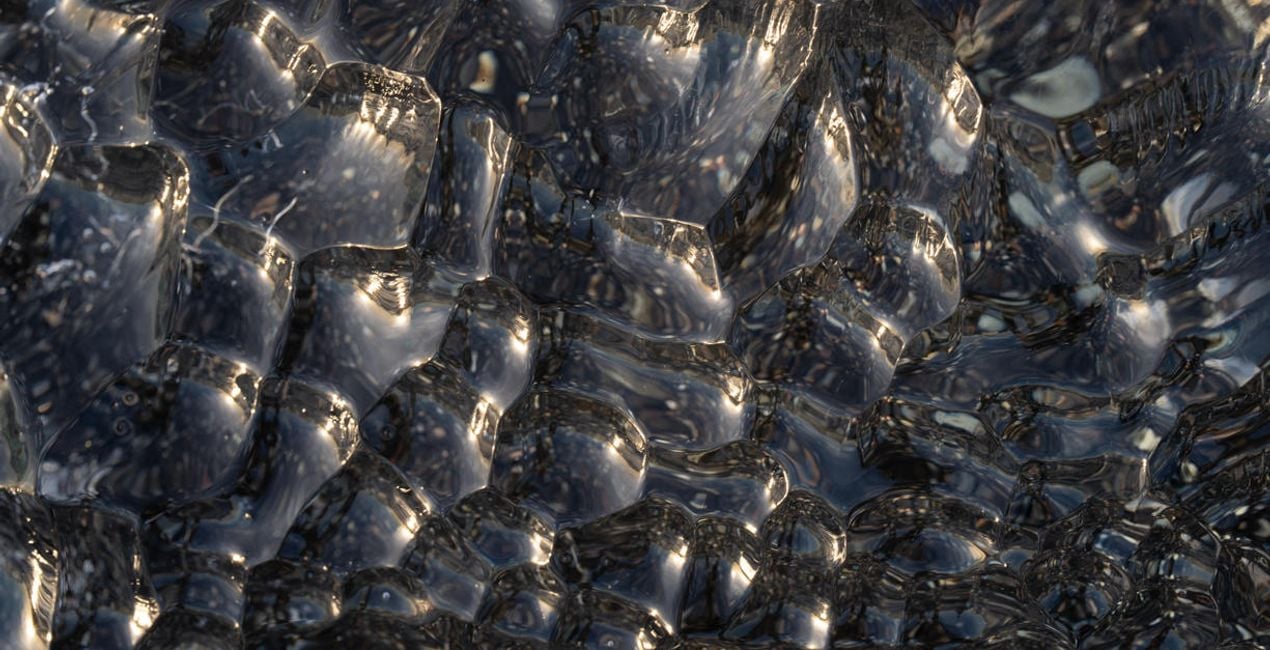
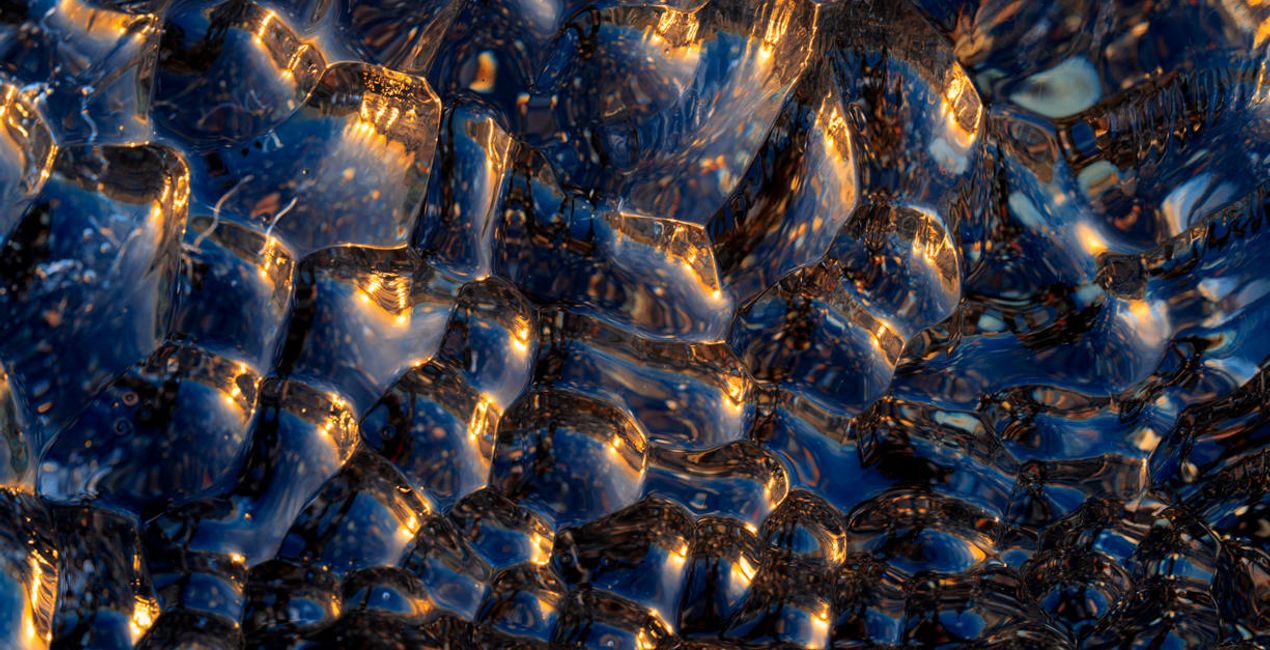
Here comes one splendid collection of Presets by Albert Dros that can cover all your editing needs for travel photos, including charming landscapes, forest images, and cityscapes. Find a match for the atmosphere you want in each photo with one of these 12 Presets.

RAW 파일을 사용하면 간편하게 리터치 기법을 연습하고 멋진 사진을 편집하는 방법을 배울 수 있습니다.
 >
>
 >
>
 >
>
 >
>
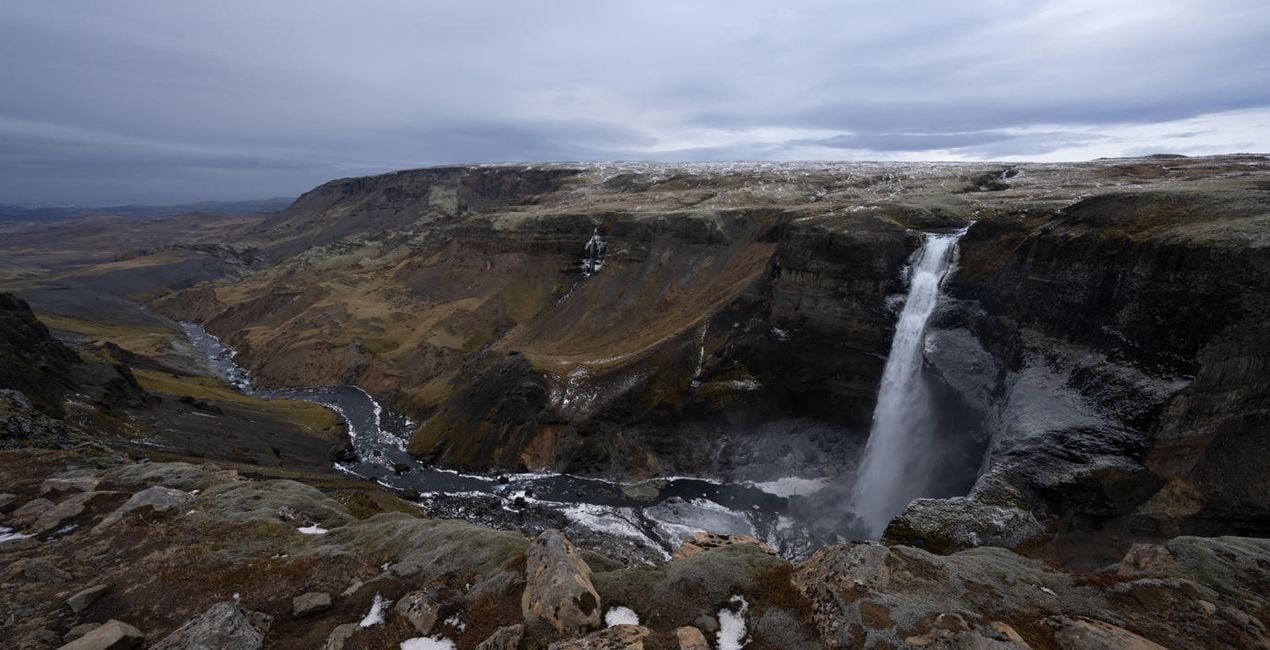
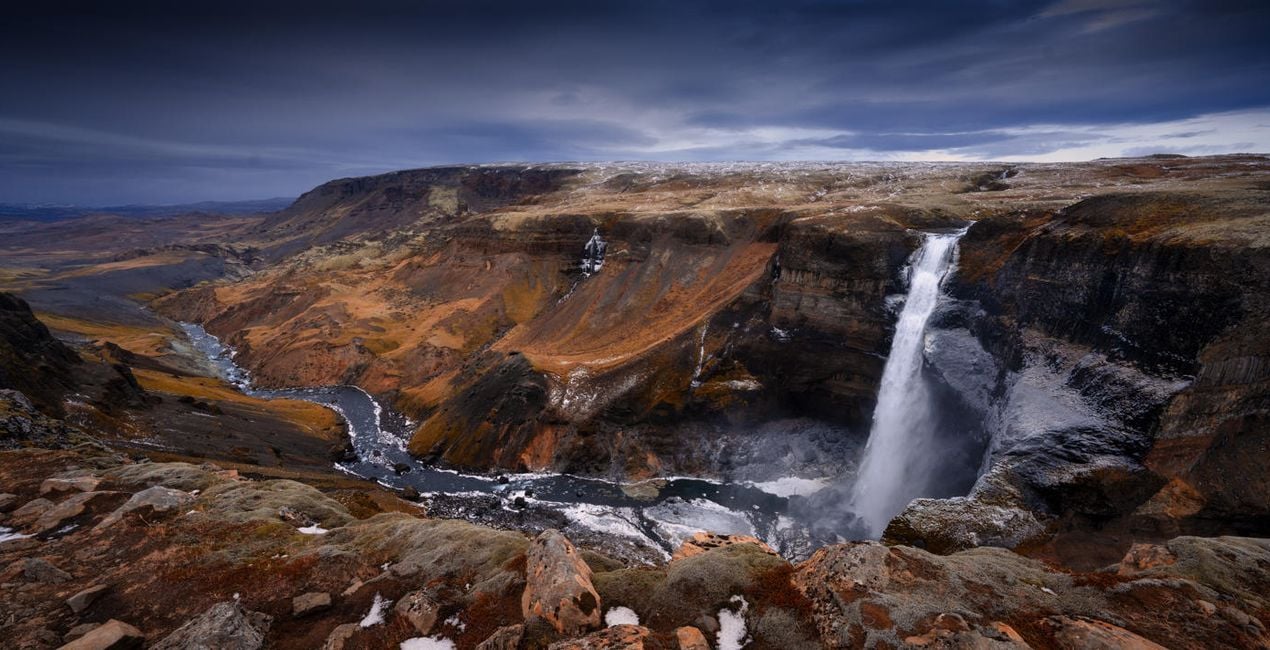 >
>
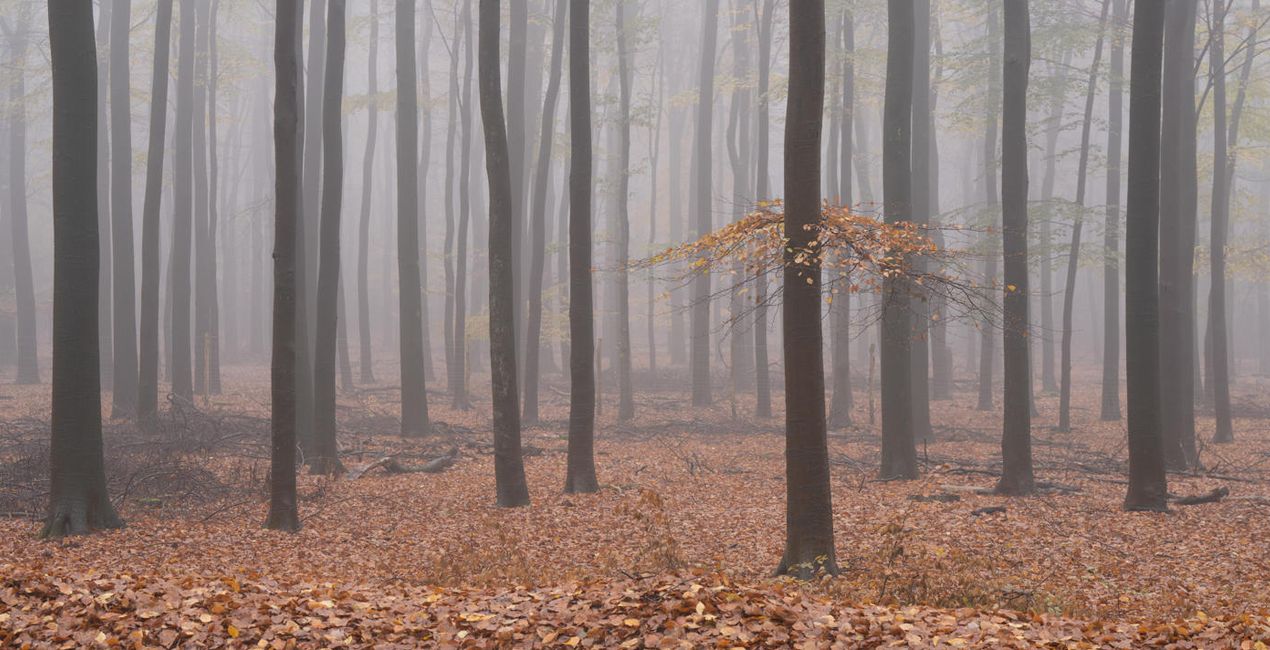
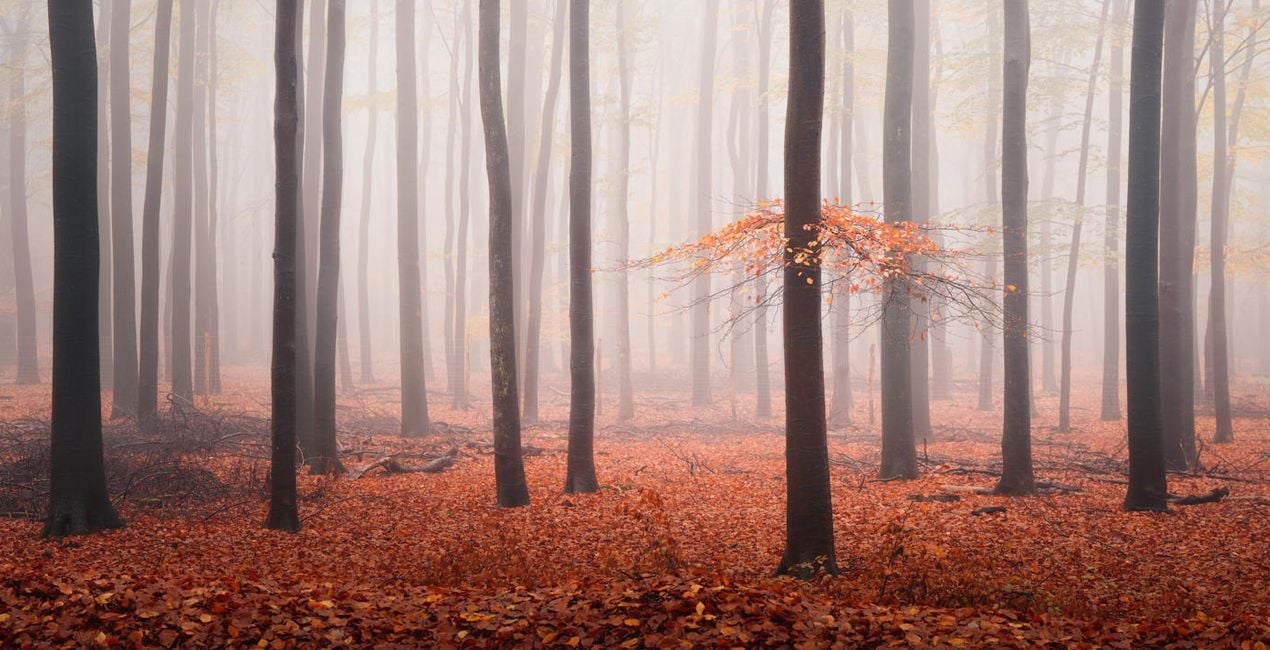 >
>
These Presets were designed for the new Luminar Neo course on landscapes. However, they will work on any of your landscape, forest, and cityscape captures. Most of the landscape shots in the course were photographed during the Luminar Camp in Iceland, so you’ll find Presets that work on winter colors, sometimes with spectacular hues.
You will also find dramatic edits along with the usual forest edit effects Albert Dros loves. And as a bonus, you can find Presets for golden light and blue hour cityscapes. Try them out and enjoy!
You'll find 12 Presets in this Pack:
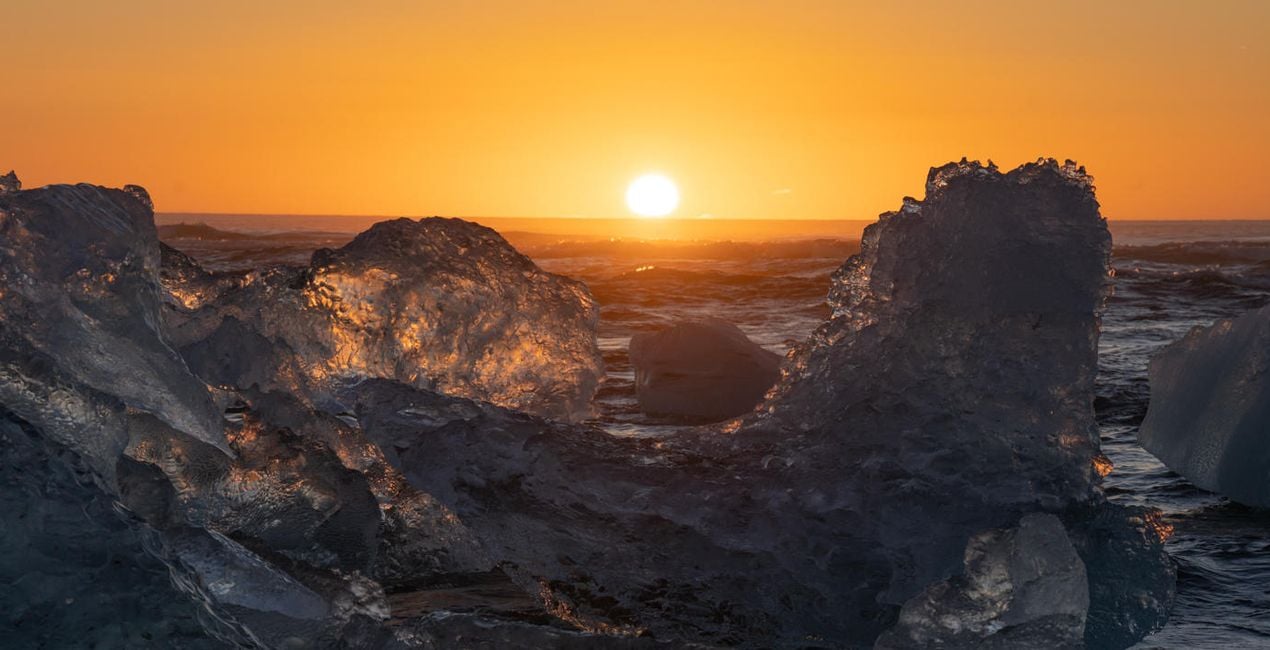
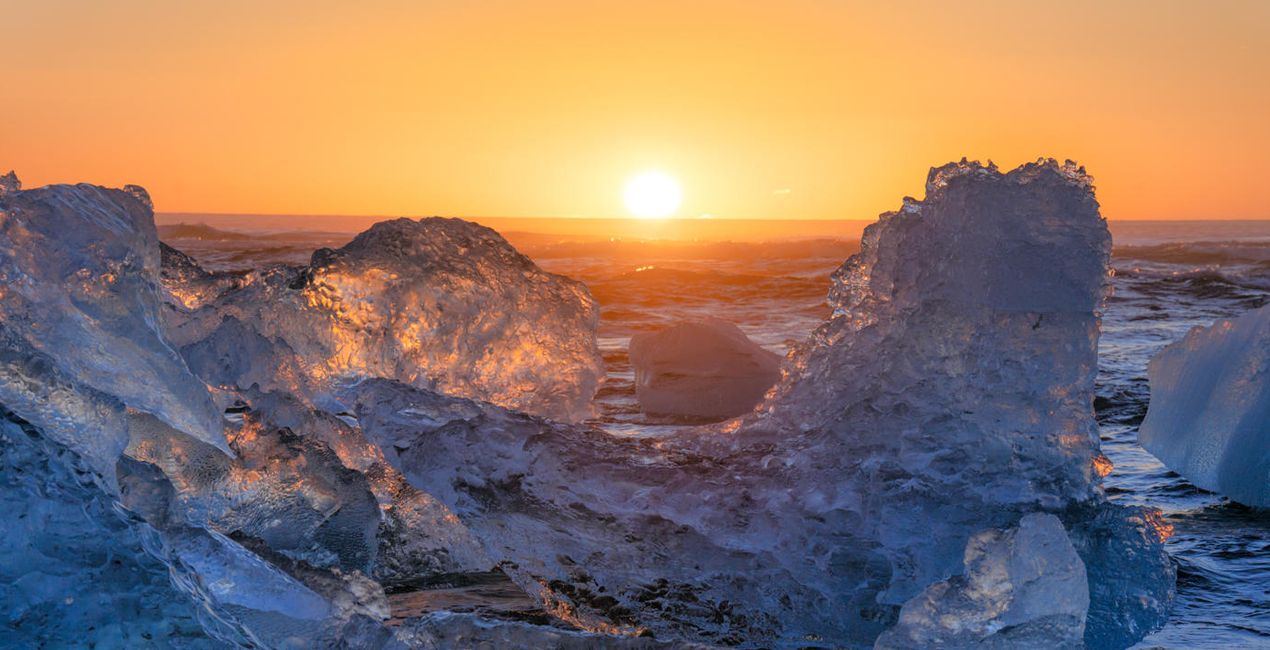
Landscape Sunset Ice: Works well with contrasty sunset images by reducing the contrast, enhancing the sunset tones, and creating better cold/warm separation; also adds a dreamy atmosphere.
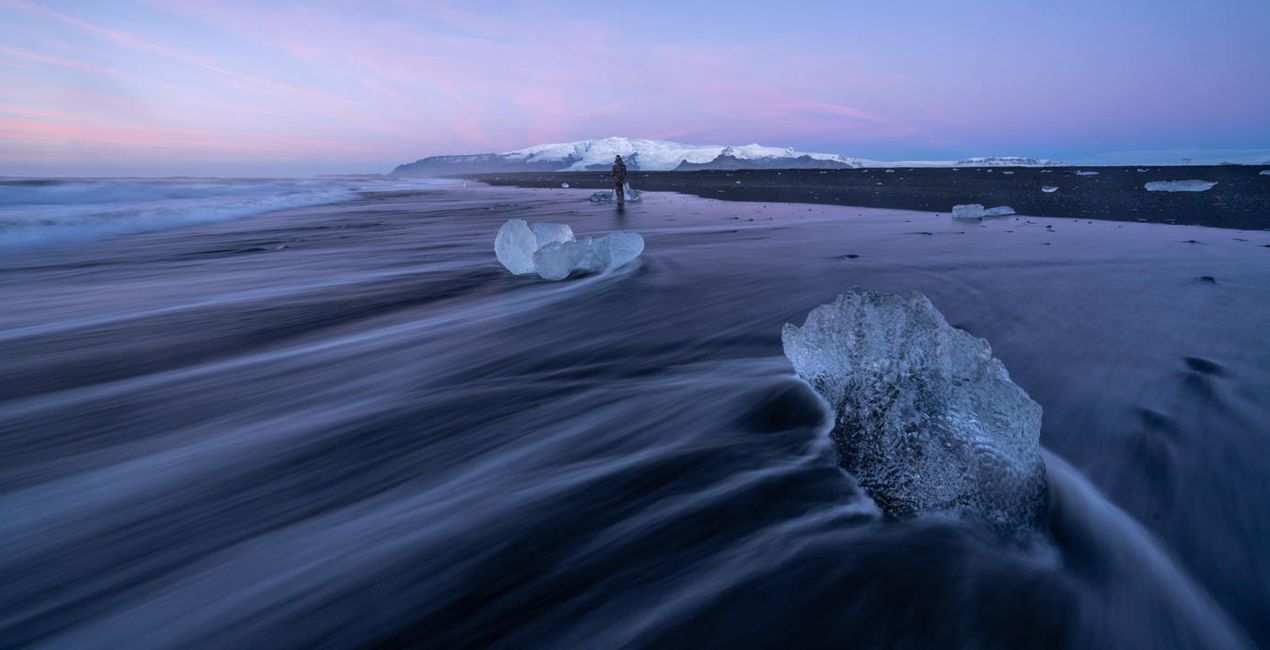
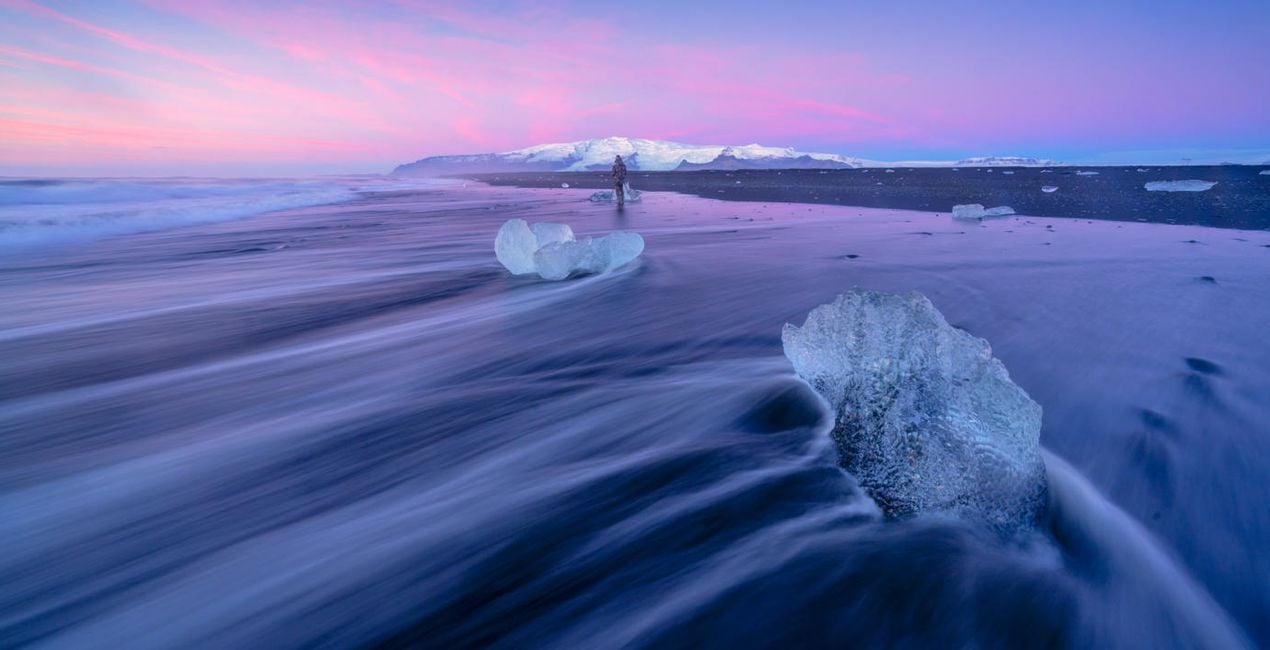
Landscape Twilight: Enhances the blues and purples and creates a dreamy twilight look in your images.
Landscape Dramatic: Use this Preset on relatively flat images with gray skies and little texture to transform them into much more dramatic images. Greatly enhances the mood.
Landscape Dramatic Autumn: Creates a dramatic mood and works especially well with autumn images. This Preset greatly enhances autumn colors and creates a color split between dark blues and autumnal oranges.
Landscape Cold Warm Split: Use on your contrasty images to give them warm tones in the highlights and cold tones in the shadows. Works on bigger landscape images but also detail shots!
Forest Exploding Rays: Use this Preset on your forest images that already have some sun rays. This Preset makes a photo look dreamy and enhances the sun rays. Make sure you put the center of the sun (in the Sunrays module) at the position of the actual sun in the photo for the best results!
Forest Summer Dream: Greatly enhances the green tones of summer forests and gives a dreamy atmosphere while retaining that pop.
Forest Autumn Reds: Use on your autumn forest scenes. This Preset greatly enhances the contrast (it works very well on foggy scenes) and really makes the red and orange tones pop.
Eerie Forest Fog: Easily give your forest scenes an eerie look with lots of green tones. Works well on forest photos that are already mysterious and foggy.
Forest Cool-Warm Split: Creates better color separation rather than desaturated forest scenes. It goes slightly towards the cold blue tones while keeping the colors in the warm spectrum.
Cityscape Blue Hour: Creates much better color separation for blue hour cityscape shots. Also enhances the sharpness and gives you much more detailed color and tones overall.
Cityscape Golden Light: Enhances your cityscape images shot in the golden light while creating a dreamier atmosphere and enhancing the yellow and orange toning.
Don’t forget to share your results! Use the hashtag #madewithluminar on social media so the Skylum Team can take a look at your work!
포토그래퍼, 작가 겸 교육자
Albert Dros is a Dutch landscape photographer who has an extraordinary passion to plan and create unique shots. Volcanoes, solar eclipses and unique aspects of nature draw his attention. He doesn’t just go for the simple shot.
"Go big or go home" is his motto, always trying to add some unique element to his shots.
His work has been recognized on a worldwide scale and he has been published worldwide in the biggest media outlets.
Albert travels a lot as a photo educator but also for personal projects. But even in The Netherlands, he can’t stop photographing. His inspiration never stops.
제품에 관한 문의 사항이 있으시면 24시간 지원팀에 연락하세요. 아래 링크를 따라가시면 됩니다.
Epic Iceland을 구매하려면 다음 단계를 따르세요:
1. Skylum 마켓플레이스를 엽니다.
2. Epic Iceland이 표시된 탭으로 이동하세요. 해당 상품을 클릭하여 장바구니에 담으세요.
3. 장바구니로 이동하세요. 여기서 Epic Iceland의 구매 절차를 완료하세요.
4. 구매 후 Epic Iceland의 다운로드 링크가 포함된 주문 완료 이메일을 받게 됩니다. 또한 새로 구매한 항목은 Skylum 계정의 ‘내 애드온’ 탭에서 확인하실 수 있습니다.
Epic Iceland 설치에 대한 자세한 안내는 다운로드 링크와 함께 발송되는 주문 처리 이메일로 보내드립니다.
또한 구매한 항목은 Luminar Neo에서 직접 설치할 수 있습니다: 기타 > 마켓플레이스로 이동한 후, 제품 카테고리를 선택하고 구매한 항목을 찾아 설치를 클릭하세요.
아주 간단합니다! 프리셋 탭으로 이동한 후 '구매한 항목'을 선택하세요. 설치된 프리셋이 여기에 표시됩니다.
걱정하지 마세요. Epic Iceland을 포함한 모든 구매 항목은 Skylum 계정의 ‘내 애드온’ 탭에 저장되어 있어 다시 간편하게 다운로드하고 이용할 수 있습니다.
일반적으로 대부분의 항목은 Luminar Neo와 호환됩니다. 그러나 Epic Iceland이 귀하의 소프트웨어와 호환되는지 확인하려면 다운로드 또는 구매 전에 해당 제품의 사양을 검토하십시오. Epic Iceland 페이지 오른쪽의 ‘호환성’ 섹션을 확인하시면 모든 호환 제품이 나열되어 있습니다.
아직 떠나지 마세요. 여러분만을 위한 특별 할인 코드를 준비했습니다. 15분 이내에 이 코드를 사용하시면 결제 시 추가 10% 할인을 받으실 수 있습니다. 아래 코드를 복사하여 구매를 완료해 주세요.
15 m : 00 s





