

 적용됨
적용됨 



Enchanting Pathways
Save $201 $ 19 .00
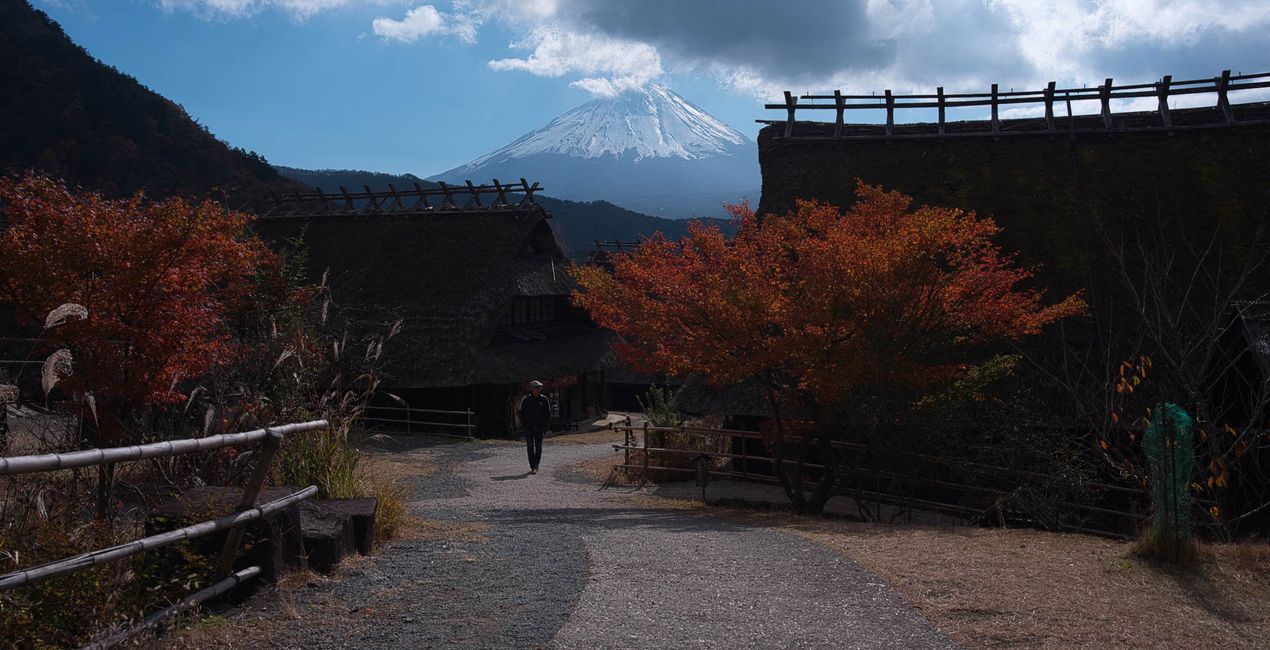
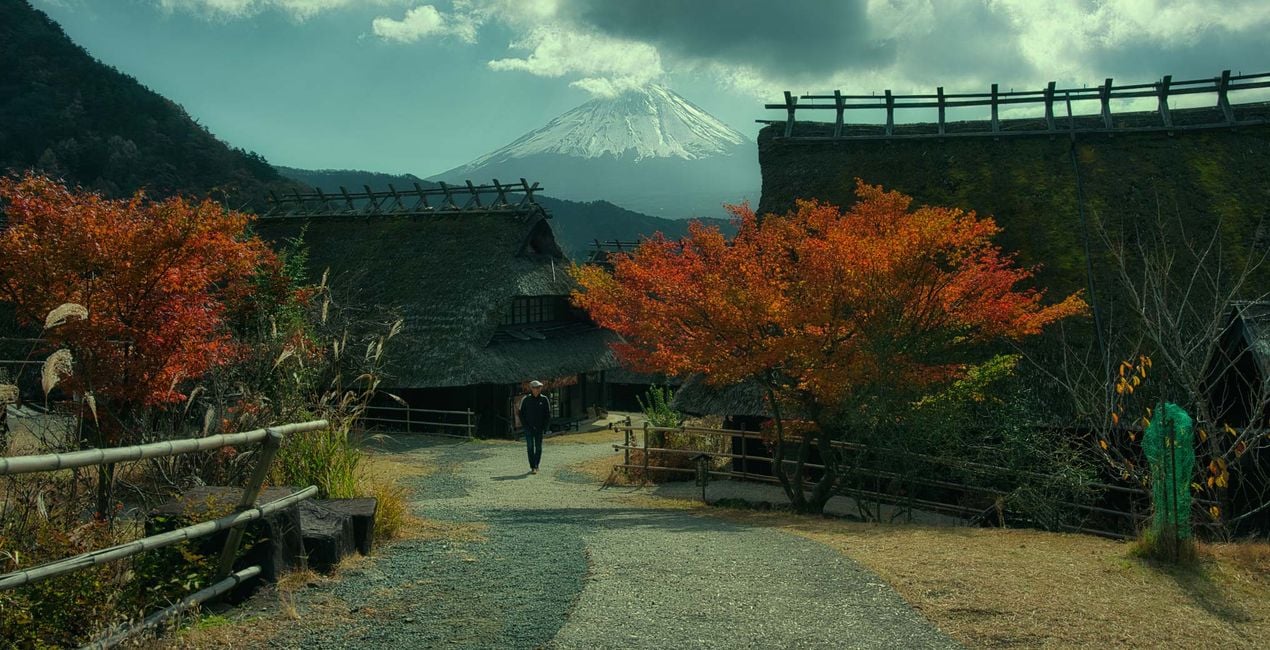
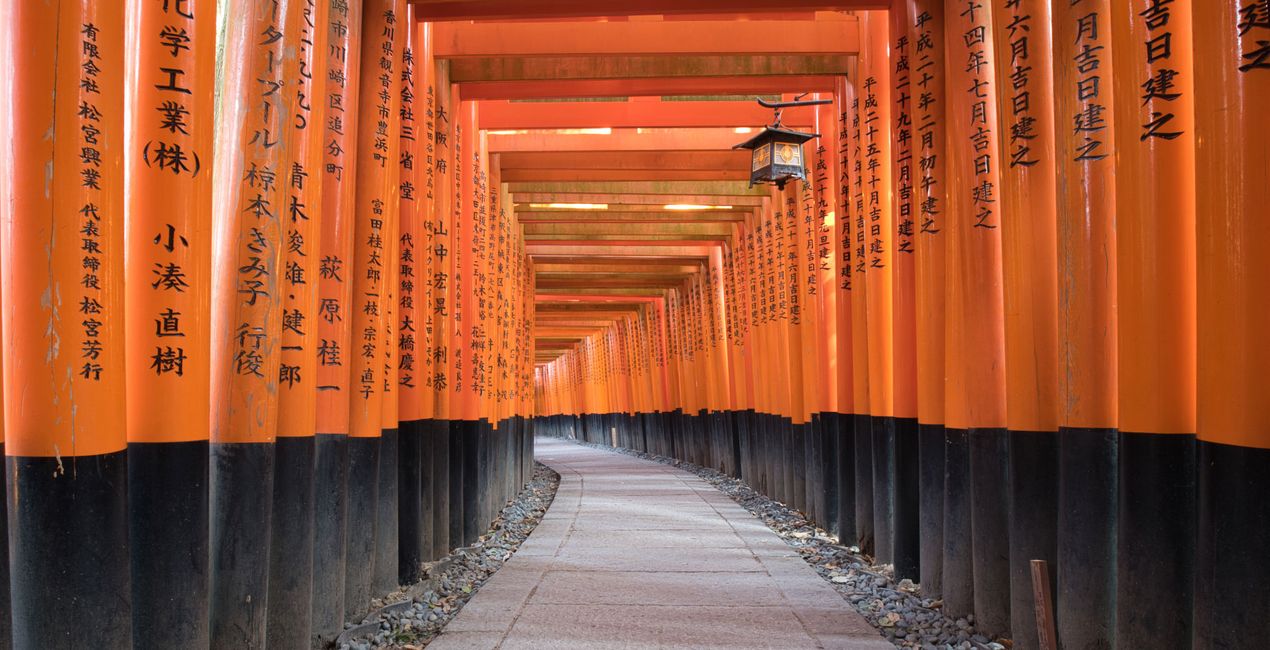
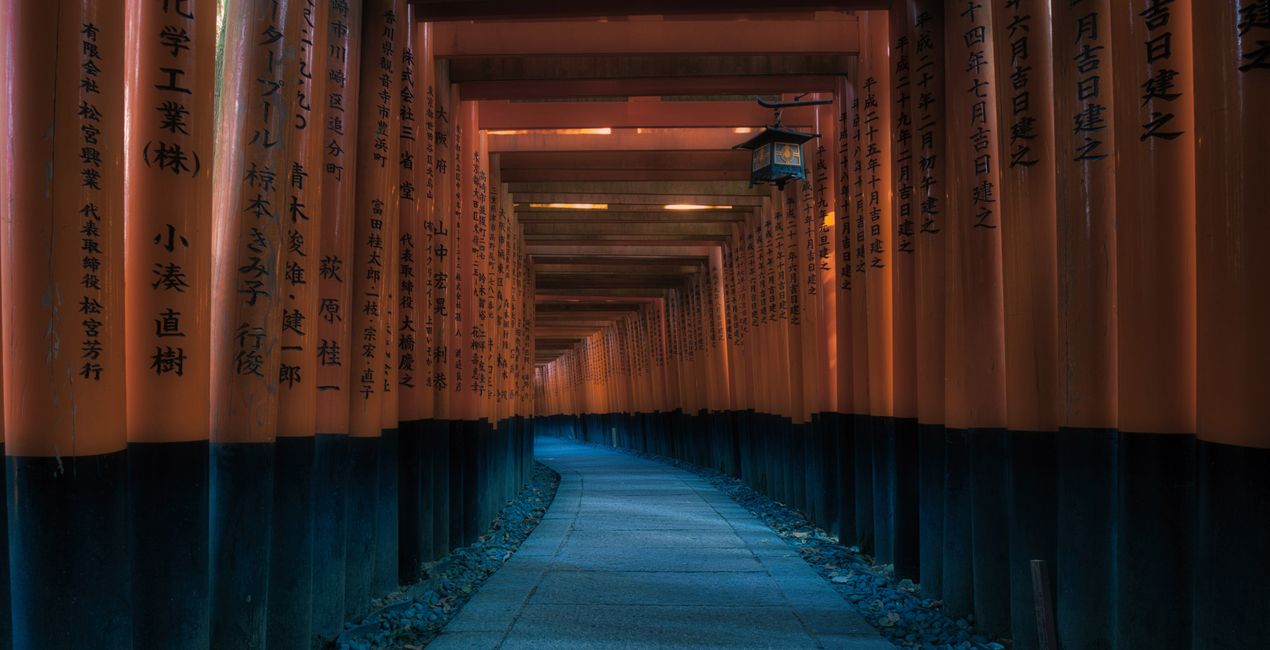
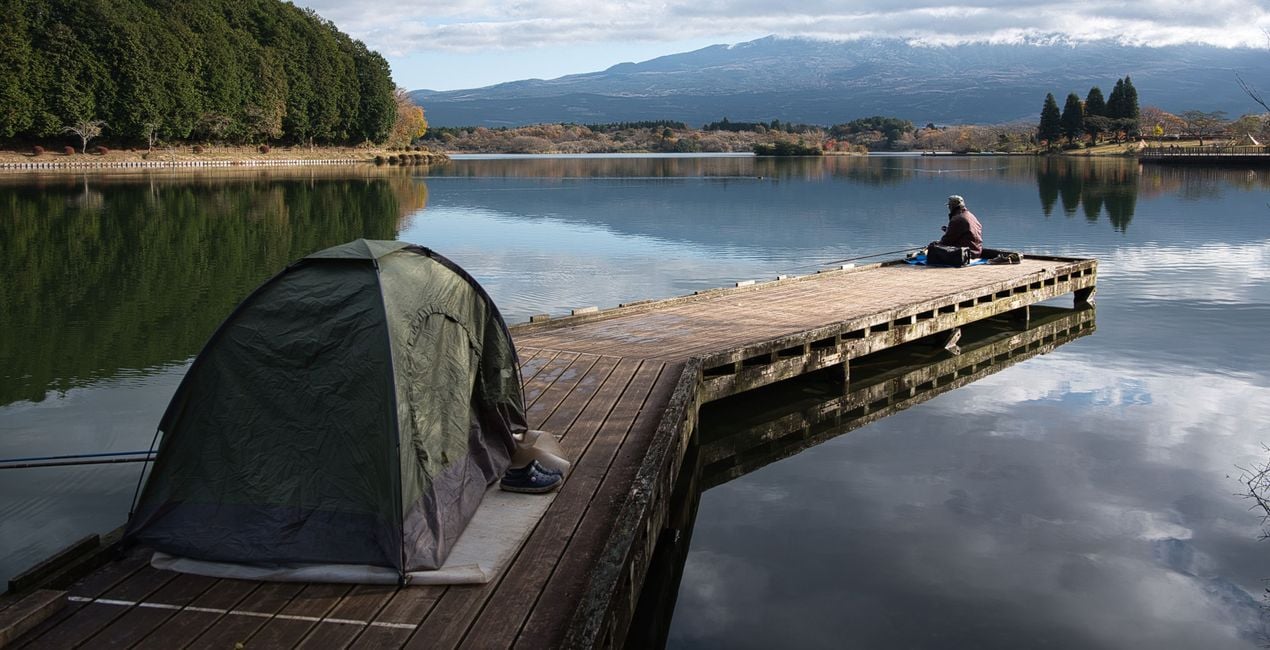
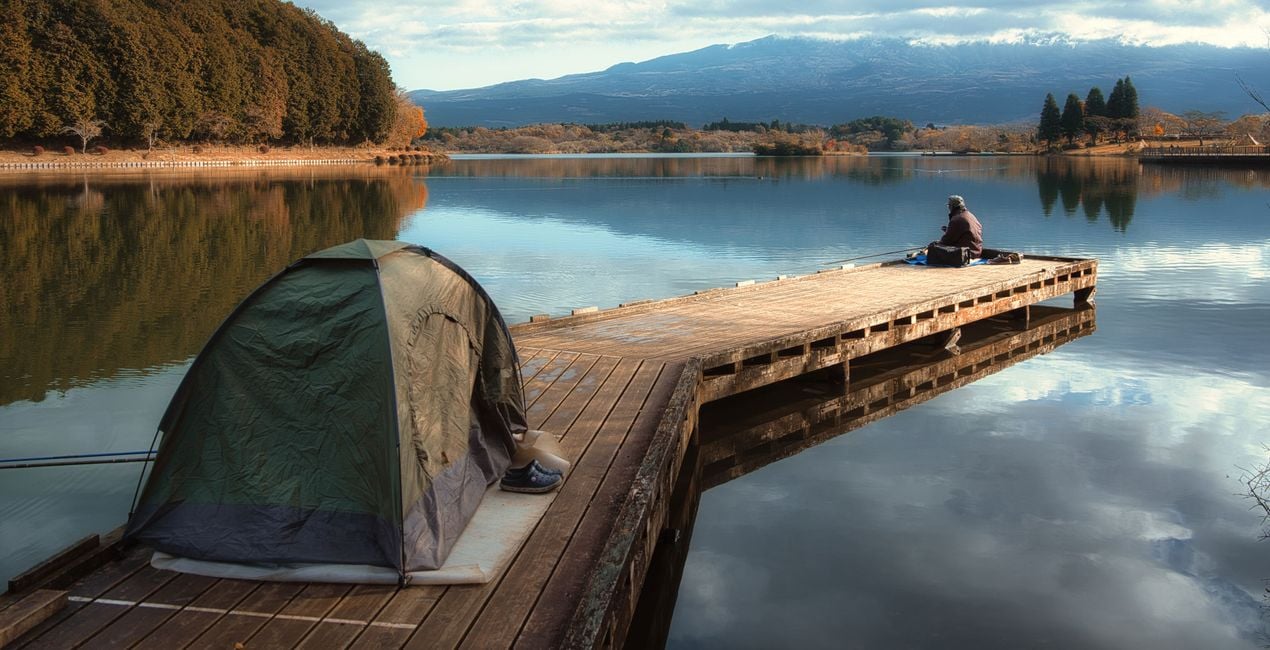
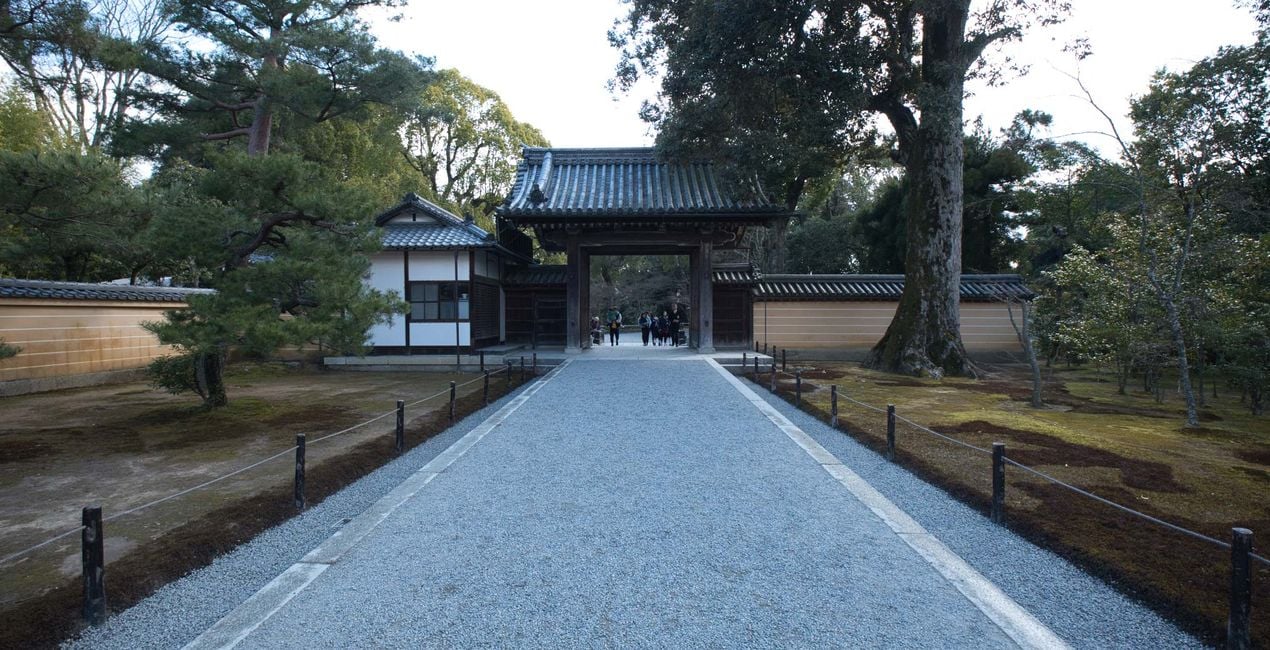
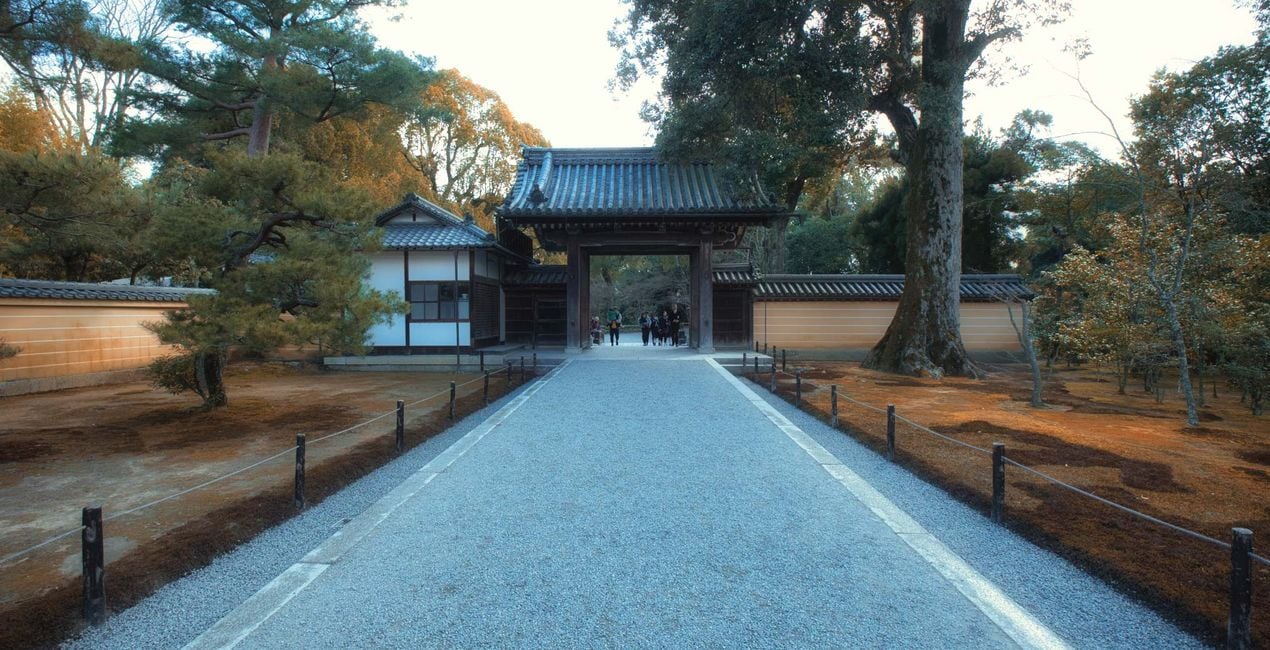
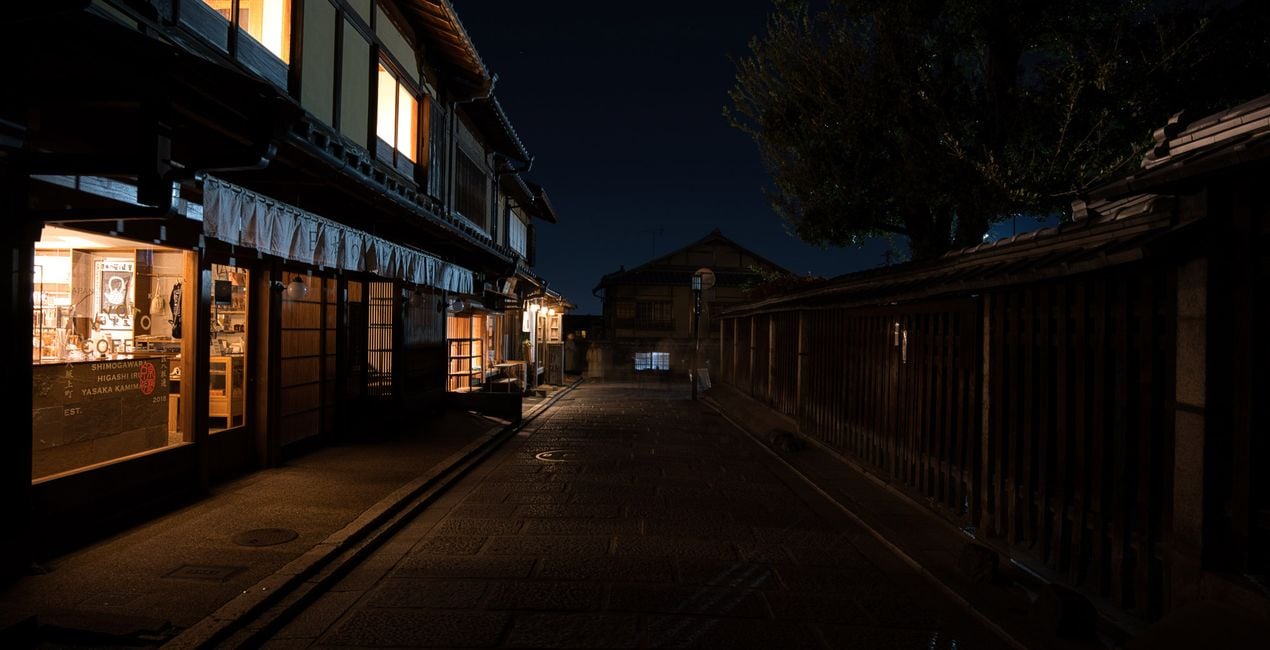
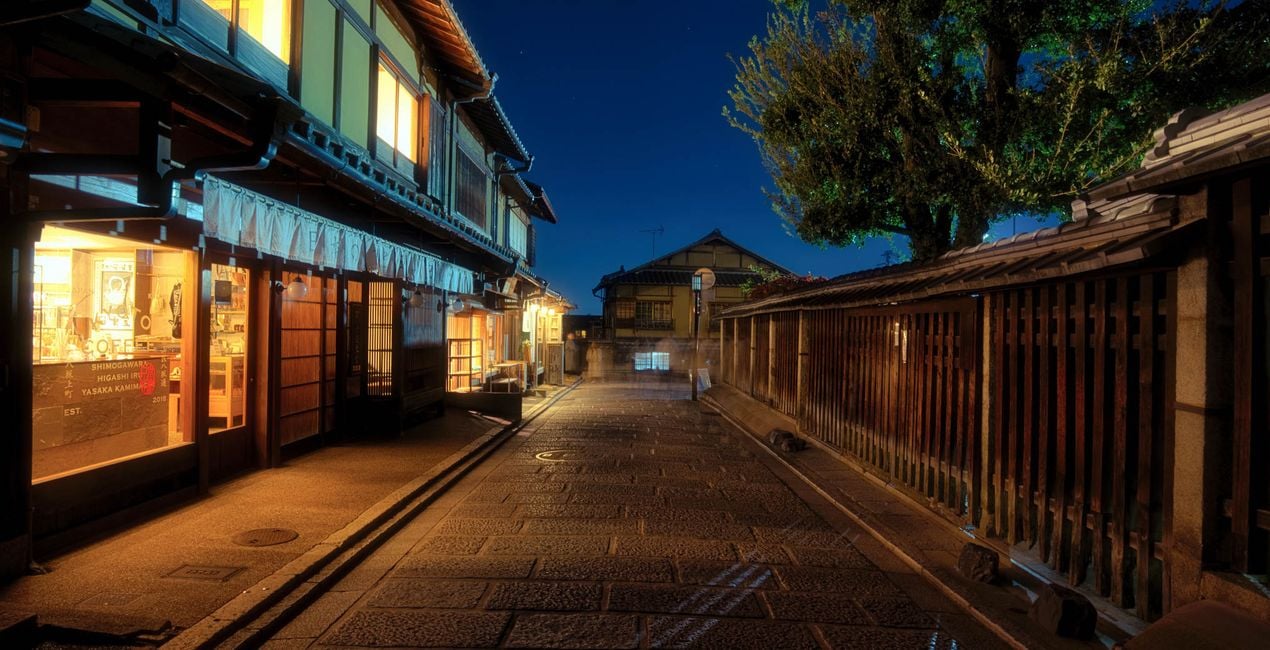
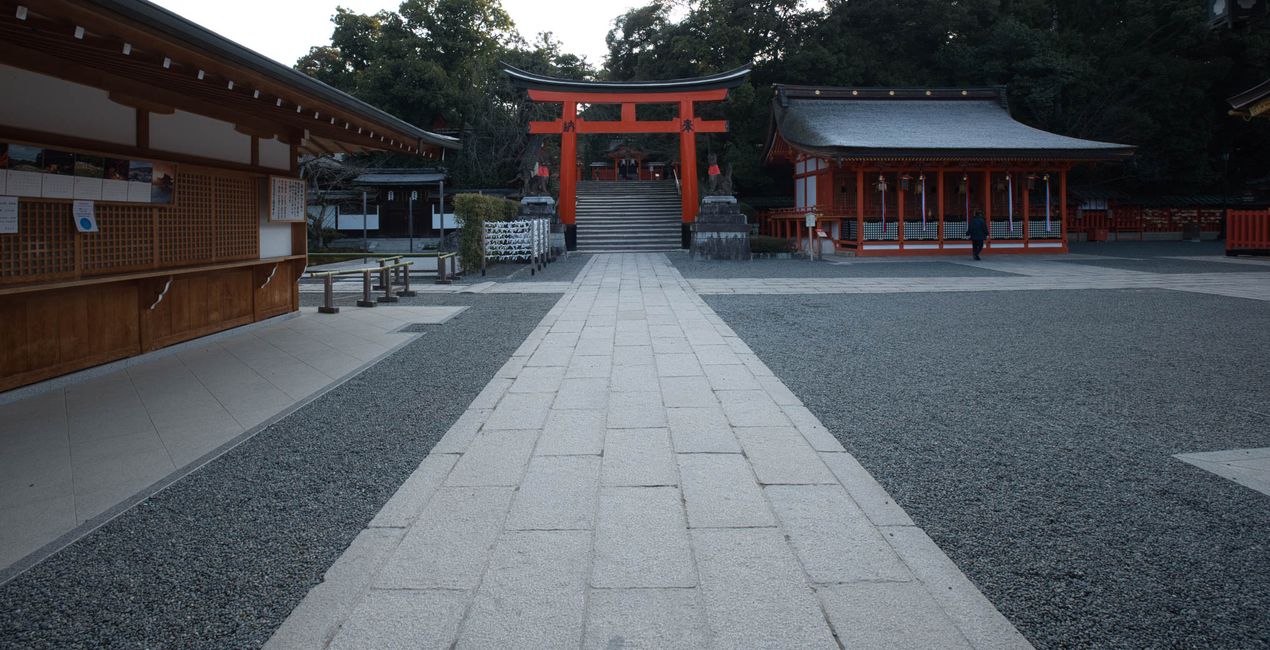
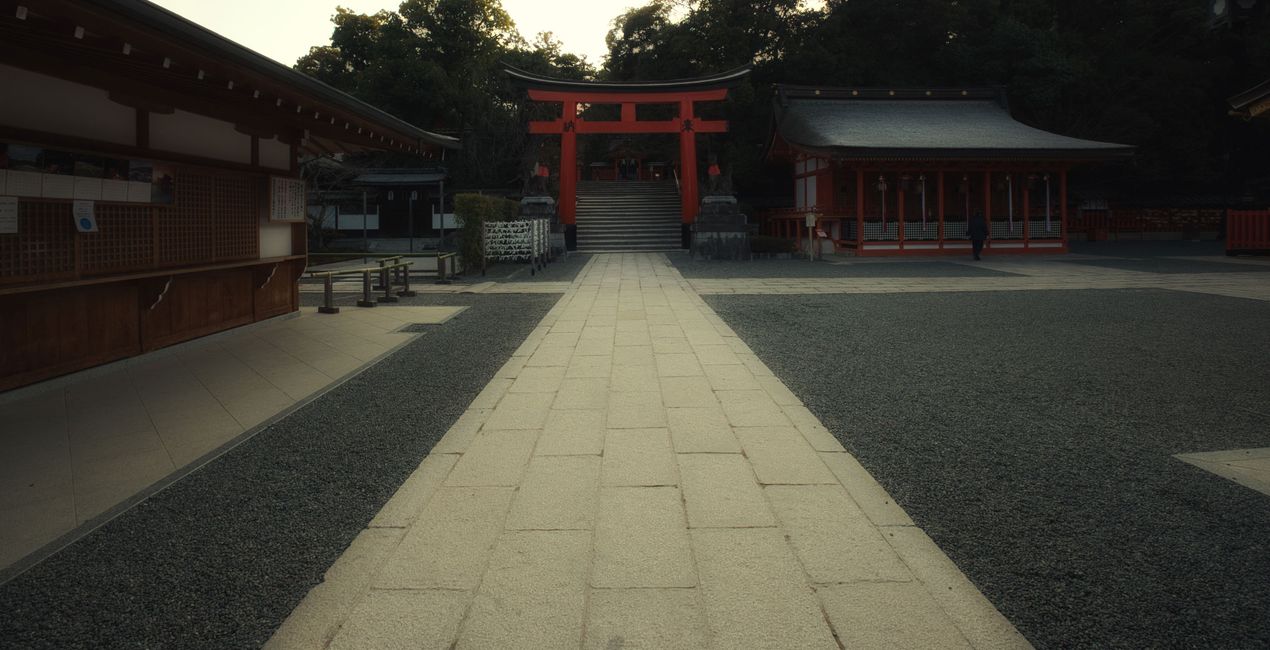
A mesmerizing Luminar Neo Preset pack meticulously crafted to elevate your travel photos with the enchanting essence of Japan's alleys and pathways. Inspired by the unique blend of colors, mood, and feel found in Tokyo, Kawaguchiko and Kyoto, this Preset collection is your passport to infuse your memories with a touch of authentic Japanese charm.

RAW 파일을 사용하면 간편하게 리터치 기법을 연습하고 멋진 사진을 편집하는 방법을 배울 수 있습니다.
 >
>
 >
>
 >
>
 >
>
 >
>
 >
>
Immerse yourself in the tranquil allure of narrow alleys adorned with traditional lanterns, where sunlight gently dances on cobblestone pathways. This collection enhances the vibrancy of your travel photos, capturing the rich greens of lush foliage, and the warm tones of traditional wooden structures.
With a careful balance of contrast and saturation, the Presets bring out the intricate details of architectural elements, creating a harmonious interplay between light and shadow. The result is a visual masterpiece that encapsulates the serene beauty of Japanese alleyways, transporting you back to the quiet moments of exploration and discovery.
Whether you're strolling through historic districts or capturing the modern vibrancy of urban pathways, this pack is your go-to tool for adding a touch of Japanese magic to every photograph. Elevate your travel memories and evoke the spirit of Japan with this thoughtfully designed Luminar Neo Preset pack. Download it today and embark on a visual journey that transcends time and place.
What you’ll find in this pack:
Midday Sun - Warm-toned Preset that improves brightness, brings out colors, perfect for bright afternoon photos.
Serene Foliage - Balance exposure, improve foliage colors, add a muted sky and cool shadows, warm midtones and highlights
Autumn Glow - Add a subtle glow on highlights, turn greens to autumn colors, and place a tint of blue on midtones.
Kansai Dreams - Create a dreamy and cinematic atmosphere in a click.
Blue Hour - A Preset perfect for blue hour shots that adds blue tint to compensate for the warm artificial lights, improves shadows, adds dreamy highlights.
Soft Trails - A Preset perfect for blue hour shots with matte blacks, softer highlights, and contrast reduced for a softer overall feel.
Temple Shadows - Ideal for blue hour shots, this Preset brings out details in the shadows and adds overall warmth.
Airy Pagoda - A Preset for making bright photos dark, adding an airy and dramatic vibe, plus stronger colors.
Cinematic Dark - Make bright photos dark with muted colors and an overall blue tint for a dramatic and cinematic effect.
Magical Morning - A Preset with reduced highlights, warm tones, darker midtones, and matte blacks.
Photographer. Skylum Ambassador.
<p>Unapologetic in brandishing his post-processing skills, Sherwin sees what’s invisible to others and translates his images so they look the way he imagined when taking them. This results in compelling, emotive visual stories for others to appreciate and remember. His style straddles the line between reality and surrealism, resulting in works that almost feel ethereal. </p><p>Sherwin has earned his rightful spot in the world of photography and has been lauded by domestic and international organizations with numerous awards — a testament to his excellence in the field, especially in producing fine art landscape images. </p><p>Manila-born Sherwin Magsino is a self-taught photographer who began his career as an illustrator before dabbling in commercial photography in 2015. His love for travel awakened in him what he considers his life’s passion — landscape photography. This wanderlust leads to uniquely enchanting images of sceneries and moments in the places Sherwin visits.</p><p>Sherwin is currently a Brand Ambassador of <a href="https://fujifilm-x.com/en-us/photographers/win-magsino/" target="_blank">Fujifilm Philippines</a>, <a href="https://skylum.com/ambassadors/win-magsino" target="_self">Skylum Software</a>, <a href="http://gnarbox.com/" target="_blank">Gnarbox</a>, and NiSi Filters Philippines as well as a Your Shot National Geographic Contributor. As a representative of these brands, Sherwin conducts talks and workshops around Manila to share his experiences and inspire fellow artists who share his passion for photography.</p>
제품에 관한 문의 사항이 있으시면 24시간 지원팀에 연락하세요. 아래 링크를 따라가시면 됩니다.
Enchanting Pathways을 구매하려면 다음 단계를 따르세요:
1. Skylum 마켓플레이스를 엽니다.
2. Enchanting Pathways이 표시된 탭으로 이동하세요. 해당 상품을 클릭하여 장바구니에 담으세요.
3. 장바구니로 이동하세요. 여기서 Enchanting Pathways의 구매 절차를 완료하세요.
4. 구매 후 Enchanting Pathways의 다운로드 링크가 포함된 주문 완료 이메일을 받게 됩니다. 또한 새로 구매한 항목은 Skylum 계정의 ‘내 애드온’ 탭에서 확인하실 수 있습니다.
Enchanting Pathways 설치에 대한 자세한 안내는 다운로드 링크와 함께 발송되는 주문 처리 이메일로 보내드립니다.
또한 구매한 항목은 Luminar Neo에서 직접 설치할 수 있습니다: 기타 > 마켓플레이스로 이동한 후, 제품 카테고리를 선택하고 구매한 항목을 찾아 설치를 클릭하세요.
아주 간단합니다! 프리셋 탭으로 이동한 후 '구매한 항목'을 선택하세요. 설치된 프리셋이 여기에 표시됩니다.
걱정하지 마세요. Enchanting Pathways을 포함한 모든 구매 항목은 Skylum 계정의 ‘내 애드온’ 탭에 저장되어 있어 다시 간편하게 다운로드하고 이용할 수 있습니다.
일반적으로 대부분의 항목은 Luminar Neo와 호환됩니다. 그러나 Enchanting Pathways이 귀하의 소프트웨어와 호환되는지 확인하려면 다운로드 또는 구매 전에 해당 제품의 사양을 검토하십시오. Enchanting Pathways 페이지 오른쪽의 ‘호환성’ 섹션을 확인하시면 모든 호환 제품이 나열되어 있습니다.
아직 떠나지 마세요. 여러분만을 위한 특별 할인 코드를 준비했습니다. 15분 이내에 이 코드를 사용하시면 결제 시 추가 10% 할인을 받으실 수 있습니다. 아래 코드를 복사하여 구매를 완료해 주세요.
15 m : 00 s





