

 적용됨
적용됨 



와우 요소(Wow Factor) 만들기
Save $201 $ 11 .40 $ 19 .00
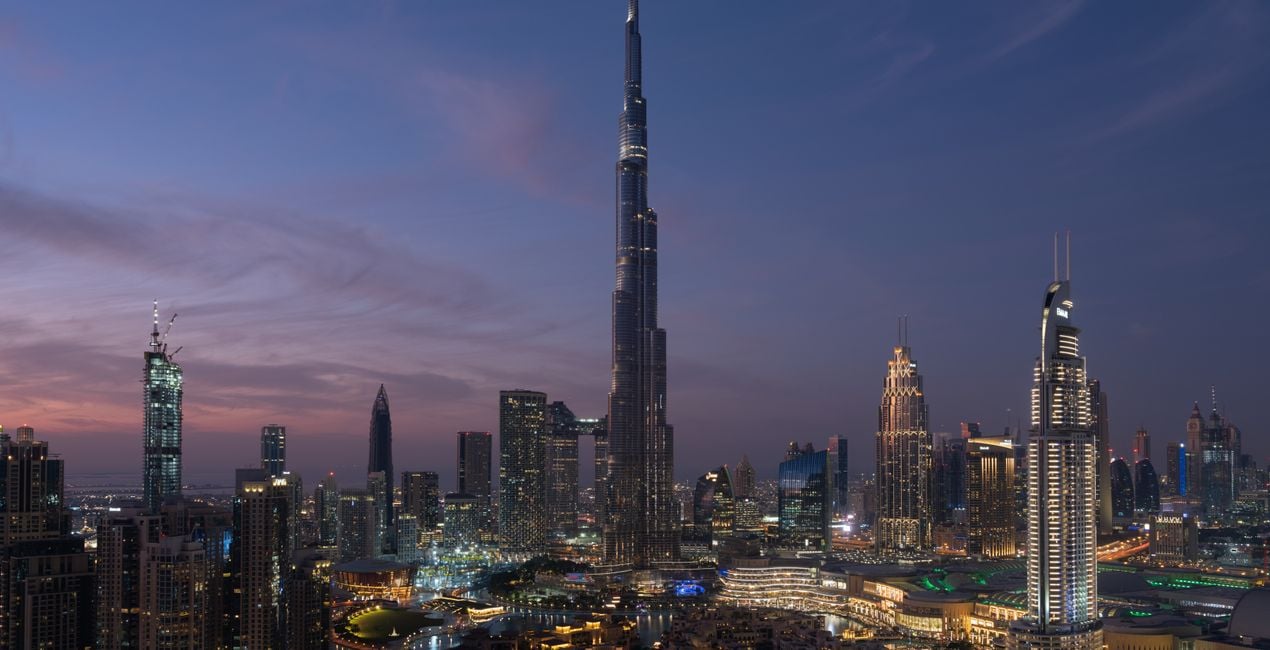
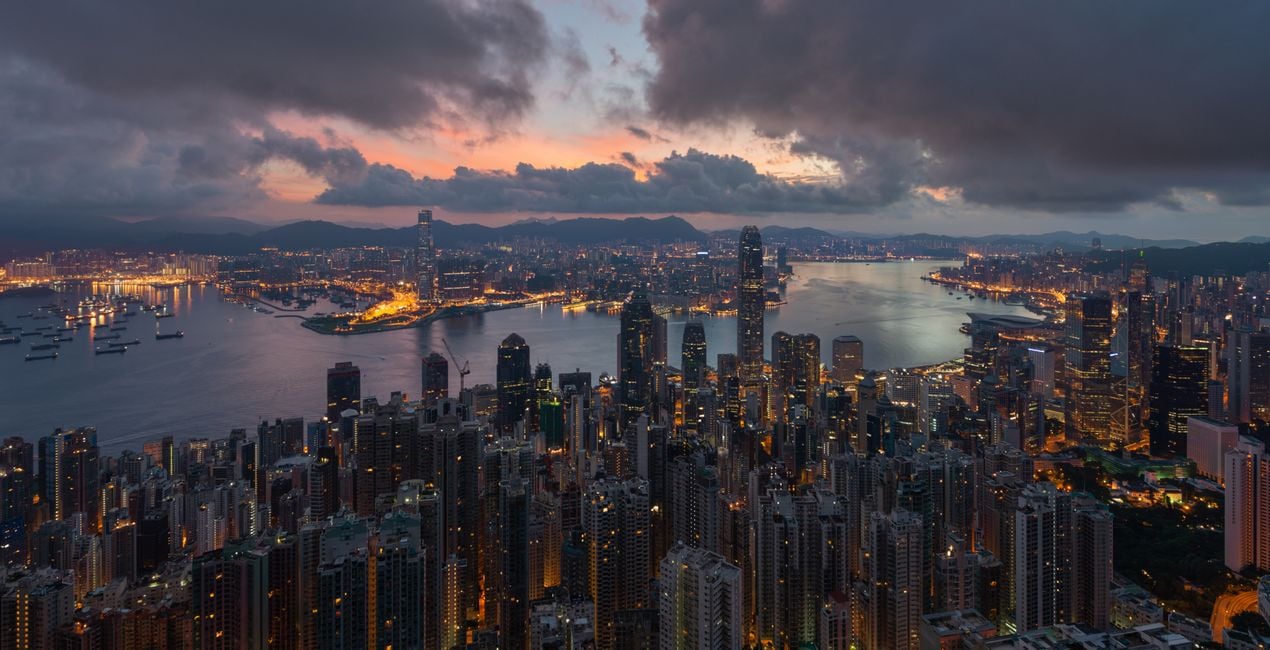
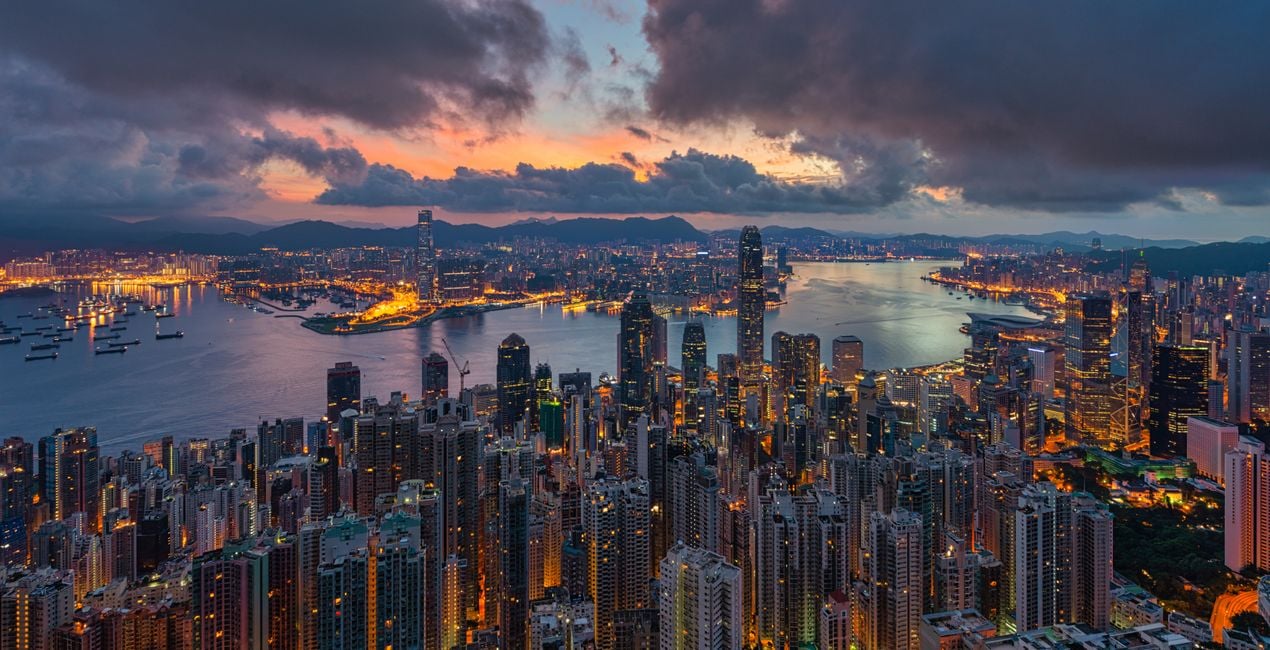
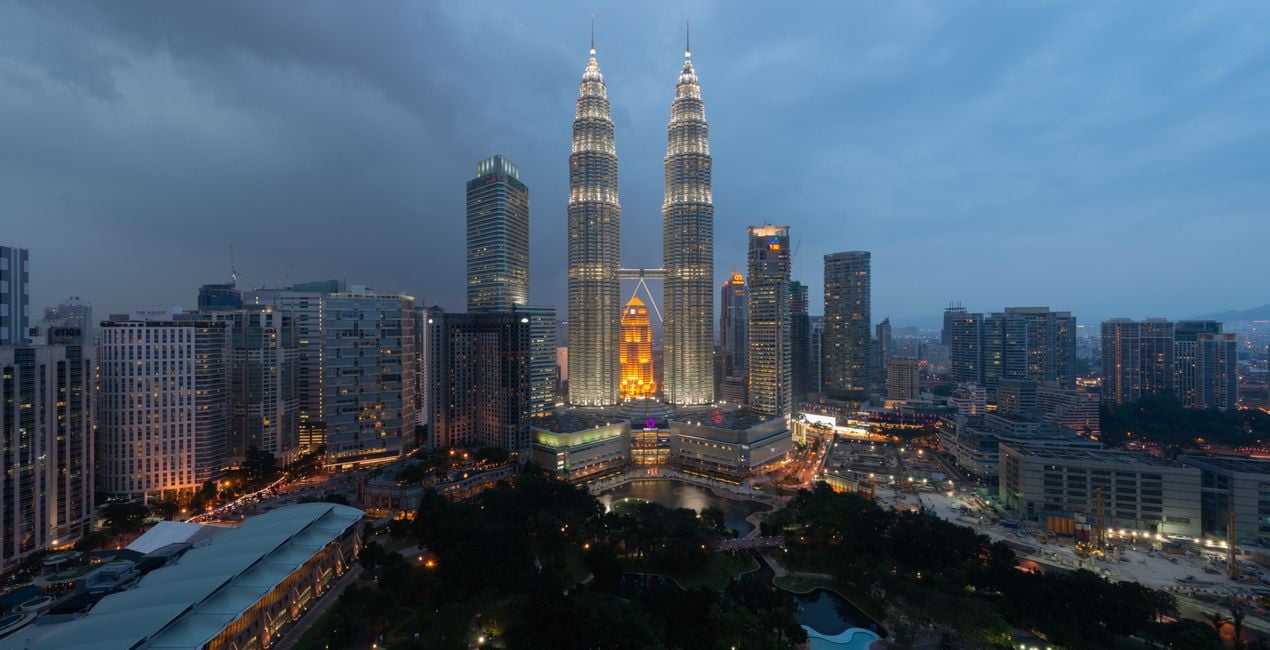
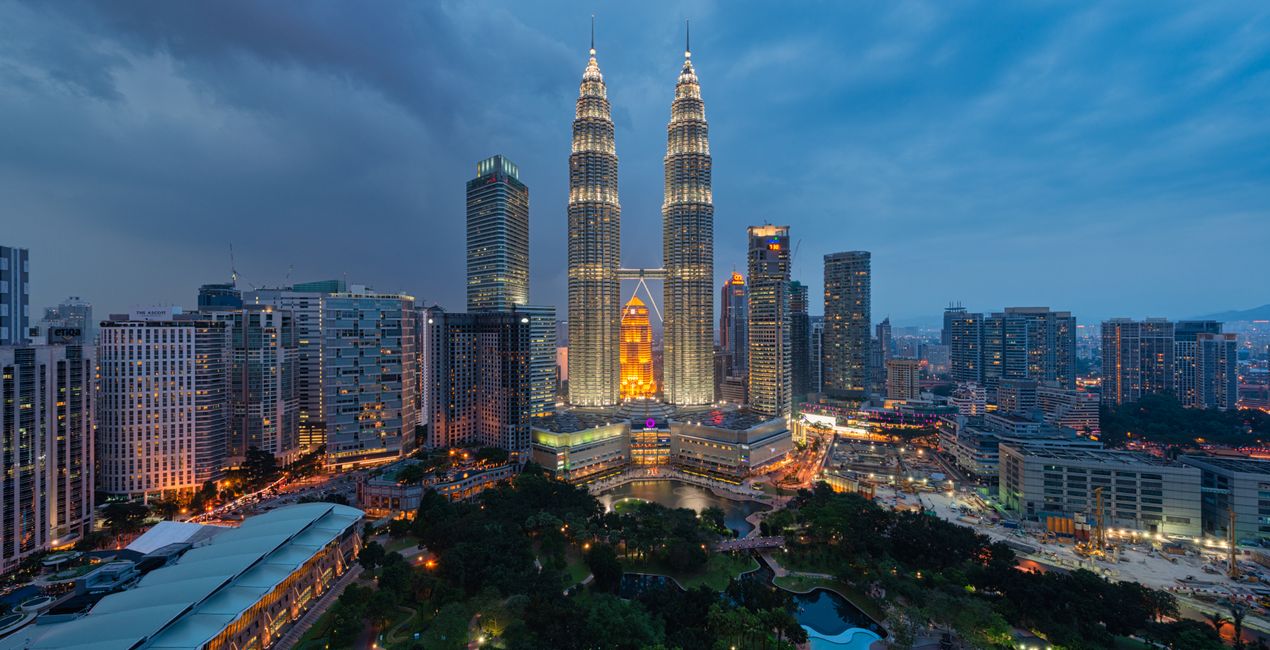
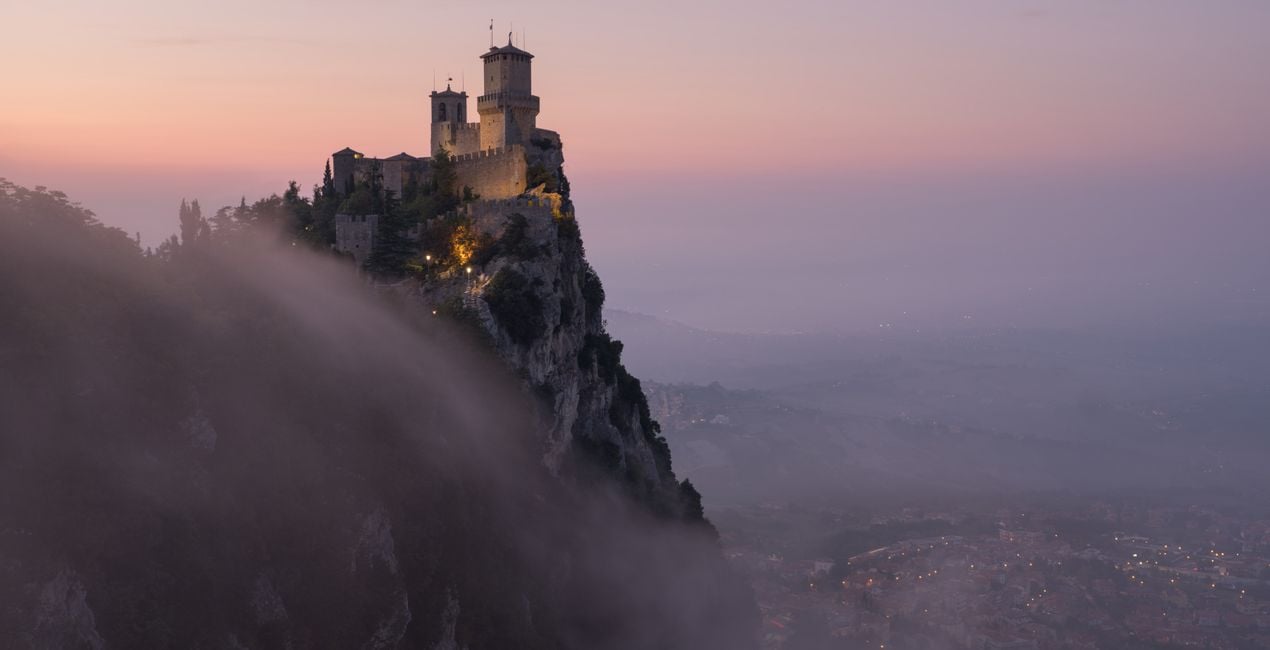
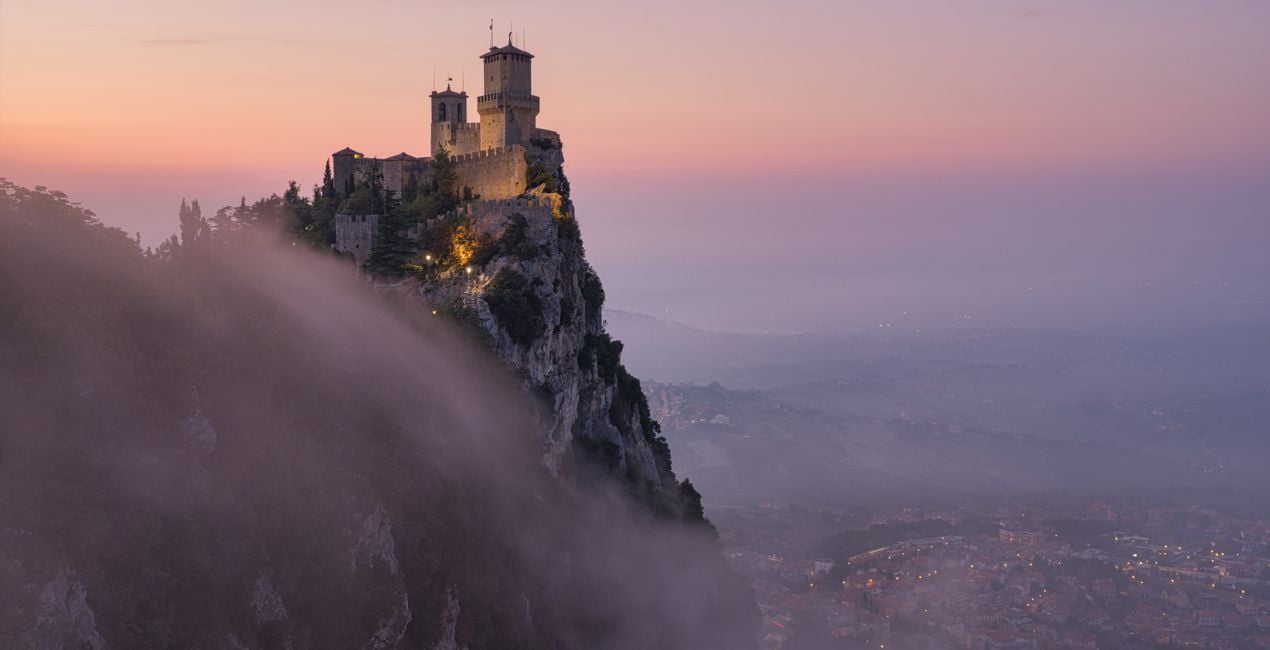
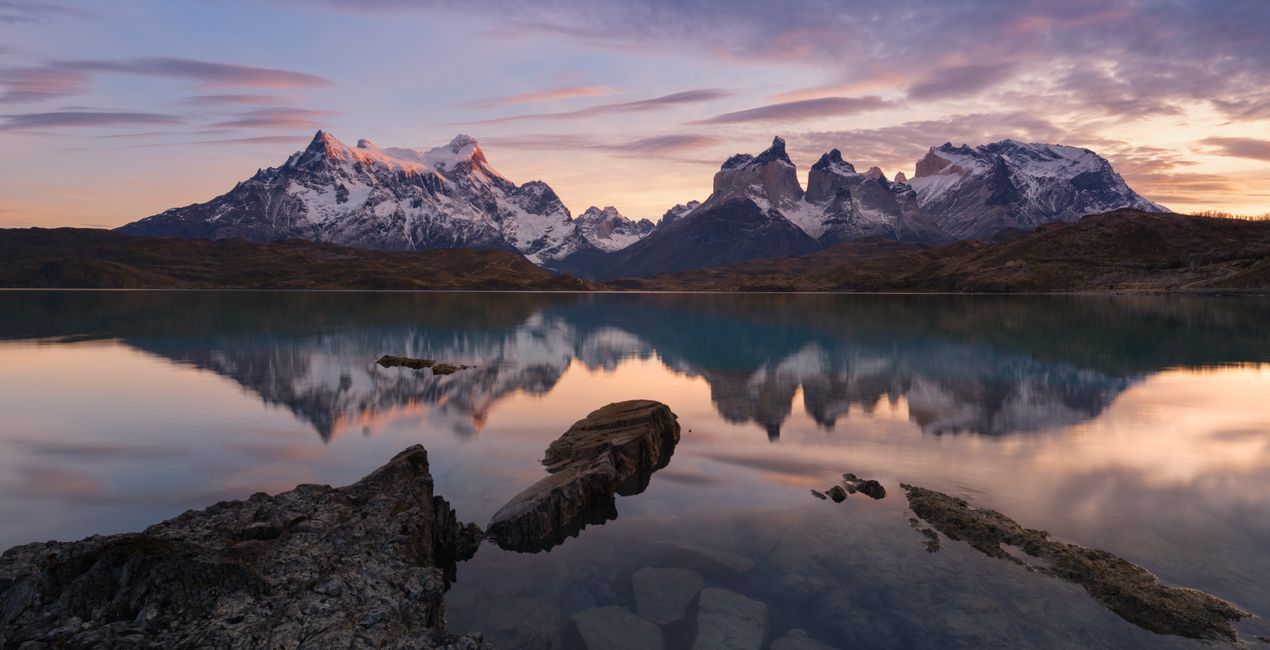
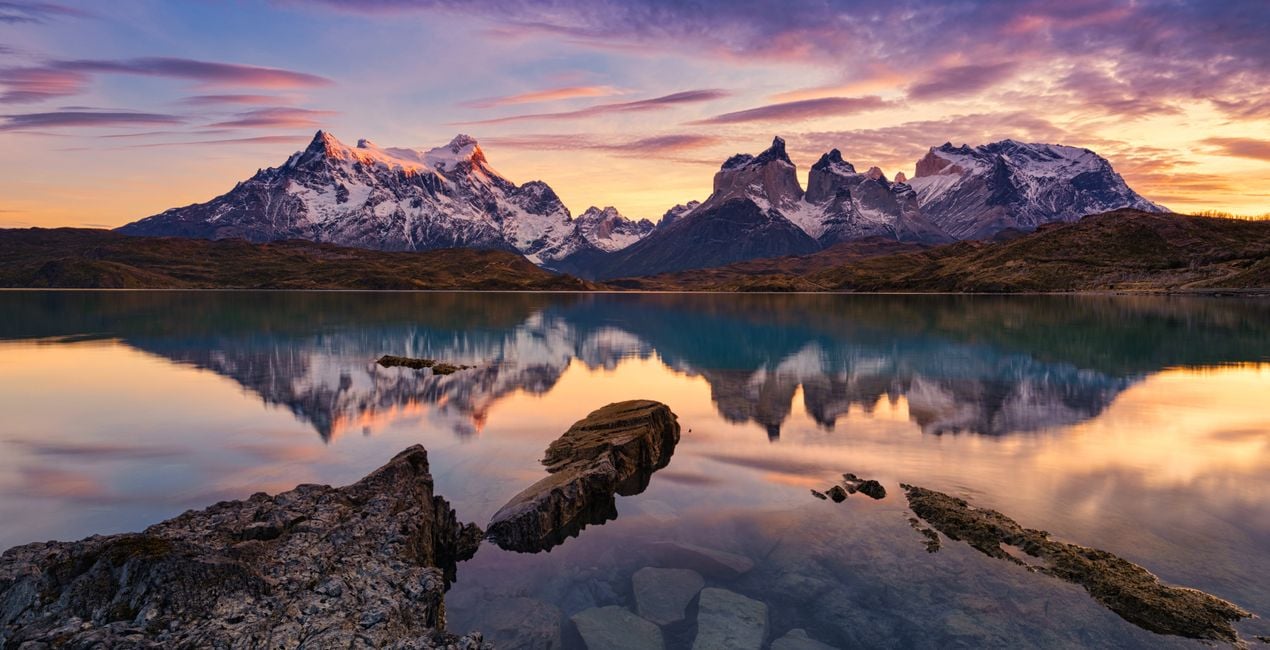
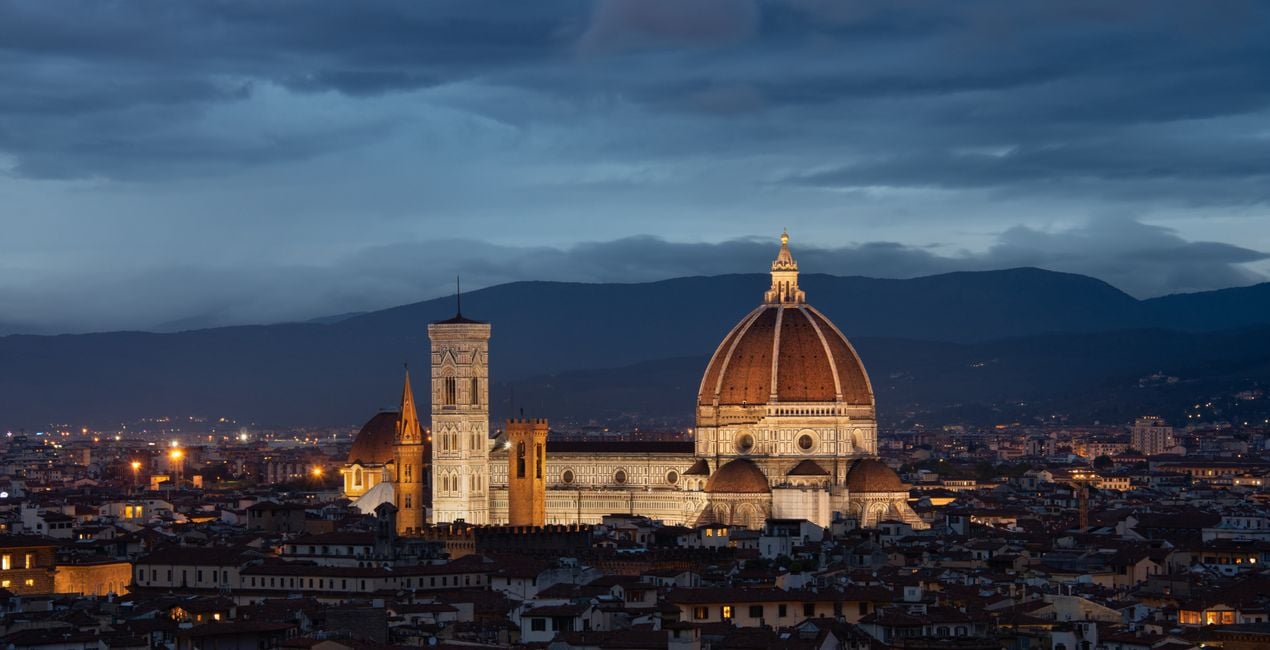
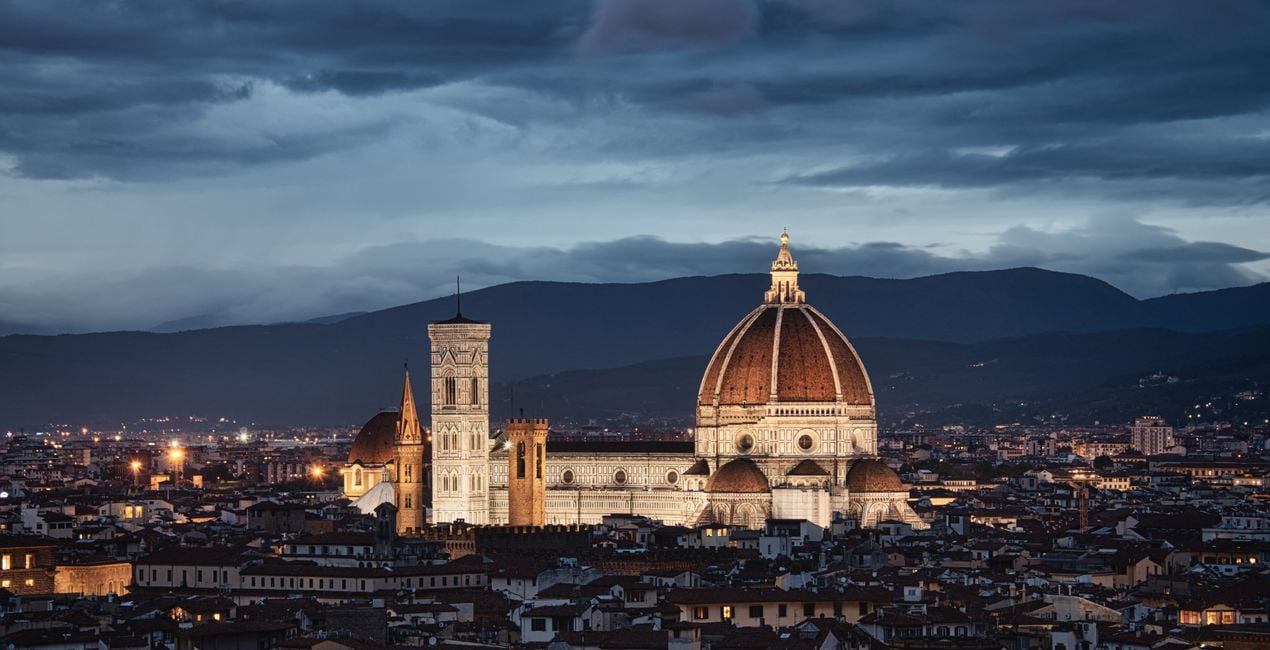
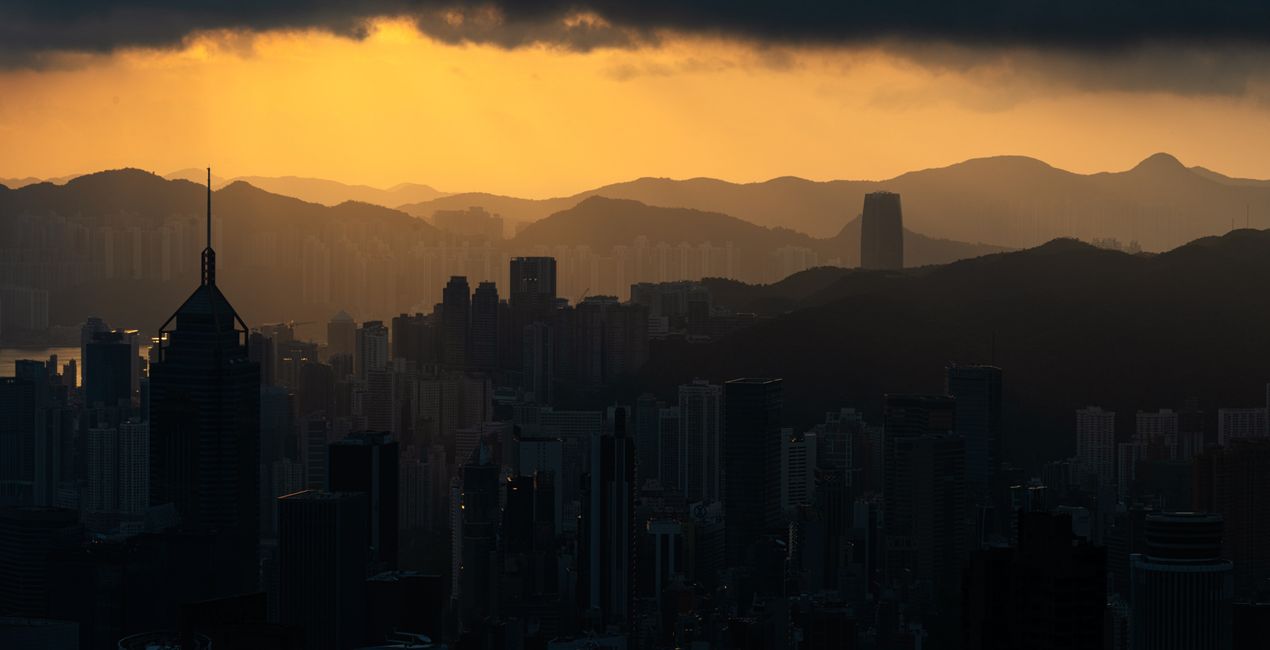
Elia Locardi는 풍부한 다이내믹 대비(contrast), 색상 분리, 향상된 텍스처 디테일의 특별한 조화를 통해 독특하고 눈에 띄는 스타일을 제작했습니다. 이 룩 팩에는 Elia가 풍경과 도시 사진에 놀라운 요소를 만드는 데 사용한 11개의 특수 프리셋이 포함돼 있습니다.
포함되어 있는 사항
11가지의 템플릿. JPEG 및 RAW 이미지와 호환 가능.

RAW 파일을 사용하면 간편하게 리터치 기법을 연습하고 멋진 사진을 편집하는 방법을 배울 수 있습니다.
 >
>
 >
>
 >
>
 >
>
 >
>
 >
>

 >
>
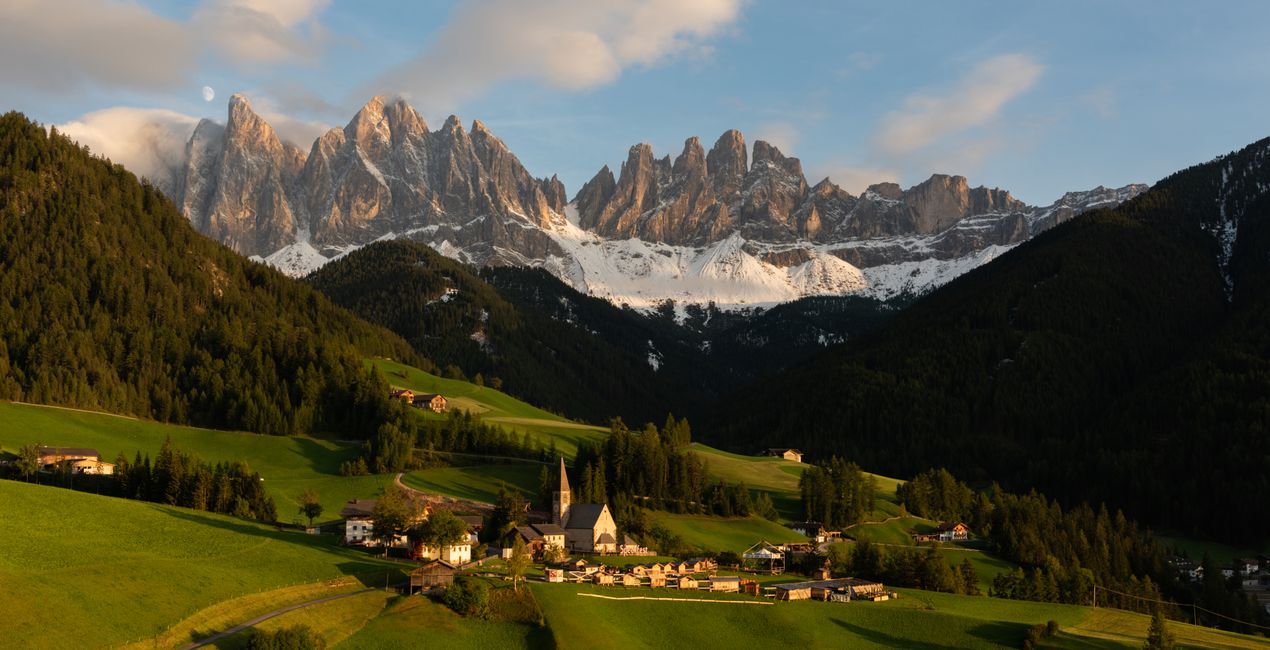
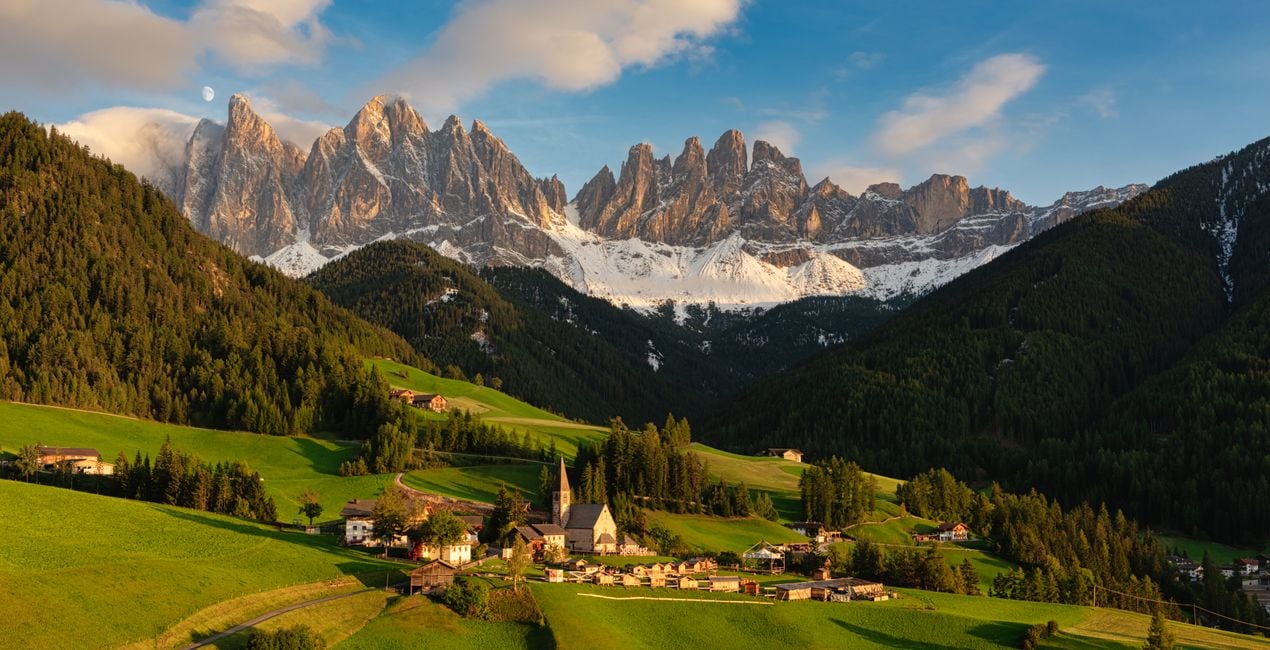 >
>
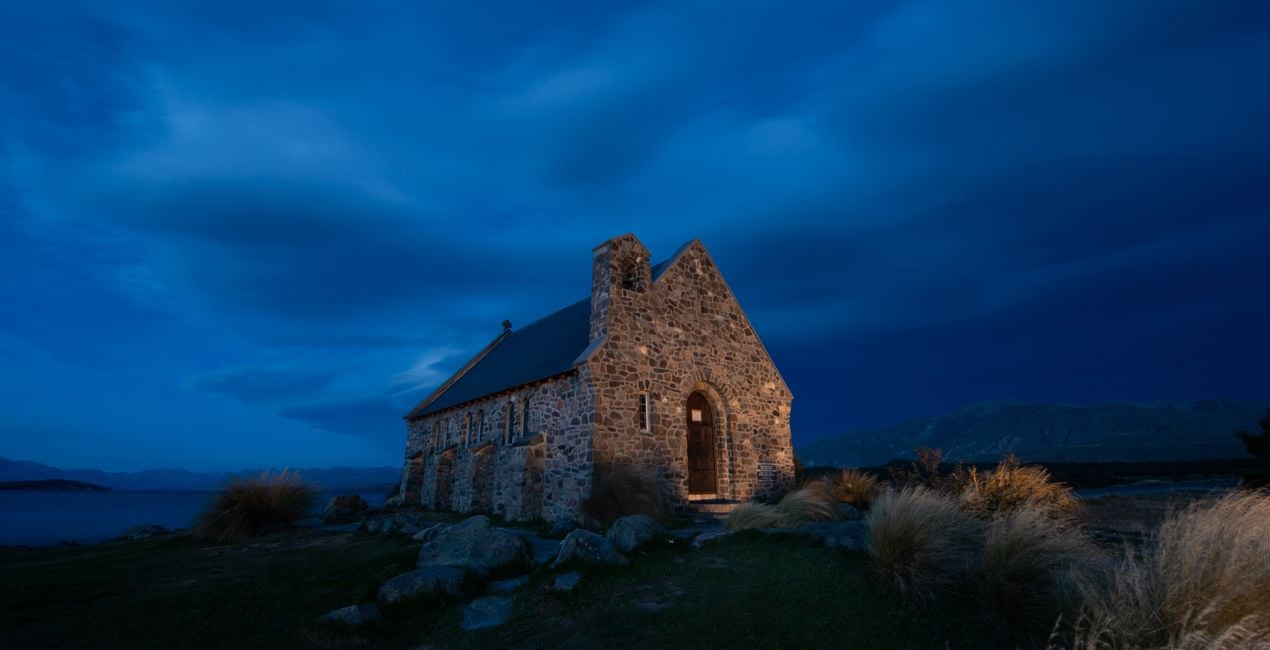
-Medium-After.jpeg?w=1270&h=650&resize=cover) >
>
To create this Templates Collection, I broke down dozens of my photos to find unifying factors that are shared across my portfolio. Since I specialize in both cityscape and landscape photography, I created a small set of Templates for each genre.
The idea behind this collection is not necessarily to stylize photos but rather to bring out and enhance the natural beauty of the image itself, whether that’s in a soft, moderate, or dramatic way.
If your landscape or cityscape could use a strong pick-me-up, start by applying one of the dramatic Templates.
If your image just needs a smaller push in the right direction, begin by using one of the light Templates.
Either way, these Templates will make enhancements that are easy to adjust.
Special Tips: This Templates Collection includes 3 Landscape & Nature and 3 Cityscapes & Blue Hour Looks that have light, medium, and dramatic levels of adjustment.
Though they’re each geared towards a specific genre, I recommend trying each one no matter what photo you’re working with since they all offer something different.
Note: The Cityscapes & Blue Hour Templates are designed to work on any cityscape, and any time of day. Similarly, they also work well on Blue Hour Landscapes.
Exposure: These Templates work best if the exposure, shadows, and highlights are adjusted using the Light panel.
White Balance: Each photo is different. Make adjustments to the White Balance and Tint if the scene seems too warm or cold.
Amount: For the best results, don’t hesitate to use the Amount slider to customize exactly how much of the Template is needed.
Share: Use the tag #LocardiLuminar on social media so Elia Locardi and the Luminar Team can check out your images created with these Signature Templates!
Worldwide Photographer
Elia Locardi is an internationally acclaimed travel photographer, writer, public speaker, and educator.
Elia, who has been featured by Professional Photographer Magazine, CNet, Wacom, SmugMug Films, Fujifilm, and Fstoppers, began working full-time as a photographer in 2009. Since then he has visited more than 65 countries, flown nearly 2 million miles, and collaborated with companies and brands on nearly every continent.
Using a combination of traditional in-camera techniques, targeted times of day, and advanced post-processing and time blending methods, Elia has developed a recognizable style that has become well known around the world.
제품에 관한 문의 사항이 있으시면 24시간 지원팀에 연락하세요. 아래 링크를 따라가시면 됩니다.
Creating The Wow Factor을 구매하려면 다음 단계를 따르세요:
1. Skylum 마켓플레이스를 엽니다.
2. Creating The Wow Factor이 표시된 탭으로 이동하세요. 해당 상품을 클릭하여 장바구니에 담으세요.
3. 장바구니로 이동하세요. 여기서 Creating The Wow Factor의 구매 절차를 완료하세요.
4. 구매 후 Creating The Wow Factor의 다운로드 링크가 포함된 주문 완료 이메일을 받게 됩니다. 또한 새로 구매한 항목은 Skylum 계정의 ‘내 애드온’ 탭에서 확인하실 수 있습니다.
Creating The Wow Factor 설치에 대한 자세한 안내는 다운로드 링크와 함께 발송되는 주문 처리 이메일로 보내드립니다.
또한 구매한 항목은 Luminar Neo에서 직접 설치할 수 있습니다: 기타 > 마켓플레이스로 이동한 후, 제품 카테고리를 선택하고 구매한 항목을 찾아 설치를 클릭하세요.
아주 간단합니다! 프리셋 탭으로 이동한 후 '구매한 항목'을 선택하세요. 설치된 프리셋이 여기에 표시됩니다.
걱정하지 마세요. Creating The Wow Factor을 포함한 모든 구매 항목은 Skylum 계정의 ‘내 애드온’ 탭에 저장되어 있어 다시 간편하게 다운로드하고 이용할 수 있습니다.
일반적으로 대부분의 항목은 Luminar Neo와 호환됩니다. 그러나 Creating The Wow Factor이 귀하의 소프트웨어와 호환되는지 확인하려면 다운로드 또는 구매 전에 해당 제품의 사양을 검토하십시오. Creating The Wow Factor 페이지 오른쪽의 ‘호환성’ 섹션을 확인하시면 모든 호환 제품이 나열되어 있습니다.
아직 떠나지 마세요. 여러분만을 위한 특별 할인 코드를 준비했습니다. 15분 이내에 이 코드를 사용하시면 결제 시 추가 10% 할인을 받으실 수 있습니다. 아래 코드를 복사하여 구매를 완료해 주세요.
15 m : 00 s





