

 적용됨
적용됨 



컬러풀한 해안 팔레트
Save $201 $ 19 .00
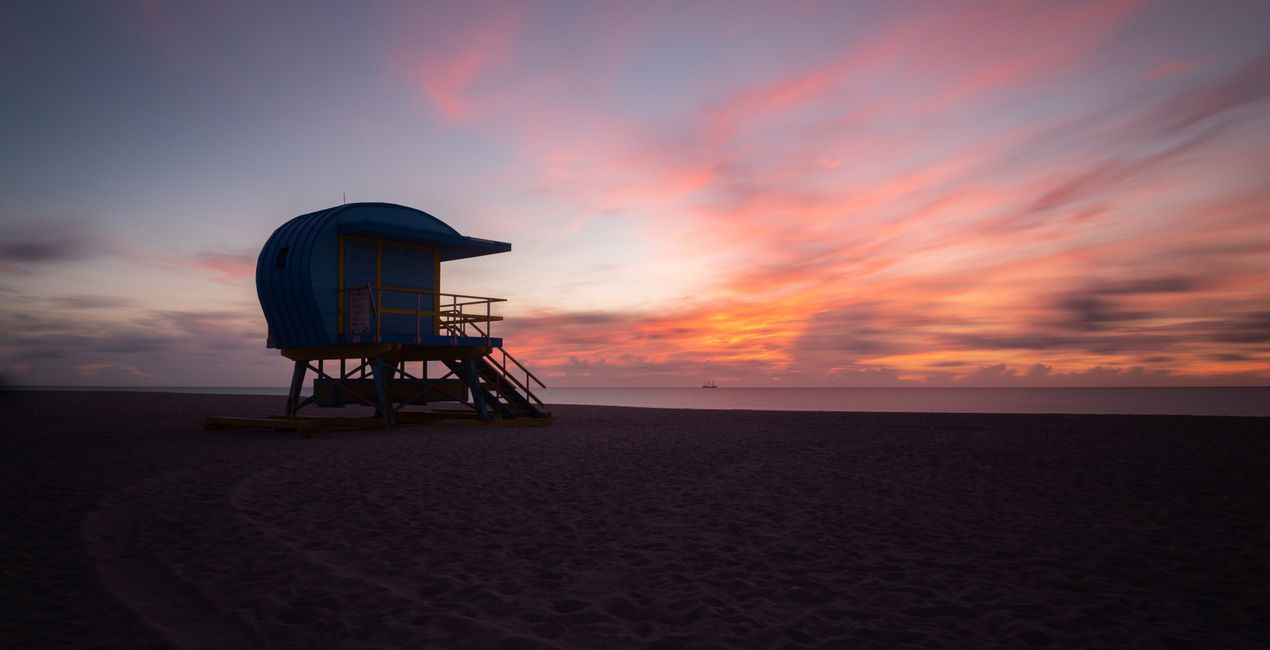
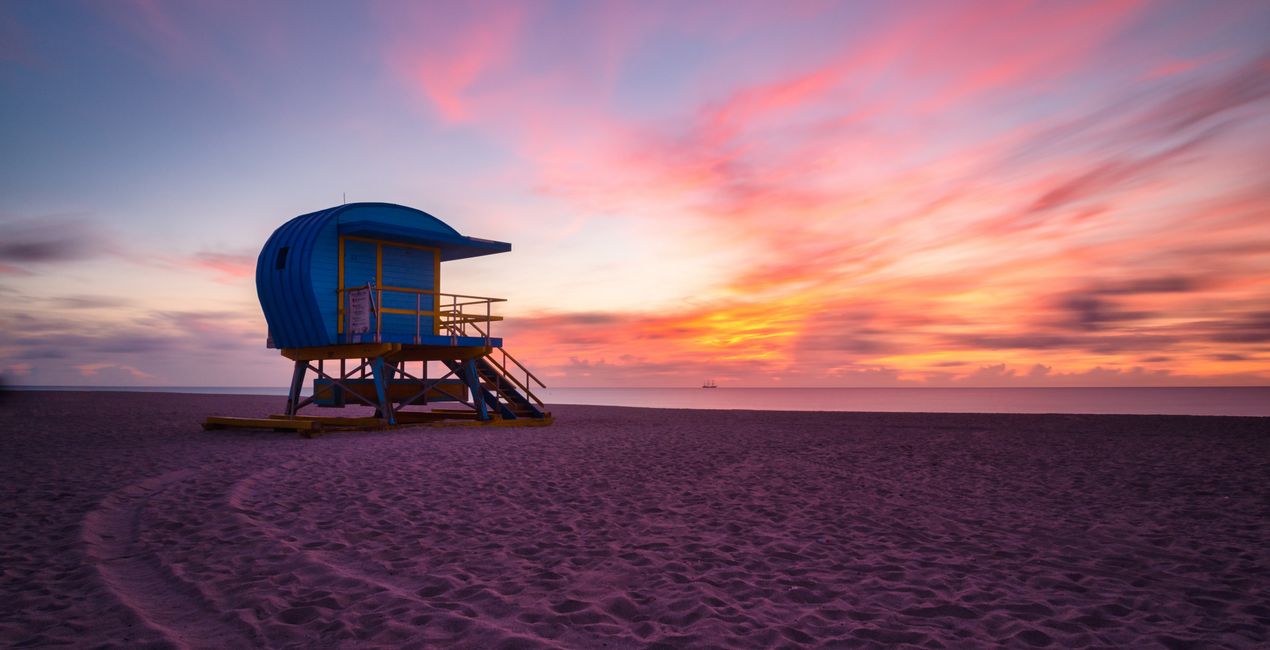
This collection of 12 Templates packs a punch, especially for images shot during the golden hour. Edin Chavez has carefully calibrated each slider to work with the natural colors of the sun and the landscape, creating a harmonious final image that makes you feel like you’re there.Edin Chavez
포함되어 있는 사항
12가지의 템플릿. JPEG 및 RAW 이미지와 호환 가능.

RAW 파일을 사용하면 간편하게 리터치 기법을 연습하고 멋진 사진을 편집하는 방법을 배울 수 있습니다.
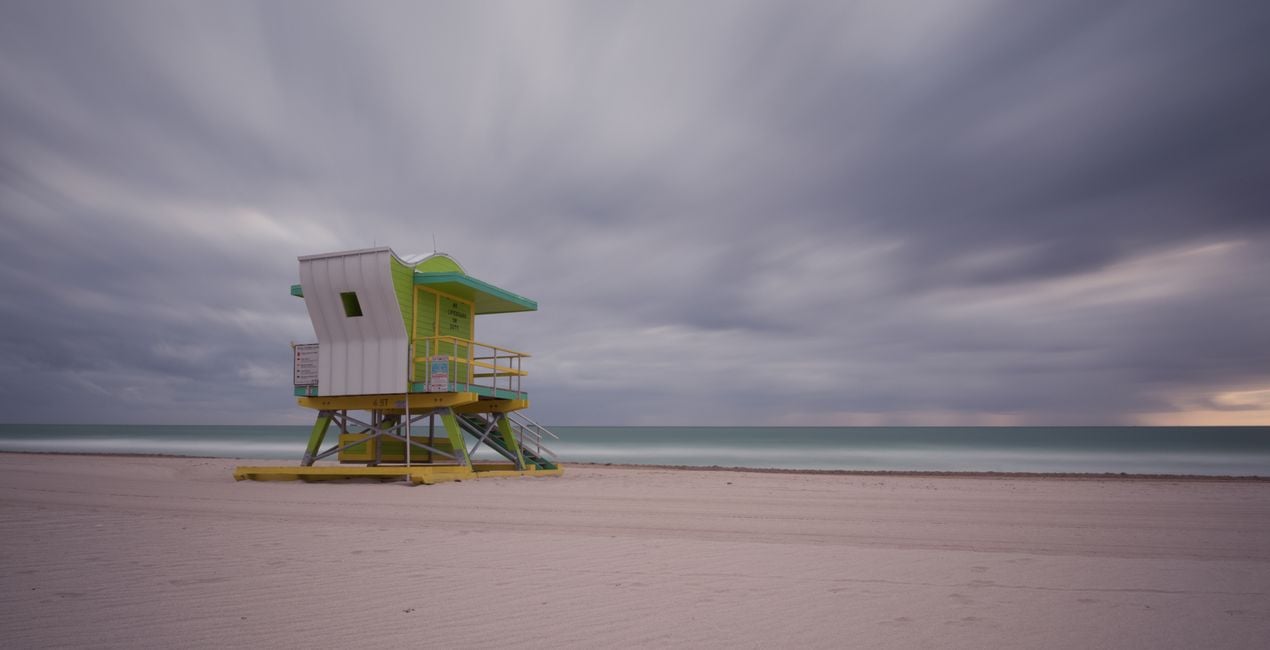
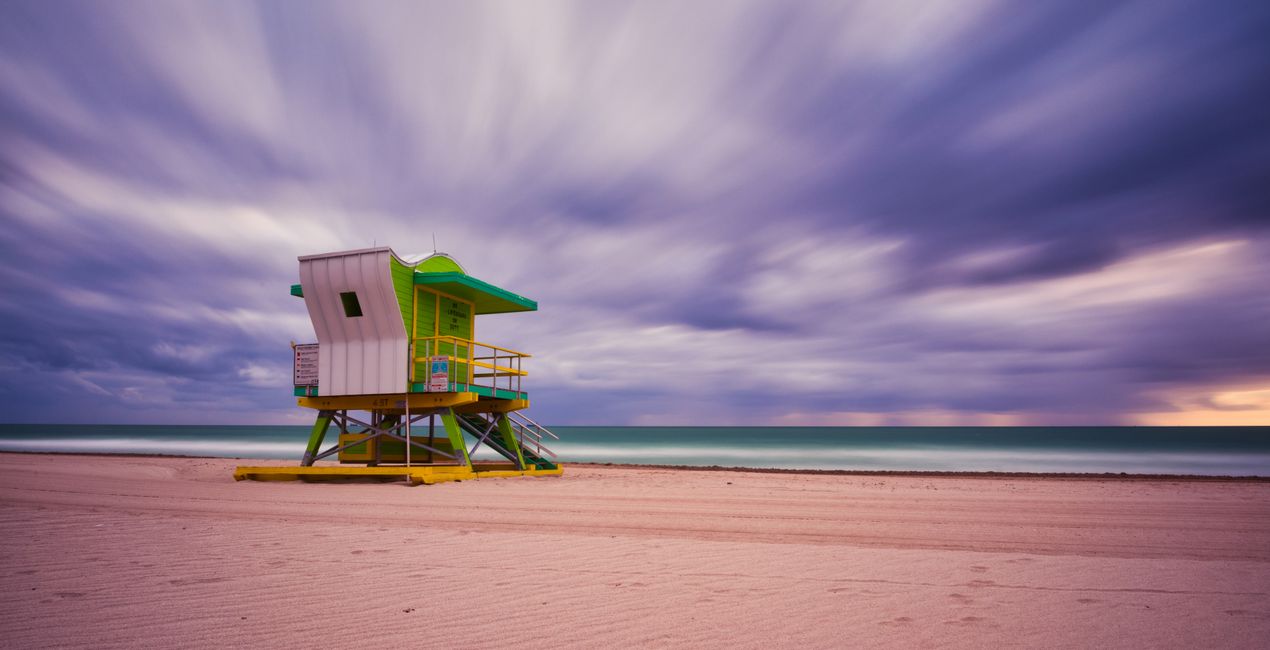 >
>
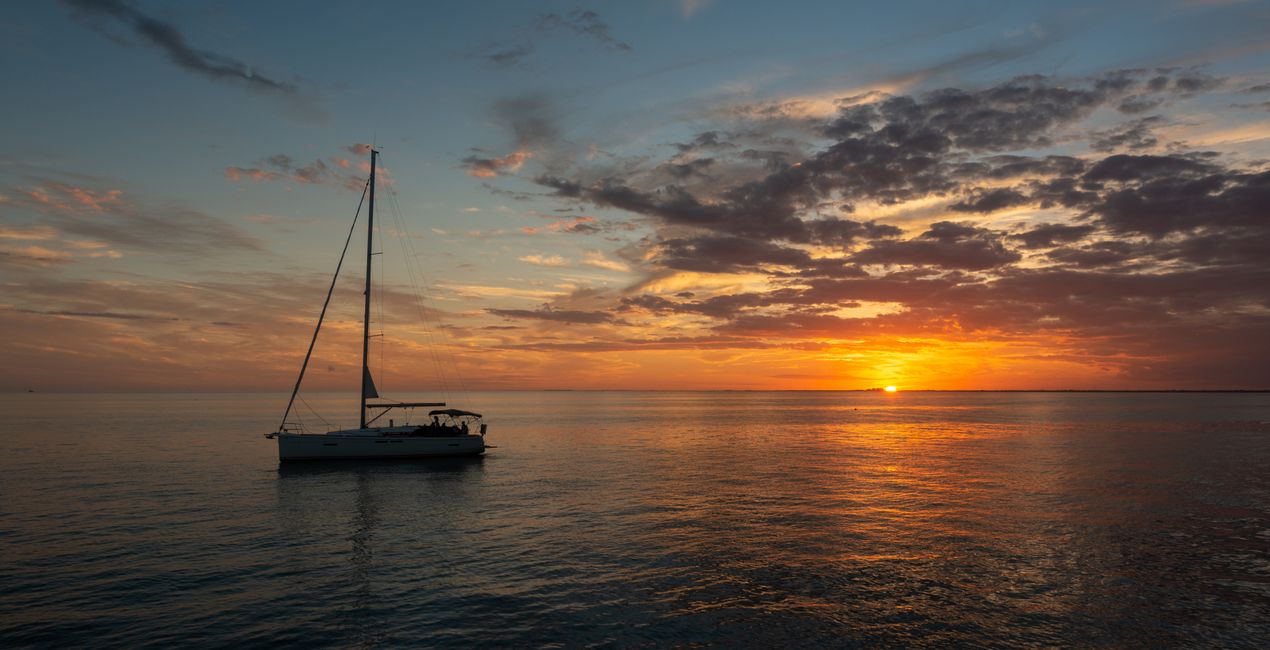
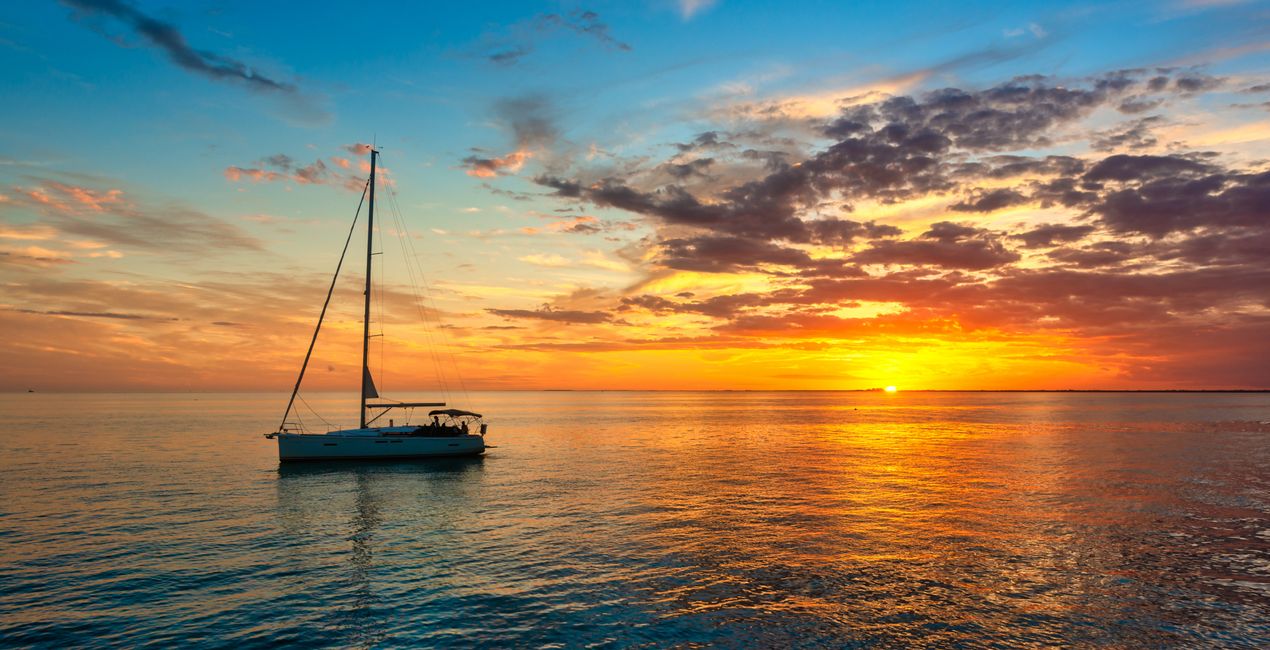 >
>
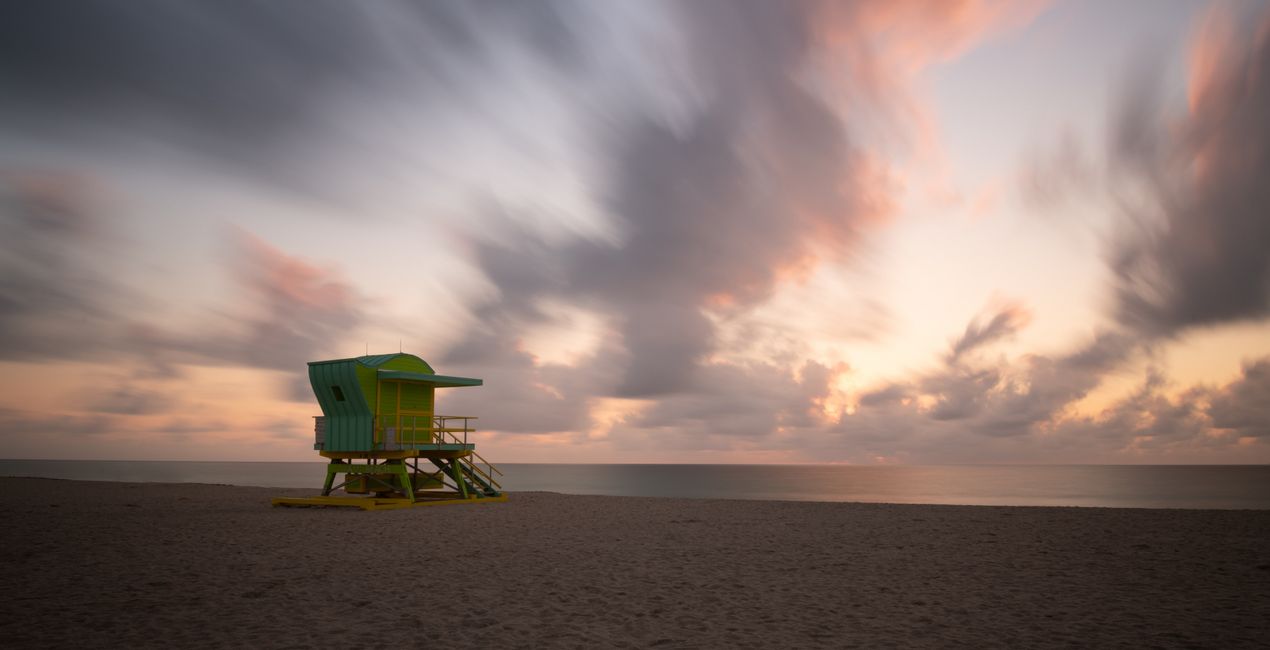
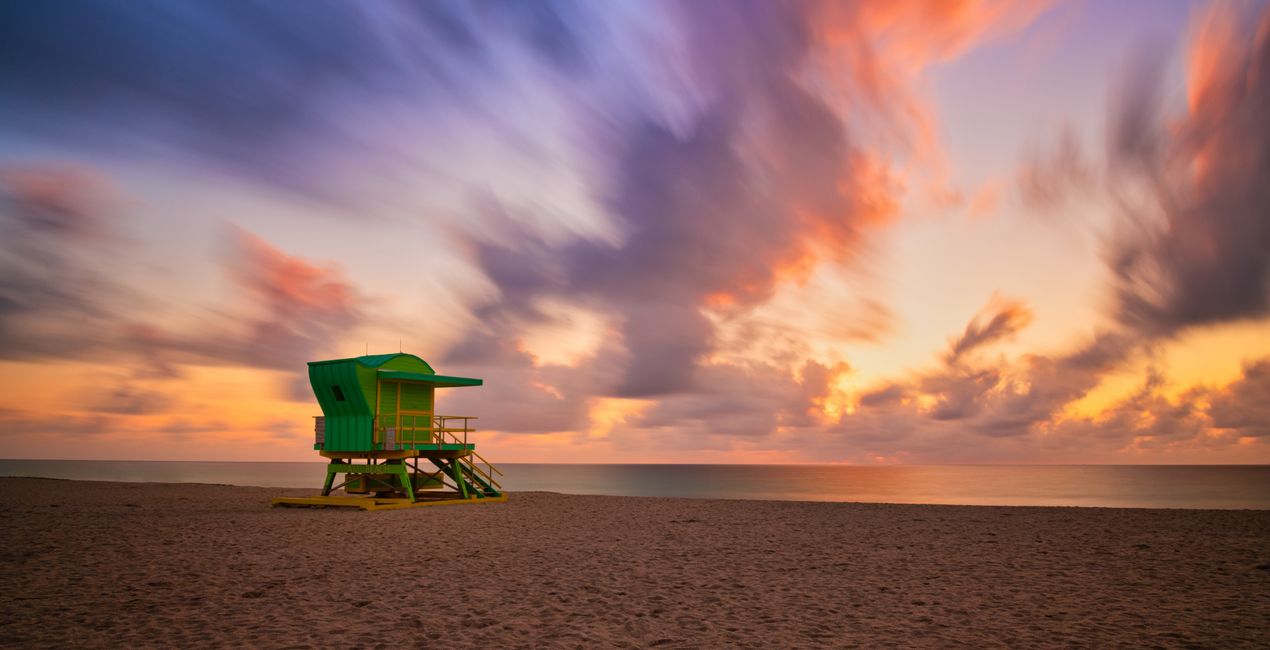 >
>
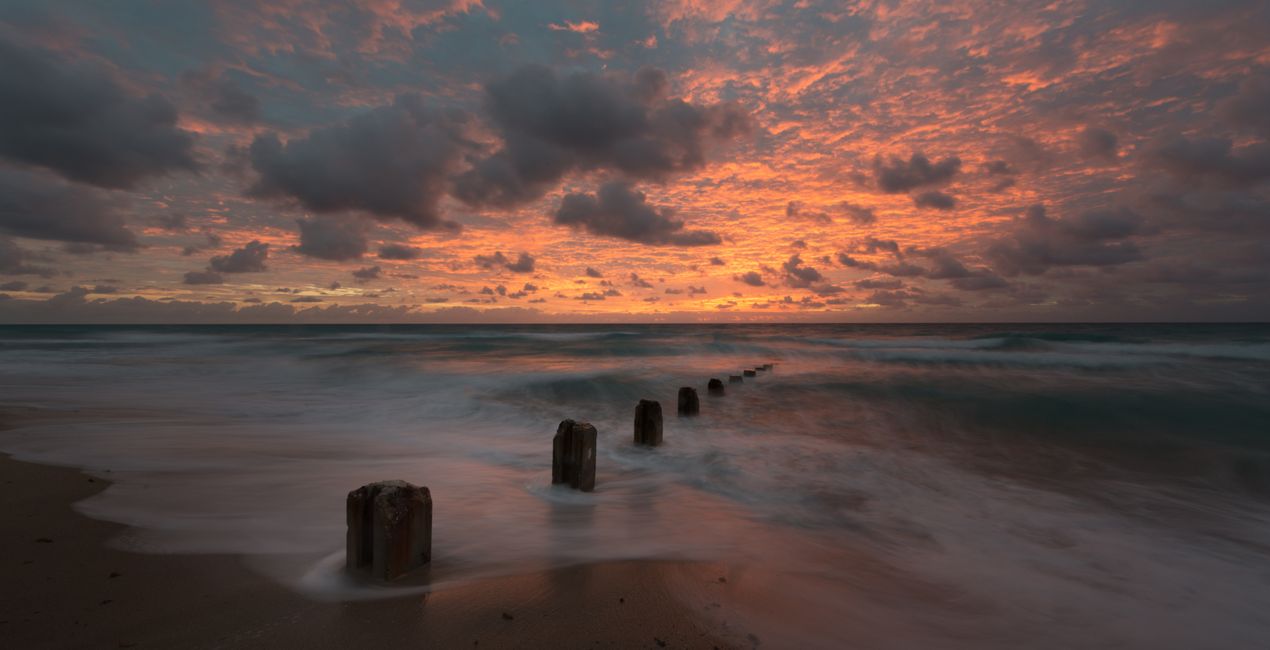
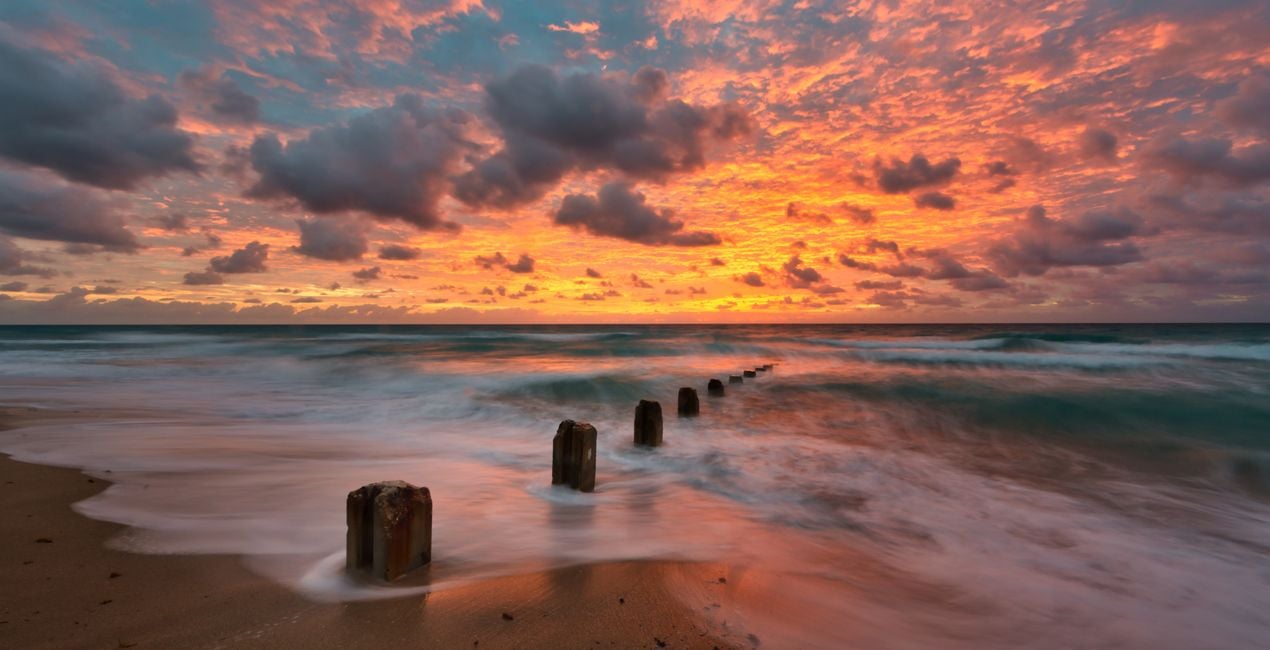 >
>
 >
>
 >
>
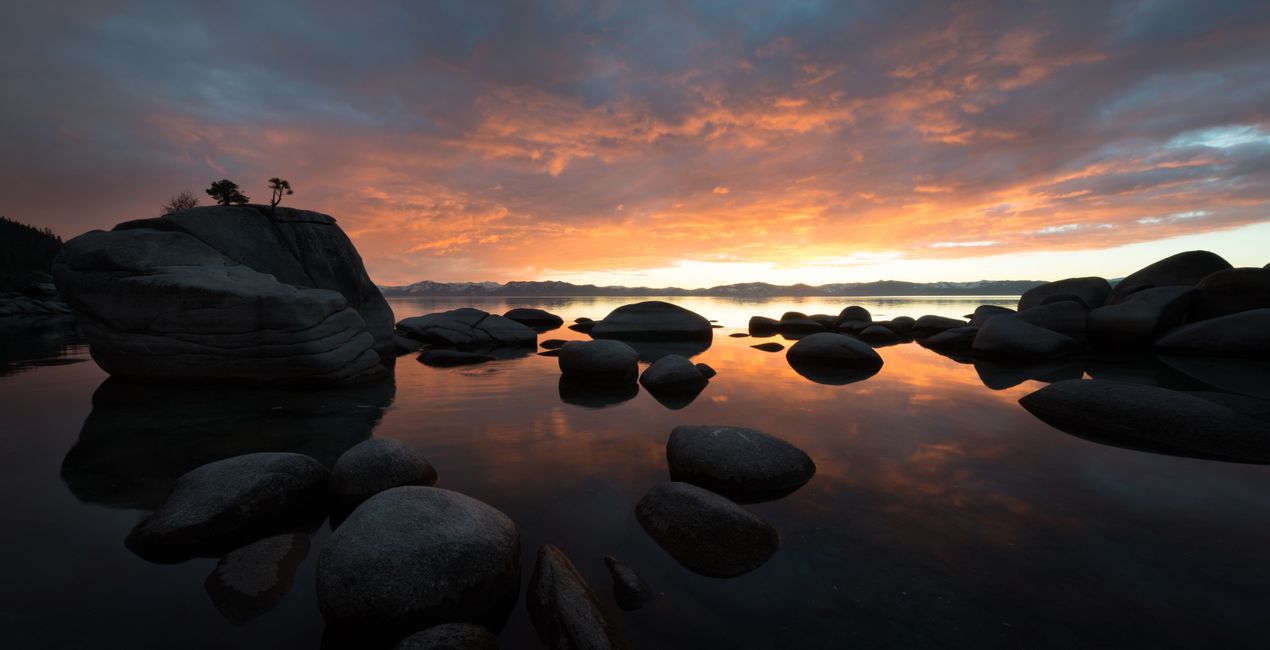
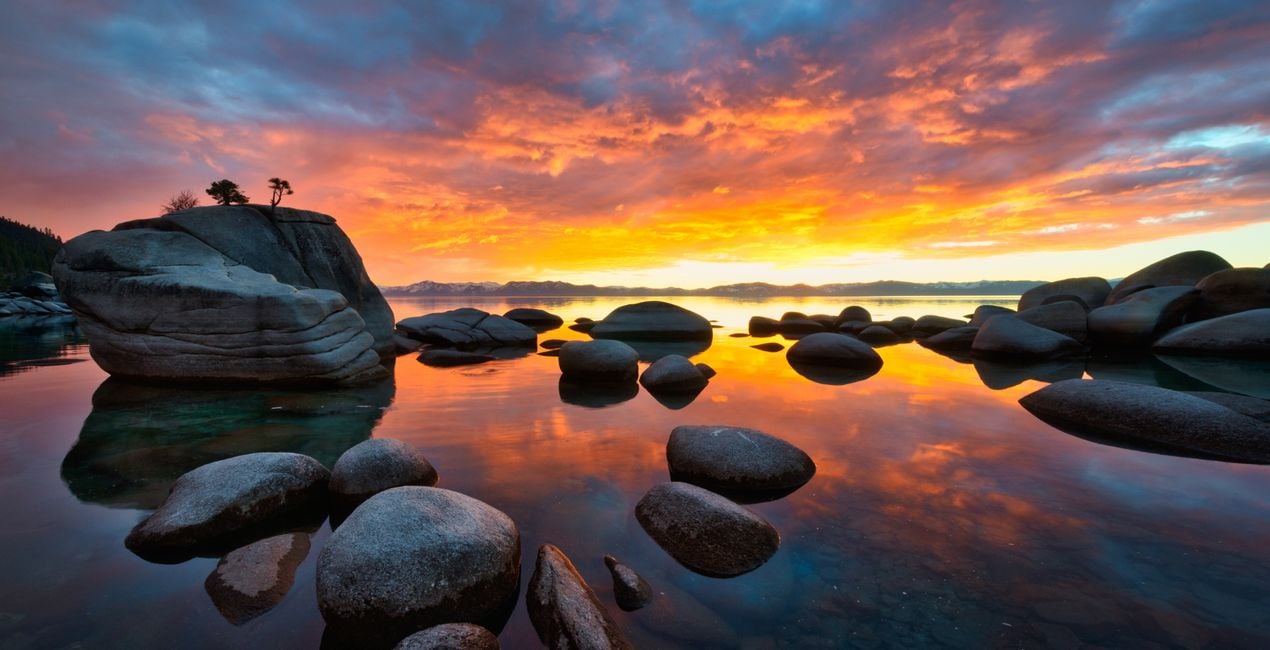 >
>

 >
>
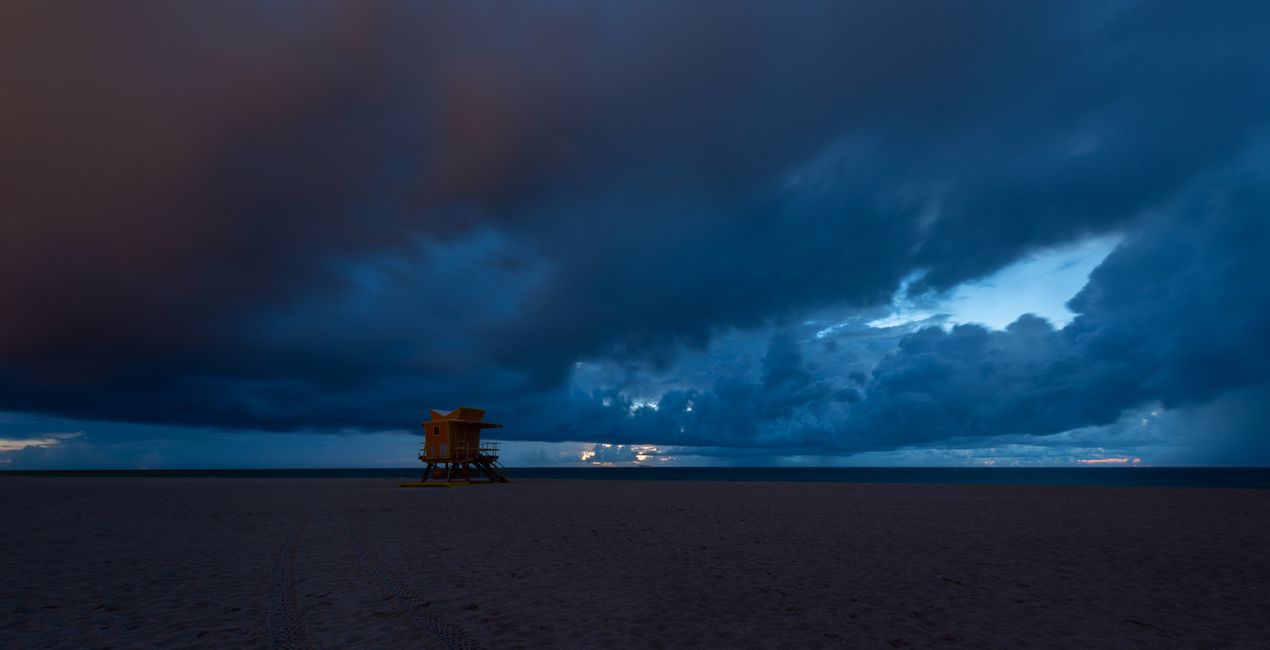
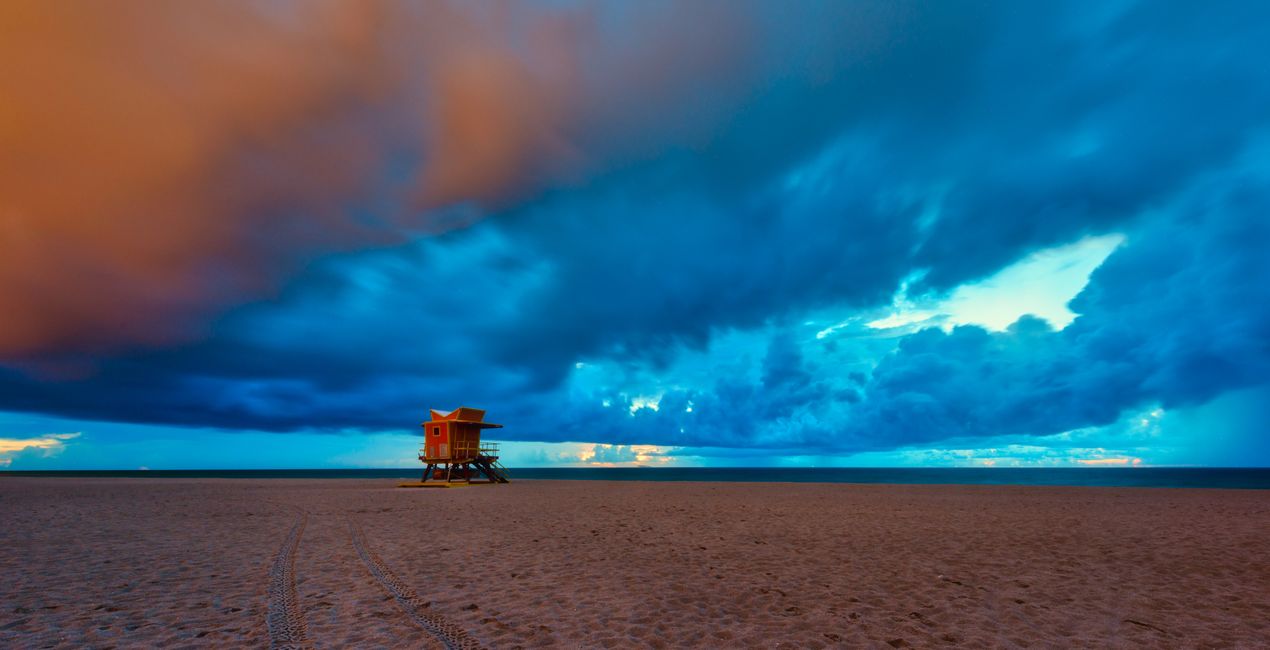 >
>
Inspired by the golden hour, I crafted this Templates pack to help you bring out the beautiful colors during the most beautiful part of the day.
It’s often difficult to catch the right colors in an image, especially during the golden hour.
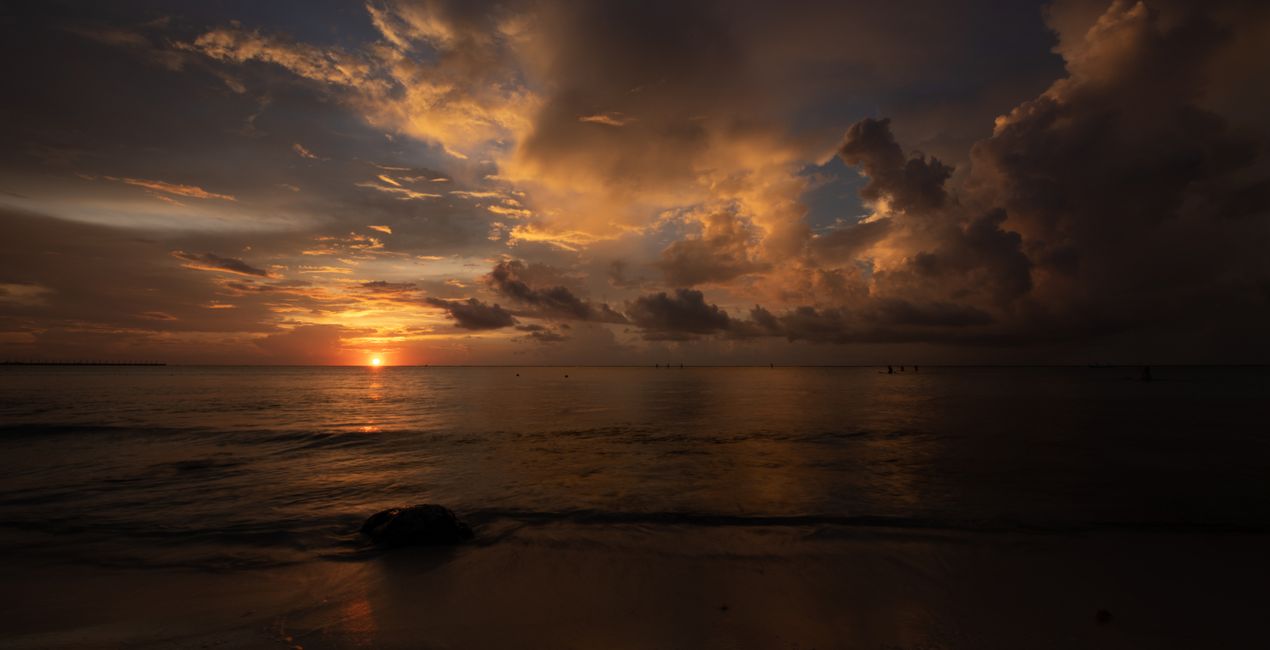
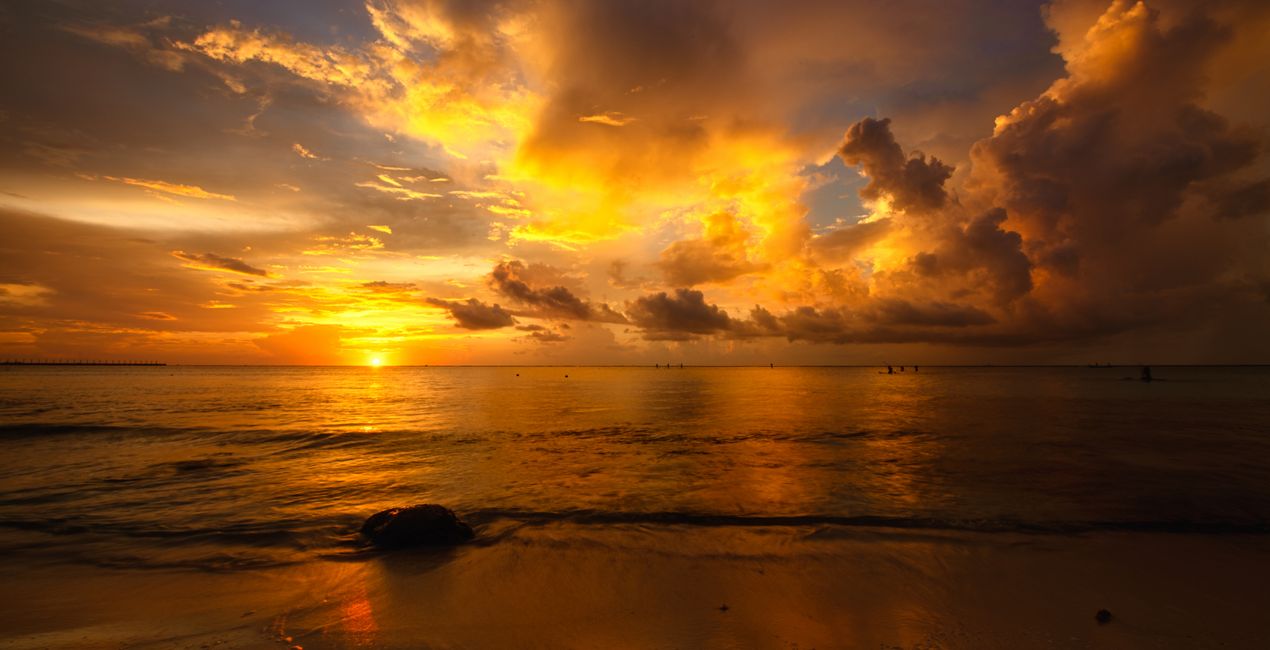
As the sunlight hits the clouds, an explosion of color appears, and it’s difficult to capture the entire dynamic range in one shot.
Note that if you underexpose your image by one stop (meaning you expose for the sky), you can get the rest of the dynamic range in one shot with this Templates pack.
This is how I shoot all of my images, and this is how I’m able to capture the beautiful colors mother nature paints for us.I carefully crafted these Templates using a mixture of sliders to bring out every single golden hour color without overdoing it.
These Templates will work best for your golden hour images; however, they will work with any image. I use them for all types of images.
You might have to adjust your Exposure slider to get the perfect look for your particular image.
If you think the Template is too strong, feel free to tone it down by using the Amount slider to taste.
Photographer. Skylum Ambassador
Edin Chavez is a world-renowned commercial photographer based out of Miami Beach, Florida.
His unique view of the world helps him give a creative twist to his images. Edin has worked with some of the most influential brands such as National Geographic, Nikon, and Corona.
He understands that the customer is the single most valuable asset an organization can have, and with his laser focus and passion for photography, the sky is the limit.
Edin is an animal lover, and in his free time, he loves to walk barefoot on the beach with his dog, travel around the globe, and write about it on his blog.
He also enjoys anything with a motor, including motorcycles and fast cars.
제품에 관한 문의 사항이 있으시면 24시간 지원팀에 연락하세요. 아래 링크를 따라가시면 됩니다.
Colorful Coastal Palettes을 구매하려면 다음 단계를 따르세요:
1. Skylum 마켓플레이스를 엽니다.
2. Colorful Coastal Palettes이 표시된 탭으로 이동하세요. 해당 상품을 클릭하여 장바구니에 담으세요.
3. 장바구니로 이동하세요. 여기서 Colorful Coastal Palettes의 구매 절차를 완료하세요.
4. 구매 후 Colorful Coastal Palettes의 다운로드 링크가 포함된 주문 완료 이메일을 받게 됩니다. 또한 새로 구매한 항목은 Skylum 계정의 ‘내 애드온’ 탭에서 확인하실 수 있습니다.
Colorful Coastal Palettes 설치에 대한 자세한 안내는 다운로드 링크와 함께 발송되는 주문 처리 이메일로 보내드립니다.
또한 구매한 항목은 Luminar Neo에서 직접 설치할 수 있습니다: 기타 > 마켓플레이스로 이동한 후, 제품 카테고리를 선택하고 구매한 항목을 찾아 설치를 클릭하세요.
아주 간단합니다! 프리셋 탭으로 이동한 후 '구매한 항목'을 선택하세요. 설치된 프리셋이 여기에 표시됩니다.
걱정하지 마세요. Colorful Coastal Palettes을 포함한 모든 구매 항목은 Skylum 계정의 ‘내 애드온’ 탭에 저장되어 있어 다시 간편하게 다운로드하고 이용할 수 있습니다.
일반적으로 대부분의 항목은 Luminar Neo와 호환됩니다. 그러나 Colorful Coastal Palettes이 귀하의 소프트웨어와 호환되는지 확인하려면 다운로드 또는 구매 전에 해당 제품의 사양을 검토하십시오. Colorful Coastal Palettes 페이지 오른쪽의 ‘호환성’ 섹션을 확인하시면 모든 호환 제품이 나열되어 있습니다.
아직 떠나지 마세요. 여러분만을 위한 특별 할인 코드를 준비했습니다. 15분 이내에 이 코드를 사용하시면 결제 시 추가 10% 할인을 받으실 수 있습니다. 아래 코드를 복사하여 구매를 완료해 주세요.
15 m : 00 s





