

 적용됨
적용됨 



Black Objects
Save $201 $ 19 .00
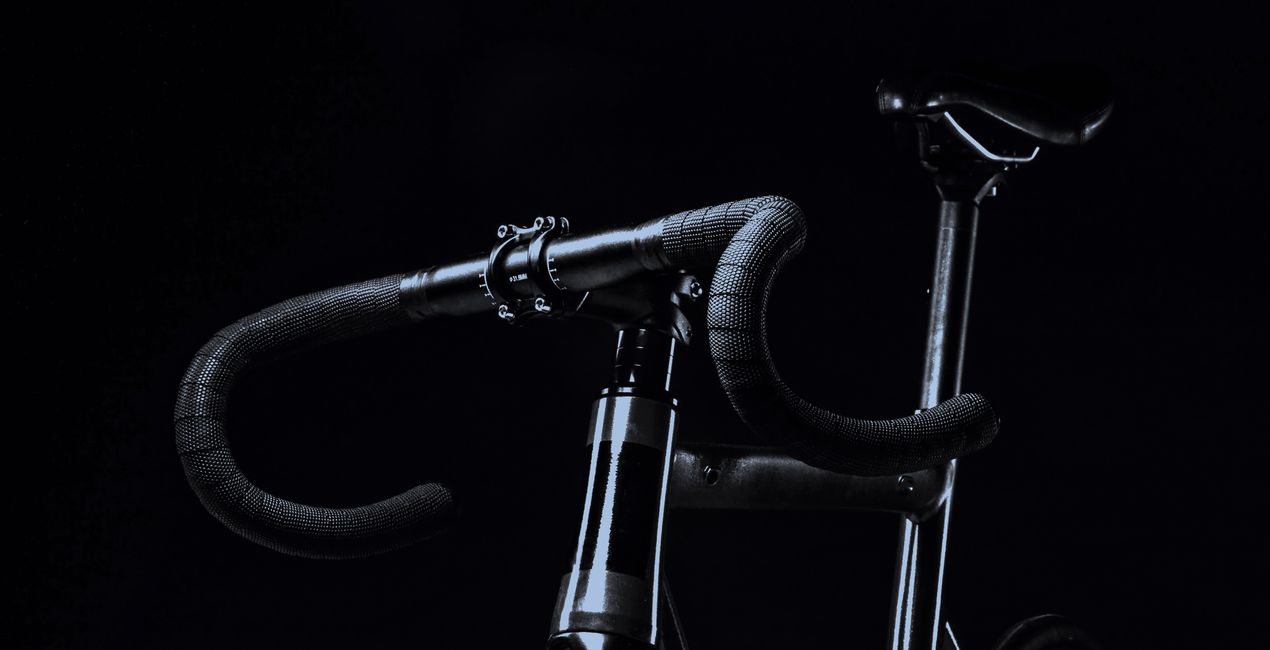
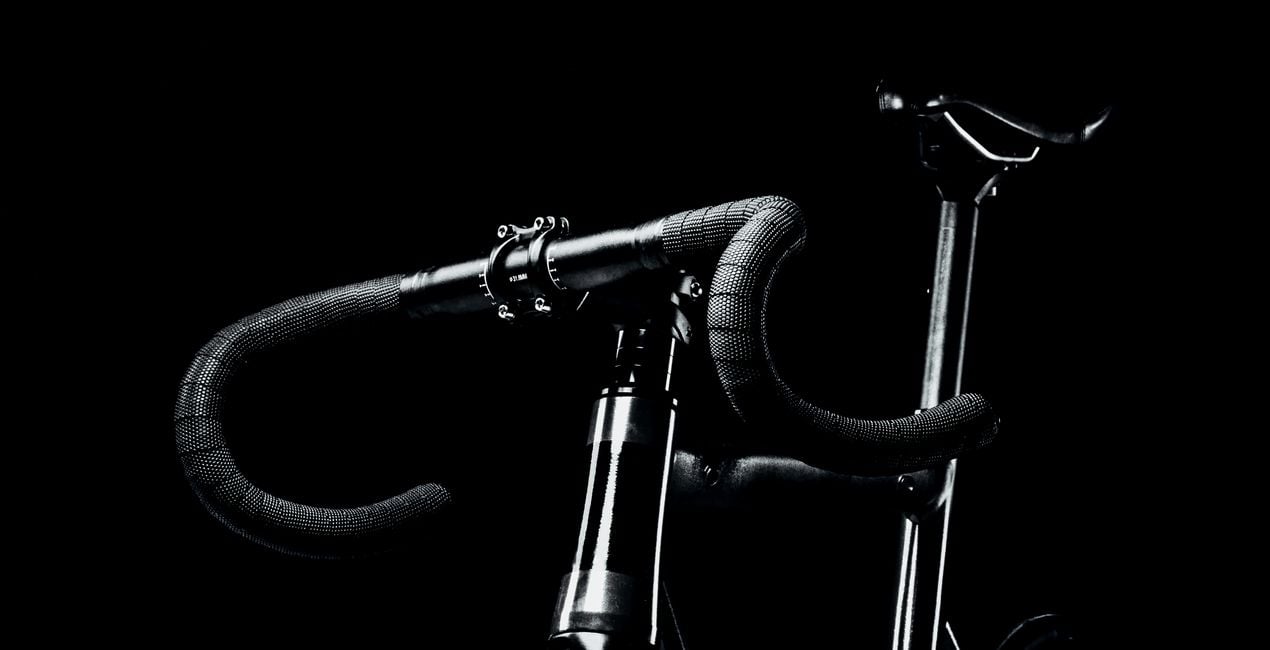
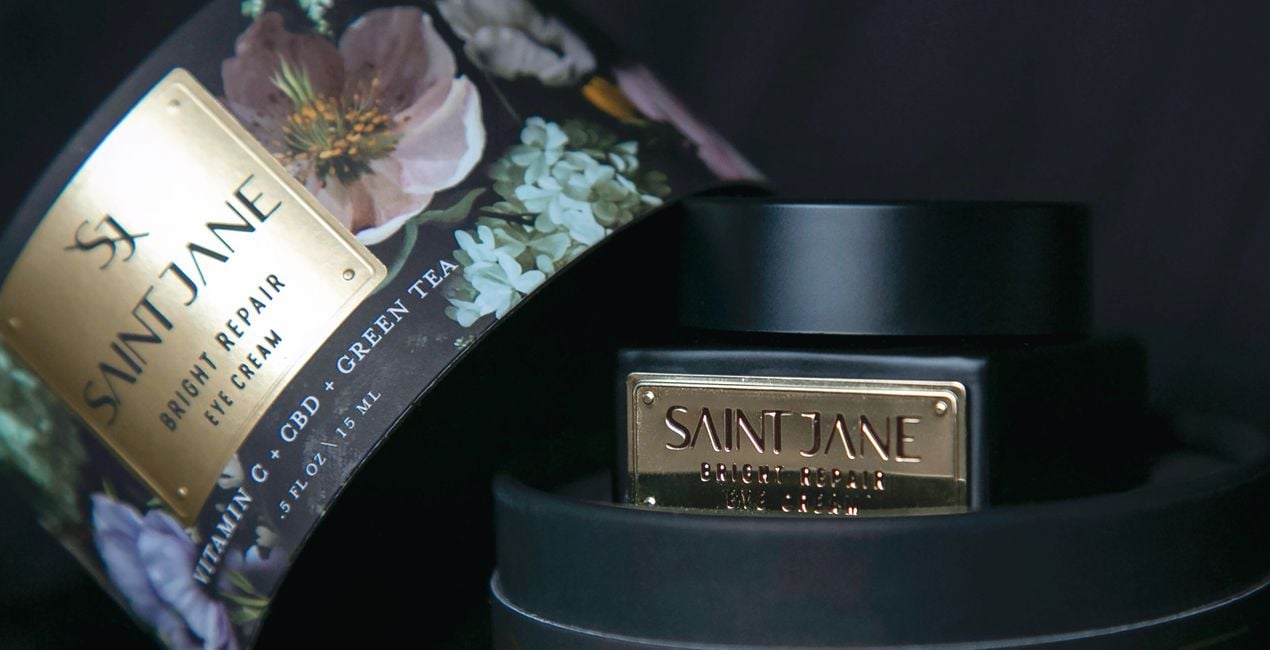
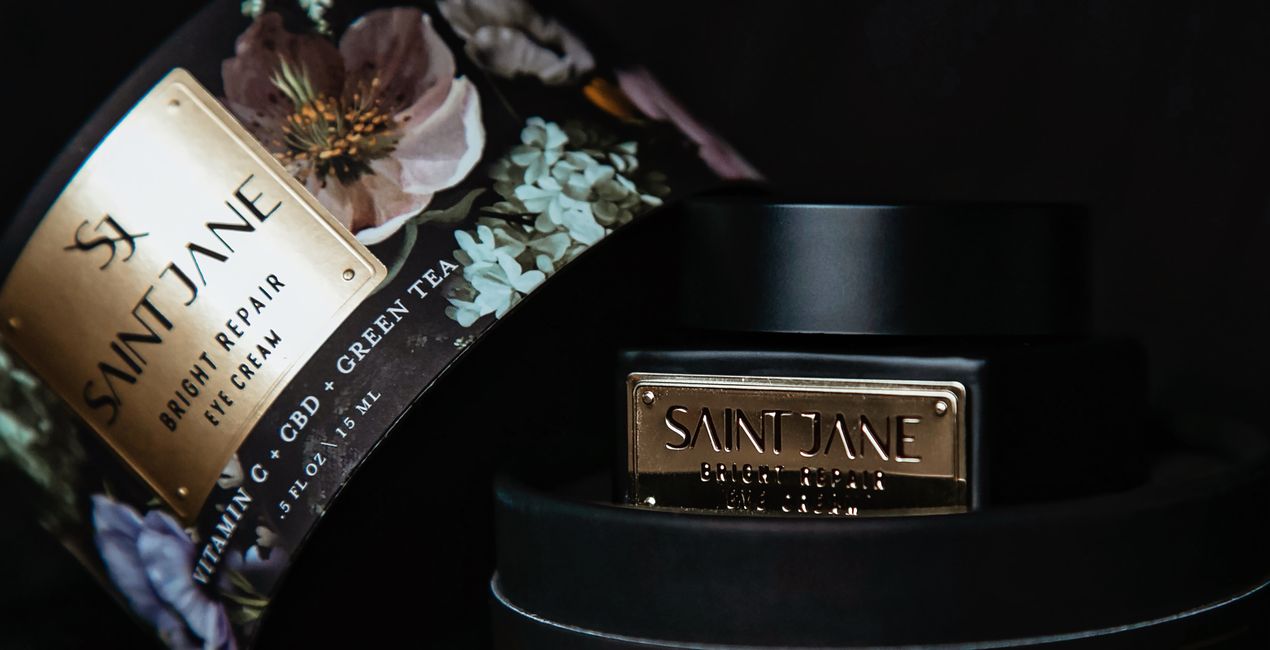
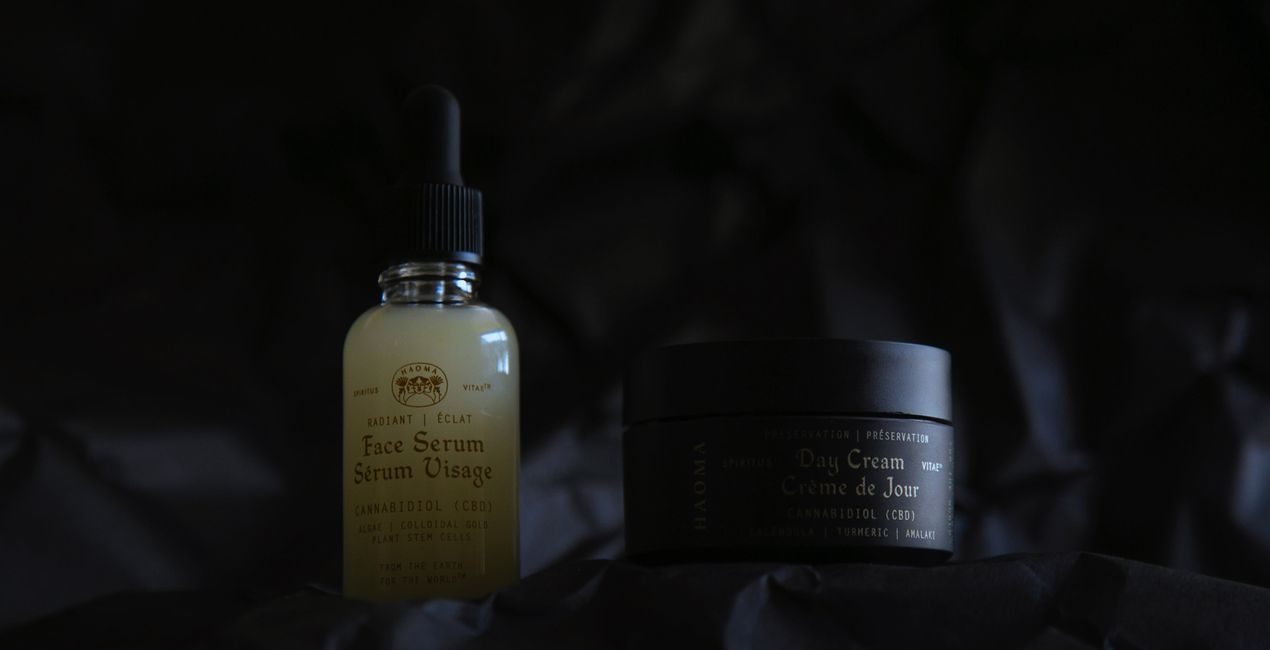
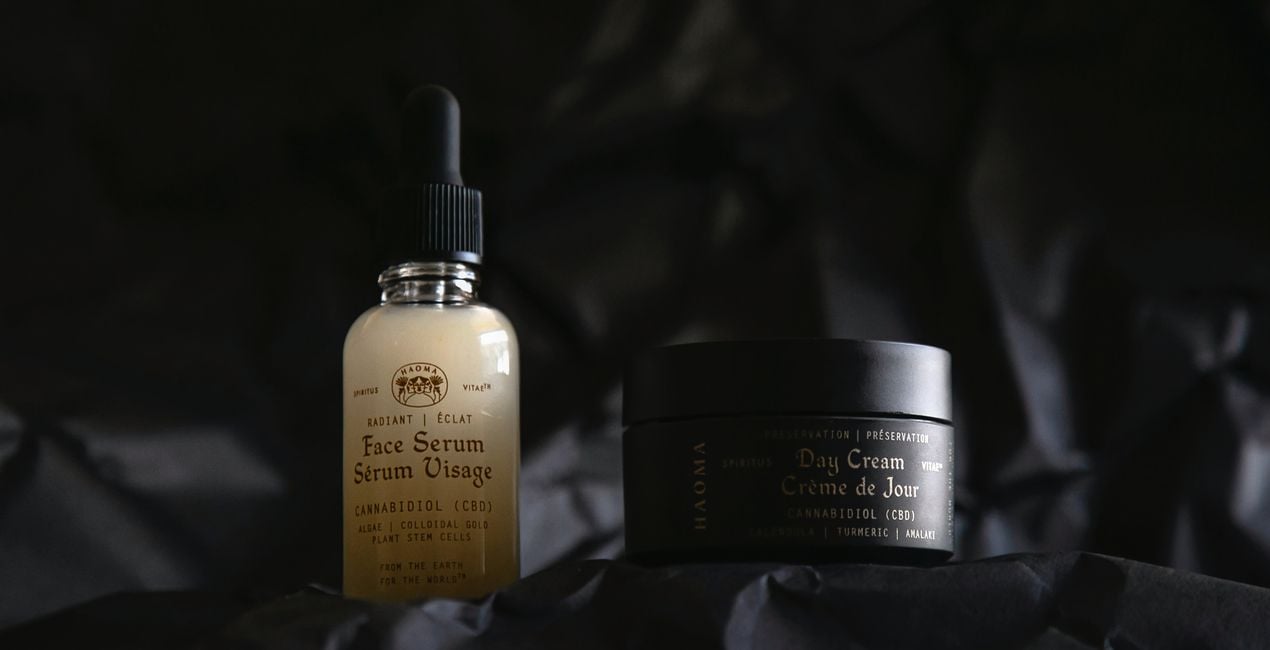
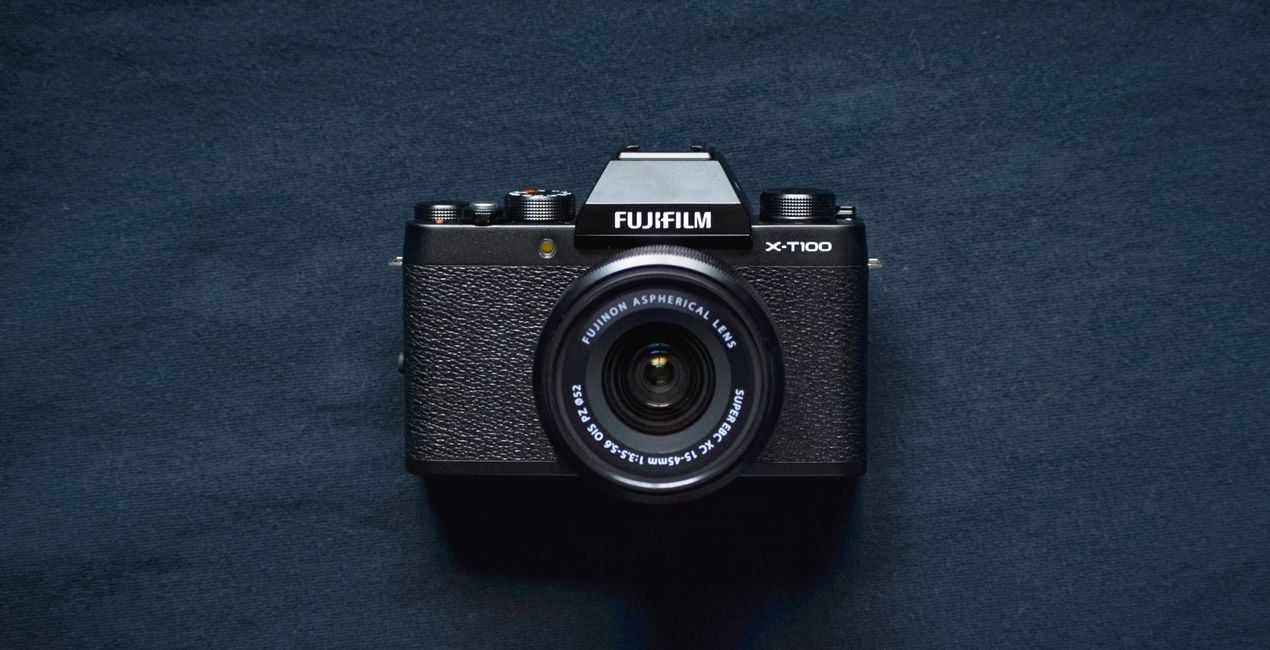
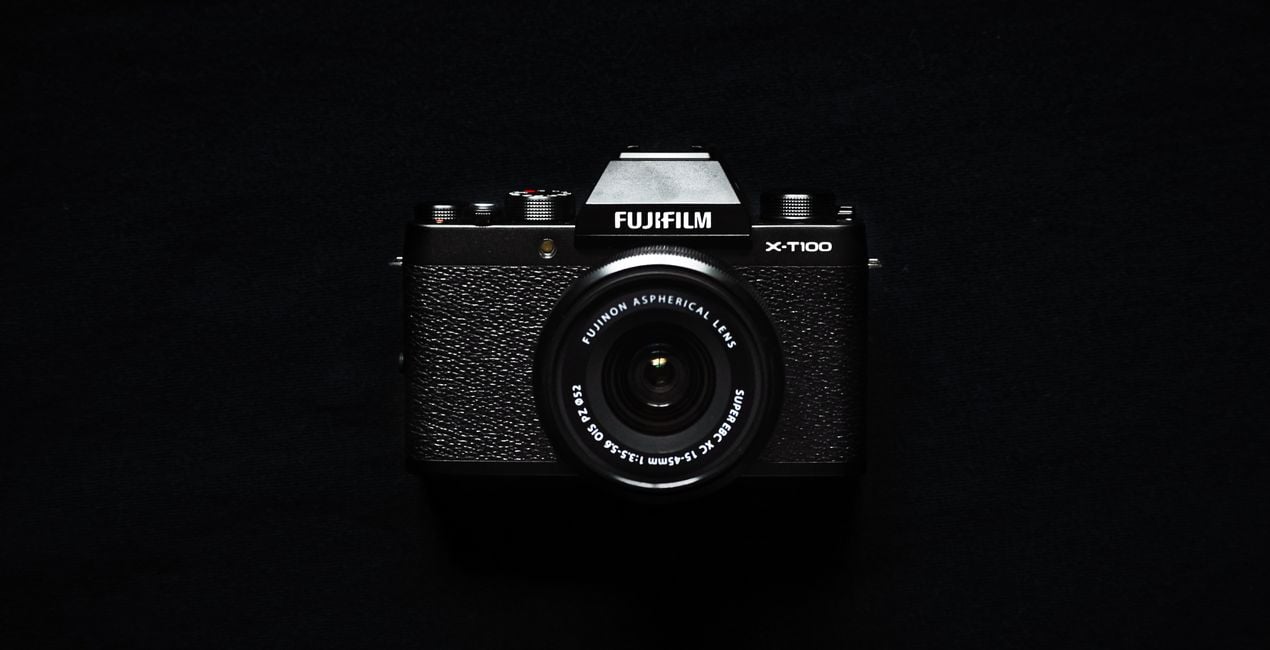
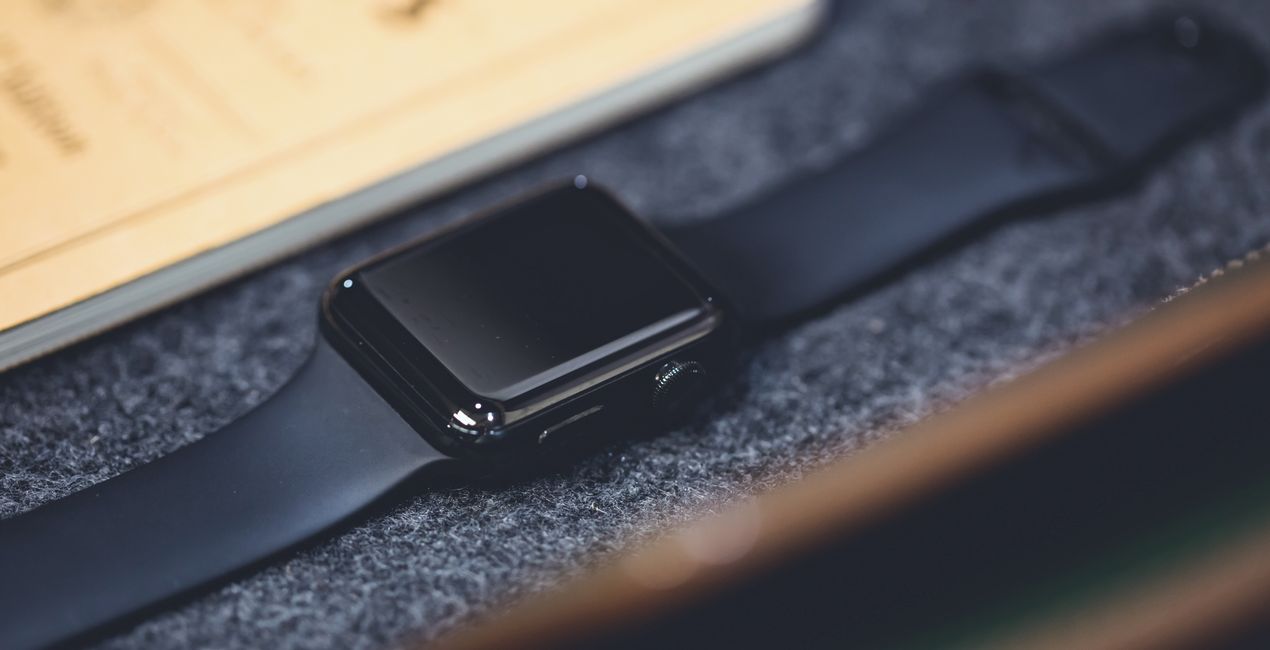
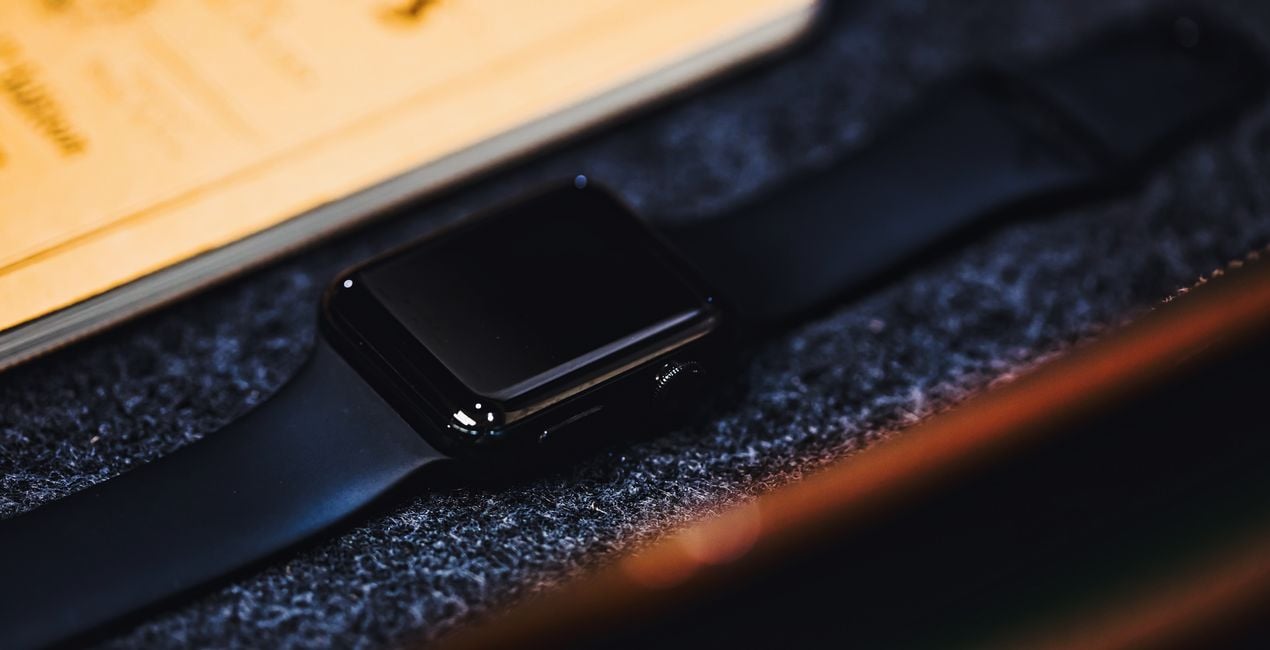
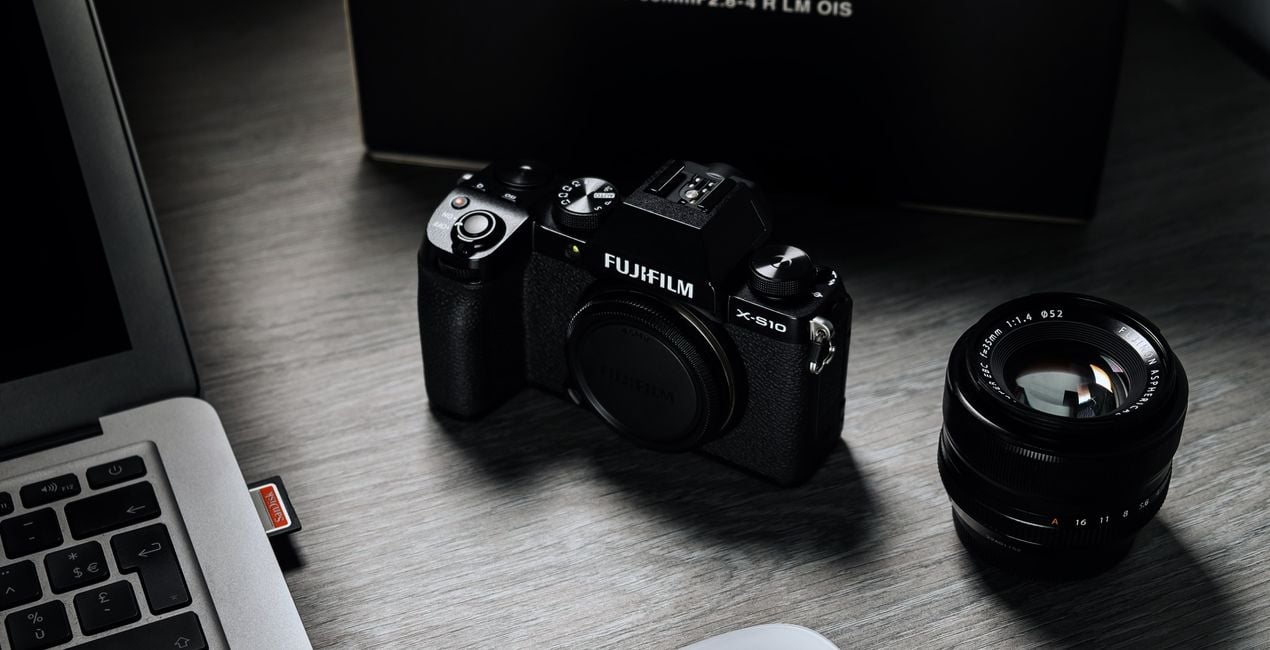
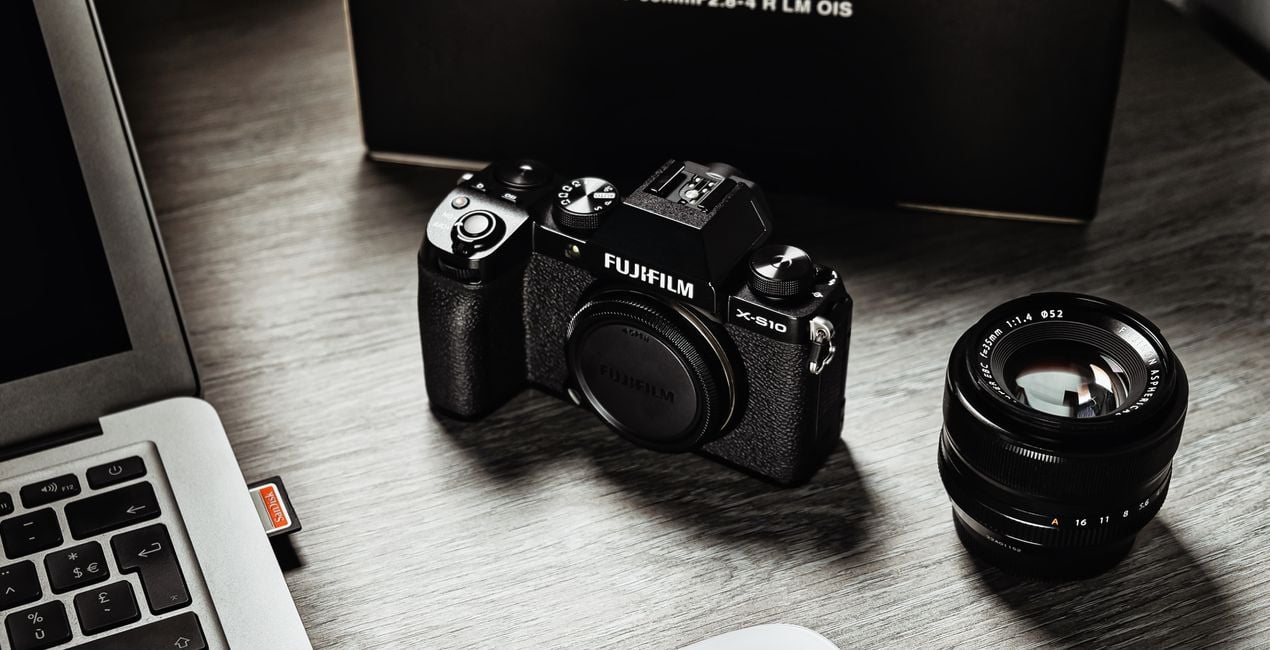
Using a dark background in product photography can enhance the mood and atmosphere of your shots, giving your products added value. Take advantage of our collection of 10 Presets to improve your dark background captures and produce high-quality images that showcase your products in the best possible light.

RAW 파일을 사용하면 간편하게 리터치 기법을 연습하고 멋진 사진을 편집하는 방법을 배울 수 있습니다.
 >
>
 >
>
 >
>
 >
>
 >
>
 >
>
If you want to create a captivating atmosphere and mood for your product photography, using a dark background can be a game-changer.
This can greatly enhance the perceived value of your products and make them stand out. With our 10 Presets, designed by Clever Photographer, you can easily achieve this effect effortlessly and showcase your products in the best light possible. The high-quality images of your products will surely leave a lasting impression on your audience.
You will find 10 Presets in this Pack:
Crow – This Preset works with heavy blacks and whites, creating dramatic contrast.
Ink – Balanced dark Preset with open shadows and a touch of cinematic cyan tone.
Metal – Bright Preset with extra details and open shadows.
Onyx – Grey Preset with balanced contrast and bright highlights.
Obsidian – Dark Preset with full black in shadows and saturated details in color.
Jade – Cinematic Preset with a touch of cyan and fade.
Slate – Black Preset with extra clarity and details.
Lead – Fresh Preset with metallic look and extra contrast.
Coal – Composed Preset working with grey and black in combination with extra saturation.
Skylum is not affiliated with, endorsed by, or an official partner of any of the trademarks that may be depicted in the images. All trademarks and brand names mentioned are the property of their respective owners.
Co-Founder of Clever Photographer
Jakub Bors is a UK-based landscape photographer with over 15 years of experience in digital art and technology. He’s most inspired by the work of Trey Ratcliff and Scott Kelby. Jakub has a large and supportive fanbase on social media, sells prints of fine art photography worldwide, has worked for PX500 and Trivago on their European projects, and has had his work published in several magazines including Practical Photography. His passion for traveling has brought Jakub to almost every corner of the planet and helped him connect with amazing people.
제품에 관한 문의 사항이 있으시면 24시간 지원팀에 연락하세요. 아래 링크를 따라가시면 됩니다.
Black Objects을 구매하려면 다음 단계를 따르세요:
1. Skylum 마켓플레이스를 엽니다.
2. Black Objects이 표시된 탭으로 이동하세요. 해당 상품을 클릭하여 장바구니에 담으세요.
3. 장바구니로 이동하세요. 여기서 Black Objects의 구매 절차를 완료하세요.
4. 구매 후 Black Objects의 다운로드 링크가 포함된 주문 완료 이메일을 받게 됩니다. 또한 새로 구매한 항목은 Skylum 계정의 ‘내 애드온’ 탭에서 확인하실 수 있습니다.
Black Objects 설치에 대한 자세한 안내는 다운로드 링크와 함께 발송되는 주문 처리 이메일로 보내드립니다.
또한 구매한 항목은 Luminar Neo에서 직접 설치할 수 있습니다: 기타 > 마켓플레이스로 이동한 후, 제품 카테고리를 선택하고 구매한 항목을 찾아 설치를 클릭하세요.
아주 간단합니다! 프리셋 탭으로 이동한 후 '구매한 항목'을 선택하세요. 설치된 프리셋이 여기에 표시됩니다.
걱정하지 마세요. Black Objects을 포함한 모든 구매 항목은 Skylum 계정의 ‘내 애드온’ 탭에 저장되어 있어 다시 간편하게 다운로드하고 이용할 수 있습니다.
일반적으로 대부분의 항목은 Luminar Neo와 호환됩니다. 그러나 Black Objects이 귀하의 소프트웨어와 호환되는지 확인하려면 다운로드 또는 구매 전에 해당 제품의 사양을 검토하십시오. Black Objects 페이지 오른쪽의 ‘호환성’ 섹션을 확인하시면 모든 호환 제품이 나열되어 있습니다.
아직 떠나지 마세요. 여러분만을 위한 특별 할인 코드를 준비했습니다. 15분 이내에 이 코드를 사용하시면 결제 시 추가 10% 할인을 받으실 수 있습니다. 아래 코드를 복사하여 구매를 완료해 주세요.
15 m : 00 s





