44 minutes of Video Tutorial
Master Luminar features, learn how to balance light and darkness, and how to add a cinematic quality to any photo. Whether it’s a seascape, a panorama, or a landscape, easily make your images stand out in a sea of ordinary images.
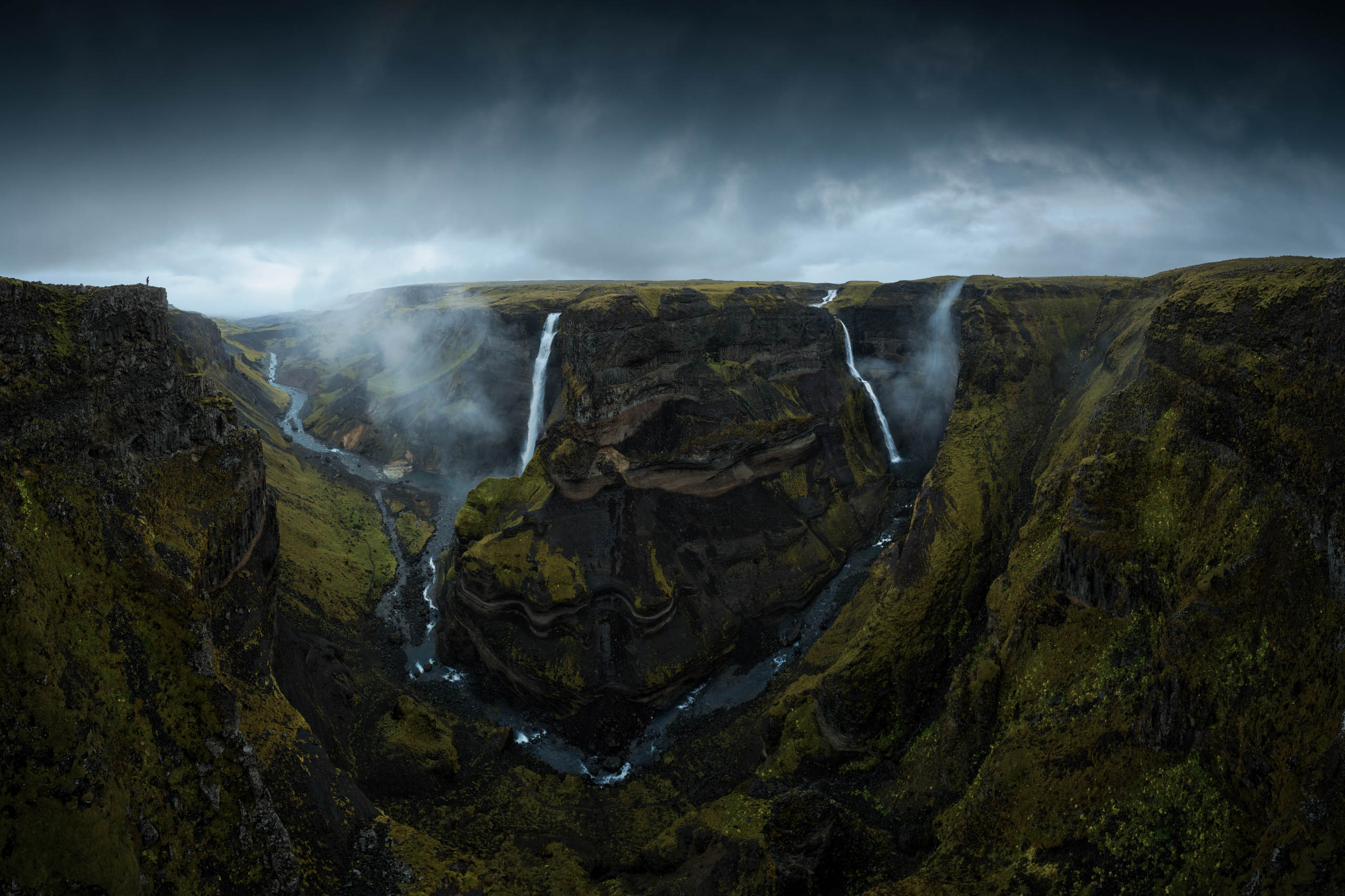
Sample Photo
Get a sample of the “before” landscape photo so you can edit along with Jabi in Luminar.
Language note
The tutorial is available in Spanish with English subtitles.
What you’ll learn
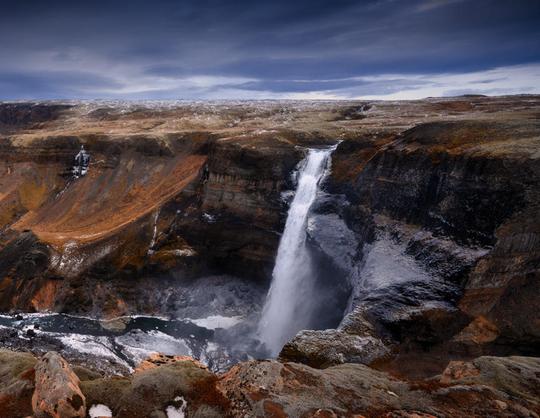
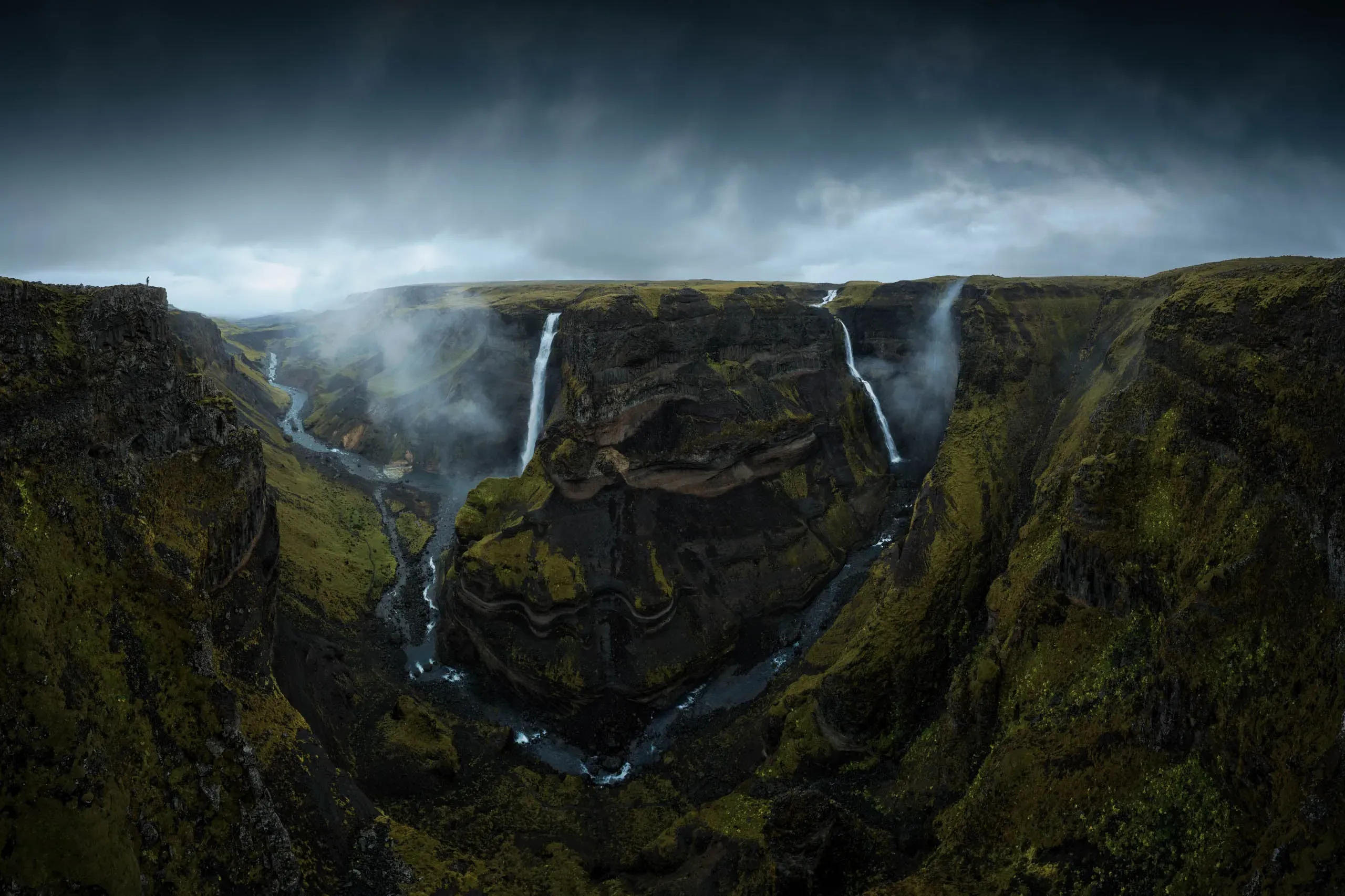
Discover a meticulously designed tutorial by Jabi Sanz, created to help you elevate your dark and dramatic landscape photography to new heights. Using a fantastic panorama of one of the most impressive cascades of Iceland's Highlands as an example, Jabi will show you how to transform a simple photo into one full of a gloomy and moody atmosphere, elevating the narrative and evoking emotions.
Get photos like these
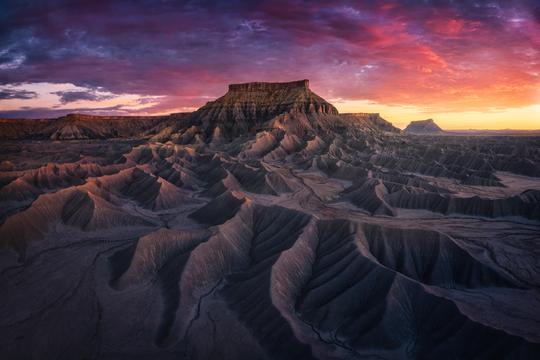
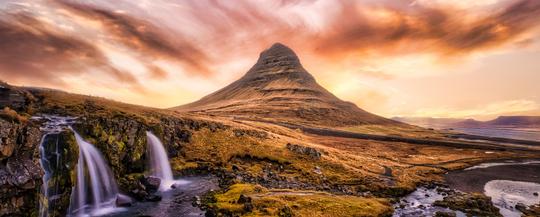
Use the techniques and workflows shown throughout the course to get such photos.
A word from the Author
Together with a 44-minute video tutorial, you’ll get a sample of the “before” photo so you can edit along with Jabi in Luminar. Master Luminar features, learn how to balance light and darkness, and how to add a cinematic quality to any photo. Whether it’s a seascape, a panorama, or a landscape, easily make your images stand out in a sea of ordinary images.
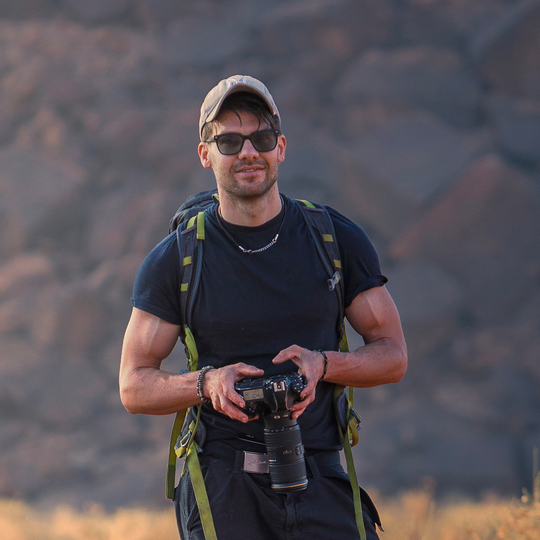
Jabi Sanz is a professional landscape photographer from northern Spain. Apart from capturing stunning landscapes, nightscapes, and drone photos, Jabi teaches photography & editing and guides photo tours worldwide.
Note: The tutorial is available in Spanish with English subtitles.
Jabi Sanz
Watch the process
Pricing
Dark & Moody Landscapes Tutorial
Creator
Jabi Sanz
Photographer. Skylum Ambassador.
Jabi Sanz is a landscape photographer from northern Spain. He grew up in Pamplona, a small city in the North of Spain. Jabi believes that photography makes him connect to nature in a unique way, different from what he’s ever experienced before. Nature is his inspiration, and he’s endlessly fascinated with all the beauty, variety of colors, sounds and compositions it has to offer.
Nature has also made Jabi travel and discover places he didn’t think he would visit. Even though Jabi now travels a lot around the world, some of the locations he visited have particularly touched his soul: Bali in Indonesia and Koh Lipe Island in Thailand. That’s why these two islands are where Jabi resides the most.
Landscape and night photography are Jabi’s primary sources of work. Since he discovered them a few years ago, Jabi has dedicated all this time to studying and improving these types of photography, trying to find the "perfect technique" both when taking the picture and when processing it. Currently, Jabi teaches capturing and editing photos, and also guides photo tours around the world.

Related Products