Artist's Surface Overlays(3)
Mi carrito

Tu carrito está vacío

¡Descubre nuestra colección y encuentra las ediciones perfectas para tus fotos!

Mi cesta artículo artículos

Tu código especial de Fiestas:

asdfjvbknl

Artist's Surface Overlays Aplicado

Artist's Surface Overlays(5)
Mi carrito

Tu carrito está vacío

¡Descubre nuestra colección y encuentra las ediciones perfectas para tus fotos!

Cesta

Tu código especial de Fiestas:

asdfjvbknl

Artist's Surface Overlays Aplicado

Precio total: $

Resumen del carrito

Pago seguro cifrado

Artist's Surface Overlays(7)

Otros también compraron

Ahorras
por
Parte de
Ahorra 5 € al comprar el pack completo
Consigue el pack completo

Acerca de

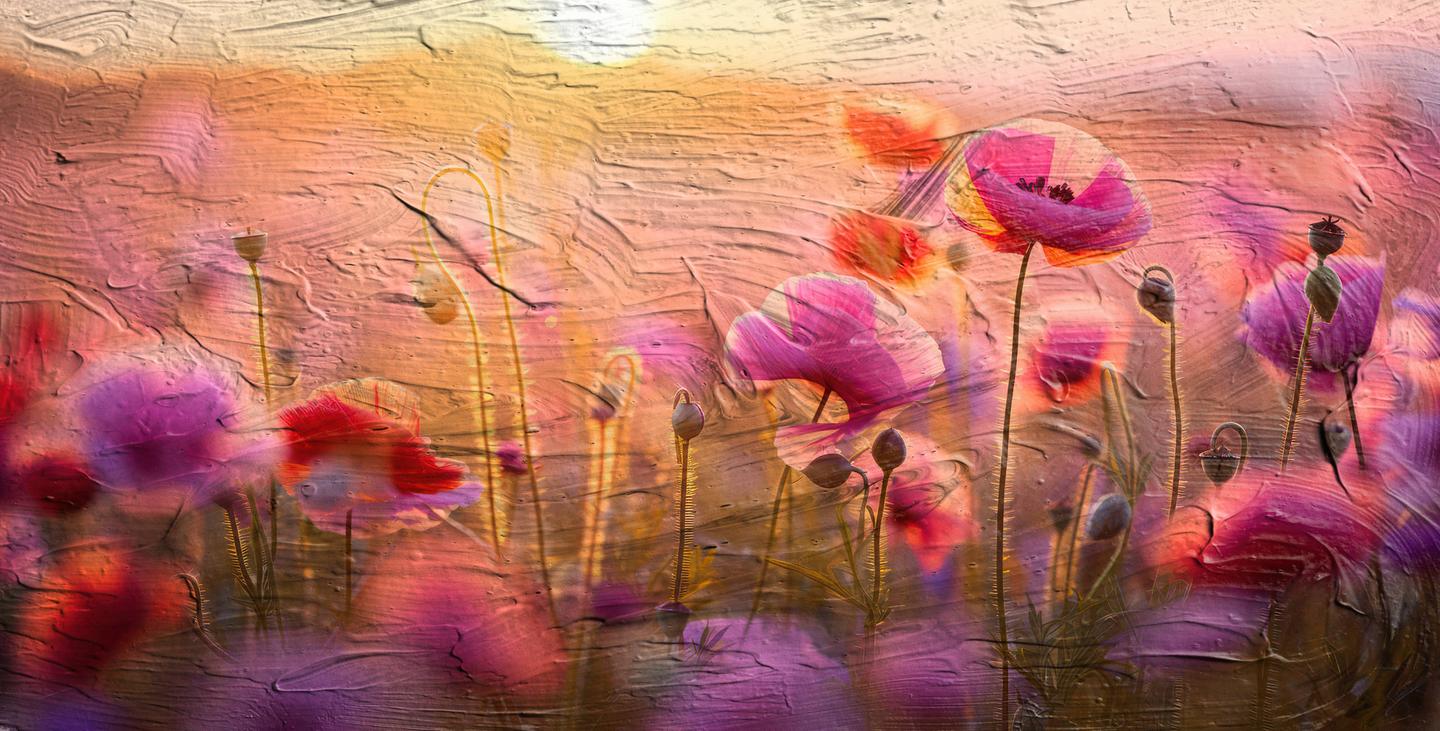
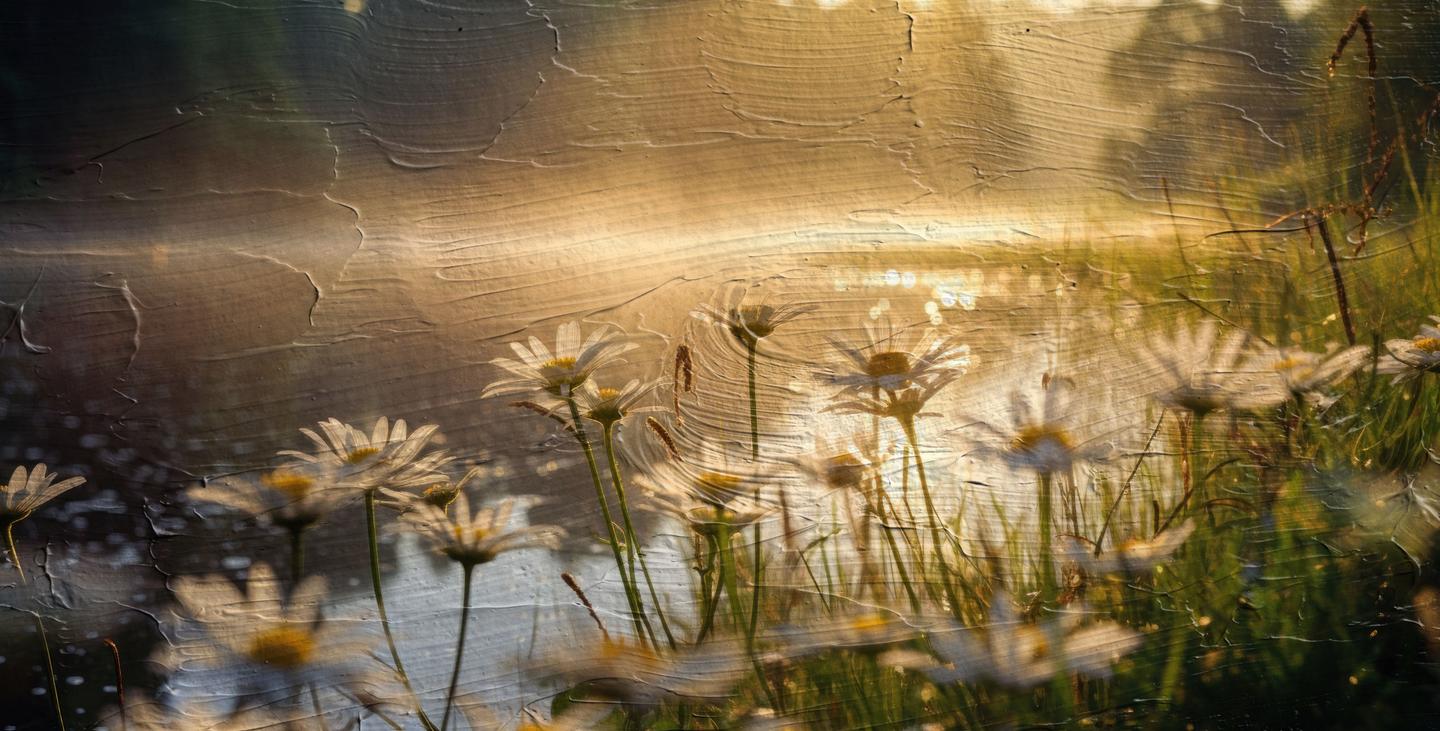
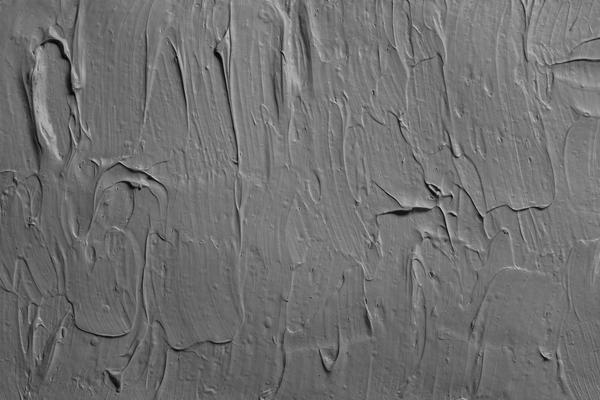
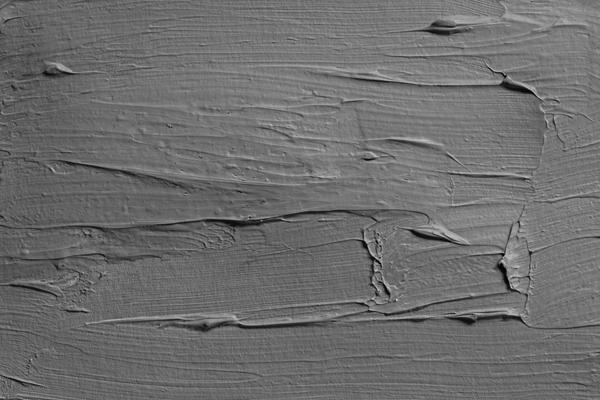
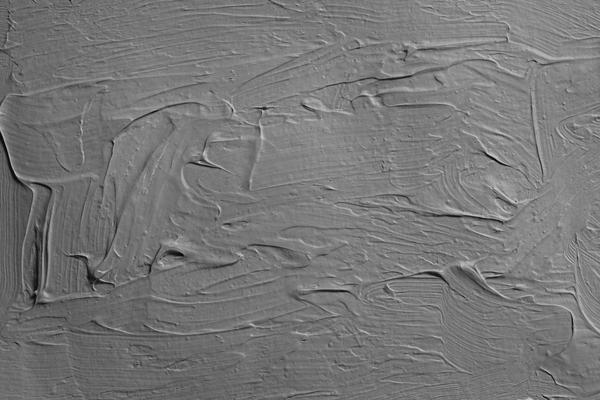
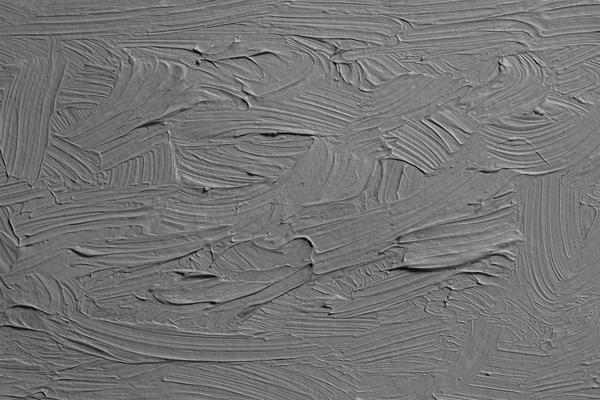
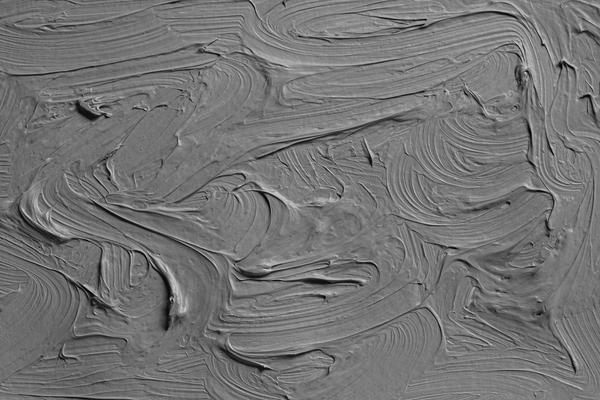
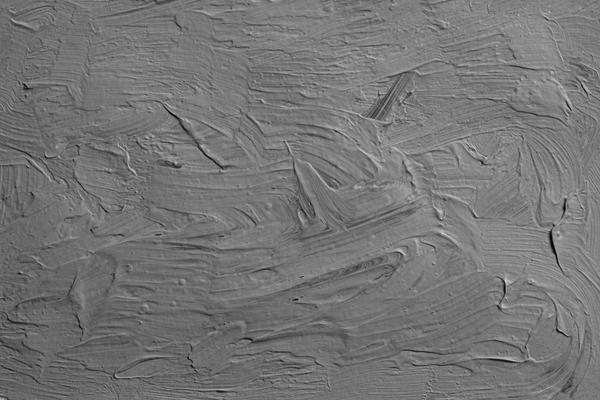
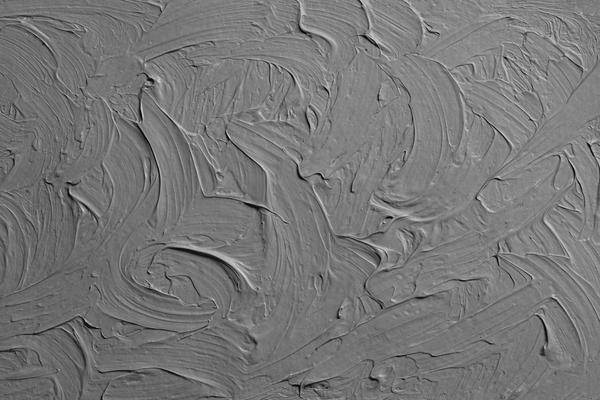
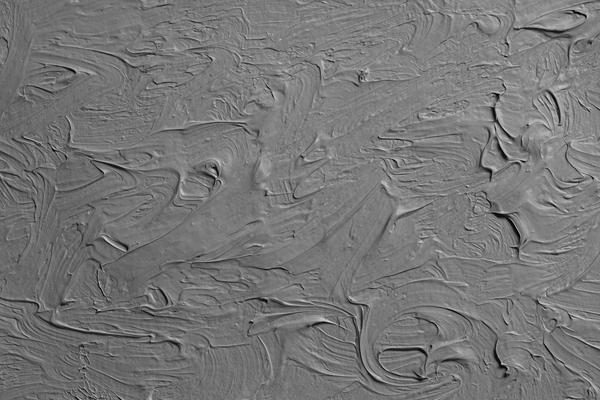
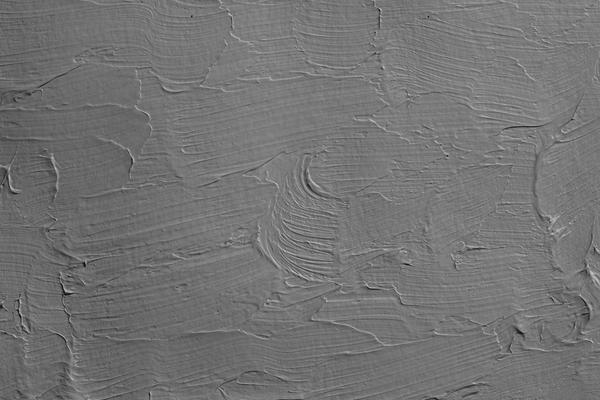
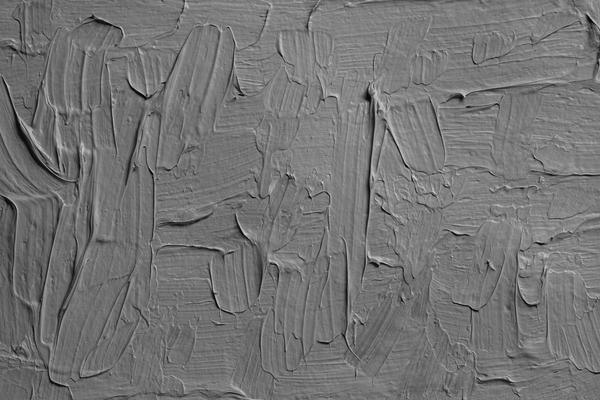
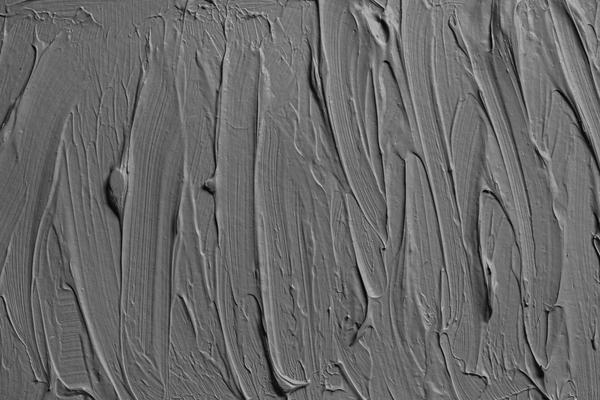
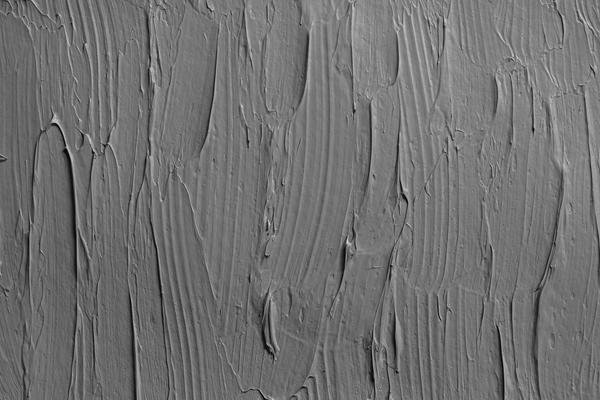
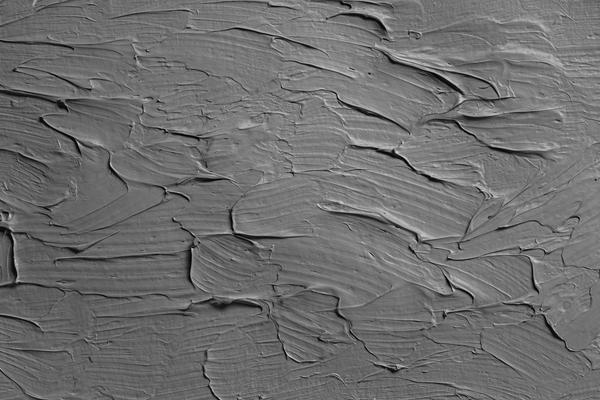
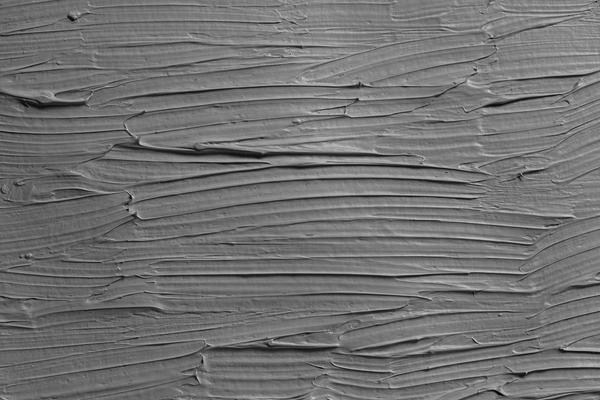
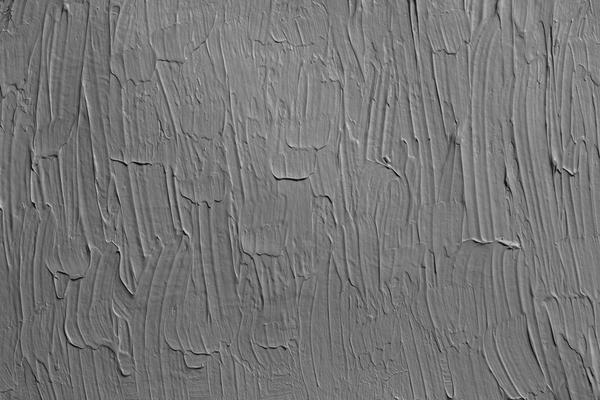
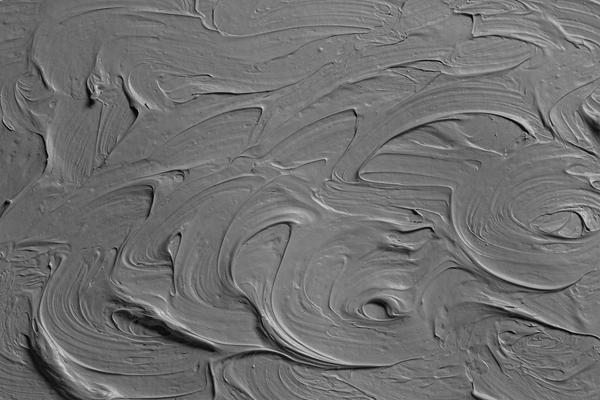
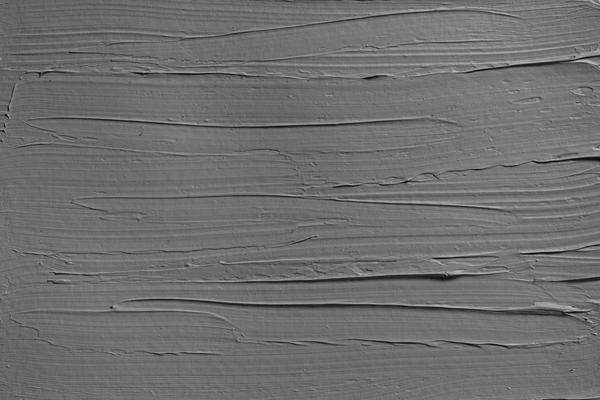
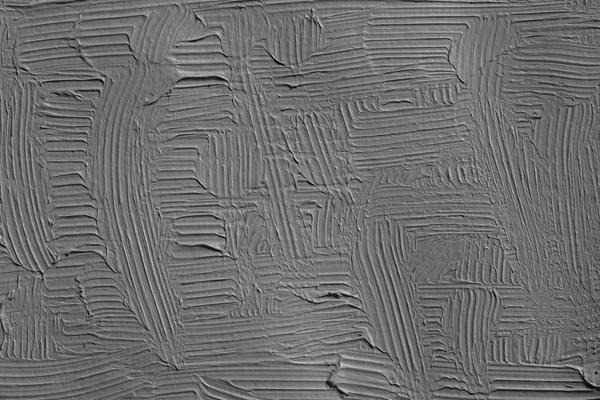
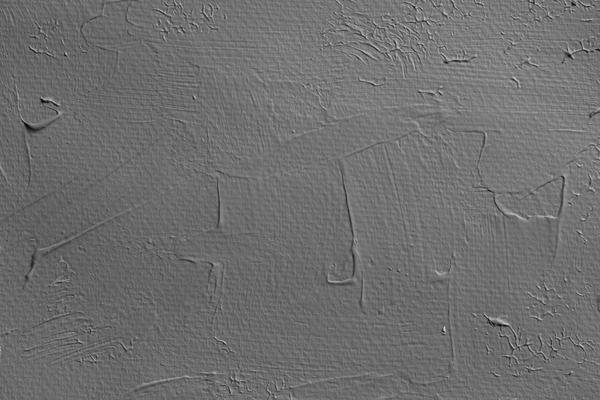
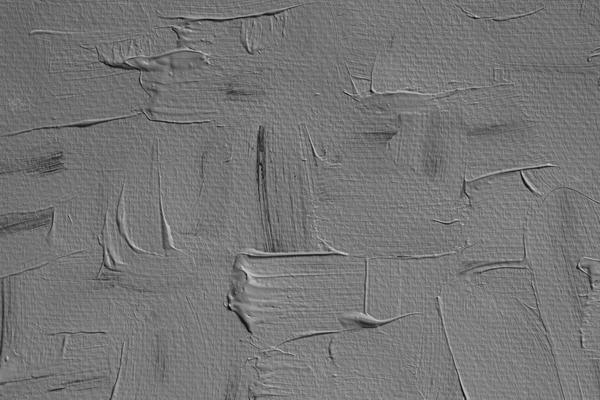
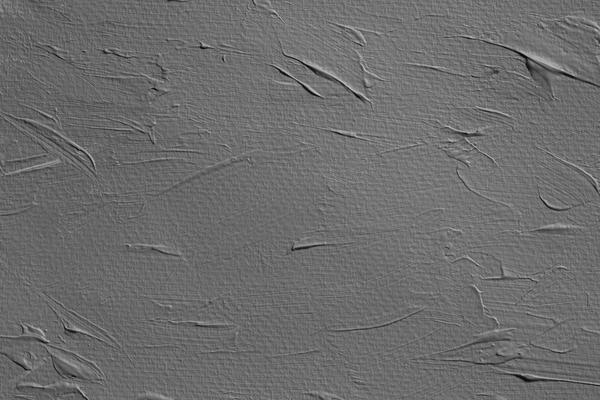
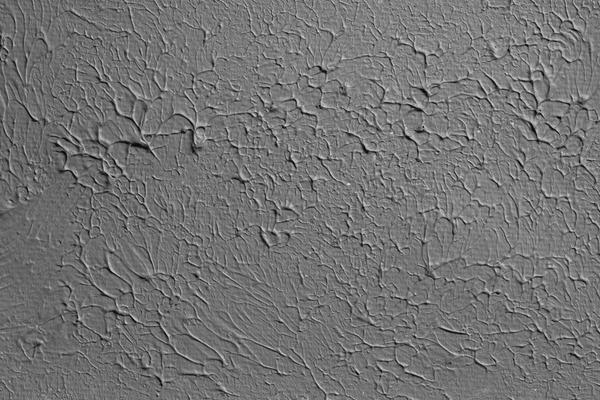
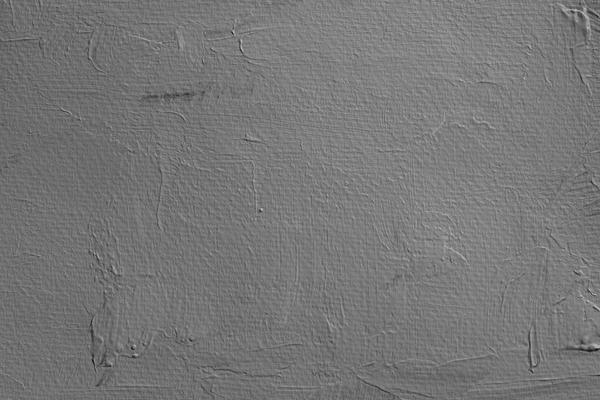
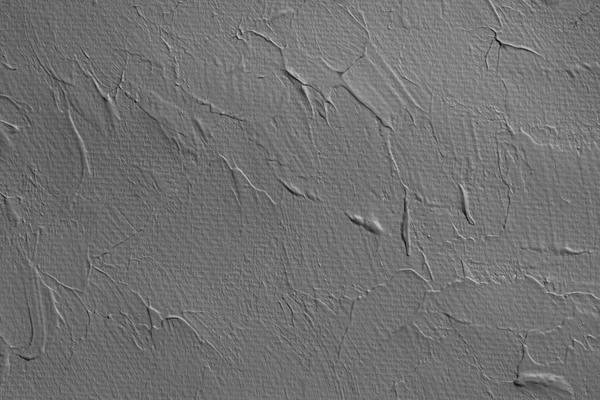
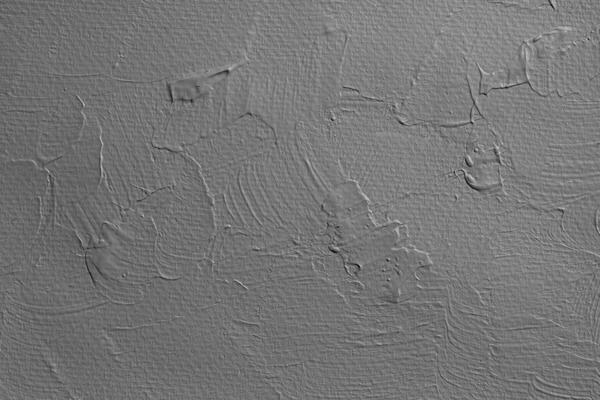
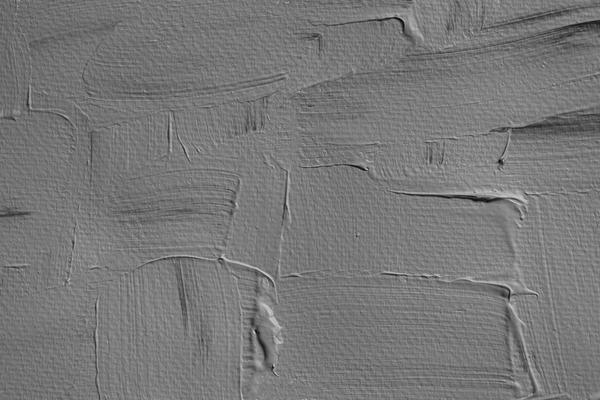
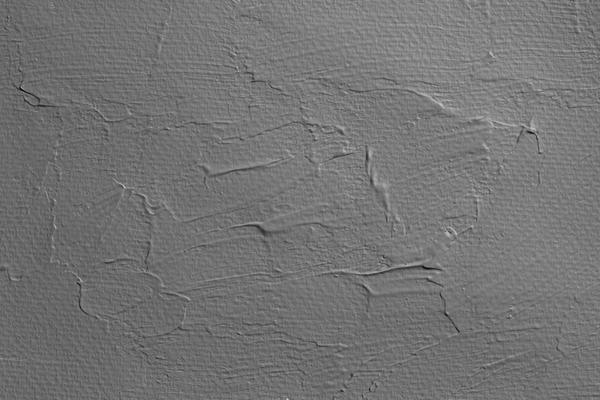
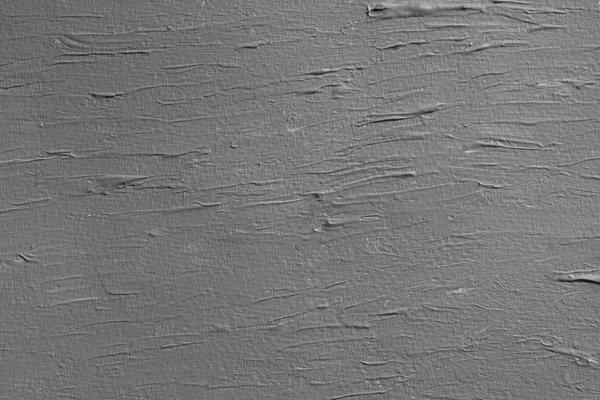
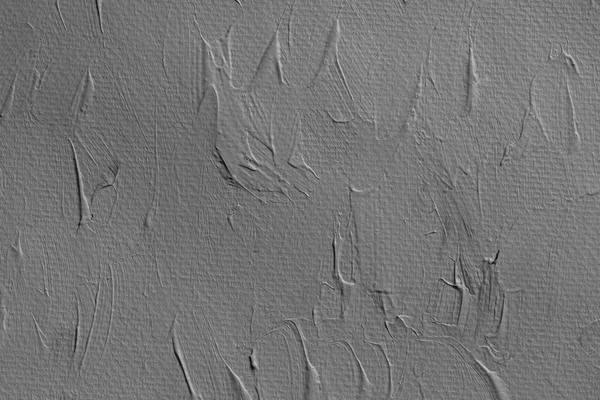
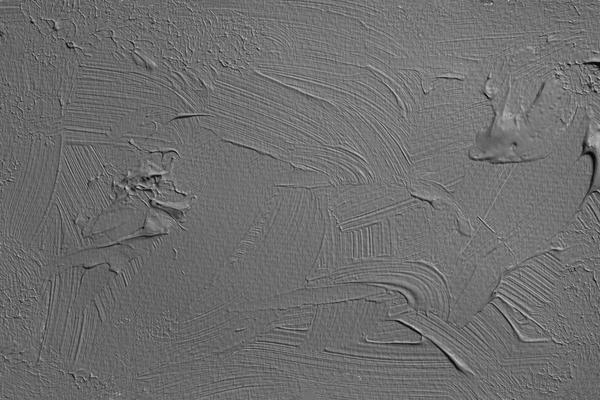
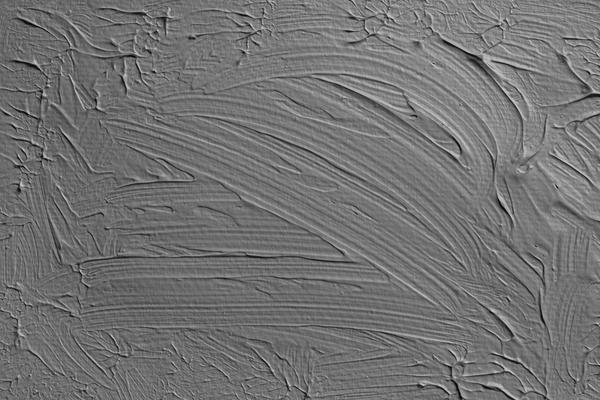
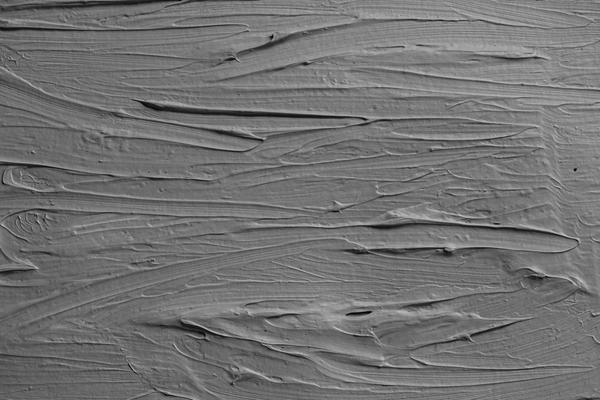
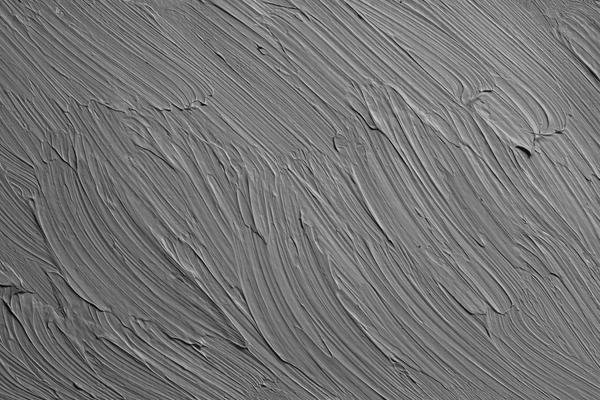
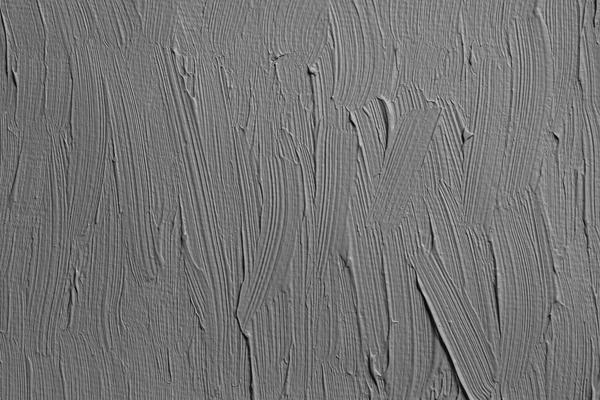
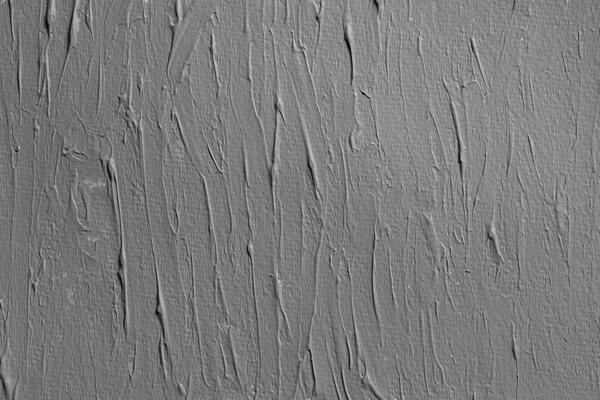
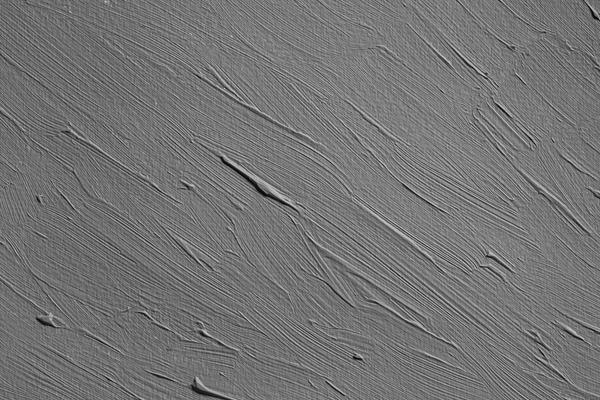
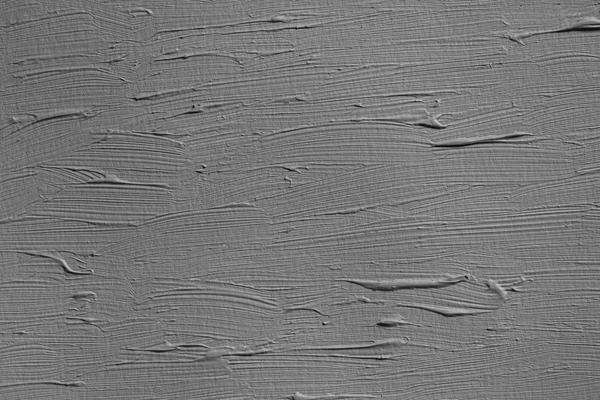
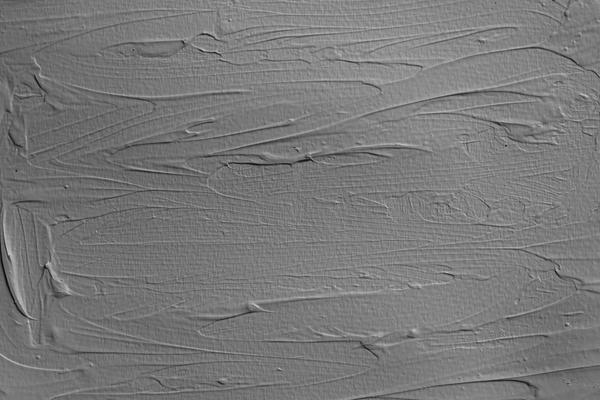
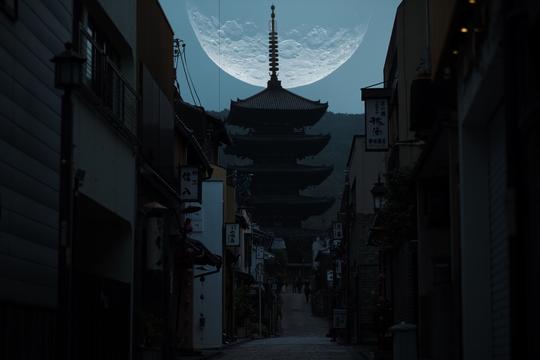
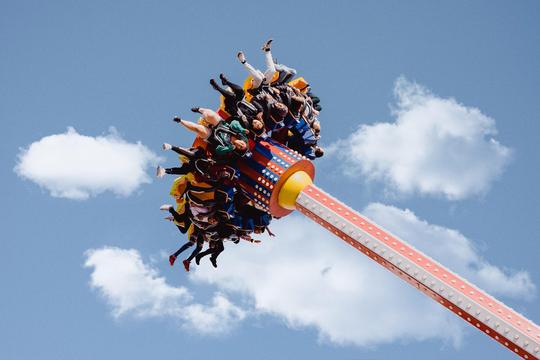
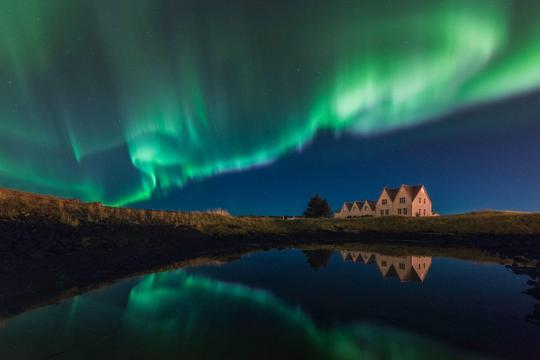
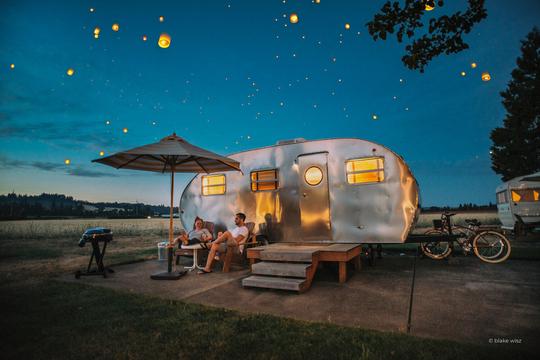
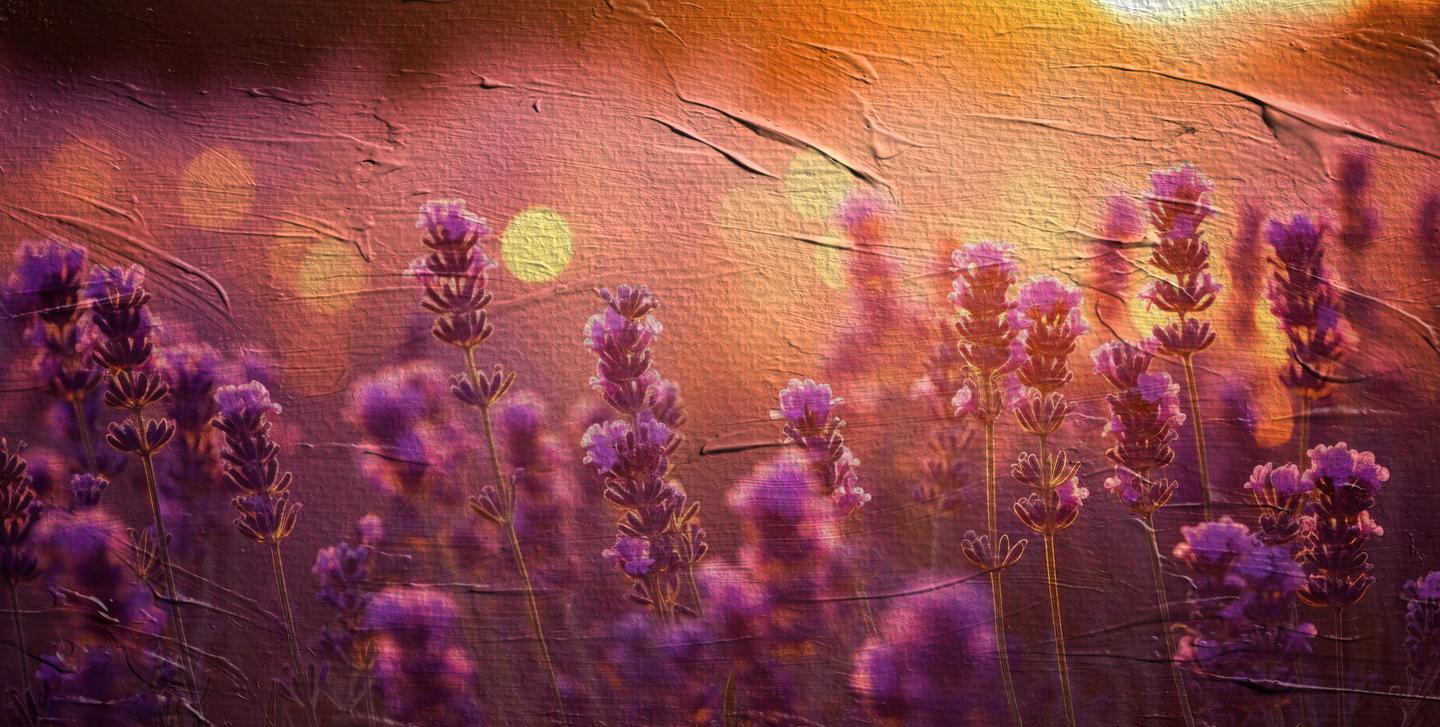
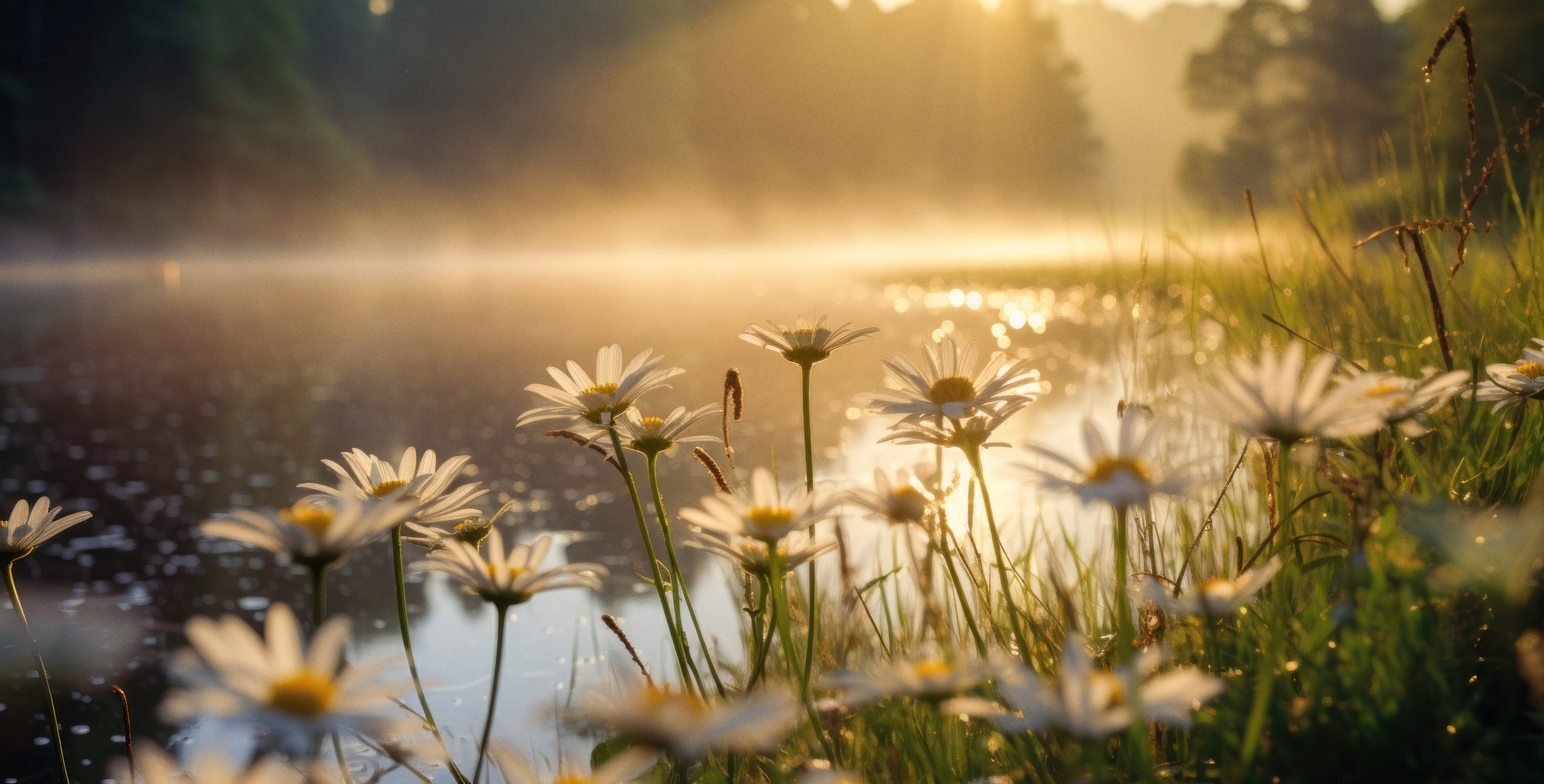
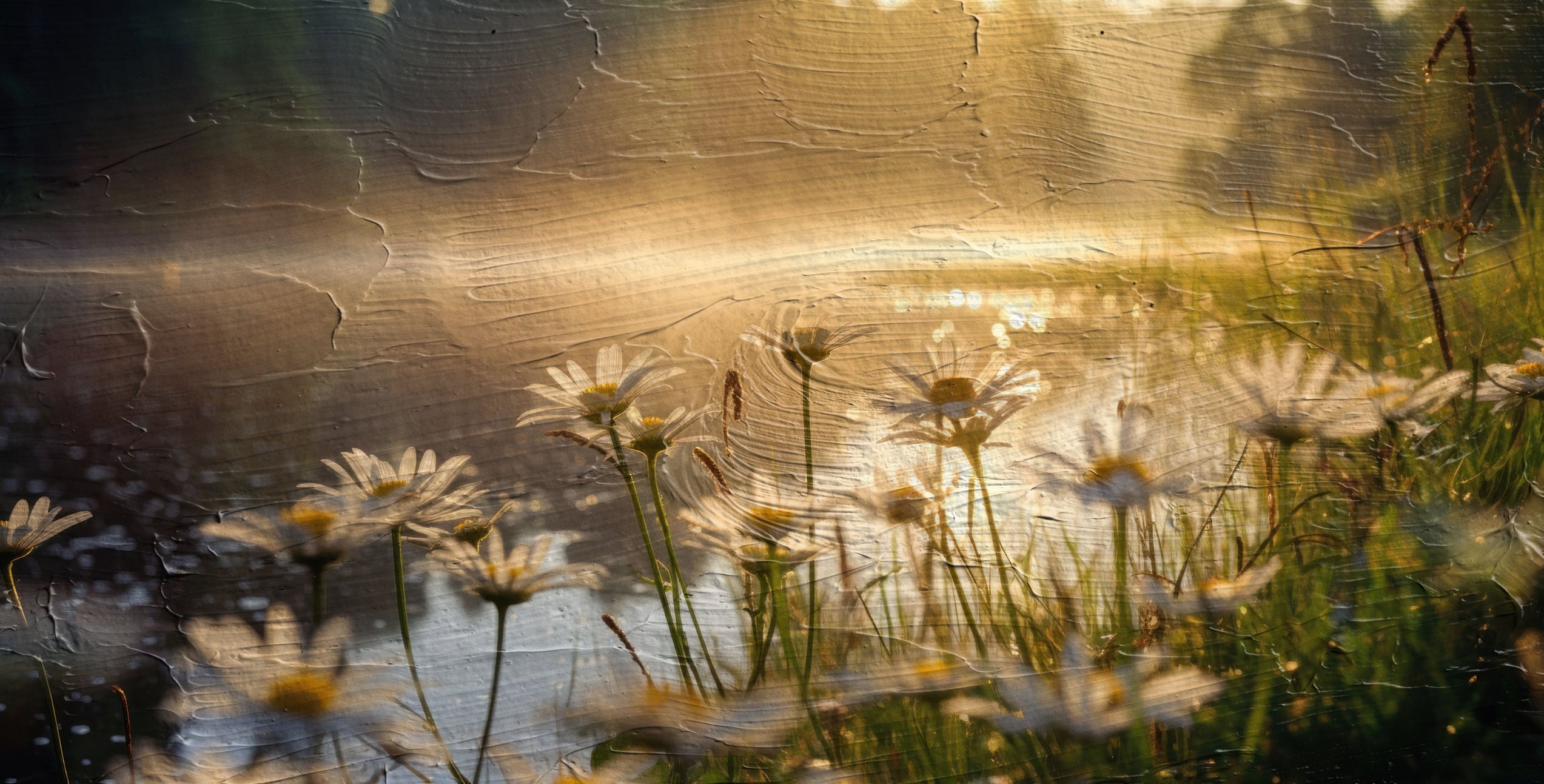
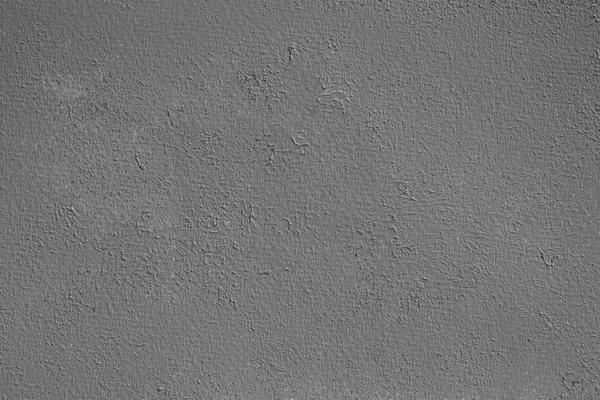
Inspired by the tactile beauty of traditional painting, this collection boasts 40 genuinely hand-painted texture Overlays, meticulously captured to bring the authentic charm of paint on canvas right into your digital workspace. These aren’t just digital designs — every texture is a photograph of a real paint stroke, each one imbued with its unique character and story. When you add the Artist's Surface Overlays to a photo in Luminar Neo, it's like draping a painted canvas over your image. The photo gets a textured, artsy feel with real brush stroke patterns. It turns any of your photographs into something that feels hand-painted and gallery-worthy.

Qué incluye

40 Overlays in JPEG format

Compatibilidad

Luminar 4, Luminar AI, Luminar NEO, Photoshop

Consigue fotos como estas

Con los archivos RAW proporcionados, practicarás fácilmente los consejos de retoque y aprenderás a conseguir fotos como estas.
© Nicole S. Young
Artist's Surface Overlays(39)
Artist's Surface Overlays(40)>
Antes Después
© Nicole S. Young
Artist's Surface Overlays(41)
Artist's Surface Overlays(42)>
Antes Después
© Nicole S. Young
Artist's Surface Overlays(43)
Artist's Surface Overlays(44)>
Antes Después
© Nicole S. Young
Artist's Surface Overlays(45)
Artist's Surface Overlays(46)>
Antes Después
© Nicole S. Young
Artist's Surface Overlays(47)
Artist's Surface Overlays(48)>
Antes Después

Archivos incluidos en el paquete

Productos relacionados

Creador

Nicole S. Young

Photographer & Educator

Nicole S. Young's love affair with the camera began during her high school years, where she immersed herself in the world of photography by working at a photo lab and photo studio.


After graduating, she dedicated 8.5 years to serving in the US Navy, and then rekindled her passion in the realm of digital photography, swiftly transitioning to carve out a niche for herself in stock photography.

Beyond her ability to create beautiful images, Nicole is a published author, with her educational books are reaching photography enthusiasts worldwide in multiple languages. Drawing upon her extensive knowledge and experience, she has established an online business, offering courses and books to budding photographers and crafting essential tools such as presets, textures, and overlays.


Today, she draws inspiration from the serene beauty of the Oregon countryside, a place she calls home.

FAQ

¿Tienes más preguntas o necesitas asesoramiento?

contacta al equipo de soporte

¿Cómo puedo contactar a soporte?

Si tienes alguna duda o pregunta sobre el producto, puedes contactar al servicio de soporte 24/7. Visita este enlace.

¿Qué tengo que hacer para comprar Artist's Surface Textures?

Para comprar Artist's Surface Textures, sigue estos pasos:

1. Abre el Marketplace de Skylum.

2. Ve a la pestaña correspondiente donde aparece Artist's Surface Textures. Haz clic sobre él y añádelo a tu carrito.

3. Ve al carrito. Aquí, completa el proceso de compra de Artist's Surface Textures.

4. Después de completar la compra, recibirás un correo de confirmación con el enlace de descarga de Artist's Surface Textures. También encontrarás el nuevo producto en tu cuenta de Skylum, dentro de la pestaña “Mis complementos”.

¿Qué tengo que hacer para instalar Artist's Surface Textures?

Recibirás un email con instrucciones detalladas sobre cómo instalar Artist's Surface Textures junto con un enlace de descarga.

También puedes instalar el producto comprado directamente desde Luminar Neo: ve a Extras > Marketplace, selecciona la categoría del producto, busca el elemento adquirido y haz clic en Instalar.

¿Dónde puedo encontrar mi(s) Artist's Surface Textures tras la instalación?

¡Es muy fácil! Primero, descarga el paquete desde tu Cuenta > Mis complementos. A continuación, sigue las instrucciones de instalación que se incluyen en la carpeta descargada. Cada tipo de recurso puede tener sus propios pasos de instalación, así que asegúrate de consultar la guía incluida.

¿Y si pierdo mi(s) Artist's Surface Textures?

No te preocupes. Todos los productos que hayas adquirido, como Artist's Surface Textures, se almacenarán en la pestaña 'Mis complementos' de tu cuenta de Skylum para que puedas volver a descargarlos fácilmente.

¿Cómo puedo verificar la compatibilidad de Artist's Surface Textures con mi software?

Generalmente, la mayoría de productos son compatibles con Luminar Neo. Pero si quieres asegurarte de que Artist's Surface Textures funciona(n) correctamente con tu software, consulta sus especificaciones antes de hacer ninguna compra o descarga. Busca la sección "Compatibilidad" en la parte derecha de la página de Artist's Surface Textures, donde aparecen todos los programas compatibles.

Crea más. Gasta menos. Oferta de Cyber Week: 25% de descuento en todos los assets con el código
CW25

00d

:

00h

:

00m

:

00s

Artist's Surface Overlays(94)