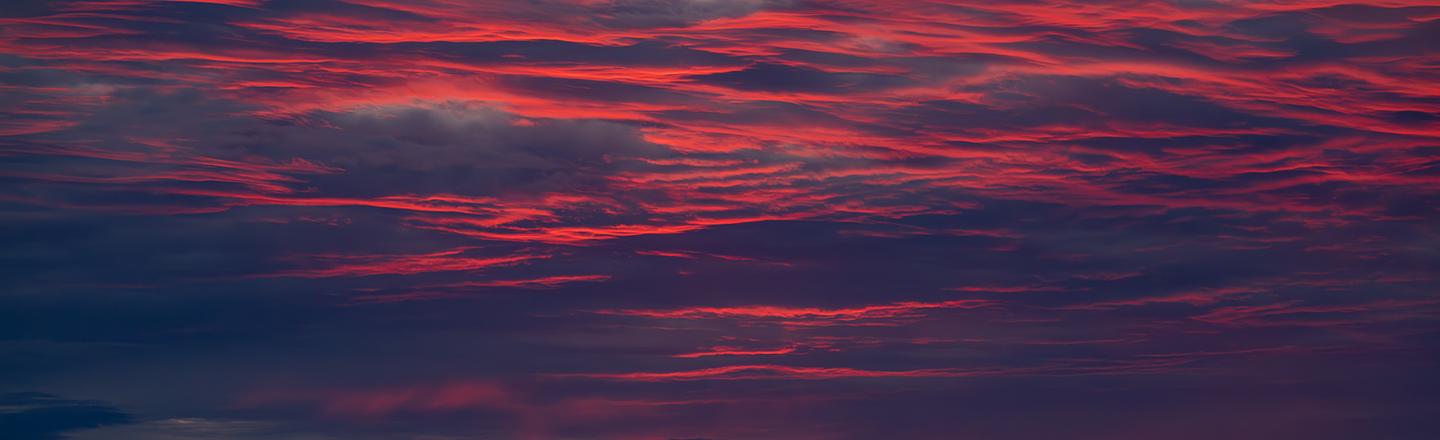
 © Armand Sarlangue
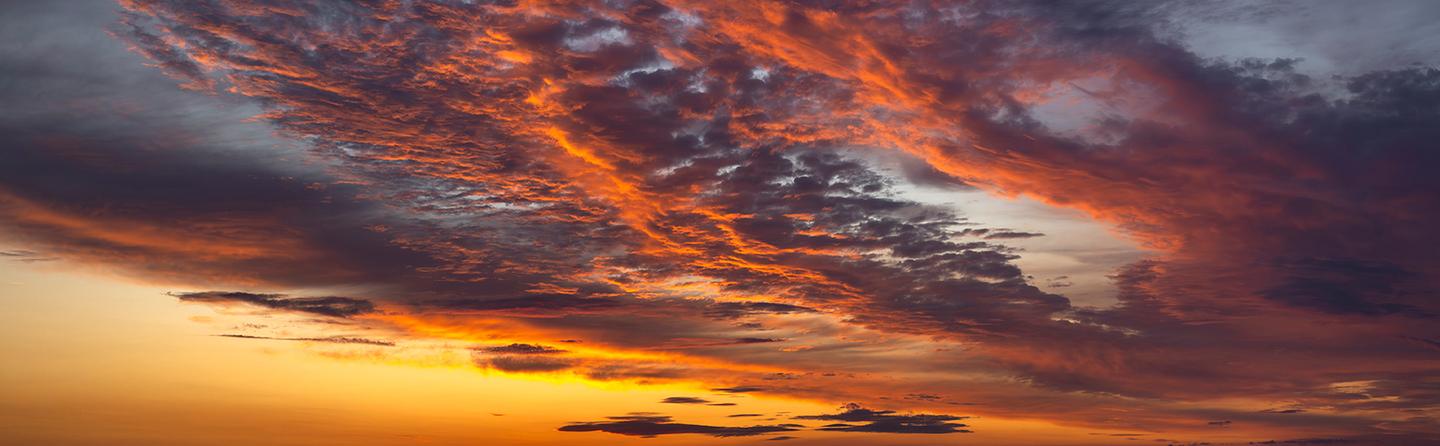 © Armand Sarlangue
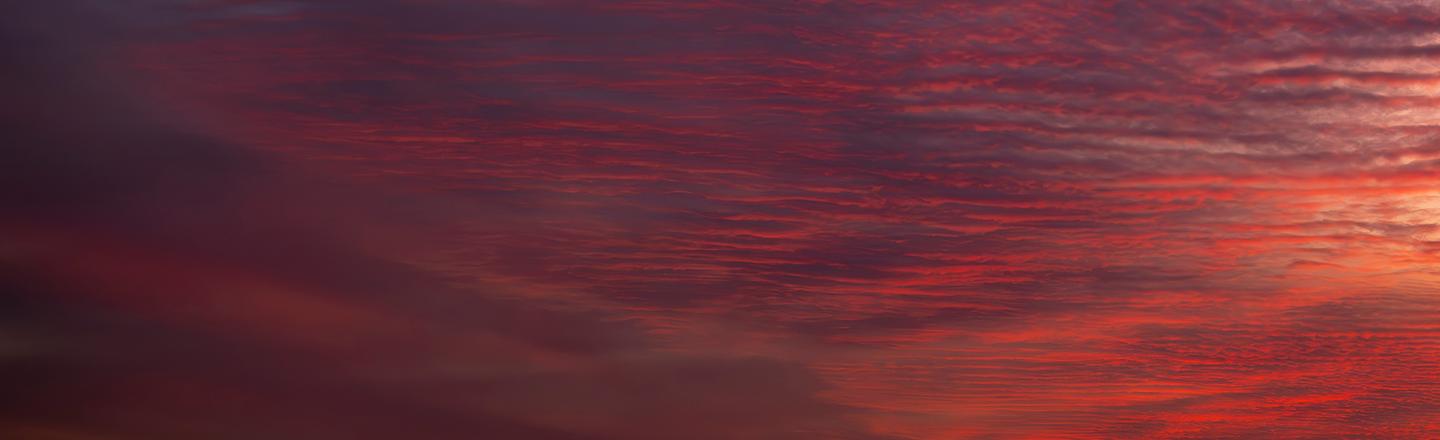 © Armand Sarlangue
Descripción
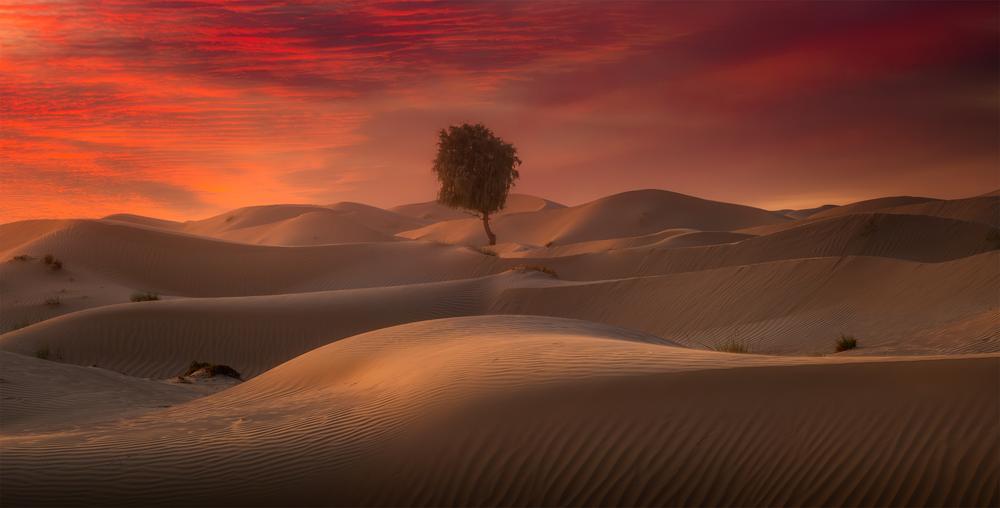
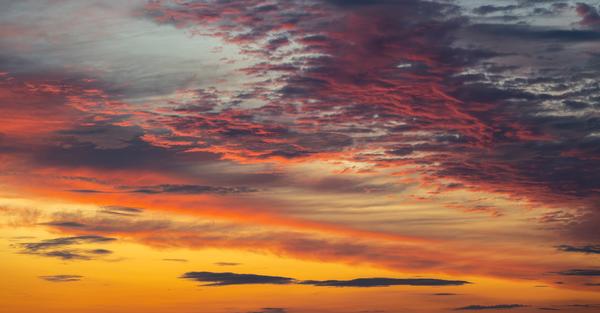
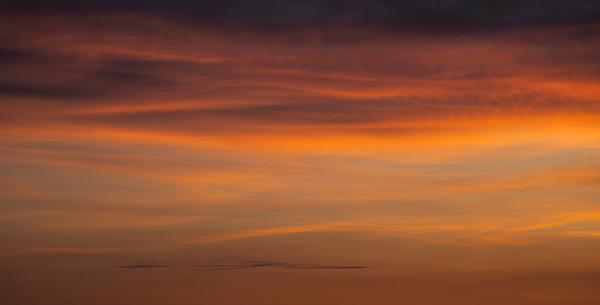
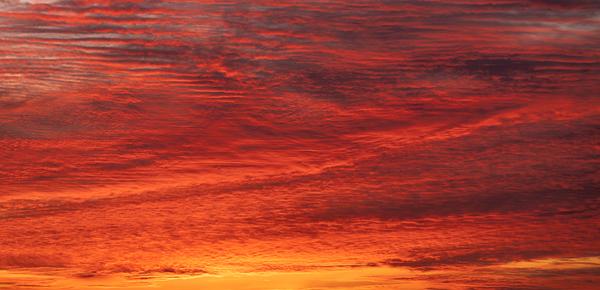
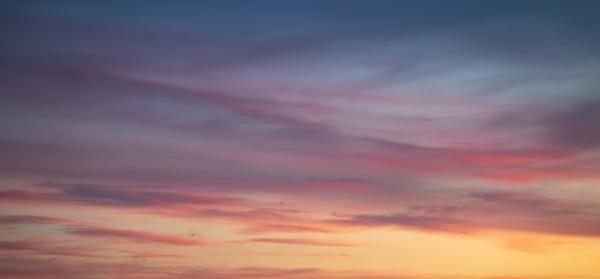
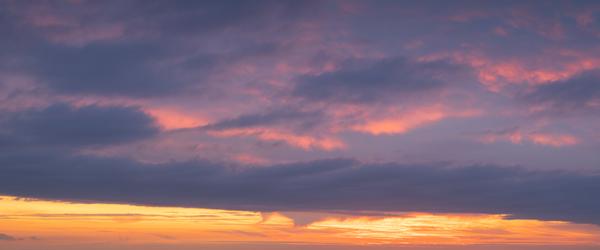
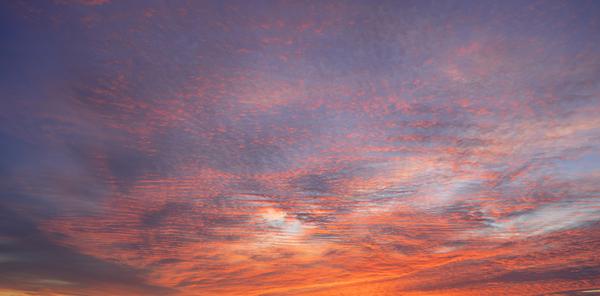
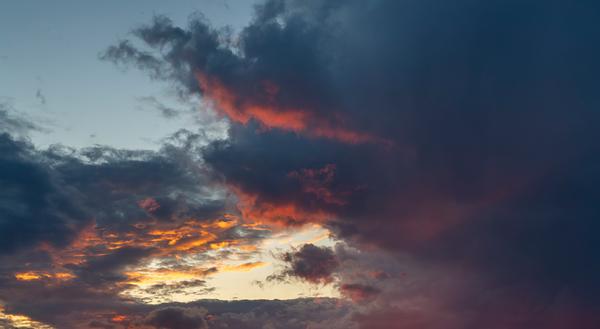
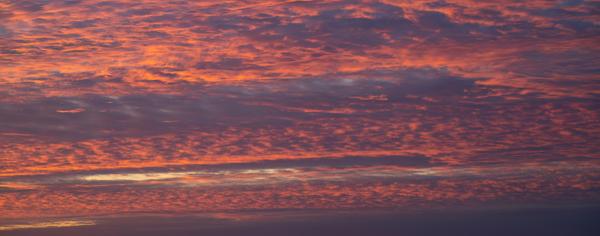
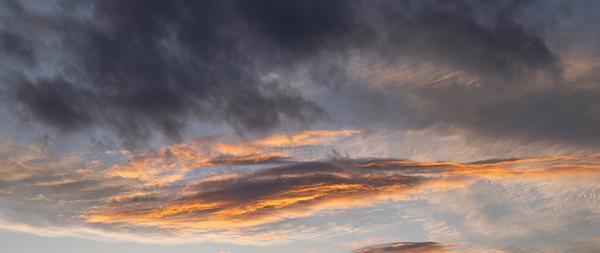
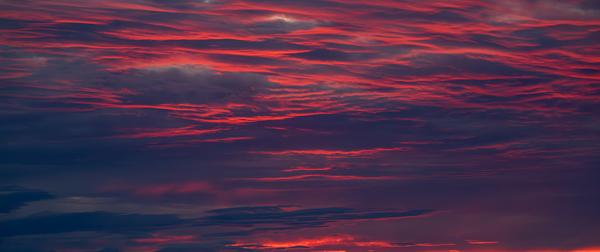
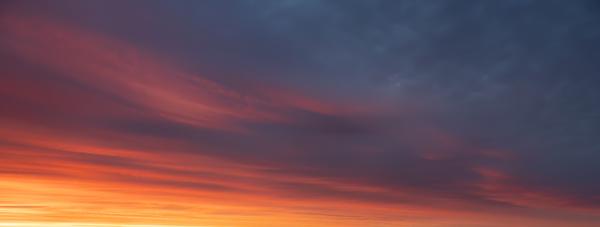
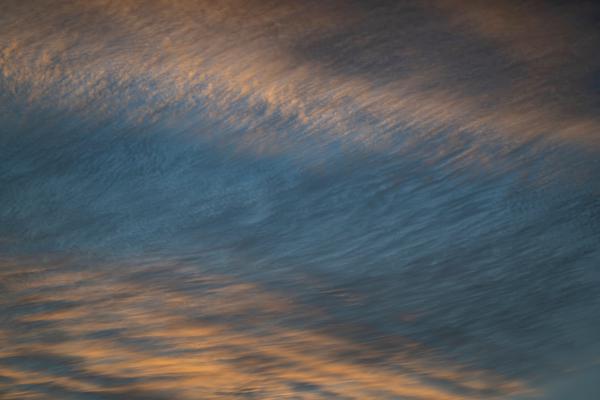
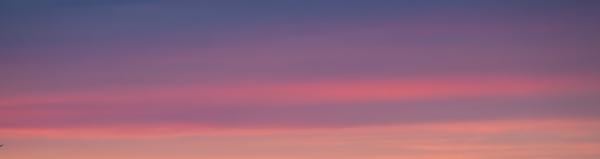
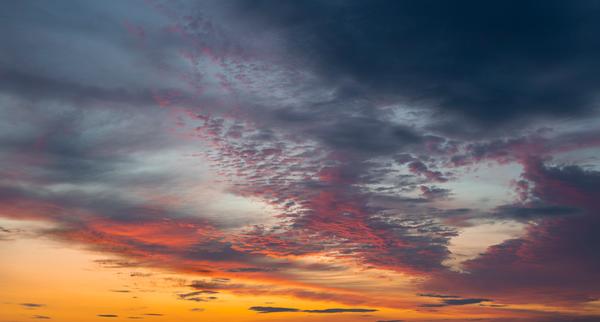
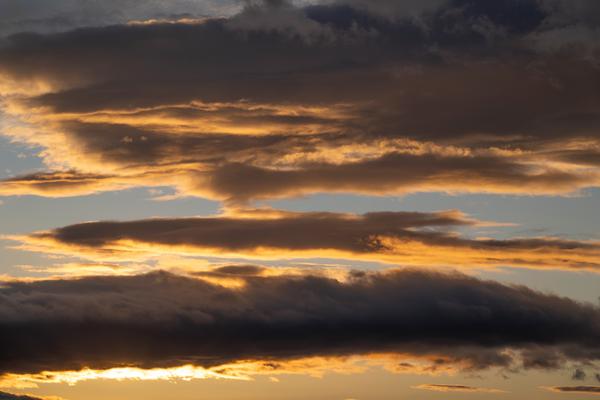
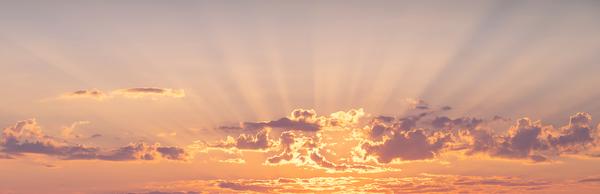
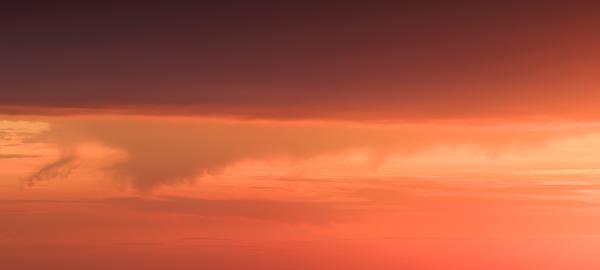
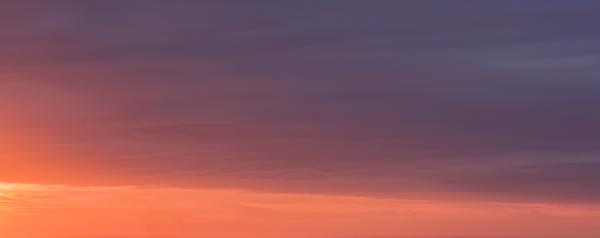
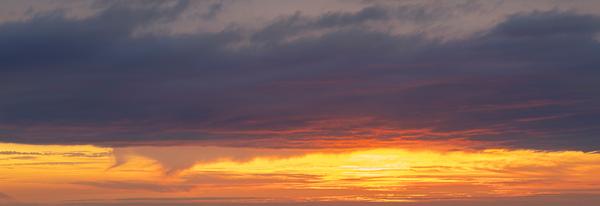
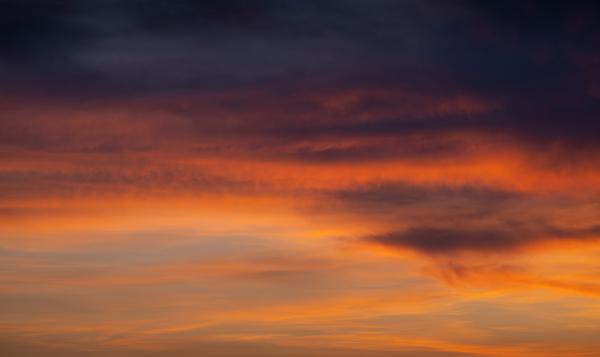
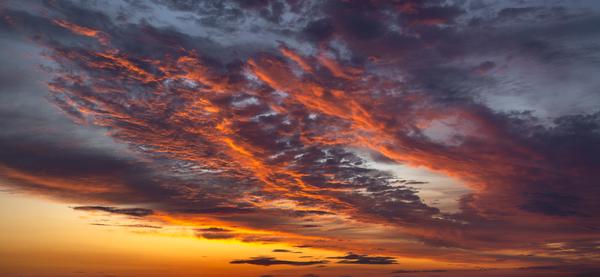
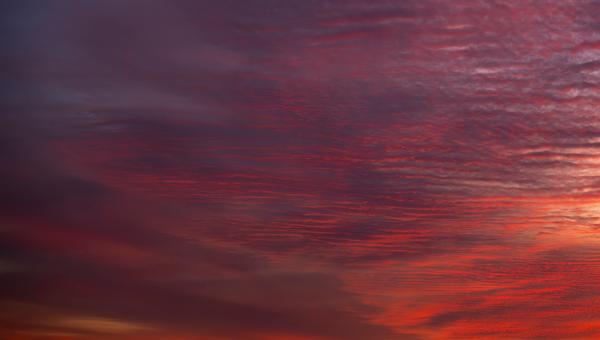
Descubre este nuevo pack de cielos con 24 amaneceres y atardeceres capturados durante los viajes del autor en 2025. Una colección pensada para dar más fuerza visual a tus imágenes, con atmósferas dramáticas, nubes llenas de textura y colores potentes. Desde rojos intensos hasta tonos cálidos y violetas más sutiles, estos cielos te ayudarán a transformar tus fotos en escenas mucho más impactantes.
Qué incluye
24 cielos de alta resolución en formato JPEG
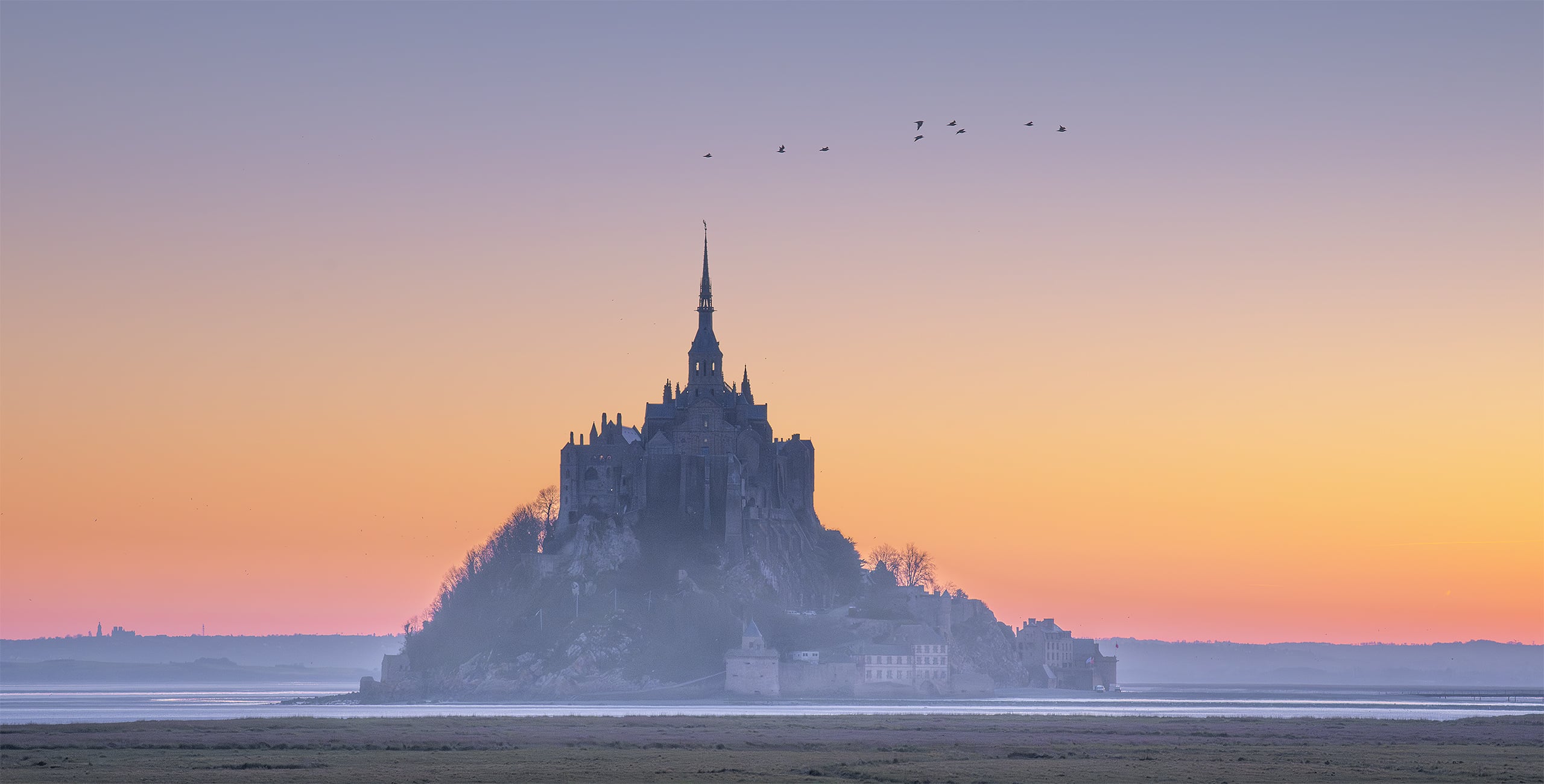
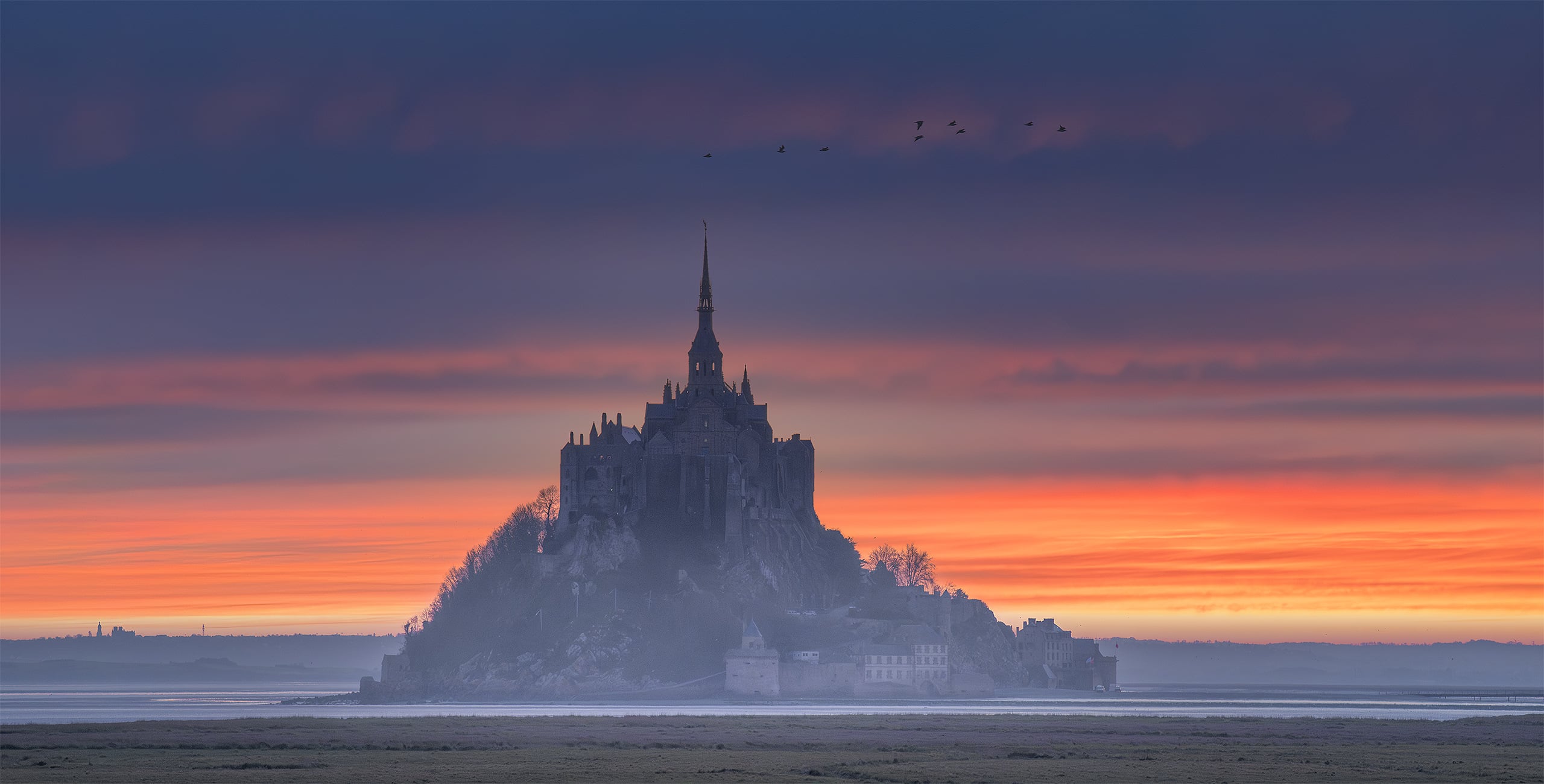
Consigue fotos como estas
Con los archivos RAW proporcionados, practicarás fácilmente los consejos de retoque y aprenderás a conseguir fotos como estas.
La historia
 © Armand Sarlangue
Consejos del creador:
Elige el cielo que mejor encaje con tu visión y ajusta los controles de orientación del cielo hasta encontrar la composición ideal. Algunos de estos cielos funcionan casi como imágenes completas, así que ofrecen muchas posibilidades creativas.
Usa el control de profundidad de la luz para ajustar la atmósfera del primer plano y conseguir que se integre de forma natural con el nuevo cielo.
Si tu imagen tiene alguna masa de agua, prueba los controles de reflejo. Los resultados pueden ser espectaculares.
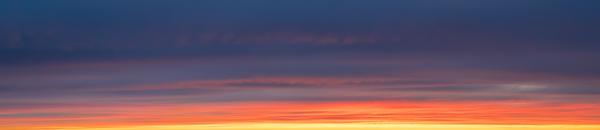
Cielos forma parte del pack
Productos relacionados


Creador
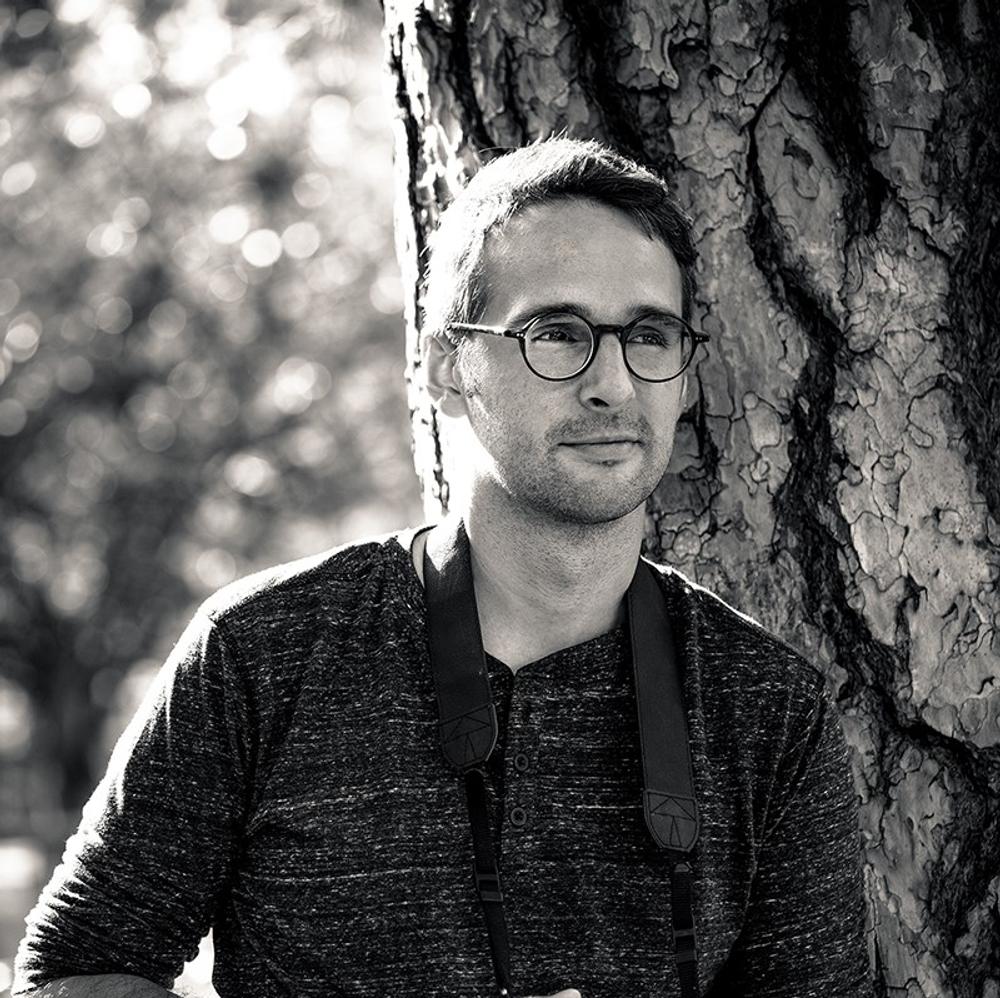
Armand Sarlangue
Photographer. Skylum Ambassador.
Armand Sarlangue has been a professional photographer for 14 years. The son of a photographer, visual art has been Armand’s true passion since childhood, and it’s through nature photography that he really expresses his creativity.
Being alone in the most remote places and translating the feelings of those moments through his images is what motivates Armand. He uses advanced post-production techniques to create ambiances that match his vision of our world.
Armand’s landscape images have been internationally awarded and exhibited in the USA, Spain, Italy, and France. His work has also been published by National Geographic, GEO Magazine, Australian Photography magazine, BBC News, and many other publications.