© Carly Sullens
 © Carly Sullens
 © Carly Sullens
Descripción
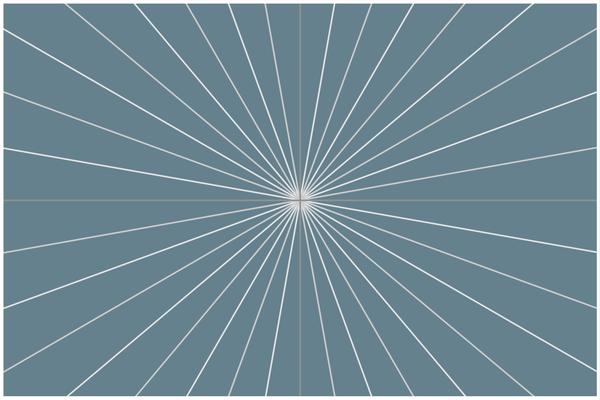
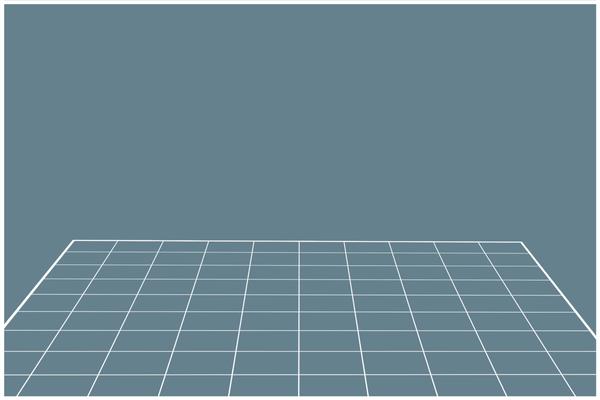
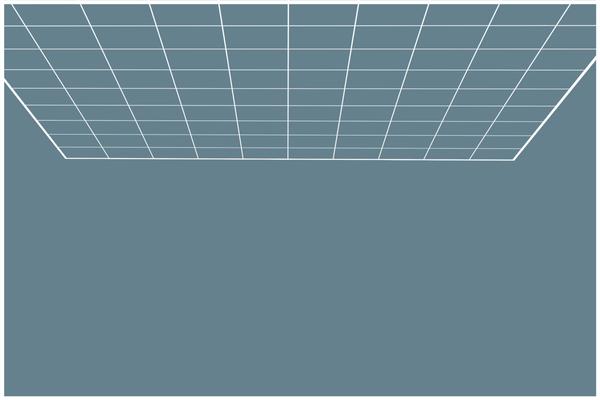
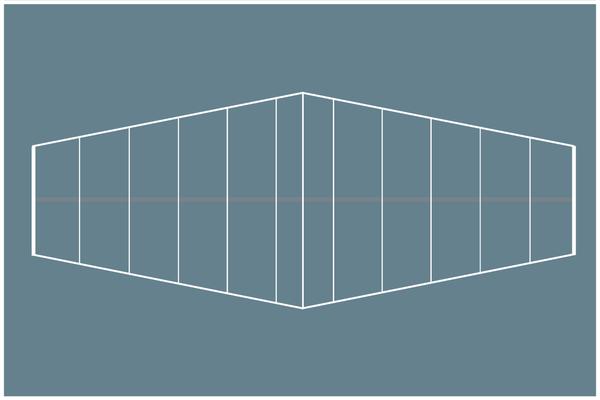
Composition is a fundamental element of photography. When you improve your composition, you improve your photographs. It's that simple! There are proven and timeless methods to improve your composition. You don't have to experiment or "try things out" until you get what you're looking for. One essential investment is to use composite guide overlays. These 25 overlays, plus a PDF on How To Use Composite Guides, can help you improve your composition by providing grids and guides for subject placement. Simply layer the overlay over your image to easily identify and position points of interest in your photographs or artwork. This will help you create images that are both visually appealing and technically sound.
Qué incluye
25 Overlays in PNG format, a PDF on How To Use Composite Guides
Consigue fotos como estas
Con los archivos RAW proporcionados, practicarás fácilmente los consejos de retoque y aprenderás a conseguir fotos como estas.

La historia
 © Carly Sullens
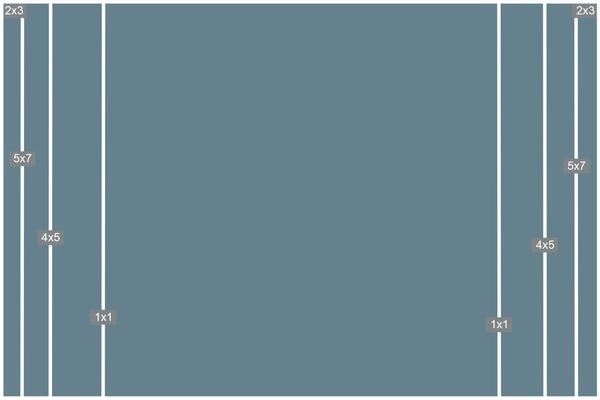
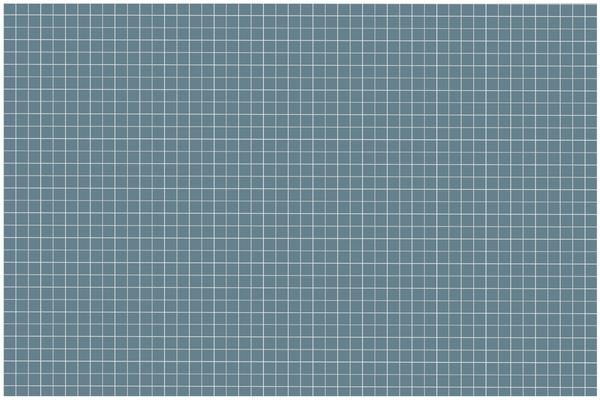
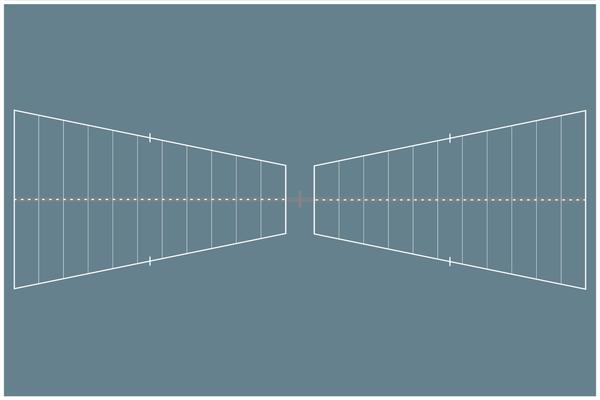
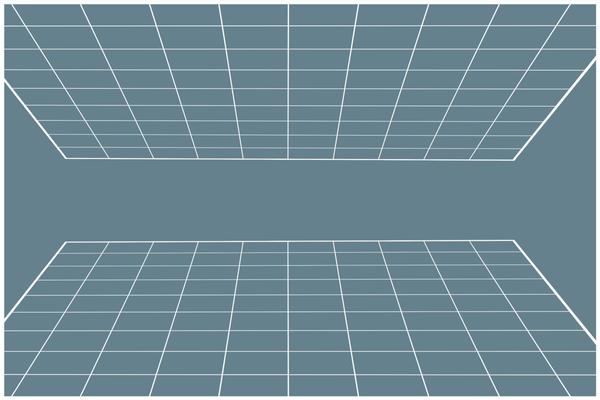
Whether you're framing landscapes, capturing portraits, or constructing composite digital art, these guides can serve as an essential visual aid. They seamlessly combine principles of balance, the rule of thirds, the golden ratio, perspective, symmetry, leading lines, and more.
These guides can help you improve your understanding of composition principles and avoid common composition mistakes. They're a valuable resource that can help you take your work to the next level.
Composition is the cornerstone of creating visually captivating and emotionally impactful imagery. While creativity and lighting play significant roles, composite guides are essential navigational aids, helping photographers and digital artists construct images that are not only artistically pleasing but also technically precise.
Delving into the visual impact of using composition guides presents an incredible opportunity for enhancing your photographs and digital photo art. Embrace the advantages of this collection of 25 composition cropping guides and grids that you can immediately implement.
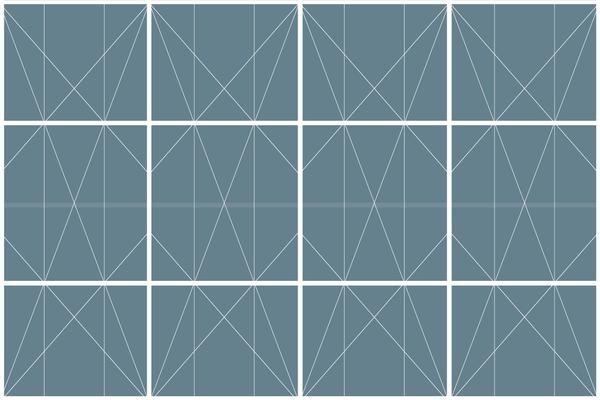
Here's a glimpse of some of these guides: The rule of thirds is a great introduction to getting out of the habit of framing your subjects in the middle. The phi grid divides the golden ratio frame into 1:1.618:1 portions horizontally and vertically. Sometimes, the rule of thirds can seem too obvious and create imbalance; the phi grid looks more natural, balanced, and visually pleasing. Diagonals help create movement, energy, and emotion in your image.
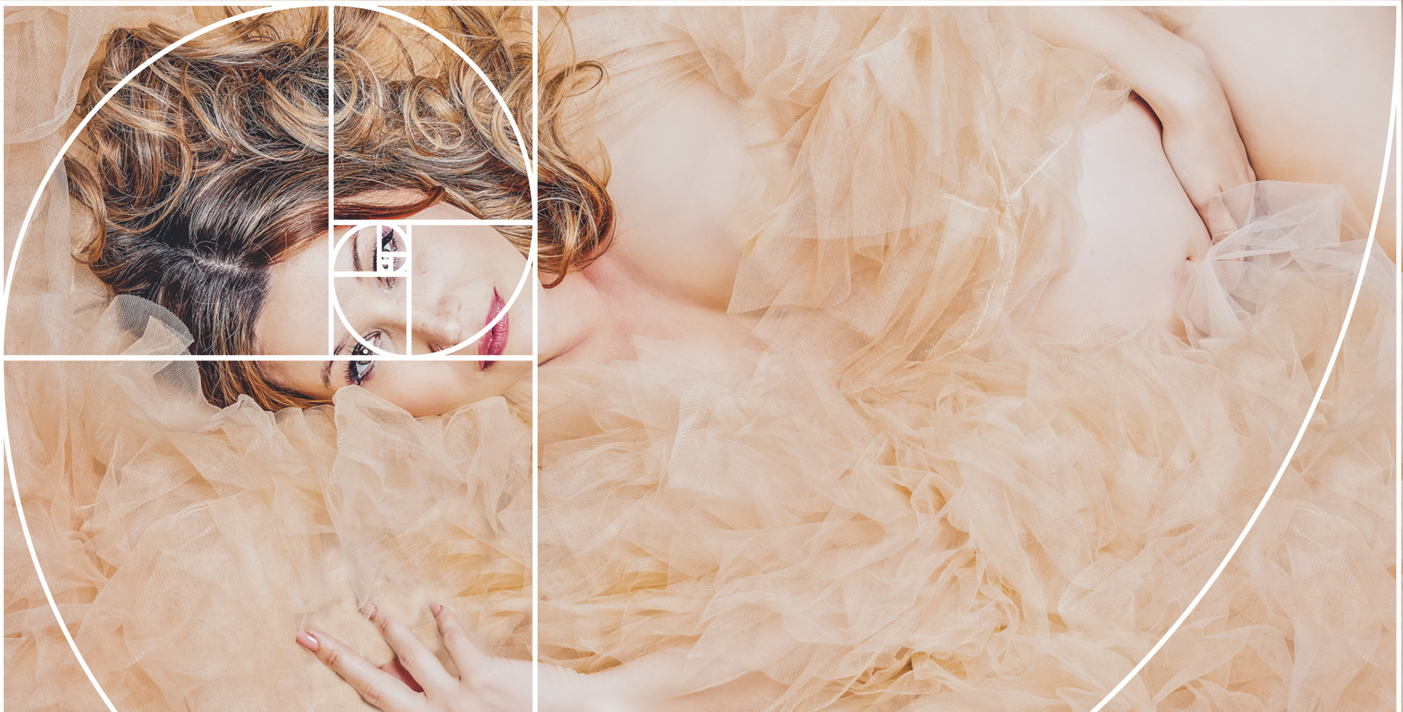
The Fibonacci spiral, also known as the golden spiral, is perfect when you’re dealing with curved lines or compositional movement. It is based on a complicated series of squares, which help position elements. The spiral then gives you an idea of how the scene in the image should flow—through curved leading lines to a focal point.
Superposiciones forma parte del pack
















Productos relacionados











Creador
Carly Sullens
Master Photographer and Master Artist
Carly Sullens, M. Photog, M. Artist, CPP, ATR, is a globally renowned Master Photographer, Master Artist and Certified Professional Photographer whose expertise spans painting, art history, psychology, and art therapy. Skillfully merging traditional techniques with digital artistry, Carly crafts captivating and imaginative photographic masterpieces.
Carly's photography seamlessly weaves reality with imagination, constantly pushing the boundaries to transform ordinary moments into extraordinary visions. With a profound ability to deconstruct and reimagine her photographs, she crafts distinct and enchanting artistic images. Whether through her lens, skillful adjustments, digital painting, or innovative compositing, Carly breathes life into her work, creating a world where imagination knows no bounds.
Her talent has not gone unnoticed, as she has garnered numerous accolades, publications and awards for her unparalleled skills. Carly’s pieces evoke a timeless allure reminiscent of revered museum artworks, showcasing her mastery of seamlessly blending traditional artistry with cutting-edge digital techniques.
A trailblazer in her field, Carly is an enthusiastic educator, sharing her expertise internationally to inspire others to achieve painterly effects from their own photographs. She effortlessly imparts her knowledge and techniques, enabling individuals to unleash their creative potential within the expansive realm of digital artistry.
Carly's unwavering dedication to photography shapes a vibrant and mesmerizing world of visual storytelling. Through her lens, she captures hearts, enthralls audiences, and kindles the spirits of fellow artists. With each creation, Carly propels the boundaries of artistic possibility, leaving an indelible mark on the ever-evolving tapestry of visual expression.