 © René Ledrado
 © René Ledrado
 © René Ledrado
Descripción
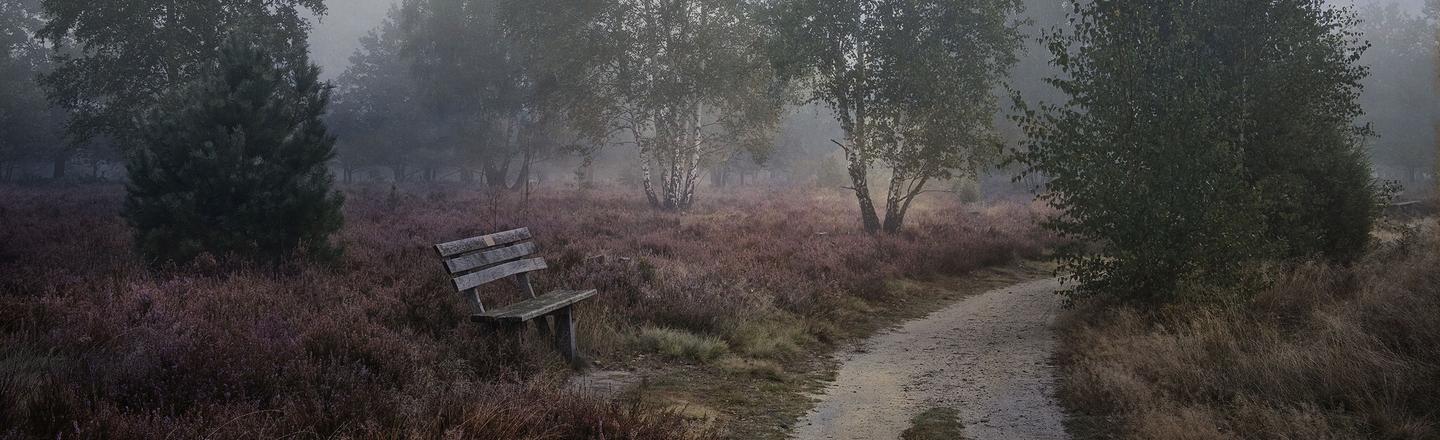
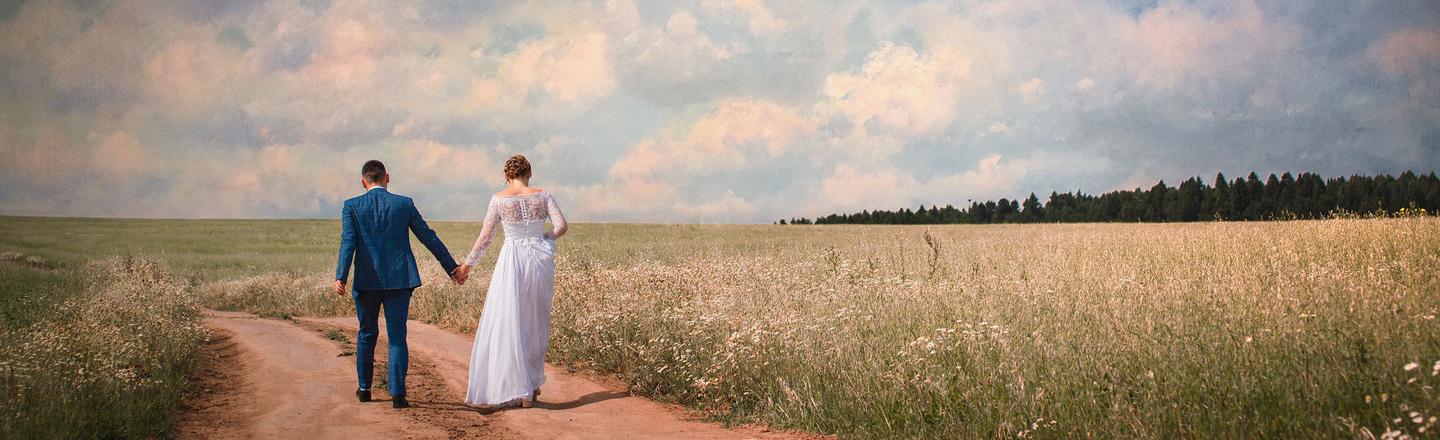
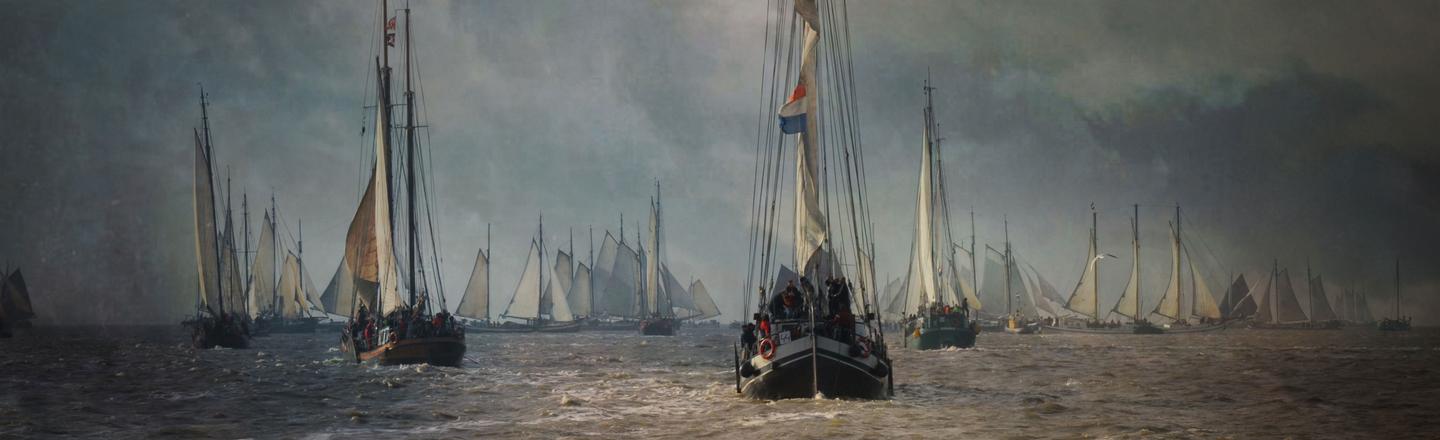
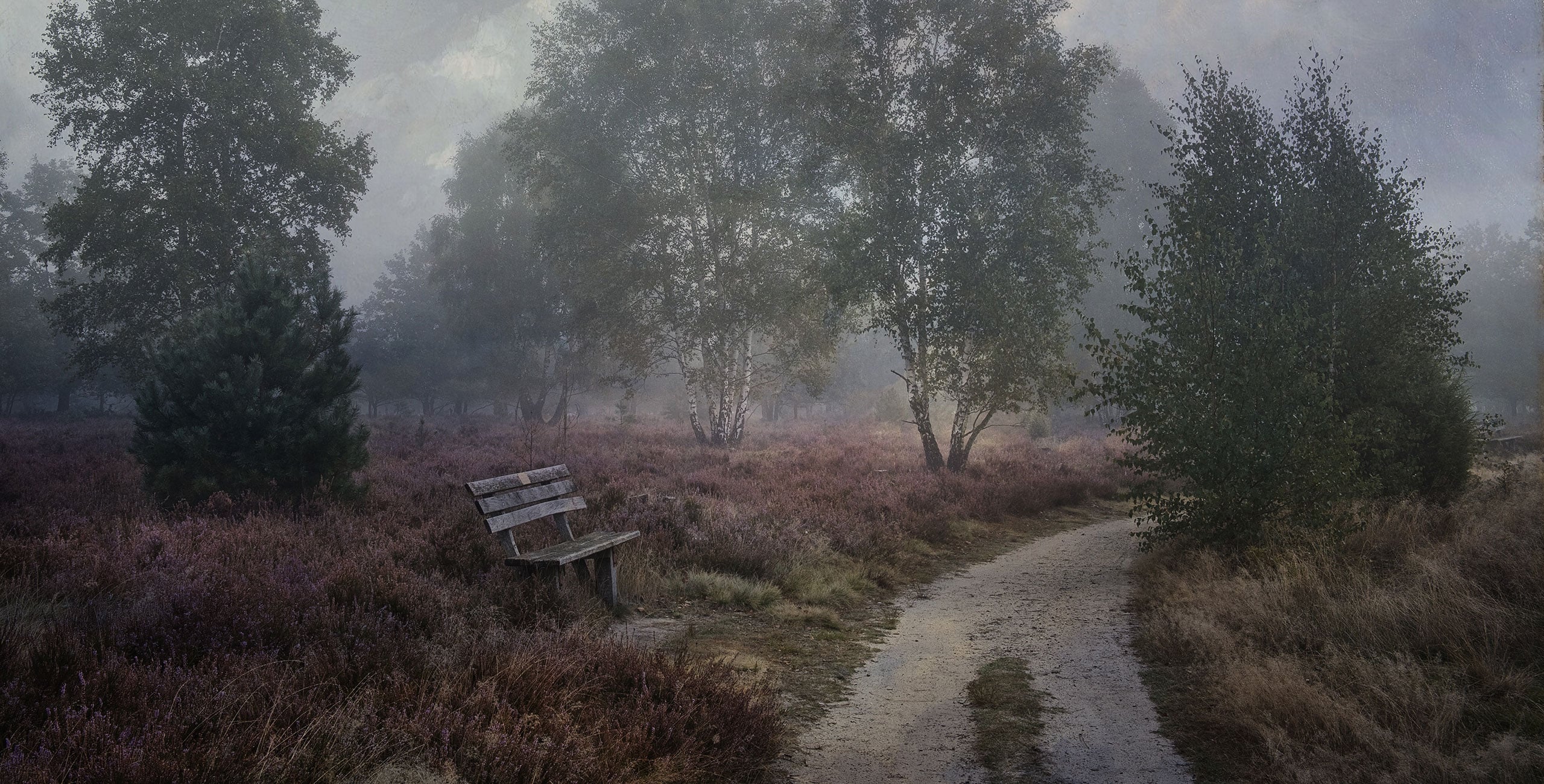
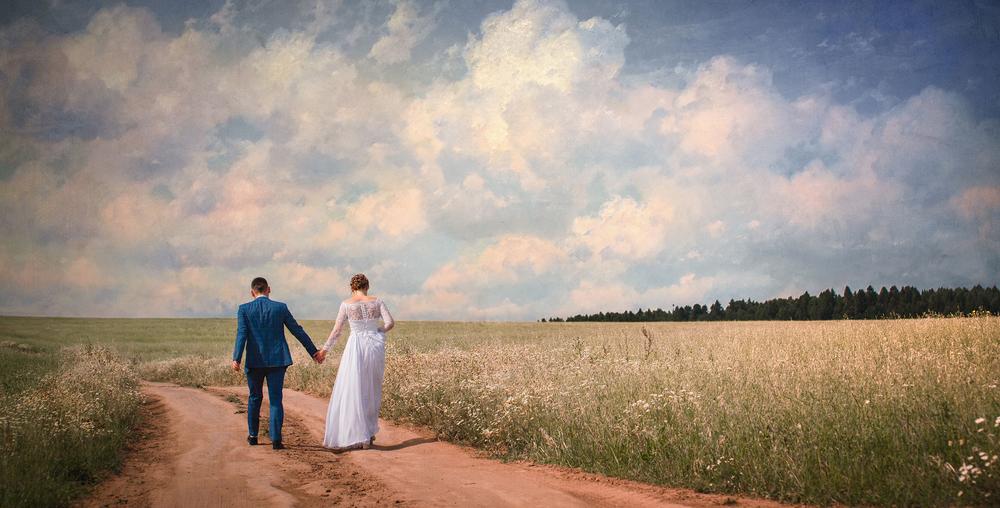
The Paint Art Preset pack by René Ledrado brings the spirit of the Old Masters to your photography with 10 stunning presets. This collection enables you to quickly and effortlessly turn ordinary photos into classic artworks reminiscent of Renaissance and Baroque painters.
Qué incluye
10 Luminar texture-based Presets
Consigue fotos como estas
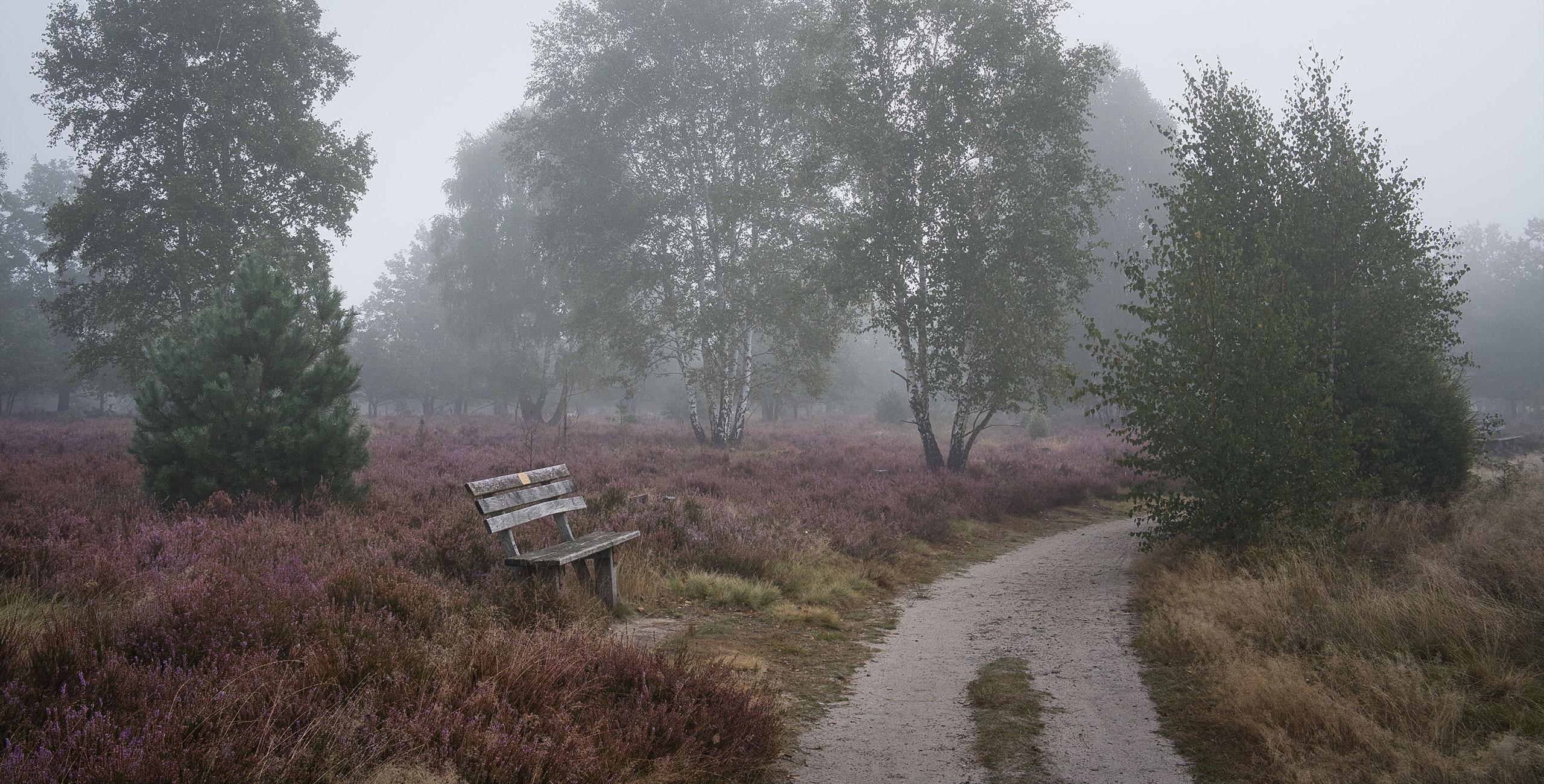
Con los archivos RAW proporcionados, practicarás fácilmente los consejos de retoque y aprenderás a conseguir fotos como estas.
La historia
 © René Ledrado
Classic paintings capture mood, light, and atmosphere in ways that photos often can’t, until now.
René Ledrado’s Paint Art pack channels centuries of painterly tradition into modern photo editing.
Each preset evokes the depth, drama, and surface richness of masterpieces from the Renaissance and beyond.
This pack gives photographers the power to create images that feel like they belong in a gallery.
You’ll find 10 Presets in this pack. Each preset is perfect for transforming everyday photos into timeless visual art.
Inspired by classical techniques, these presets work beautifully with portraits, landscapes, and fine art photography alike.
Bring your photos to life with painterly presets.
Share your masterpiece with #madewithluminar and tag @skylum_global for a chance to be featured.
Productos relacionados












Creador
René Ledrado
Photographer. Skylum Ambassador
René Ledrado is a certified commercial photographer who has worked in advertising since 1993.
His passion is photographing landscapes, especially during the blue hour.
René teaches photography at the Akademie Deutsche POP and the Adult Education Center in Hanover. Every week, he shares a new tutorial (mostly about Luminar) on YouTube.
His popular Luminar book has already helped many photographers get the best editing results.