 © Kzenon
 © VitalikRadko
Descripción
Haz que uno de los días más memorables de la vida de una pareja sea realmente especial con este paquete de plantillas creado por el Equipo Skylum exclusivamente para las fotos de la boda. Brillantes, glamorosas, elegantes y elegantes: estas 10 plantillas llenas de amor te ayudarán a crear fotos que serán apreciadas para siempre por los afortunados cónyuges.
Qué incluye
10 Plantillas. Compatibles con imágenes JPEG y RAW.
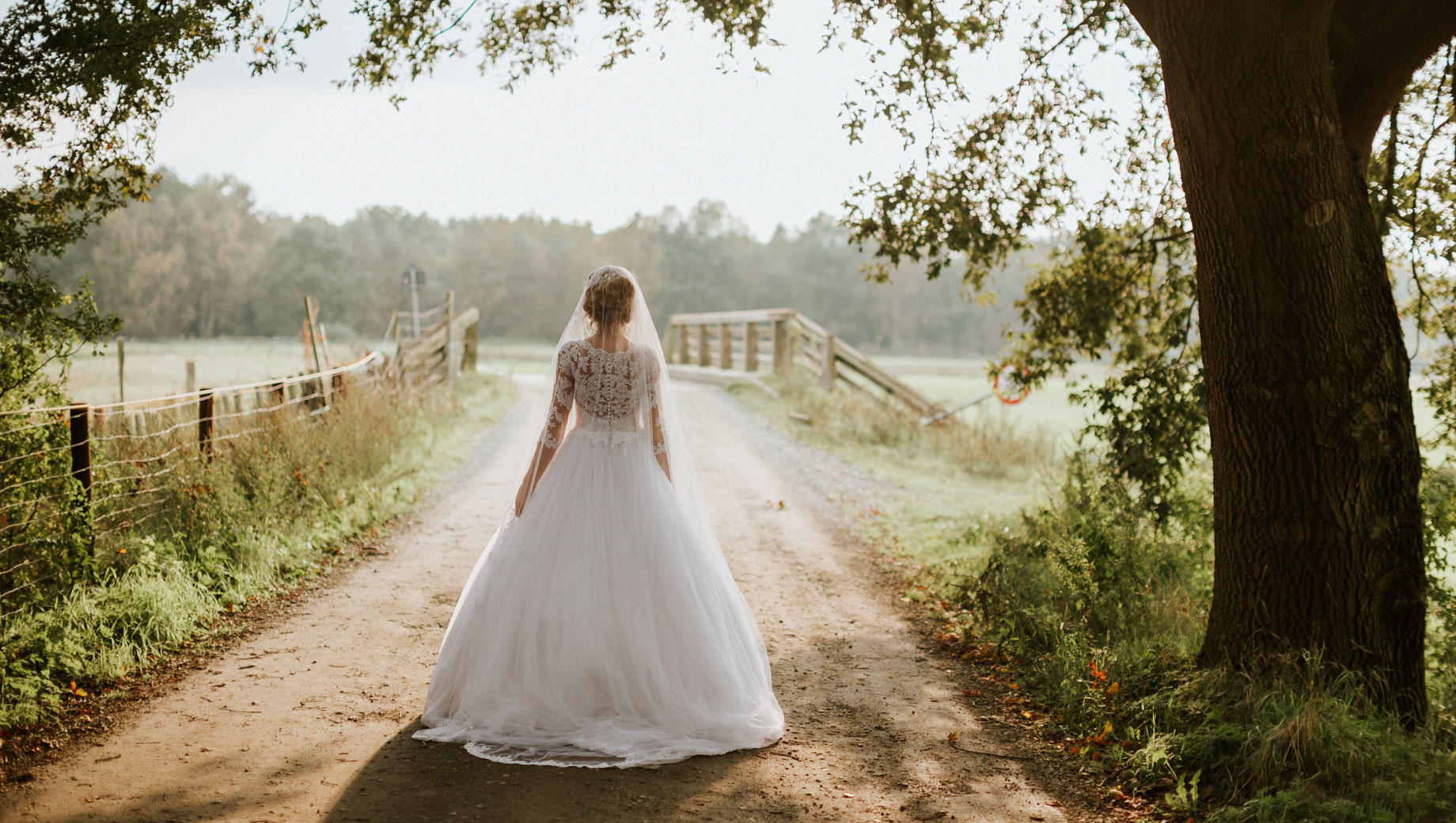
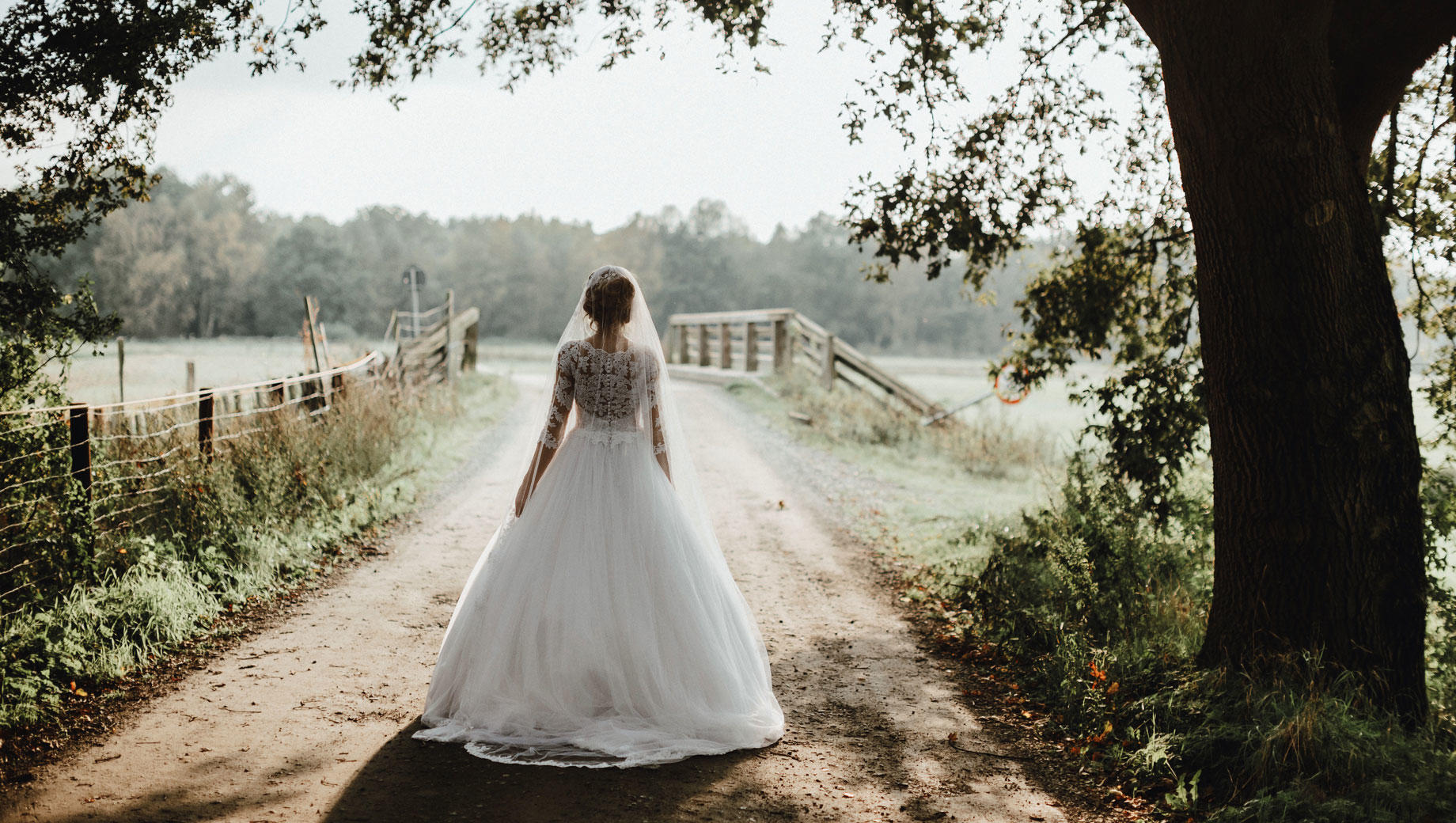
Consigue fotos como estas
Con los archivos RAW proporcionados, practicarás fácilmente los consejos de retoque y aprenderás a conseguir fotos como estas.
La historia

Who doesn’t want a set of fantastic wedding photos to commemorate that special day?
One of the most demanded and valued types of photography, wedding photography requires extra attention to detail and heartwarming magic to make the photos truly special and memorable.
Team Skylum has made a collection of amazing Templates to create cozy wedding photos that will warm the hearts of both spouses for a lifetime.
These Templates work well with portraits, making all guests look their best in the wedding hall and on the dance floor, but you can also use them to enhance the wedding venue and deliver delicate warmth, soft glowing lights, and more.
What you’ll find in the Gorgeous Wedding Templates pack (10 Templates):
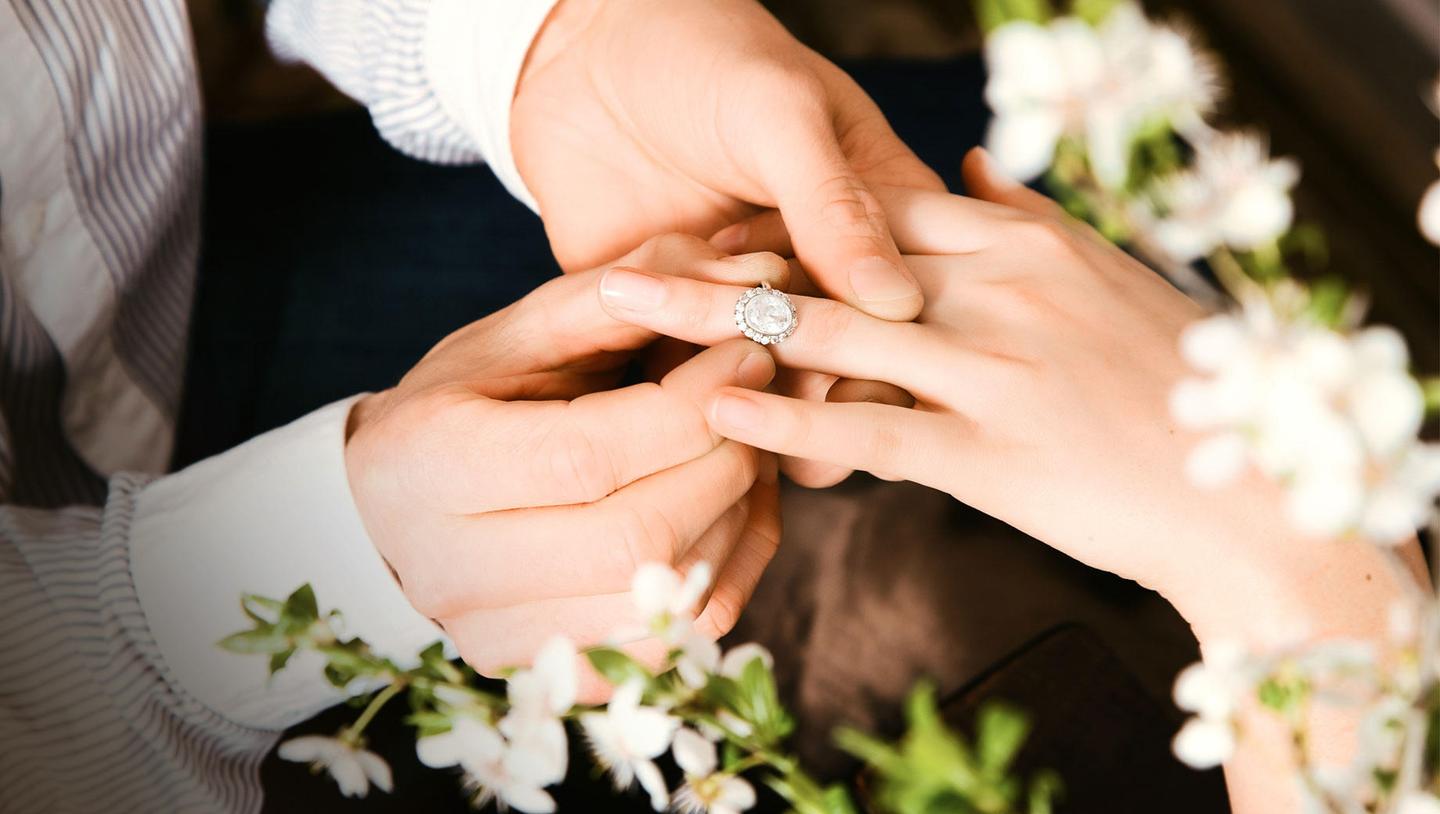
Marry Me: Add depth and focus on close-ups. Whether you’re editing photos of champagne glasses, wedding rings, or the intertwined hands of the happy couple, this Template is perfect.
Mon Amour: This Template uses a rich brown color palette, helping you create ideal photos for friends and family or cozy group photos filled with warmth and happiness.
White Veil: The bride’s soft veil, the delicious wedding cake, the soft flowers — improve them all with this Template that delivers a gentle and delicate effect, enhancing the white tones and bringing a dreamlike haze.
Elegance: Instantly fill any photo with sunshine and radiance. This Template is suitable for outdoor shots of the couple as well as for any photo that needs some warmth, sunrays, and glowing light.
Bliss: Add depth to your photo with a silvery green tone that’s cold and lucid and create an unforgettable atmosphere of elegance and beauty.
Honeymoon: Ideally capture the joy and tenderness of the special day by adding a layer of softness and warm toning. Try this Template on photos of the couple or group photos and see how wonderful everyone looks.
Perfect Day: What is a wedding photo shoot without elegant black and white photos? Make any photo chic and deliver the essence of the enamored couple with this monochrome Template.
Wedding House: When everyone gets a little bit dizzy with love, it’s time to use this Template that adds a slight bokeh effect, bringing a slight fuzziness to your photos.
Tell Me Love: Bring out the soft details of the wedding dress or the glowing skin of the bride right before she says “I do” with this Template that focuses on softness, details, and radiant light.
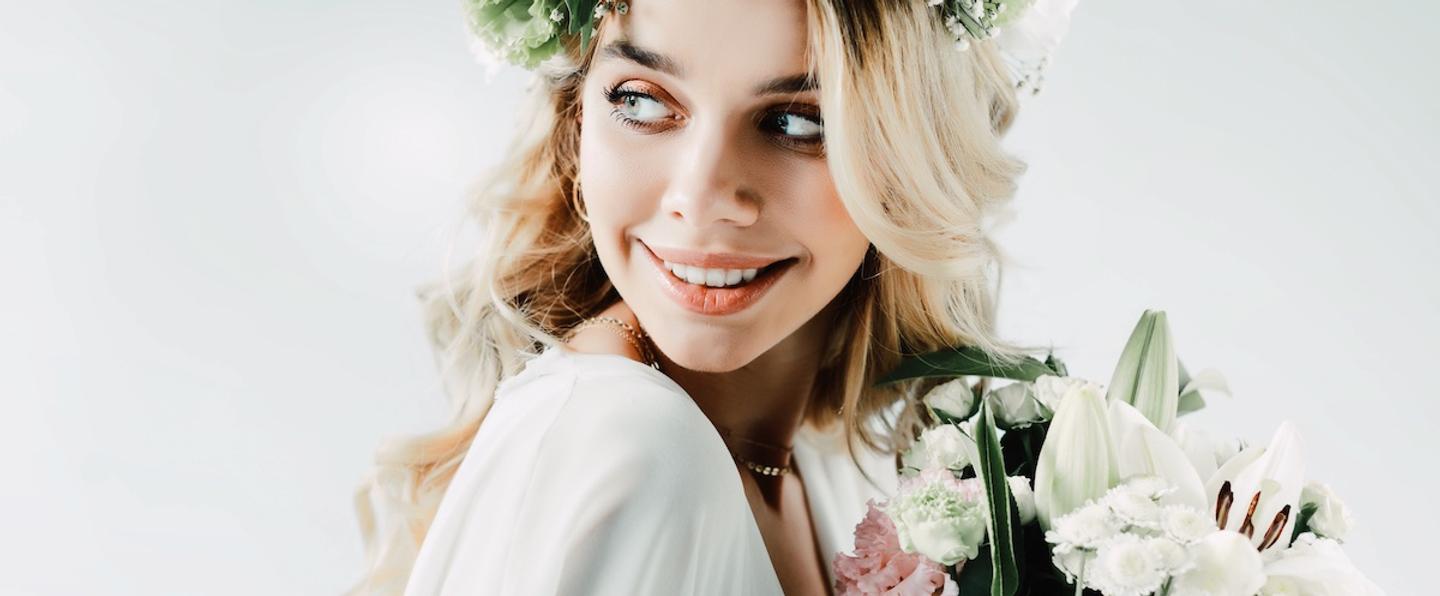
Happy Moments: This Template softens the skin and provides muted shadows, filling the photo with light and airiness. Try it out on the couple’s portraits and see how radiant the newlyweds look!
Keep in mind that a Template’s default effect might be too strong for your photo.
If it is, simply bring it back a bit with the Amount slider.
SHARE: Use the hashtag #madewithluminar on social media so the Skylum Team can take a look at your results!
Productos relacionados












Creador
Team Skylum
Photographers, colorists & retouchers
The Skylum team works with hundreds of professional photographers and retouchers to bring you Templates that top photographers use to create their masterpieces. The Skylum AI Lab analyzes the photos and workflows of photographers and creates Presets that are accessible to everyone and that take advantage of the advanced technology under the hood of Luminar. Our mission is to cut the time and effort it takes to make a striking photo and allow everyone to enjoy photo editing and photography.